




 FSX Civil Aircraft
Airbus A340-600 House Prototype
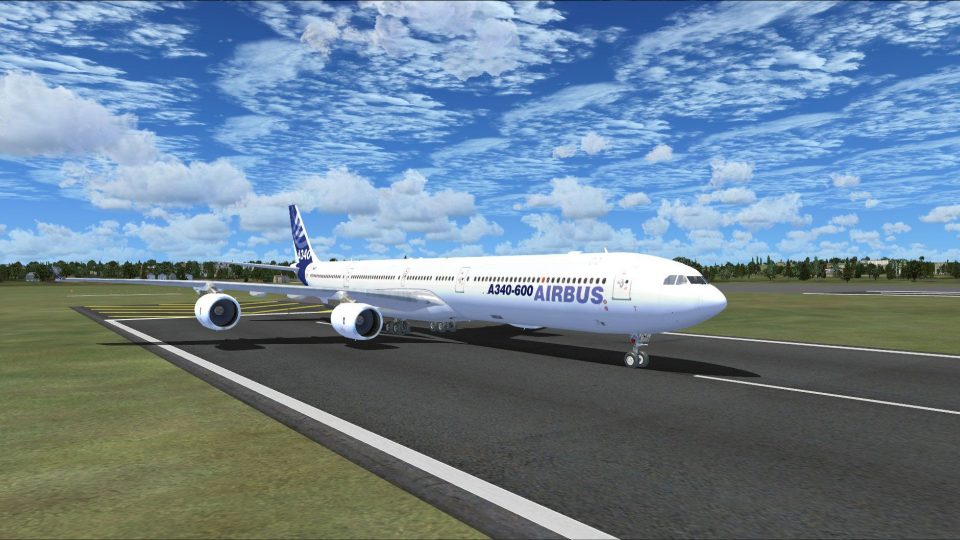
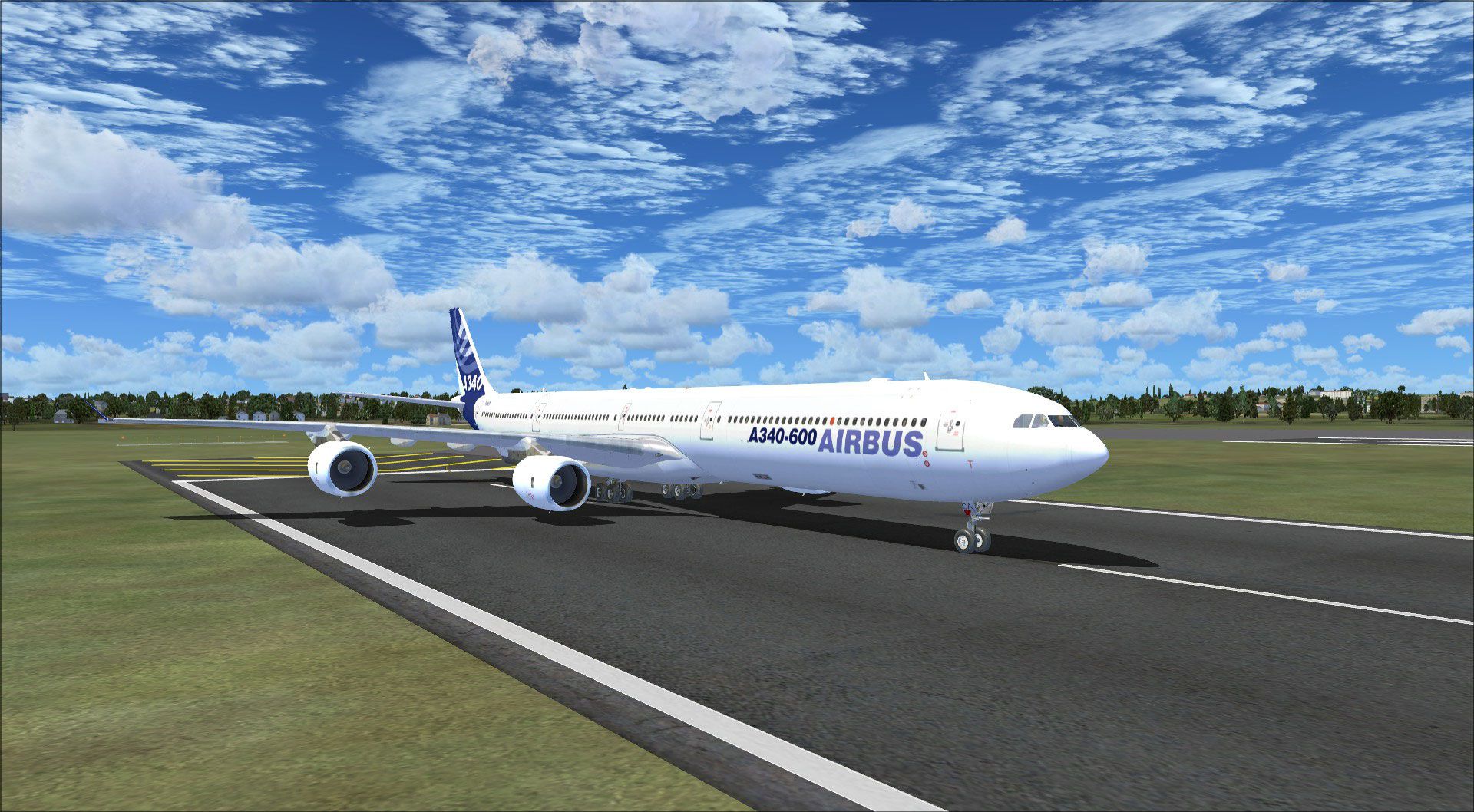
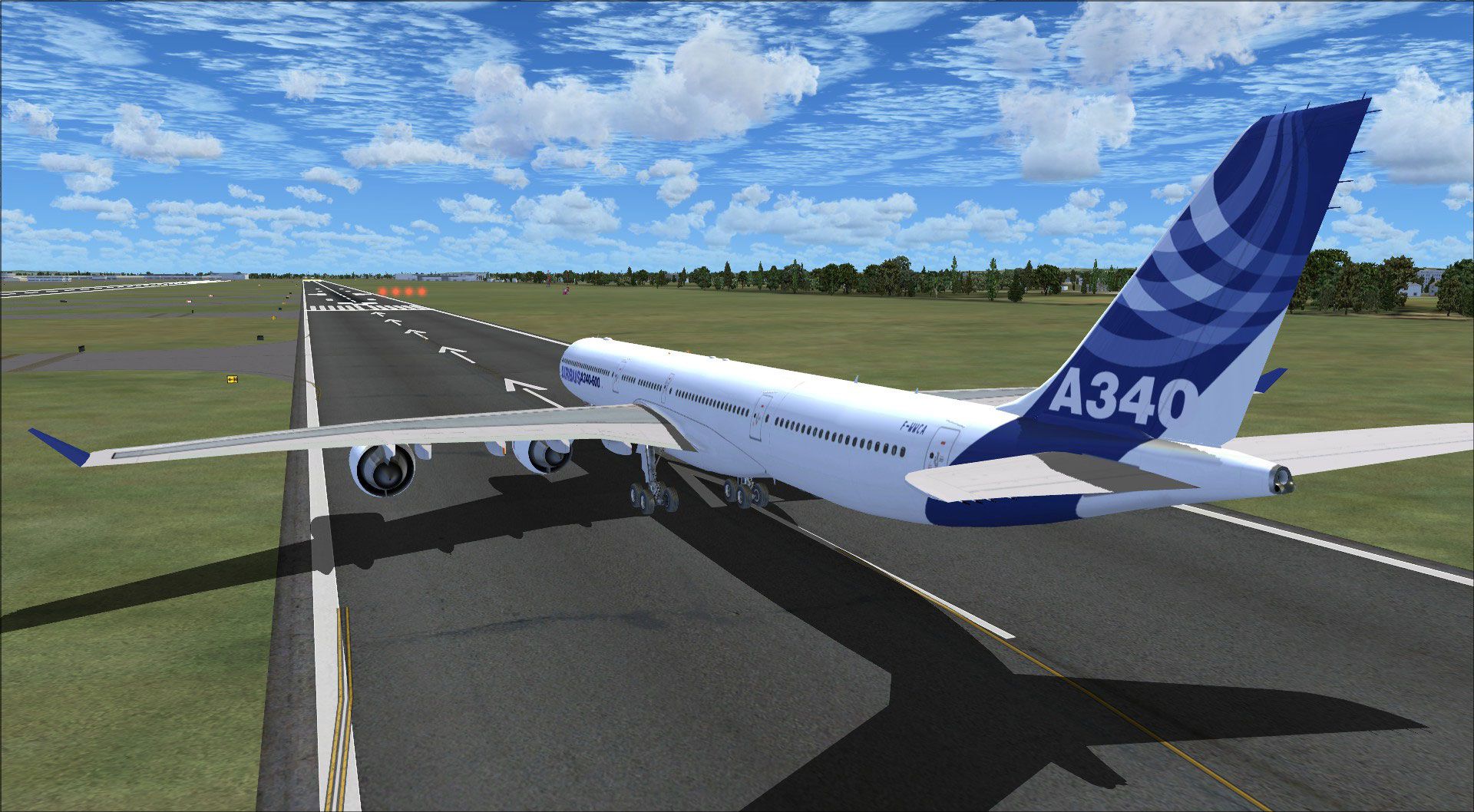
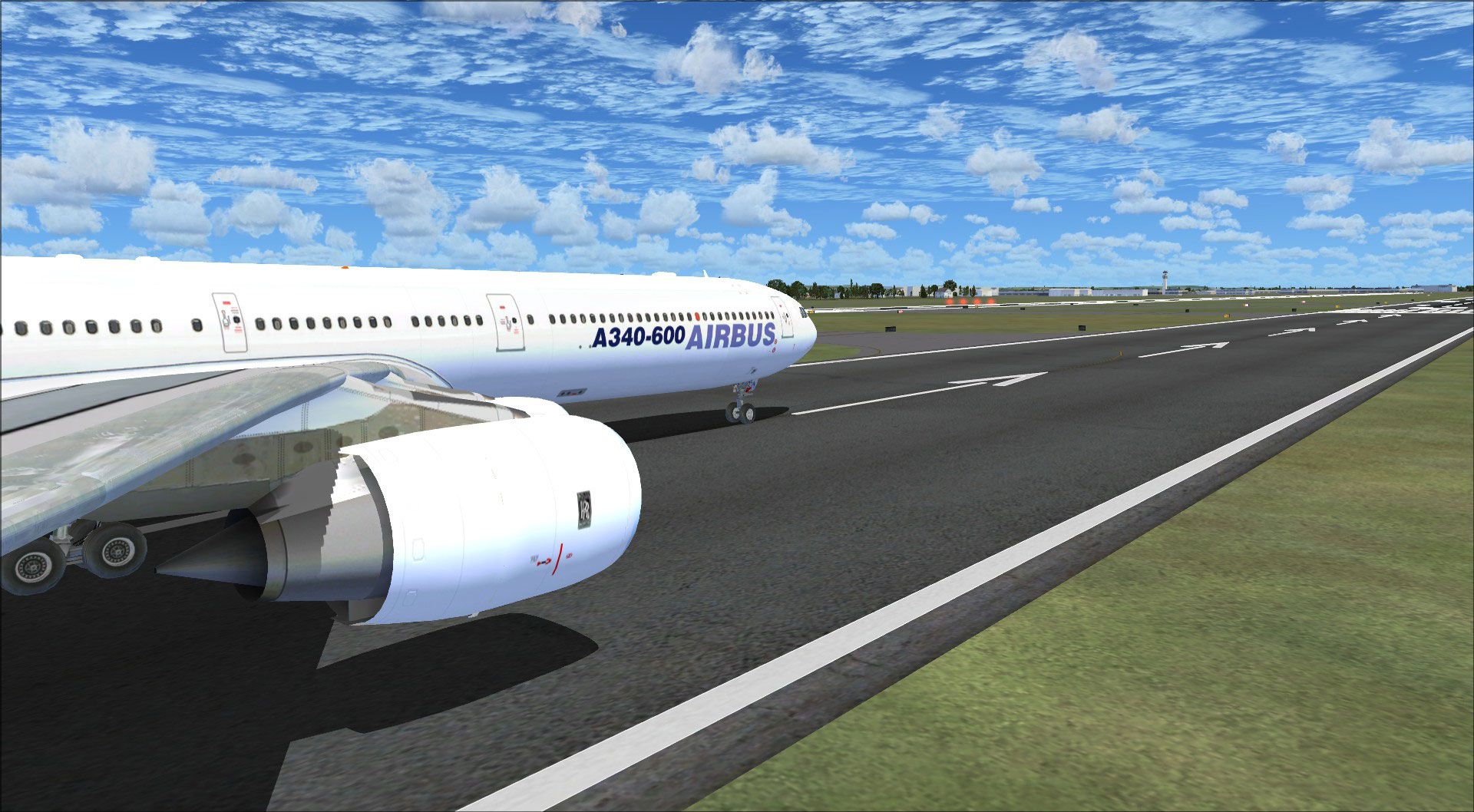
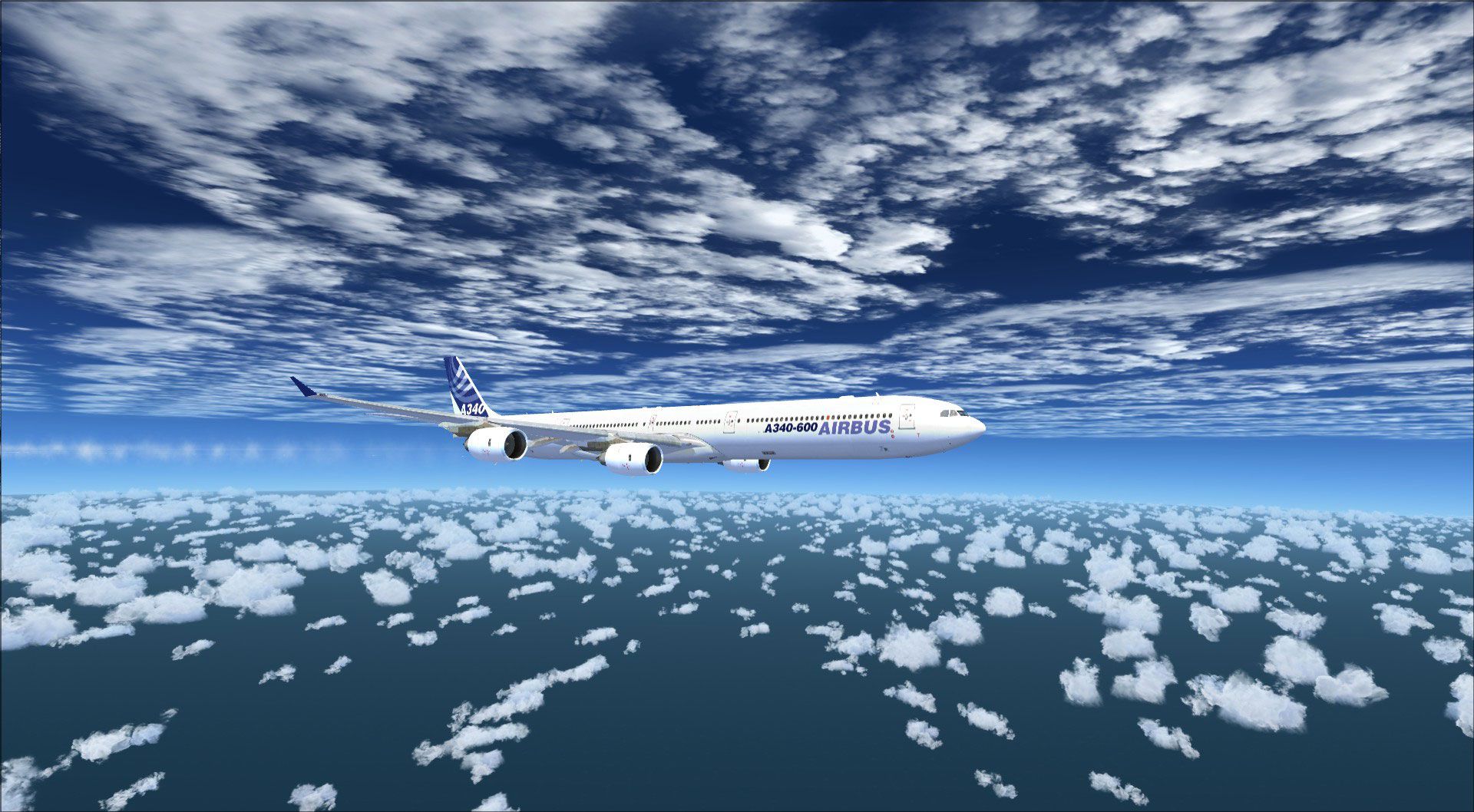
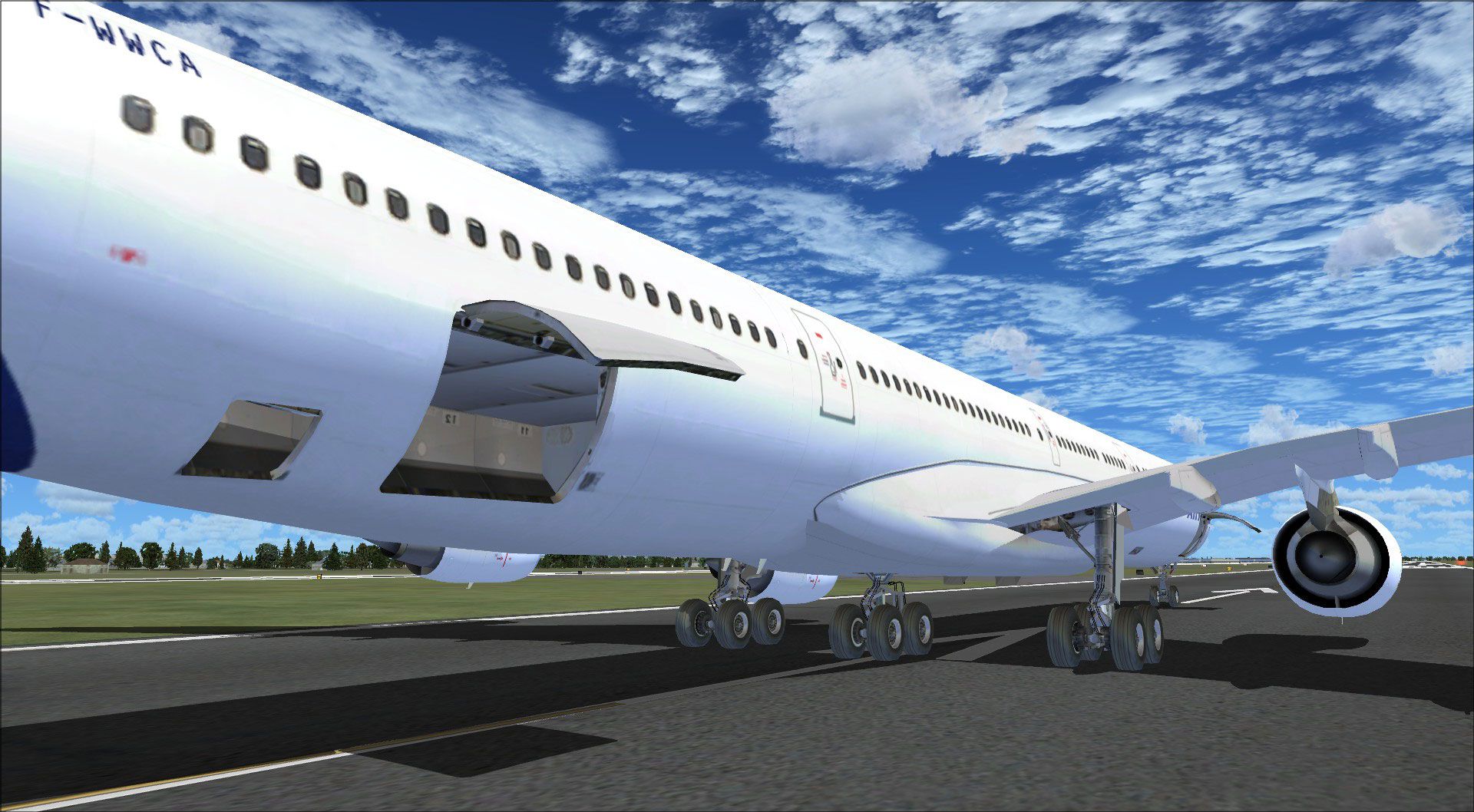
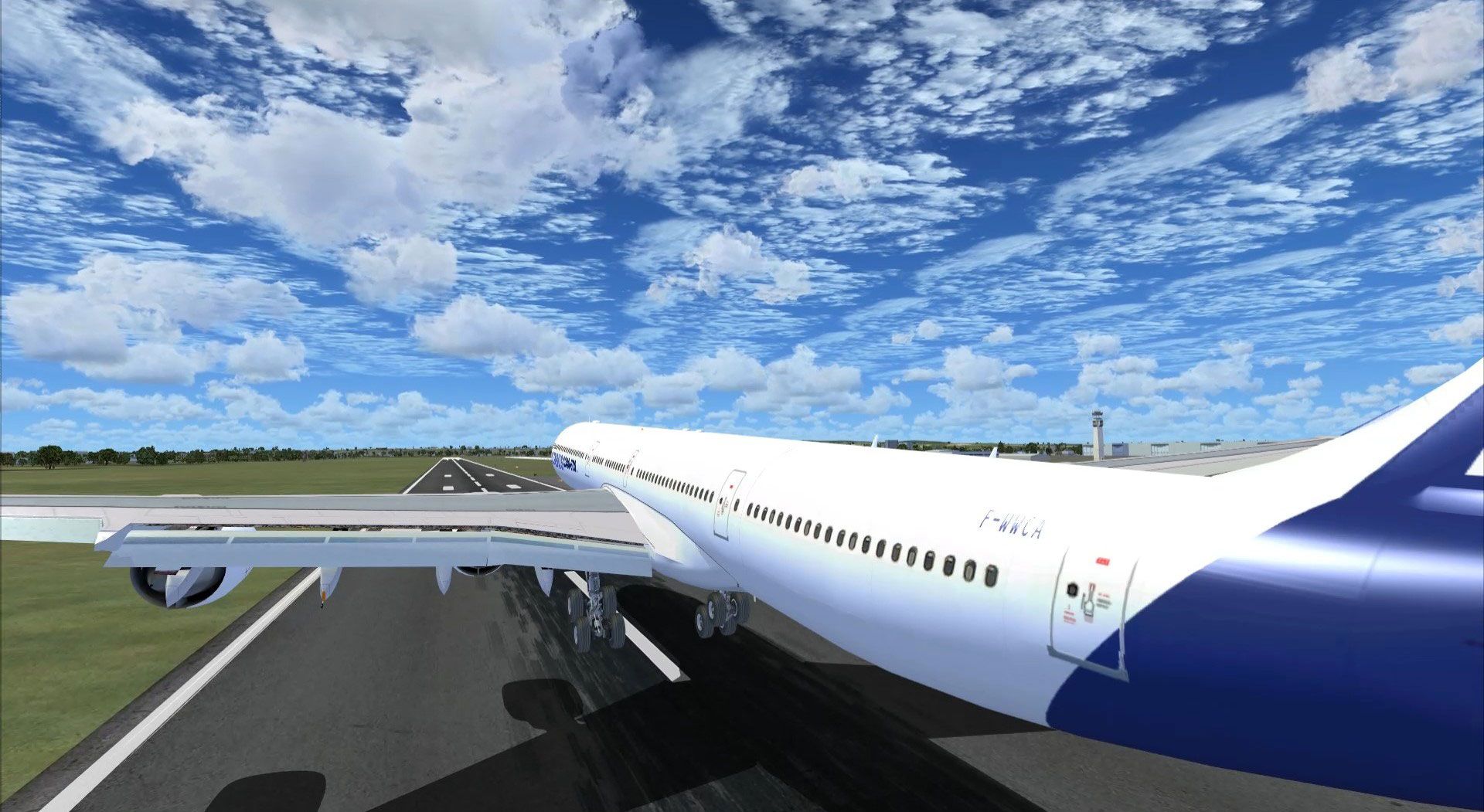
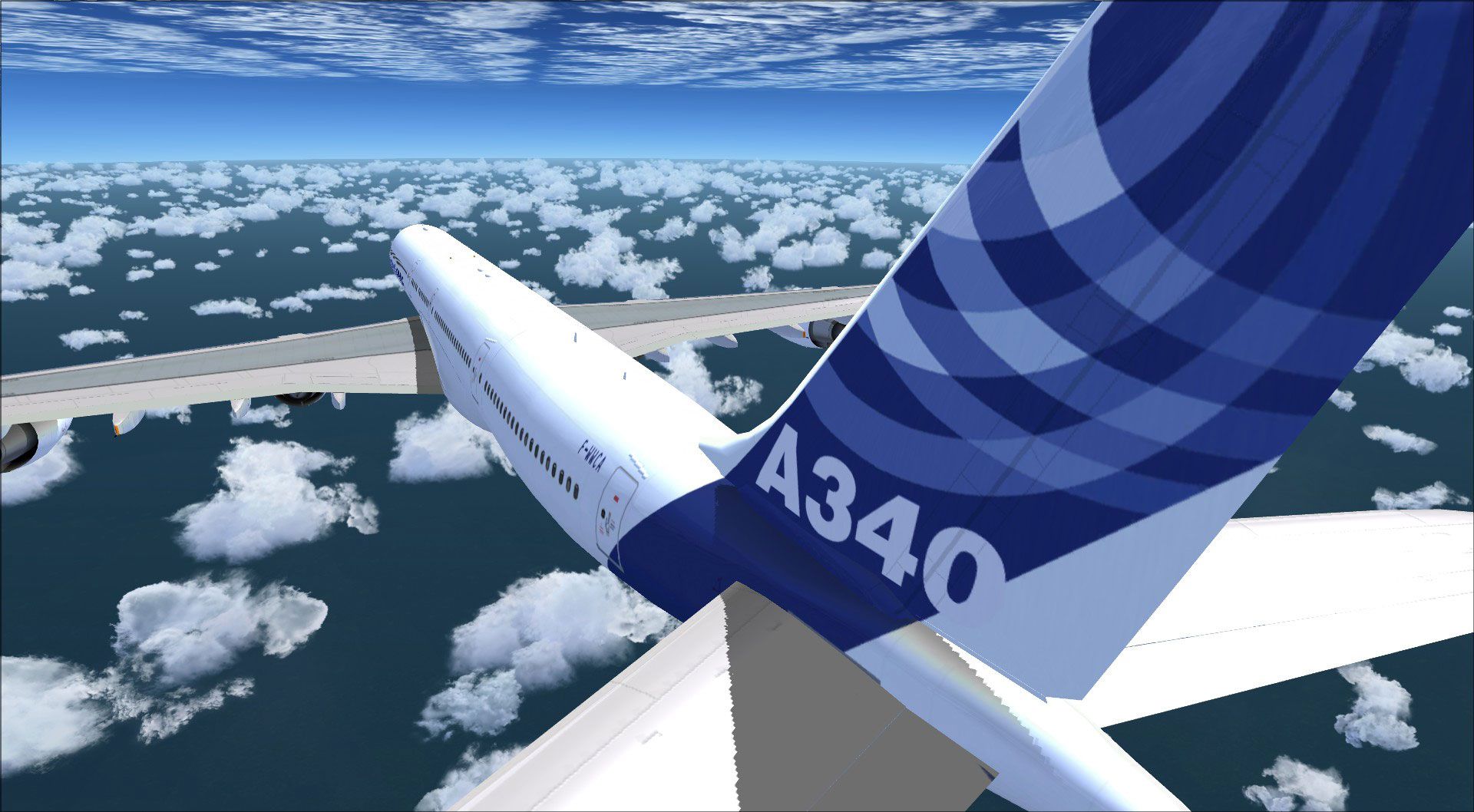
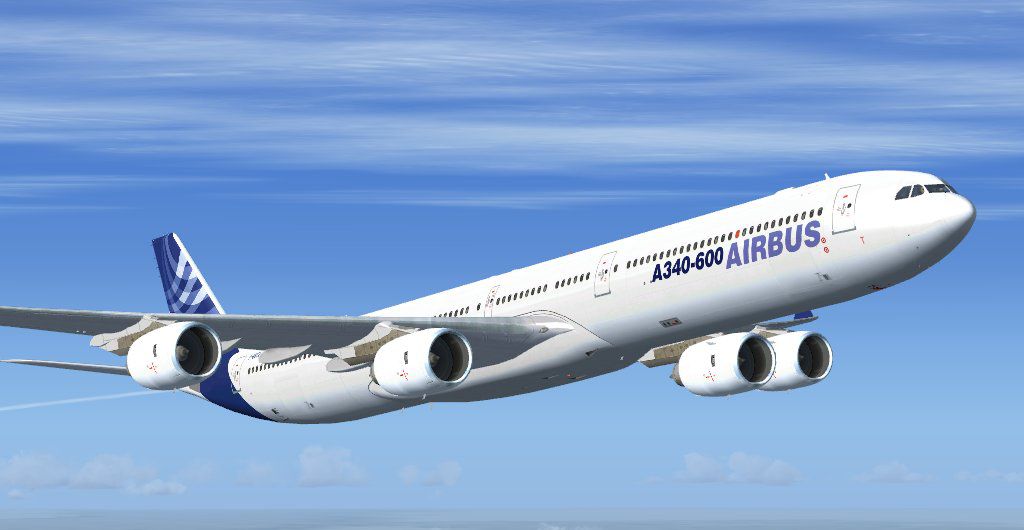
Airbus A340-600 House Prototype n. 3 - texture on. Repaint of the freeware Th…
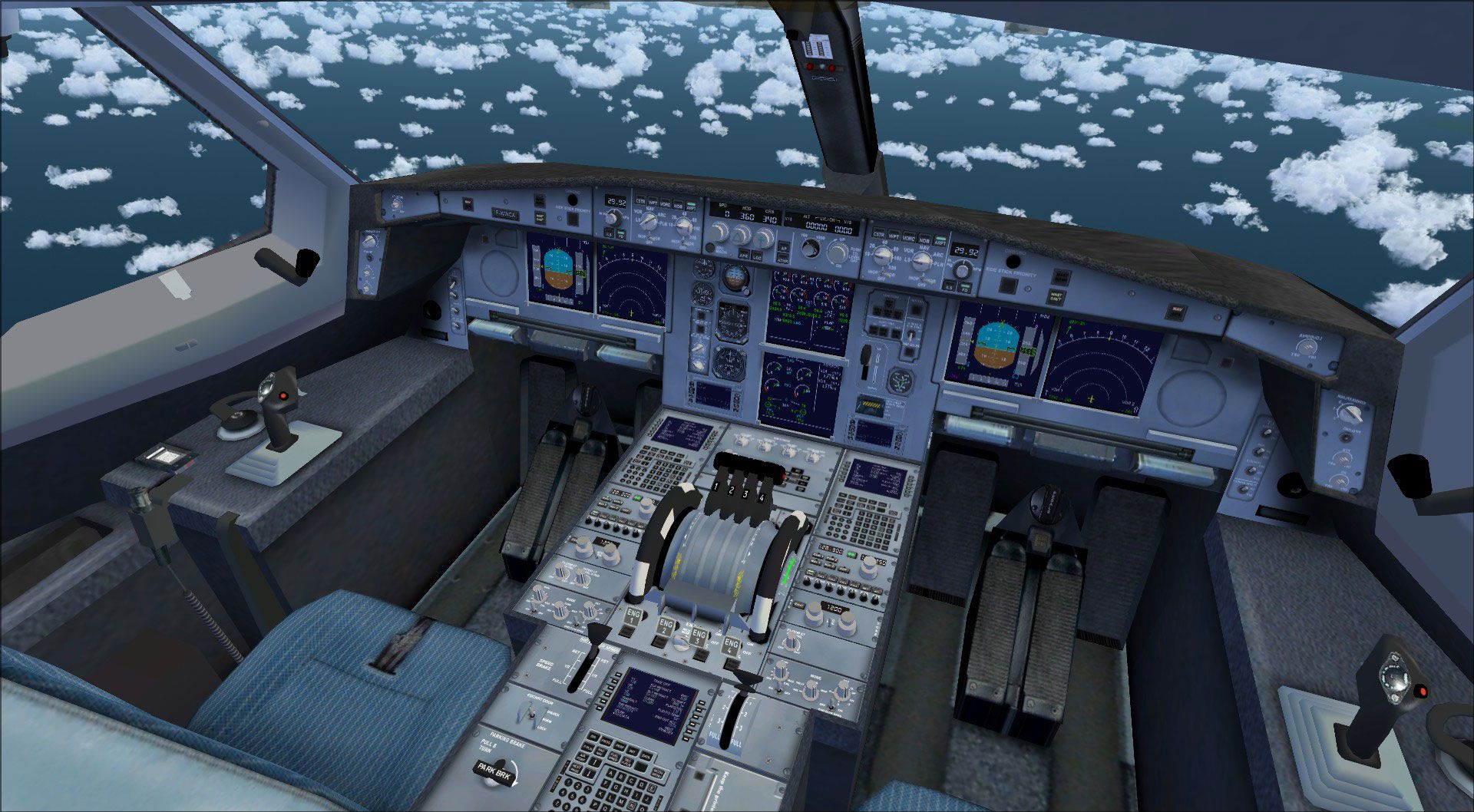
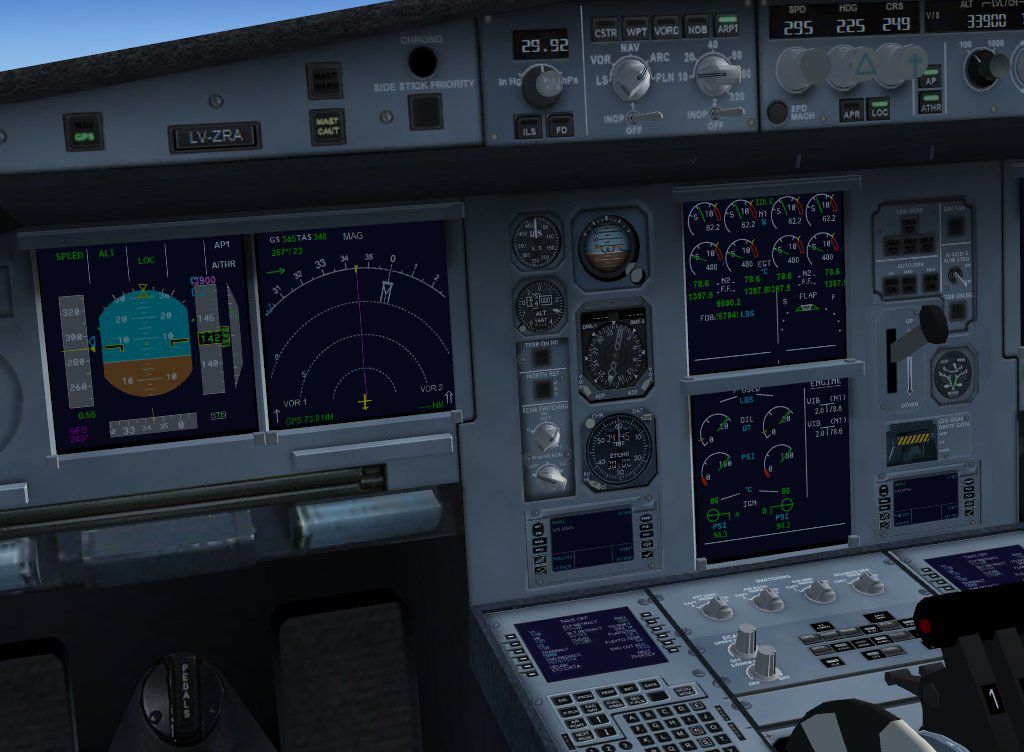
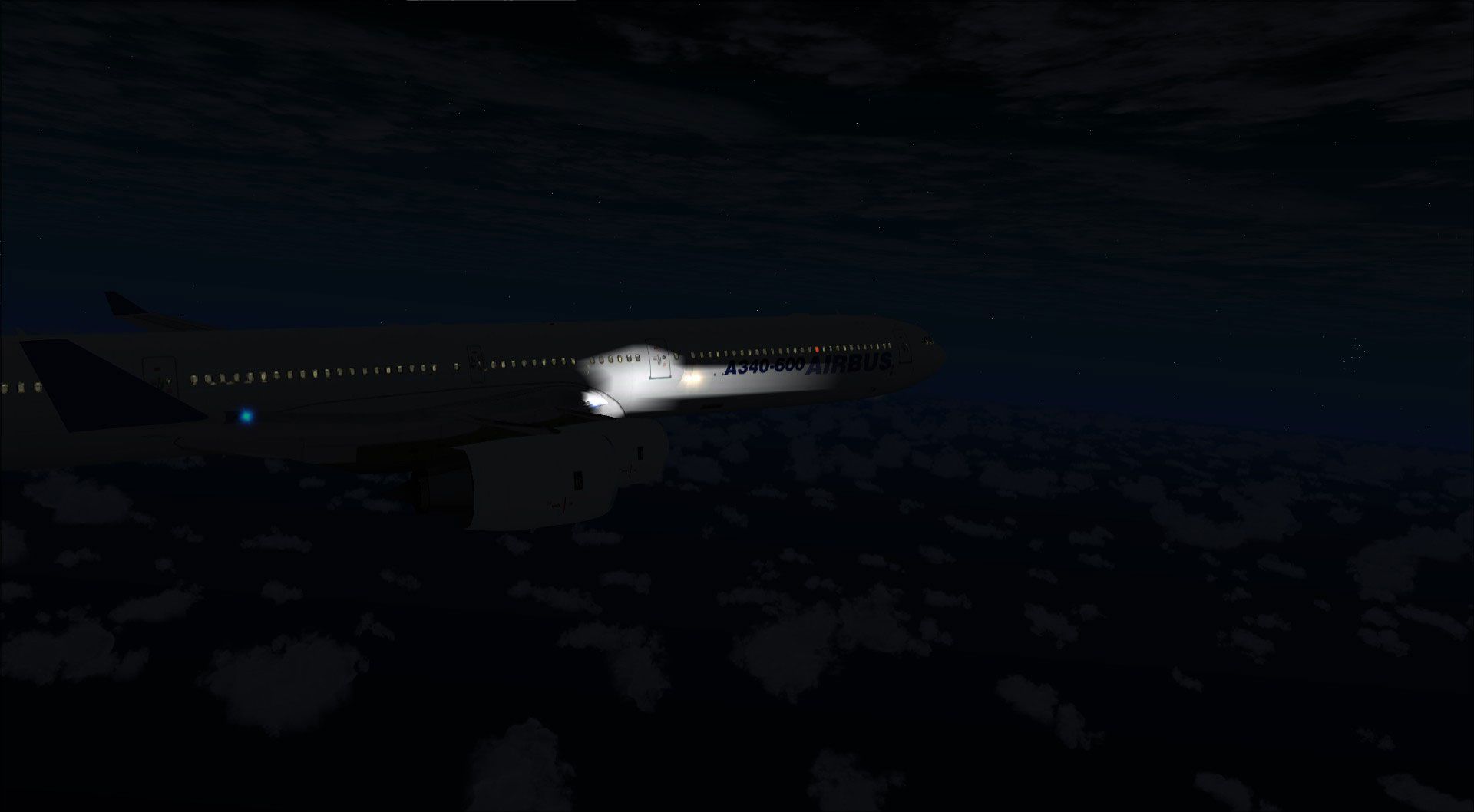
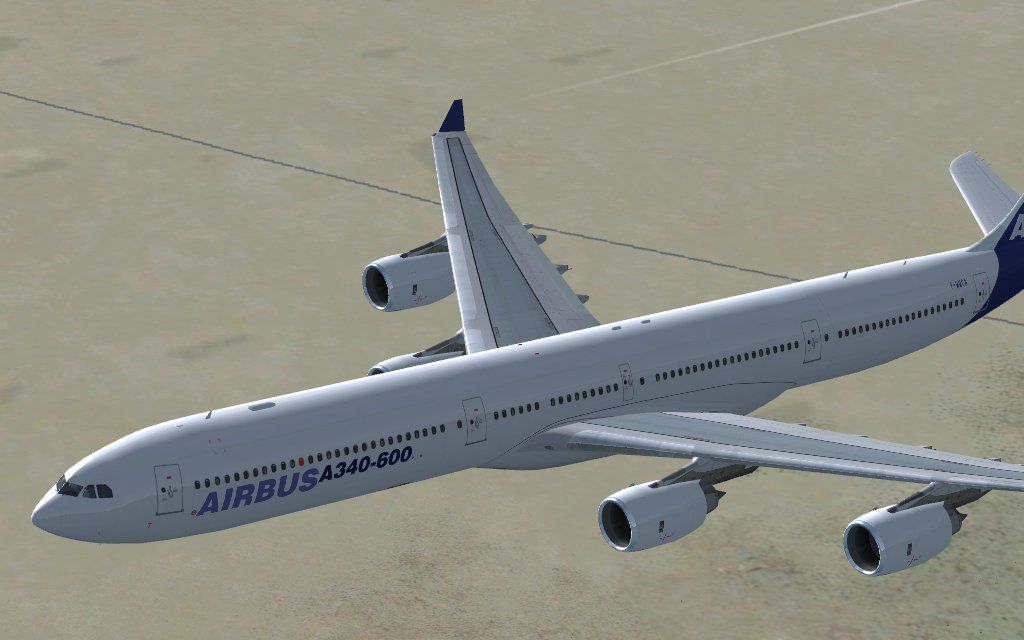
Airbus A340-600 in Airbus House Colors brings long-haul, four-engine operations to Microsoft Flight Simulator X with an accurately stretched airframe, crisp day-to-night textures, bump and spec mapping, and custom lighting. The fully functional virtual cockpit uses default A321-based avionics and requires the FSX Airbus A321 sound and gauge files for full systems integration.
Discover a long-haul, four-engine airliner that emphasizes range and capacity, presented here in a distinctive Airbus House Colors scheme. This freeware Airbus A340-600 for Microsoft Flight Simulator X by Thomas Ruth features an extended fuselage design, meticulously recreated textures, and a fully operational virtual cockpit. Users can enjoy detailed exterior elements, enhanced cabin instrumentation, and the convenience of intrinsic FSX default gauge integrations. Compatibility with Service Pack 1 and Service Pack 2 has been validated, although functionality under DX10 remains untested.
The developer, Thomas Ruth, integrated the default four-engine gauge suite from the FSX Airbus A321 to enhance system realism. This virtual cockpit provides smooth interactions with essential flight instruments, ensuring that primary cockpit controls and displays remain coherent with the underlying simulator platform.
This rendition is designed for Microsoft Flight Simulator X, with verified operation in both SP1 and SP2. Its complete package includes custom lighting effects, formulated to add depth during low-visibility conditions. The developer recommends transferring specific panel and texture elements from the default A321 to enable a fully functional avionics suite, which merges seamlessly with the A340’s unique four-engine layout.
The actual Airbus A340-600 is renowned for its extended range capabilities and spacious cabin configuration, powered by four high-bypass turbofan engines. In reality, it has served a variety of international carriers requiring efficient long-haul transportation across continents. In this mod, the House Colors paint stands as a tribute to the original Airbus prototype, underscoring the manufacturer’s aerodynamic innovations and design philosophy. Thomas Ruth has meticulously modeled these visual details, enabling enthusiasts to relive the distinct look and feel of an A340-600 within the simulator.
Free for all simmers · 16.84 MB · Scanned clean
Download speed: Free tier is capped at 0.5 Mbps (this file takes approximately 5 mins at the cap). PRO members download at full line speed.
FSX\SimObjects\Airplanes\. The folder must contain an aircraft.cfg file. Effects go into FSX\Effects\; gauges go into FSX\Gauges\.readme.txt or README file. It tells you exactly where files go, what dependencies are needed, and any quirks specific to this add-on.The archive toma346.zip has 148 files and directories contained within it.
This list displays the first 500 files in the package. If the package has more, you will need to download it to view them.
| Filename/Directory | File Date | File Size |
|---|---|---|
| FILE_ID.DIZ | 05.31.09 | 232 B |
| install.txt | 05.21.09 | 1.20 kB |
| readme_multiplayer.txt | 05.21.09 | 365 B |
| thanks.txt | 05.24.09 | 258 B |
| toma346.gif | 05.21.09 | 6.54 kB |
| vc340.jpg | 05.21.09 | 118.50 kB |
| fx_T332beacon.fx | 11.11.08 | 3.55 kB |
| fx_T332eng.fx | 11.17.08 | 1.21 kB |
| fx_T332land.fx | 11.11.08 | 1.22 kB |
| fx_T332land2.fx | 07.11.08 | 3.01 kB |
| fx_T332logo.fx | 11.11.08 | 1.21 kB |
| fx_T332wing.fx | 11.17.08 | 1.21 kB |
| install.txt | 04.01.09 | 57 B |
| aircraft.cfg | 05.21.09 | 22.57 kB |
| gauges | 05.31.09 | 0 B |
| tom340 | 05.31.09 | 0 B |
| 1024 | 05.31.09 | 0 B |
| Annun_AftDoor_on.bmp | 02.16.09 | 57.80 kB |
| Thumbs.db | 03.20.09 | 5.00 kB |
| 640 | 05.31.09 | 0 B |
| Annun_AftDoor_on.bmp | 01.08.80 | 1.38 kB |
| Thumbs.db | 03.20.09 | 5.00 kB |
| ecams.xml | 03.20.09 | 35.63 kB |
| ecams_engine_primary_background.bmp | 03.20.09 | 78.95 kB |
| eng2off.bmp | 03.20.09 | 7.71 kB |
| eng2off_night.bmp | 03.24.09 | 7.71 kB |
| eng2on.bmp | 03.20.09 | 7.71 kB |
| eng2on_night.bmp | 03.24.09 | 7.71 kB |
| eng3off.bmp | 03.20.09 | 7.71 kB |
| eng3off_night.bmp | 03.24.09 | 7.71 kB |
| eng3on.bmp | 03.20.09 | 7.71 kB |
| eng3on_night.bmp | 03.24.09 | 7.71 kB |
| eng4off.bmp | 03.20.09 | 7.71 kB |
| eng4off_night.bmp | 03.24.09 | 7.71 kB |
| eng4on.bmp | 03.20.09 | 7.71 kB |
| eng4on_night.bmp | 03.24.09 | 7.71 kB |
| FCUdummy.xml | 02.16.09 | 459 B |
| popup_ecu.xml | 03.23.09 | 45.06 kB |
| popup_ecu_background.bmp | 03.24.09 | 361.81 kB |
| popup_ecu_background_night.bmp | 03.24.09 | 361.81 kB |
| popup_ecu_button_eng_1_out_annunciators_off_night.bmp | 03.24.09 | 4.57 kB |
| popup_ecu_button_eng_2_out_annunciators_off.bmp | 03.20.09 | 2.11 kB |
| popup_ecu_button_eng_2_out_annunciators_off_night.bmp | 03.24.09 | 2.11 kB |
| popup_ecu_button_eng_2_out_fault _and _fire_annunciators_on.bmp | 03.20.09 | 1.74 kB |
| popup_ecu_button_eng_2_out_fault_annunciator_on.bmp | 03.20.09 | 1.33 kB |
| popup_ecu_button_eng_2_out_fire_annunciator_on.bmp | 03.20.09 | 1.18 kB |
| popup_ecu_knob_eng_mode_ign_start.bmp | 03.20.09 | 3.11 kB |
| popup_ecu_knob_eng_mode_ign_start_night.bmp | 03.24.09 | 5.87 kB |
| popup_ecu_knob_eng_mode_norm.bmp | 03.20.09 | 3.11 kB |
| popup_ecu_knob_eng_mode_norm_night.bmp | 03.24.09 | 5.87 kB |
| popup_ecu_lever_throttle_left.bmp | 03.20.09 | 9.43 kB |
| popup_ecu_lever_throttle_left_night.bmp | 03.24.09 | 9.43 kB |
| popup_ecu_lever_throttle_right.bmp | 03.20.09 | 9.43 kB |
| popup_ecu_lever_throttle_right_night.bmp | 03.24.09 | 9.43 kB |
| popup_ecu_switch_eng_1_off.bmp | 03.20.09 | 7.71 kB |
| popup_ecu_switch_eng_1_off_night.bmp | 03.24.09 | 7.71 kB |
| popup_ecu_switch_eng_1_on.bmp | 03.20.09 | 7.71 kB |
| popup_ecu_switch_eng_1_on_night.bmp | 03.24.09 | 7.71 kB |
| popup_overhead.xml | 03.25.09 | 115.57 kB |
| popup_overhead_background.bmp | 03.24.09 | 762.88 kB |
| popup_overhead_background_night.bmp | 03.24.09 | 762.88 kB |
| popup_overhead_button_adirs_eng_1_both_off.bmp | 03.23.09 | 5.48 kB |
| popup_overhead_button_adirs_eng_1_both_off_night.bmp | 03.24.09 | 13.03 kB |
| popup_overhead_button_anti_ice_eng_1_both_off.bmp | 03.23.09 | 3.79 kB |
| popup_overhead_button_anti_ice_eng_1_both_off_night.bmp | 03.24.09 | 8.26 kB |
| popup_overhead_button_electrical_gen_1_both_off.bmp | 03.23.09 | 4.66 kB |
| popup_overhead_button_electrical_gen_1_both_off_night.bmp | 03.24.09 | 10.37 kB |
| popup_overhead_button_fire_apu_both_off.bmp | 03.23.09 | 2.85 kB |
| popup_overhead_button_fire_apu_both_off_night.bmp | 03.24.09 | 5.27 kB |
| popup_overhead_button_fire_apu_both_on.bmp | 03.23.09 | 2.85 kB |
| popup_overhead_button_fire_apu_out_annunciator_off.bmp | 03.23.09 | 4.45 kB |
| popup_overhead_button_fire_apu_out_annunciator_off_night.bmp | 03.24.09 | 10.25 kB |
| popup_overhead_button_fire_apu_out_annunciator_on.bmp | 03.23.09 | 4.45 kB |
| popup_overhead_button_fire_apu_squib_on.bmp | 03.23.09 | 2.84 kB |
| popup_overhead_button_fire_eng_1_both_off.bmp | 03.23.09 | 2.68 kB |
| popup_overhead_button_fire_eng_1_both_off_night.bmp | 03.24.09 | 4.66 kB |
| popup_overhead_button_fire_eng_1_both_on.bmp | 03.23.09 | 2.69 kB |
| popup_overhead_button_fire_eng_1_disch_on.bmp | 03.23.09 | 2.66 kB |
| popup_overhead_button_fire_eng_1_in_annunciator_off.bmp | 03.23.09 | 4.92 kB |
| popup_overhead_button_fire_eng_1_in_annunciator_off_night.bmp | 03.24.09 | 11.66 kB |
| popup_overhead_button_fire_eng_1_in_annunciator_on.bmp | 03.23.09 | 4.92 kB |
| popup_overhead_button_fire_eng_1_out_annunciator_off.bmp | 03.23.09 | 4.92 kB |
| popup_overhead_button_fire_eng_1_out_annunciator_off_night.bmp | 03.24.09 | 11.66 kB |
| popup_overhead_button_fire_eng_1_out_annunciator_on.bmp | 03.23.09 | 4.92 kB |
| popup_overhead_button_fire_eng_1_squib_on.bmp | 03.23.09 | 2.69 kB |
| popup_overhead_button_fire_eng_2_both_off.bmp | 03.23.09 | 2.73 kB |
| popup_overhead_button_fire_eng_2_both_off_night.bmp | 03.24.09 | 4.93 kB |
| popup_overhead_button_fire_eng_2_both_on.bmp | 03.23.09 | 3.24 kB |
| popup_overhead_button_fire_eng_2_disch_on.bmp | 03.23.09 | 2.73 kB |
| popup_overhead_button_fire_eng_2_in_annunciator_off.bmp | 03.23.09 | 4.92 kB |
| popup_overhead_button_fire_eng_2_in_annunciator_off_night.bmp | 03.24.09 | 11.66 kB |
| popup_overhead_button_fire_eng_2_in_annunciator_on.bmp | 03.23.09 | 4.92 kB |
| popup_overhead_button_fire_eng_2_out_annunciator_off.bmp | 03.23.09 | 4.92 kB |
| popup_overhead_button_fire_eng_2_out_annunciator_off_night.bmp | 03.24.09 | 11.66 kB |
| popup_overhead_button_fire_eng_2_out_annunciator_on.bmp | 03.23.09 | 4.92 kB |
| popup_overhead_button_fire_eng_2_squib_on.bmp | 03.23.09 | 2.73 kB |
| popup_overhead_button_fuel_eng_1_both_off.bmp | 03.23.09 | 4.45 kB |
| popup_overhead_button_fuel_eng_1_both_off_night.bmp | 03.24.09 | 9.80 kB |
| popup_overhead_button_x_bleed_eng_1_both_off.bmp | 03.23.09 | 5.83 kB |
| popup_overhead_button_x_bleed_eng_1_both_off_night.bmp | 03.24.09 | 14.40 kB |
| popup_overhead_switch_strobe_off.bmp | 03.24.09 | 6.89 kB |
| popup_overhead_switch_strobe_off_night.bmp | 03.24.09 | 16.91 kB |
| popup_overhead_switch_strobe_on.bmp | 03.24.09 | 6.89 kB |
| popup_overhead_switch_strobe_on_night.bmp | 03.24.09 | 16.91 kB |
| Thumbs.db | 03.20.09 | 478.50 kB |
| manual | 05.31.09 | 0 B |
| FCM.pdf | 05.15.09 | 2.84 MB |
| MFP.pdf | 05.22.09 | 2.65 MB |
| readme_multiplayer.txt | 05.21.09 | 365 B |
| model | 05.31.09 | 0 B |
| model.cfg | 05.15.09 | 55 B |
| multiplayer | 05.31.09 | 0 B |
| TomA346.MDL | 05.24.09 | 7.91 MB |
| TomA346.mdl | 05.24.09 | 7.91 MB |
| TomA346_interior.MDL | 05.24.09 | 1.48 MB |
| TomA346NG_interior.MDL | 05.24.09 | 1.49 MB |
| panel.340 | 05.31.09 | 0 B |
| $A321_2.bmp | 02.20.09 | 768.05 kB |
| panel.cfg | 05.17.09 | 6.32 kB |
| texture.AB | 05.31.09 | 0 B |
| A321_1_L.dds | 03.24.09 | 1.00 MB |
| A321_2_L.dds | 02.21.09 | 256.12 kB |
| A330_VC01L.dds | 03.24.09 | 1.00 MB |
| A340_VC01.dds | 03.19.09 | 1.00 MB |
| Airbus_A321_1_L.dds | 02.19.09 | 1.00 MB |
| Airbus_A321_2_L.dds | 02.19.09 | 1.00 MB |
| Airbus_A321_3_L.dds | 02.19.09 | 4.12 kB |
| Airbus_A321_4_L.dds | 02.19.09 | 1.00 MB |
| glass.dds | 04.29.09 | 64.12 kB |
| glass_spec.dds | 11.24.08 | 4.12 kB |
| main.dds | 05.18.09 | 4.00 MB |
| main_bump.dds | 05.14.09 | 4.00 MB |
| main_grid.dds | 04.03.09 | 4.00 MB |
| main_light.dds | 04.23.09 | 1.00 MB |
| main_spec.dds | 03.23.09 | 64.12 kB |
| texture.cfg | 05.21.09 | 140 B |
| thumbnail.jpg | 04.22.09 | 4.90 kB |
| VCblend.dds | 02.09.09 | 1.12 kB |
| wing_bump.dds | 05.13.09 | 1.00 MB |
| wing_l.dds | 05.07.09 | 1.00 MB |
| wing_r.dds | 05.07.09 | 1.00 MB |
| wing_spec.dds | 11.21.08 | 64.12 kB |
| TomA346.air | 05.02.09 | 8.26 kB |
| 34601.jpg | 05.21.09 | 57.63 kB |
| 34602.jpg | 05.21.09 | 71.34 kB |
| copyright.txt | 03.25.09 | 732 B |
| flyawaysimulation.txt | 10.29.13 | 959 B |
| Go to Fly Away Simulation.url | 01.22.16 | 52 B |
More FSX & P3D add-ons hand-picked based on this download.
FSX Civil Aircraft
Airbus A340-600 House Prototype n. 3 - texture on. Repaint of the freeware Th…
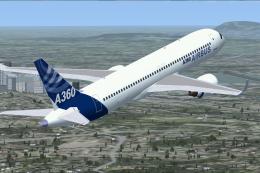 FSX Civil Aircraft
FSX Airbus House Colors Airbus A360. The A360 should become, with a design ba…
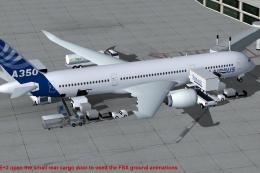 FSX Civil Aircraft
This package introduces a newly refined rendition of the popular twin-engine,…
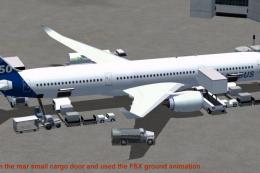 FSX Civil Aircraft
This package features the refined House Colors Airbus A350-900 XWB in Version…
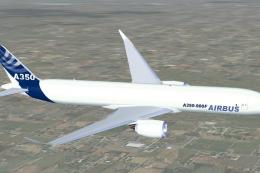 FSX Civil Aircraft
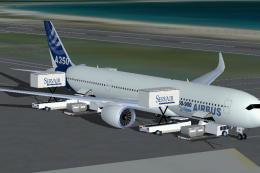
FSX Airbus House Colors A350-900F (cargo), with Animated Ground Servicing (AG…
 FSX Civil Aircraft
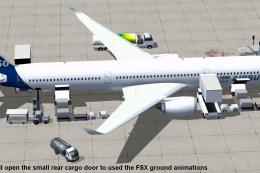
FSX House Colors Airbus A350-900 XWB (Extra Wide Body) including Animated Gro…
 FSX Civil Aircraft
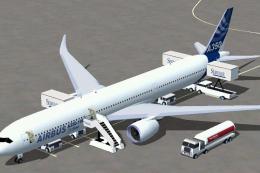
This updated freeware package depicts the House Colors Airbus A350-1000 XWB V…
 FSX Civil Aircraft
This freeware add-on features the Airbus A350-1000 in its signature house liv…
Read what other simmers think, or add your own.

1...In Cold Dark Cockpit no switches work properly. The battery Switch does not turn on Electrics. APU will not work It's only after I start Engine 1 with Generator 1 that I get Power to the Flight Deck.
I fly FSX Accel which has the SP1 and SP2 in it

I don't know where did he get the sound from when doing the steps and also the virtual pilot isn't working. So, what should I do? Should I get the different Airbus model first or what? I need help!

I have downloaded the A-340 package from another site. Love the aircraft. Only one negative: When reaching high altitude (above 26-27m feet, the aircraft loses speed and I have to decrease the rate of climb to achieve higher altitudes without stalling the aircraft. Does anyone experience this, and is there a fix.
Regards Jules "theCat" Mailloux


I have tried numerous times to download this and like the above, NEGATIVE comments! All good up to the time when you click the "Fly now" button and all you see is left and right wing and a white light on an invisible vertical stabilizer! How sad, it would have been a nice addition to my Airbus line!

It just won't work! I can't find the aircraft and it's not invisible. I did everything right, I'm sure of it. Also, when I downloaded the sp1, it said I needed to have the original fsx. Mine is the steam edition. Is that a problem?


I just can't see the aircraft in the spot view. When I installed it,at first it seemed to be invisible. Later on,I tried to fix this situation,but the only thing I managed to see was just the wings. I need help to solve this issue.
