


 FSX Historic & Vintage Aircraft
Republic P-47 Thunderbolt "Rat Racer"
A2A Simulations P-47 Razorback III representing P-47C-20-RA 41-6271 HV-K and …
Republic P-47 Thunderbolt “Hun Hunter” brings a WWII warbird classic to life with refreshed, weathered exterior textures and cockpit panel tweaks inspired by a documented Thunderbolt’s markings and nose art. Built on Tom Kohler’s freeware model and enhanced by Mark “Fire Ball” Rooks, it installs as a complete aircraft package for Microsoft Flight Simulator X.
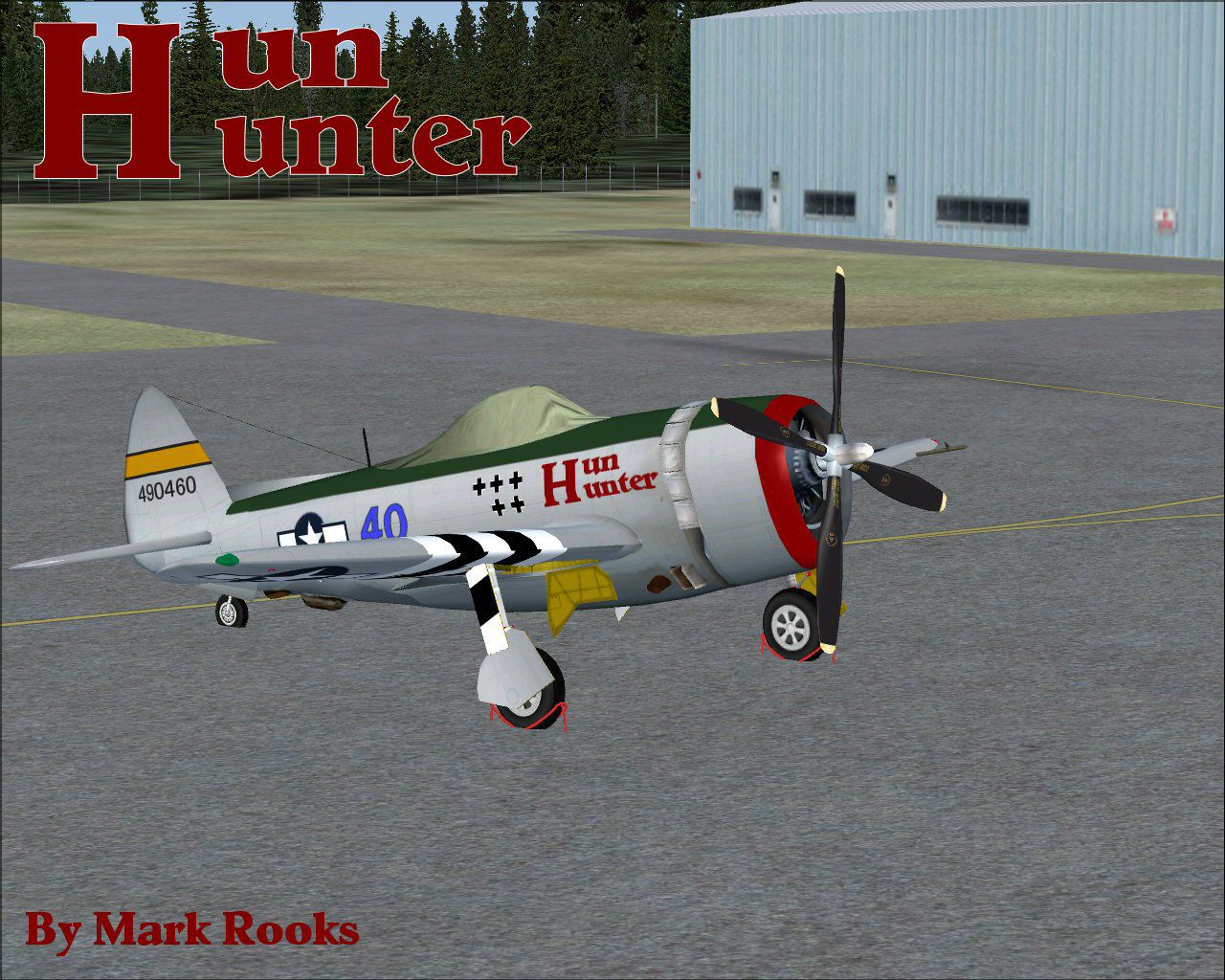
This edition of the P-47 Thunderbolt, inspired by the historic “Hun Hunter,” features refined textures and upgraded cockpit elements that bring Tom Kohler’s classic freeware model into Microsoft Flight Simulator X in an impressive way. Developed by Tom Kohler and enhanced by Mark “Fire Ball” Rooks of RSDG Aircraft, this complete package includes authentic panel adjustments and visual details suited to fans of vintage warbirds.
The original P-47 Thunderbolt was a robust single-seat fighter used extensively in World War II by the United States Army Air Forces. Nicknamed the “Jug,” it relied on a powerful radial engine and gained fame for its durability and impressive performance at high altitudes. The “Hun Hunter” paint scheme references a well-documented Thunderbolt that served during the conflict, showcasing distinctive markings and wartime nose art.
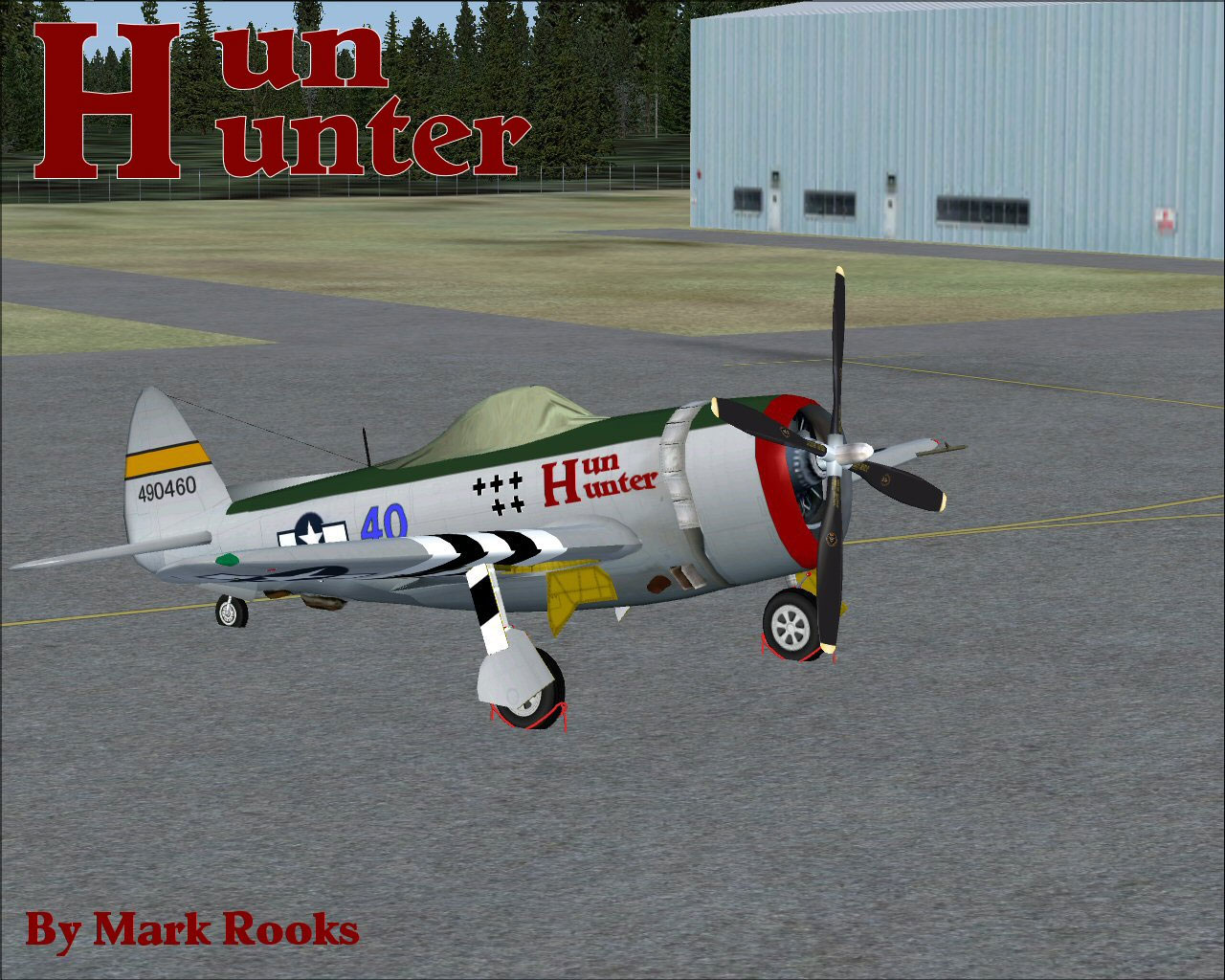
Republic P-47 Thunderbolt Hun Hunter in a static position on the ramp.
It is generally advisable to keep backups of any original files prior to installation. Follow the steps below to integrate the aircraft into your simulator:
Complete these steps, and you will find the aircraft ready for flights within Microsoft Flight Simulator X.
Mark “Fire Ball” Rooks of RSDG Aircraft has contributed the exterior textures and certain cockpit improvements to modernize Tom Kohler’s P-47. Both developers have provided enthusiasts with a noteworthy classic warplane that showcases the spirit of the legendary Thunderbolt. Enjoy your new repaint and immerse yourself in authentic WWII-era flight operations.
“The Creations” narrative, attributed to Col. Robert K. Suchke, offers a colorful perspective on various military units:
When the heavens were formed, Airborne forces filled the skies and were good. Then, ominous forces known as Rangers emerged, describing a fierce presence. Lastly, Special Forces arose, bringing order amidst chaos and demonstrating extraordinary capabilities. In contrast, those unfit for the demands of these units fell under the moniker “Legs,” highlighting the rigorous nature of elite training.
This aircraft package stands as freeware and honors the skillful work of Tom Kohler, Mark Rooks, and the creative legacy of Col. Robert K. Suchke. Simply install the model as indicated, load any associated gauges, and experience the power and agility of a customized P-47 “Hun Hunter” in your flight simulator.
Free for all simmers · 12.35 MB · Scanned clean
Download speed: Free tier is capped at 0.5 Mbps (this file takes approximately 3 mins at the cap). PRO members download at full line speed.
SimObjects\Airplanes\, Addon Scenery\, Effects\, or Gauges\.readme.txt or README file. It tells you exactly where files go, what dependencies are needed, and any quirks specific to this add-on.The archive p47hh.zip has 7 files and directories contained within it.
This list displays the first 500 files in the package. If the package has more, you will need to download it to view them.
| Filename/Directory | File Date | File Size |
|---|---|---|
| gauges.zip | 07.13.08 | 711.29 kB |
| P47 Screen Shot.jpg | 07.13.08 | 272.87 kB |
| P-47 Thunderbolt.zip | 07.13.08 | 11.39 MB |
| Read Me First.txt | 07.13.08 | 5.46 kB |
| Reg. Text.txt | 07.13.08 | 258 B |
| flyawaysimulation.txt | 10.29.13 | 959 B |
| Go to Fly Away Simulation.url | 01.22.16 | 52 B |
More FSX & P3D add-ons hand-picked based on this download.
FSX Historic & Vintage Aircraft
A2A Simulations P-47 Razorback III representing P-47C-20-RA 41-6271 HV-K and …
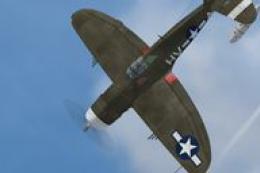 FSX Historic & Vintage Aircraft
This is a repaint for the A2A Wings of Power III P-47D Razorback for FSX. It …
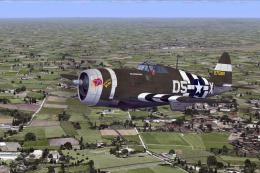 FSX Historic & Vintage Aircraft
A repaint of A2A's WOP III P-47D representing "Mississippi Rebel", a P-47D-22…
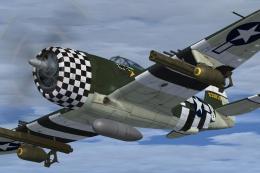 FSX Historic & Vintage Aircraft
A repaint for the Wings of Power III Republic P-47 Thunderbolt based on "Eile…
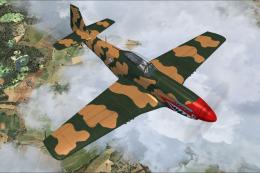 FSX Historic & Vintage Aircraft
A historical representation of a Dominican owned and operated P-51D Mustang, …
 FSX Historic & Vintage Aircraft
Now version 3.14 (V3.1406). This package includes the latest Douglas C-47 Sky…
 FSX Historic & Vintage Aircraft
A repaint of the default DC-3 in its military troop transport version, the C4…
 FSX Historic & Vintage Aircraft
This is A.F. Scrub's Submarine MK-22 Spitfire Updated For Flight Simulator X.…
Read what other simmers think, or add your own.

I like the model very much, except that there doesn't seem to be a pilot in the cockpit. Not sure what I can do about that.
The model flies well and looks great for me.
