


 United States of America
  FSX Scenery
Dallas-Fort Worth International
Dallas-Fort Worth International Airport (KDFW), Texas (TX), with Terminal D. …
Fort Lauderdale–Hollywood International Airport (KFLL) gets a polished rebuild in FSX, refreshing the default field with a new control tower, added Taxiway C, improved roads, extra ground vehicles, helipad, and smarter parking. Choose a version that enables three-runway takeoff and landing flow or keeps standard runway operations for familiar ATC behavior.
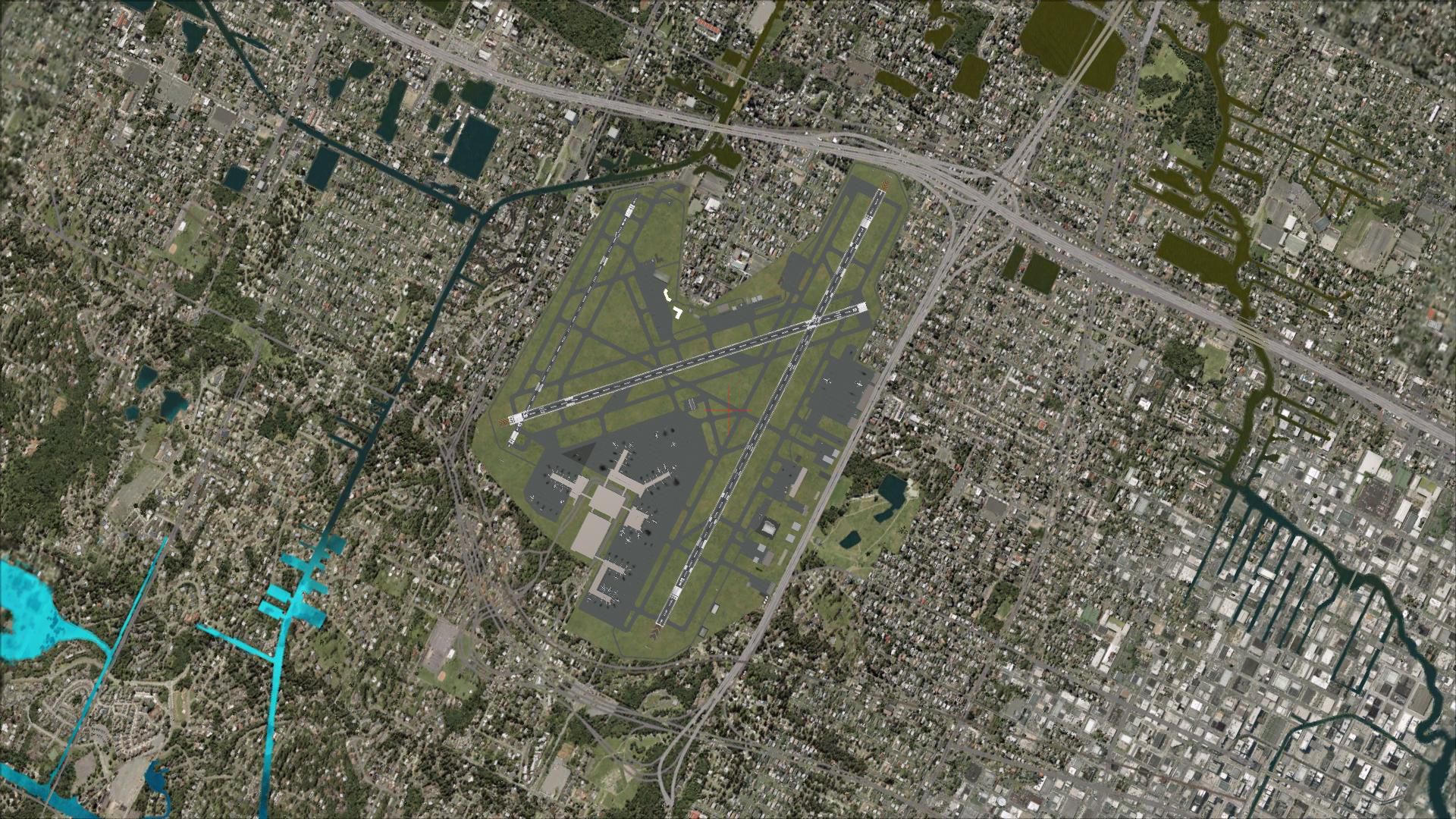
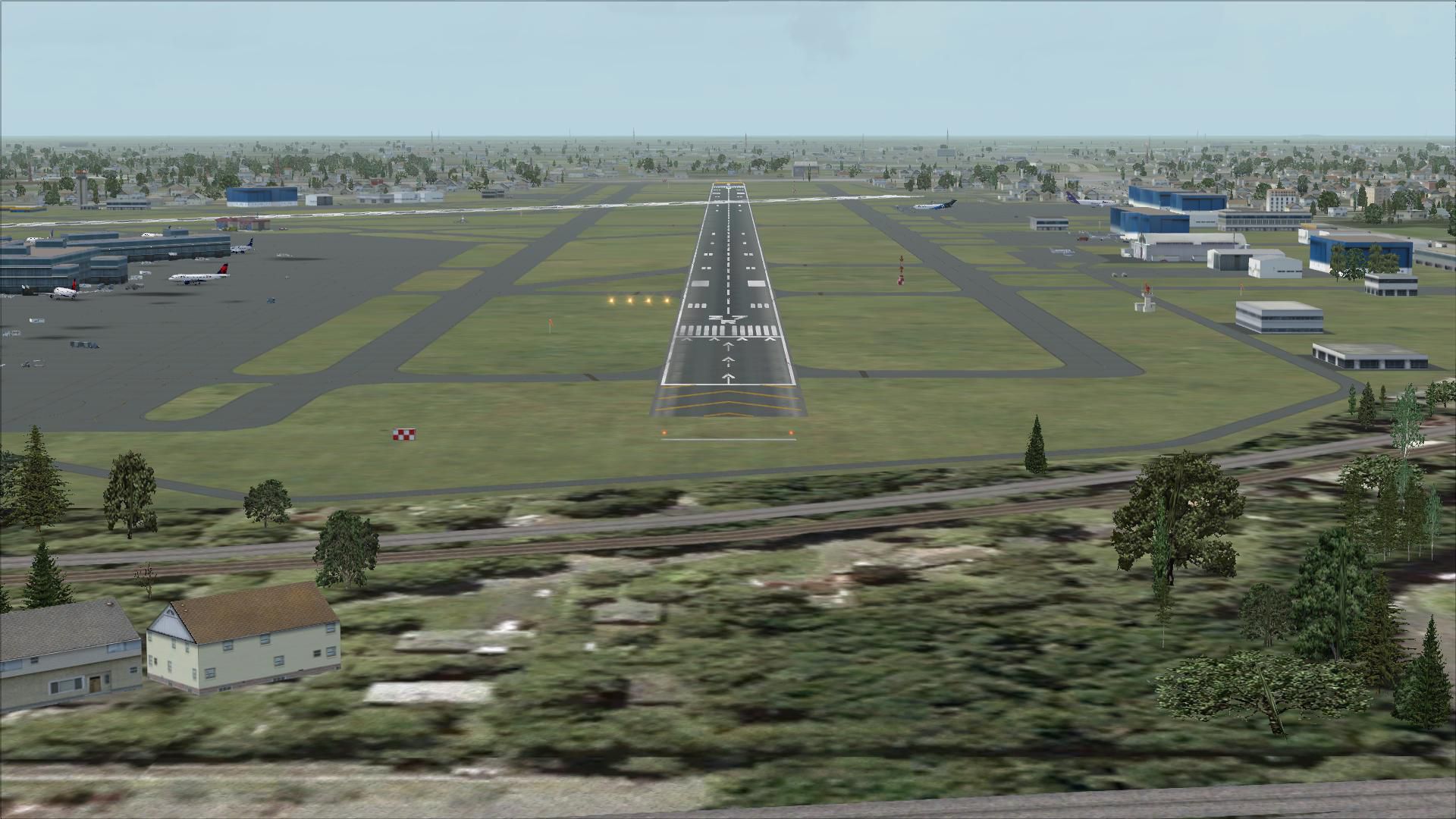
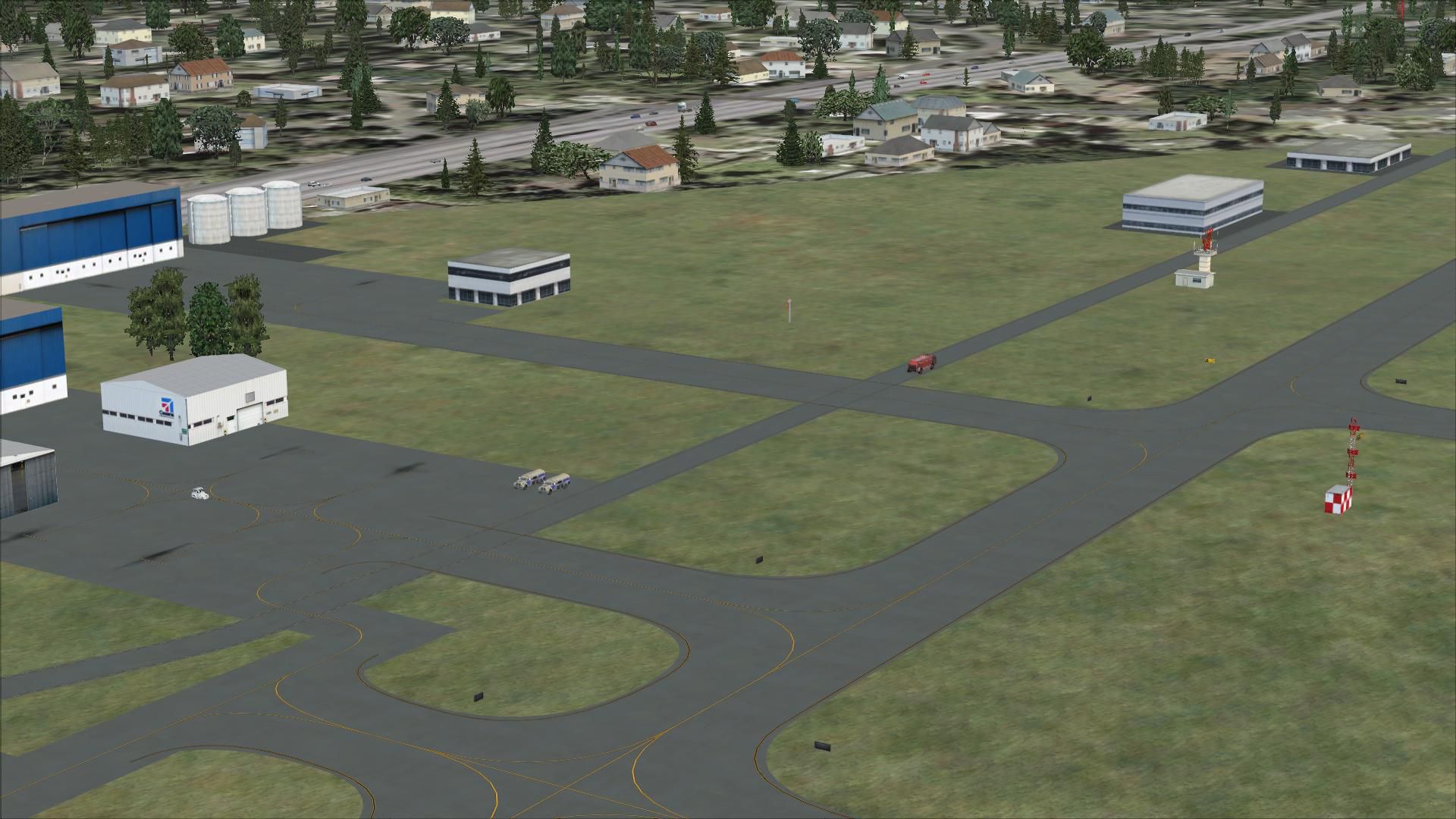
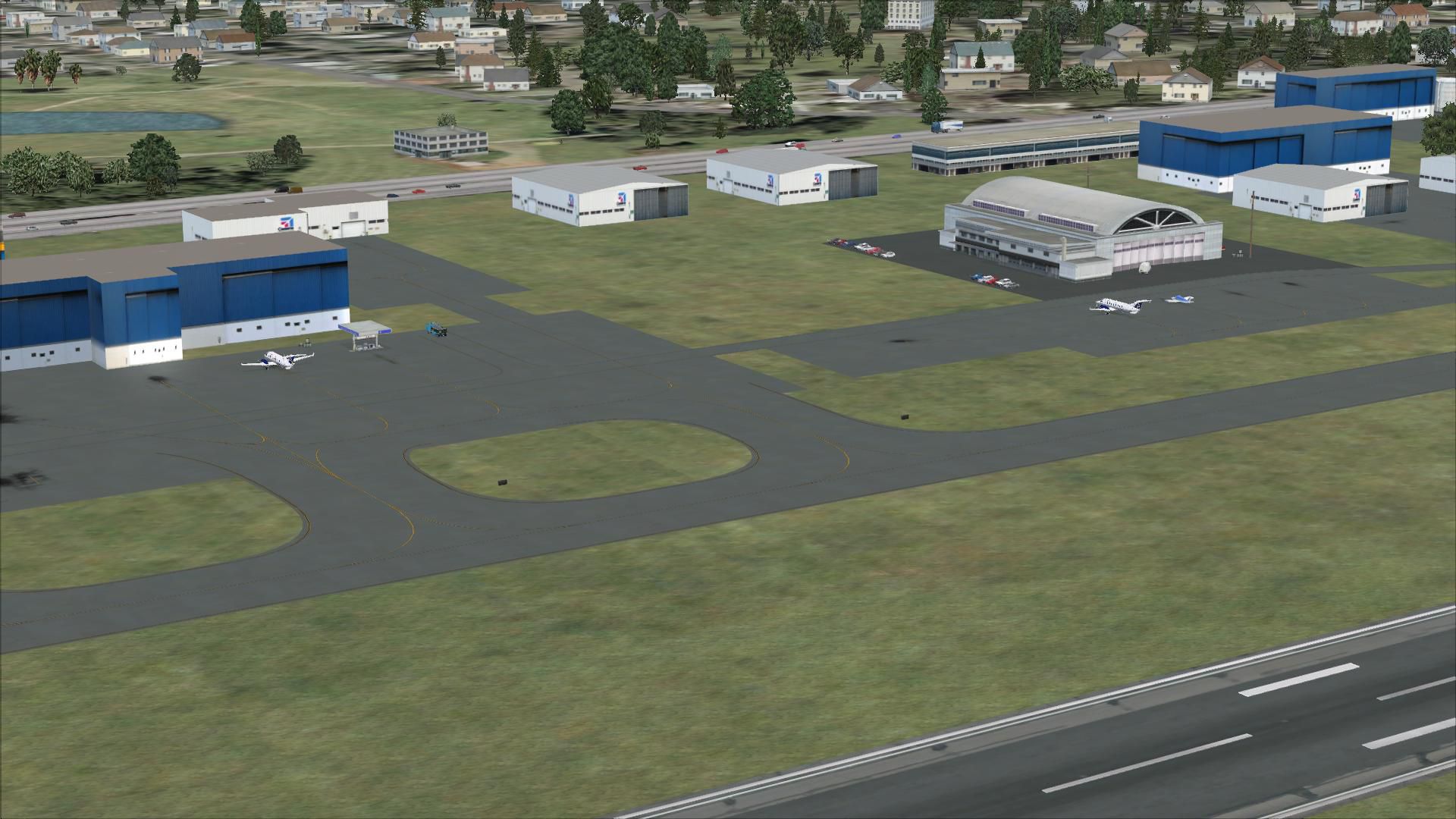
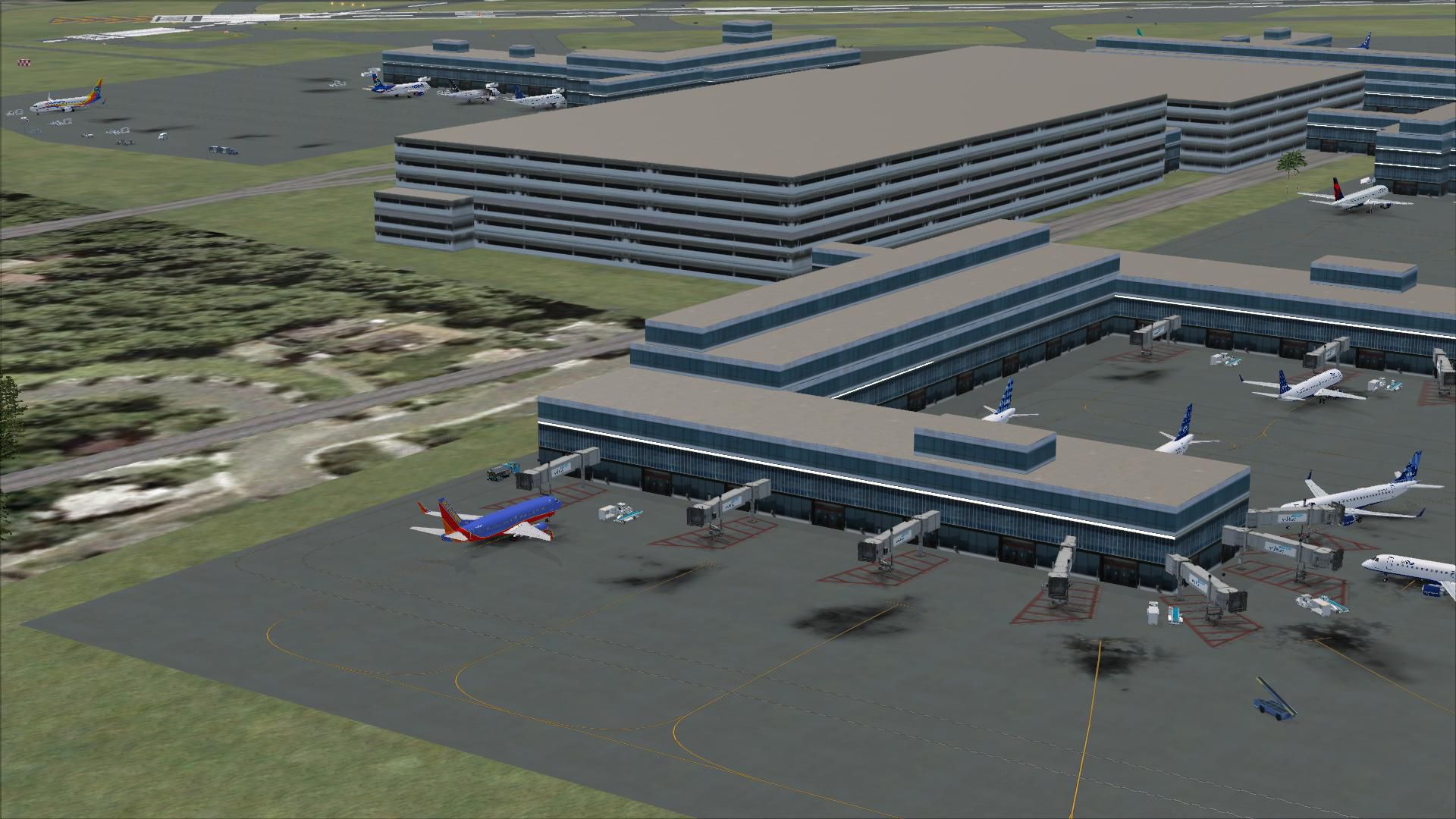

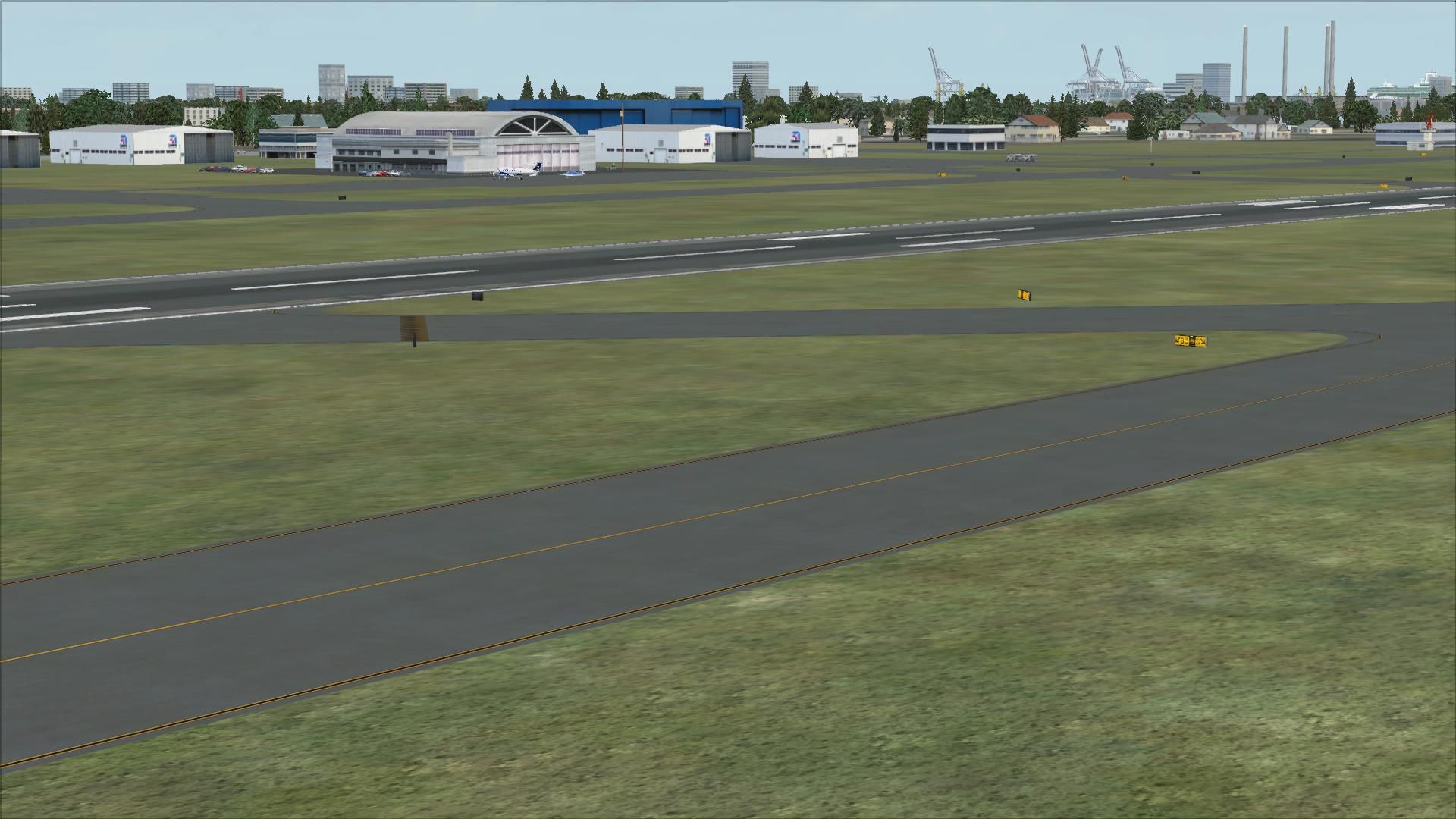
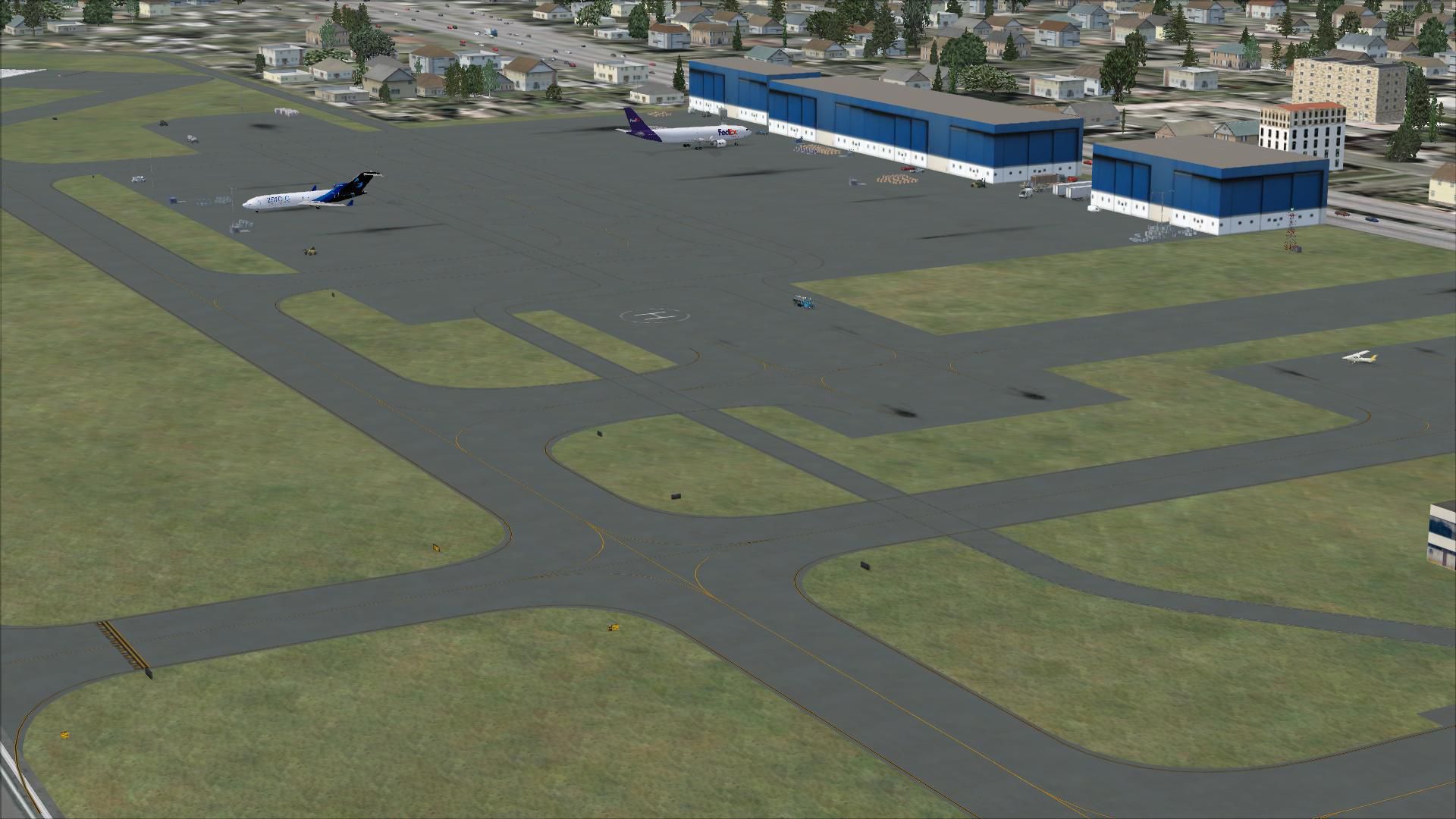
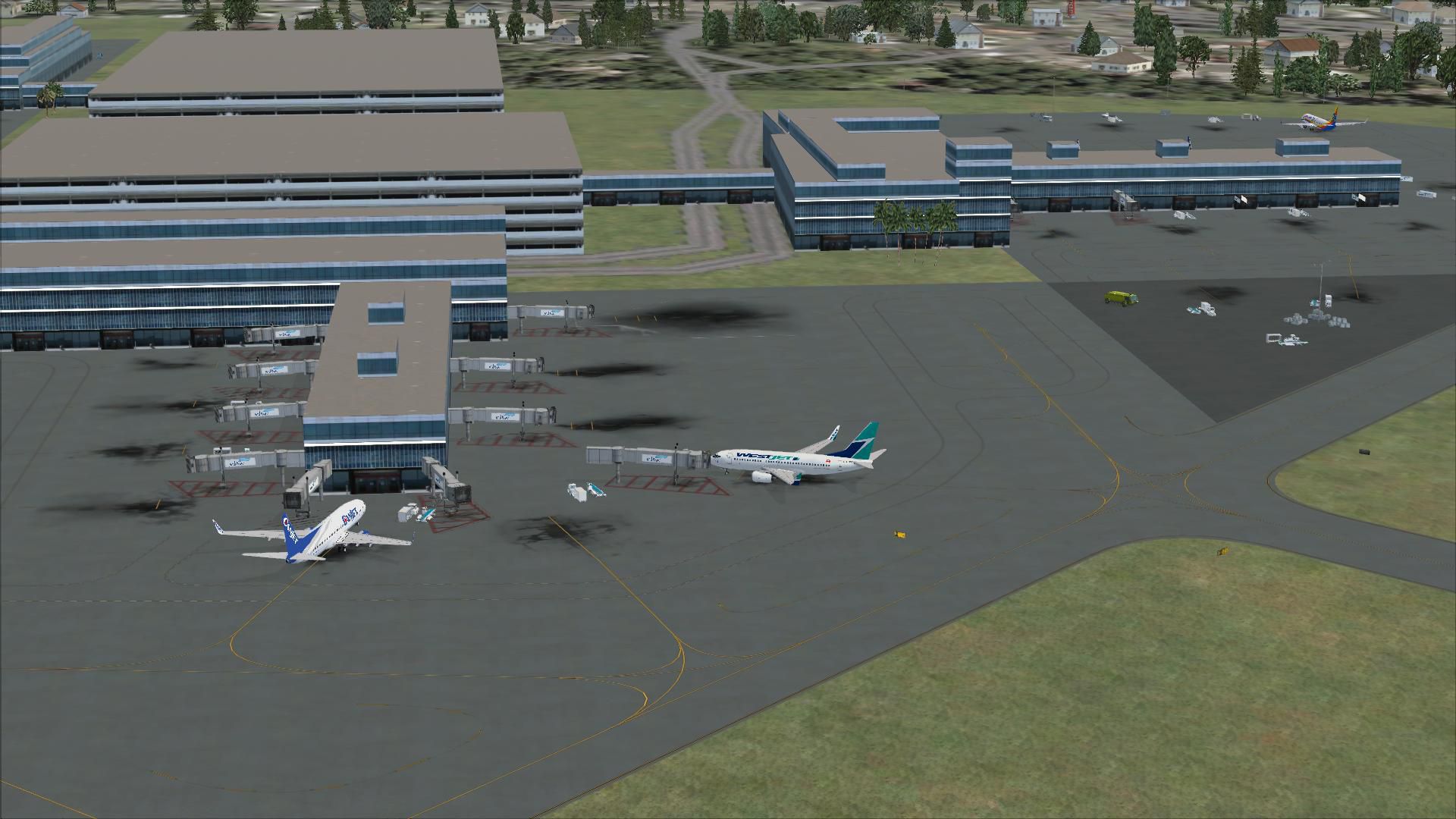

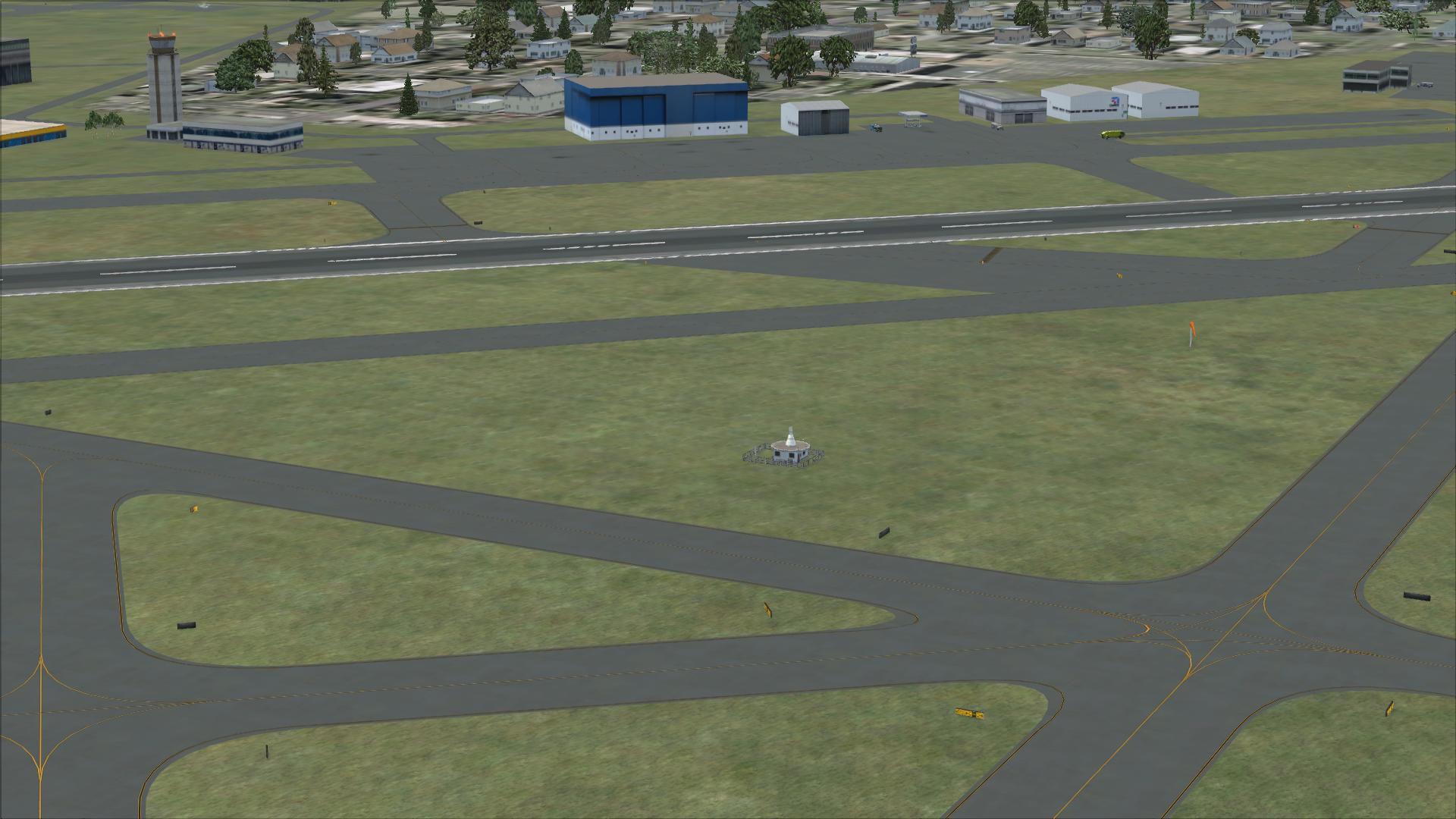
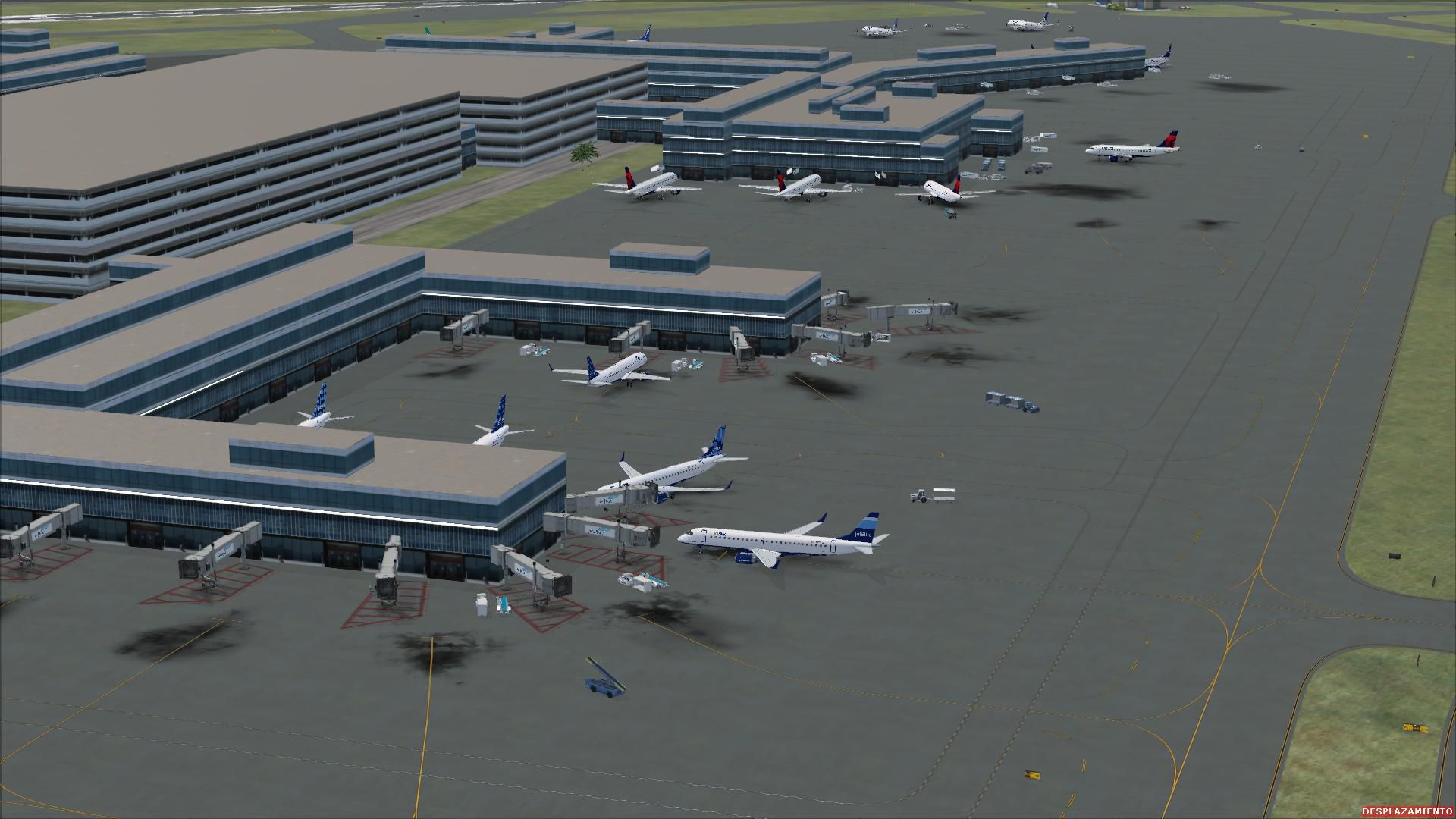
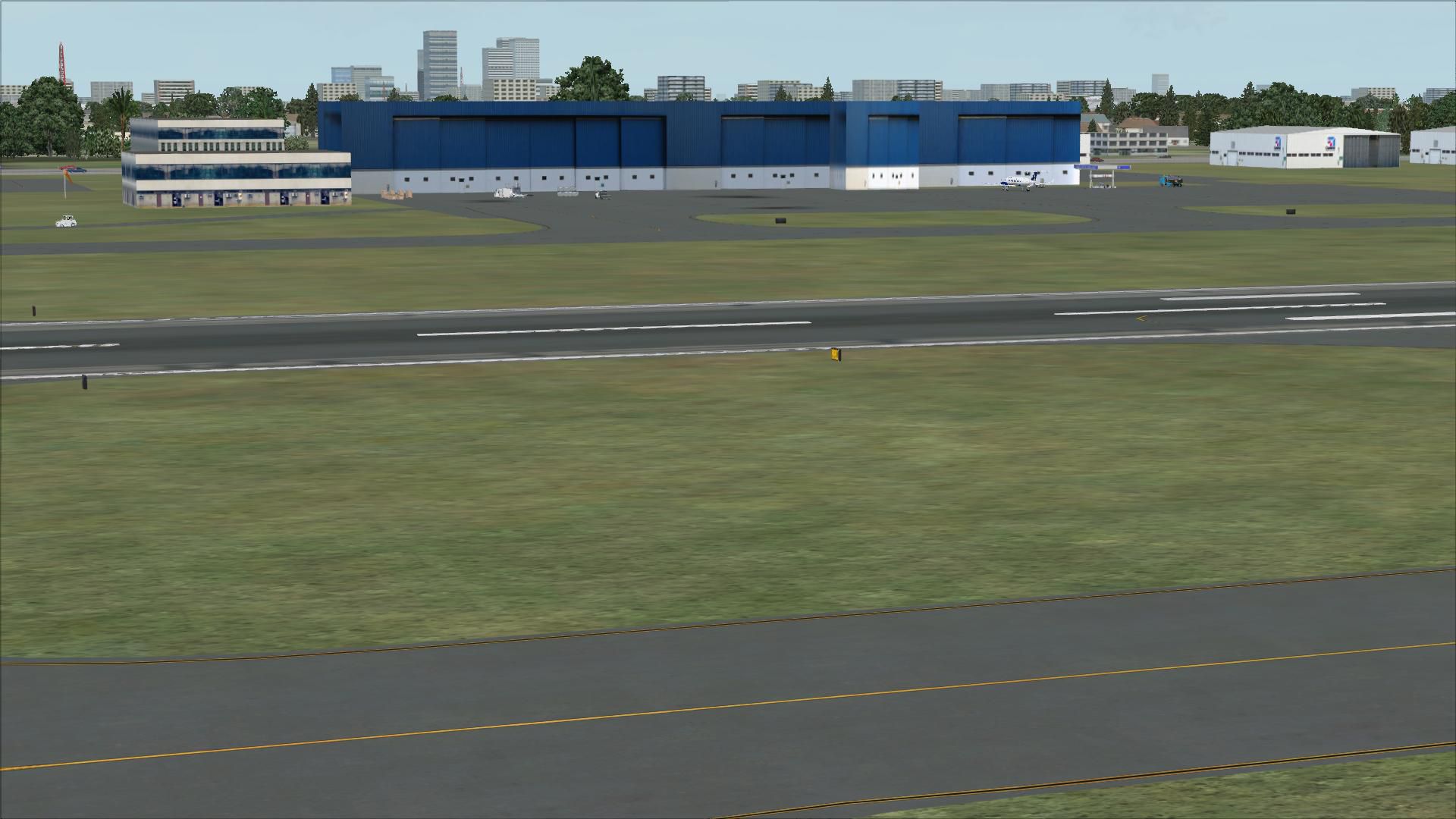
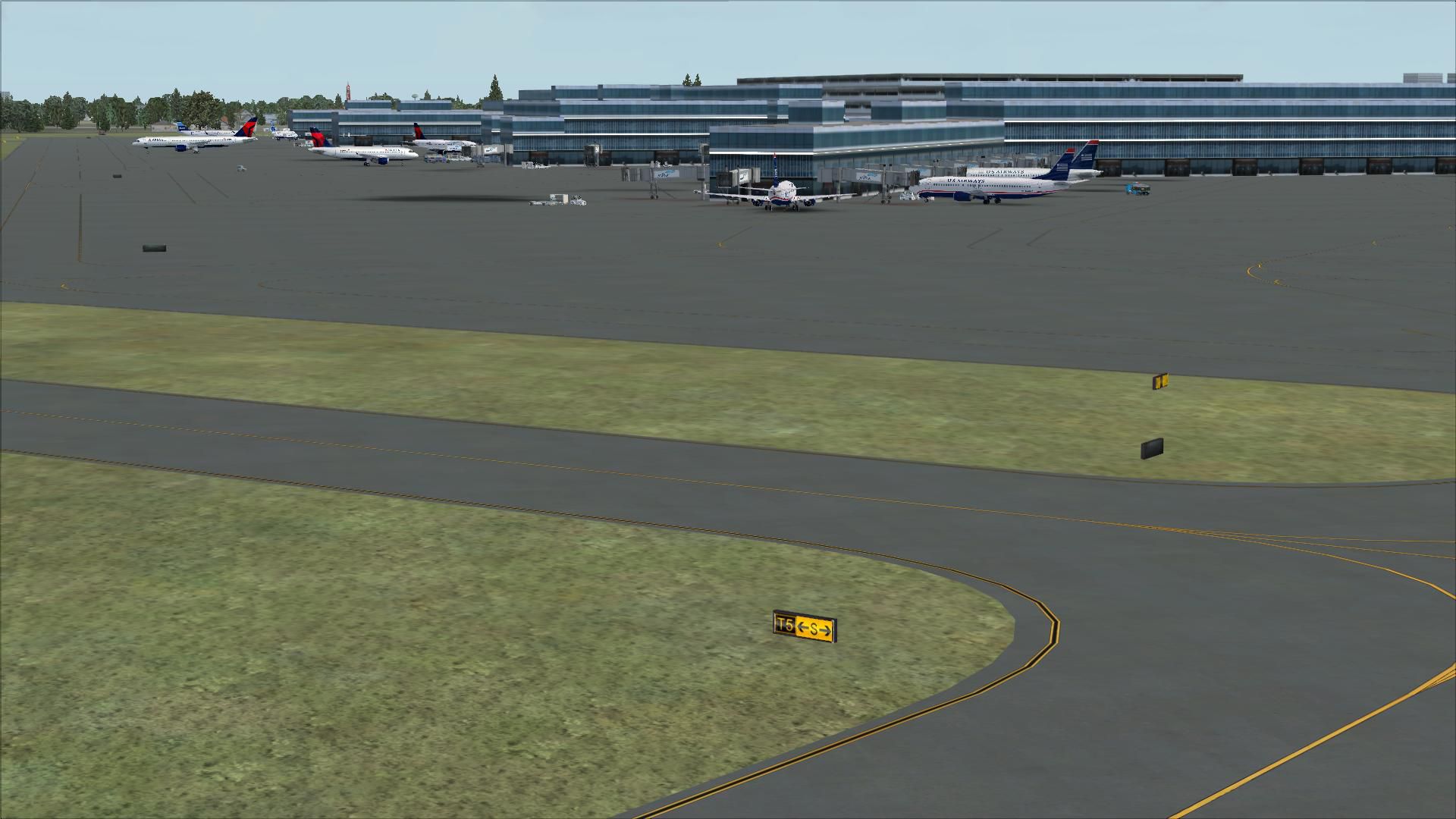
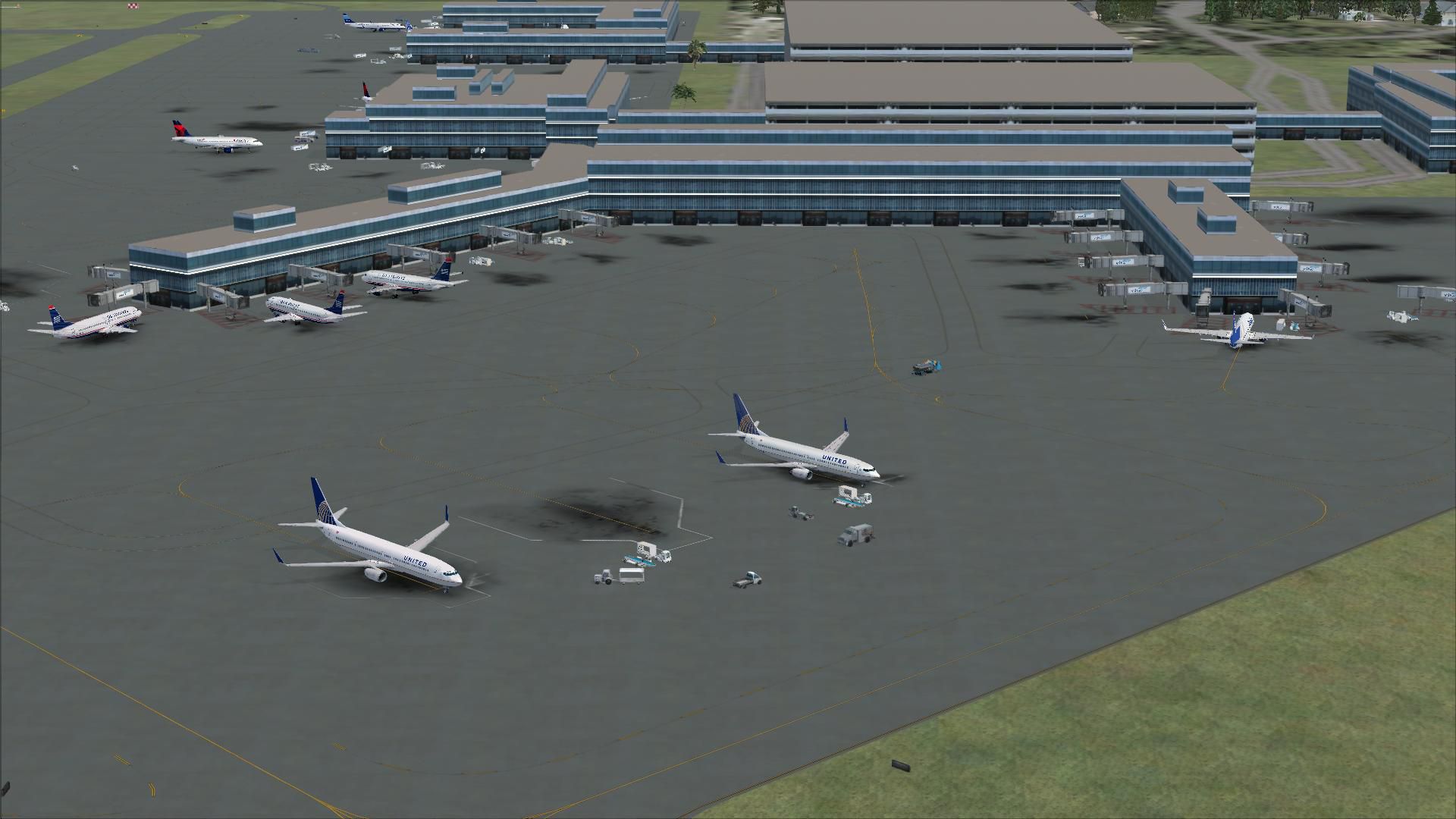
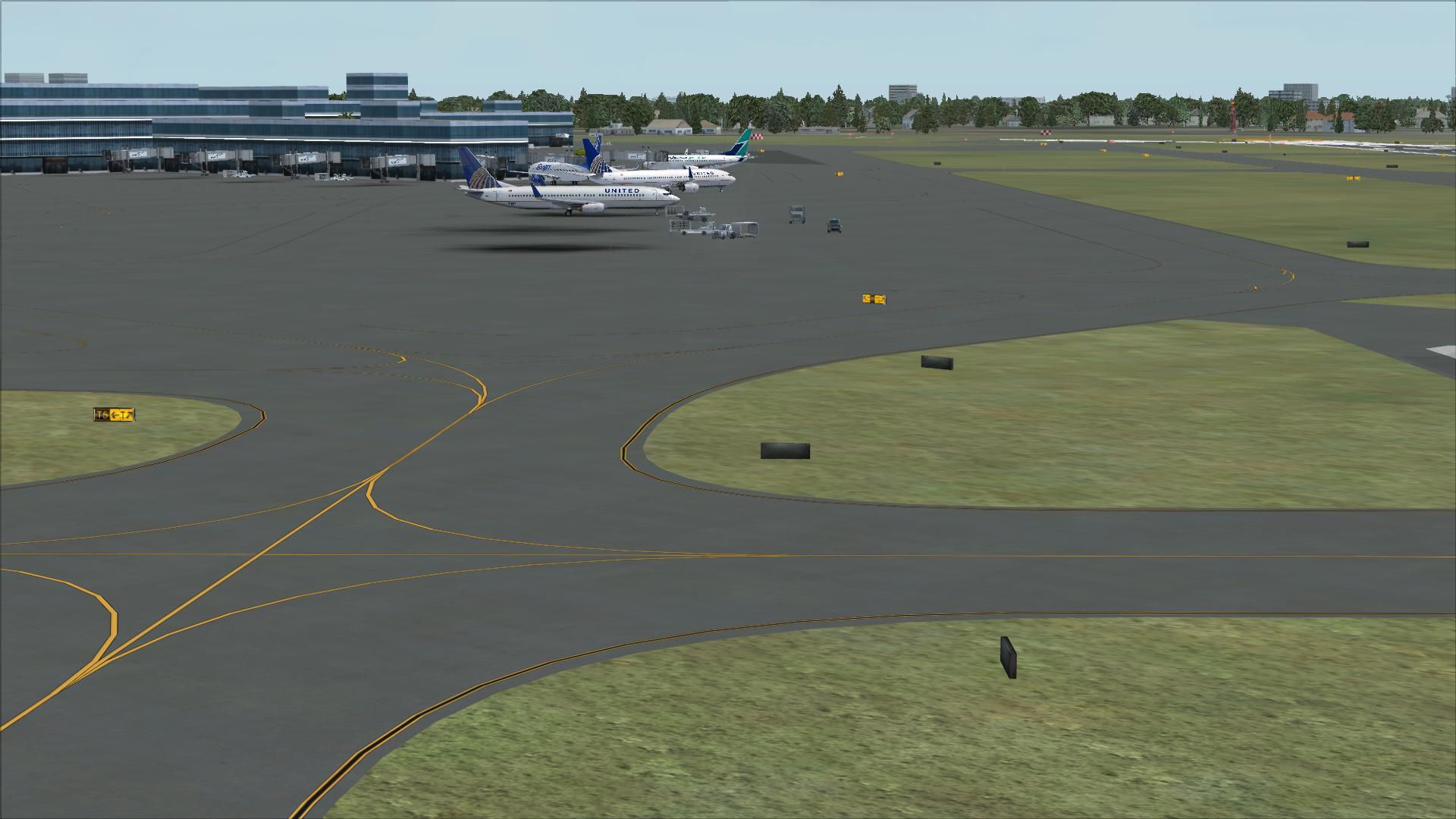

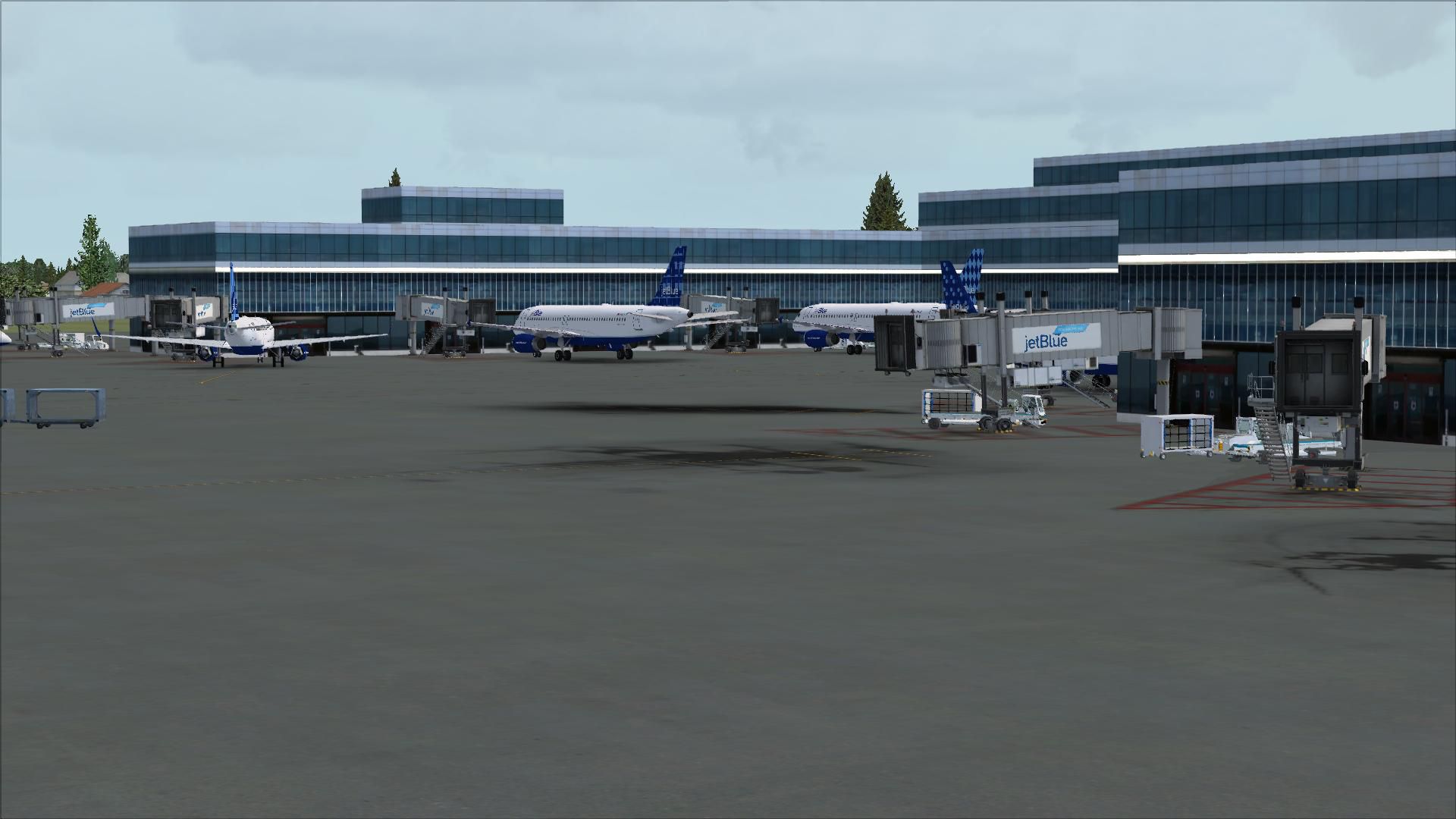
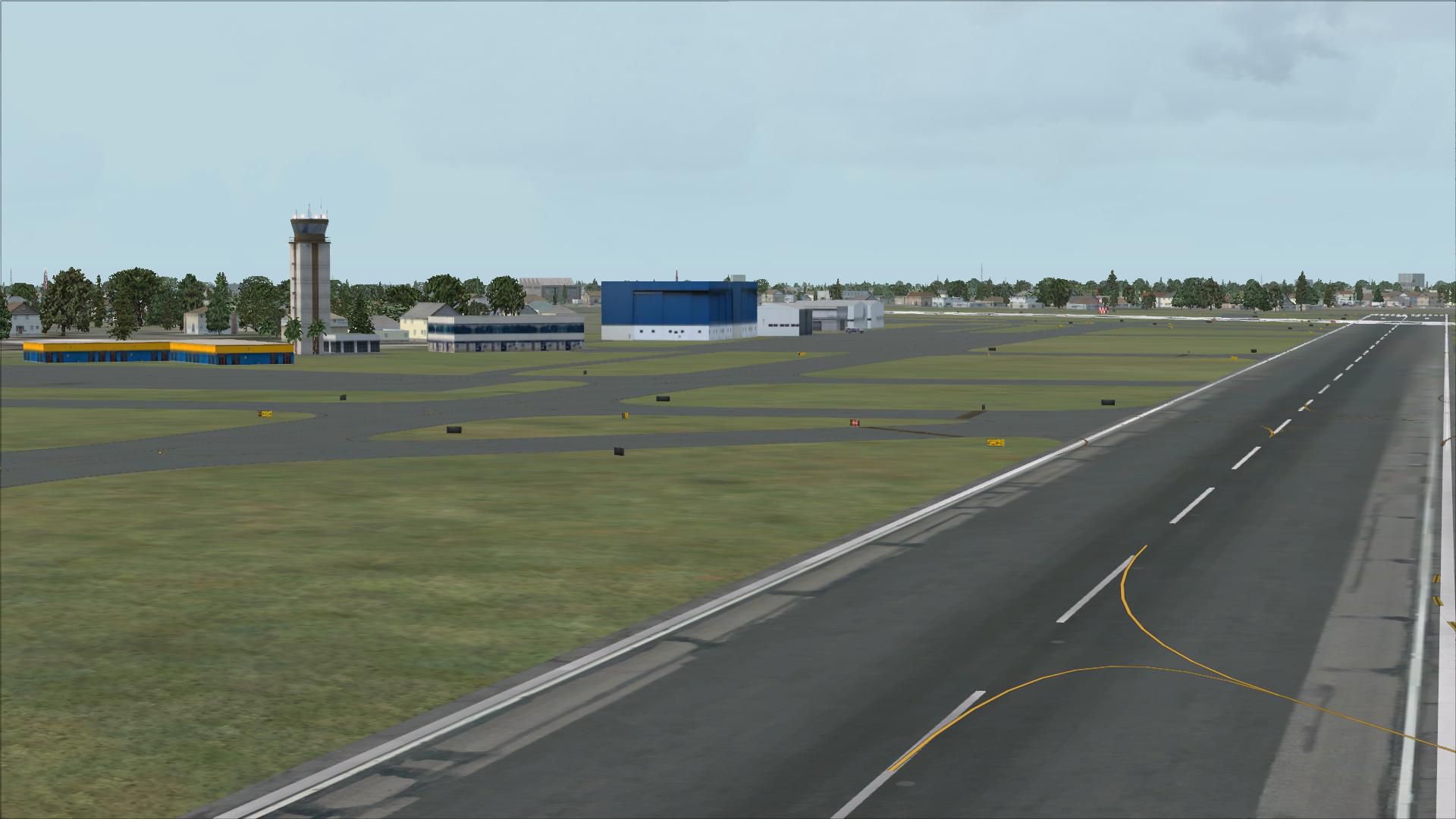
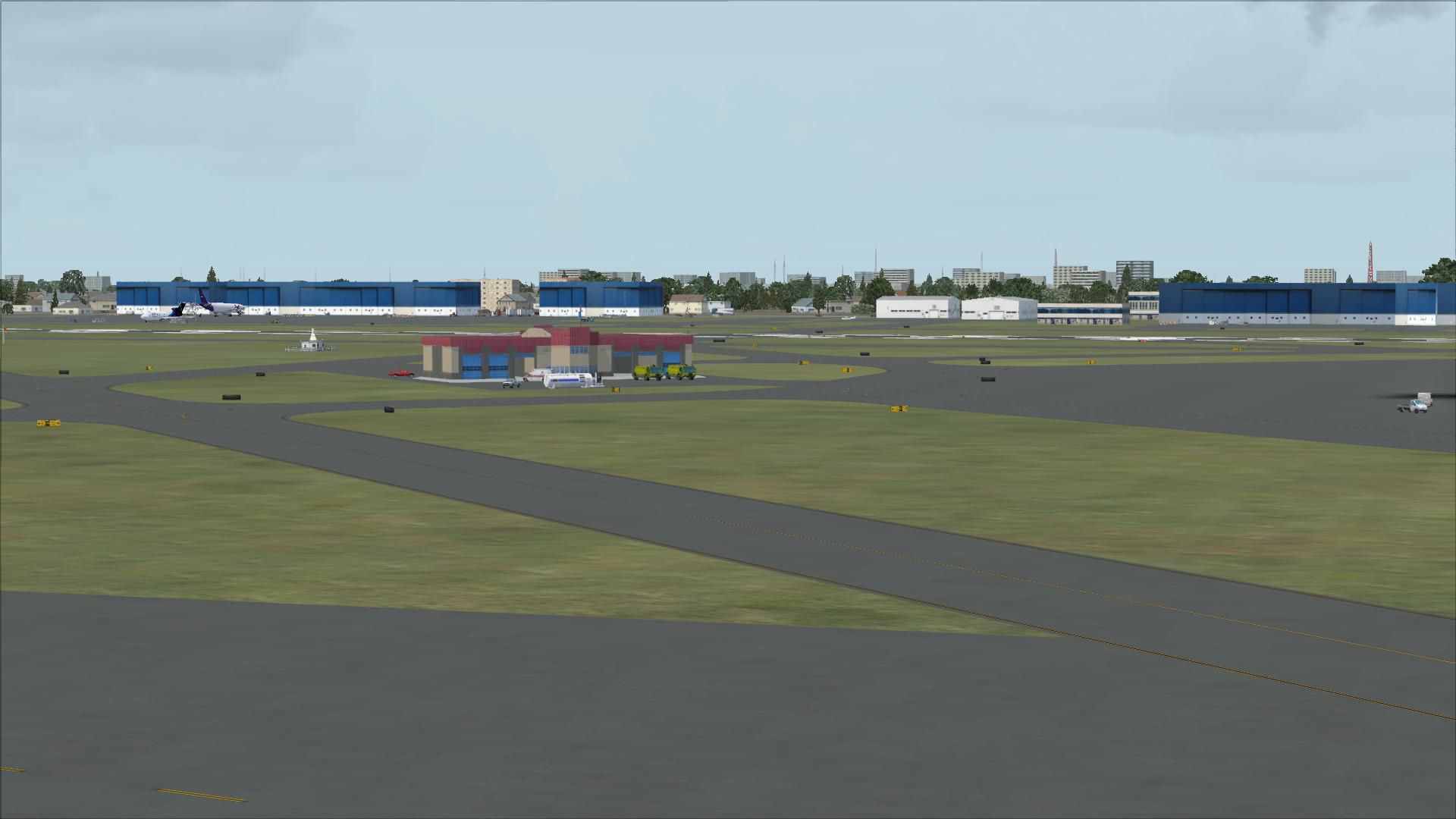
Fort Lauderdale Hollywood International Airport (KFLL), Florida (FL). An update to the default airport. Includes two versions, one with all three runways used for takeoff/landing and one using the default runway operations. It also includes assigned parking, new control tower, added taxiway, extra fuel trucks, roads rebuilt and more.
 These 2 BGL files were designed with the latest version of ADE (v1.37) and made only for the FSX default airport: one with the Crosswind rwy operating, now activated by ADE where all 3 rwy's will be used for takeoff/landing and one file as the default rwy operation: assigned parking with extra parking, new control tower, taxiway C now added, extra fuel trucks, helipad, support vehicle roads rebuilt and many other improvements, airport views are from the roof of the control tower (when in tower view) please view the readme before installation.
There are 2 BGL files: KFLL_ADE_RS.BGL and KFLL_ADE_CW_RS.BGL
The 'KFLL_ADE_CW_RS.BGL' version is with the Xwind rwy activated and in operation, the other version KFLL_ADE_RS.BGLis without. Parking is the same in both......
PLEASE NOTE: when using ATIS with the KFLL_ADE_CW_RS.BGL file you will hear the fake rwy's, this is the method used in activating Xwind rwy's created by Jim Vile and should be ignored or if preferred use the version KFLL_ADE_RS.BGL
To Install:
IMPORTANT NOTE: PLEASE ONLY USE ONE BGL FILE AT A TIME:
ie: make sure there is only ONE 'KFLL.BGL' FILE in the Addon Scenery/scenery folder at any time, remove/delete any other KFLL.bgl to avoid incorrect parking.
To Uninstall:
Acknowledgments
ADE Utility - Jon Masterson.
Please visit here for more information.
Jim Vile for his Technique that activates crosswind runways.
And my ever enduring wife to put up with the hours spent making these files.
TIP: when at KFLL in tower view: go to your control settings and look for the "View track/pan Toggle" allocate a keyboard keystroke to it (I allocated a button on my X52 controller) this will unlock the user aircraft, then you can use the hat switch to pan 360 degrees around the airport, hitting the keystroke again (in my case a button) will return you to the user aircraft position.
Enjoy and happy flying.
Developer: Ray Smith.
Free for all simmers · 4.16 MB · Scanned clean
Download speed: Free tier is capped at 0.5 Mbps (this file takes approximately 1 min at the cap). PRO members download at full line speed.
FSX\Addon Scenery\ containing scenery and texture sub-folders.readme.txt or README file. It tells you exactly where files go, what dependencies are needed, and any quirks specific to this add-on.Use these coordinates to fly directly to this location once the mod is installed.
26.07250000,-80.15270000
Launch FSX or Prepar3D and use Flights → Load to open the downloaded .pln file. Your aircraft will be positioned at this location.
The archive fsxkflla.zip has 28 files and directories contained within it.
This list displays the first 500 files in the package. If the package has more, you will need to download it to view them.
| Filename/Directory | File Date | File Size |
|---|---|---|
| KFLL_ADE_CW_RS.BGL | 12.11.08 | 149.49 kB |
| KFLL_ADE_RS.BGL | 12.11.08 | 149.24 kB |
| ReadMe.txt | 12.10.08 | 2.51 kB |
| FSX_kfll_ade_rs | 12.11.08 | 0 B |
| FILE_ID.DIZ | 12.16.08 | 370 B |
| flyawaysimulation.txt | 10.29.13 | 959 B |
| Go to Fly Away Simulation.url | 01.22.16 | 52 B |
| Screenshots | 10.05.19 | 0 B |
| screen-1.jpg | 10.03.19 | 246.37 kB |
| screen-10.jpg | 10.03.19 | 203.85 kB |
| screen-11.jpg | 10.03.19 | 546.15 kB |
| screen-12.jpg | 10.03.19 | 187.83 kB |
| screen-13.jpg | 10.03.19 | 213.33 kB |
| screen-14.jpg | 10.03.19 | 207.56 kB |
| screen-15.jpg | 10.03.19 | 186.93 kB |
| screen-16.jpg | 10.03.19 | 180.45 kB |
| screen-17.jpg | 10.03.19 | 163.03 kB |
| screen-18.jpg | 10.03.19 | 147.79 kB |
| screen-19.jpg | 10.03.19 | 120.86 kB |
| screen-2.jpg | 10.03.19 | 192.21 kB |
| screen-20.jpg | 10.03.19 | 150.07 kB |
| screen-3.jpg | 10.03.19 | 235.02 kB |
| screen-4.jpg | 10.03.19 | 218.80 kB |
| screen-5.jpg | 10.03.19 | 209.28 kB |
| screen-6.jpg | 10.03.19 | 181.70 kB |
| screen-7.jpg | 10.03.19 | 237.93 kB |
| screen-8.jpg | 10.03.19 | 243.26 kB |
| screen-9.jpg | 10.03.19 | 211.93 kB |
More FSX & P3D add-ons hand-picked based on this download.
FSX Scenery
Dallas-Fort Worth International Airport (KDFW), Texas (TX), with Terminal D. …
 FSX Scenery
Texas, USA. Fort Worth Alliance Airport was constructed as the world's first …
 FSX Scenery
Fort Myers FL Airports, Florida. Complete redo of the default FSX southwest F…
 FSX Scenery
Scenery Dallas/Fort Worth International Airport (KDFW), Texas (TX). Extends r…
 FSX Scenery
Scenery Fort Wayne International Airport (KFWA), Indiana (IN). An upgrade to …
FSX Scenery
This freeware scenery upgrade for Fort Worth Naval Air Station (KNFW) in Texa…
 FSX Scenery
Caribbean Seaplane Tours - Fort Jefferson. By Chris Carel. Fort Jefferson - C…
 FSX Scenery
Hunter AAF - Fort Stewart (KSVN), Savannah, Georgia (GA). An improved version…
Be the first to leave a comment on this download.
Be the first to share your thoughts on this download.