


 United States of America
  FSX Scenery
Tampa International Airport (FL)
Tampa International Airport (KTPA) in Florida now has an enhanced scenery pac…
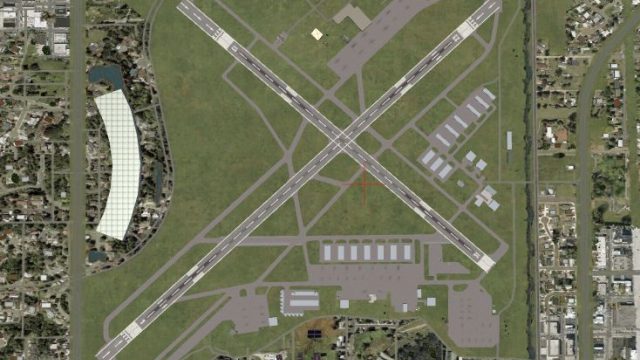
Fort Myers, Florida airport scenery refreshes KRSW Southwest Florida International and KFMY Page Field with updated terminals, taxiways, aprons, hangars, and custom buildings, plus surrounding landclass improvements and a reusable library of airport objects. Built for Microsoft Flight Simulator X and optimized for Ultimate Terrain X USA, with apron lighting when compatible light objects are installed.
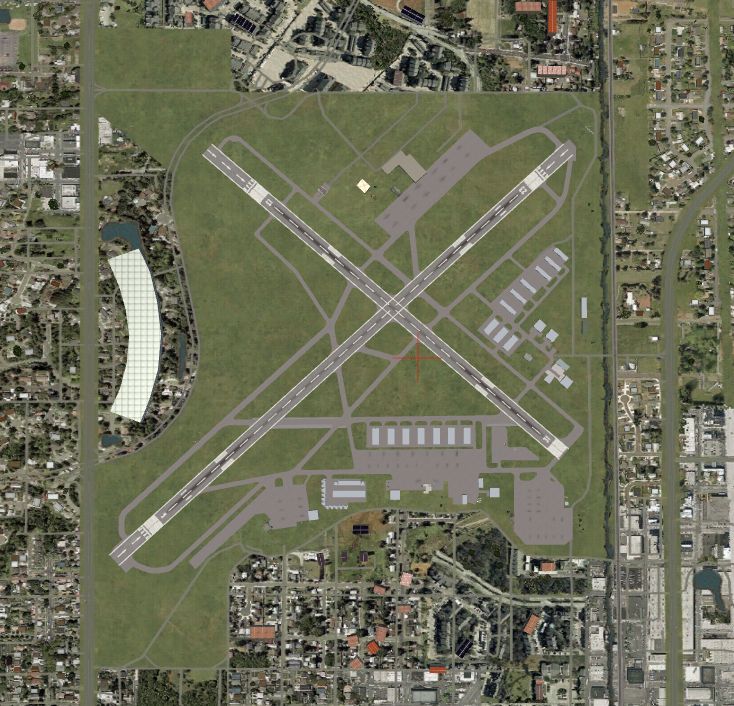
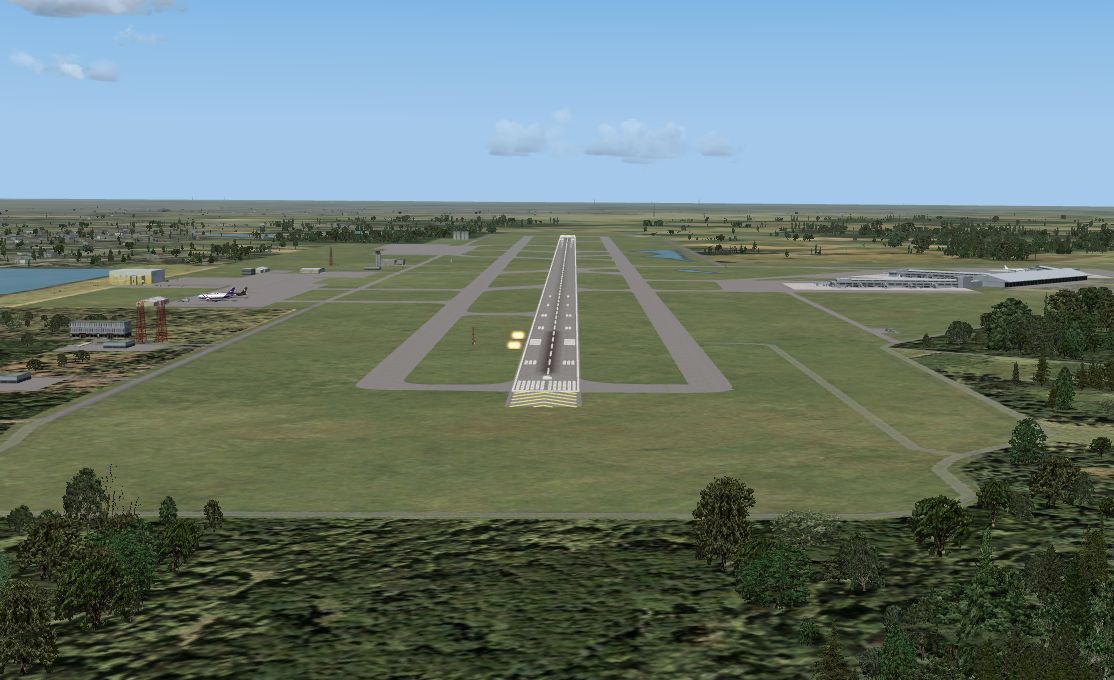
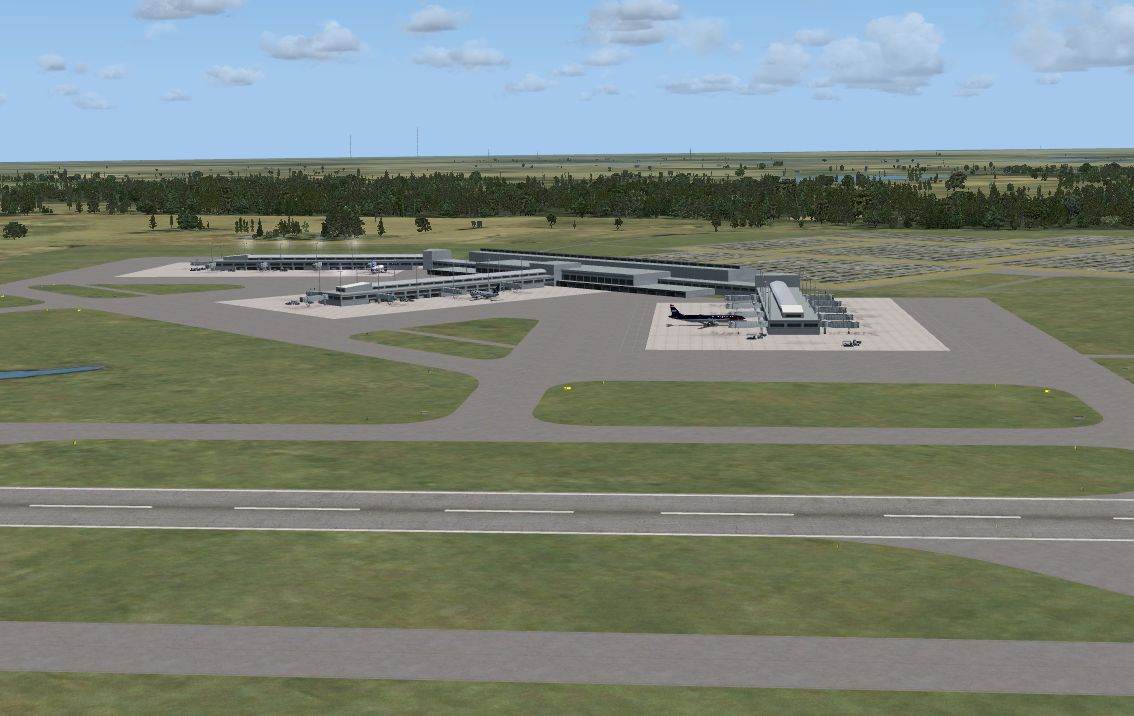
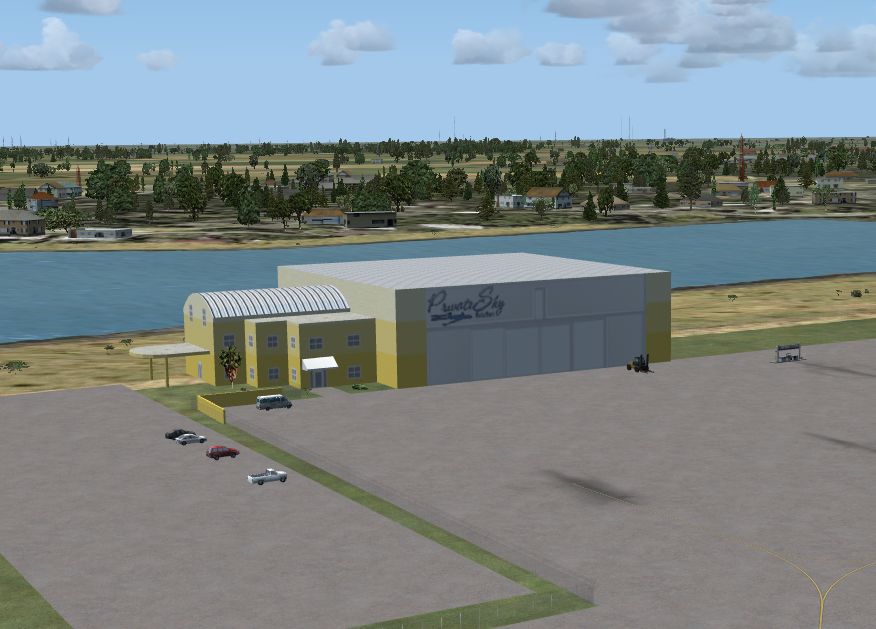
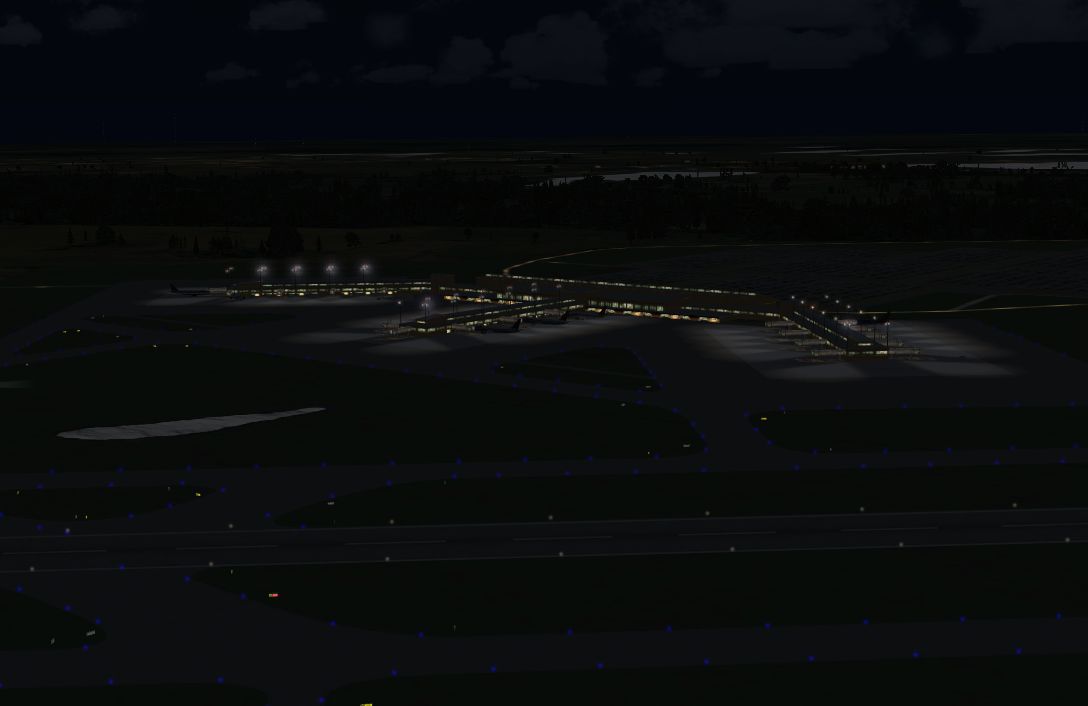
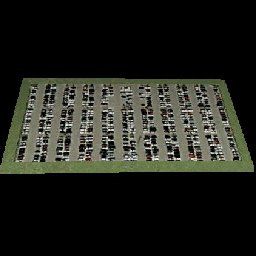
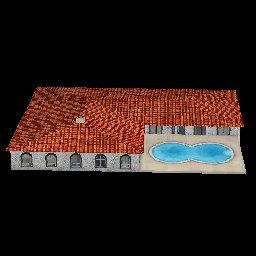
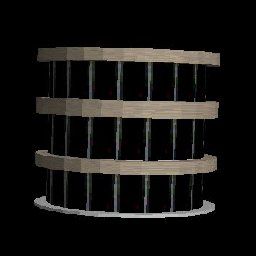
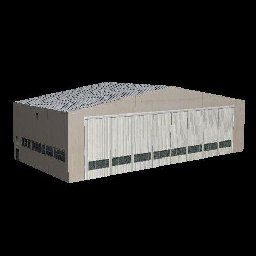
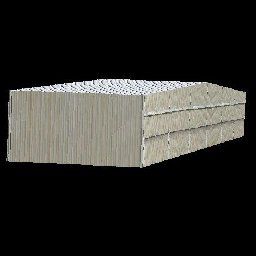
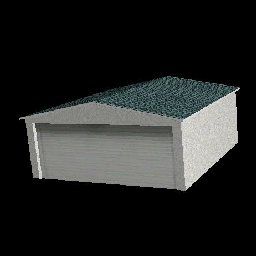
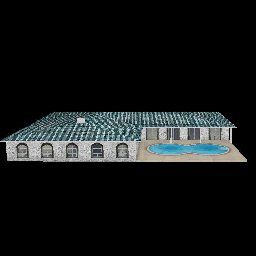
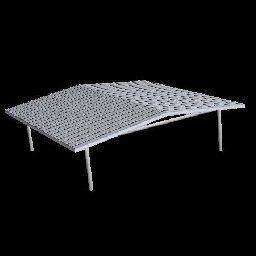
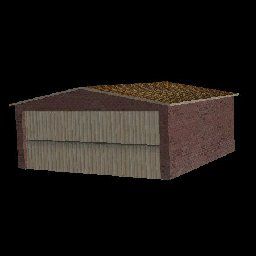

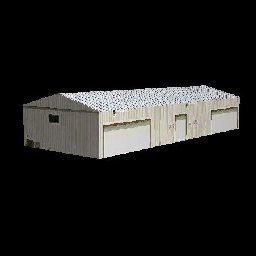
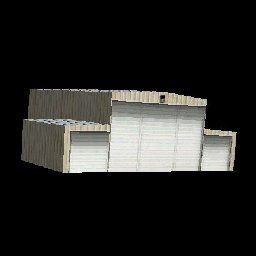
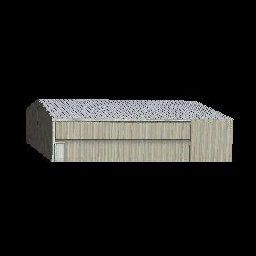
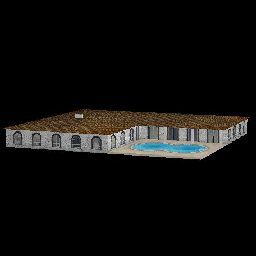
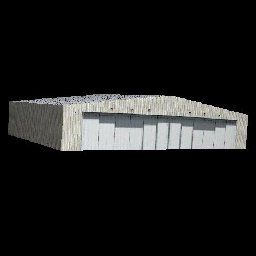
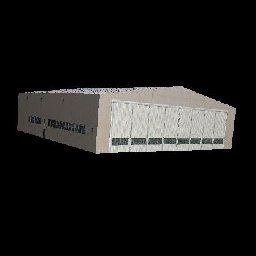
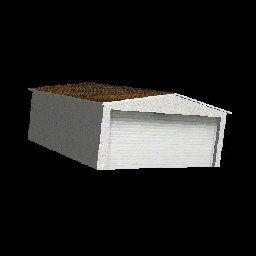
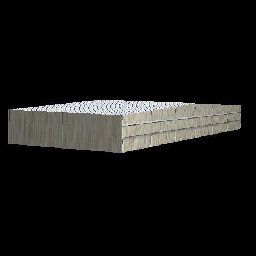
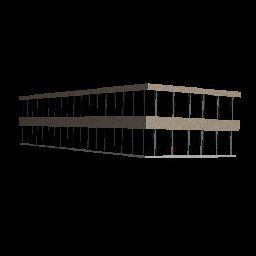
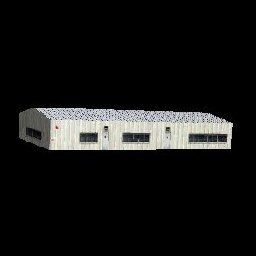
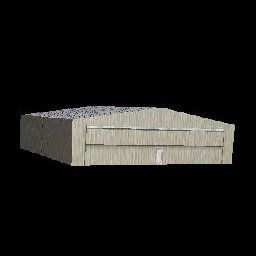
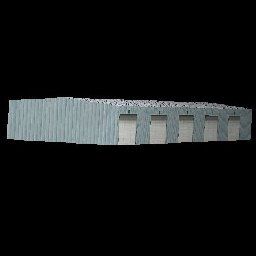
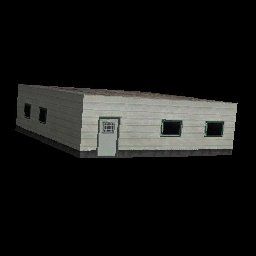
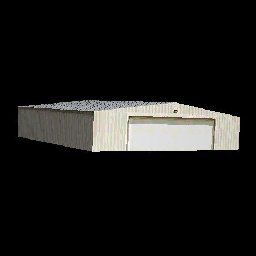

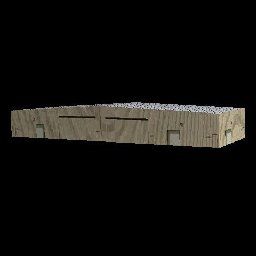
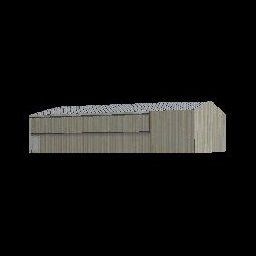
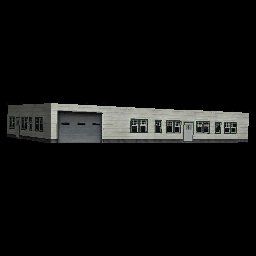

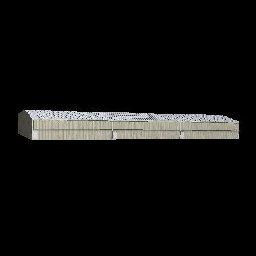
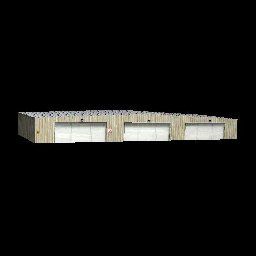

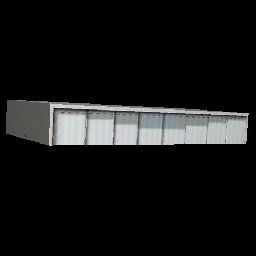
Fort Myers FL Airports, Florida. Complete redo of the default FSX southwest Florida Int'l Airport (KRSW) and Page Field (KFMY) in Ft Myers, FL; surrounding landclass changes; the new terminal on the opposite side of KRSW; and new taxiways, aprons and hangers at KFMY. Also includes other custom buildings and library objects and a library of new airport buildings. By Art Poole.
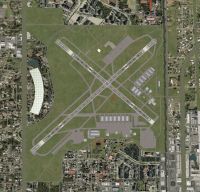
Fort Myers FL Airports Scenery.
Installation:
Extract the zip file and either (1) move the Ft Myers FL folder to the "Flight Simulator X\Addon Scenery" folder and then add this folder to the scenery list in FSX, or (2) move the files from the Ft Myers FL\Scenery folder to the Microsoft "Flight Simulator X\Addon Scenery\Scenery" folder and move the texture fileS from the Ft Myers FL\Texture folder to the FSX "Addon Scenery\Texture" folder.
Next, move the parking.dds file from the Texture folder to the "Flight Simulator X\Texture" folder and move the Scenery_Global_Scenery file (Airport_Buildings_AP.bgl) to the "Microsoft Flight Simulator X\Scenery\Global\Scenery" folder. If you already have an Airport_Buildings_AP.bgl file, overwrite it with the new one.
For all scenery objects to display, the Scenery Complexity slider in Scenery settings must be set to "Very Dense". If you have Jim Dhaenens' lightobj.bgl installed (fsx_lts.zip) and set Scenery complexity to "Extremely Dense", apron lighting will be included at the terminal. The layout of scenery is optimized for use with Ultimate Terrain X-USA. This airport can be further modified by the user with Airport Design Editor (freeware).
To revert back to FSX default, uncheck Ft Myers FL in the AddOn Scenery list or remove the added KRSW and KFMY files from the Addon Scenery\Scenery folder, according to how it was installed. The Airport_Buildings_AP.bgl is a library of objects which can be used by any object placement tool and does not need to be removed to deactivate the KRSW or KFMY airport scenery.
The Thumbs folder contains thumbnail images of included library objects for users of Airport Design Editor and other object placement software.
This scenery is freeware, and may not be reproduced in whole, or any part for profit. There is no warranty. It was tested using FSX Deluxe edition, UTX-USA, Acceleration and WOAI.
Airport modification, landclass changes and object placement were accomplished using Airport Design Editor by ScruffyDuck Software. The object library was assembled using LibraryCreatorXML.
Art Poole
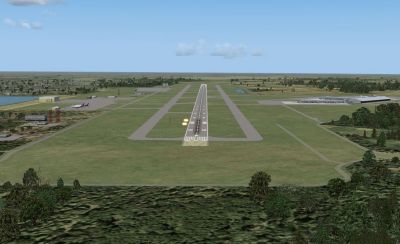
Fort Myers FL Airports Scenery.
Free for all simmers · 1.41 MB · Scanned clean Oct 2026
Download speed: Free tier is capped at 0.5 Mbps. PRO members download at full line speed.
FSX\Addon Scenery\ containing scenery and texture sub-folders.readme.txt or README file. It tells you exactly where files go, what dependencies are needed, and any quirks specific to this add-on.Use these coordinates to fly directly to this location once the mod is installed.
26.53620000,-81.75520000
Launch FSX or Prepar3D and use Flights → Load to open the downloaded .pln file. Your aircraft will be positioned at this location.
The archive ft_myers.zip has 67 files and directories contained within it.
This list displays the first 500 files in the package. If the package has more, you will need to download it to view them.
| Filename/Directory | File Date | File Size |
|---|---|---|
| Ft Myers FL | 03.09.09 | 0 B |
| Scenery | 03.09.09 | 0 B |
| KFMY_ADE_AP.BGL | 03.11.09 | 30.52 kB |
| KFMY_ADE_AP_CVX.bgl | 03.09.09 | 939 B |
| KFMY_ADE_AVCTR_AP.bgl | 03.08.09 | 9.52 kB |
| KRSW_ADE_AP.BGL | 03.12.09 | 33.94 kB |
| KRSW_ADE_AP_CVX.bgl | 03.09.09 | 2.48 kB |
| KRSW_PRIVATESKY_AP.bgl | 03.09.09 | 15.86 kB |
| KRSW_TERMINAL_AP.bgl | 03.03.09 | 51.45 kB |
| Texture | 03.09.09 | 0 B |
| avctr.dds | 03.08.09 | 10.80 kB |
| avctr_lm.dds | 03.08.09 | 10.80 kB |
| private_sky.dds | 03.03.09 | 341.48 kB |
| private_sky_lm.dds | 03.03.09 | 341.48 kB |
| KFMY.JPG | 03.09.09 | 139.69 kB |
| KFMY.pdf | 03.03.09 | 138.34 kB |
| KRSW.JPG | 03.03.09 | 124.82 kB |
| KRSW.pdf | 02.25.09 | 122.10 kB |
| KRSW_Terminal.JPG | 03.12.09 | 109.11 kB |
| KRSW_Terminal_night.JPG | 03.12.09 | 44.05 kB |
| Private_Sky.JPG | 03.03.09 | 77.59 kB |
| readme.txt | 03.12.09 | 2.58 kB |
| Scenery_Global_Scenery | 03.09.09 | 0 B |
| Airport_Buildings_AP.bgl | 03.09.09 | 248.60 kB |
| Texture | 03.03.09 | 0 B |
| parking.dds | 03.03.09 | 170.80 kB |
| Thumbs | 03.09.09 | 0 B |
| Airport_Buildings.bgl | 03.09.09 | 0 B |
| double_row_hangers_01.JPG | 01.03.09 | 5.25 kB |
| double_row_hangers_02.JPG | 01.03.09 | 5.96 kB |
| double_row_hangers_03.JPG | 01.03.09 | 4.72 kB |
| double_row_hangers_end_01.JPG | 01.03.09 | 6.58 kB |
| fbo_small_01.JPG | 01.03.09 | 5.93 kB |
| fbo_small_02.JPG | 02.05.09 | 4.76 kB |
| fbo_small_03.JPG | 02.06.09 | 4.96 kB |
| fbo_small_04.JPG | 02.06.09 | 5.43 kB |
| large_hanger_01.JPG | 01.03.09 | 6.28 kB |
| large_hanger_02.JPG | 02.05.09 | 5.27 kB |
| long_cover.JPG | 01.03.09 | 4.62 kB |
| medium_hanger_01.JPG | 01.03.09 | 6.12 kB |
| medium_hanger_02.JPG | 01.03.09 | 8.24 kB |
| medium_hanger_03.JPG | 01.03.09 | 5.19 kB |
| medium_hanger_04.JPG | 03.09.09 | 4.50 kB |
| office_rectangular_01.JPG | 02.06.09 | 5.98 kB |
| office_round_01.JPG | 02.06.09 | 8.64 kB |
| Parking_01.jpg | 03.03.09 | 15.20 kB |
| Parking_02.jpg | 03.03.09 | 12.36 kB |
| Parking_03.jpg | 03.03.09 | 12.90 kB |
| residence_01.JPG | 02.05.09 | 11.02 kB |
| residence_02.JPG | 02.05.09 | 6.47 kB |
| residence_03.JPG | 02.05.09 | 7.70 kB |
| row_hangers_01.JPG | 01.03.09 | 4.72 kB |
| row_hangers_02.JPG | 01.03.09 | 6.79 kB |
| row_hangers_03.JPG | 01.03.09 | 8.24 kB |
| row_hangers_04.JPG | 01.03.09 | 5.34 kB |
| row_hangers_end_01.JPG | 01.03.09 | 4.96 kB |
| short_cover.jpg | 03.08.09 | 7.66 kB |
| small_hanger_01.JPG | 01.03.09 | 5.84 kB |
| small_hanger_02.JPG | 01.03.09 | 5.23 kB |
| t_hangers_01.JPG | 01.03.09 | 5.44 kB |
| tiny_hanger_01.JPG | 01.03.09 | 6.62 kB |
| tiny_hanger_02.JPG | 02.05.09 | 7.67 kB |
| tiny_hanger_03.JPG | 02.05.09 | 7.01 kB |
| tiny_hanger_04.JPG | 02.05.09 | 7.01 kB |
| tiny_hanger_05.JPG | 02.05.09 | 6.06 kB |
| flyawaysimulation.txt | 10.29.13 | 959 B |
| Go to Fly Away Simulation.url | 01.22.16 | 52 B |
Only PRO members can place votes.
More FSX & P3D add-ons hand-picked based on this download.
FSX Scenery
Tampa International Airport (KTPA) in Florida now has an enhanced scenery pac…
 FSX Scenery
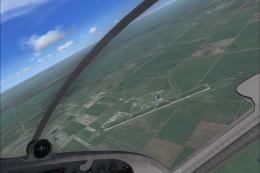
This freeware scenery package by Ray Smith creates a comprehensive overhaul o…
 FSX Scenery
Scenery MegasceneryEarth FL-014 2IS Airport Fix. MegaSceneryEarth Florida - 0…
 FSX Scenery
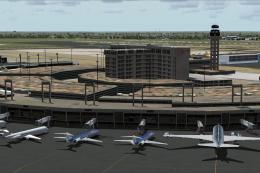
Dallas-Fort Worth International Airport (KDFW), Texas (TX), with Terminal D. …
 FSX Scenery
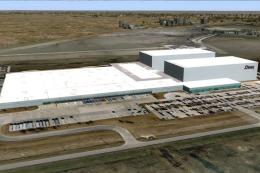
Texas, USA. Fort Worth Alliance Airport was constructed as the world's first …
 FSX Scenery
Fort Lauderdale Hollywood International Airport (KFLL), Florida (FL). An upda…
 FSX Scenery
Scenery Dallas/Fort Worth International Airport (KDFW), Texas (TX). Extends r…
 FSX Scenery
Scenery Fort Wayne International Airport (KFWA), Indiana (IN). An upgrade to …
Be the first to leave a comment on this download.
Be the first to share your thoughts on this download.