


 United States of America
  FSX Scenery
Dallas/Fort Worth
Scenery Dallas/Fort Worth International Airport (KDFW), Texas (TX). Extends r…
Dallas-Fort Worth International Airport (KDFW) gets a modern refresh for FSX with a detailed Gmax-built Terminal D, working jetways, and a complete AFCAD covering runways, gates, cargo, and service routes. Expanded parking, improved AI flow, updated ramp layouts, and an adjusted tower viewpoint help the field operate closer to real-world DFW.
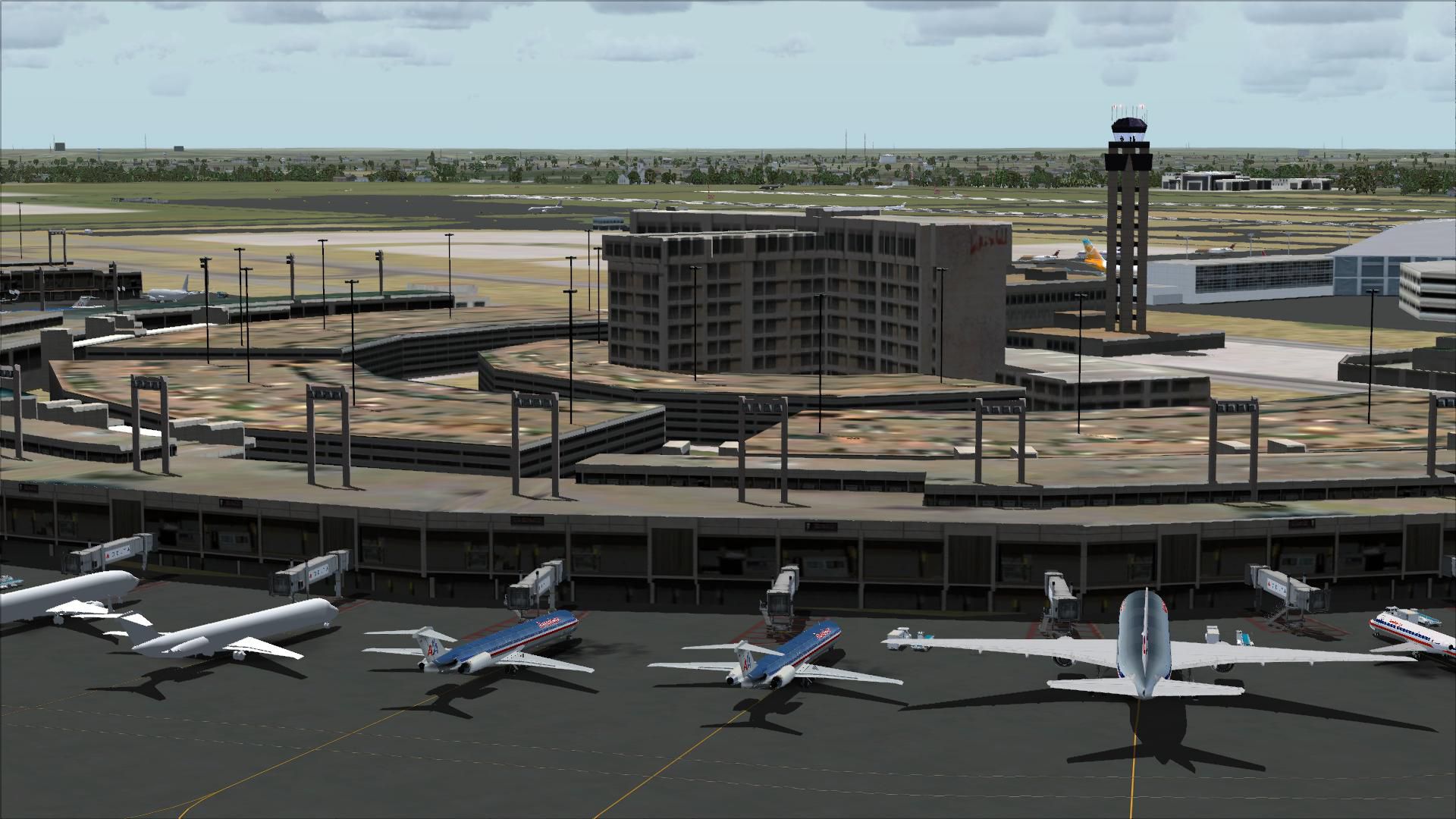
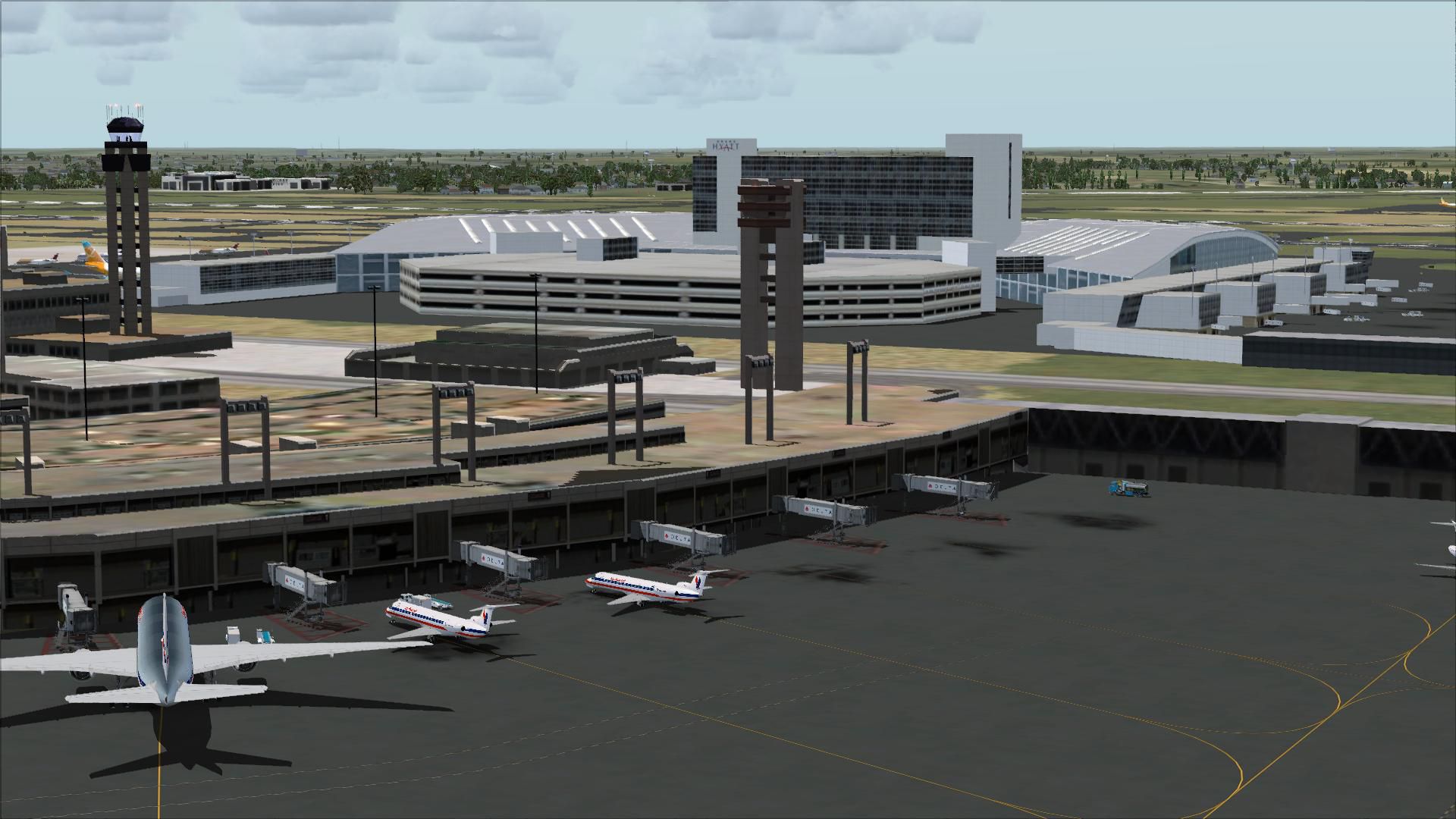
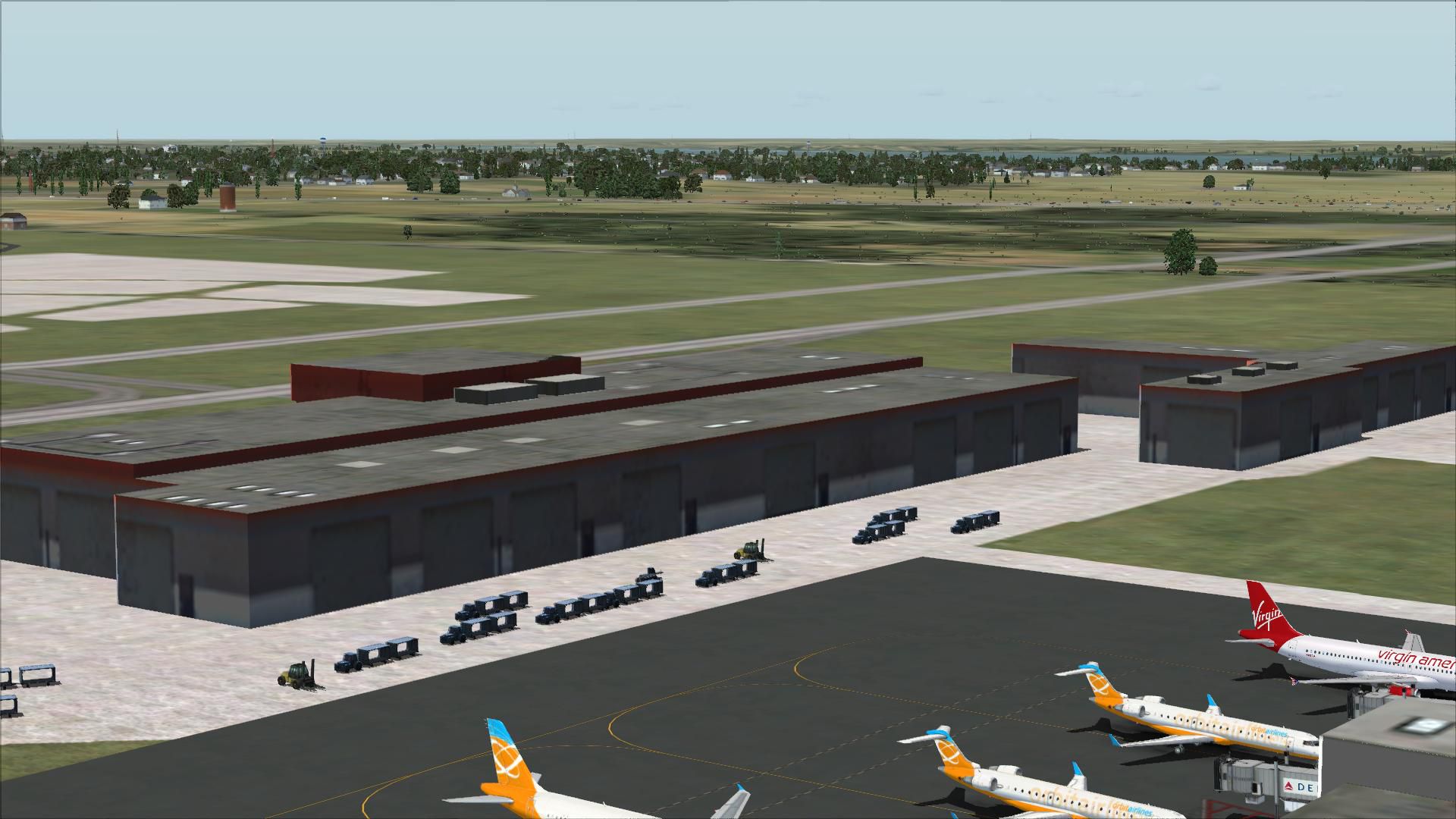
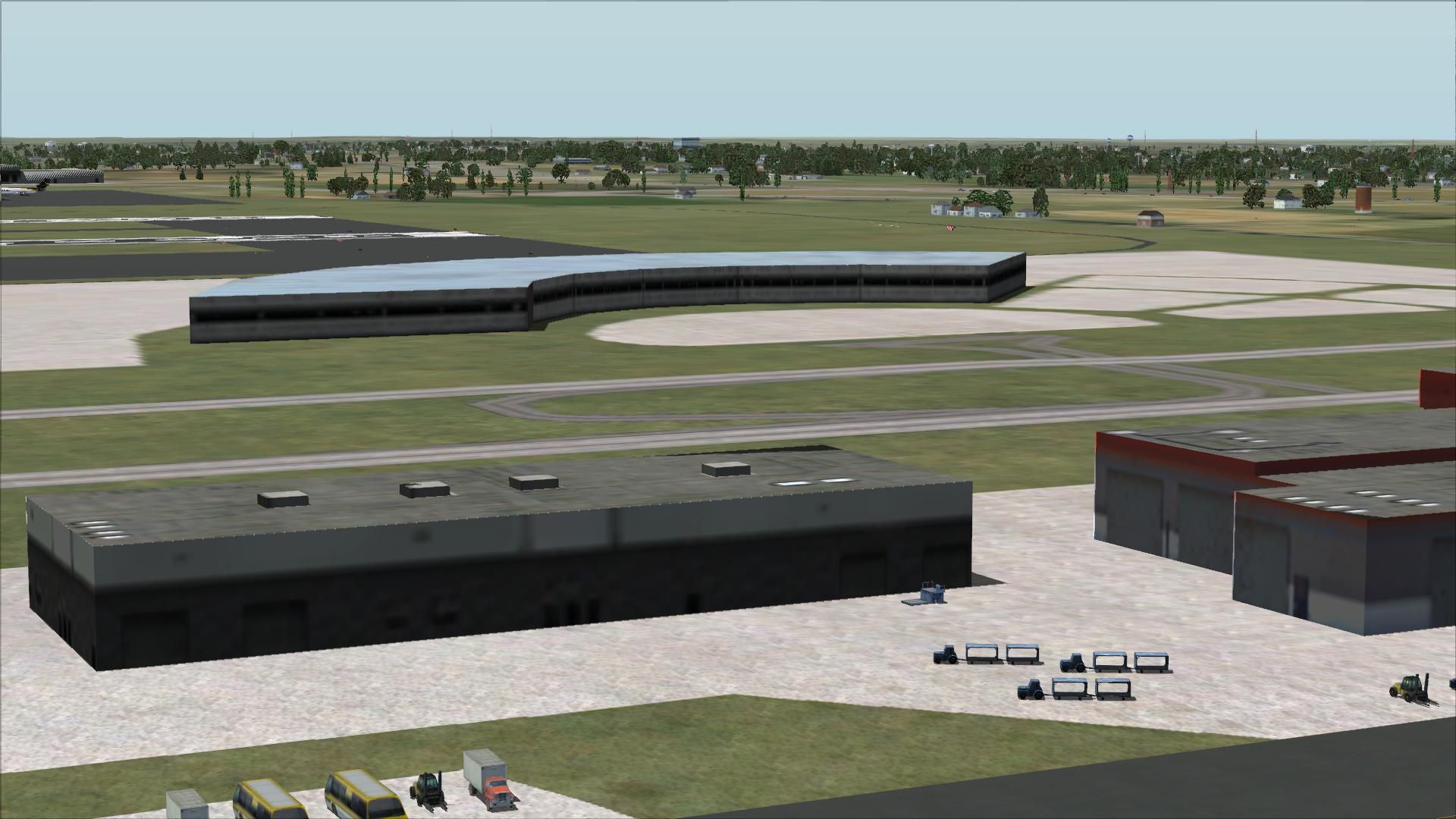

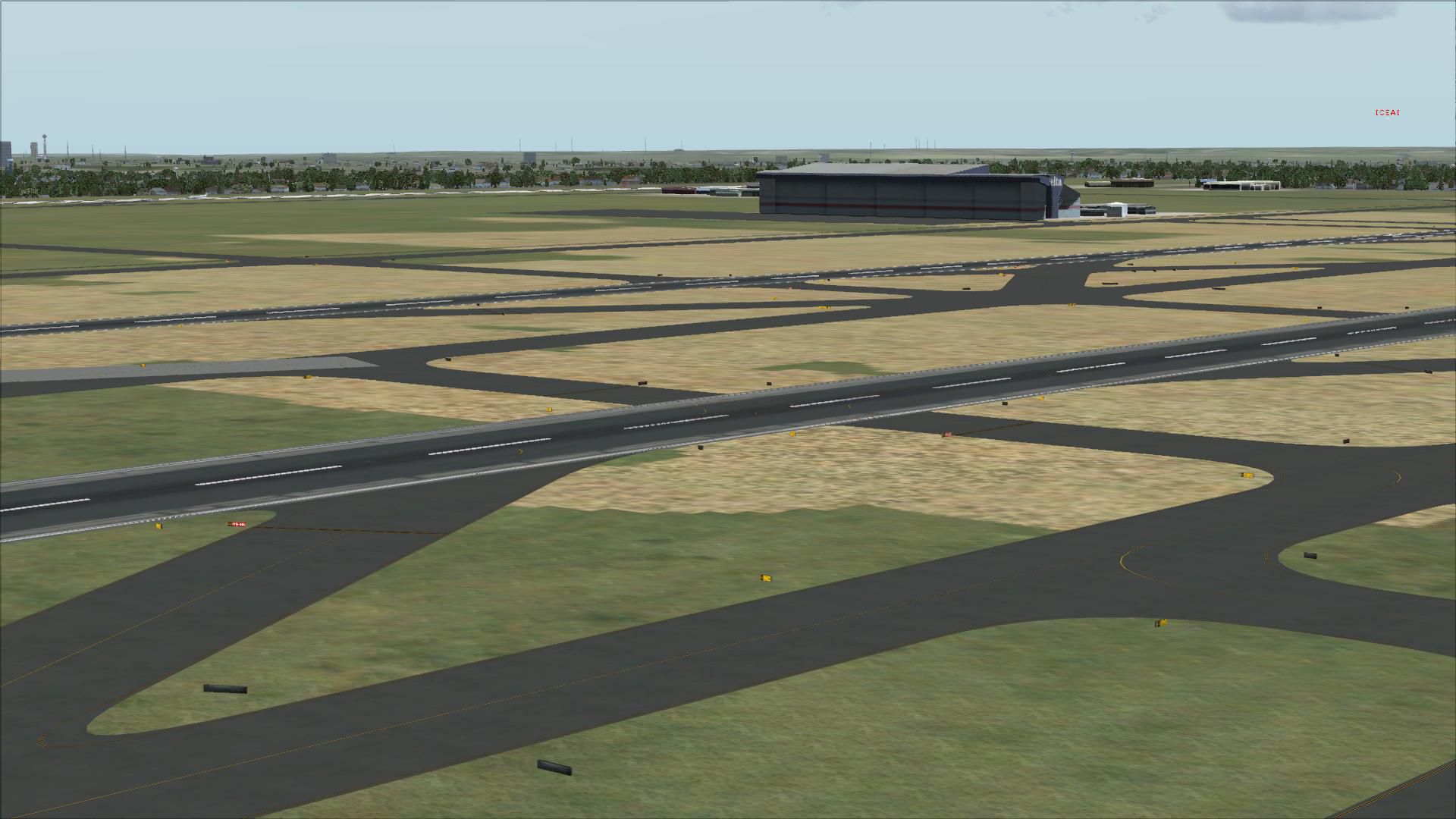

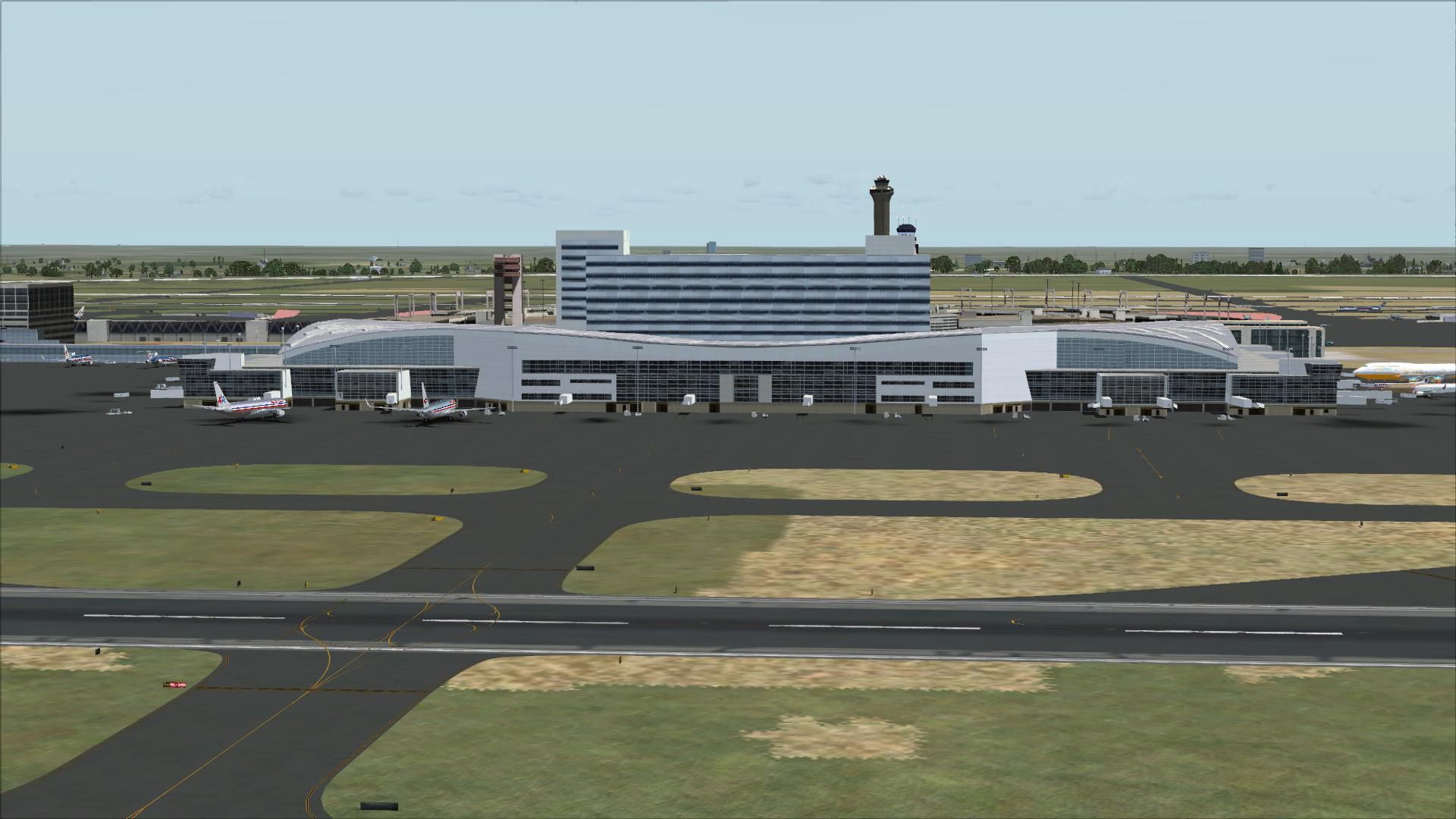

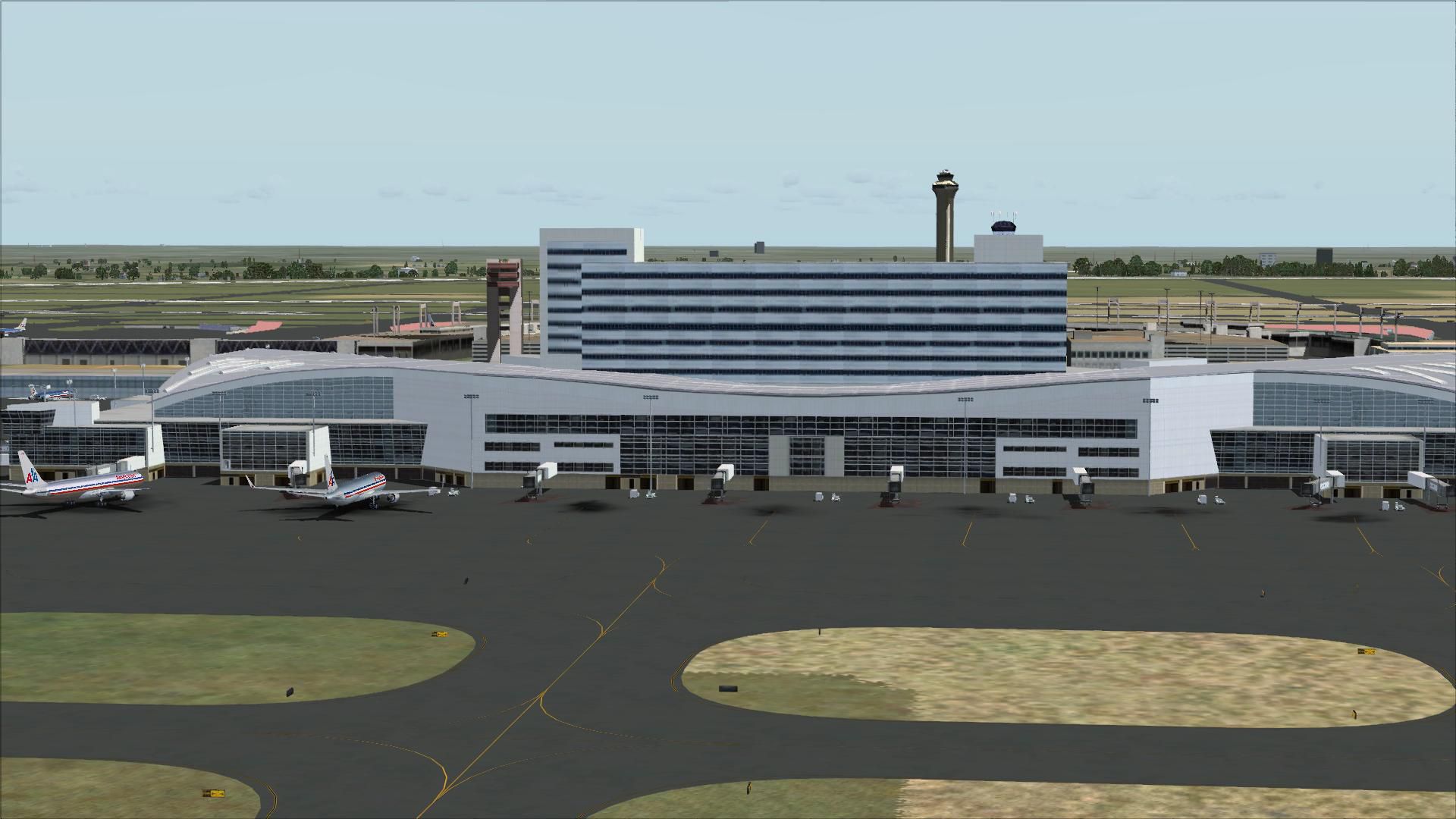
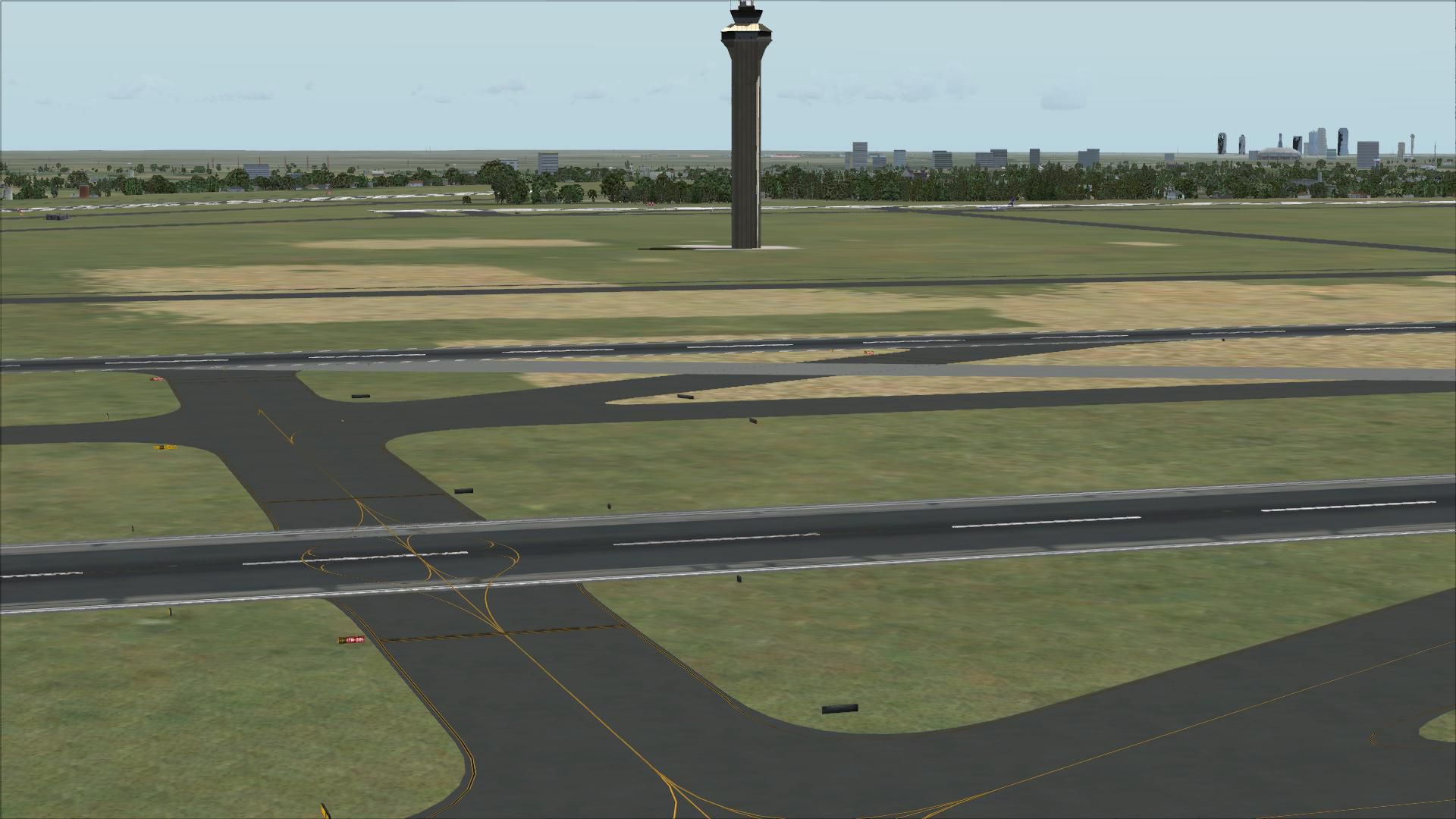
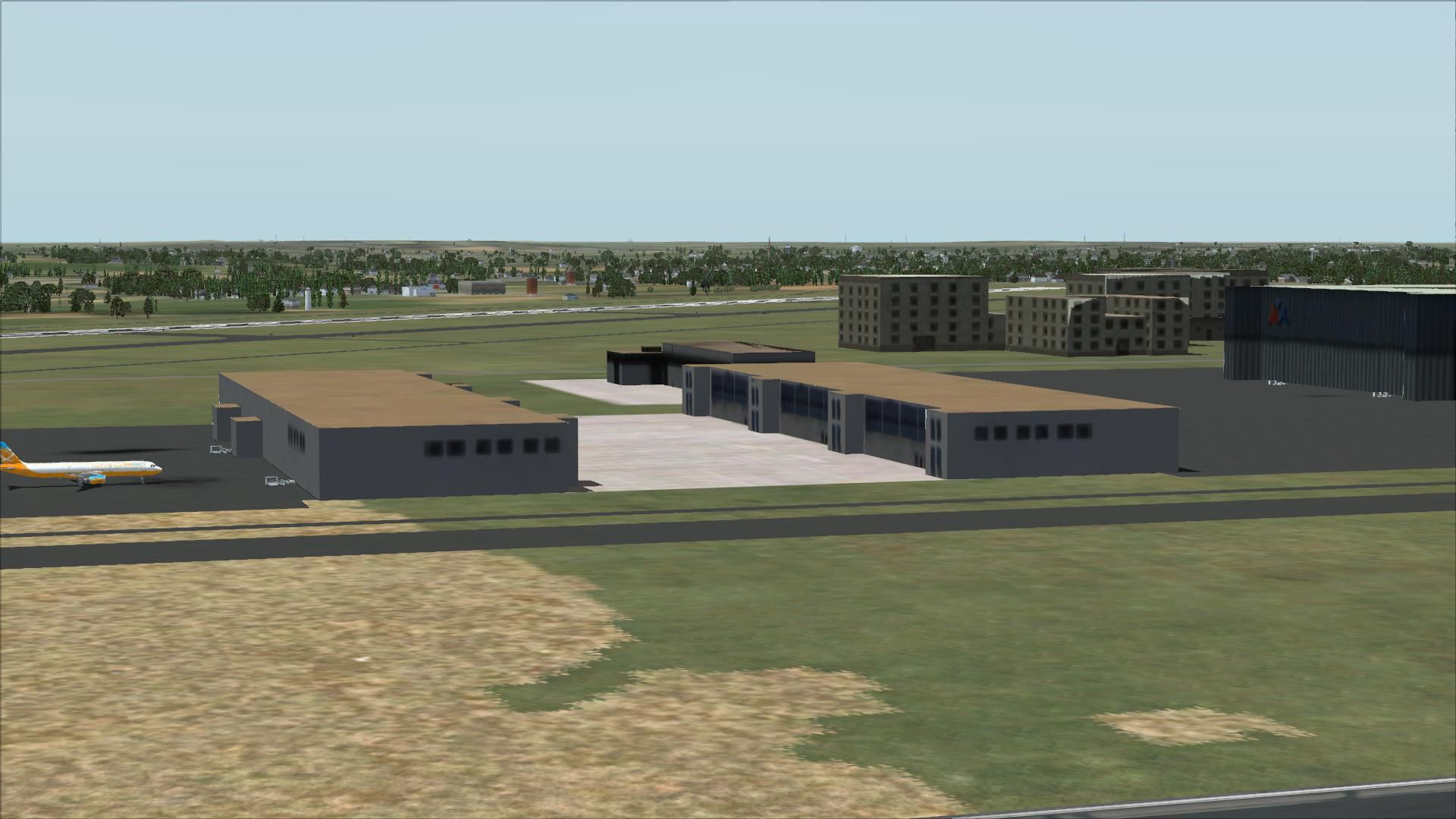

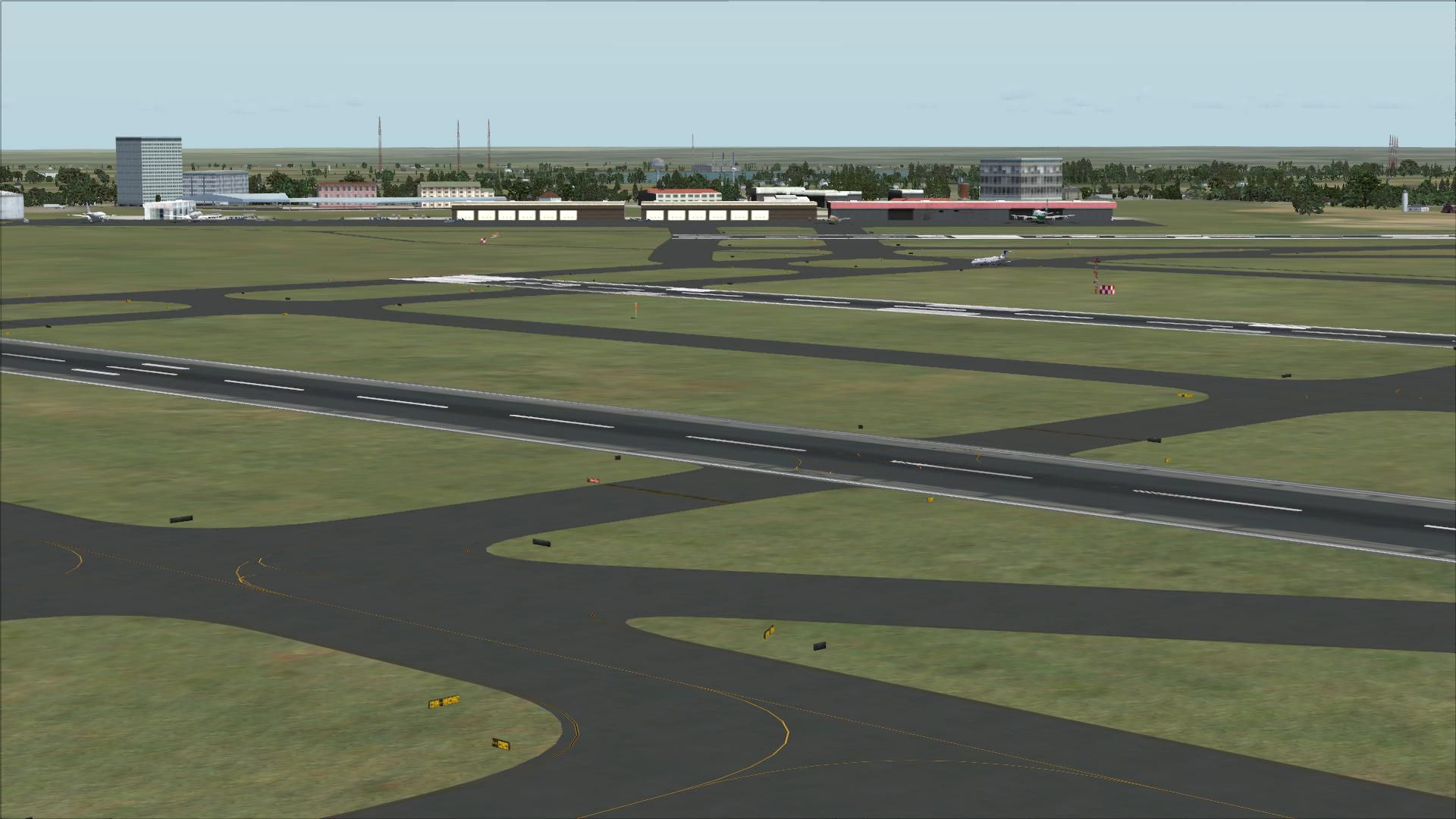
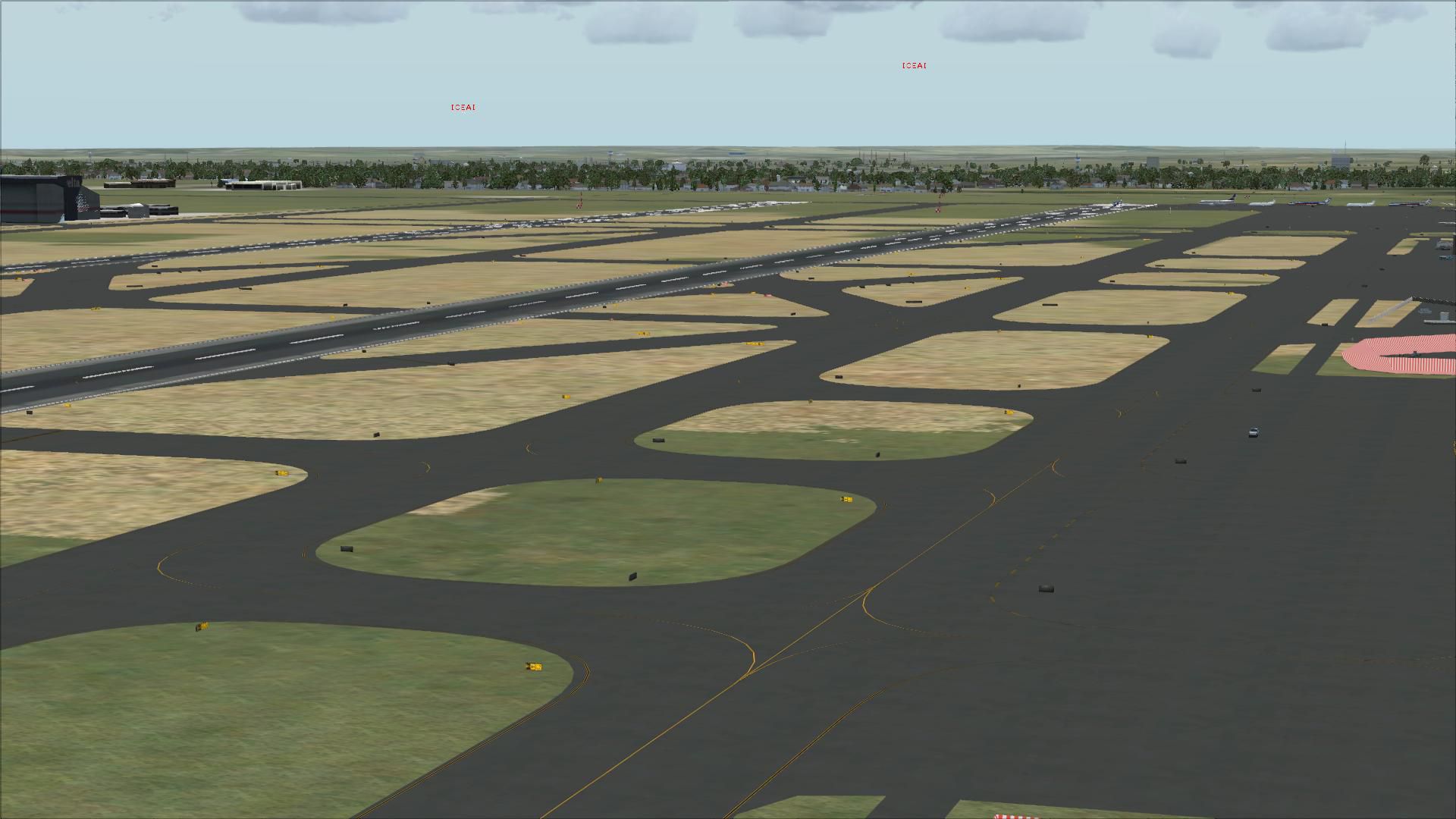
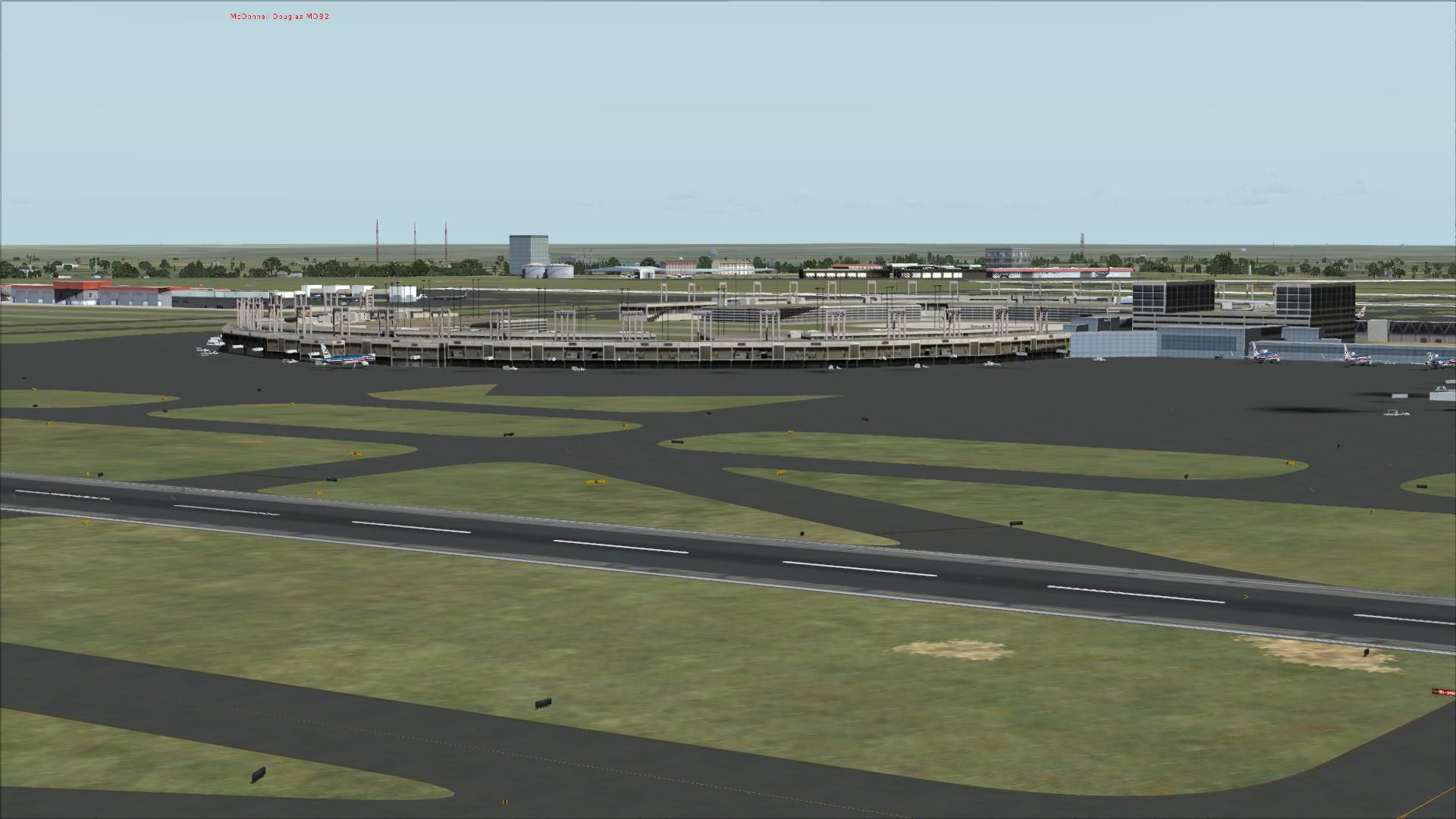


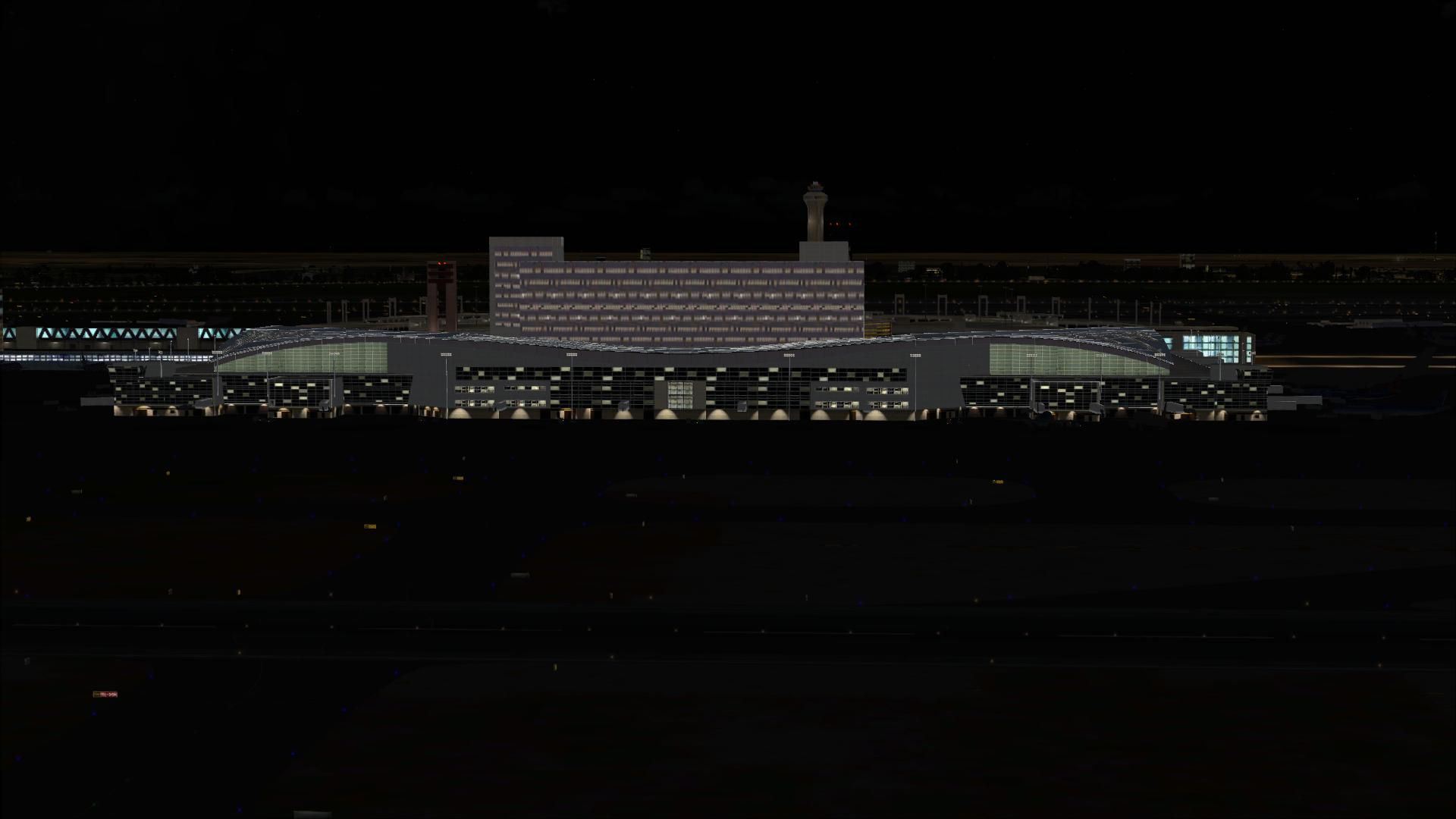
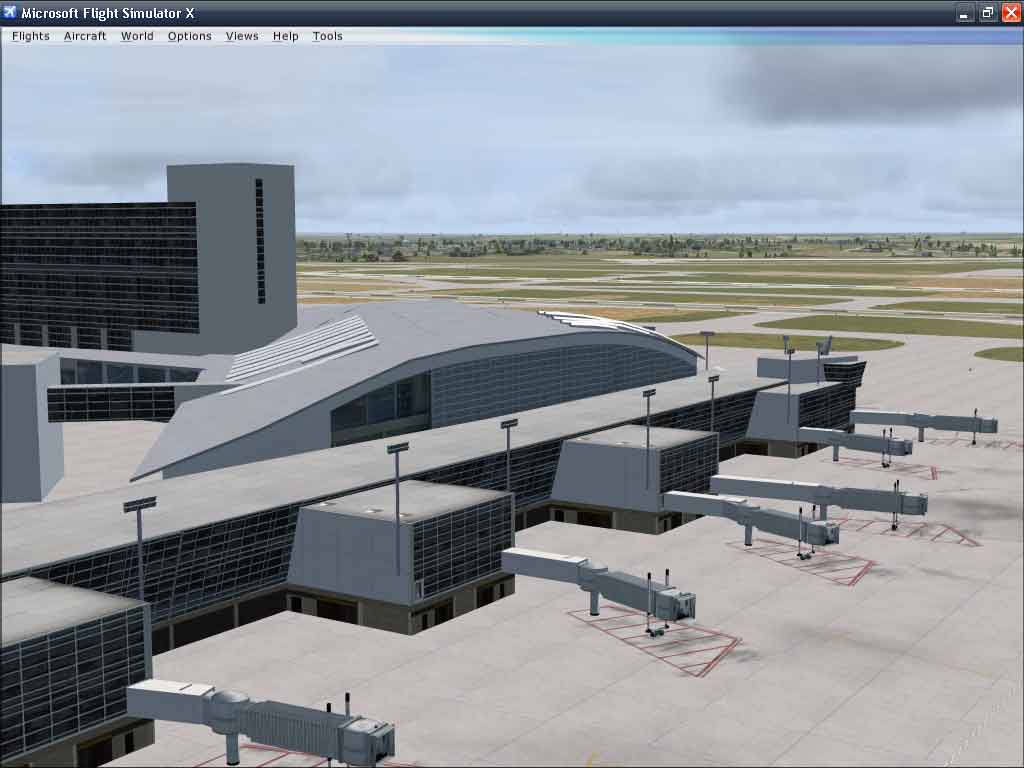
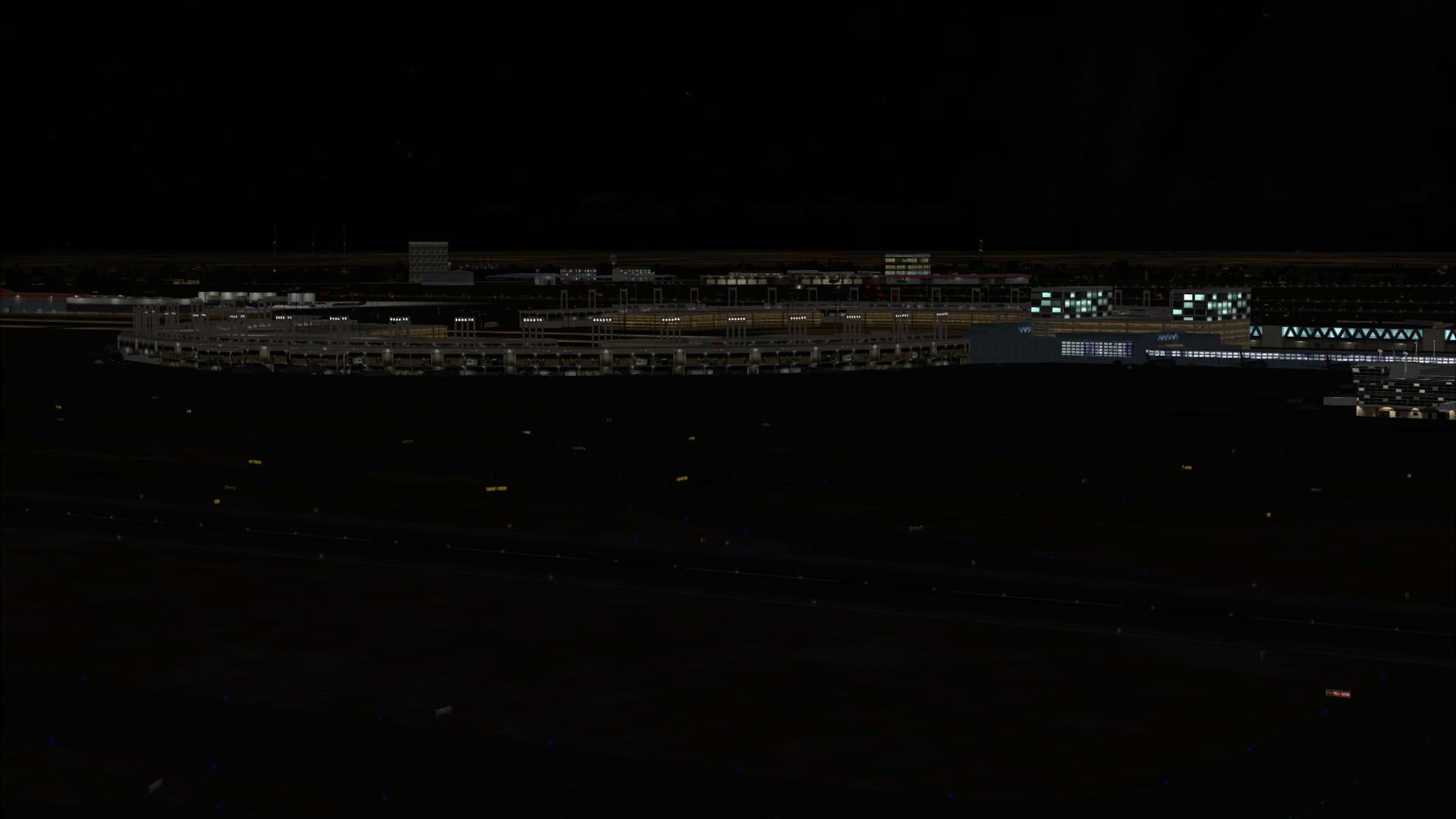
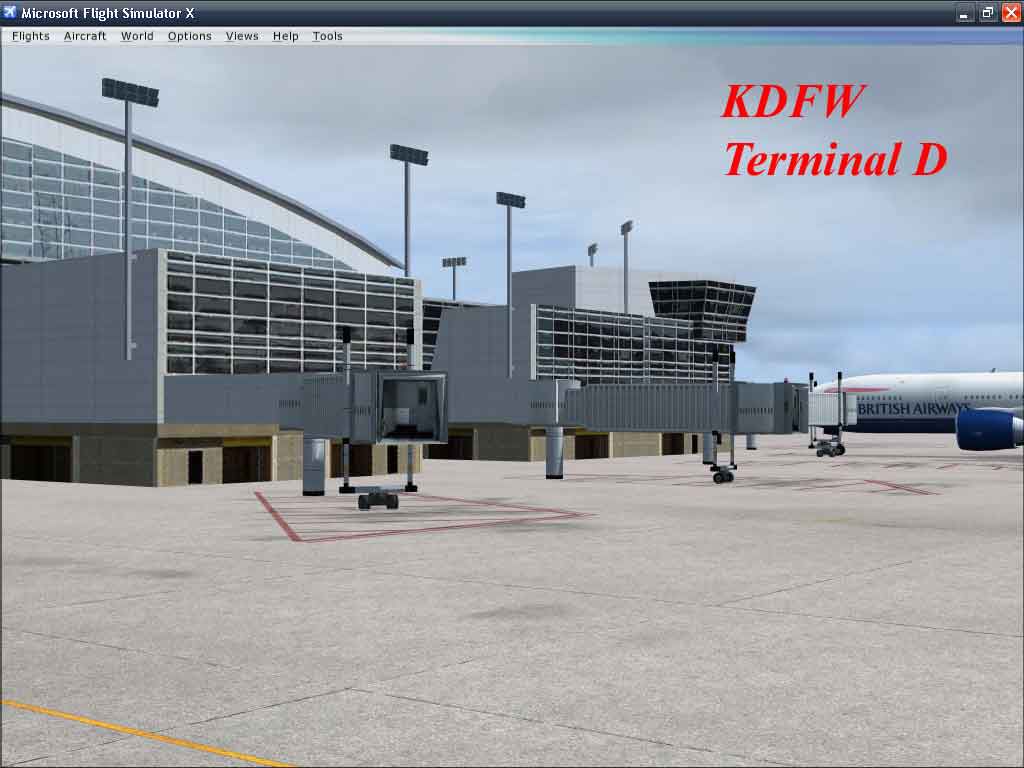
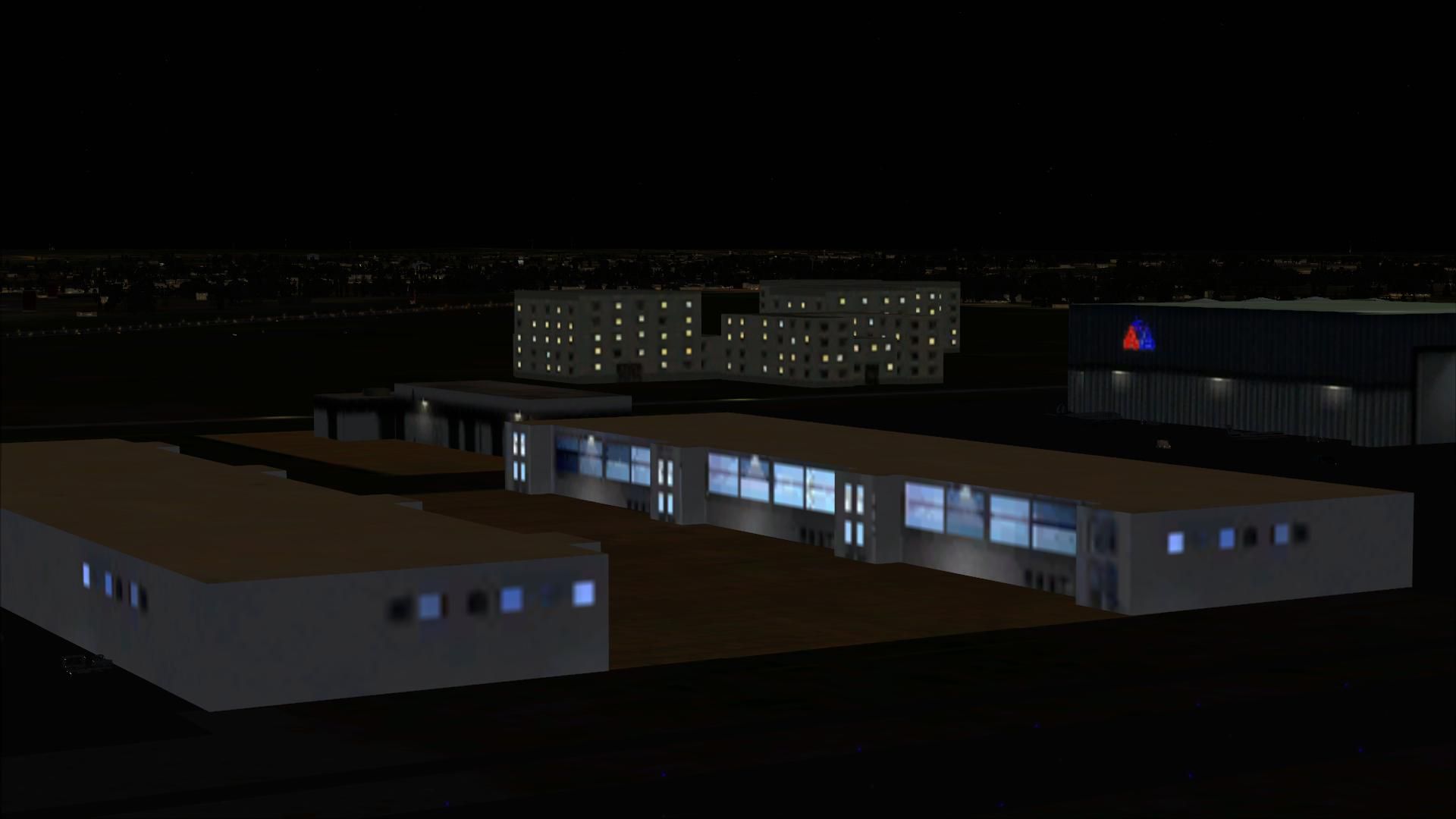
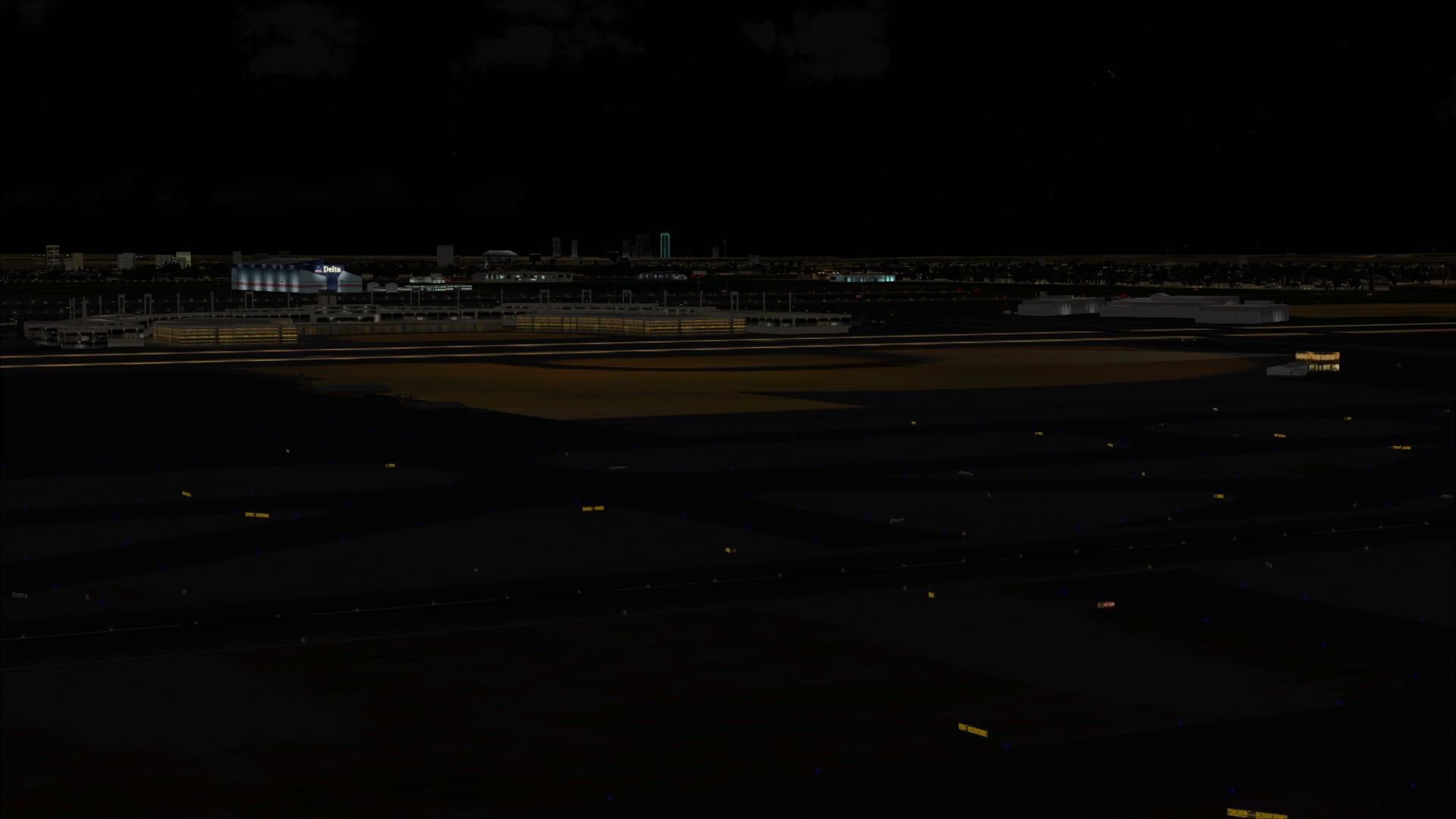

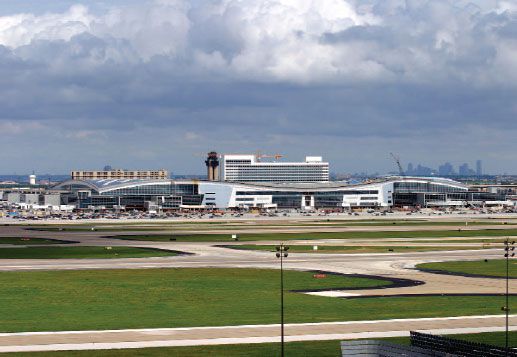
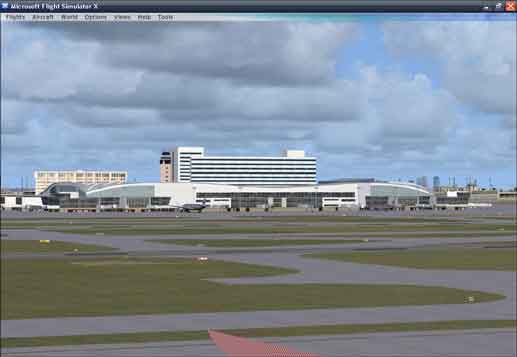
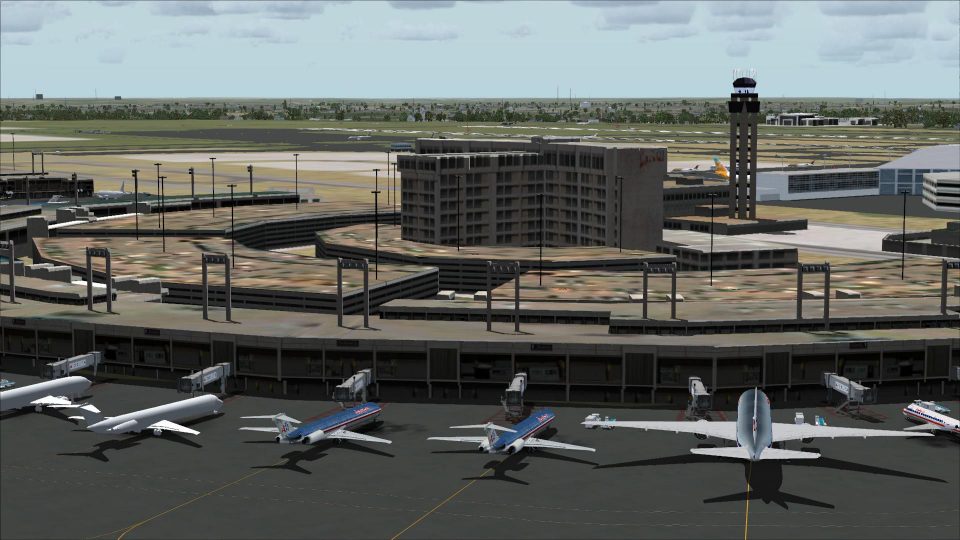
Dallas-Fort Worth International Airport (KDFW), Texas (TX), with Terminal D. The data that Microsoft used to create KDFW in FSX dates from 2004-2005, and as a result, the new International Terminal D building at Dallas is missing in FSX. With this airport scenery, it is now there as a fully Gmaxed building, complete with jetways and a full AFCAD of the entire airport. By Rhett Browning.
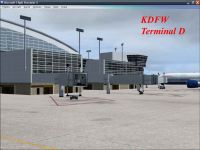
Dallas-Fort Worth International Scenery.
The data that Microsoft used to create KDFW in FSX dates from 2004-2005, and as a result, the new International Terminal D building at Dallas is missing in FSX. With this airport scenery, it is now there as a fully gmaxed building, complete with jetways and a full AFCAD of the entire airport.
I have also done some mild improvements to the default KDFW airport, although the focus of my work was on Terminal D. Nonetheless I expect that this KDFW will be able to handle a greater number of AI and roll them through in a somewhat more efficient manner than before. See Design Notes.txt for more info.
Here are some of the features of this scenery project:
-- diamond technique used on inner runways
-- over 200 parking spots
-- parking arrangement as close to real world as I could get
-- gmax Terminal D
-- a few node tweaks here and there for better traffic flow
-- expanded cargo area to better match real world
-- enhanced Terminal B with American Connection parking as per real world
-- added a bit of overflow parking
-- added a spot for ultra-size aircraft such as A380 or An-225
-- added an Eagle Flight ramp area for Saab340B's (see design notes.txt)
-- several new fuel truck areas, added and tweaked vehicle paths
-- adjusted tower view to a point above the tower
INSTALLATION
1. I suggest creating a \SCENERY\KDFW folder, and inside that folder create your \scenery and \texture subfolders.
1a. I do not recommend you place these files in /Addon Scenery.
2. Place the KDFW_ADE_RB.bgl and KDFW_obx_rb.bgl files in the \scenery subfolder
3. Place the *.bmp files in your \texture subfolder.
4. Activate the scenery in the FSX Scenery Library.
CREDITS
Thank you to Dennis Müllert and Reggie Fields for getting me some useful information (pictures, and parking data) about DFW. They both live closer to KDFW than I do, and close proximity always helps. Have I been to Terminal D? Yes, I have, but only once.
Rhett Browning, callsign 'Mace'
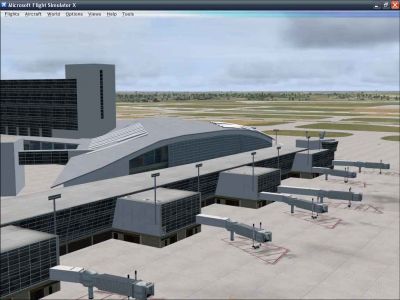
Dallas-Fort Worth International Scenery.
Free for all simmers · 4.39 MB · Scanned clean Oct 2026
Download speed: Free tier is capped at 0.5 Mbps (this file takes approximately 1 min at the cap). PRO members download at full line speed.
FSX\Addon Scenery\ containing scenery and texture sub-folders.readme.txt or README file. It tells you exactly where files go, what dependencies are needed, and any quirks specific to this add-on.Use these coordinates to fly directly to this location once the mod is installed.
32.89980000,-97.04030000
Launch FSX or Prepar3D and use Flights → Load to open the downloaded .pln file. Your aircraft will be positioned at this location.
The archive kdfw_v1.zip has 39 files and directories contained within it.
This list displays the first 500 files in the package. If the package has more, you will need to download it to view them.
| Filename/Directory | File Date | File Size |
|---|---|---|
| KDFW_ade_rb.bgl | 05.29.08 | 142.61 kB |
| KDFW_obx_rb.bgl | 05.30.08 | 851.27 kB |
| scenery | 05.30.08 | 0 B |
| KDFW_TermD1.bmp | 05.30.08 | 1.33 MB |
| KDFW_TermD1_lm.bmp | 05.30.08 | 1.33 MB |
| texture | 05.30.08 | 0 B |
| compare1.jpg | 05.30.08 | 11.07 kB |
| compare2.jpg | 03.11.08 | 44.86 kB |
| KDFW1.jpg | 05.30.08 | 45.47 kB |
| KDFW2.jpg | 05.30.08 | 45.92 kB |
| KDFW_readme.txt | 05.30.08 | 2.34 kB |
| design notes.txt | 06.02.08 | 4.20 kB |
| FILE_ID.DIZ | 06.02.08 | 394 B |
| flyawaysimulation.txt | 10.29.13 | 959 B |
| Go to Fly Away Simulation.url | 01.22.16 | 52 B |
| Screenshots | 08.28.19 | 0 B |
| screen-1.jpg | 08.24.19 | 215.41 kB |
| screen-10.jpg | 08.24.19 | 209.94 kB |
| screen-11.jpg | 08.24.19 | 183.78 kB |
| screen-12.jpg | 08.24.19 | 161.42 kB |
| screen-13.jpg | 08.24.19 | 183.66 kB |
| screen-14.jpg | 08.24.19 | 162.55 kB |
| screen-15.jpg | 08.24.19 | 191.22 kB |
| screen-16.jpg | 08.24.19 | 194.83 kB |
| screen-17.jpg | 08.24.19 | 173.70 kB |
| screen-18.jpg | 08.24.19 | 195.18 kB |
| screen-19.jpg | 08.24.19 | 80.59 kB |
| screen-2.jpg | 08.24.19 | 242.22 kB |
| screen-20.jpg | 08.24.19 | 99.06 kB |
| screen-21.jpg | 08.24.19 | 76.12 kB |
| screen-22.jpg | 08.24.19 | 77.28 kB |
| screen-23.jpg | 08.24.19 | 65.38 kB |
| screen-3.jpg | 08.24.19 | 199.62 kB |
| screen-4.jpg | 08.24.19 | 174.45 kB |
| screen-5.jpg | 08.24.19 | 199.67 kB |
| screen-6.jpg | 08.24.19 | 185.15 kB |
| screen-7.jpg | 08.24.19 | 182.34 kB |
| screen-8.jpg | 08.24.19 | 192.27 kB |
| screen-9.jpg | 08.24.19 | 210.83 kB |
Only PRO members can place votes.
More FSX & P3D add-ons hand-picked based on this download.
FSX Scenery
Scenery Dallas/Fort Worth International Airport (KDFW), Texas (TX). Extends r…
 FSX Scenery
Texas, USA. Fort Worth Alliance Airport was constructed as the world's first …
FSX Scenery
This freeware scenery upgrade for Fort Worth Naval Air Station (KNFW) in Texa…
 FSX Scenery
Scenery Fort Wayne International Airport (KFWA), Indiana (IN). An upgrade to …
 FSX Scenery
Dallas Love Field v1.5. Dallas Love Field (KDAL), Texas (TX) is home for Sout…
 FSX Scenery
Scenery Dallas Love Field (KDAL), Texas (TX). Includes versions with the cros…
 FSX Scenery
Fort Lauderdale Hollywood International Airport (KFLL), Florida (FL). An upda…
 FSX Scenery
Fort Myers FL Airports, Florida. Complete redo of the default FSX southwest F…
Read what other simmers think, or add your own.

The jet bridges do not appear at any of the terminals.
Could someone help me with this problem?


The Jet bridges do not show in terminal D. Can someone help me figure this out?