

 FSX Historic & Vintage Aircraft
Fokker DR1 Triplane "Old Rhinebeck"
This add-on delivers a refined livery for the iconic Fokker DR1 Triplane know…
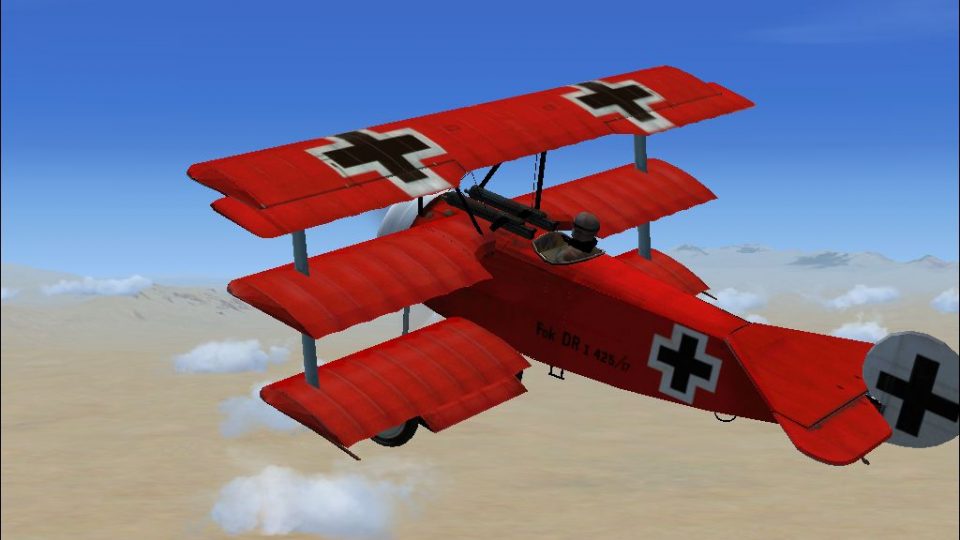
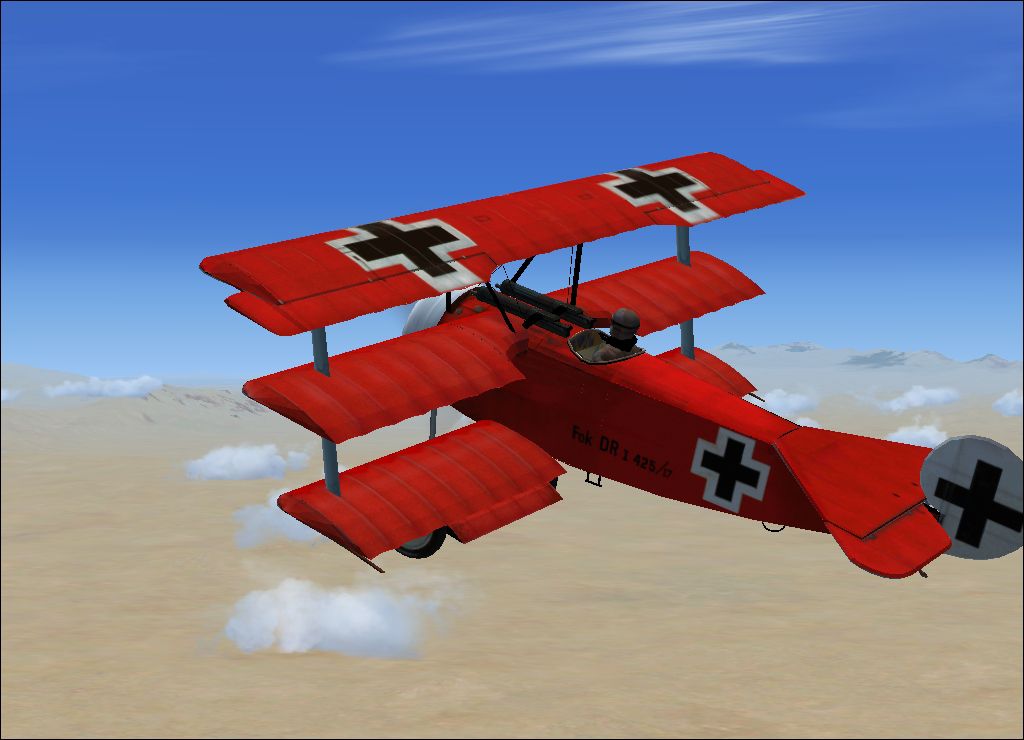
Fokker Dr1 Triplane in “The Red Baron” markings recreates Manfred von Richthofen’s legendary aircraft from April 21, 1918, with period-inspired details and an immersive virtual cockpit. Built for FSX, it includes a custom panel by Frank Elton to support authentic flying and sightseeing in a classic World War I icon.
Free for all simmers · 6.52 MB · Scanned clean
Download speed: Free tier is capped at 0.5 Mbps (this file takes approximately 2 mins at the cap). PRO members download at full line speed.
SimObjects\Airplanes\, Addon Scenery\, Effects\, or Gauges\.readme.txt or README file. It tells you exactly where files go, what dependencies are needed, and any quirks specific to this add-on.The archive FSXFokkerDR1TheRedBaron.zip has 62 files and directories contained within it.
This list displays the first 500 files in the package. If the package has more, you will need to download it to view them.
| Filename/Directory | File Date | File Size |
|---|---|---|
| Aircraft.cfg | 07.15.07 | 8.27 kB |
| readme.txt | 07.15.07 | 603 B |
| Trip2.air | 07.15.07 | 9.13 kB |
| Model.cfg | 07.15.07 | 24 B |
| Trip2.mdl | 07.15.07 | 841.67 kB |
| Fokkpanel.bmp | 07.15.07 | 2.25 MB |
| panel.cfg | 07.15.07 | 1.58 kB |
| Thumbs.db | 07.15.07 | 8.00 kB |
| i spad 1.wav | 10.03.01 | 81.47 kB |
| i spad 1nc.wav | 08.17.00 | 76.22 kB |
| i spad 2.wav | 10.03.01 | 19.94 kB |
| i spad 2nc.wav | 08.17.00 | 81.12 kB |
| i spad 3.wav | 10.03.01 | 40.76 kB |
| i spad 4.wav | 10.03.01 | 201.50 kB |
| i spad shut.wav | 07.24.00 | 233.04 kB |
| i spad starta.wav | 07.24.00 | 83.61 kB |
| i spad startb.wav | 10.03.01 | 59.90 kB |
| i spadp 1a.wav | 08.17.00 | 138.16 kB |
| i spadp 1b.wav | 08.17.00 | 155.31 kB |
| i spadp 2a.wav | 08.17.00 | 99.83 kB |
| i spadp 2b.wav | 08.17.00 | 153.04 kB |
| Sound.cfg | 10.08.01 | 8.88 kB |
| x spad 1.wav | 10.03.01 | 53.72 kB |
| x spad 1nc.wav | 08.17.00 | 28.01 kB |
| x spad 2.wav | 10.03.01 | 53.96 kB |
| x spad 2nc.wav | 08.17.00 | 28.83 kB |
| x spad 3.wav | 10.03.01 | 34.16 kB |
| x spad 4.wav | 10.03.01 | 201.50 kB |
| x spad shut.wav | 07.24.00 | 233.04 kB |
| x spad starta.wav | 07.24.00 | 83.61 kB |
| x spad startb.wav | 10.03.01 | 59.90 kB |
| x spadp 1a.wav | 08.17.00 | 138.16 kB |
| x spadp 1b.wav | 08.17.00 | 155.31 kB |
| x spadp 2a.wav | 08.17.00 | 99.83 kB |
| x spadp 2b.wav | 08.17.00 | 153.04 kB |
| $vcleft | 07.15.07 | 65.05 kB |
| $vcright | 07.15.07 | 65.05 kB |
| coc1.BMP | 07.15.07 | 1.00 MB |
| cowl.BMP | 07.15.07 | 257.05 kB |
| dark.BMP | 07.15.07 | 65.05 kB |
| drfus.BMP | 07.15.07 | 1.00 MB |
| drfustb.BMP | 07.15.07 | 1.00 MB |
| gun3.bmp | 07.15.07 | 341.43 kB |
| motarallx.BMP | 07.15.07 | 257.05 kB |
| motor1.BMP | 07.15.07 | 257.05 kB |
| motorall.BMP | 07.15.07 | 1.33 MB |
| prop1.BMP | 07.15.07 | 257.05 kB |
| propdisc1.bmp | 07.15.07 | 341.40 kB |
| rcowl.bmp | 07.15.07 | 341.43 kB |
| RedBaron.BMP | 07.15.07 | 257.05 kB |
| thumbnail.jpg | 07.15.07 | 350.67 kB |
| Thumbs.db | 07.15.07 | 7.50 kB |
| wbot.BMP | 07.15.07 | 257.05 kB |
| wingbb.BMP | 07.15.07 | 257.05 kB |
| wingmb.BMP | 07.15.07 | 257.05 kB |
| wingtb.BMP | 07.15.07 | 257.05 kB |
| wmid.BMP | 07.15.07 | 257.05 kB |
| wtop.BMP | 07.15.07 | 1.00 MB |
| Read Me fs-freeware.net.txt | 06.23.07 | 1.02 kB |
| fs-freeware.net Downloads.url | 01.21.07 | 187 B |
| flyawaysimulation.txt | 10.29.13 | 959 B |
| Go to Fly Away Simulation.url | 01.22.16 | 52 B |
More FSX & P3D add-ons hand-picked based on this download.
FSX Historic & Vintage Aircraft
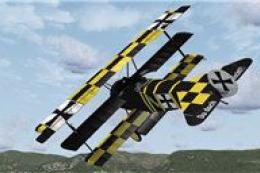
This add-on delivers a refined livery for the iconic Fokker DR1 Triplane know…
 FSX Historic & Vintage Aircraft
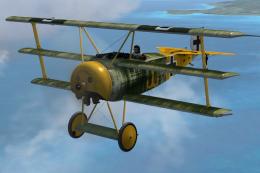
This specially crafted repaint brings the iconic Fokker DR1 Triplane into you…
 FSX Historic & Vintage Aircraft
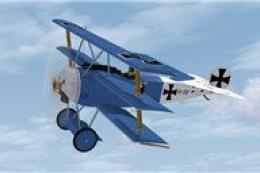
NeoQB Fokker Dr1. Beautiful rendition of the Fokker Dr. 1 by the neoqb develo…
 FSX Historic & Vintage Aircraft
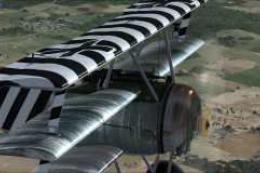
This newly crafted repaint package offers a personalized “PH-EBF White Dove” …
 FSX Historic & Vintage Aircraft
Gennadich DR1. Includes repaints for the FSX DR1 of Gennadich software. Both …
 FSX Historic & Vintage Aircraft
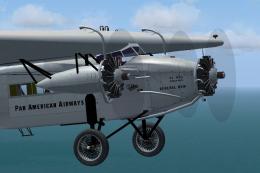
Pan American had five Fokker FVII trimotors, and flew them connecting Key Wes…
 FSX Historic & Vintage Aircraft
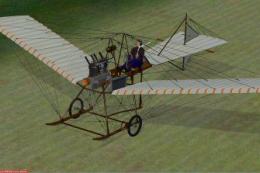
Fokker Spider. Anthony Fokker flew over the city of Haarlem on August 31st, 1…
 FSX Historic & Vintage Aircraft
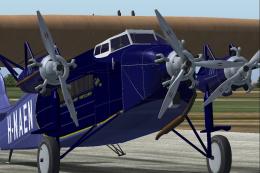
The Fokker FVII trimotor was one of the most successful airliners of 1925-193…
Read what other simmers think, or add your own.


A collectable aircraft sums it up. After getting it into the library (the installation readme is very vague) by making a folder to put the relevant files in, I was able to fly it briefly . A lackluster rendition of a very famous aircraft featuring no compass and a (Non-viewable) GPS, which didn't exist when this aircraft flew. I was fortunate I never strayed to far away from the airfield so I maintained visual contact. Lose that and I would never have found my way back. I should have read the comments before I downloaded it.

You can always change out the panels and instruments anytime you like, you just have to pick a panel you're comfortable with., I have one in particular with weather and live ai radar so I use that one a lot. some of the best aircraft have flat pic-only panels like the sr71 and the X15. Even the SR71, they've been in sim for over twenty years and no one ever came up with a freeware working version. When it comes to these planes, remember, flying thousands of feet above terra firma, in a flying craft with the power of a mower, made of wood and canvas and some dope if they could locate it. Then to learn the hard way, that you can fire bullets thru a prop blade and expect to continue flying, and by the time they figured the crankshaft arm to the mechanism they already lost quite a few pilots. Tough piloting, the hell of a way to learn.

The plane itself is good, and the spinning parts in the engine are a nice touch. However, it does not have any instruments. I would give it a 6/10. If anyone knows of a good panel to add, please let me know.


thanks a lot for Fixing the Panel on the fokker dr1 now i can´t steer any plane anymore i just deleted the dr1 and came back to flying ...
cheers

This is a very nice plane to fly. You need to make a folder by right clicking the mouse on a blank space on the window with all the files. Put the files into the new folder and name it. Most of the planes here have a file already made for you, but with this one you must put the files into another new folder.

Your lucky im giving you a four! Icant make it work! im giving a four beacuse it works for others.

i love how it can fly very slow and stable i give it a 9 becuse it doesnt have a working panel

Really fun download, piece of cake install and fun to fly. Great to fly remote control in tower view. Have to admit guns would be awesome or at least a chick on the wings. Great work thanks

It is a cool plane,i only gave it a 9 becus you have to press F4 to get the engin on,it would be cool if had guns that fired,but it is COOOOOOOLLLL!!!!!