

 FSX Historic & Vintage Aircraft
Hughes H1 Racer
FSX Hughes H1 Racer. A repaint of Tim Conrad's H1 Racer with modified alpha c…
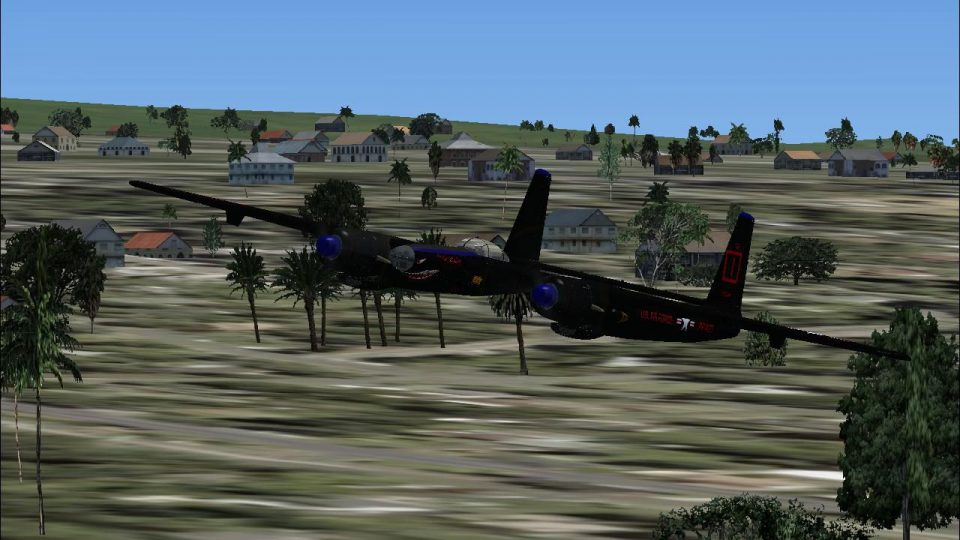
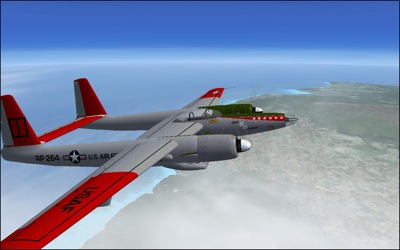
Hughes XF-11/R-11A brings Howard Hughes’ twin‑engine reconnaissance prototype to life with a detailed virtual cockpit, polished textures, and tuned flight dynamics for blistering high‑altitude speed. Built as a complete freeware package with four “what if” service repaints, it runs smoothly in FS2004 and FSX SP1 with strong performance and crisp visuals.
 Rate
Rate


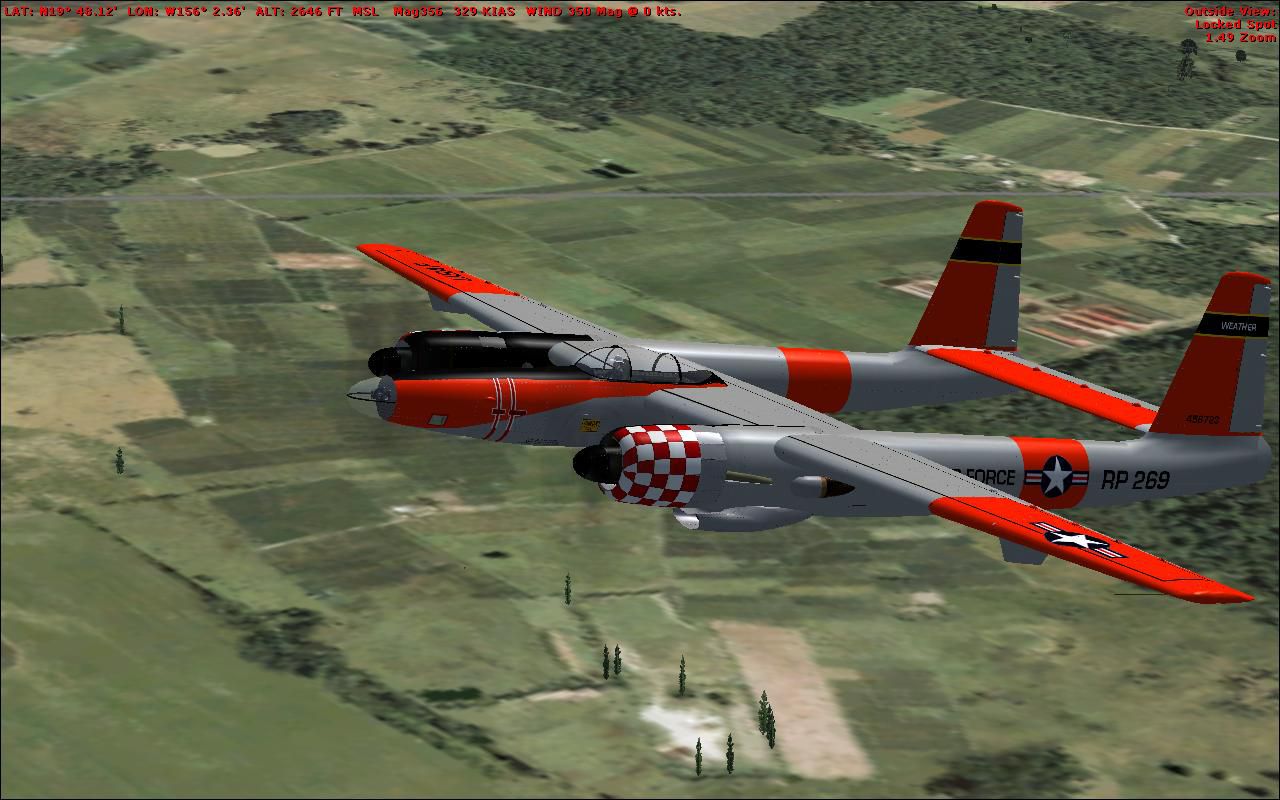
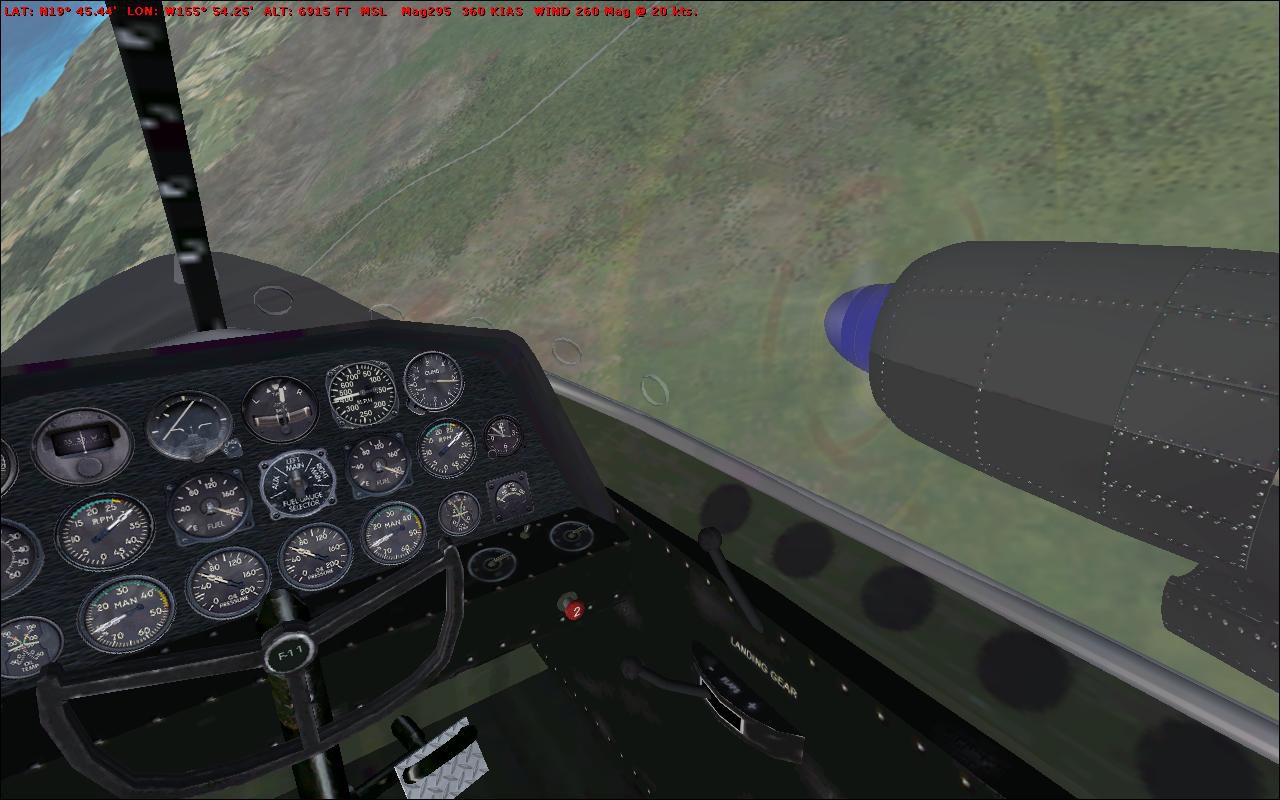
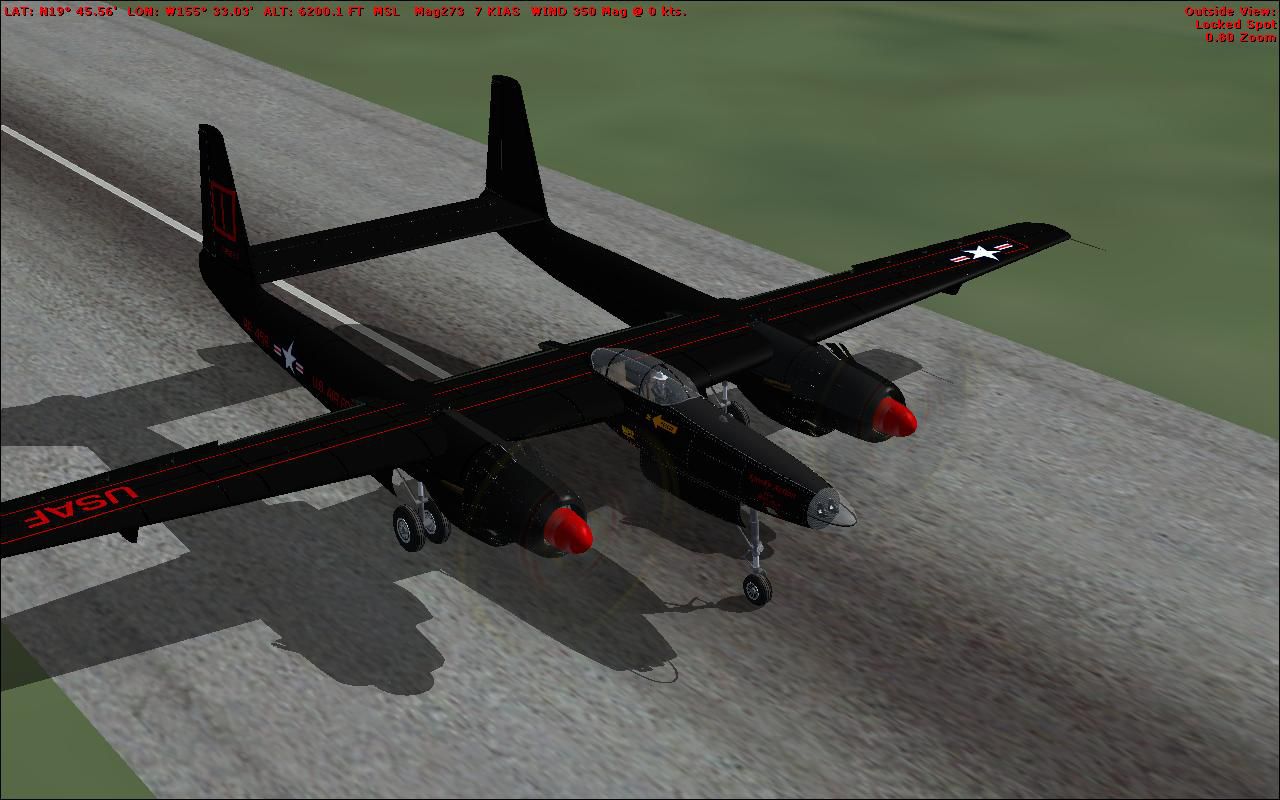


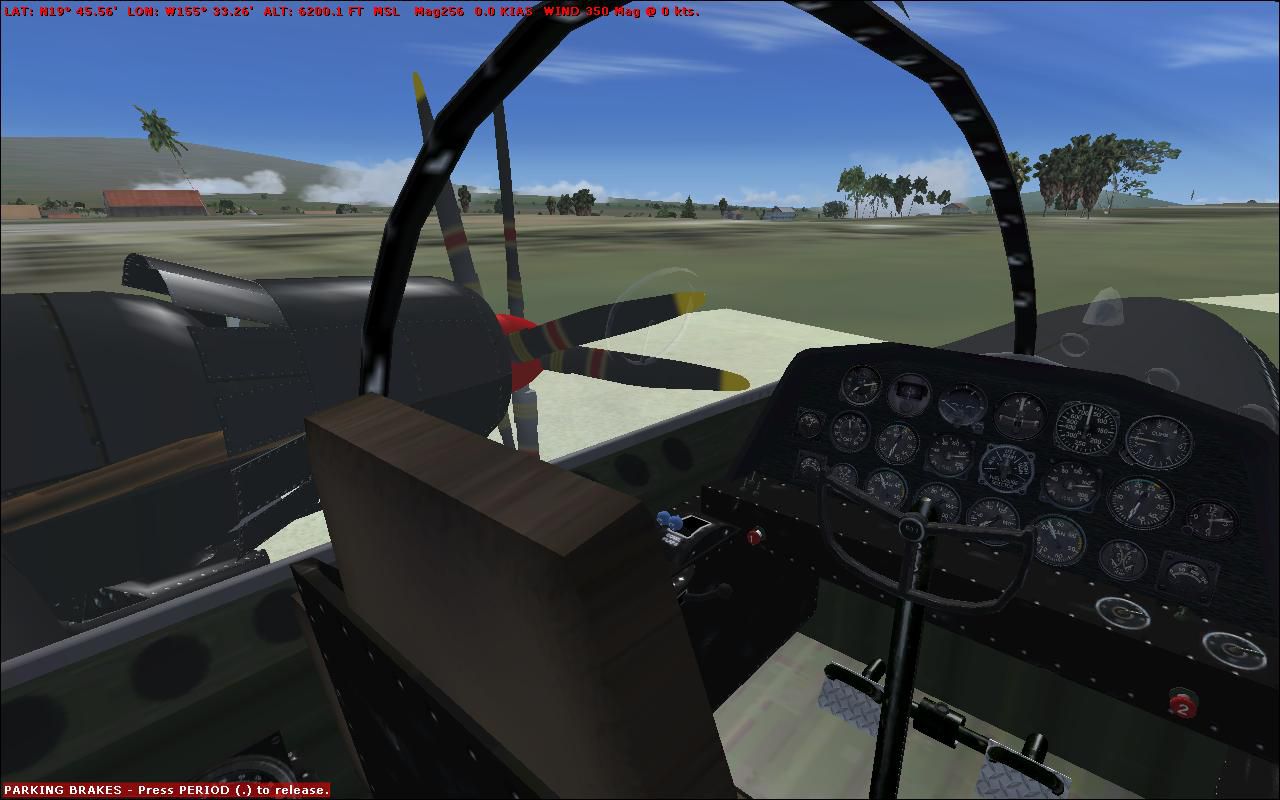
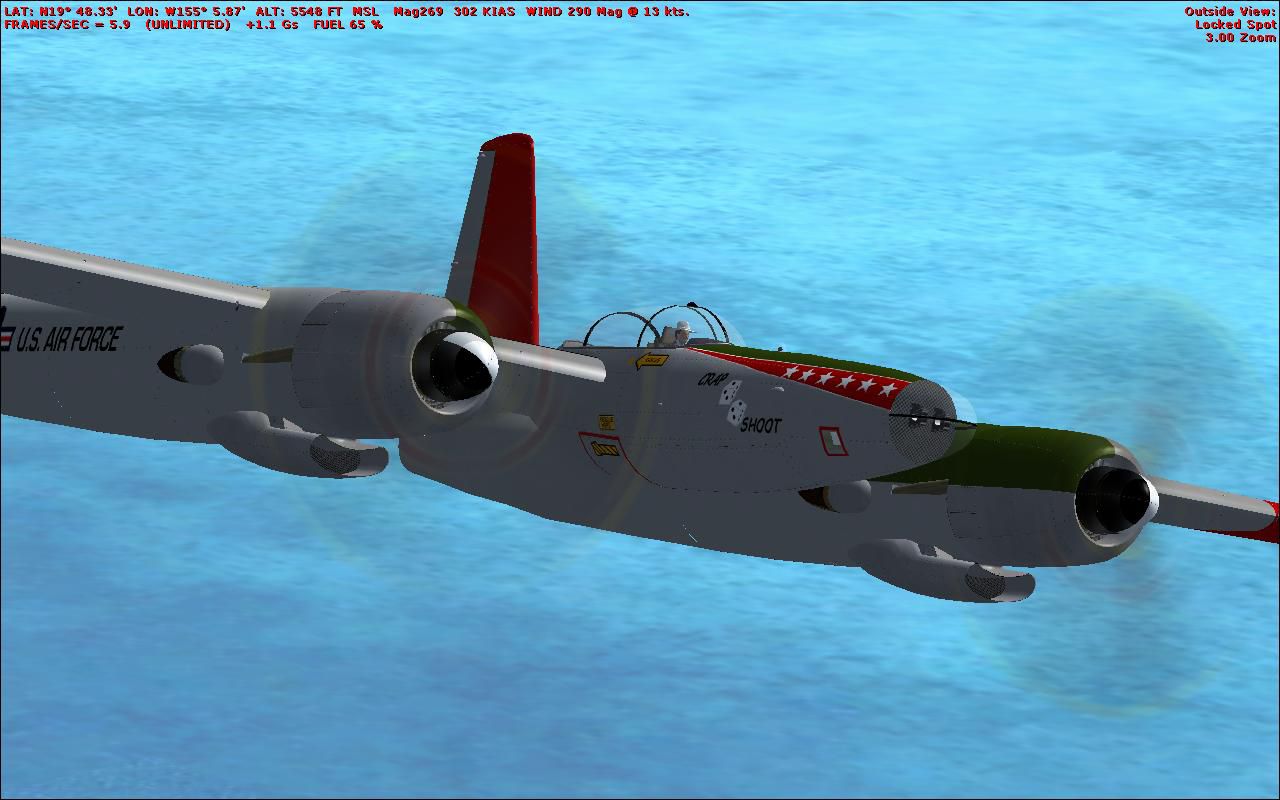
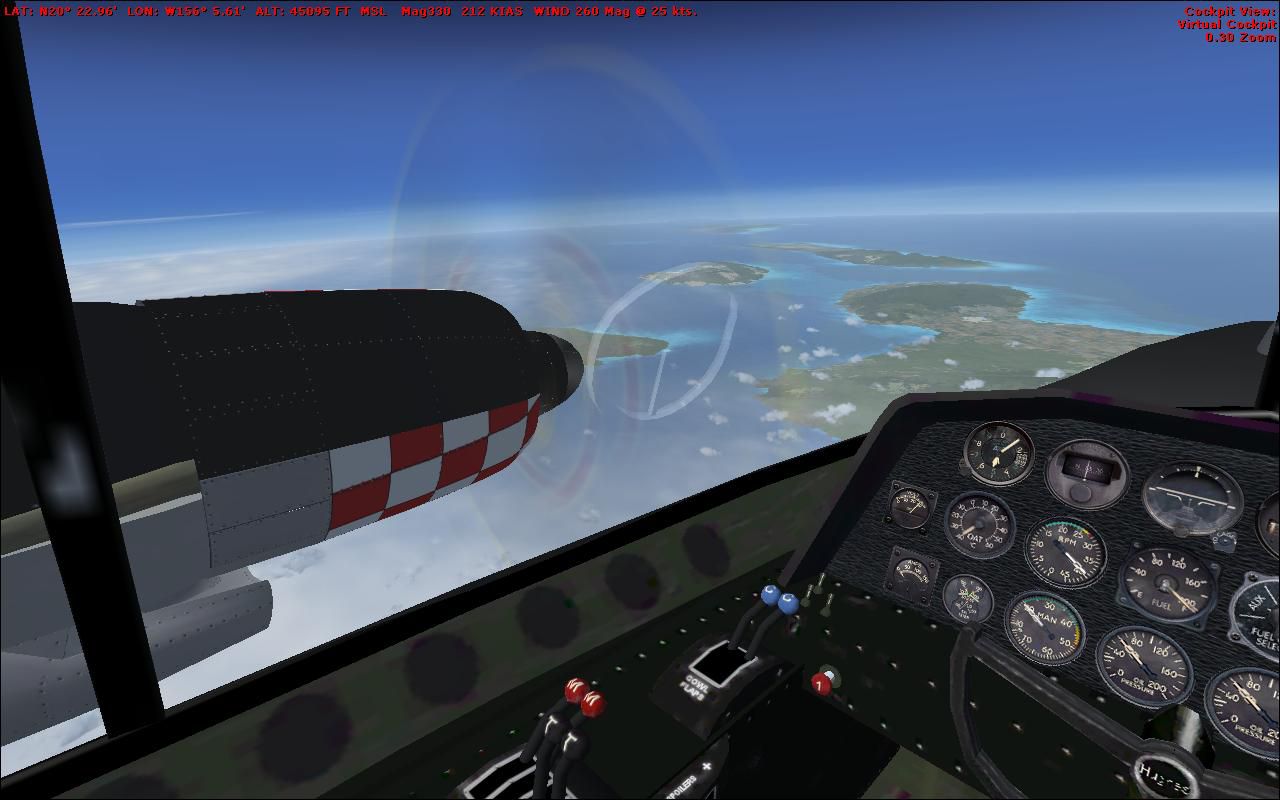
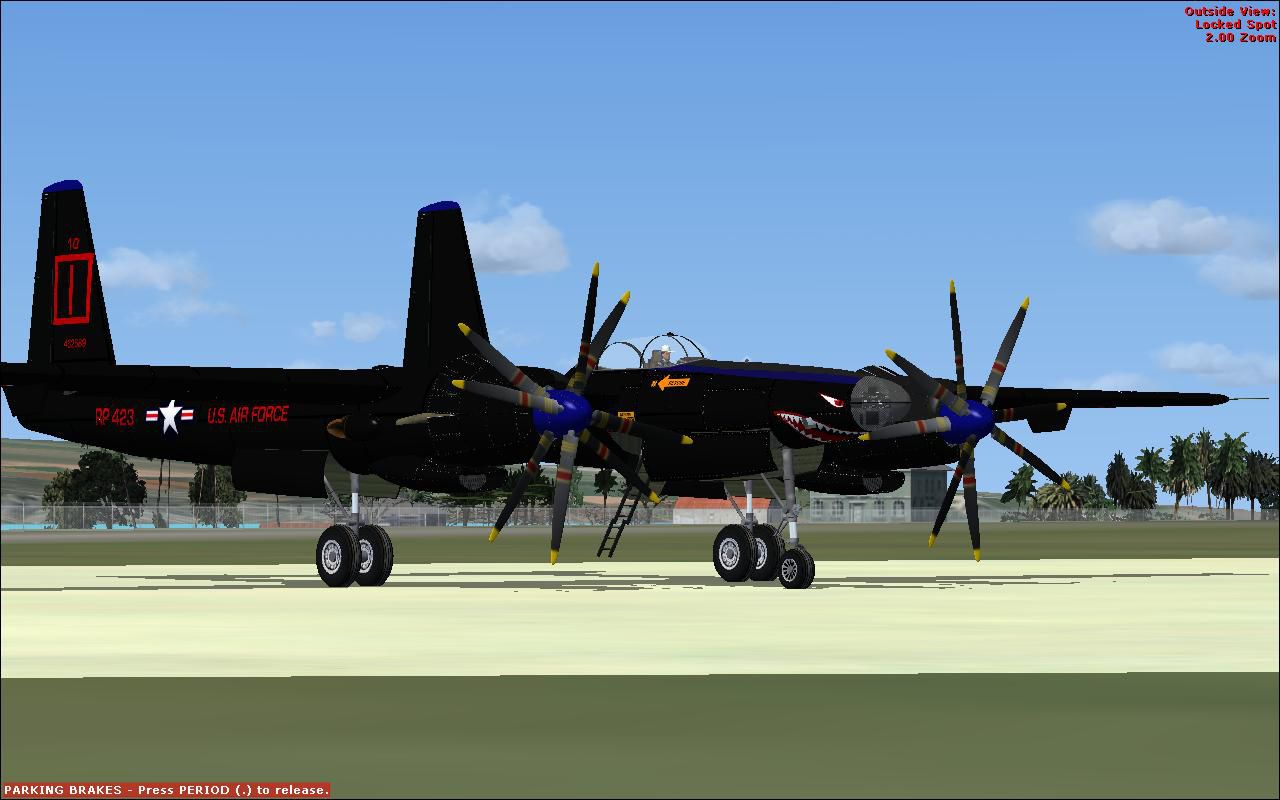
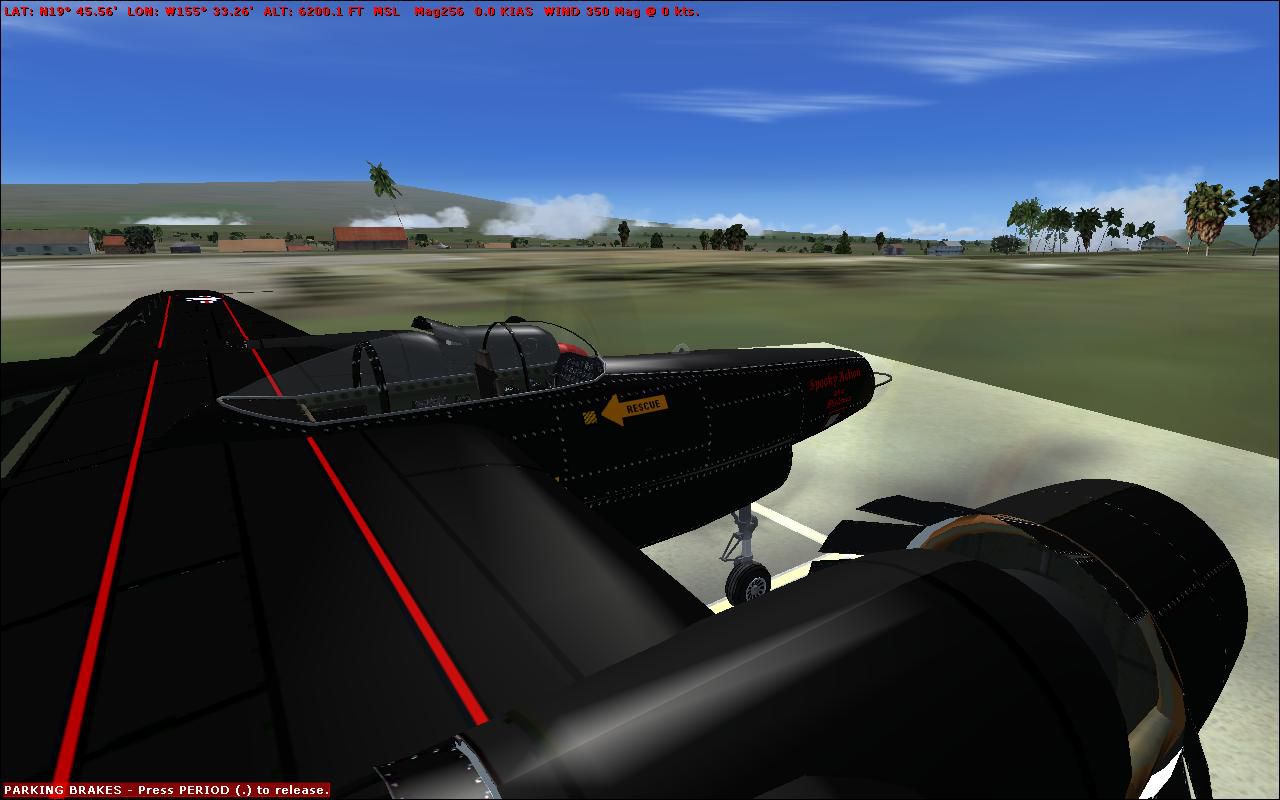


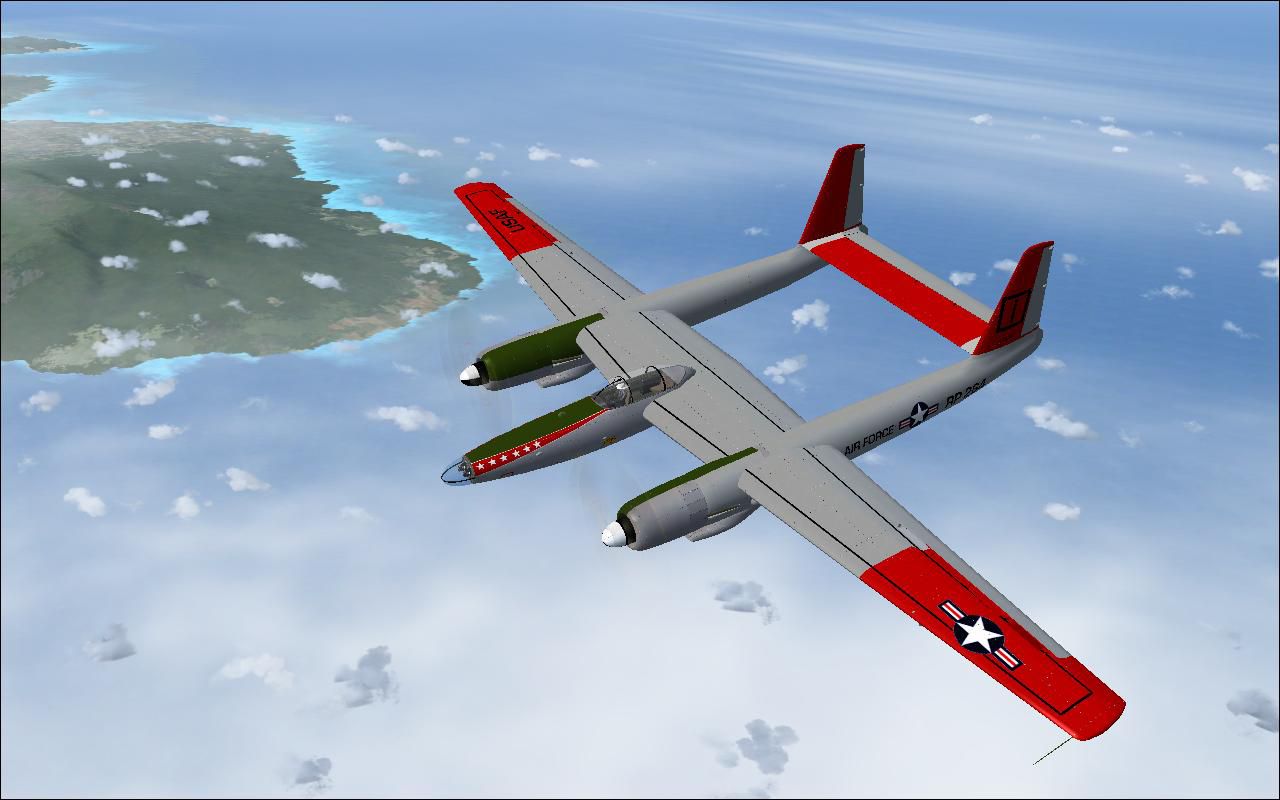
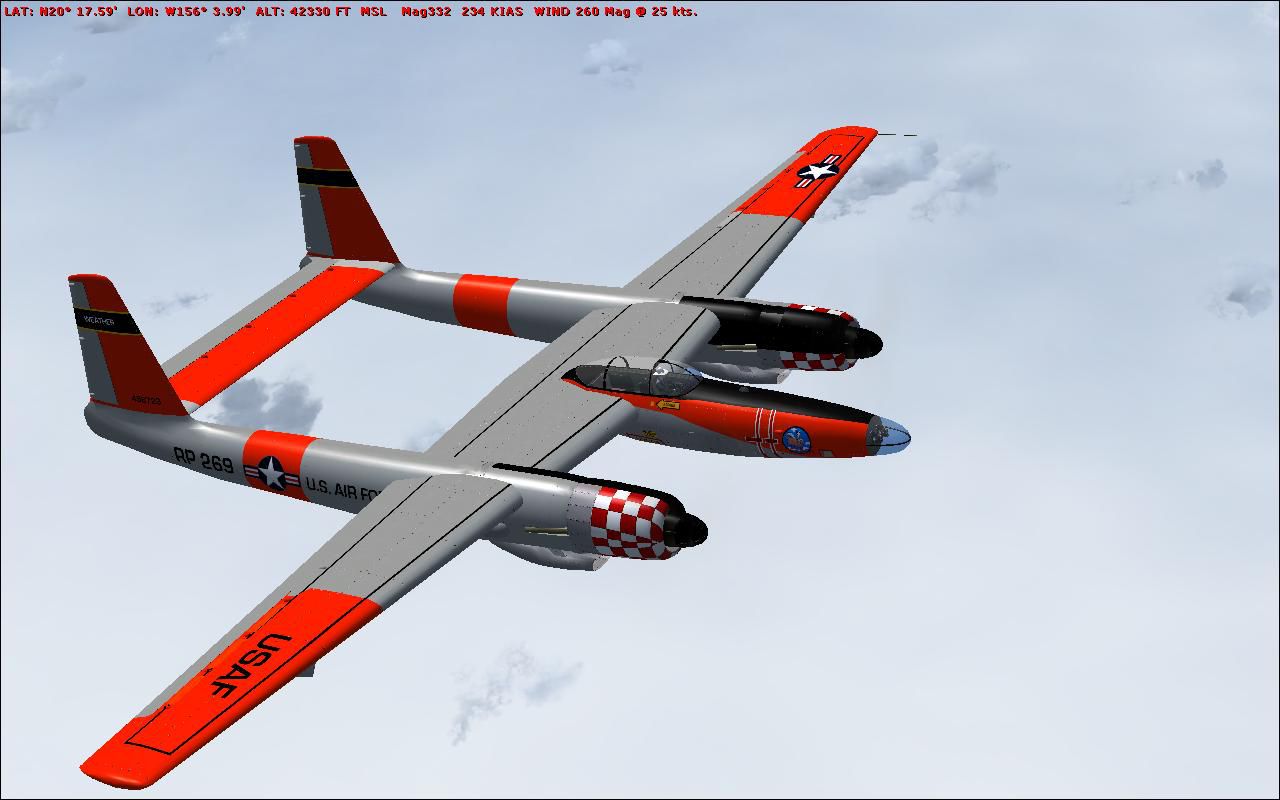
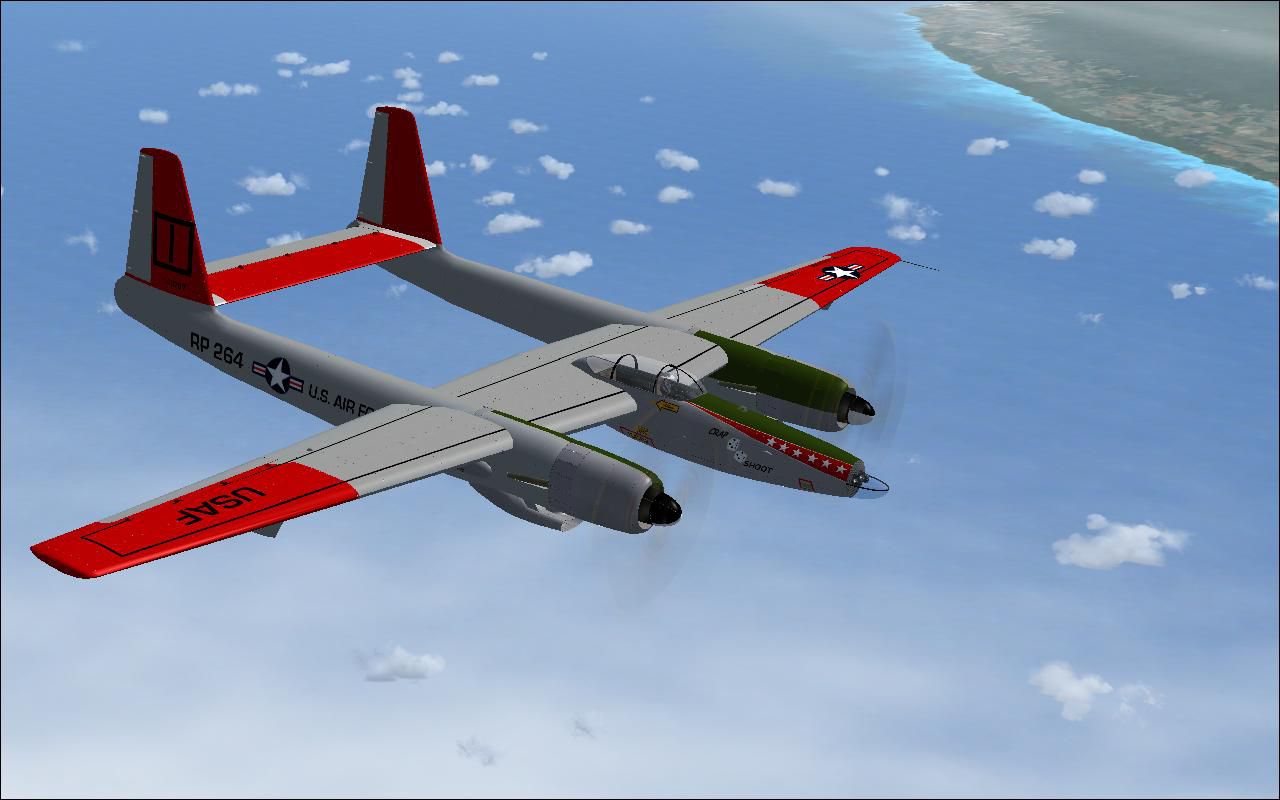
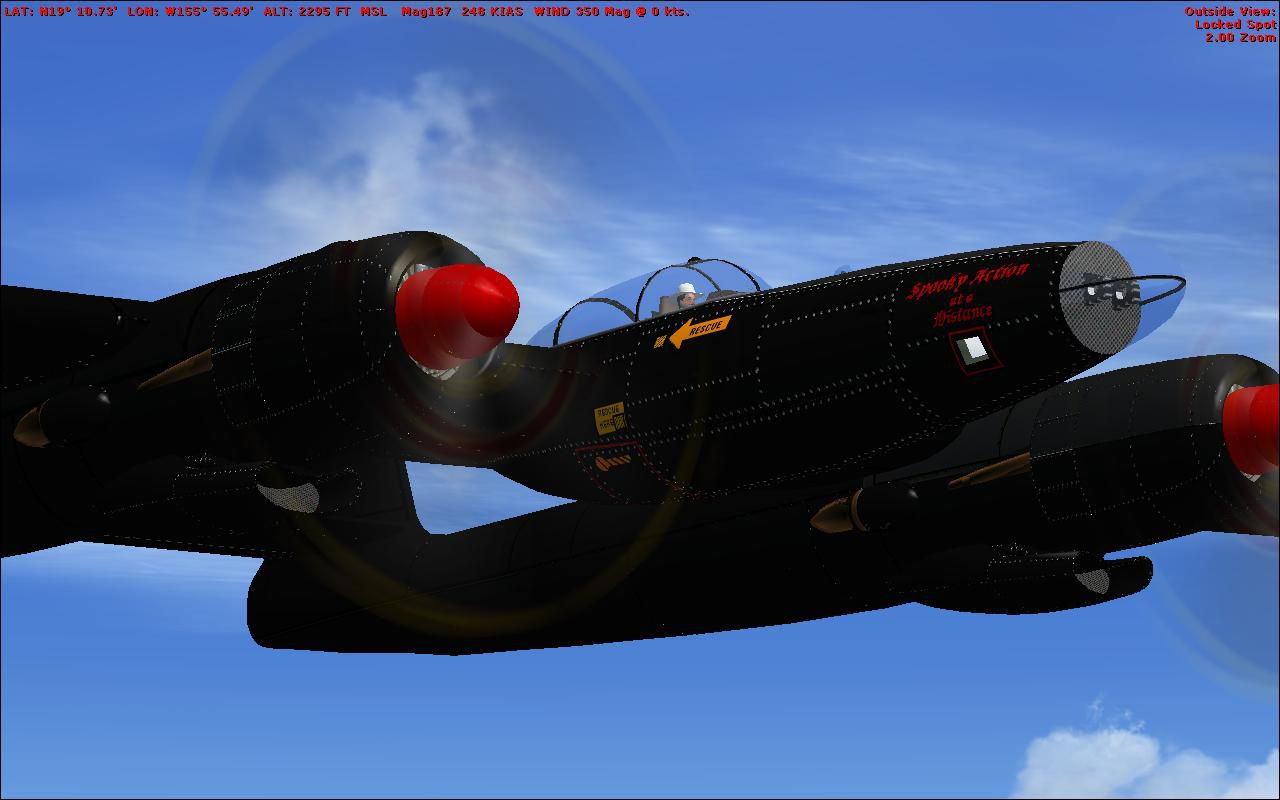
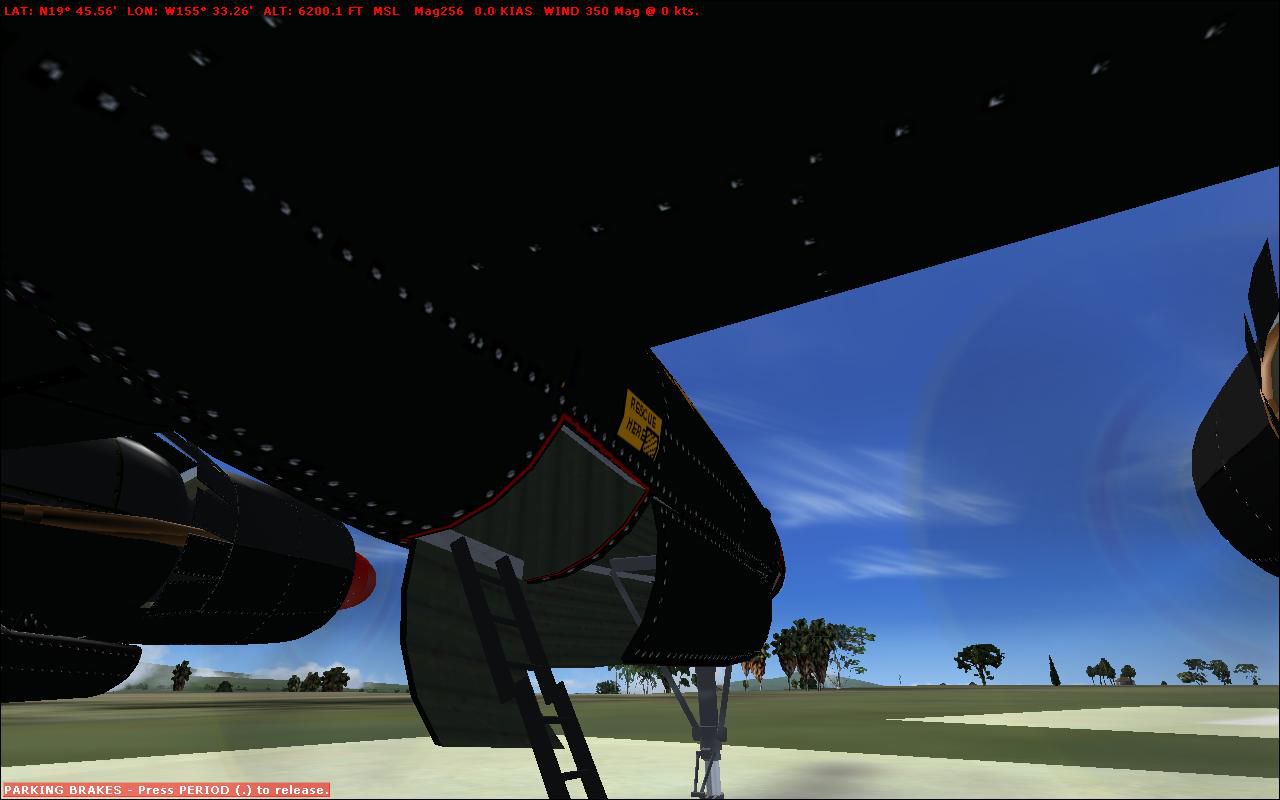
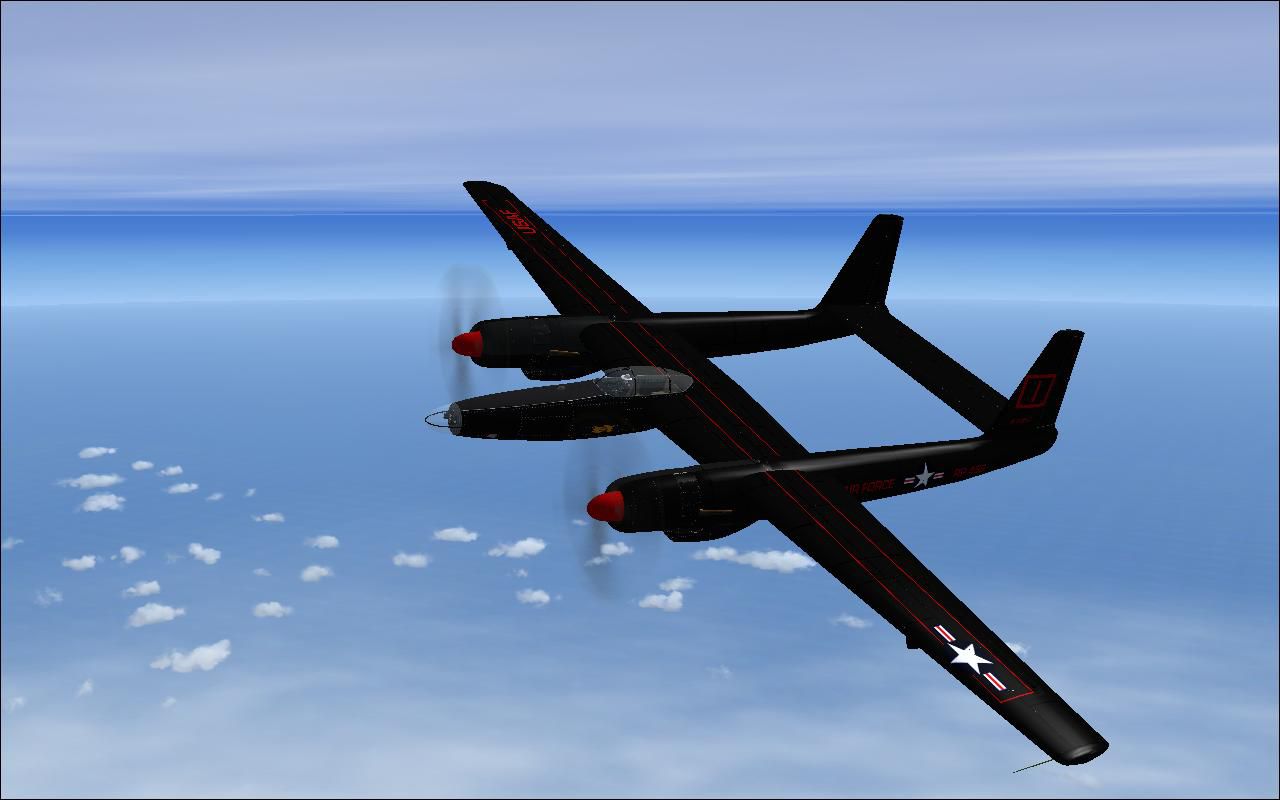
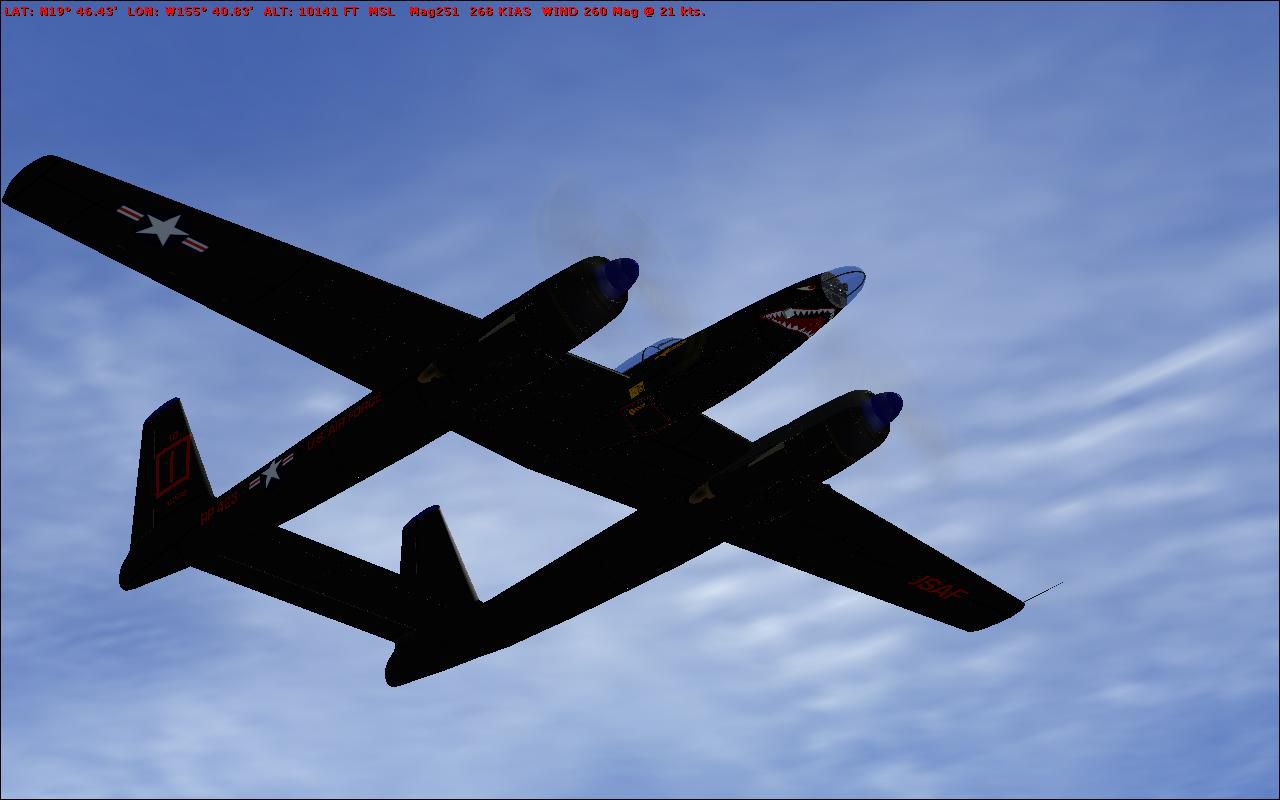
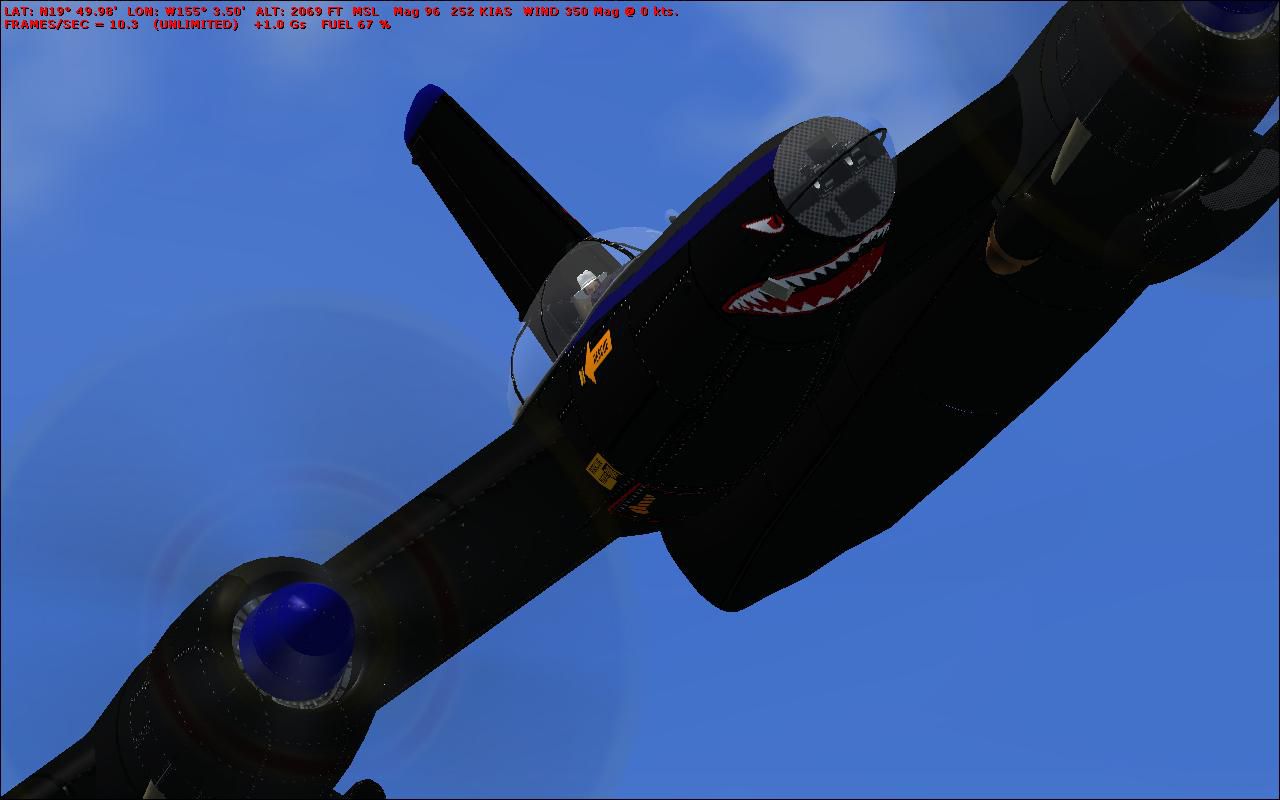
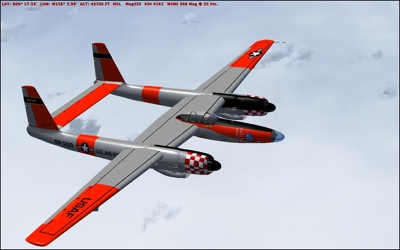
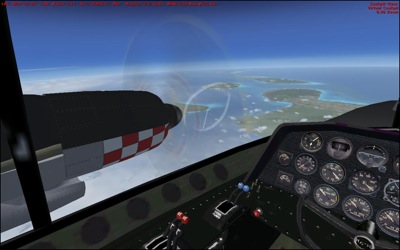
FS2004/FSX SP1 Hughes XF-11/R-11A. Four repaints for the XF-11. This is the whole model package. This is another freeware lost classic, with a very nice VC, nice model, and blistering performance. If you want to blast along at 400+ kts/50,000 feet behind 56 cylinders, 8720 cu. in., and 16 prop blades, this is your machine. Ian Lawrence produced the original model, and Craig Richardson at Classic Wings put the cockpit in it and polished the original textures and FDE. This package adds four 'what if?' textures for the machine, if it had made it into service, as the R-11A/WR-11A, in the '49-54 period. The 'Square I' marking and black anti-searchlight scheme was carried by RB-45C Tornado's operating out of Japan during the Korean war. The other two schemes, comform to markings and color schemes carried by contemporary USAF aeroplanes. The model was an FS2002/FS2004 model, but runs very nicely in FSX SP1, with excellent frame rates, a perfect cockpit, and minor 'clouds in front' prop issues in some aspects (no where near as bad as some others). By Mike Barnes.
Free for all simmers · 34.18 MB · Scanned clean Oct 2026
Download speed: Free tier is capped at 0.5 Mbps (this file takes approximately 10 mins at the cap). PRO members download at full line speed.
SimObjects\Airplanes\, Addon Scenery\, Effects\, or Gauges\.readme.txt or README file. It tells you exactly where files go, what dependencies are needed, and any quirks specific to this add-on.The archive xf-11-redux.zip has 31 files and directories contained within it.
This list displays the first 500 files in the package. If the package has more, you will need to download it to view them.
| Filename/Directory | File Date | File Size |
|---|---|---|
| XF-11-Redux | 11.29.09 | 0 B |
| Aircraft.cfg | 11.29.09 | 14.90 kB |
| Classic Wings Read Me.pdf | 08.23.09 | 262.01 kB |
| HughesXF11A.exe | 11.26.09 | 25.81 MB |
| images | 11.29.09 | 0 B |
| 2009-11-28_22-56-52-864.jpg | 11.29.09 | 142.36 kB |
| 2009-11-28_23-2-50-739.jpg | 11.29.09 | 149.88 kB |
| 2009-11-28_23-37-21-516.jpg | 11.29.09 | 62.06 kB |
| 2009-11-28_23-4-45-454.jpg | 11.29.09 | 63.69 kB |
| 2009-11-28_23-48-4-574.jpg | 11.29.09 | 95.38 kB |
| 2009-11-28_23-55-26-228.jpg | 11.29.09 | 108.01 kB |
| 2009-11-28_23-7-27-44.jpg | 11.29.09 | 115.84 kB |
| 2009-11-29_0-42-36-192.jpg | 11.29.09 | 98.37 kB |
| 2009-11-29_0-52-56-627.jpg | 11.29.09 | 77.50 kB |
| 2009-11-29_0-54-19-564.jpg | 11.29.09 | 83.55 kB |
| 2009-11-29_0-56-53-191.jpg | 11.29.09 | 84.47 kB |
| 2009-11-29_1-19-2-91.jpg | 11.29.09 | 75.29 kB |
| 2009-11-29_1-25-32-965.jpg | 11.29.09 | 67.23 kB |
| 2009-11-29_1-30-15-999.jpg | 11.29.09 | 101.73 kB |
| 2009-11-29_1-36-27-451.jpg | 11.29.09 | 114.08 kB |
| 2009-11-29_1-40-8-751.jpg | 11.29.09 | 89.95 kB |
| 2009-11-29_1-42-26-855.jpg | 11.29.09 | 71.73 kB |
| 2009-11-29_1-43-58-288.jpg | 11.29.09 | 99.54 kB |
| 2009-11-29_20-44-45-792.jpg | 11.29.09 | 130.13 kB |
| 2009-11-29_20-49-21-594.jpg | 11.29.09 | 90.07 kB |
| 2009-11-29_20-49-31-110.jpg | 11.29.09 | 79.38 kB |
| 2009-11-29_20-50-20-233.jpg | 11.29.09 | 97.28 kB |
| read me.txt | 11.29.09 | 2.36 kB |
| XF-11A Repaint pack.zip | 11.29.09 | 6.50 MB |
| flyawaysimulation.txt | 10.29.13 | 959 B |
| Go to Fly Away Simulation.url | 01.22.16 | 52 B |
Only PRO members can place votes.
More FSX & P3D add-ons hand-picked based on this download.
FSX Historic & Vintage Aircraft
FSX Hughes H1 Racer. A repaint of Tim Conrad's H1 Racer with modified alpha c…
 FSX Historic & Vintage Aircraft
Beech AT-11 N92KC. This is a stand-alone pack minus some stuff to be added fr…
 FSX Historic & Vintage Aircraft
Nakajima Night Fighter Type-11 Gekkou (J1N1-S), a twin-engine land based nigh…
 FSX Historic & Vintage Aircraft
Avia BH-5 And Bk.11. The plane was constructed according to the type BH-1, th…
 FSX Historic & Vintage Aircraft
Nightfighter. World War II saw the introduction of jet aircraft, and one of t…
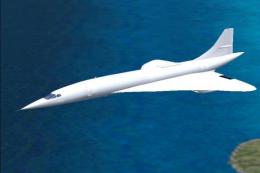 FSX Historic & Vintage Aircraft
More than proud, I am so happy to present my first model: GA_Curtis C-46 COMA…
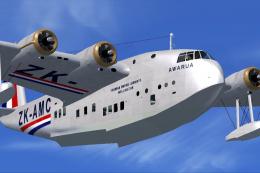 FSX Historic & Vintage Aircraft
These famous aircraft formed the backbone of the Imperial Airways, it's suces…
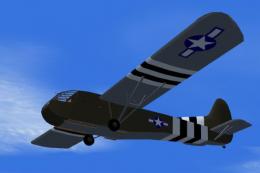 FSX Historic & Vintage Aircraft
This model flies equally well in both FS2004 and FS.X as a stand alone glider…
Read what other simmers think, or add your own.

I have not used Flight Simulator since 2001. User ID N5518 I have forgotten almost everything. I currently have a copy of FS2004 Can someone help me to get set up again? Thank you, Bill
