


 FS2004 Propeller Aircraft
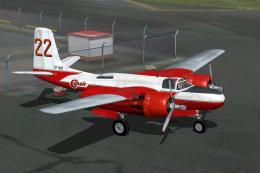
Conair A-26C C-FBMS
The A-26C AF serial 43-22357 flown by Conair Aviation Ltd. (1970-1989). Textu…
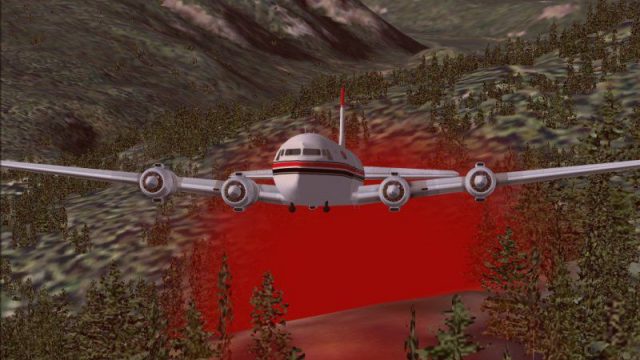
Conair’s DC-6 air tanker repaint brings a Canadian heavy-lift firefighting look to FS2004, complete with a red retardant drop effect for more authentic fire-suppression sorties. Textures only; requires Tom Gibson and Greg Pepper’s Douglas DC-6A/B base package plus compatible panel and sounds, with configuration support for Ken Mitchell’s virtual cockpit setup.
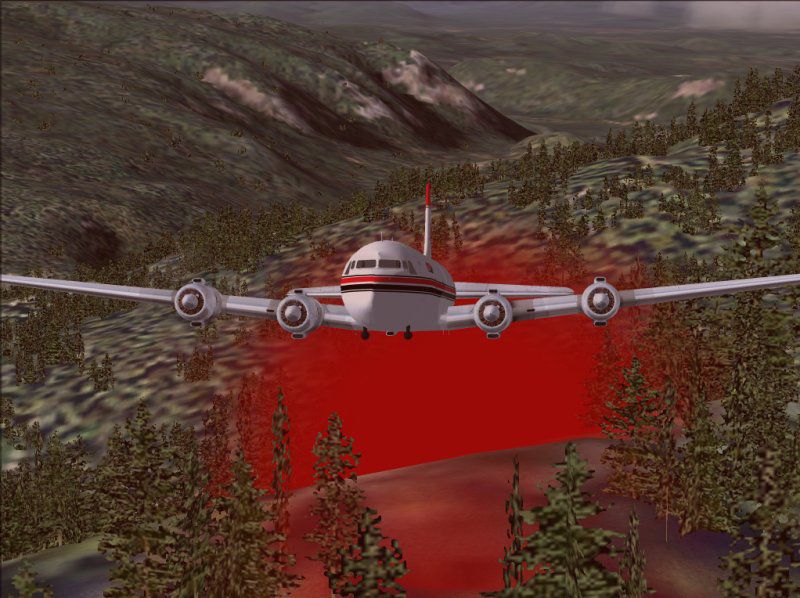
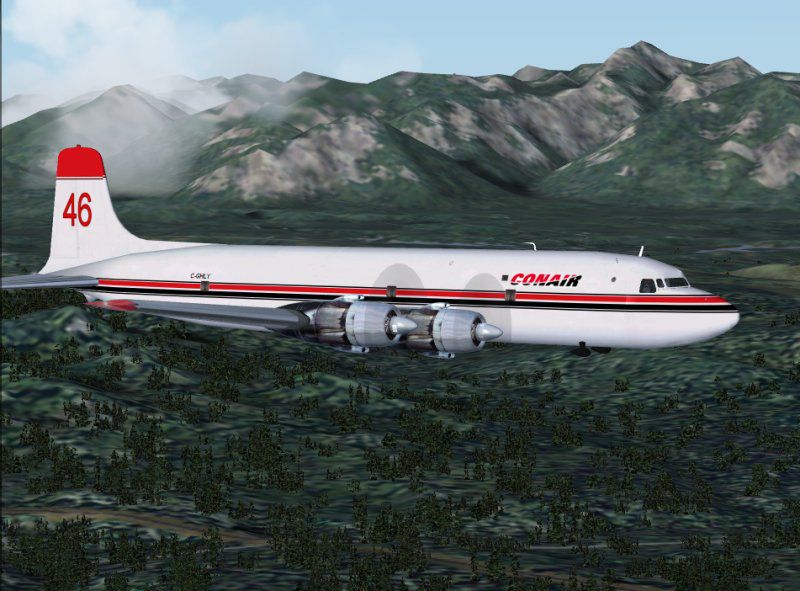
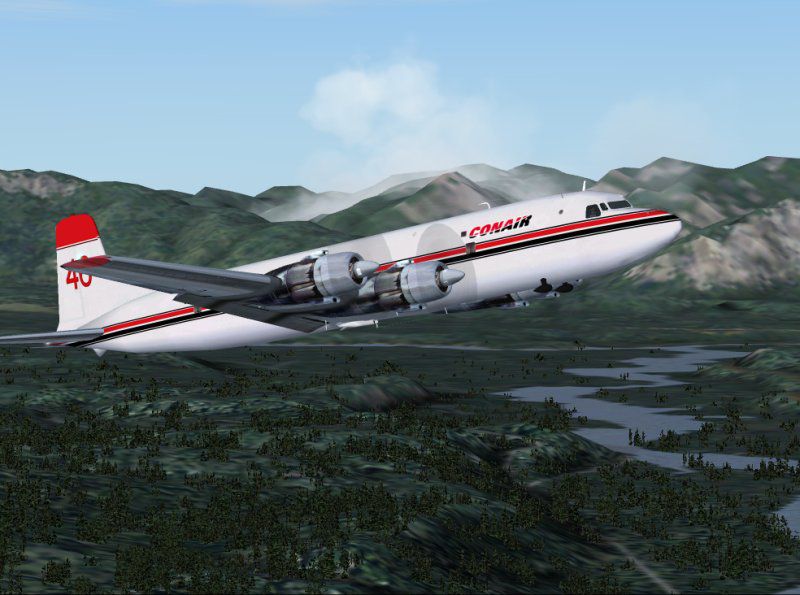
The Conair DC-6 Air Tanker is the "heavy lift" aircraft used to fight forest fires throughout Canada and the world. Features red fire retardant drop. Textures only. You will require Tom Gibson's and Greg Pepper's original Douglas DC6A/B, sounds and panel. Repainted by Vern Opperman.
Screenshot of Conair DC-6 Air Tanker in flight.
NOTE: This installation uses Ken Mitchell's panel and as such, the model=v2 and panel=vc in the aircraft.cfg file points to his panel according to his instructions. If you do not use his panel then the lines model= and panel= lines have the v2 and vc respectively removed to look like, model= and panel=
[fltsim.X]

	title=DC-6B Conair

	sim=dc6b

	model=v2

	panel=vc

	sound=

	texture=Conair

	kb_checklists=DC6B_check

	kb_reference=dc6b_ref

	atc_id=CF-CZQ

	atc_id_enable=1

	ui_manufacturer=Conair

	ui_type=DC-6B

	ui_variation=Conair

	description=The DC-6B was generally considered to possess the \nbest operating economics of any piston airliner built. \nPassengers also appreciated their smooth, quiet ride. \nThis DC-6B was probably a CB-17 equipped \nlong range version.

	atc_airline=Conair

	atc_flight_number=52

	atc_heavy=0

	visual_damage=1

	prop_anim_ratio=0.9
[General]

	performance=Four P&W R-2800-CB16\neach 2400hp for take off\n1800hp METO to 8500feet\n1700hp to 14,500 feet

	atc_type=dOUglaS

	atc_model=DC6
[SMOKESYSTEM]

	smoke.0= 0.0, -3.0, 0.0, fx_largage03_red
That's it .. go flying and put out all them forest fires. To activate the fire retardant dispersal, press and hold the "I" key.
Free for all simmers · 1.48 MB · Scanned clean
Download speed: Free tier is capped at 0.5 Mbps. PRO members download at full line speed.
FS9\Aircraft\, FS9\Addon Scenery\, FS9\Gauges\, or FS9\Effects\.readme.txt or README file. It tells you exactly where files go, what dependencies are needed, and any quirks specific to this add-on.The archive dc6conar.zip has 29 files and directories contained within it.
This list displays the first 500 files in the package. If the package has more, you will need to download it to view them.
| Filename/Directory | File Date | File Size |
|---|---|---|
| DC6Conar.gif | 11.22.05 | 13.64 kB |
| FILE_ID.DIZ | 12.01.05 | 343 B |
| fx_largage03_red.fx | 08.03.03 | 1.18 kB |
| Readme.txt | 12.01.05 | 3.25 kB |
| blurred_prop.bmp | 11.17.05 | 64.07 kB |
| dc6b-3.bmp | 05.06.03 | 256.07 kB |
| dc6b-4.bmp | 05.06.03 | 256.07 kB |
| DC6B_cockpit.bmp | 03.23.03 | 257.05 kB |
| DC6b_leftaft_L.bmp | 11.17.05 | 1.00 MB |
| DC6b_leftaft_t.bmp | 11.18.05 | 1.00 MB |
| DC6b_leftfwd_L.bmp | 11.17.05 | 1.00 MB |
| DC6b_leftfwd_t.bmp | 11.18.05 | 1.00 MB |
| DC6b_rtaft_L.bmp | 11.17.05 | 1.00 MB |
| DC6b_rtaft_t.bmp | 11.18.05 | 1.00 MB |
| DC6b_rtfwd_L.bmp | 11.17.05 | 1.00 MB |
| DC6b_rtfwd_t.bmp | 11.18.05 | 1.00 MB |
| DC6cowl14_L.bmp | 11.17.05 | 2.05 kB |
| DC6cowl14_t.bmp | 11.17.05 | 256.07 kB |
| DC6cowl23_L.bmp | 11.17.05 | 2.05 kB |
| DC6cowl23_t.bmp | 11.17.05 | 256.07 kB |
| DC6cowl_flaps_L.bmp | 11.17.05 | 2.05 kB |
| dc6cowl_flaps_t.bmp | 11.17.05 | 32.07 kB |
| Thumbs.db | 04.15.05 | 3.50 kB |
| texture.Conair | 11.22.05 | 0 B |
| Conair 02 Climbout.jpg | 11.19.05 | 80.13 kB |
| Conair 03 enroute.jpg | 11.19.05 | 93.26 kB |
| Conair 04 drop1.jpg | 11.19.05 | 100.47 kB |
| flyawaysimulation.txt | 10.29.13 | 959 B |
| Go to Fly Away Simulation.url | 01.22.16 | 52 B |
More FS2004 add-ons hand-picked based on this download.
FS2004 Propeller Aircraft
The A-26C AF serial 43-22357 flown by Conair Aviation Ltd. (1970-1989). Textu…
 FS2004 Propeller Aircraft
The A-26C c/n 28735 (AF serial 44-35456) was bought by Conair Aviation Ltd. i…
 FS2004 Propeller Aircraft
These layered PSD files can be used in Paint Shop Pro or Photoshop to allow e…
 FS2004 Propeller Aircraft
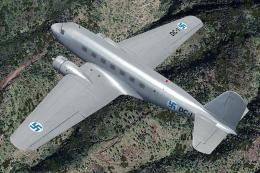
This repaint showcases a distinctive Finnish Air Force Douglas DC-2 “DC-1,” a…
 FS2004 Propeller Aircraft
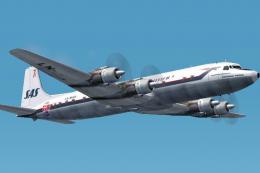
The DC-7C's of SAS became famous for opening the polar route from Europe to J…
 FS2004 Propeller Aircraft
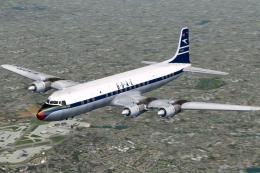
BOAC was an early customer for the DC-7C, and had a fleet of ten. Repaints by…
 FS2004 Propeller Aircraft
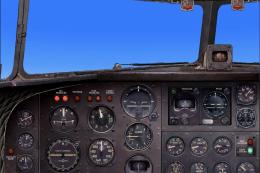
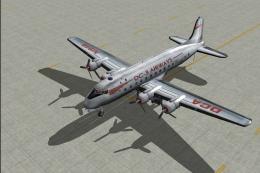
DC-3 Airways Douglas DC-3 classic and 1940's liveries. Based on the default D…
 FS2004 Propeller Aircraft
"City of Boston", in bare metal scheme. Original model by Arik Hohmeyer and F…
Be the first to leave a comment on this download.
Be the first to share your thoughts on this download.