


 FSX Military Aircraft
Tim Conrad Embraer A-29B Super Tucano Updated
Tim Conrad's A29B Super Tucano updated with new sound files, 2D panel, additi…
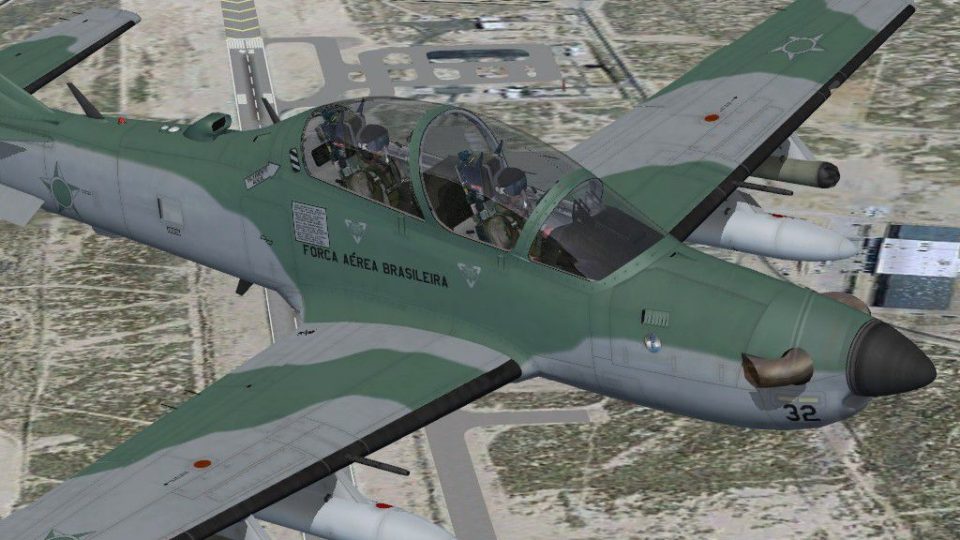
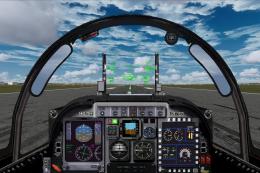
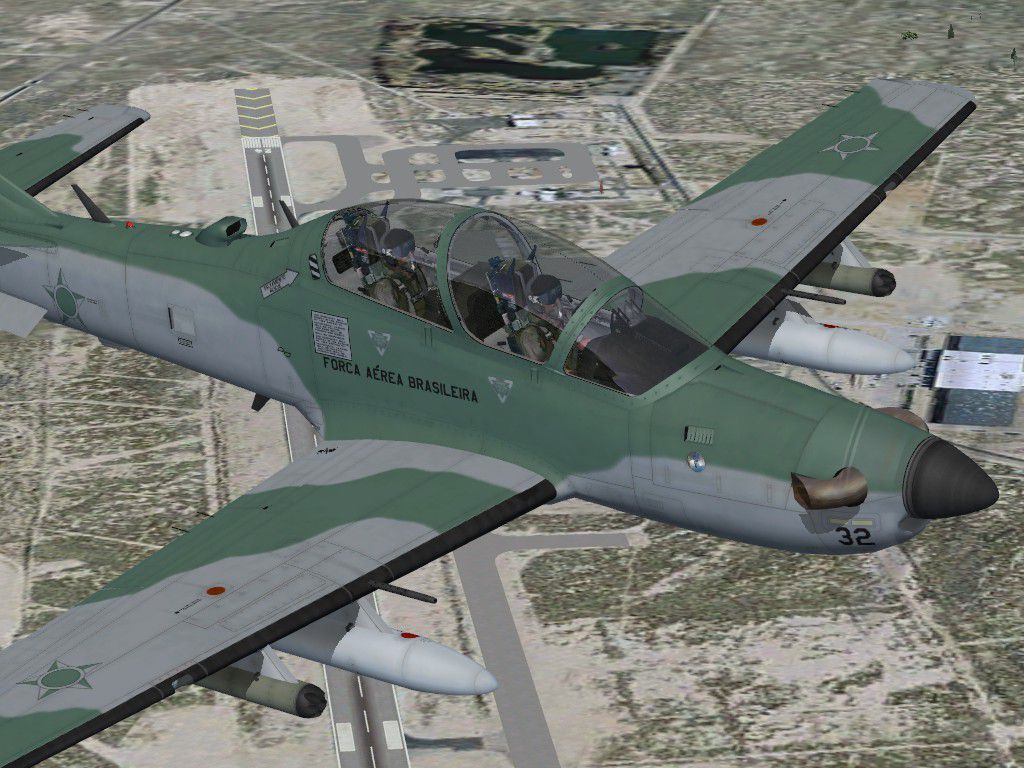
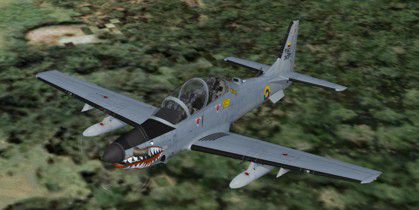
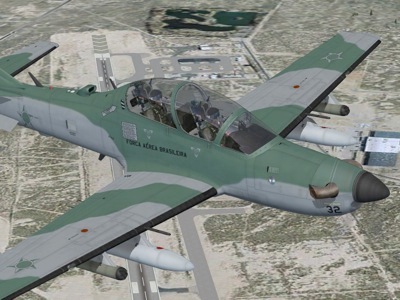
Embraer A-29B Super Tucano brings a modern Brazilian trainer and light-attack aircraft to FSX with two paint schemes, a front-seat virtual cockpit, and selectable underwing stores for drop tanks and rocket pods. It requires the Acceleration expansion for the HUD and UFC displays, while core gauges remain functional.

Free for all simmers · 9.59 MB · Scanned clean
Download speed: Free tier is capped at 0.5 Mbps (this file takes approximately 3 mins at the cap). PRO members download at full line speed.
SimObjects\Airplanes\, Addon Scenery\, Effects\, or Gauges\.readme.txt or README file. It tells you exactly where files go, what dependencies are needed, and any quirks specific to this add-on.The archive a-29b_st.zip has 45 files and directories contained within it.
This list displays the first 500 files in the package. If the package has more, you will need to download it to view them.
| Filename/Directory | File Date | File Size |
|---|---|---|
| A-29B.air | 10.27.08 | 15.51 kB |
| aircraft.cfg | 10.27.08 | 13.24 kB |
| model | 10.27.08 | 0 B |
| A-29B.MDL | 10.27.08 | 1.68 MB |
| A-29B_interior.MDL | 10.27.08 | 1.41 MB |
| model.cfg | 09.30.08 | 49 B |
| panel | 10.27.08 | 0 B |
| j29b_popup.bmp | 04.10.08 | 1.23 MB |
| panel.cfg | 10.30.08 | 2.37 kB |
| sound | 10.27.08 | 0 B |
| sound.cfg | 10.16.07 | 29 B |
| texture.fac | 10.27.08 | 0 B |
| a29b_01.bmp | 10.26.08 | 4.00 MB |
| a29b_01_lm.bmp | 10.27.08 | 4.00 MB |
| a29b_01_spec.bmp | 10.27.08 | 4.00 MB |
| a29b_02.bmp | 10.27.08 | 4.00 MB |
| a29b_02_lm.bmp | 10.26.08 | 4.00 MB |
| a29b_aircrew.bmp | 09.30.08 | 256.07 kB |
| a29b_glass.bmp | 10.08.08 | 256.07 kB |
| a29b_panels.bmp | 10.27.08 | 4.00 MB |
| a29b_panels_lm.bmp | 10.27.08 | 4.00 MB |
| a29b_prop.bmp | 10.01.08 | 128.07 kB |
| a29b_stores.bmp | 10.27.08 | 256.07 kB |
| a29b_stores_spec.bmp | 10.27.08 | 256.07 kB |
| thumbnail.jpg | 10.25.08 | 28.05 kB |
| texture | 10.27.08 | 0 B |
| a29b_01.bmp | 10.27.08 | 4.00 MB |
| a29b_01_lm.bmp | 10.27.08 | 4.00 MB |
| a29b_01_spec.bmp | 10.27.08 | 4.00 MB |
| a29b_02.bmp | 10.27.08 | 4.00 MB |
| a29b_02_lm.bmp | 10.26.08 | 4.00 MB |
| a29b_aircrew.bmp | 09.30.08 | 256.07 kB |
| a29b_glass.bmp | 10.08.08 | 256.07 kB |
| a29b_panels.bmp | 10.27.08 | 4.00 MB |
| a29b_panels_lm.bmp | 10.27.08 | 4.00 MB |
| a29b_prop.bmp | 10.01.08 | 128.07 kB |
| a29b_stores.bmp | 10.27.08 | 256.07 kB |
| a29b_stores_spec.bmp | 10.27.08 | 256.07 kB |
| thumbnail.jpg | 10.14.08 | 33.28 kB |
| a29b_pic.jpg | 10.27.08 | 202.49 kB |
| A-29B.cab | 10.27.08 | 454.43 kB |
| file_id.diz | 10.27.08 | 192 B |
| readme.txt | 10.30.08 | 2.75 kB |
| flyawaysimulation.txt | 10.29.13 | 959 B |
| Go to Fly Away Simulation.url | 01.22.16 | 52 B |
More FSX & P3D add-ons hand-picked based on this download.
FSX Military Aircraft
Tim Conrad's A29B Super Tucano updated with new sound files, 2D panel, additi…
 FSX Military Aircraft
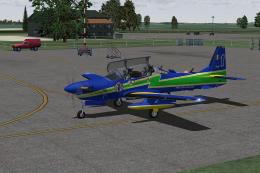
Embraer A-29B Super Tucano - Esquadrilha da Fumaca repaint (fictional). Model…
 FSX Military Aircraft
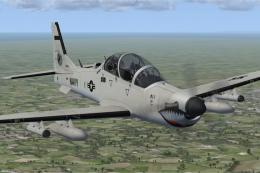
This custom texture set presents a fictional United States Navy low-visibilit…
 FSX Military Aircraft
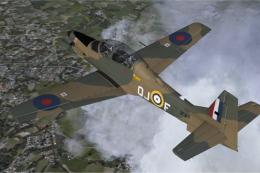
RAF Embraer A-29B Super Tucano. Repainted to represent a Shorts Tucano of the…
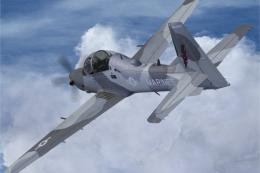 FSX Military Aircraft
This freeware package introduces a fictional U.S. Marine Corps (NSAWC) repain…
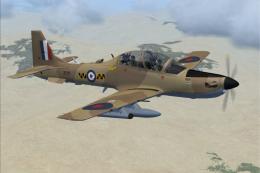 FSX Military Aircraft
RAF Embraer A-29B Super Tucano. Fictional repaint in a Royal Air Force desert…
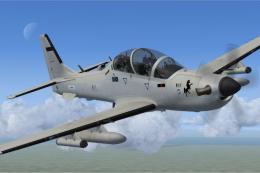 FSX Military Aircraft
This freeware repaint highlights a US Navy “Imminent Fury” theme for the Embr…
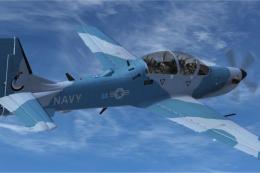 FSX Military Aircraft
The fictional USN adversary scheme for the Embraer A-29B Super Tucano enhance…
Read what other simmers think, or add your own.


Unfortunately, the sound of engines don't work on P3D V4.5 but to make the HUD work just put the gauges files on the gauges directory of the game.

Fantastic model. I had no expectations and downloaded because externals were so well done. Blown away by the flight model though, wonderful work. Only thing for me running P3d is no HUD but that's easily sorted.


This is an excellent plane and I love flying it.
However, I've found someone who has ripped this plane from FSX and is selling it in a game called Second Life. You can view images of it here: https://marketplace.secondlife.com/p/A29-B-Super-Tucano-v12/5988507
Such a sad individual that would steal something that's free and awesome, and then make profit from it. I hope Piglet does something about it.

This device is amazing truth and deserves my deepest thanks to the author, who was generous enough to provide the excellent work that we are enthusiasts.
Again thank you very much. Kind regards friendly.

Tim Conrad does excellent work. I have enjoyed many of his planes. BZ to Piglet.