

 FSX Military Aircraft
USN Low Vis Embraer A-29B Super Tucano
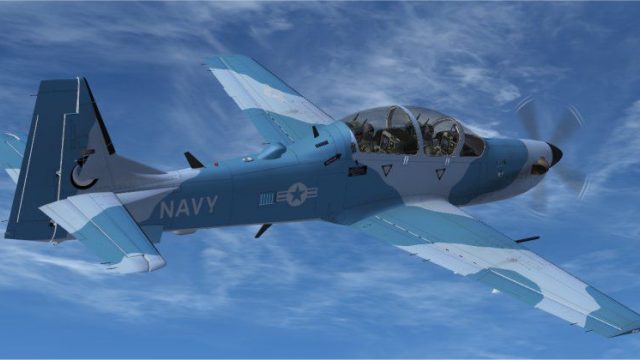
This custom texture set presents a fictional United States Navy low-visibilit…
USN adversary markings bring a fresh aggressor look to the Embraer A-29B Super Tucano for opposing-force training sorties in Microsoft Flight Simulator X, with crisp panel lines, camouflage, and accurate-style insignia placement. The repaint requires Tim Conrad’s freeware A-29B base model and fits carrier-training themed scenarios.
 Rate
Rate
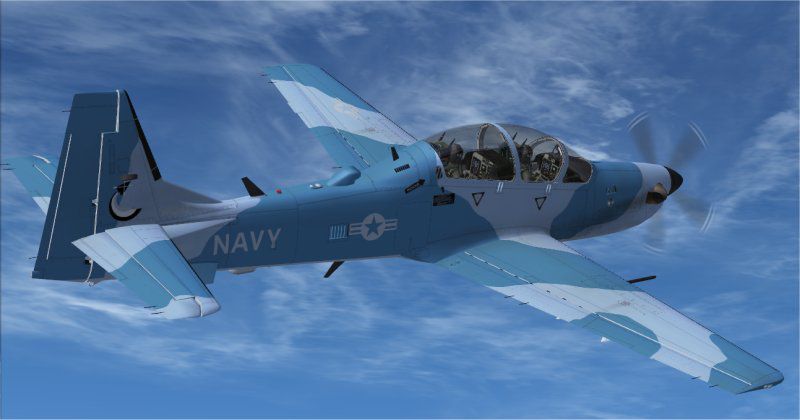
The fictional USN adversary scheme for the Embraer A-29B Super Tucano enhances opposing-force training flights in Microsoft Flight Simulator X. Developed by Paul Barry, it relies on Tim Conrad’s freeware base model and presents a unique take on carrier-based training exercises. This particular liveries set simulates a US Navy adversary role, reflecting the style often used by real-world aggressor squadrons to sharpen tactical response and pilot readiness.
Fictional USN Adversary Markings: The paint job is an imagined variant of what a US Navy training squadron might utilize for simulated threat engagements.
Detailed Visual Fidelity: Significant attention has been paid to panel lines, camouflage patterns, and insignia placement, leveraging Tim Conrad’s paint kit assets.
Base Model Compatibility: This repaint depends on the original A-29B aircraft package by Tim Conrad (often credited under “Piglet’s Peculiar Planes”), which is available as a freeware download from the Fly Away Simulation library.
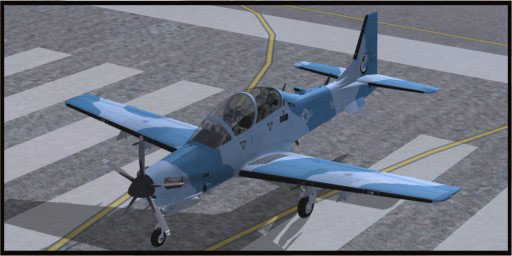
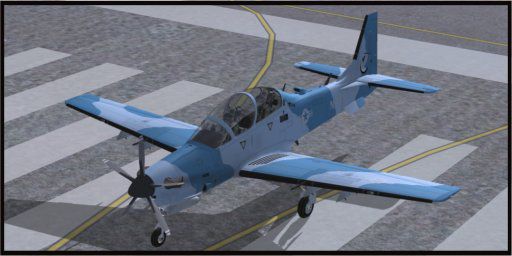
Fictional USN adversary livery on the A-29B Super Tucano while on the runway.
The real Embraer A-29B Super Tucano is a rugged turboprop designed primarily for light attack and advanced training missions. Its aerodynamic efficiency, combined with modern avionics, provides a stable platform for both counterinsurgency and pilot development programs. While this USN adversary repaint is imaginary, similar adversary units in actual military operations train fighter crews by simulating potential opponents.
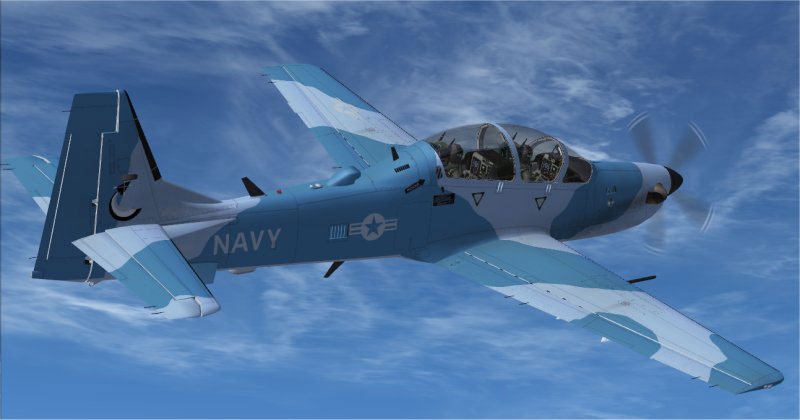
A-29B Super Tucano sporting USN adversary paint in flight.
[fltsim.XX]
title=A-29B_USNadversary
sim=A-29B
model=
panel=
sound=
texture=usnad
kb_checklists=
kb_reference=
atc_id_color=0x00ff0000
atc_id=314
ui_manufacturer=Embraer
ui_type="A-29B"
ui_variation="U S Navy Adversary"
description=
atc_heavy=0
atc_id_font=Verdana,-11,1,600,0
ui_createdby="Piglet's Peculiar Planes"
visual_damage=1
All repaint work is courtesy of Paul Barry, utilizing the official paint kit from Tim Conrad. The base A-29B model by Tim Conrad is likewise freeware, ensuring that this USN adversary repaint can be enjoyed at no cost, so long as the prerequisite aircraft package is obtained and installed. This variant allows enthusiasts to expand their fleet and inject a fresh level of challenge and realism into adversary training missions.
Free for all simmers · 3.51 MB · Scanned clean Oct 2026
Download speed: Free tier is capped at 0.5 Mbps. PRO members download at full line speed.
This file is a repaint — the package below is the base model it paints onto. Install it first, or the textures will have nothing to load onto.
texture.{airline}) inside FSX\SimObjects\Airplanes\{base-aircraft}\.aircraft.cfg in Notepad. Add a new [fltsim.X] section per the readme.readme.txt or README file. It tells you exactly where files go, what dependencies are needed, and any quirks specific to this add-on.The archive a29busnad.zip has 20 files and directories contained within it.
This list displays the first 500 files in the package. If the package has more, you will need to download it to view them.
| Filename/Directory | File Date | File Size |
|---|---|---|
| a29busnad.jpg | 11.04.10 | 43.50 kB |
| READ ME!.txt | 11.04.10 | 1.29 kB |
| texture.usnad | 11.04.10 | 0 B |
| a29b_01.dds | 11.04.10 | 4.00 MB |
| a29b_01_lm.bmp | 10.24.10 | 4.00 MB |
| a29b_01_spec.bmp | 10.24.10 | 4.00 MB |
| a29b_02.bmp | 10.24.10 | 4.00 MB |
| a29b_02_lm.bmp | 10.24.10 | 4.00 MB |
| a29b_aircrew.bmp | 10.24.10 | 256.07 kB |
| a29b_glass.bmp | 10.24.10 | 256.07 kB |
| a29b_panels.bmp | 10.24.10 | 4.00 MB |
| a29b_panels_lm.bmp | 10.24.10 | 4.00 MB |
| a29b_prop.bmp | 10.24.10 | 128.07 kB |
| a29b_stores.dds | 11.03.10 | 256.12 kB |
| a29b_stores_spec.bmp | 10.24.10 | 256.07 kB |
| pspbrwse.jbf | 10.31.10 | 21.64 kB |
| thumbnail.jpg | 11.04.10 | 27.90 kB |
| a29busnad | 11.04.10 | 0 B |
| flyawaysimulation.txt | 10.29.13 | 959 B |
| Go to Fly Away Simulation.url | 01.22.16 | 52 B |
Only PRO members can place votes.
More FSX & P3D add-ons hand-picked based on this download.
FSX Military Aircraft
This custom texture set presents a fictional United States Navy low-visibilit…
 FSX Military Aircraft
This freeware repaint highlights a US Navy “Imminent Fury” theme for the Embr…
 FSX Military Aircraft
FSX SP-2 AccelerationEMBRAER A-29B SUPER TUCANOModern Brazil made trainer and…
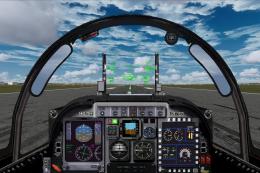 FSX Military Aircraft
Tim Conrad's A29B Super Tucano updated with new sound files, 2D panel, additi…
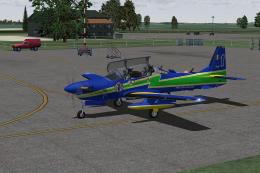 FSX Military Aircraft
Embraer A-29B Super Tucano - Esquadrilha da Fumaca repaint (fictional). Model…
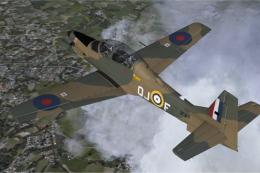 FSX Military Aircraft
RAF Embraer A-29B Super Tucano. Repainted to represent a Shorts Tucano of the…
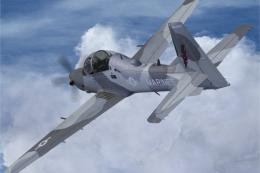 FSX Military Aircraft
This freeware package introduces a fictional U.S. Marine Corps (NSAWC) repain…
 FSX Military Aircraft
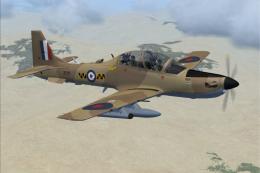
RAF Embraer A-29B Super Tucano. Fictional repaint in a Royal Air Force desert…
Be the first to leave a comment on this download.
Be the first to share your thoughts on this download.