

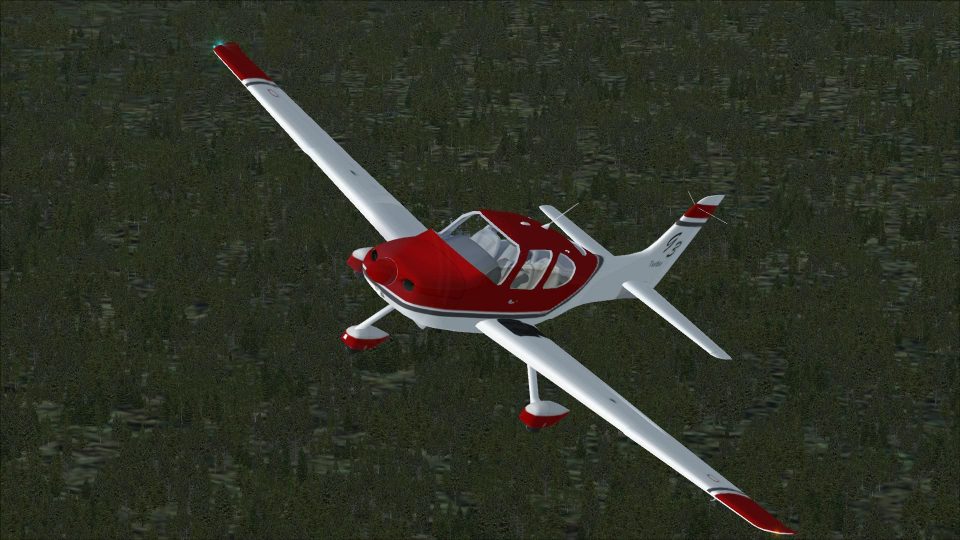
 FSX General Aviation Aircraft
Eaglesoft SR22 G3 Turbo
Eaglesoft SR22 G3 Turbo. New camera views (internal and external) for the Eag…
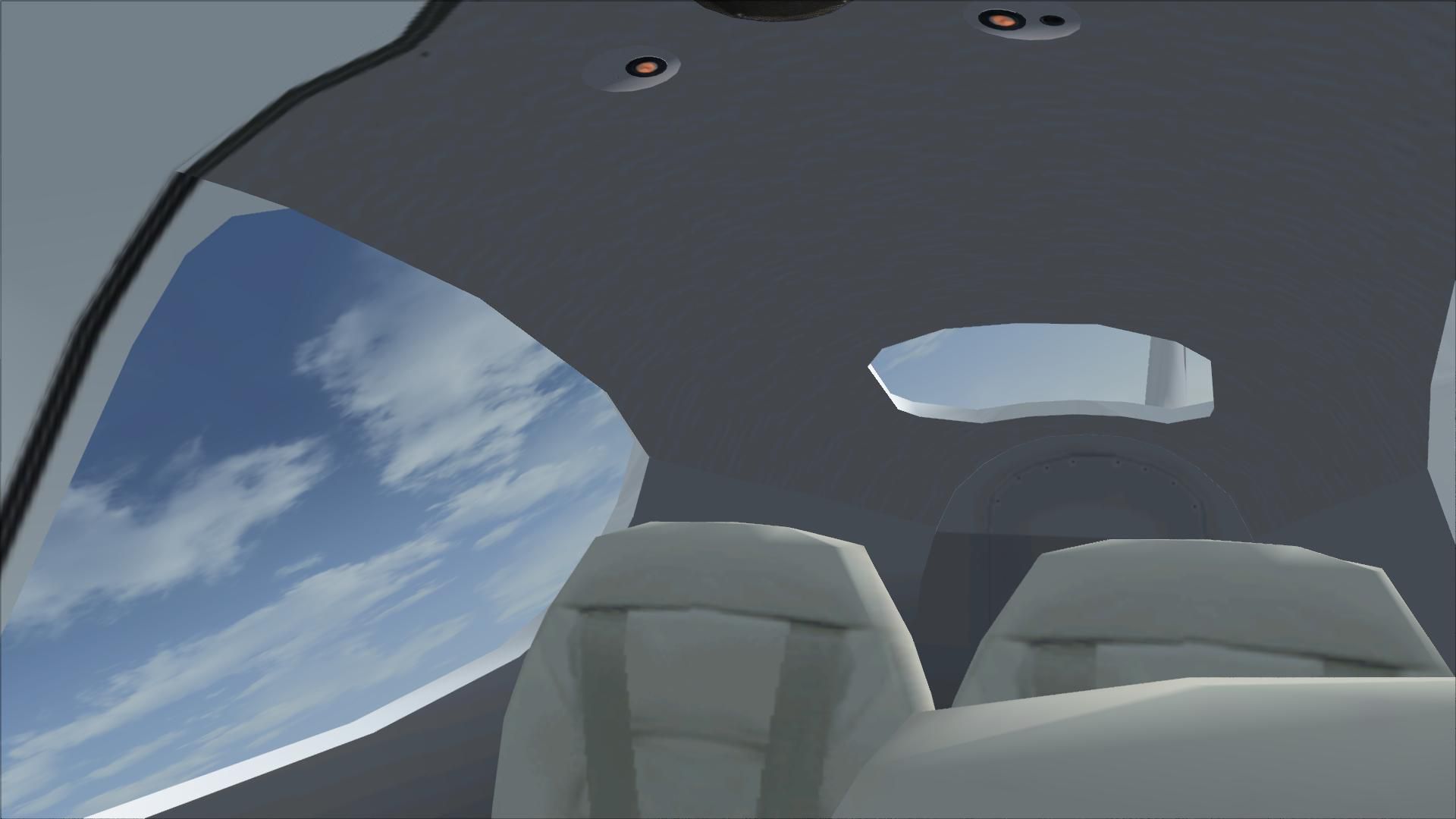
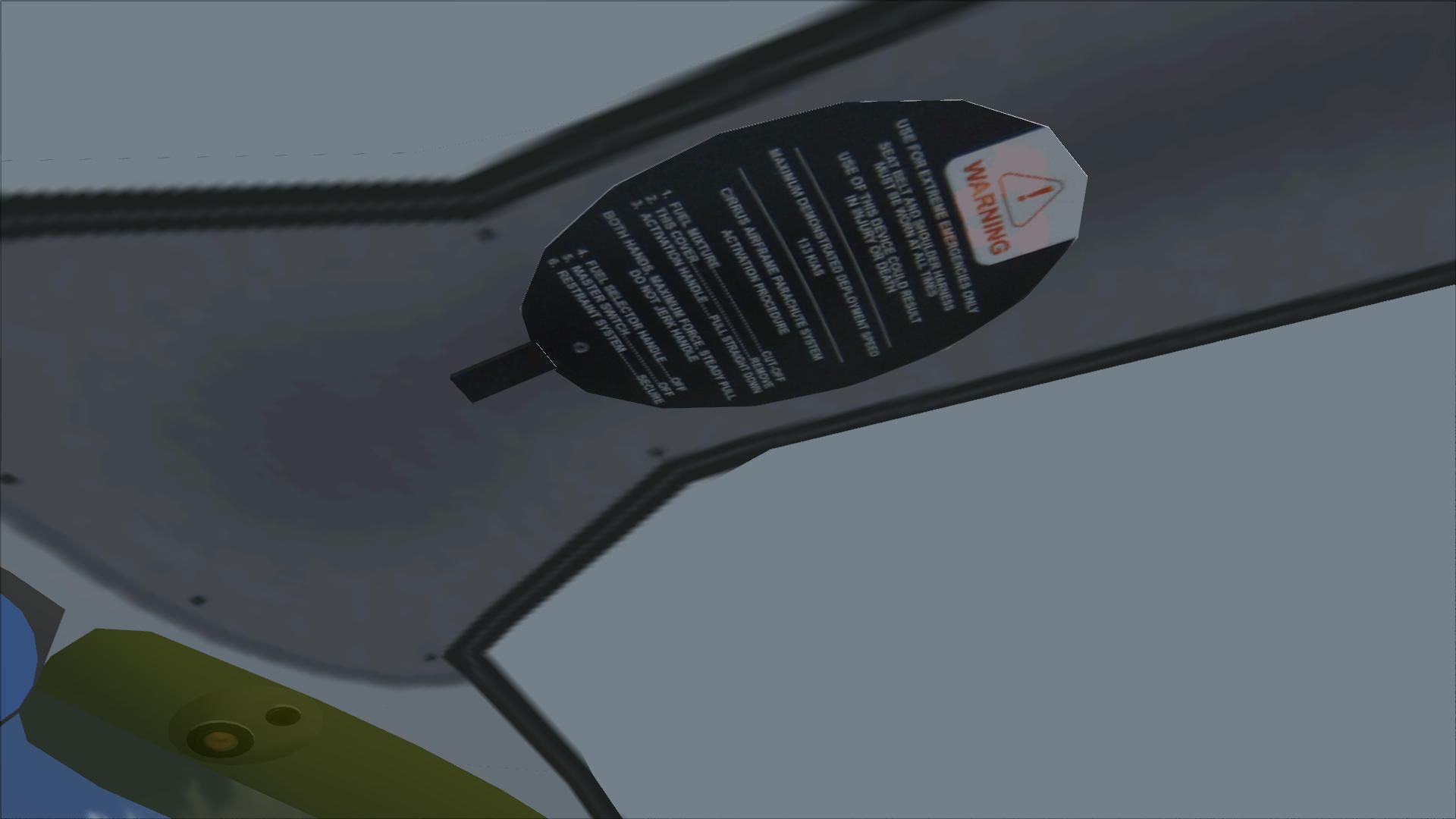
Cirrus SR22-GTS Turbo G3 brings the Turbo G3’s performance profile to Flight Simulator X with updated flight dynamics, refined visuals, and fresh textures. The package includes a new glass panel for 2D and virtual cockpit flying, an updated GPS, and a working Cirrus Airframe Parachute System for added realism.

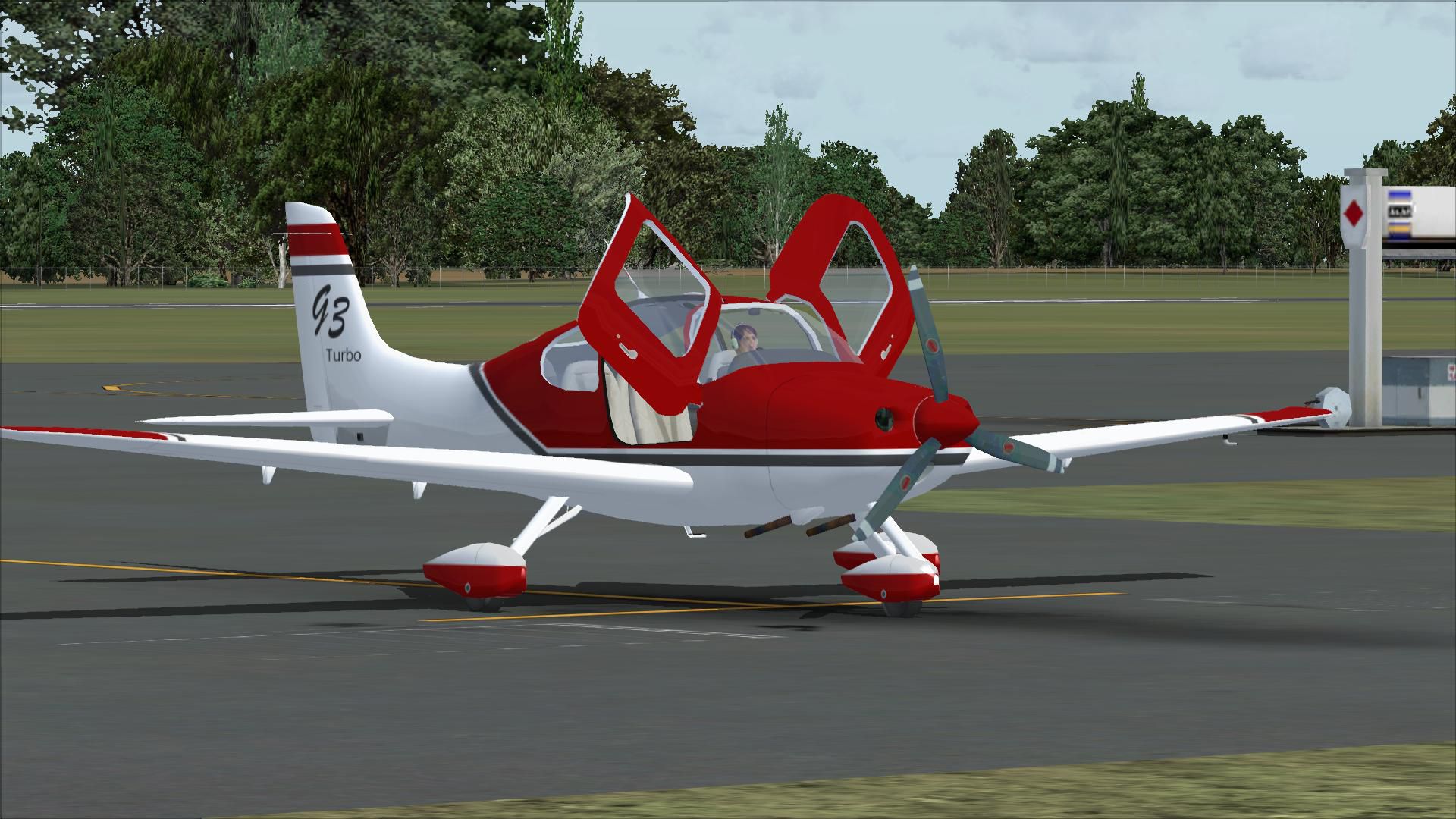
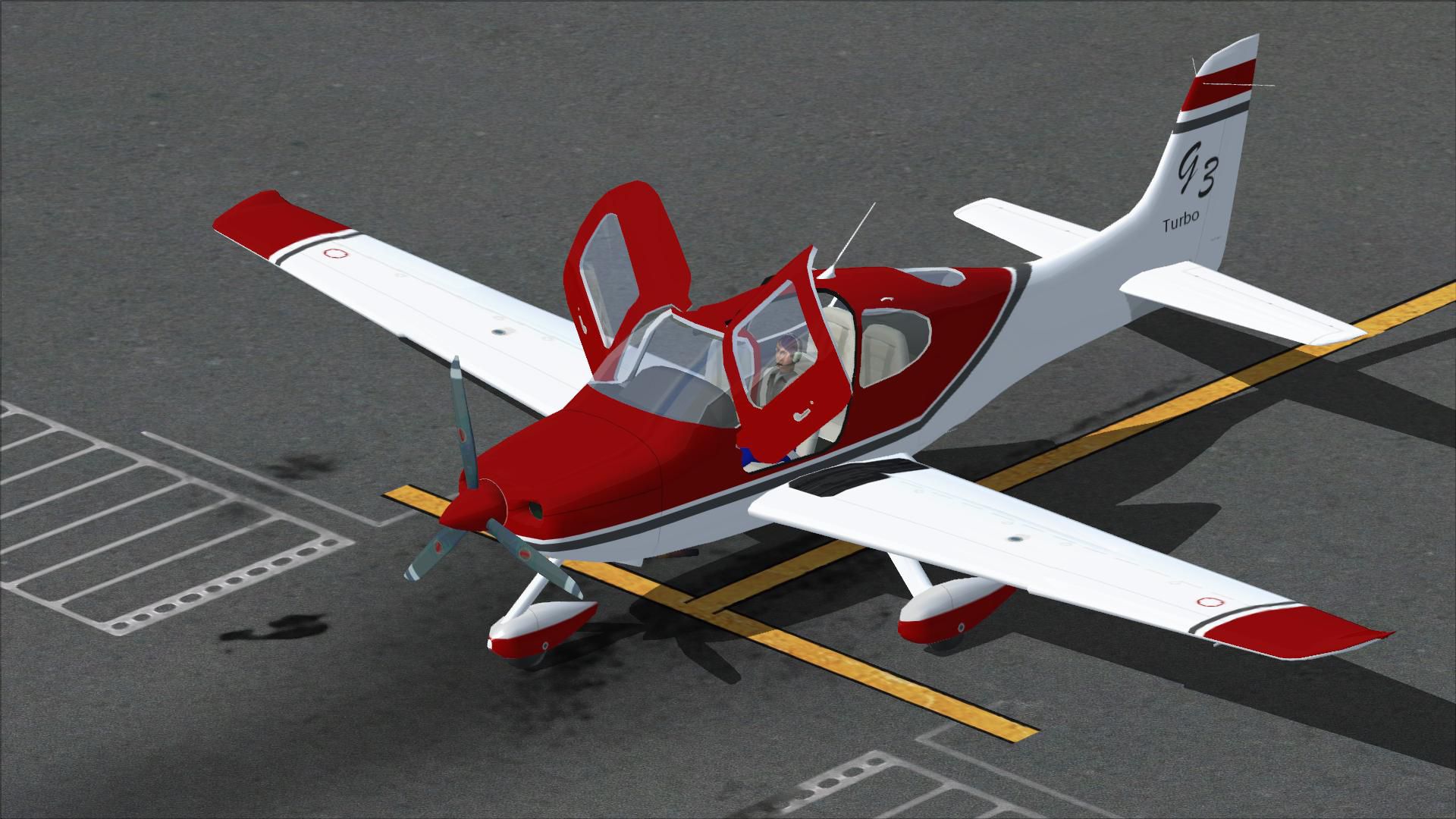
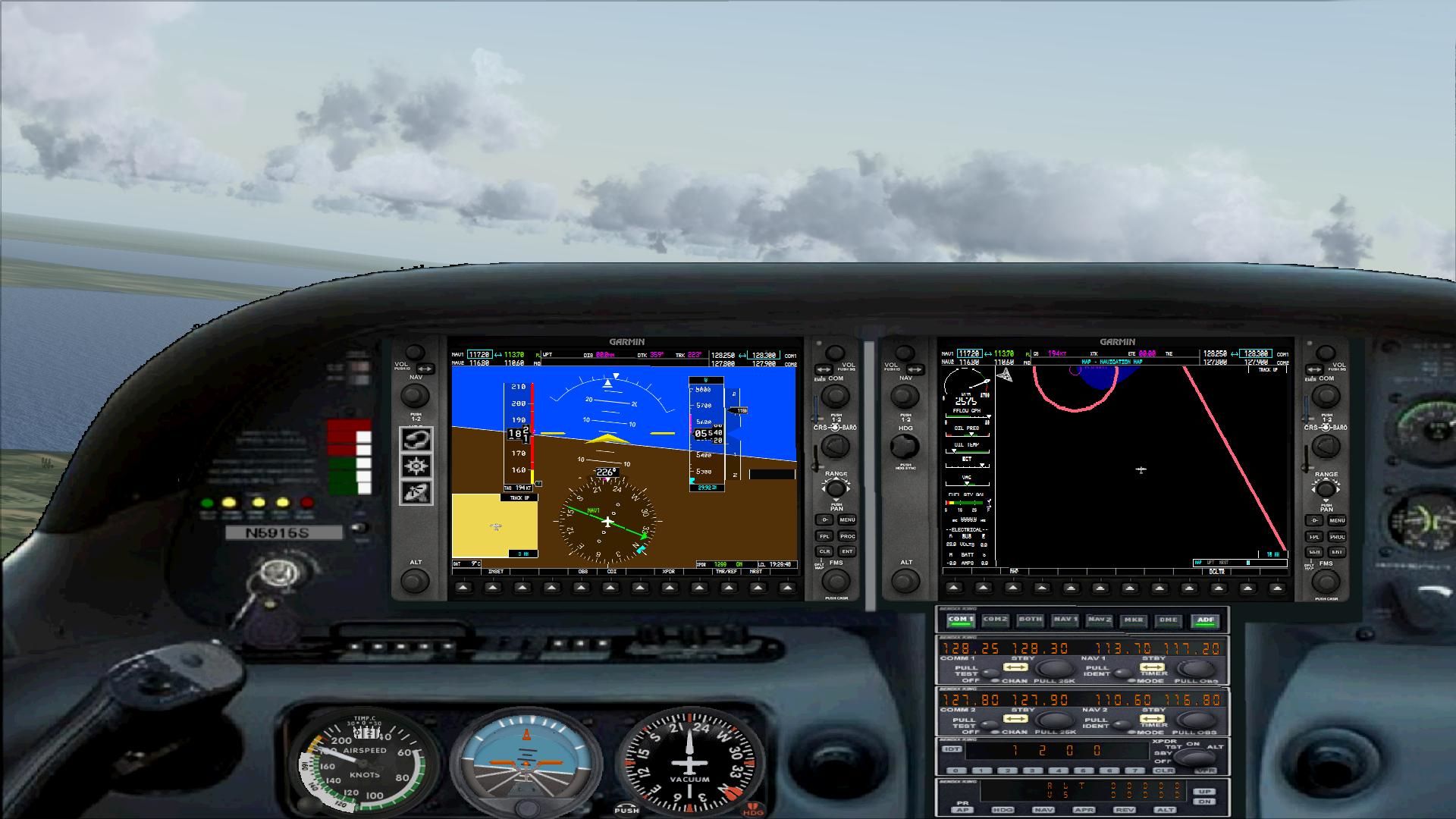
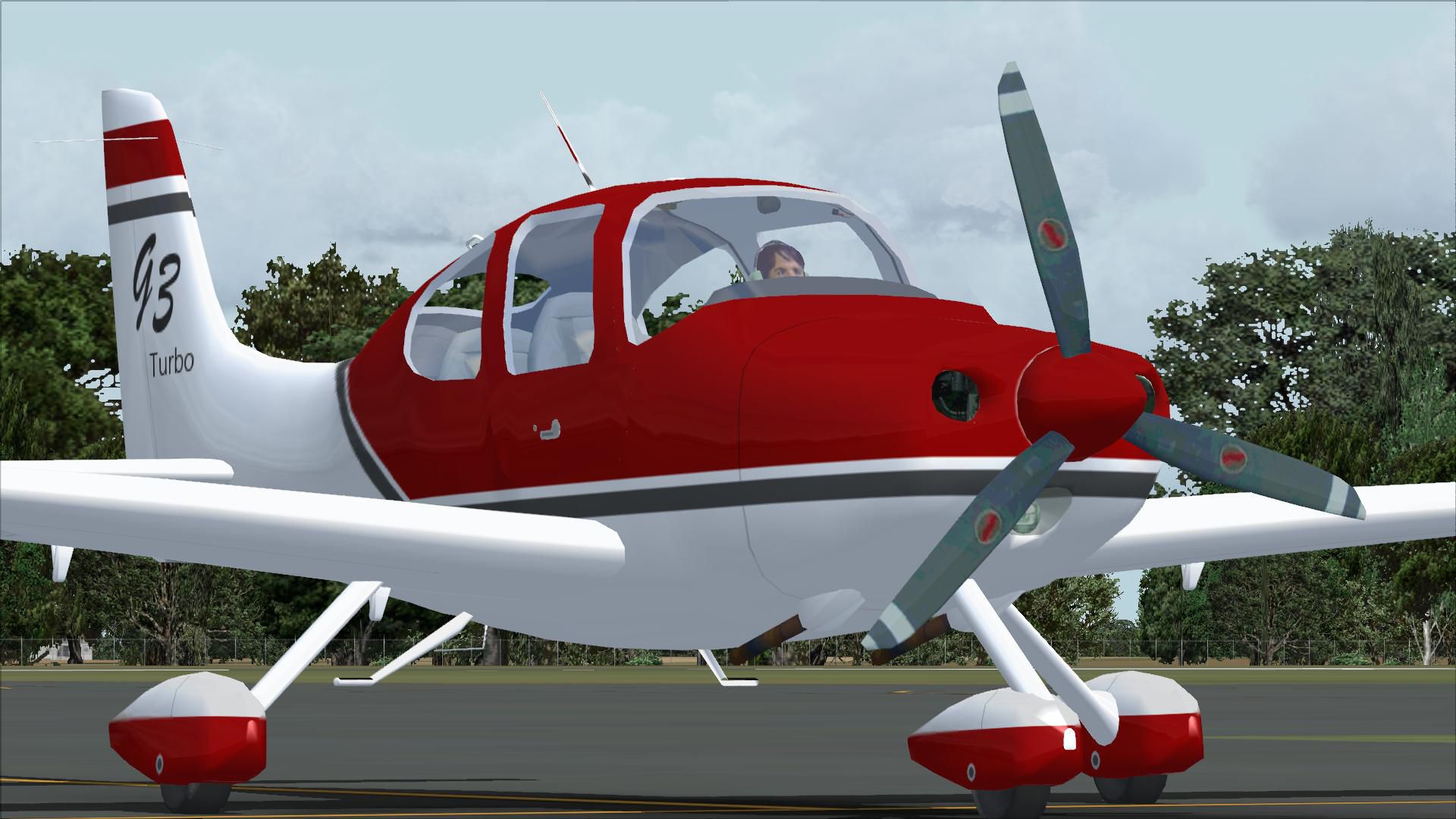

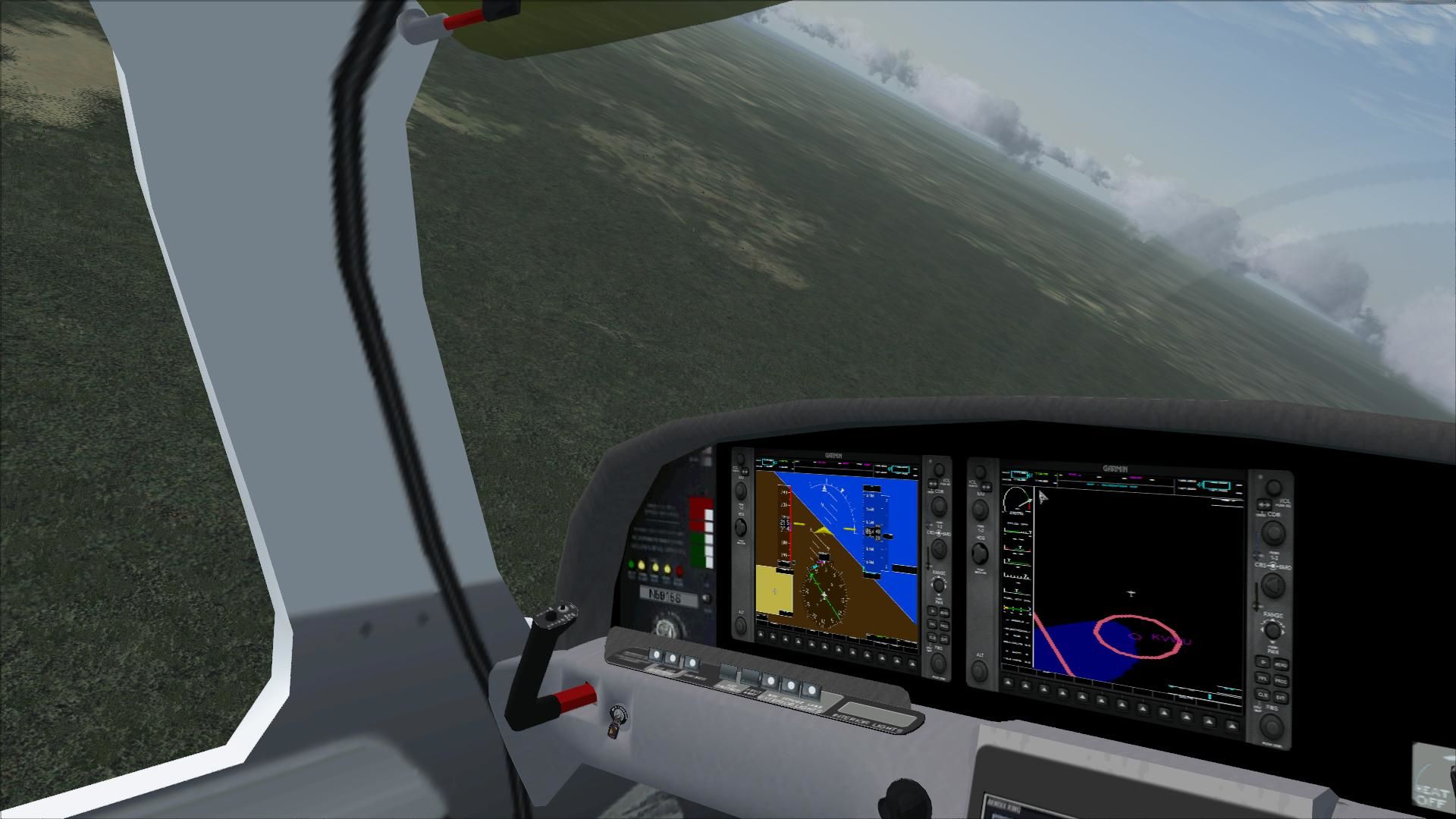

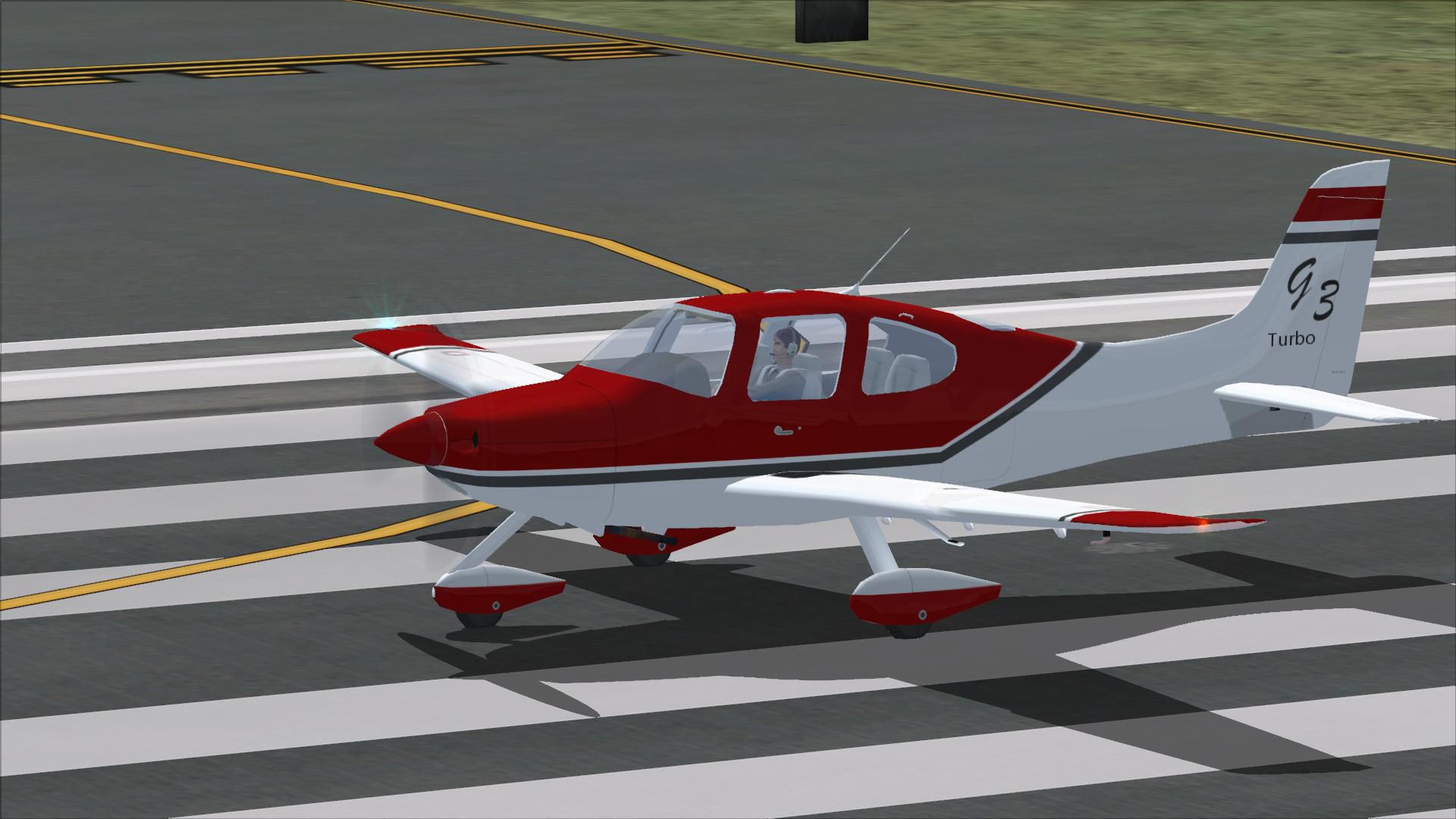
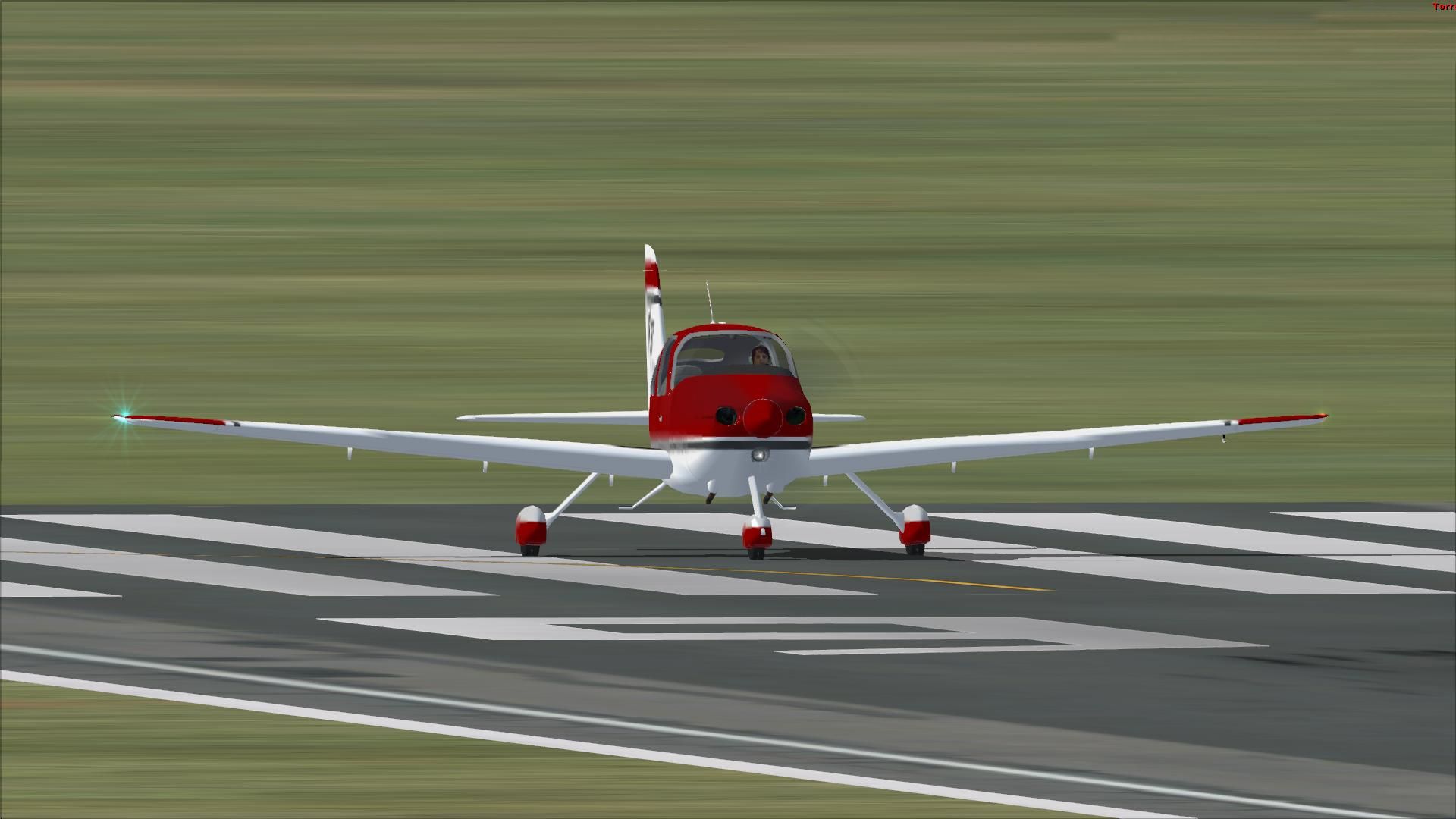
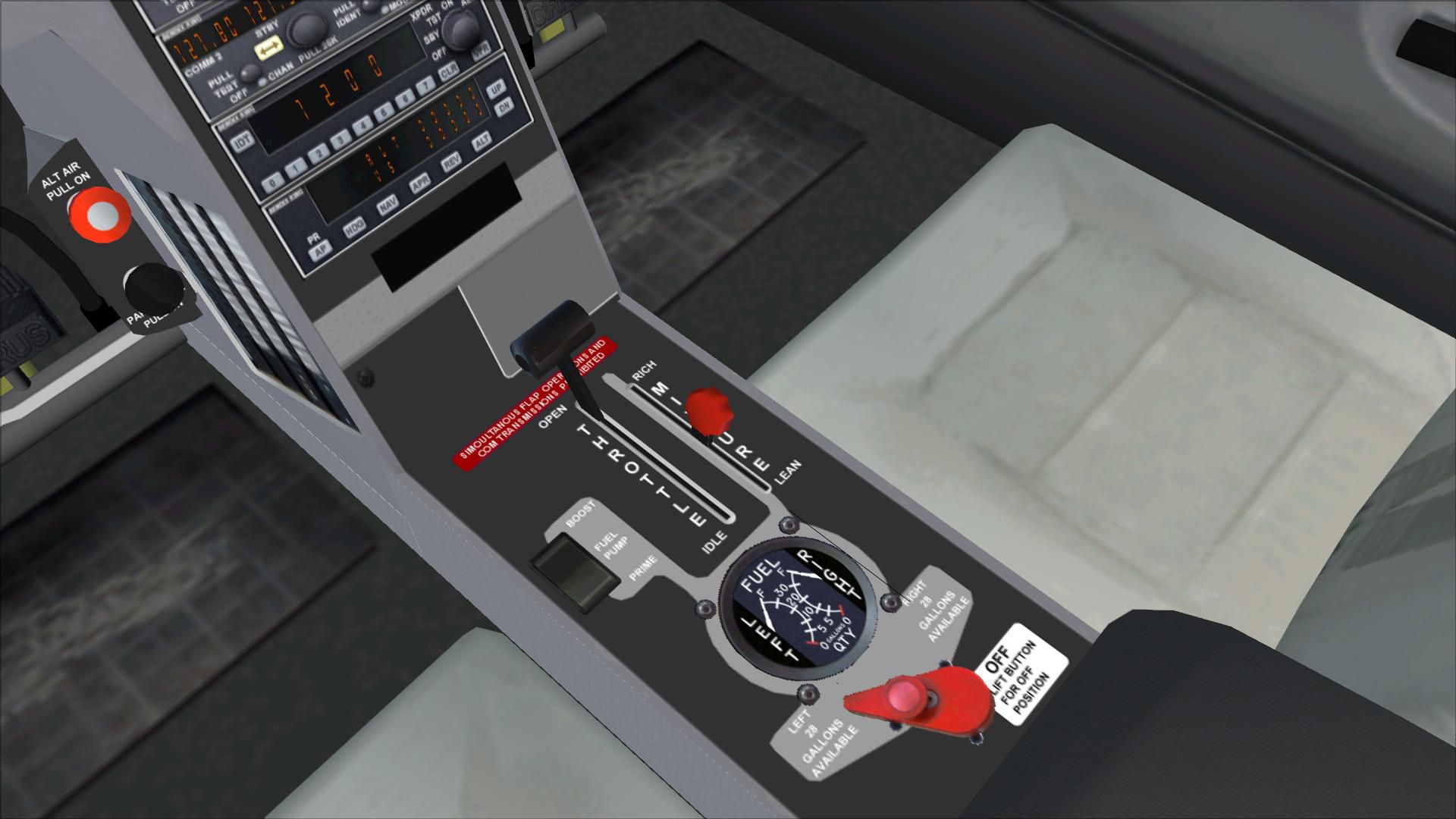
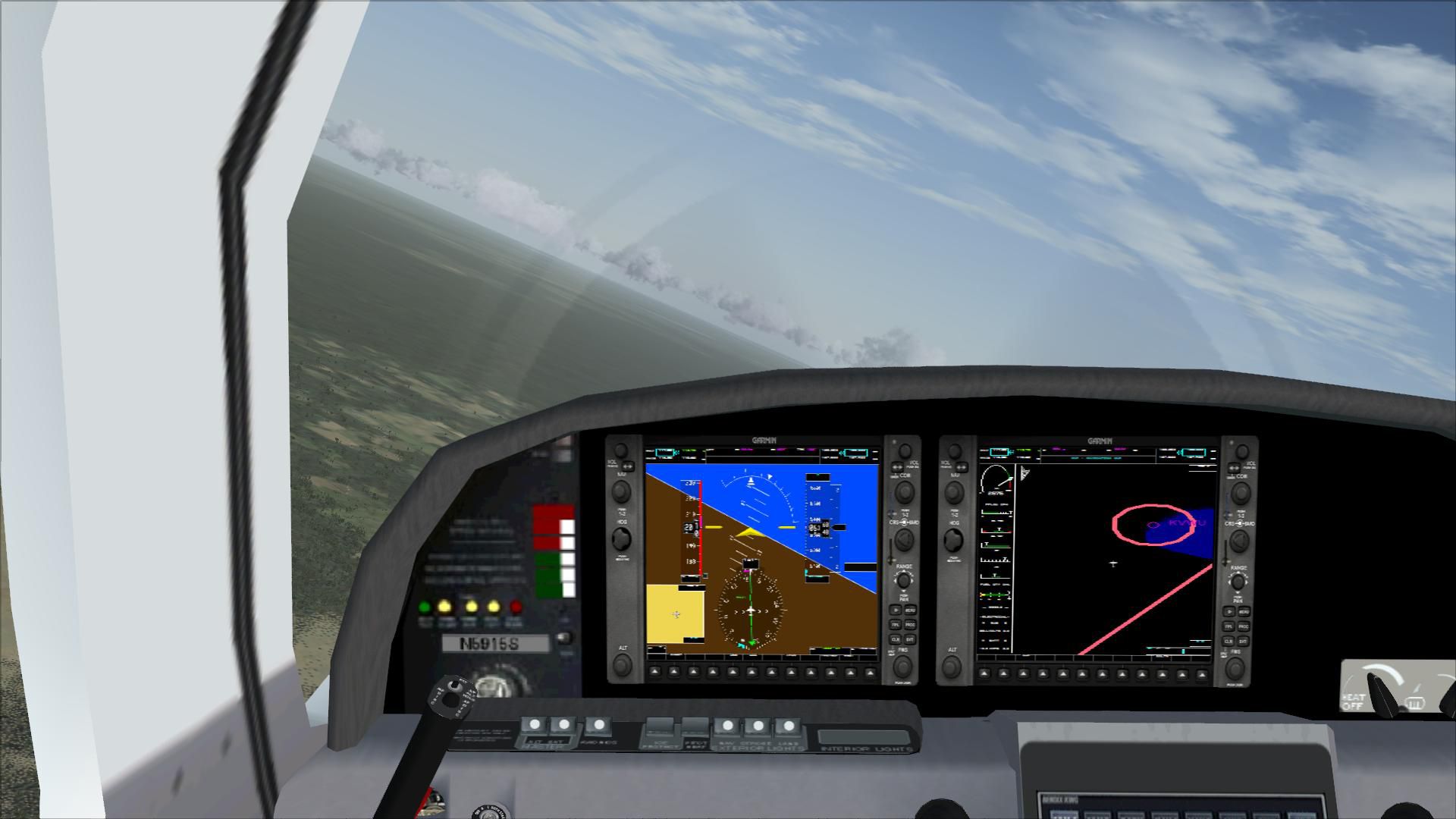
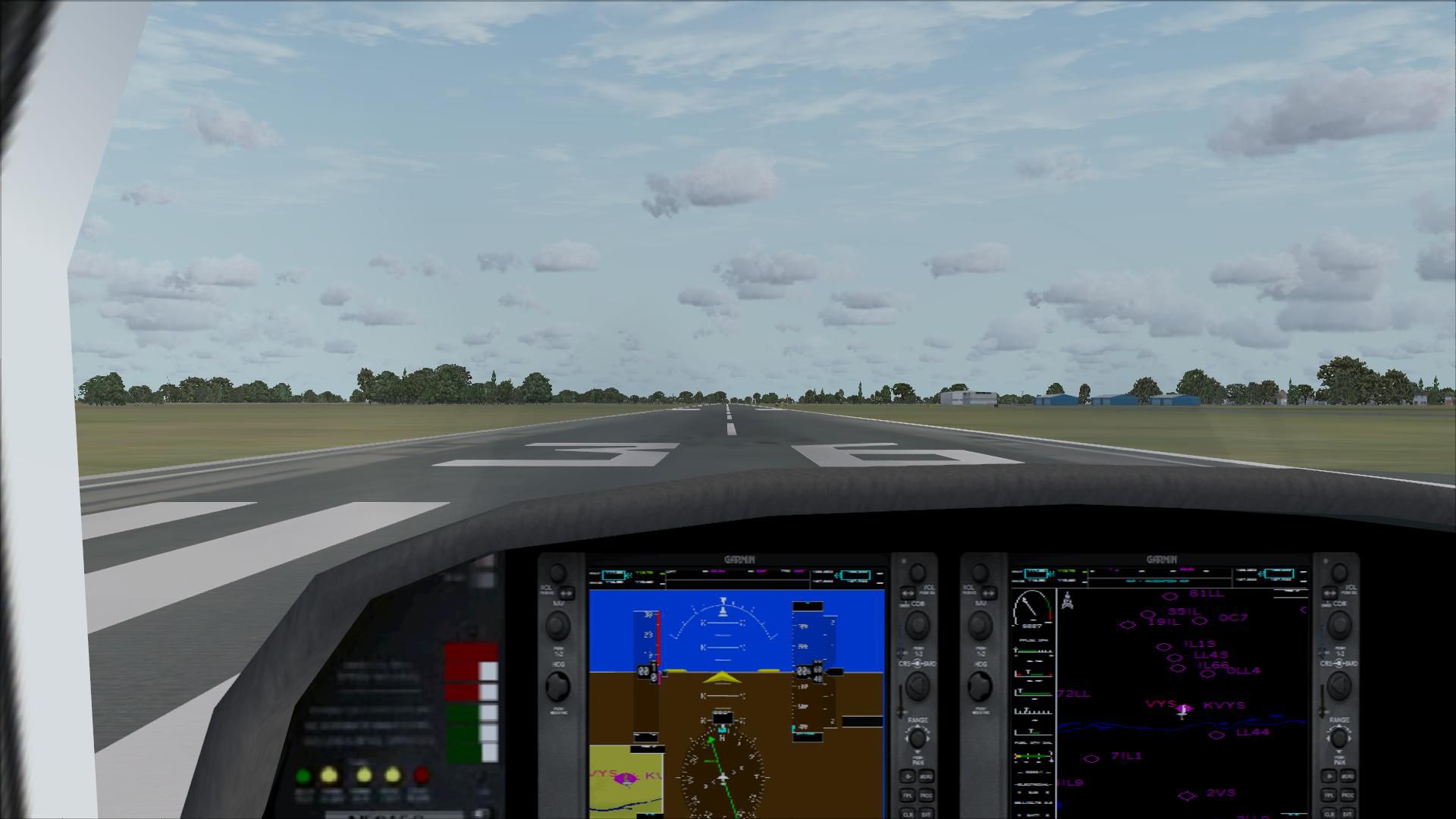
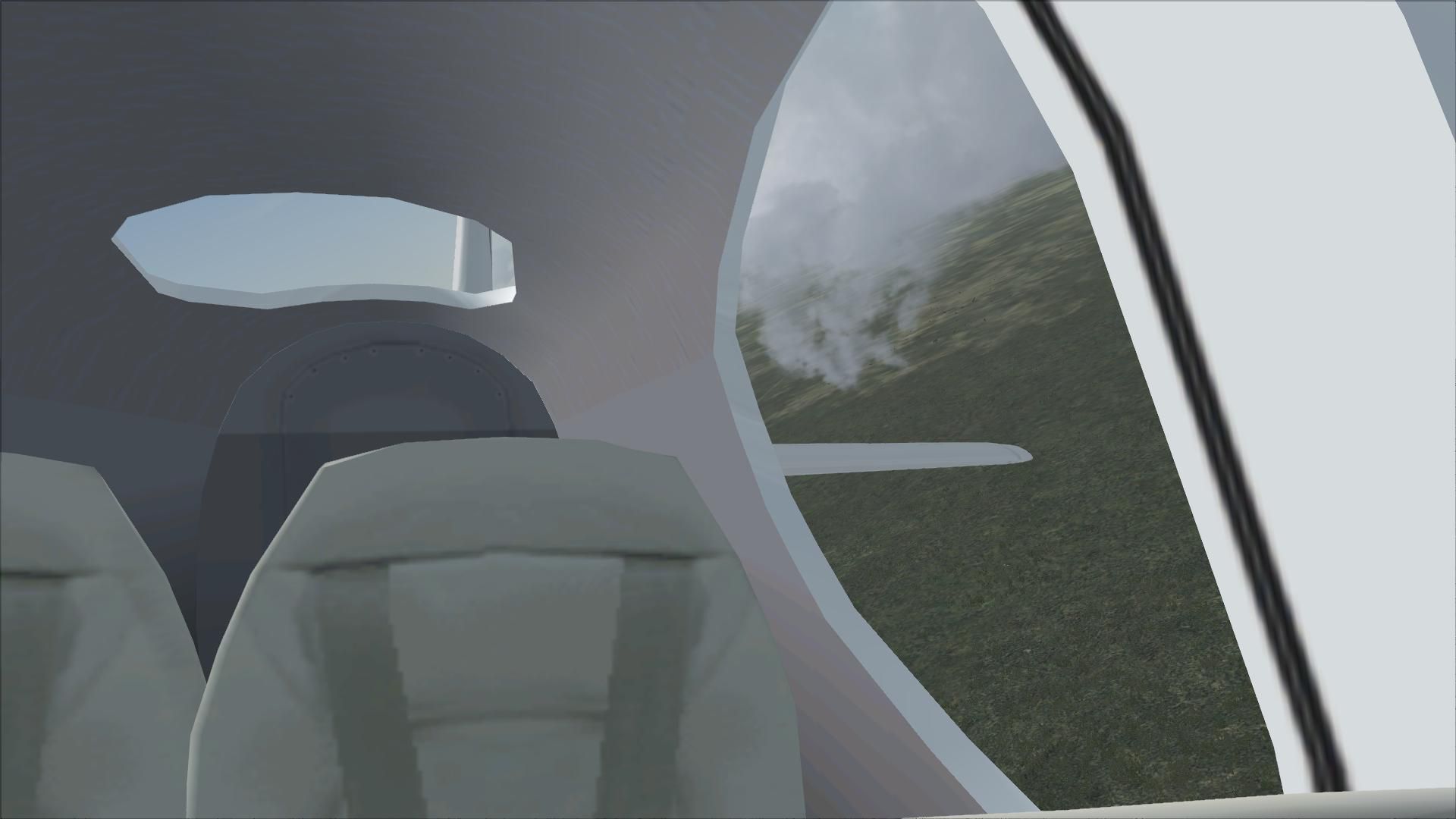
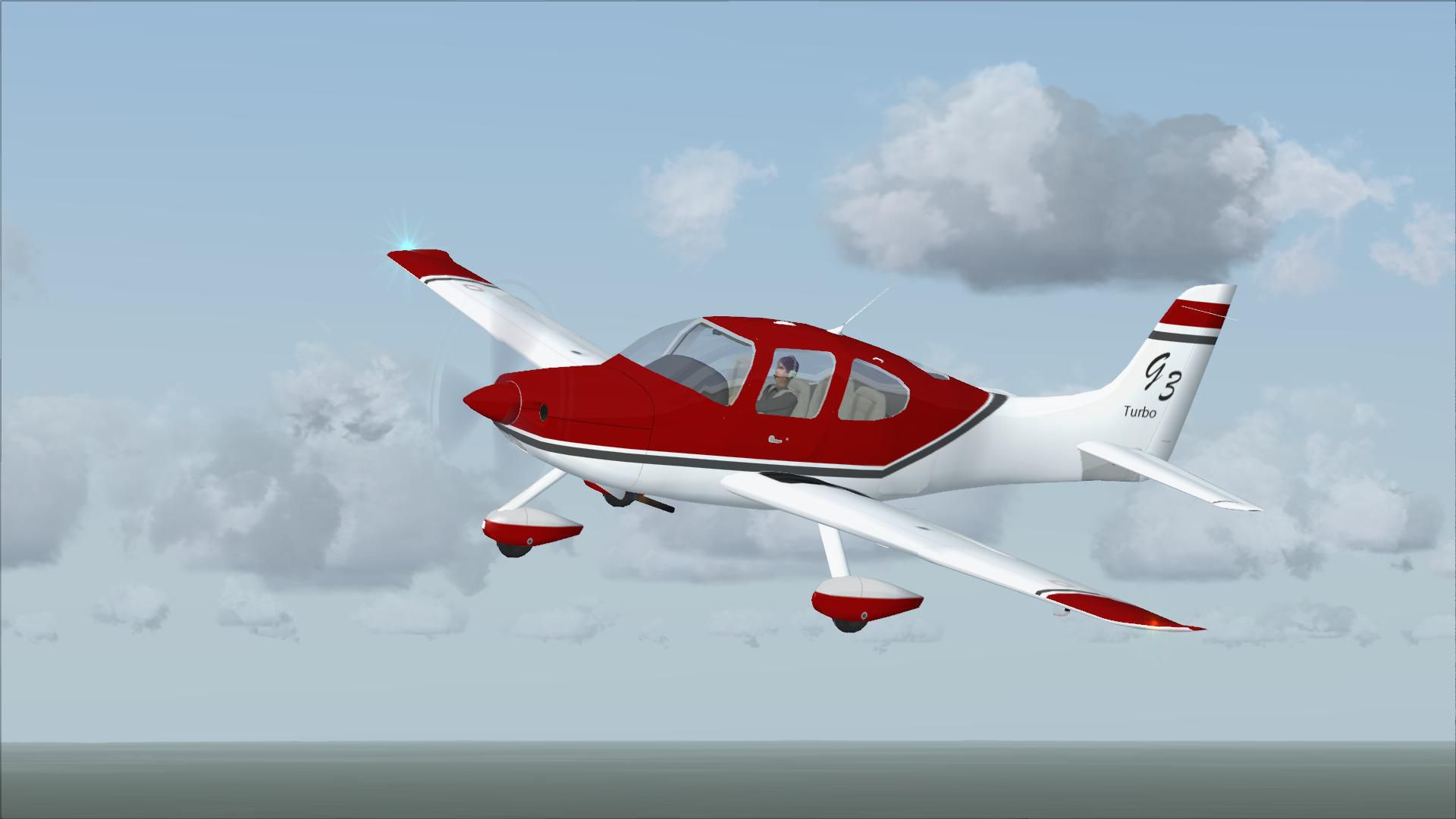
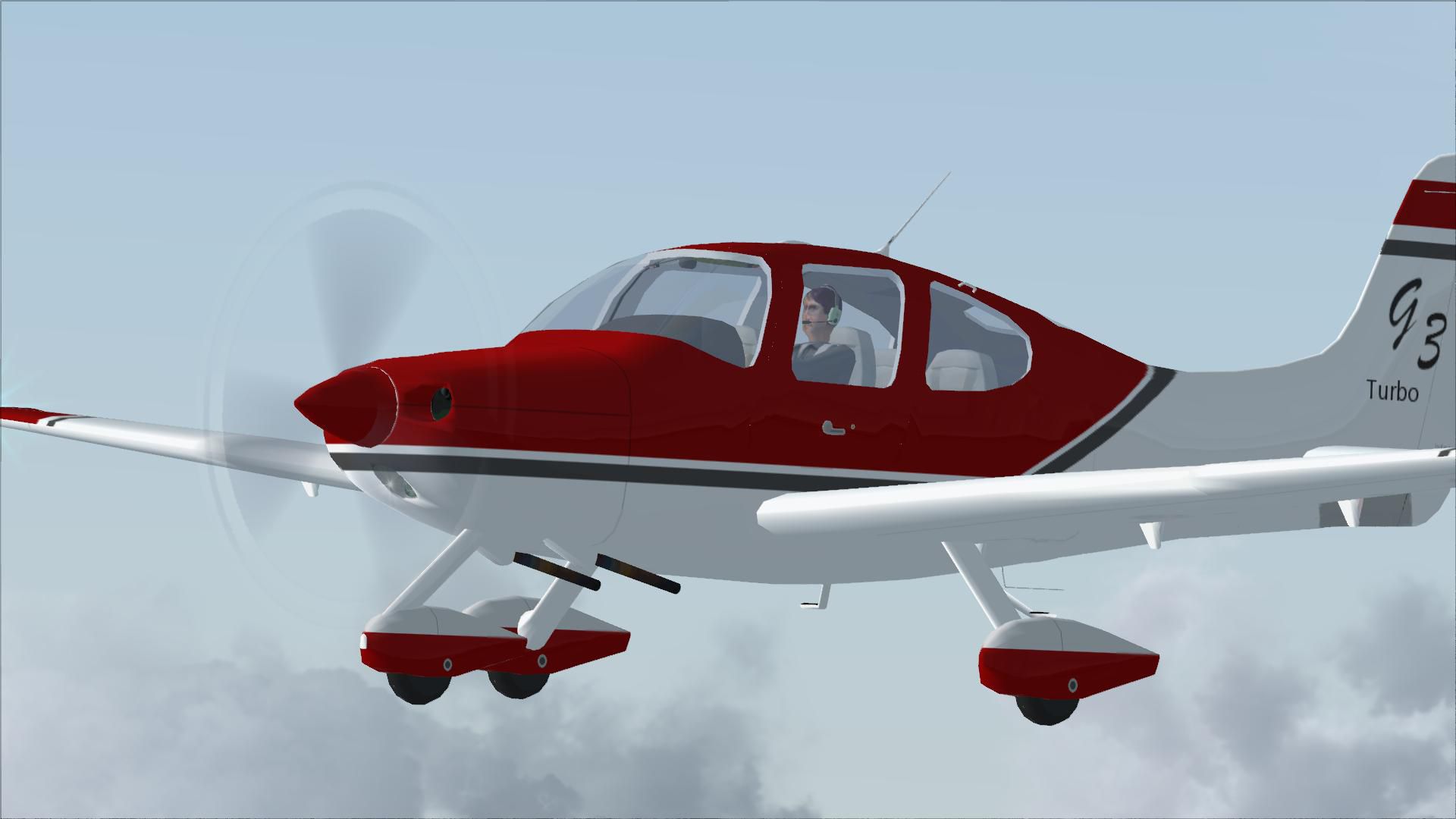
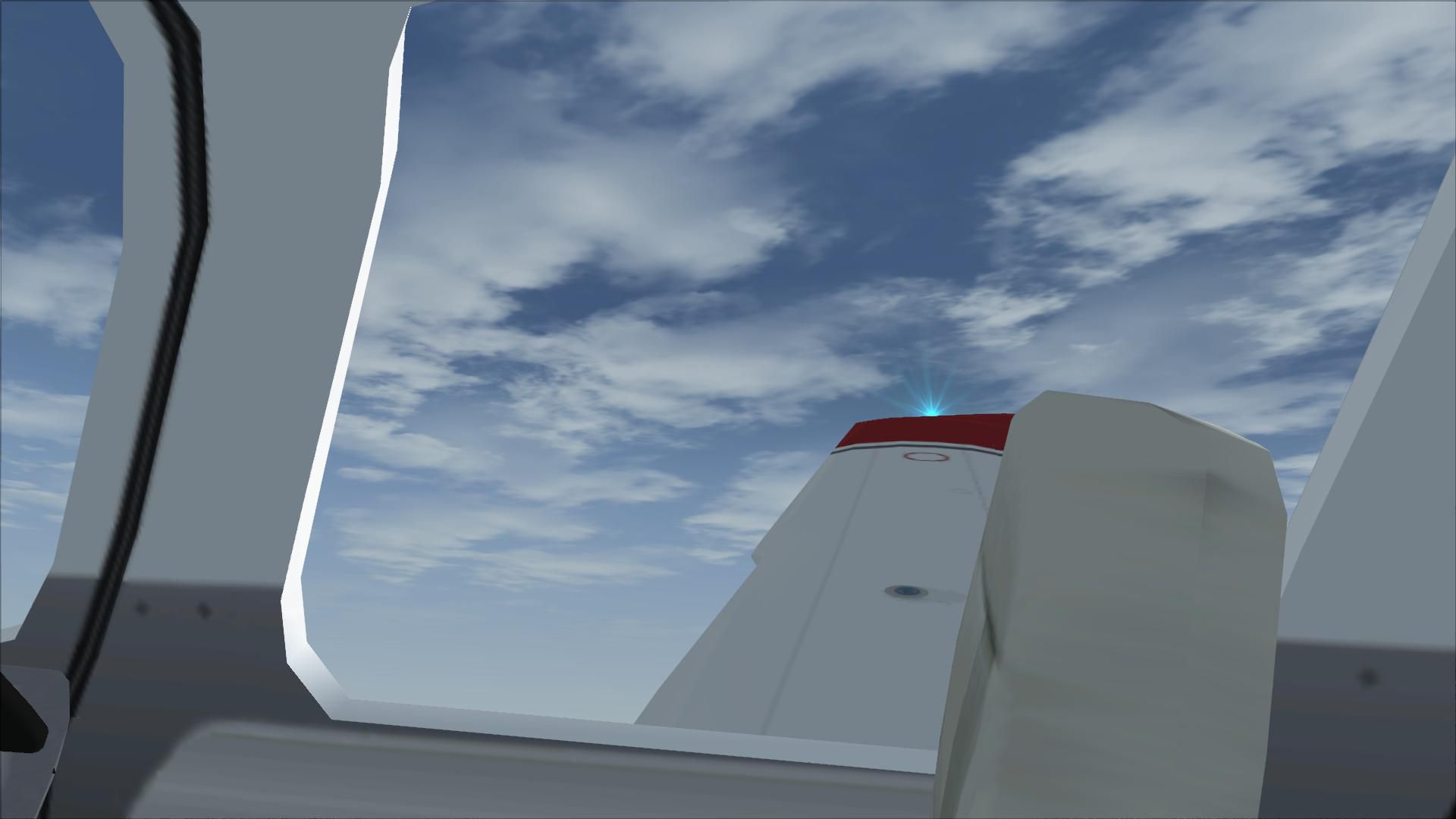
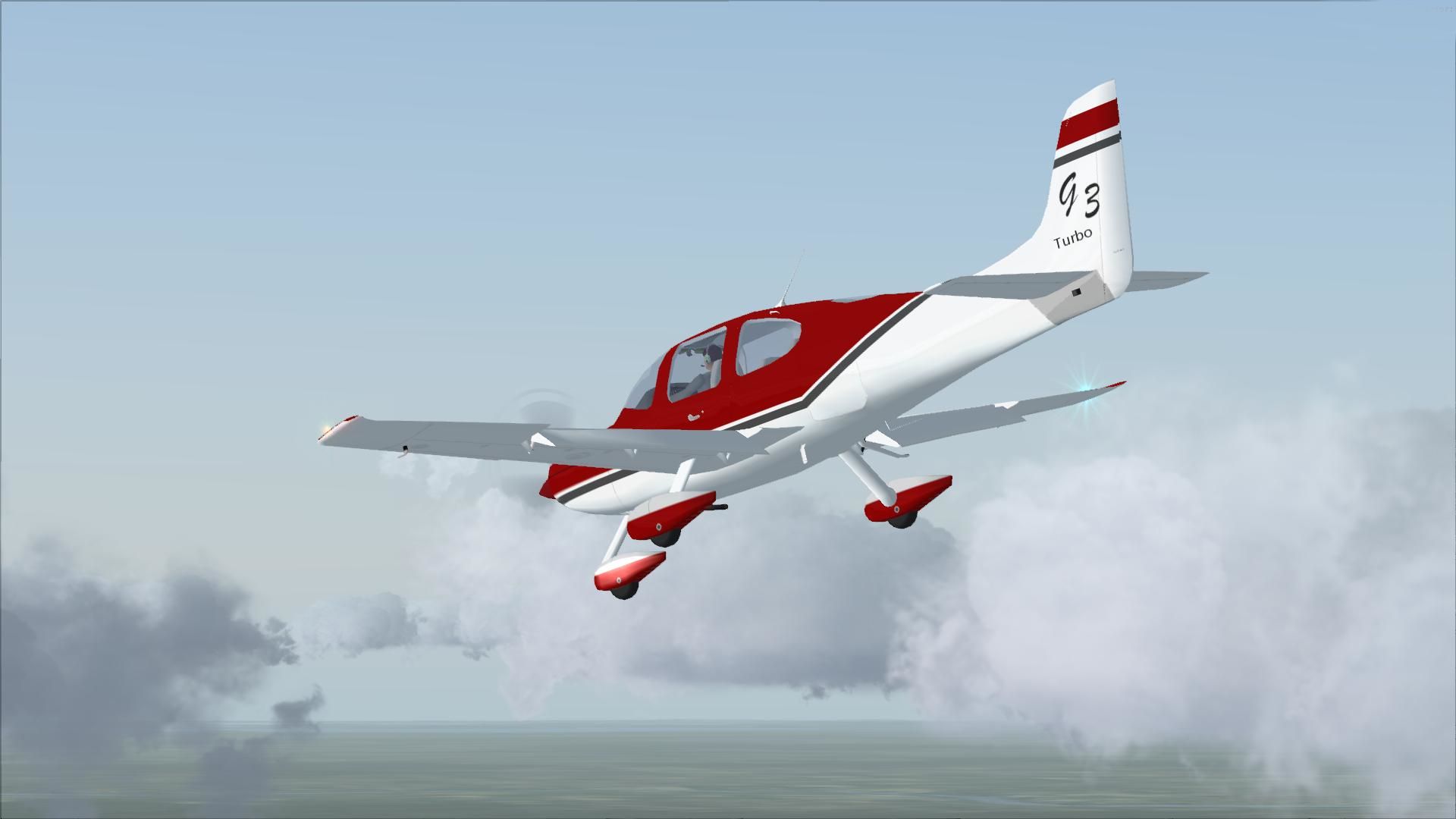

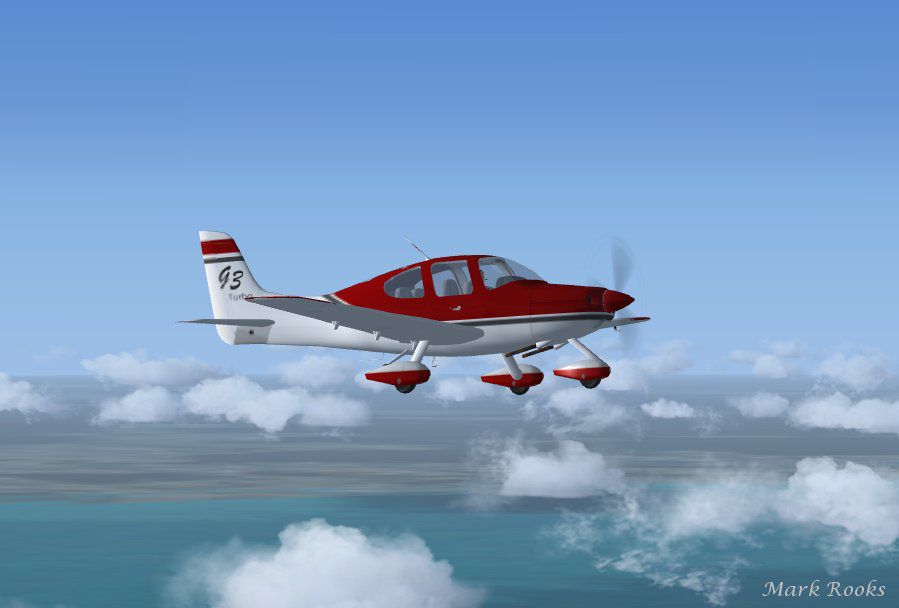
Cirrus SR22-GTS Turbo G3. This is Wolfram Beckert and Guenter Kraemer's Cirrus SR22 updated for Flight Simulator X. This aircraft has been modified to the specs of a Cirrus SR22-GTS Turbo G3.
The new flight dynamics were created to match the performance of Cirrus's new Cirrus Turbo G3. This aircraft package has a working Cirrus airframe parachute system, new 2D and VC glass cockpit with a new GPS. Textures and updates by Mark Rooks of RDG Aircraft.
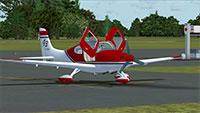 Cirrus SR22-GTS Turbo G3 Support a Mercy Flight near you.
To install this aircraft:
As always back up any original files.
Made Simpler.
Make sure all files are unzipped the New Plane folder should contain 6 files unzipped they are CFG Airfile Sound Model Texture Panel the New Plane folder with the 6 files goes in the game aircraft folder found at C:\Program Files\Microsoft Games\Microsoft Flight Simulator X\SimObjects\Airplanes follow the path ie open the c drive then open program files then open Microsoft Games then open Microsoft Flight Simulator X then open SimObjects then open Airplanes folder the New Plane goes in that folder.
Mark Rooks. Textures and FSX updates created by Mark "Fire Ball" Rooks.
Enjoy your new repaint. Thanks for downloading it.
"Fire Ball"
In The Words of Tim Conrad AKA Piglet.
Enjoy!
This model was built to the best of my skills, knowledge, and simply to my own tastes and standards. If something is "missing", or "wrong", oh well, you got it for a good price:-) For a one-man shop, I think I do pretty well:-p
Free for all simmers · 19.84 MB · Scanned clean
Download speed: Free tier is capped at 0.5 Mbps (this file takes approximately 6 mins at the cap). PRO members download at full line speed.
SimObjects\Airplanes\, Addon Scenery\, Effects\, or Gauges\.readme.txt or README file. It tells you exactly where files go, what dependencies are needed, and any quirks specific to this add-on.The archive sr-22glass.zip has 30 files and directories contained within it.
This list displays the first 500 files in the package. If the package has more, you will need to download it to view them.
| Filename/Directory | File Date | File Size |
|---|---|---|
| Cirrus SR22-GTS Turbo G3.zip | 04.30.11 | 14.01 MB |
| Pictures.zip | 04.30.11 | 1.35 MB |
| Read Me First.txt | 04.30.11 | 2.38 kB |
| Reg. Text.txt | 04.30.11 | 425 B |
| Screen SR22.jpg | 04.30.11 | 43.91 kB |
| flyawaysimulation.txt | 10.29.13 | 959 B |
| Go to Fly Away Simulation.url | 01.22.16 | 52 B |
| Screenshots | 07.04.19 | 0 B |
| screen-1.jpg | 07.03.19 | 91.98 kB |
| screen-10.jpg | 07.03.19 | 167.35 kB |
| screen-11.jpg | 07.03.19 | 78.32 kB |
| screen-12.jpg | 07.03.19 | 81.30 kB |
| screen-13.jpg | 07.03.19 | 151.01 kB |
| screen-14.jpg | 07.03.19 | 561.69 kB |
| screen-15.jpg | 07.03.19 | 261.60 kB |
| screen-16.jpg | 07.03.19 | 165.18 kB |
| screen-17.jpg | 07.03.19 | 508.62 kB |
| screen-18.jpg | 07.03.19 | 138.98 kB |
| screen-19.jpg | 07.03.19 | 253.62 kB |
| screen-2.jpg | 07.03.19 | 348.19 kB |
| screen-20.jpg | 07.03.19 | 203.84 kB |
| screen-21.jpg | 07.03.19 | 247.28 kB |
| screen-22.jpg | 07.03.19 | 207.26 kB |
| screen-3.jpg | 07.03.19 | 80.29 kB |
| screen-4.jpg | 07.03.19 | 91.45 kB |
| screen-5.jpg | 07.03.19 | 767.42 kB |
| screen-6.jpg | 07.03.19 | 146.14 kB |
| screen-7.jpg | 07.03.19 | 90.68 kB |
| screen-8.jpg | 07.03.19 | 102.96 kB |
| screen-9.jpg | 07.03.19 | 223.07 kB |
More FSX & P3D add-ons hand-picked based on this download.
FSX General Aviation Aircraft
Eaglesoft SR22 G3 Turbo. New camera views (internal and external) for the Eag…
 FSX General Aviation Aircraft
This repaint is fictional and is on the payware Eaglesoft SR22 G3 model. By T…
 FSX General Aviation Aircraft
Project SR22GTS G3 Turbo. This is Wolfram Beckert, Guenter Kraemer, Thomas Ro…
 FSX General Aviation Aircraft
Registration F-HKCF (3874). Textures only for the payware Eaglesoft Cirrus SR…
 FSX General Aviation Aircraft
Cirrus Project. This is a repaint of Wolfram Beckert, Guenter Kraemer and Tho…
 FSX General Aviation Aircraft
Discover a fully integrated freeware Cirrus package for FSX that combines com…
 FSX General Aviation Aircraft
High Flight Simulations is pleased to introduce the Cessna C206T Turbo Statio…
 FSX General Aviation Aircraft
This freeware adaptation of the De Havilland DHC-2 Mk III Turbo Beaver Amphib…
Read what other simmers think, or add your own.


The airplane flies good, but I have a couple of issues. First, the parachute looks to be continually deployed, even when it isn't. Takes away a lot from the realism. Second, I had a very hard time trying to configure it to fly direct via GPS. Nice work, but it just doesn't quite fit the bill for me.

I downloaded the SR-22 Glass Turbo G3 and followed all the installation documents. The plane did not have wheels, and the cockpit was bare; however, it took off and seemed to fly OK.
Compatibility is for X-Plane and P3D. I can’t find any data that says it will or will not work on P3D v5 or P3D v6.

I downloaded the SR22-GTS Turbo G3 version for P3D v5. I don't have wheels and the cockpit is empty—no pilot or instruments—but it flies well. I even used admin to install; no luck.

Hello, I am making a mistake somewhere. I can't get the downloaded aircraft or scenery into the game without errors. I would ask for: click here, and then, simply as for an absolute beginner. Thank you.
When I start the game, a cfg error appears first, up to 30 times. Then the game opens, but the aircraft names are mixed up, although I can fly normally afterward. Help.

Nice airplane enjoying flying, I still unable to get the parachute to function, I assigned the "wing fold/unfold" button which works very well with the Corsair F4U, the wings folds and unfolds perfectly, but when I try deploying the parachute via same key assignment nothing happens? Is there something I need to do to achieve the parachute to deploy, any help would be helpful?
Thank you
P.S. Did more research, to deploy the parachute use the "Spoiler (extend/retract)" in the controls setting, it works.

I download the sr-22 file with glass cockpit then installed per readme.txt file. However, the glass cockpit are both darken/black. the airplane it self flies fine. But, again, no glass cockpit. How do I enable the glass cockpit? Thanks.
