


 Germany
  FSX Scenery
Locher/Sarentino Airfield
A complete package covering the Locher/Sarentino Airfield for Microsoft Fligh…
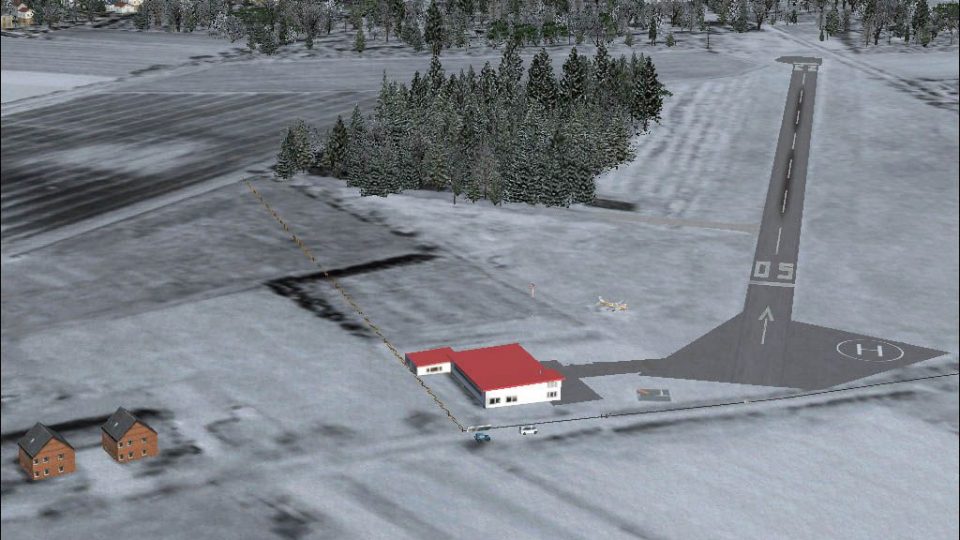
Airfield Ahrenlohe (EDHO) in Schleswig-Holstein brings a detailed northern Germany landing strip to FSX with photoreal ground textures, seasonal winter coverage, and convincing autogen for low-and-slow VFR flights near Uetersen. Custom scenery objects enhance the airfield environment, and included traffic files integrate smoothly with common AI setups.
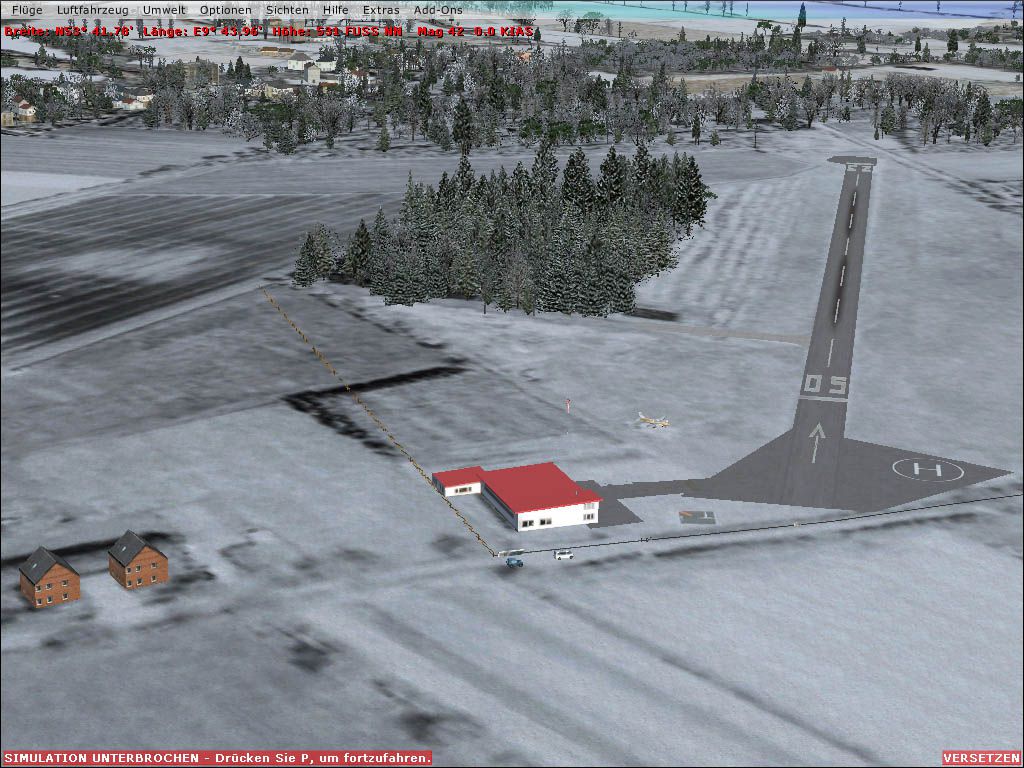
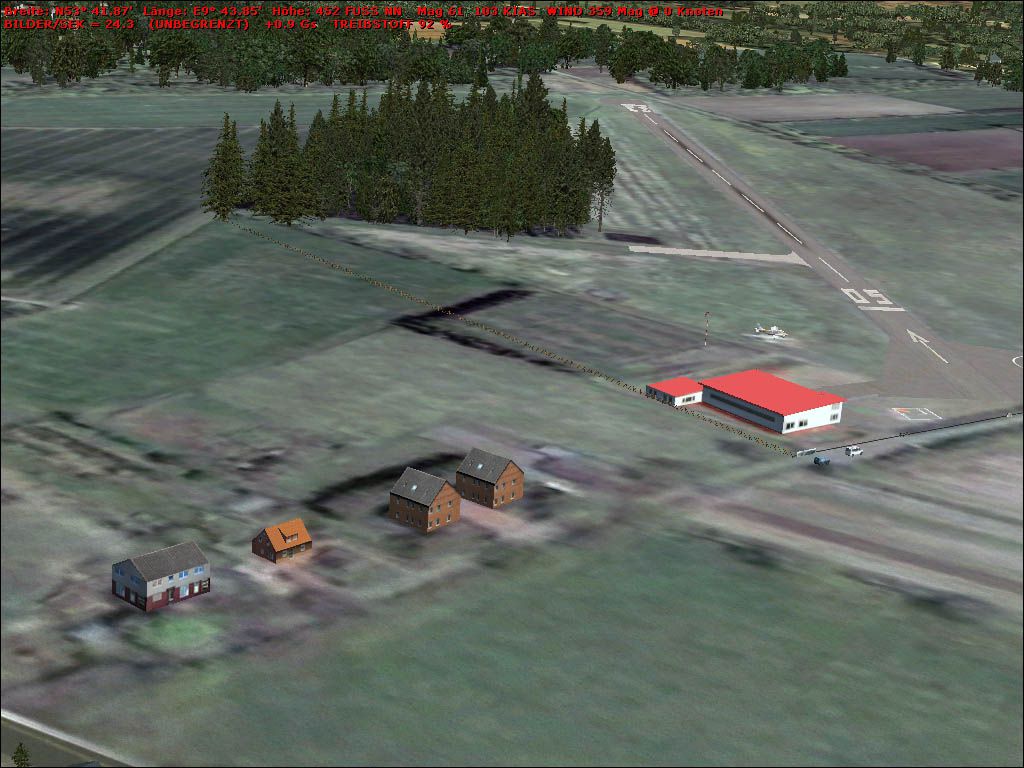
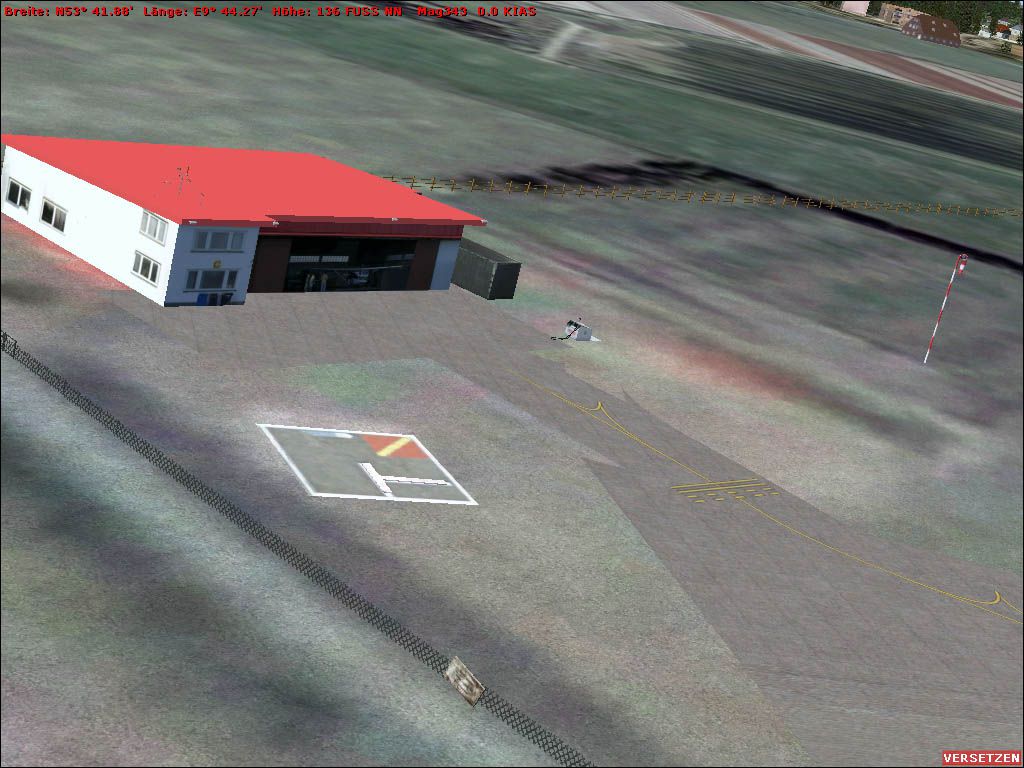
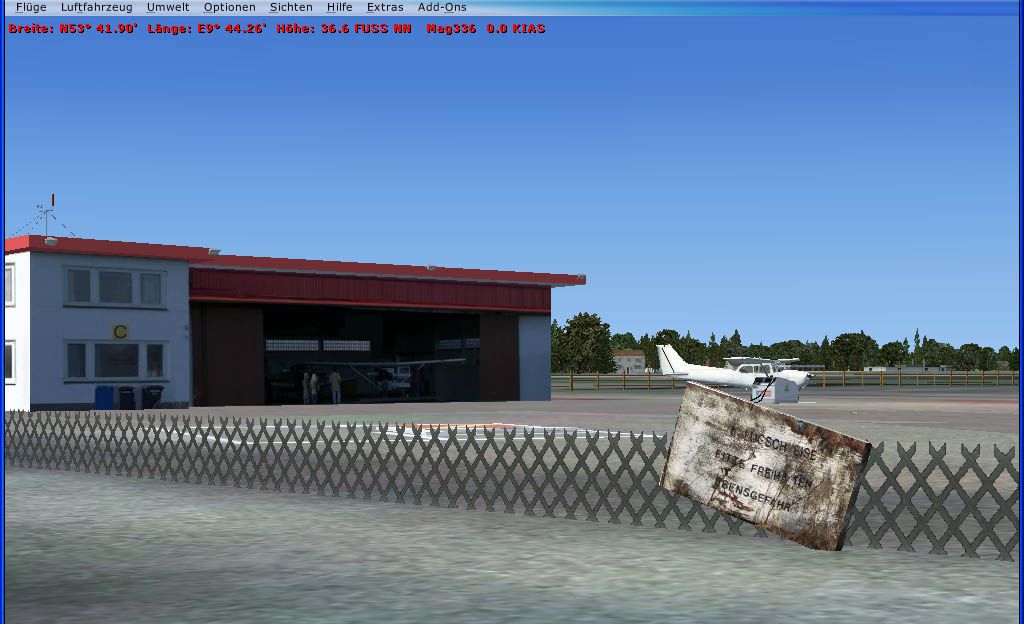
Airfield Ahrenlohe, Schleswig-Holstein, northern Germany. A small landing place northeast of the better known Uetersen. Features photorealistic underground from Google Earth with winter season and autogen. By Uwe Schweitzer.
Airfield Ahrenlohe Scenery.
Small landing place NE of the mostly better known Uetersen/EDHE.
Photorealistic underground from Google Earth mit Winter season and autogen. Beside my own scenery objects I used library Objects from Rwy12, Flightport and Aerosoft's commercial VFR Germany. EDHO_Traffic.bgl was oiginally for FS2004 by Frank Böhrnsen, will also work with my AFX.BGL which I use in MyTrafficX and name it BR2_EDHO.
Hamburg, March 2008
Airfield Ahrenlohe Scenery.
Free for all simmers · 2.25 MB · Scanned clean
Download speed: Free tier is capped at 0.5 Mbps. PRO members download at full line speed.
FSX\Addon Scenery\ containing scenery and texture sub-folders.readme.txt or README file. It tells you exactly where files go, what dependencies are needed, and any quirks specific to this add-on.Use these coordinates to fly directly to this location once the mod is installed.
53.69780000,9.82300000
Launch FSX or Prepar3D and use Flights → Load to open the downloaded .pln file. Your aircraft will be positioned at this location.
The archive edho_fsx.zip has 32 files and directories contained within it.
This list displays the first 500 files in the package. If the package has more, you will need to download it to view them.
| Filename/Directory | File Date | File Size |
|---|---|---|
| EDHO_FSX | 03.06.08 | 0 B |
| EDHO-liesmich.txt | 03.06.08 | 705 B |
| EDHO-readme.txt | 03.06.08 | 938 B |
| EDHO.gif | 03.06.08 | 7.18 kB |
| EDHO.jpg | 02.16.08 | 107.80 kB |
| EDHO_1.jpg | 02.28.08 | 146.50 kB |
| EDHO_2.jpg | 02.28.08 | 137.91 kB |
| Scenery | 03.06.08 | 0 B |
| 000_EDHO.BGL | 01.26.08 | 112 B |
| AFX_EDHO.bgl | 02.09.08 | 4.11 kB |
| Container.bgl | 02.28.08 | 1.36 kB |
| edho_library.bgl | 02.28.08 | 1.87 kB |
| EDHO_Photo.BGL | 02.09.08 | 1.07 MB |
| HO_gate.bgl | 02.16.08 | 1.36 kB |
| HO_sign.bgl | 02.05.08 | 832 B |
| HO_Tower.bgl | 02.09.08 | 4.70 kB |
| HO_warn.bgl | 02.10.08 | 1.36 kB |
| storage.bgl | 03.02.08 | 1.57 kB |
| TrafficEDHO.bgl | 08.30.04 | 559.59 kB |
| Texture | 03.06.08 | 0 B |
| 011221032211223an.agn | 03.06.08 | 304 B |
| 011221032213000an.agn | 03.06.08 | 444 B |
| 011221032213001an.agn | 03.06.08 | 124 B |
| HO_1.bmp | 02.07.08 | 128.07 kB |
| HO_2.bmp | 02.10.08 | 128.07 kB |
| HO_3.bmp | 02.05.08 | 42.75 kB |
| NMS2.bmp | 02.21.08 | 42.74 kB |
| Thumbs.db | 01.30.08 | 256.00 kB |
| Thumbs.db | 03.06.08 | 42.50 kB |
| Winter.jpg | 02.28.08 | 177.45 kB |
| flyawaysimulation.txt | 10.29.13 | 959 B |
| Go to Fly Away Simulation.url | 01.22.16 | 52 B |
More FSX & P3D add-ons hand-picked based on this download.
FSX Scenery
A complete package covering the Locher/Sarentino Airfield for Microsoft Fligh…
 FSX Scenery
ADEX Wangen-Lachen Airfield (LSPV), Switzerland. Wangen-Lachen is a small air…
 FSX Scenery
Trabzon Airfield. VFR scenery of Turkey Trabzon (LTCG) Airfield and the surro…
 FSX Scenery
Istanbul Hezarfen Airfield Scenery. A detailed re-creation of the Istanbul He…
 FSX Scenery
Rossfeld Glider Airfield, south of Stuttgart, Germany, on a hilltop. You will…
 FSX Scenery
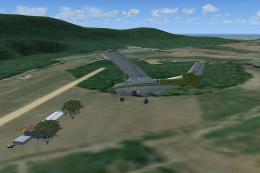
Center And Southern Italy Airfield. A list of 146 airstrips, covering the Ita…
 FSX Scenery
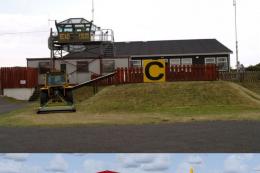
FSX/SP2 Newtownards Airfield (EGAD), UK, for use with default scenery. Built …
 FSX Scenery
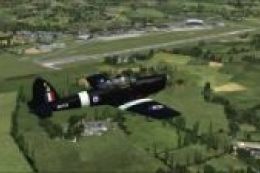
Duxford Airfield for FSX SP2/Acceleration. Some scenery for Duxford Airfield,…
Be the first to leave a comment on this download.
Be the first to share your thoughts on this download.