

 FSX Military Aircraft
Northrop Grumman B-2A Spirit Bomber Upgrade
The B-2A stealth bomber is one of the most sophisticated aircraft ever develo…
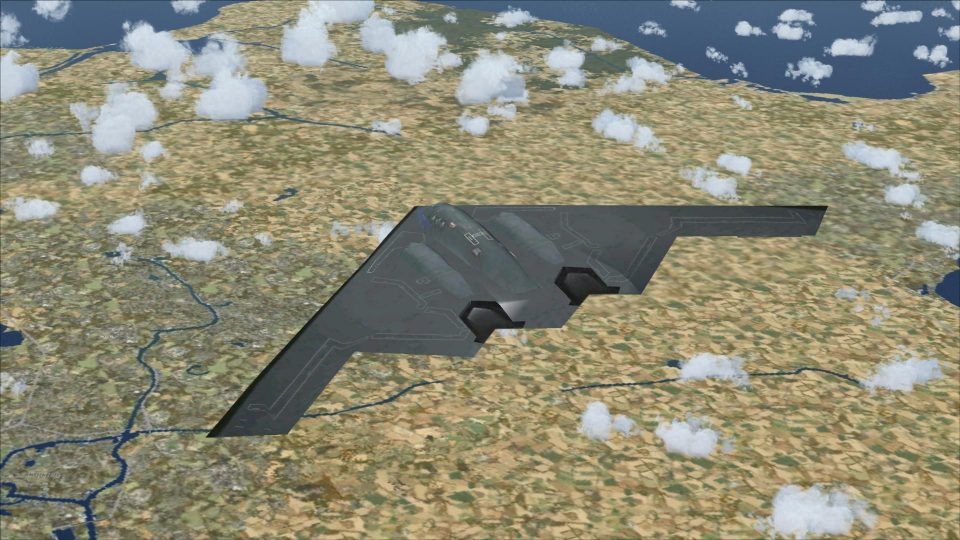
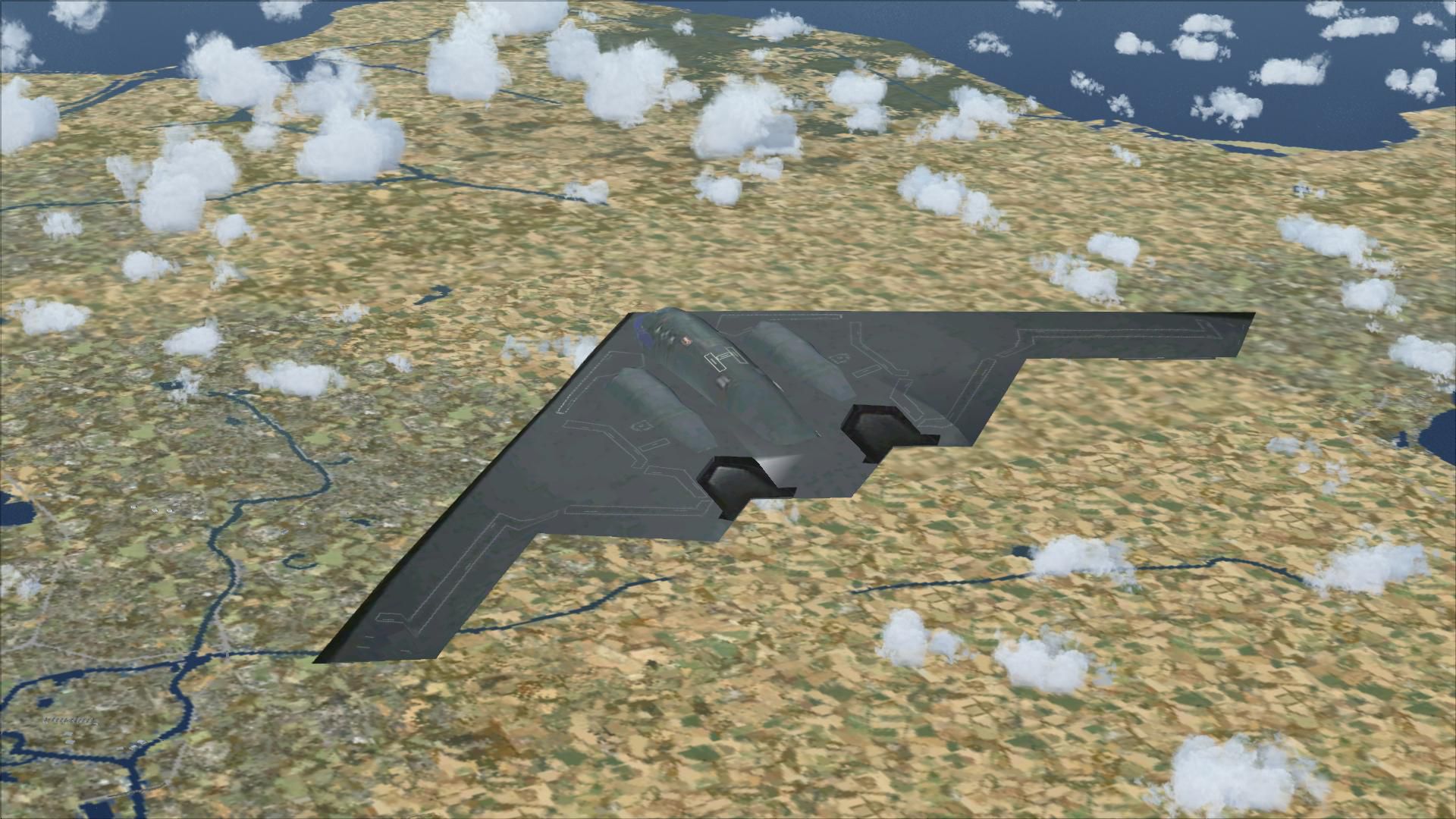
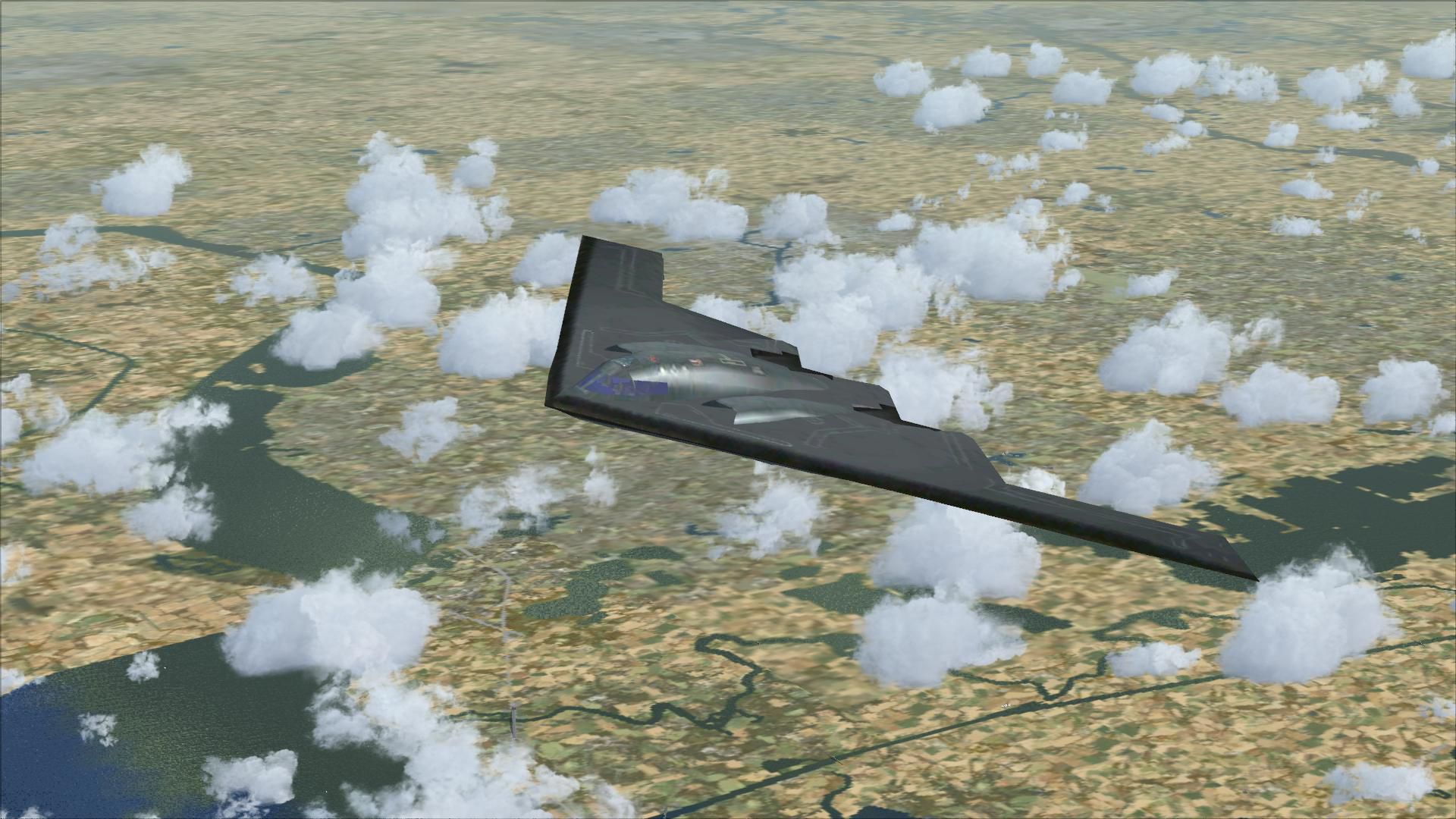
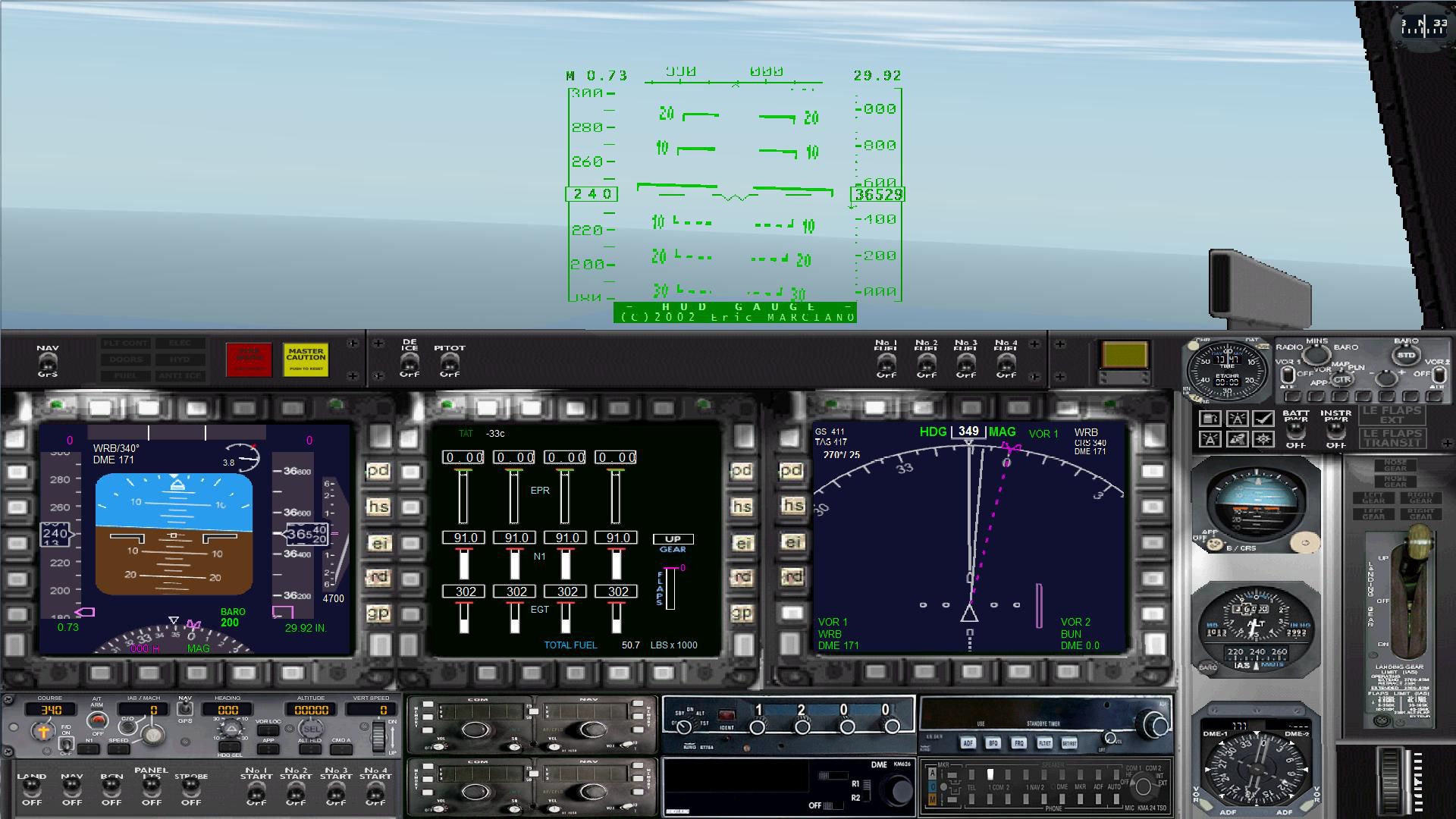
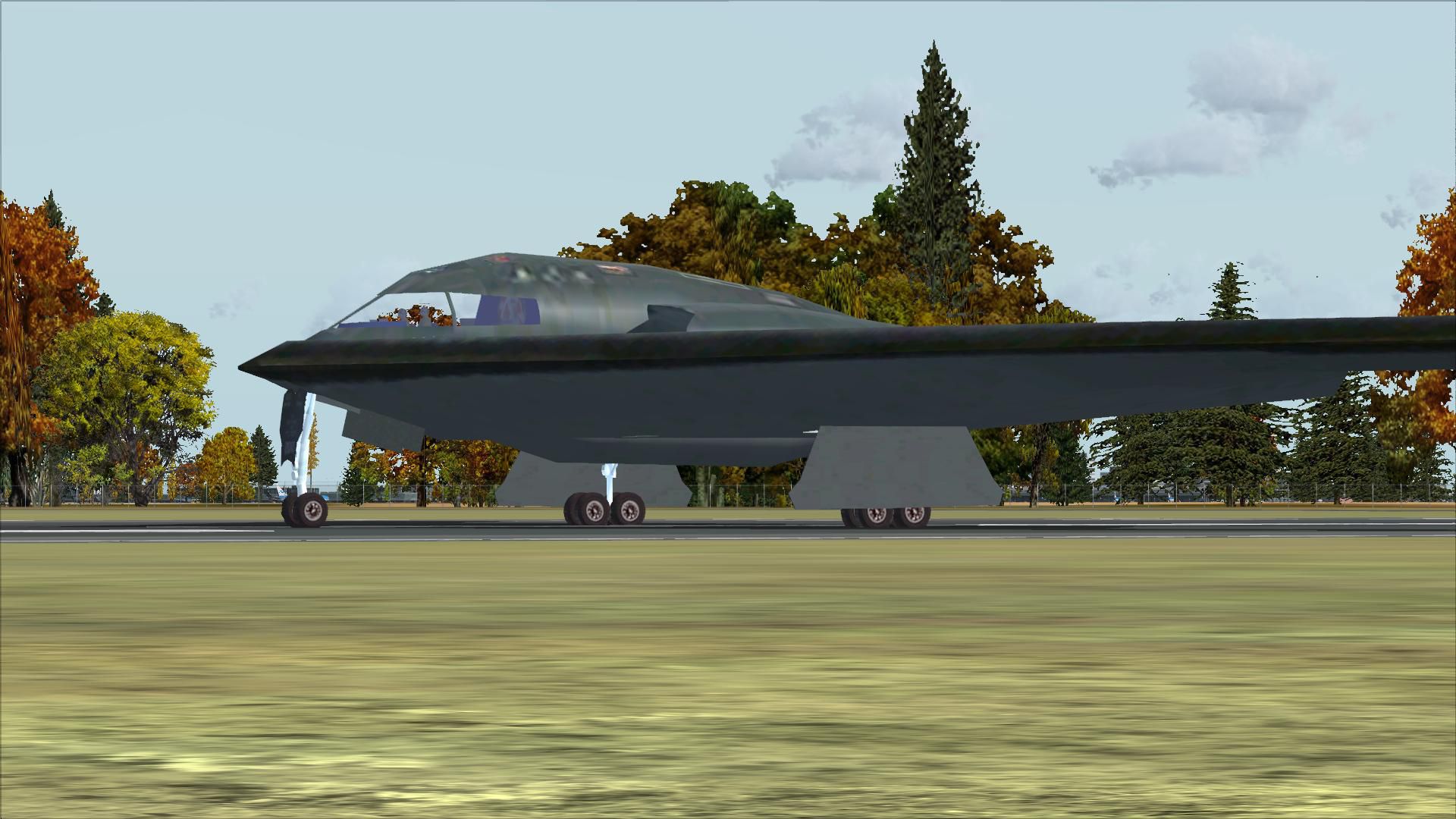
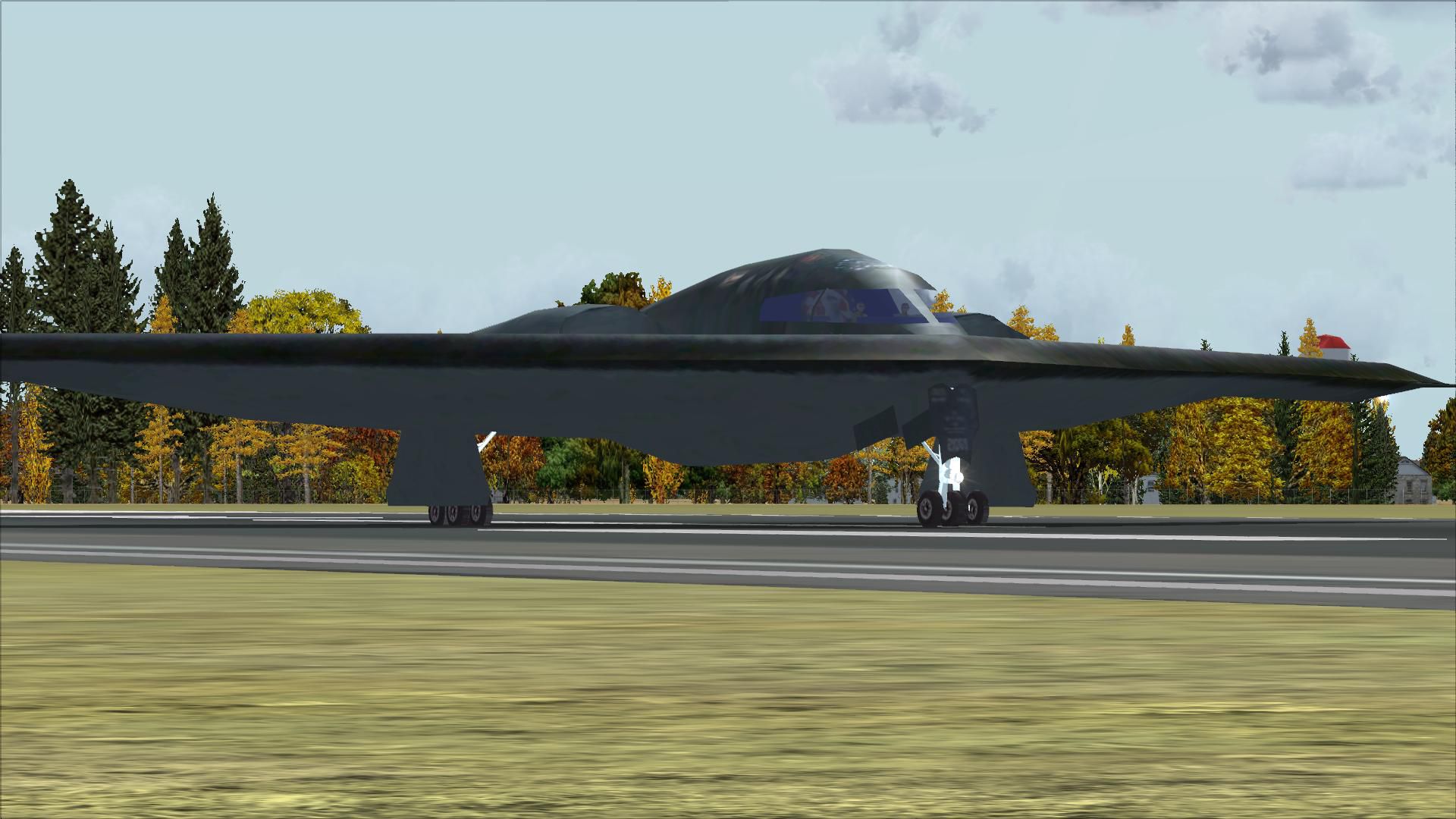
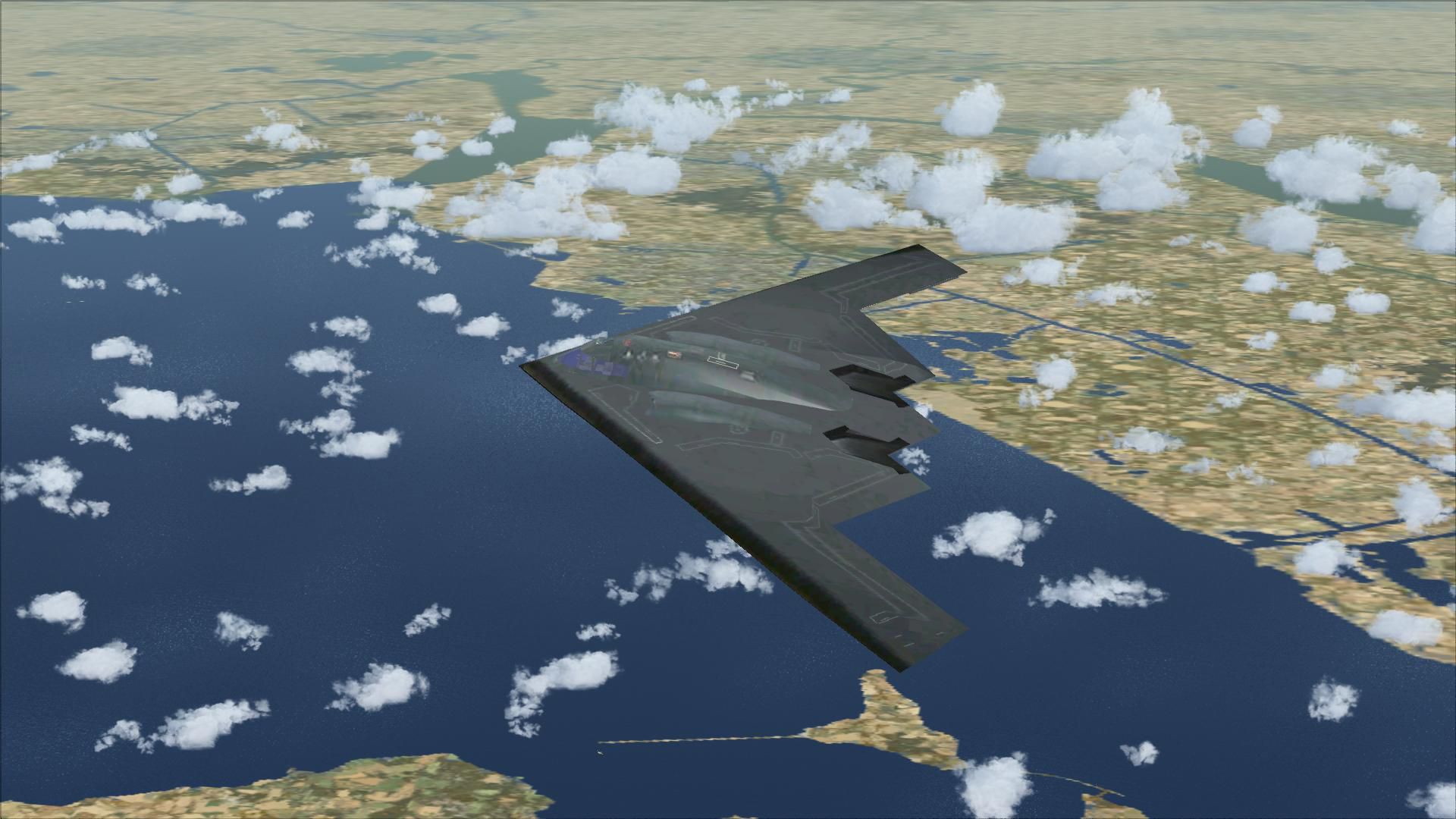
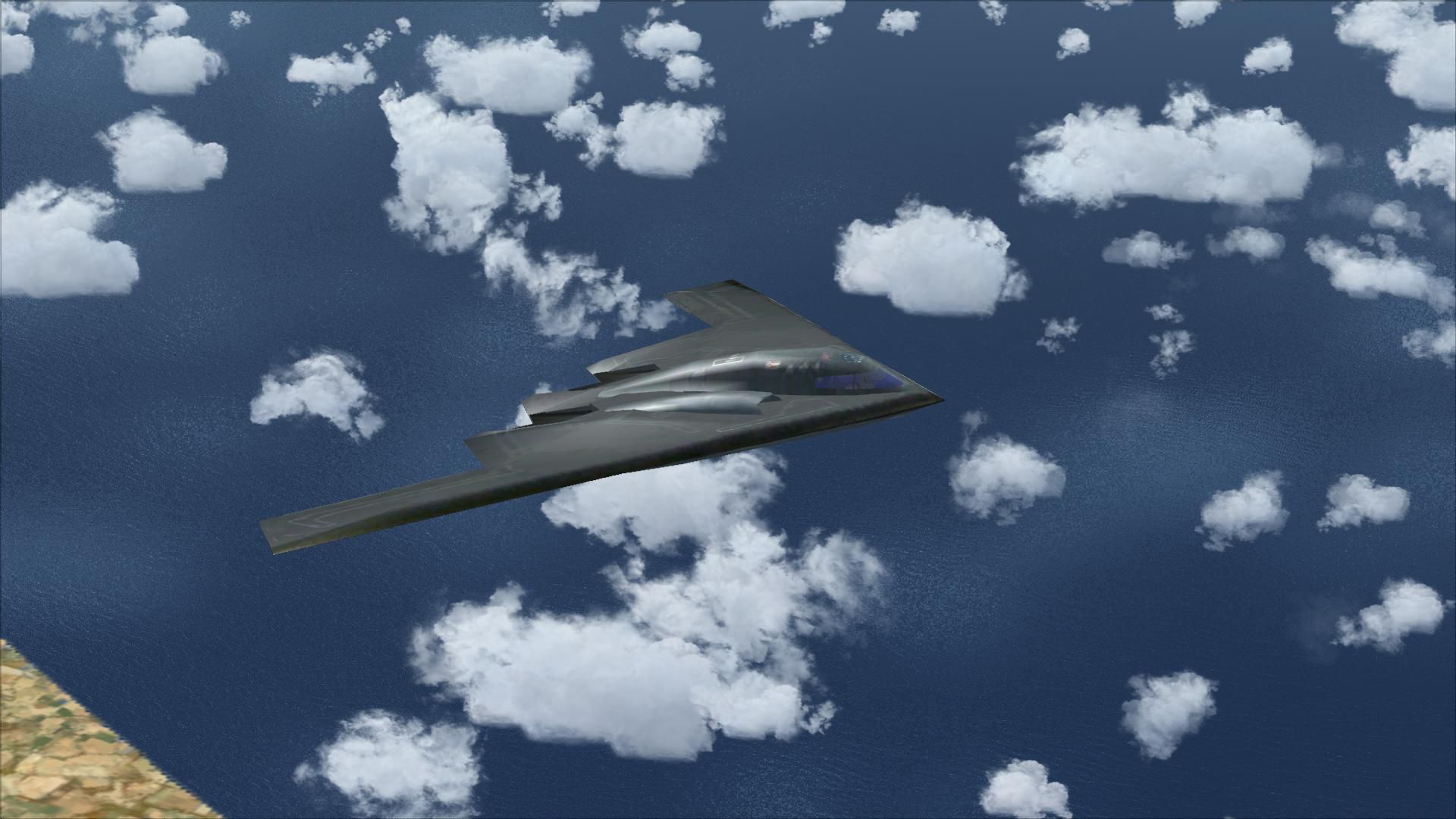
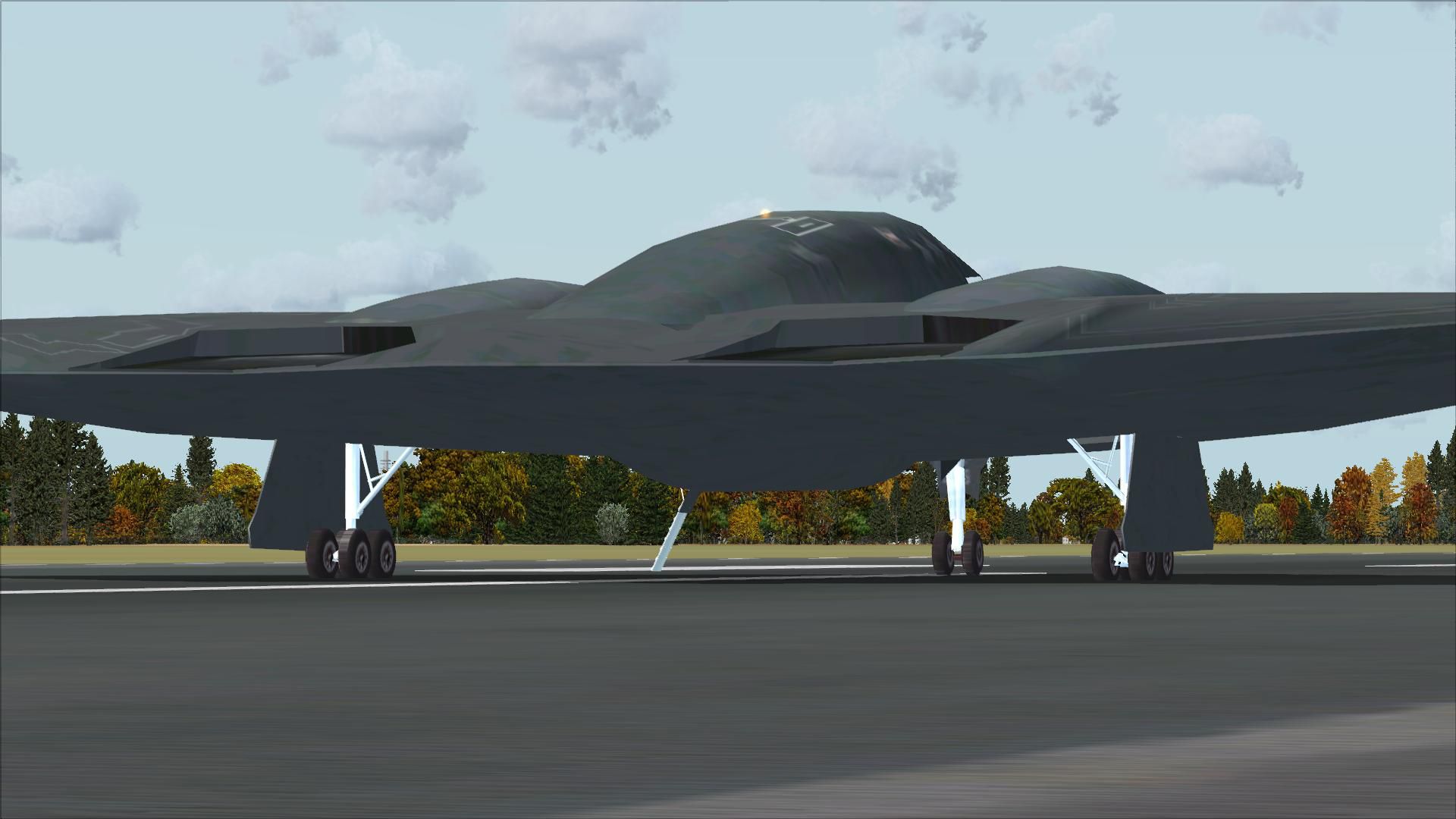
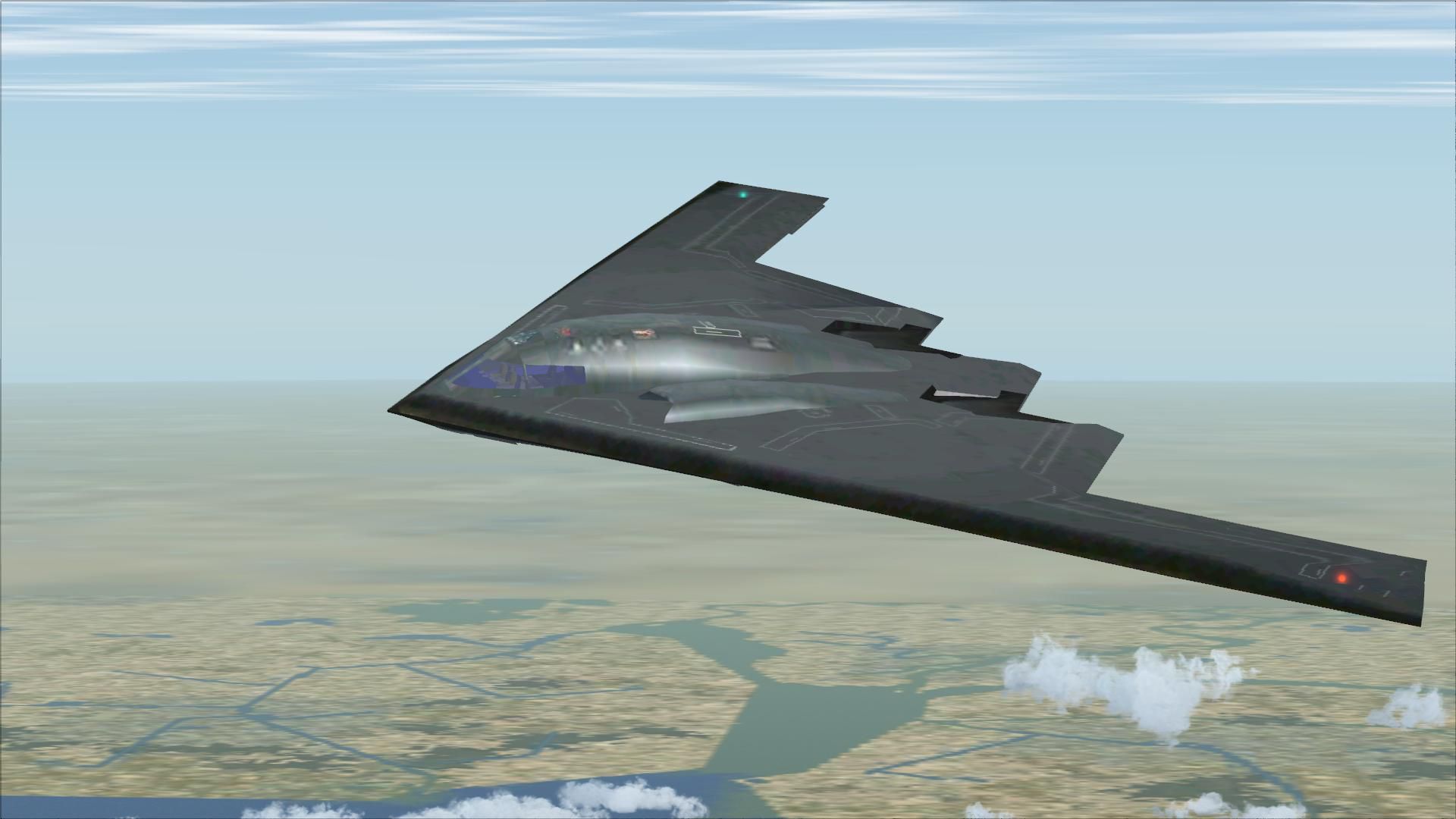
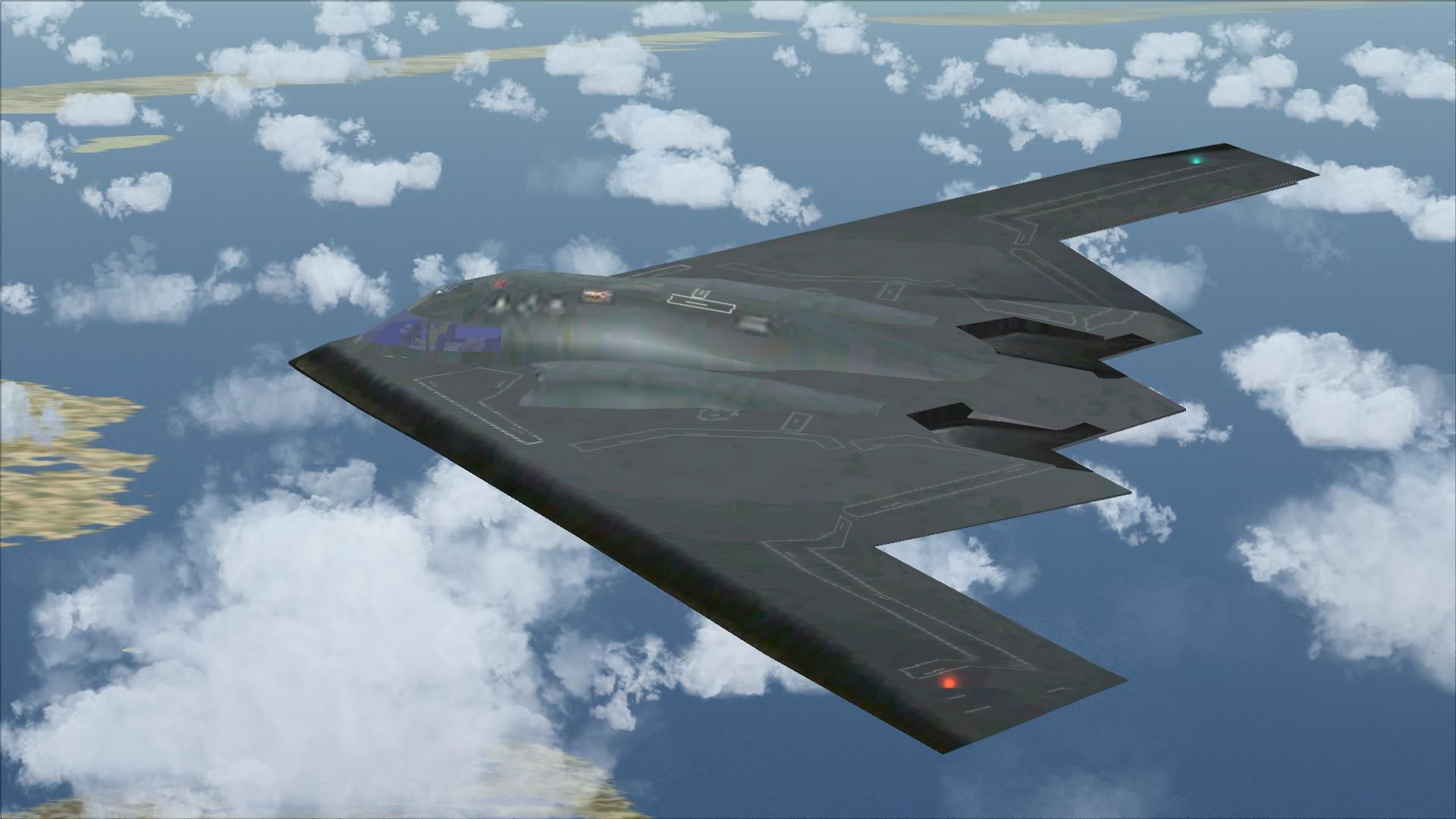
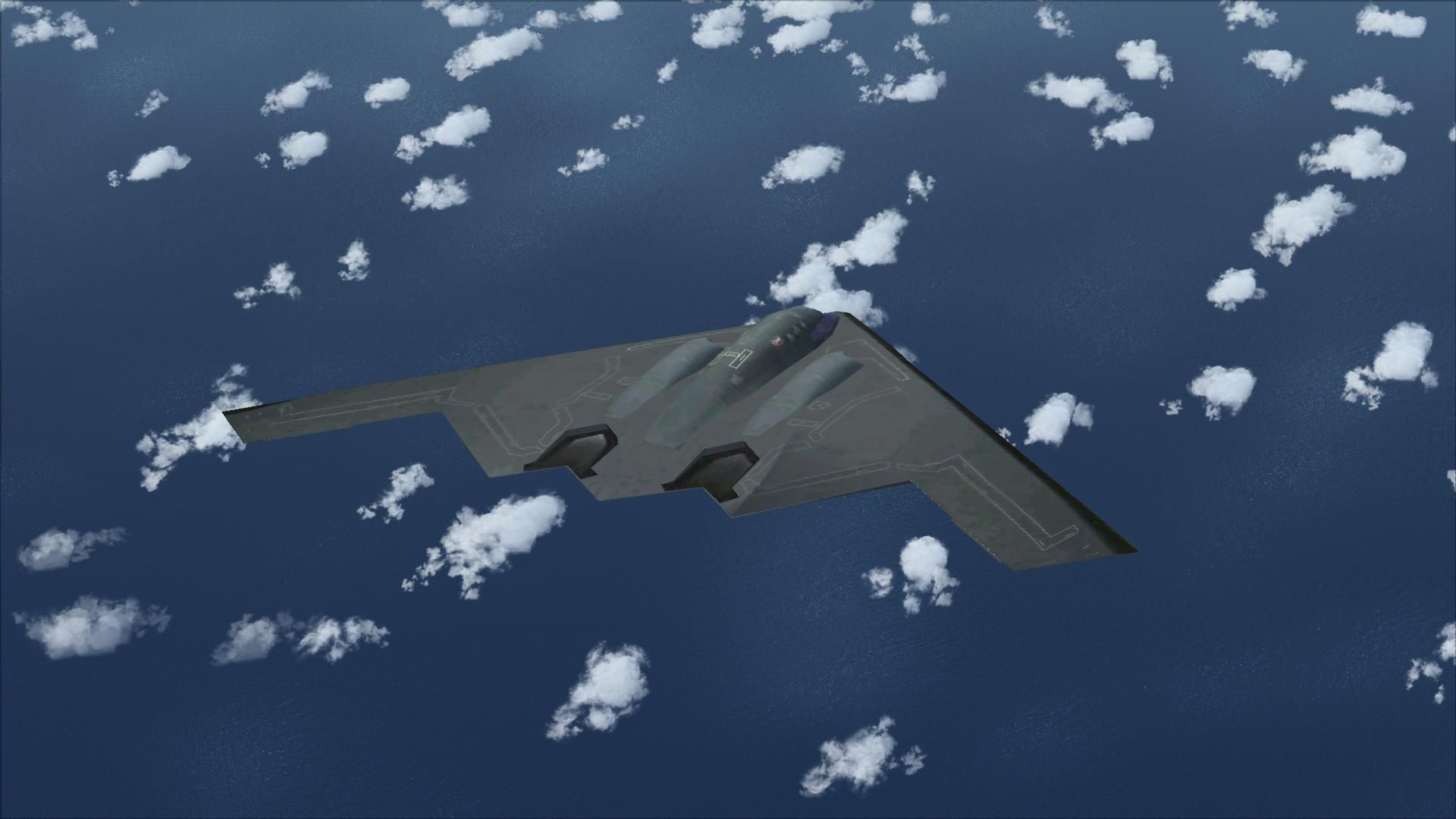
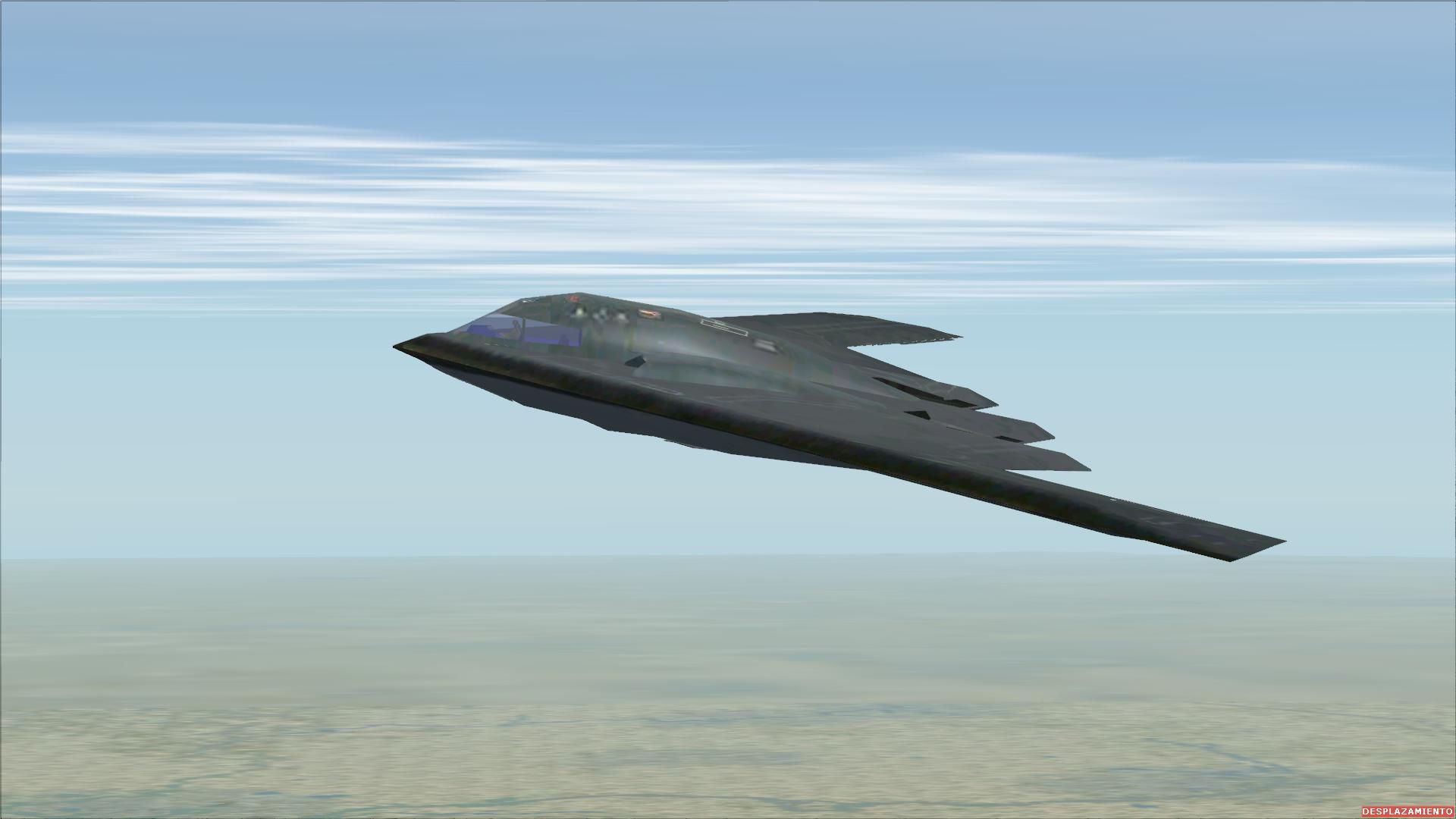
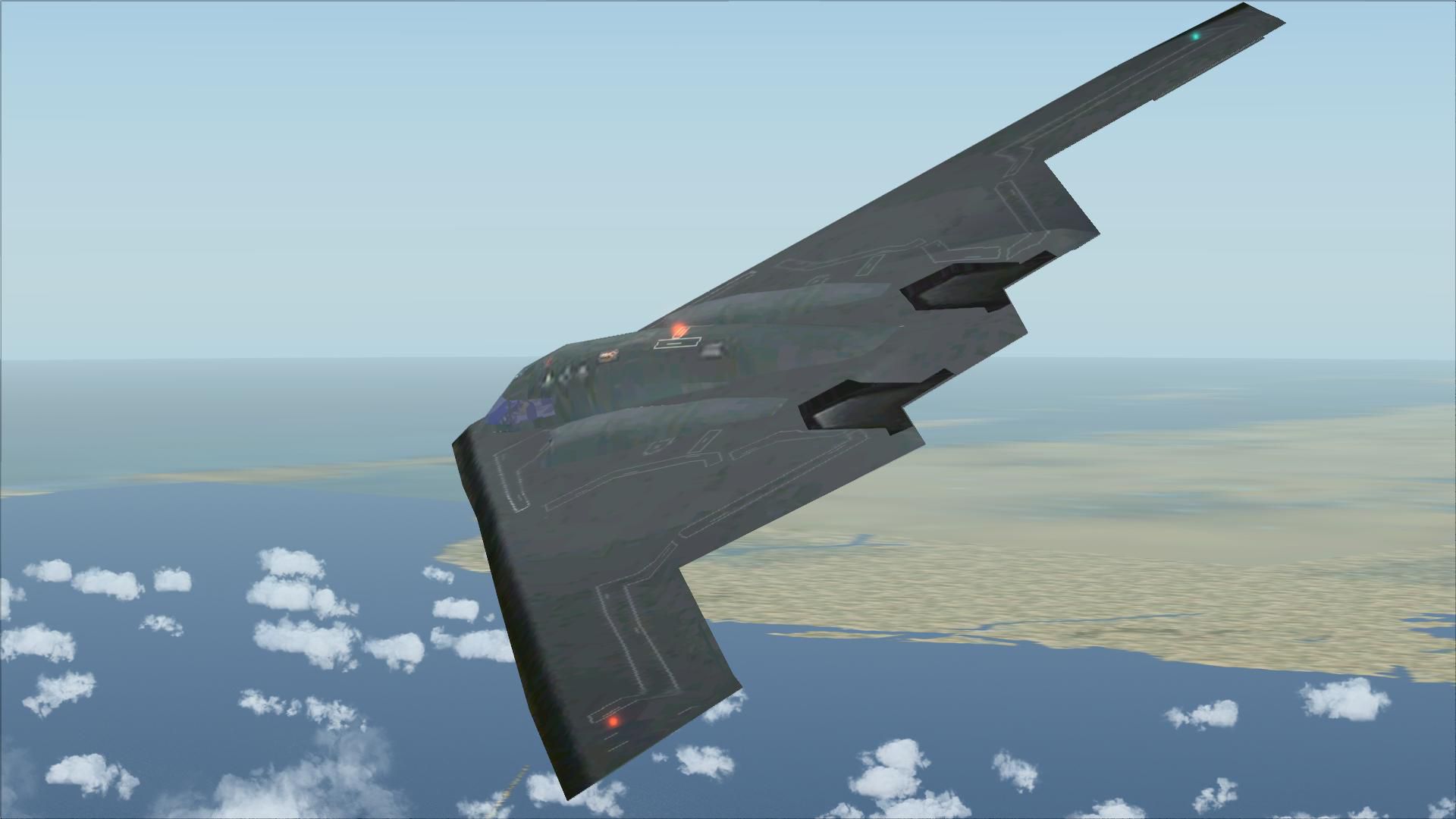
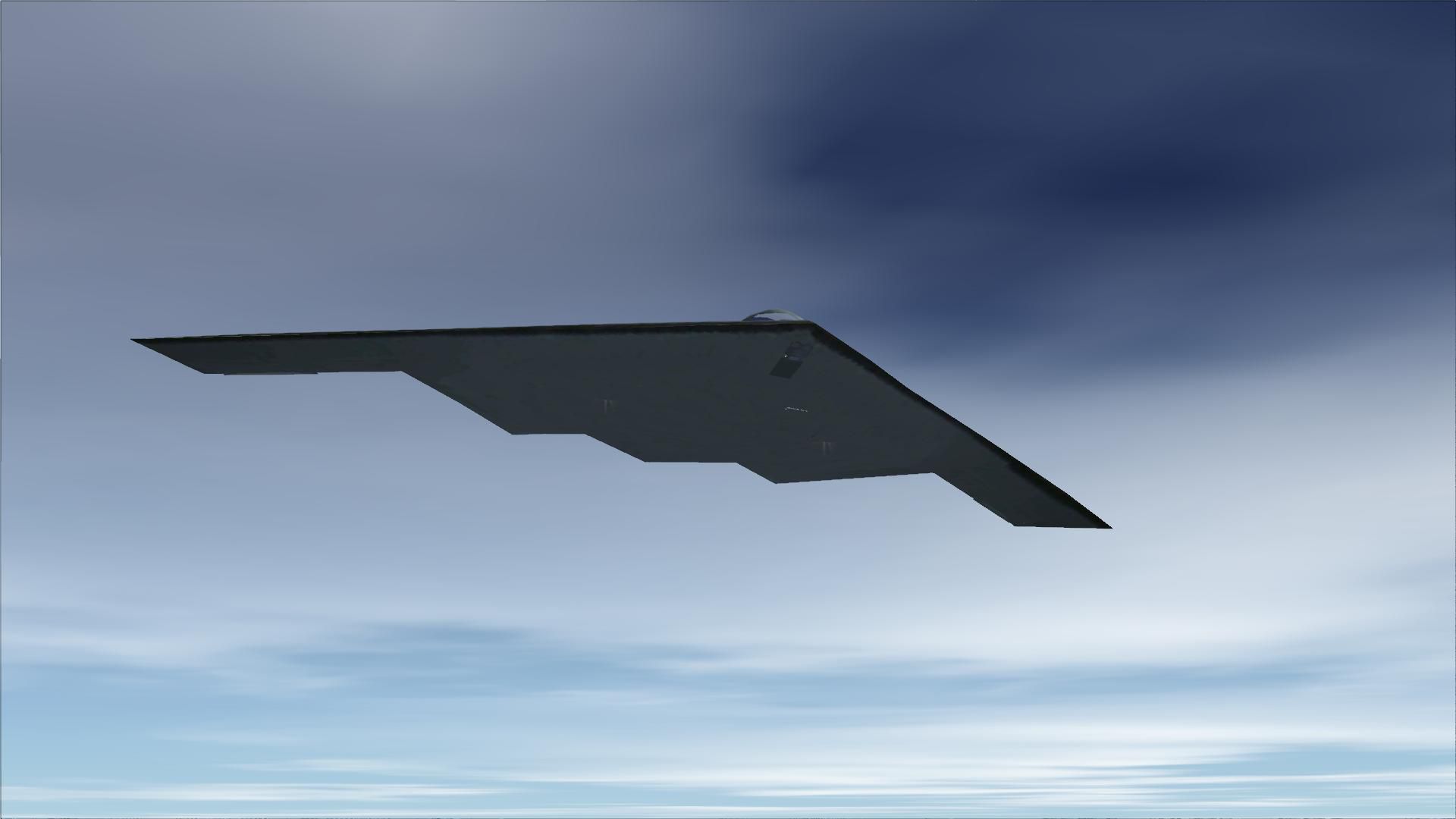
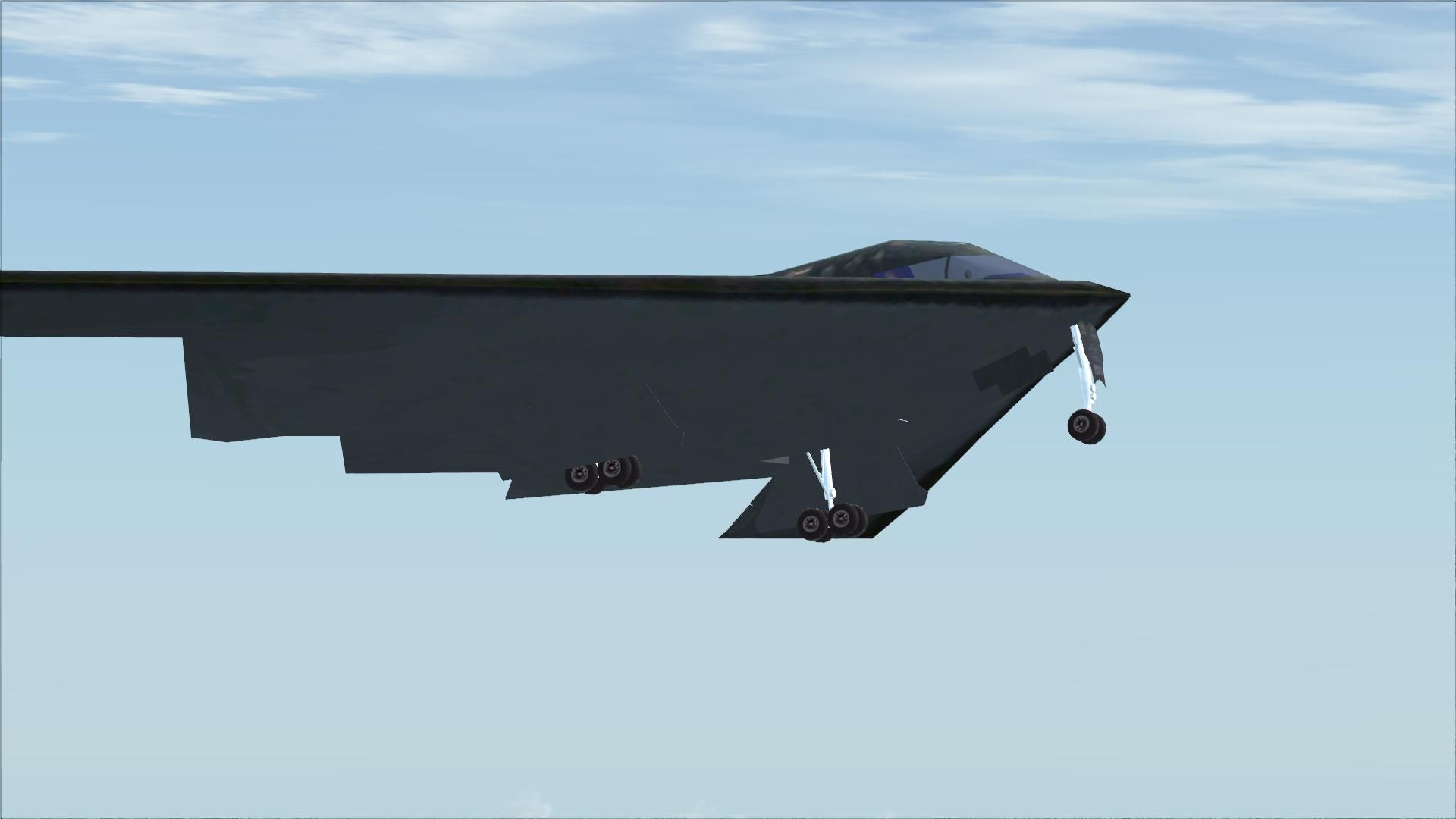
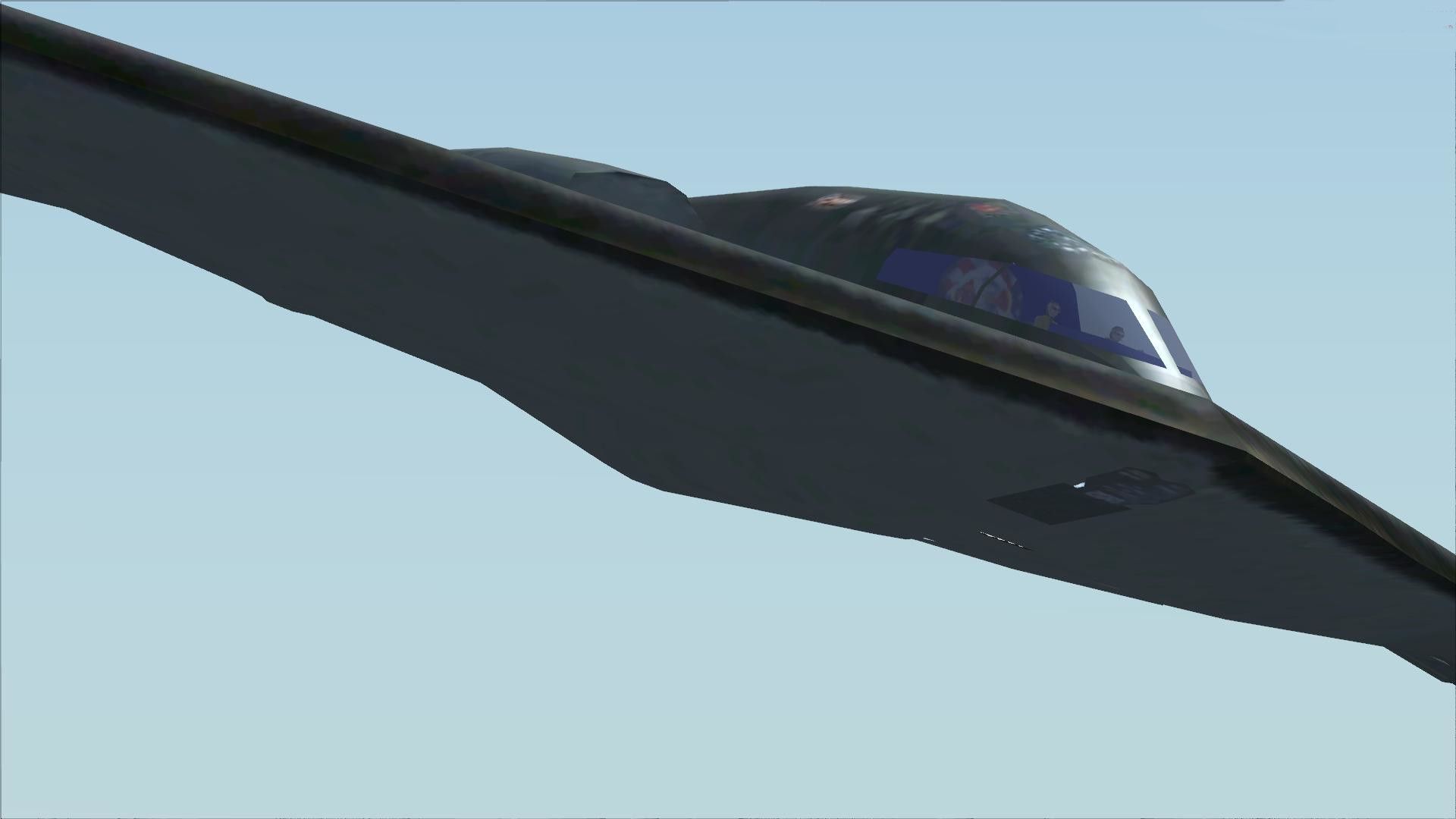
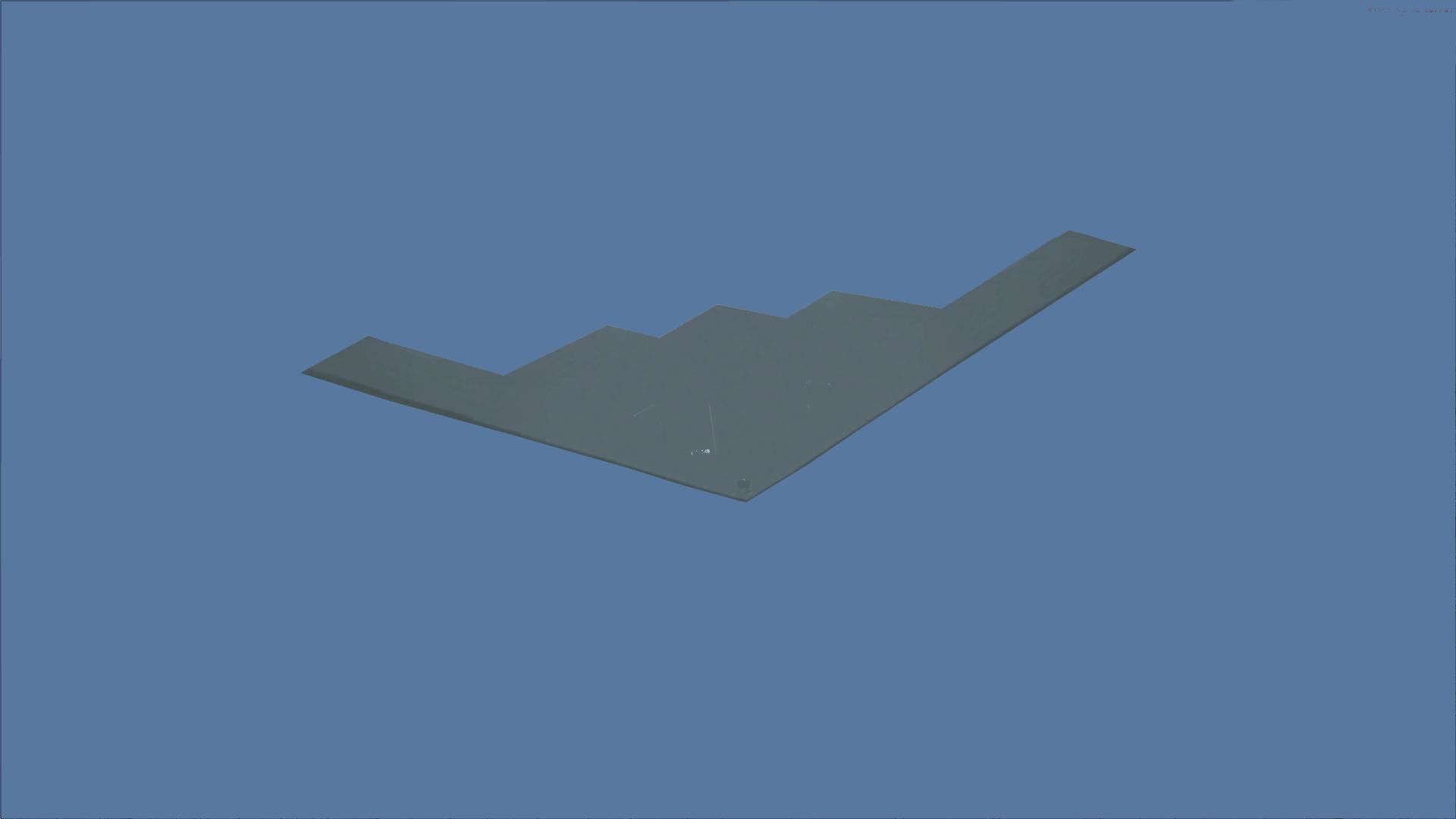
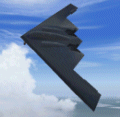
Northrop Grumman B-2A Spirit brings the iconic stealth bomber to FSX SP2/Acceleration with a detailed low-observable exterior and authentic USAF presence for deep-strike mission flying. The package includes a customized 2-D panel and tailored sound set, capturing the aircraft’s unique character while supporting conventional and nuclear strike scenarios.


Free for all simmers · 19.49 MB · Scanned clean
Download speed: Free tier is capped at 0.5 Mbps (this file takes approximately 5 mins at the cap). PRO members download at full line speed.
SimObjects\Airplanes\, Addon Scenery\, Effects\, or Gauges\.readme.txt or README file. It tells you exactly where files go, what dependencies are needed, and any quirks specific to this add-on.The archive b2afsxp2.zip has 27 files and directories contained within it.
This list displays the first 500 files in the package. If the package has more, you will need to download it to view them.
| Filename/Directory | File Date | File Size |
|---|---|---|
| b-2a.gif | 05.27.07 | 9.26 kB |
| Readme.txt | 03.08.08 | 1.81 kB |
| setup.exe | 03.08.08 | 16.05 MB |
| b2.bmp | 03.08.08 | 1.83 MB |
| flyawaysimulation.txt | 10.29.13 | 959 B |
| Go to Fly Away Simulation.url | 01.22.16 | 52 B |
| Screenshots | 09.20.19 | 0 B |
| screen-1.jpg | 09.12.19 | 72.12 kB |
| screen-10.jpg | 09.12.19 | 272.22 kB |
| screen-11.jpg | 09.12.19 | 141.11 kB |
| screen-12.jpg | 09.12.19 | 107.16 kB |
| screen-13.jpg | 09.12.19 | 167.23 kB |
| screen-14.jpg | 09.12.19 | 89.16 kB |
| screen-15.jpg | 09.12.19 | 140.26 kB |
| screen-16.jpg | 09.12.19 | 69.95 kB |
| screen-17.jpg | 09.12.19 | 230.50 kB |
| screen-18.jpg | 09.12.19 | 247.62 kB |
| screen-19.jpg | 09.12.19 | 206.31 kB |
| screen-2.jpg | 09.12.19 | 198.01 kB |
| screen-20.jpg | 09.12.19 | 153.55 kB |
| screen-3.jpg | 09.12.19 | 134.56 kB |
| screen-4.jpg | 09.12.19 | 304.60 kB |
| screen-5.jpg | 09.12.19 | 212.59 kB |
| screen-6.jpg | 09.12.19 | 278.55 kB |
| screen-7.jpg | 09.12.19 | 111.91 kB |
| screen-8.jpg | 09.12.19 | 55.08 kB |
| screen-9.jpg | 09.12.19 | 85.80 kB |
More FSX & P3D add-ons hand-picked based on this download.
FSX Military Aircraft
The B-2A stealth bomber is one of the most sophisticated aircraft ever develo…
 FSX Military Aircraft
Northrop Grumman B-2A Block 30 Spirit stealth bomber. The B-2 maintains stabi…
 FSX Military Aircraft
This is an update for FSX of the E2C Hawkeye by Rick Sasala. The flight dynam…
 FSX Military Aircraft
This is an example for anyone who wants to put VRS TacPack on a third party a…
 FSX Military Aircraft
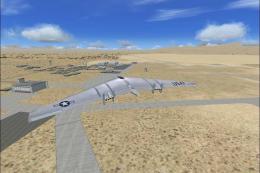
FSX Northrop YB-49 Flying Wing. The YB49 was an XB-35 prototype that had the …
 FSX Military Aircraft
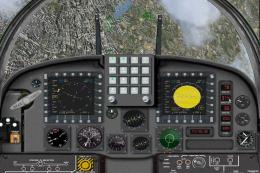
This is the superb F-20 A and B package released as freeware for FS2004 by Ir…
 FSX Military Aircraft
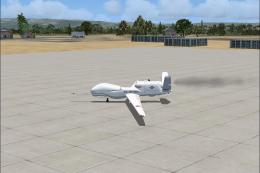
This version of the RQ4B includes all of the real world aero/engine dynamics …
 FSX Military Aircraft
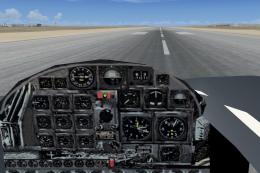
This package is for those who are missing a VC in this aircraft, even though …
Read what other simmers think, or add your own.


So far the best b2 out there I downloaded another one which used what looks to be a passenger airlines insides. it flew well not as good as this one. The issue with the other one is I couldn't break 480 knots. Thats using the gps ground speed. The knots in the air wouldn't go over 370ish. Thank you for giving this one the actual performance numbers.

Is there a certain requirement for the flares? i hit f nothing happens, also hitting w key moves camera to the front nose of the plane,