


 FSX Utilities
Yet Another Google Earth Tool
FSX Yet Another Google Earth Tool v0.93 (YAGET). Tested with FSX Deluxe. A ut…
Yet Another Moving Map V2.0 provides a lightweight moving-map display for Microsoft Flight Simulator X, ideal for LAN setups or a single PC. It supports JPG chart backgrounds, includes an on-the-fly mouse position correction for skewed maps, and shows basic tracking for up to 20 AI aircraft with an adjustable range; requires SimConnect.
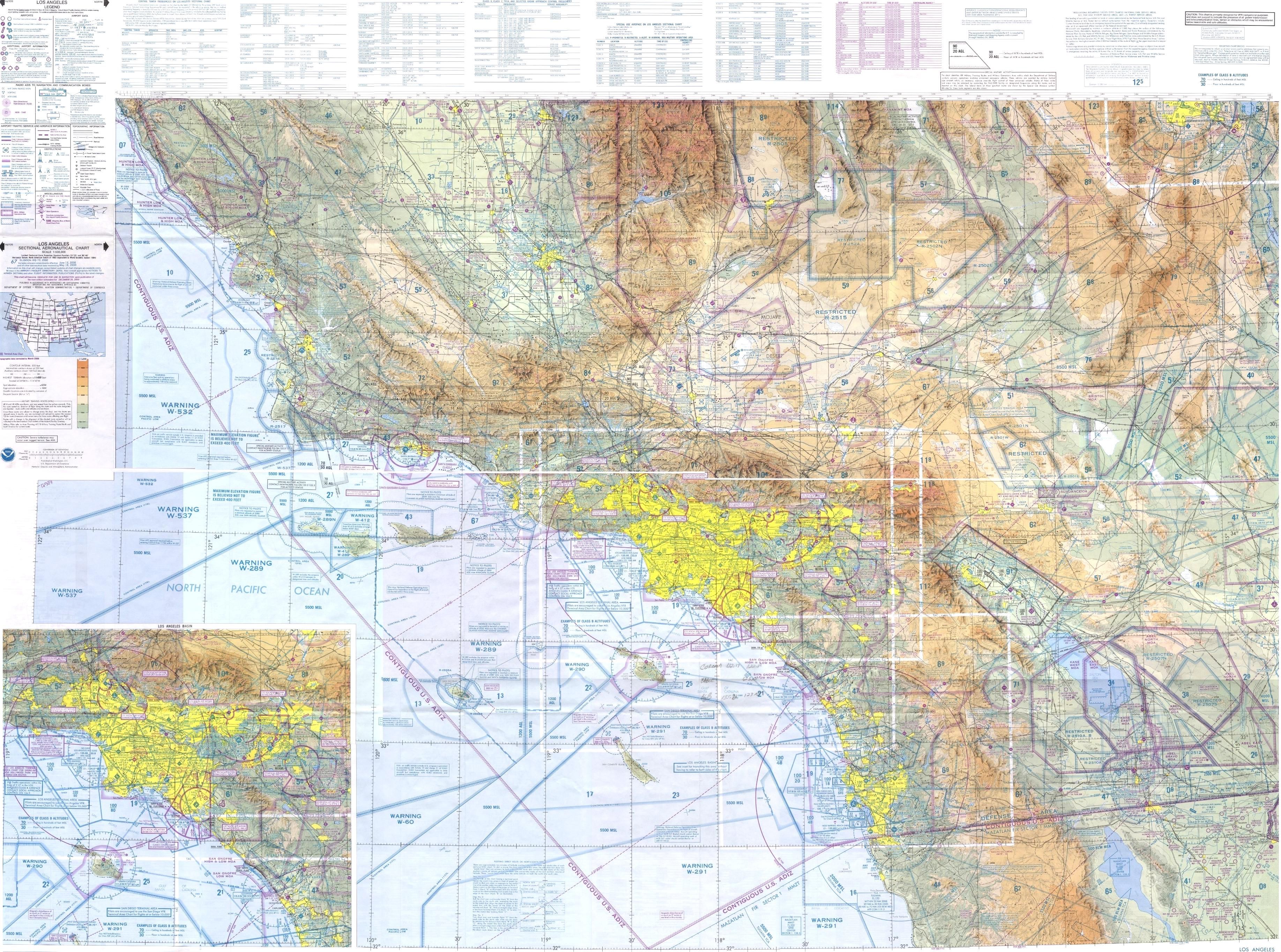
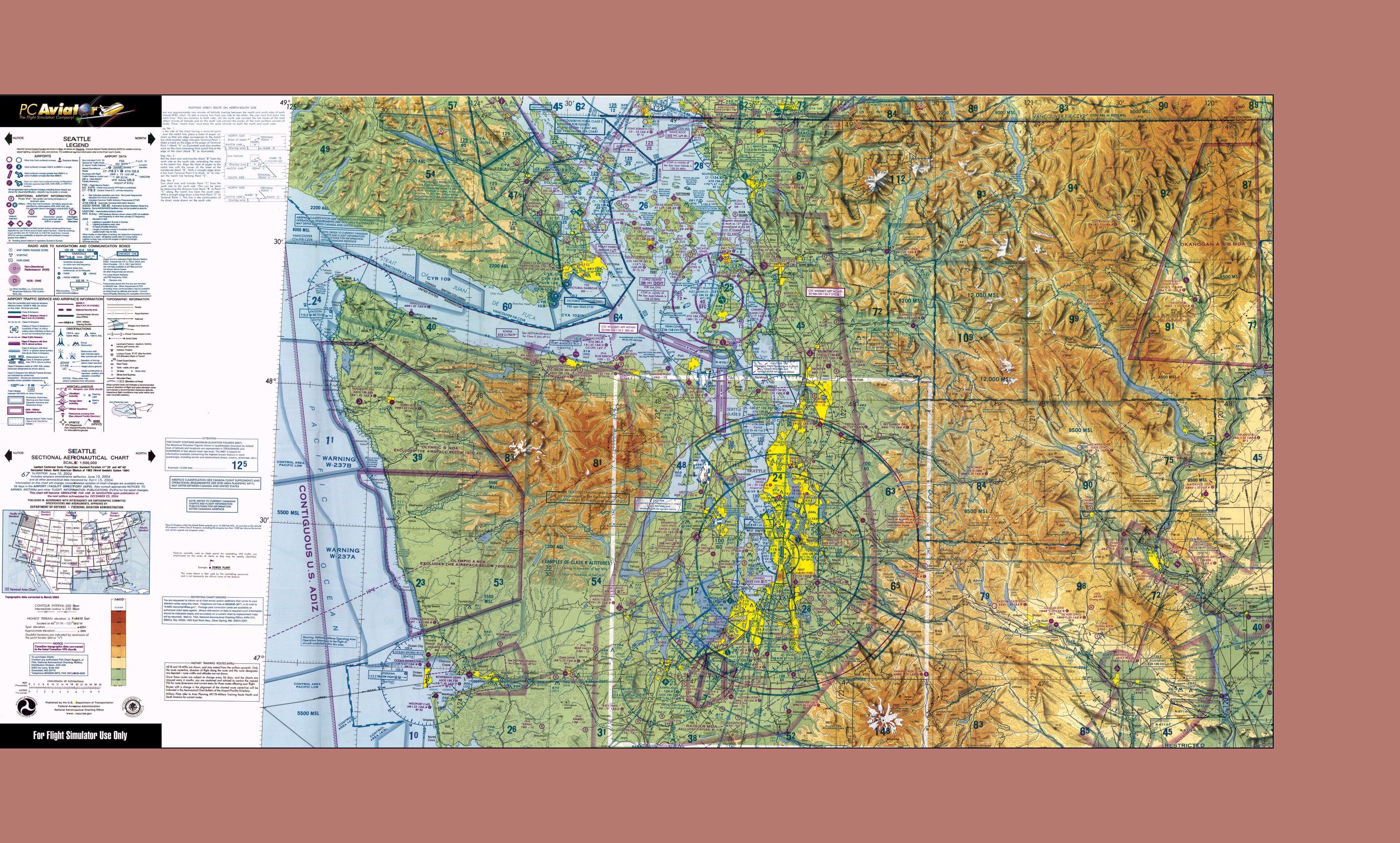

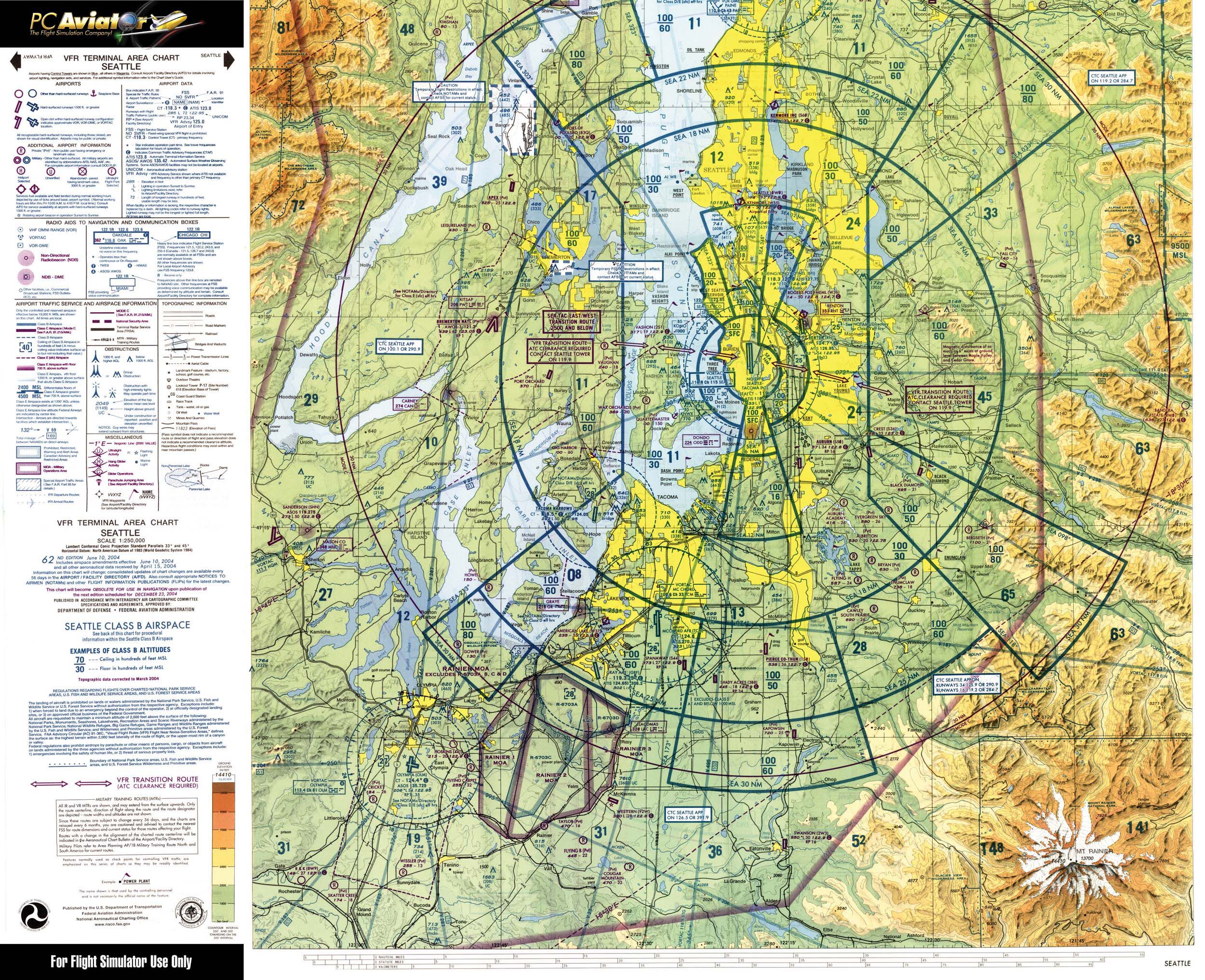
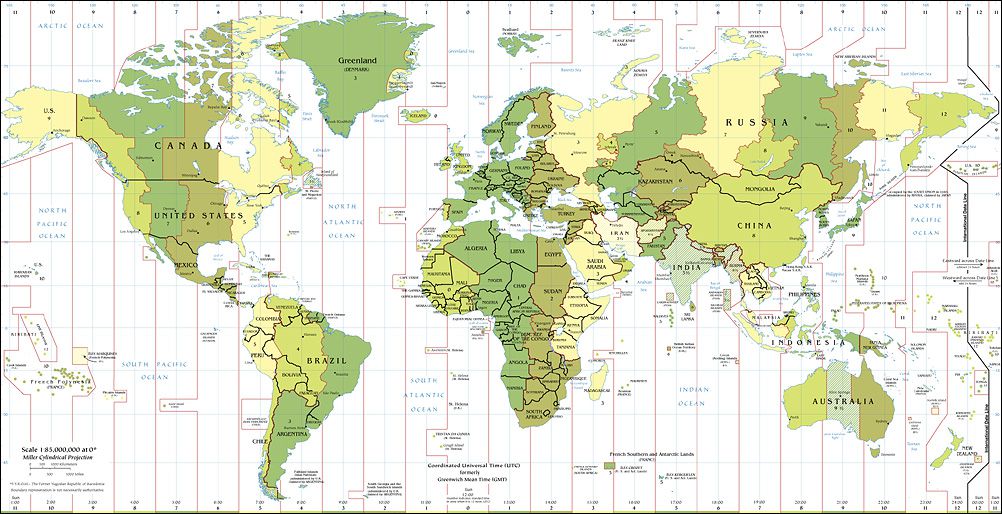
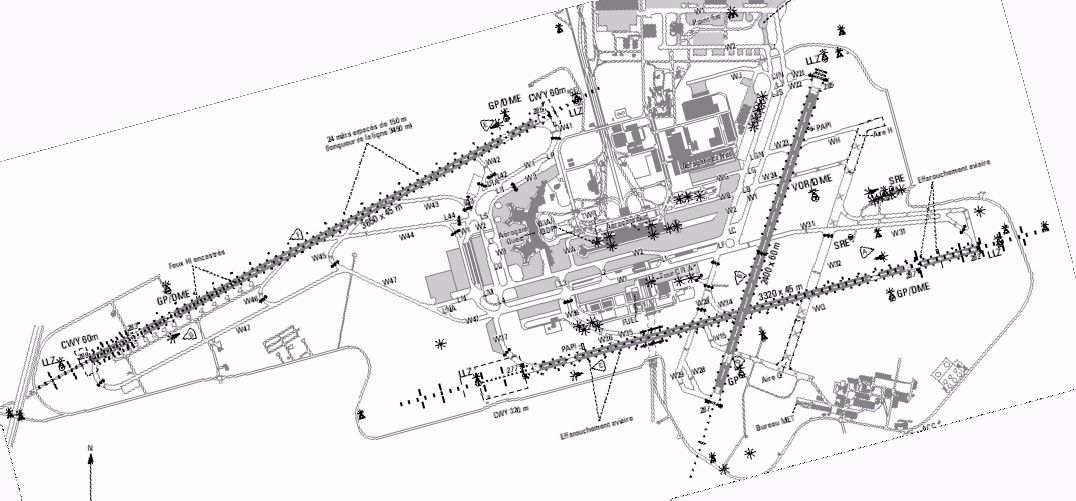
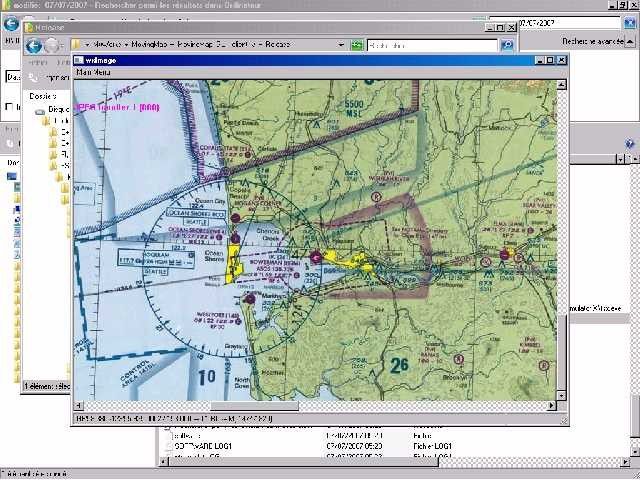
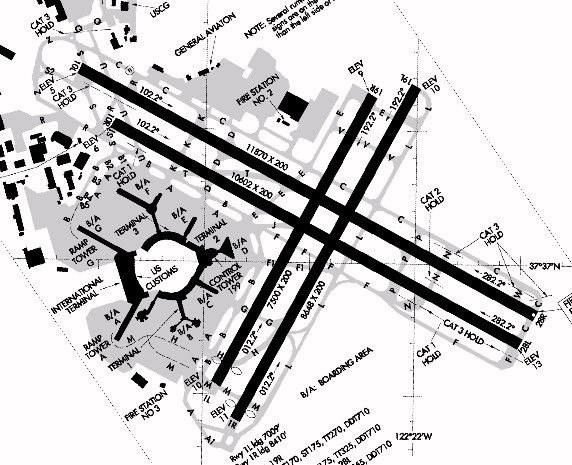
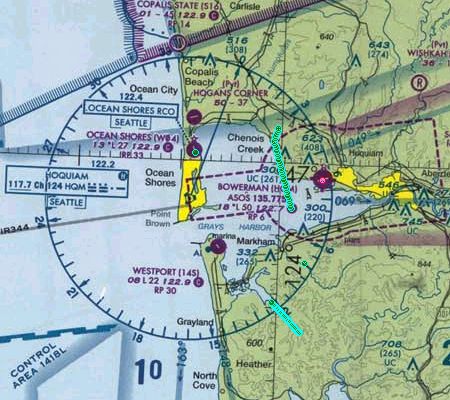
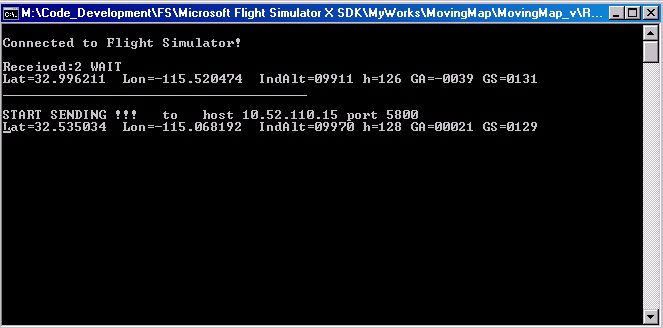
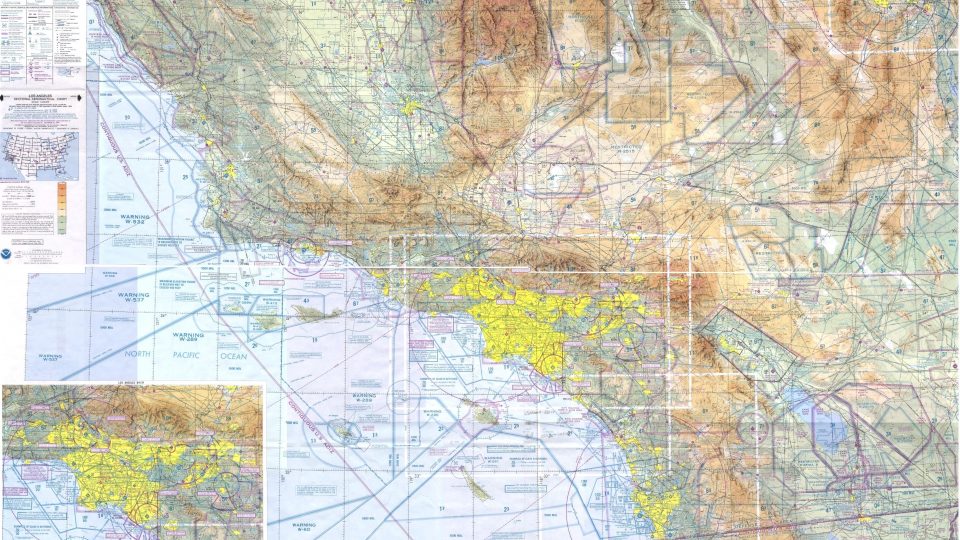
A very simple application allowing you to connect a moving map to FSX, chiefly for a LAN but can also work in a single PC. Works with maps in JPG format only. Uses MSFSX SimConnect.dll (included). By Laurent Claude.
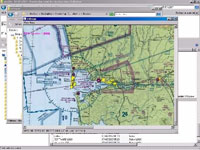
Screenshot showing the 'moving map'.
A very simple applications set allowing to connect a moving map to FSX. Chiefly for a LAN but can also work in a single PC. NB. Maps in JPG format only - it uses MSFSX SimConnect.dll (all the files needed inside - no need for FSUIPC nor wideFS).
Include a fix position mouse system "on the fly" for errors in non orthogonal maps Include a simple position or tracking display for max 20 AI traffic aircraft (distance range adjustable).
Installation:
First off, remove any previous installation of a former version (keeping your ini and xml files).
For a LAN:
Install in a folder of the main PC (server side).
YAMM_server_v-2.0.exe
SimConnect.dll
ini_serv_file.xml
Install in a folder of the second PC (client).
YAMM_client_v-2.0.exe
YAMM_client_v-2.0.ini here, else read below*
plot.png
plot_n.png
test.jpg
world.jpg
Seattle_Sectional_front_l.jpg
Seattle_Sectional_front_s.jpg
Seattle_TAC_Front.jpg
.../...
and any other map you want (jpg format)
like los_angeles.jpg
KSFO.jpg
LFPO.jpg
In a single PC:
Create two new folders.
Install in the first folder.
YAMM_server_v-2.0.exe
SimConnect.dll
ini_serv_file.xml
Install in the second folder.
YAMM_client_v-2.0.exe
YAMM_client_v-2.0.ini here, else read below(*)
plot.png
plot_n.png
test.jpg
world.jpg
Seattle_Sectional_front_l.jpg
Seattle_Sectional_front_s.jpg
Seattle_TAC_Front.jpg
.../...
and any other map you want (jpg format)
like los_angeles.jpg
KSFO.jpg
LFPO.jpg
(*) YAMM_client_v-2.0.ini file might wish to be installed in different places according to the OS. Except for W98 where it can be placed next to the exe, in XP and Vista it might be necessary to place it in the common data files structure.
W98 : in the YAMM_client_v-2.0.exe folder.
Vista : in the "C:\Users\pc_username\" folder.
XP : in the "C:\Documents and Settings\pc_username\" folder.
But try to place it in the exe folder first and try elsewhere only if needed.
Anyway if you don't know where to place this .ini file just don't place it. Launch the exe and then search for this file path in the disks you have. (The exe will automatically create an ini file if it can't find a suitable one). Then, replace this brand new .ini file with the former old one.
Free for all simmers · 10.78 MB · Scanned clean
Download speed: Free tier is capped at 0.5 Mbps (this file takes approximately 3 mins at the cap). PRO members download at full line speed.
SimObjects\Airplanes\, Addon Scenery\, Effects\, or Gauges\.readme.txt or README file. It tells you exactly where files go, what dependencies are needed, and any quirks specific to this add-on.The archive yamm20.zip has 26 files and directories contained within it.
This list displays the first 500 files in the package. If the package has more, you will need to download it to view them.
| Filename/Directory | File Date | File Size |
|---|---|---|
| YAMM_v-2.0 | 07.04.07 | 449.96 kB |
| yamm.gif | 07.03.07 | 7.39 kB |
| ReadMePlease.txt | 07.17.07 | 13.51 kB |
| yamm_p1.jpg | 07.07.07 | 104.04 kB |
| YAMM_v-2.0 | 07.04.07 | 449.96 kB |
| Dialog_server_enabled.jpg | 07.07.07 | 77.64 kB |
| yamm_traffic1.jpg | 07.15.07 | 180.05 kB |
| YAMM_server_v-2.0 | 07.04.07 | 449.96 kB |
| YAMM_client_v-2.0 | 07.04.07 | 449.96 kB |
| ini_serv_file.xml | 07.16.07 | 285 B |
| SimConnect.dll | 10.14.06 | 37.00 kB |
| YAMM_server_v-2.0.exe | 07.16.07 | 276.00 kB |
| plot.png | 06.30.07 | 165 B |
| Seattle_Sectional_front_l.jpg | 06.30.07 | 3.48 MB |
| Seattle_Sectional_front_s.jpg | 06.17.07 | 1.95 MB |
| Seattle_TAC_Front.jpg | 06.17.07 | 1.22 MB |
| test.jpg | 06.24.07 | 0 B |
| world.jpg | 07.02.07 | 293.69 kB |
| YAMM_client_v-2.0.exe | 07.15.07 | 2.17 MB |
| yamm_client_v-2.0.ini | 07.15.07 | 1.19 kB |
| Los_Angeles.jpg | 07.05.07 | 2.52 MB |
| LFPO.jpg | 07.08.07 | 131.28 kB |
| KSFO.jpg | 07.08.07 | 95.25 kB |
| plot_n.png | 07.15.07 | 164 B |
| flyawaysimulation.txt | 10.29.13 | 959 B |
| Go to Fly Away Simulation.url | 01.22.16 | 52 B |
More FSX & P3D add-ons hand-picked based on this download.
FSX Utilities
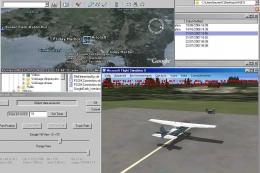
FSX Yet Another Google Earth Tool v0.93 (YAGET). Tested with FSX Deluxe. A ut…
 FSX Utilities
(YAGET). A utility to interface FSX data with Google Earth. It allows FSX to …
 FSX Utilities
WheelCam 2.4. This program is a very basic tool that implements mouse-based p…
FSX Utilities
The FSX WheelCam Utility V2.7 by Gunnar Daehling is a freeware application th…
 FSX Utilities
Flight Trip Chooser 2.0 is a simple tool to suggest a random departure airpor…
 FSX Utilities
This utility enables forward (VC-like), fly by, spot and top-down views of ot…
 FSX Utilities
A utility for remotely controlling FSX. It does what the title says; FSRemote…
 FSX Utilities
This application allows users of FSDS 3.5.1 to add various tweaks to their mo…
Read what other simmers think, or add your own.

You need to be electronically engineered to understand the installation, sorry but no, thank you

