

 FS2004 Civil Jet Aircraft
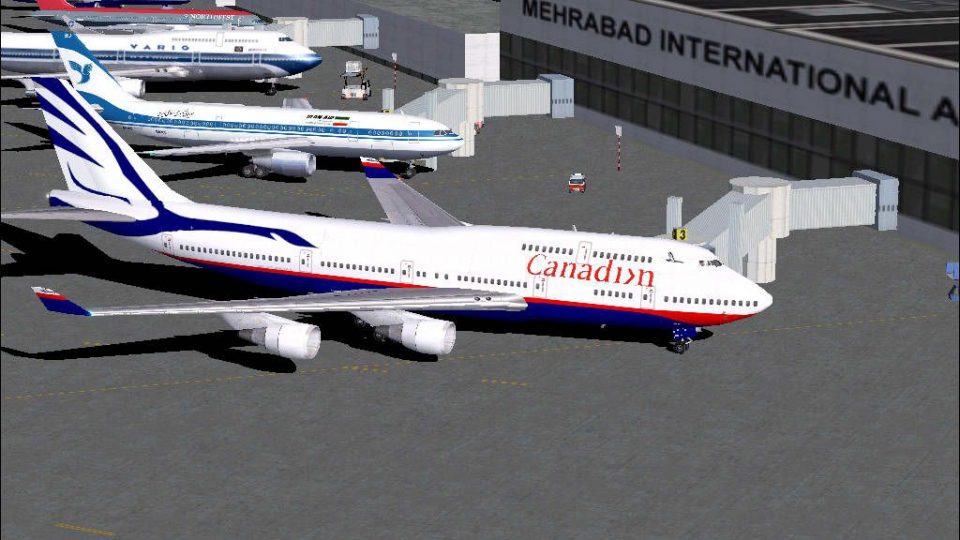
Canadian Boeing 747-400 C-GMWW
Boeing 747-400 "Goose", registration C-GMWW. Model by AI Aardvark. Livery by …
Canadian Boeing 747-400 “Goose” livery brings a classic airline look to the default jumbo with carefully matched markings and clean paintwork that stands out in external views and the virtual cockpit. Designed for FS2004, this repaint refreshes the stock B747-400 with an authentic retro scheme for Canadian-themed long-haul flying.
 Rate
Rate
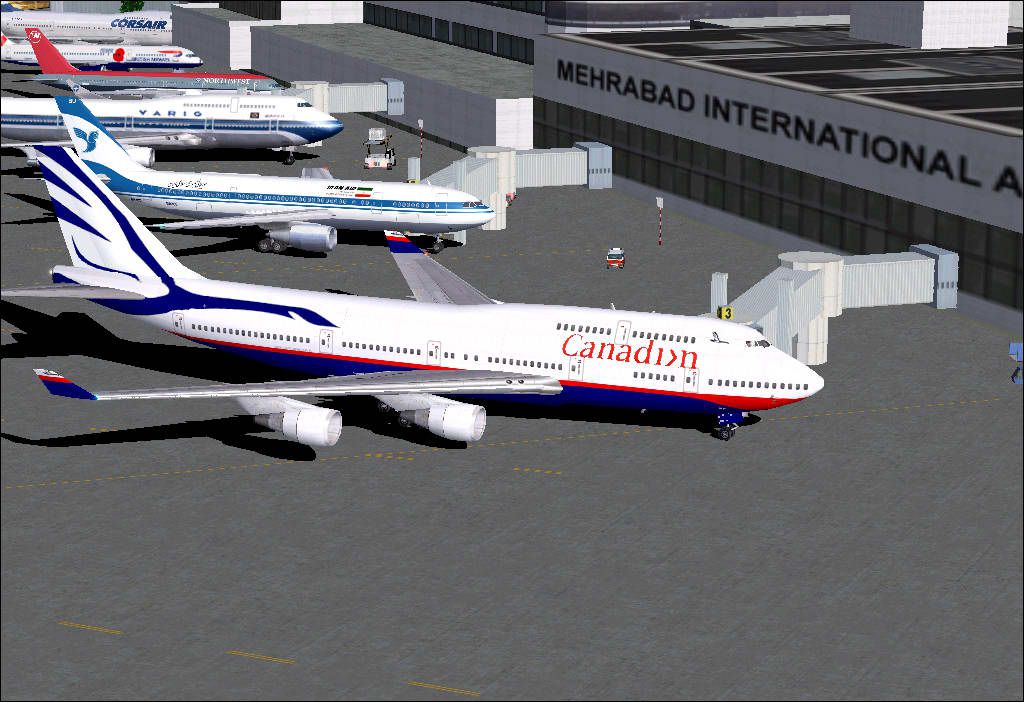
Canadian Boeing 747-400 in the old "Goose" livery. A repaint of the default B747-400. Repainted by Pantee Farhangi.
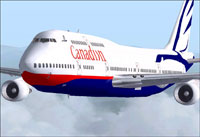
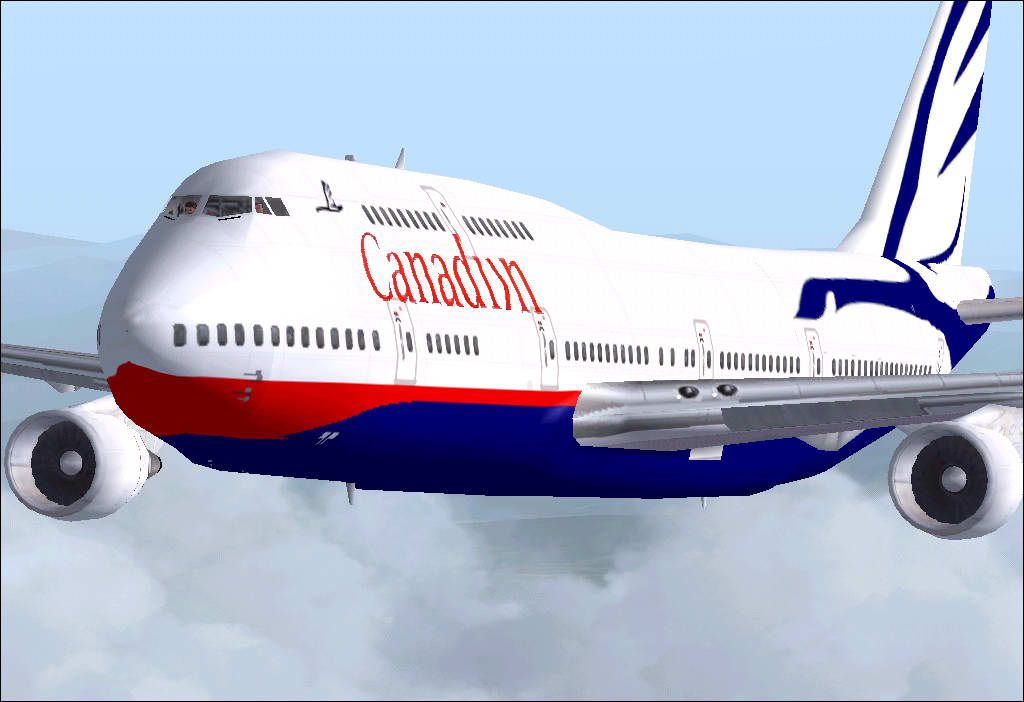
Screenshot of Canadian Boeing 747-400 "Goose" in flight.
Since some people are thinking of my name (Pantee) as something weird and strange, I am adding this few lines to tell you what it means and make you sure that it has got nothing to do with the pants or underwear.
Well, it's an ancient Persian name meaning humble and generous and Pantee herself was the wife of one of Cyrus the Great's commanders by the name of Aryasb (=owner of the Aryan Horses). Ahem! I'm really proud of my name. I am told it's the persian form of the bame in Greek (Panteh-A as we pronounce in Persian and most of the girls are named so and I'm the only one to be named Pantee seemingly!) and this word, as I read in a book about mythology is derived from the word Pan who in ancient Greek mythology is a half animal, half human god who protects lands, trees and animals.
Enough for history and mythology, go and start up your engines captains and please stop emailng me about my name as what you have thought it means.
Free for all simmers · 420.03 KB · Scanned clean Sep 2026
Download speed: Free tier is capped at 0.5 Mbps. PRO members download at full line speed.
FS9\Aircraft\, FS9\Addon Scenery\, FS9\Gauges\, or FS9\Effects\.readme.txt or README file. It tells you exactly where files go, what dependencies are needed, and any quirks specific to this add-on.The archive cangos74.zip has 11 files and directories contained within it.
This list displays the first 500 files in the package. If the package has more, you will need to download it to view them.
| Filename/Directory | File Date | File Size |
|---|---|---|
| Canadian_goose_default744 | 01.07.04 | 0 B |
| Pantee Farhangi!.txt | 01.07.04 | 987 B |
| texture.canadian | 01.07.04 | 0 B |
| b747_400_T.bmp | 01.07.04 | 1.00 MB |
| decal_b747_400.bmp | 08.27.03 | 8.07 kB |
| b747_400_l.bmp | 09.20.01 | 85.40 kB |
| How_2_Install_Canadian_goose_default744.txt | 01.07.04 | 1.72 kB |
| canadian_oiii_plus.JPG | 01.07.04 | 105.46 kB |
| canadian_sea_of_mazandaran.JPG | 01.07.04 | 63.72 kB |
| flyawaysimulation.txt | 10.29.13 | 959 B |
| Go to Fly Away Simulation.url | 01.22.16 | 52 B |
Only PRO members can place votes.
More FS2004 add-ons hand-picked based on this download.
FS2004 Civil Jet Aircraft
Boeing 747-400 "Goose", registration C-GMWW. Model by AI Aardvark. Livery by …
 FS2004 Civil Jet Aircraft
A repaint of Erick Cantu's B737-200 in the colors of Canadian. Model by Erick…
 FS2004 Civil Jet Aircraft
Original repaint was done by Shane Strong. This one is touched up to have it …
 FS2004 Civil Jet Aircraft
This freeware release presents a Canadian Airlines Boeing 767-375ER (OL) meti…
 FS2004 Civil Jet Aircraft
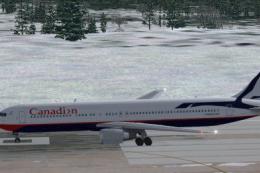
Canadian Boeing 767-375ER in Proudwings livery. This aircraft was designed sp…
 FS2004 Civil Jet Aircraft
Model by Project Open Sky. Painted by Mike Adamo. This paint is based on actu…
 FS2004 Civil Jet Aircraft
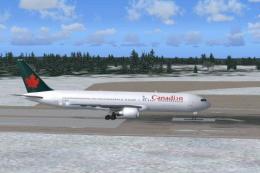
This freeware package features a Canadian Boeing 767-375ER optimized for seam…
 FS2004 Civil Jet Aircraft
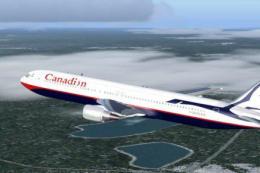
This freeware repaint delivers a Canadian-themed Boeing 767-375ER in a Proudw…
Be the first to leave a comment on this download.
Be the first to share your thoughts on this download.