

 FS2004 Civil Jet Aircraft
Korean Airlines Airbus A380-100
Mike Stone's Airbus A380-100, in Korean livery, virtual registration HL9001. …
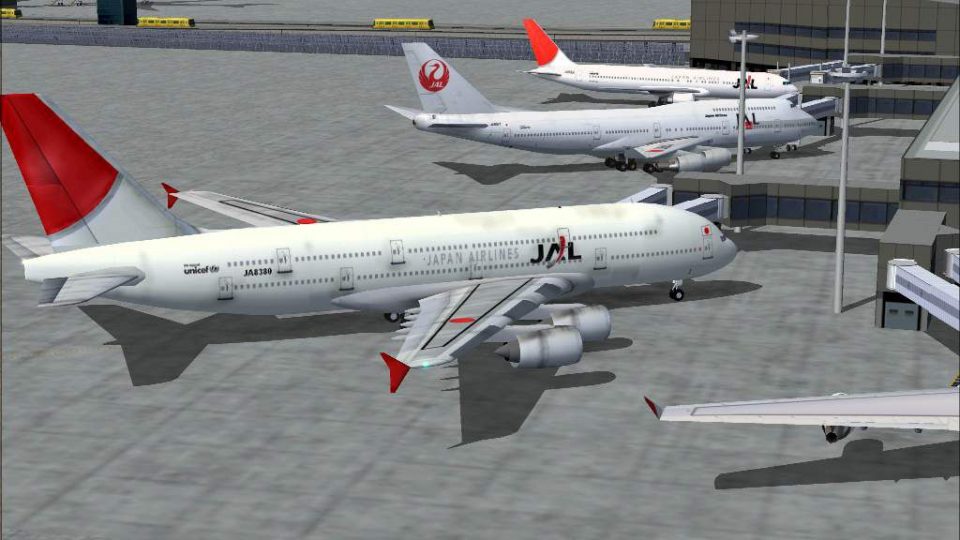
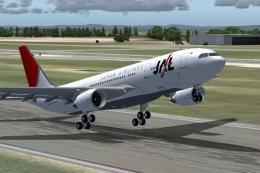
Japan Airlines Airbus A380-100 livery delivers a weathered, full-dirty look that adds convincing service wear to the superjumbo, with detailed exterior textures and airline-specific markings. Built for FS2004, it installs as textures-only and requires SA380.ZIP, pairing with Mike Stone’s model for a cohesive visual package.
 Rate
Rate

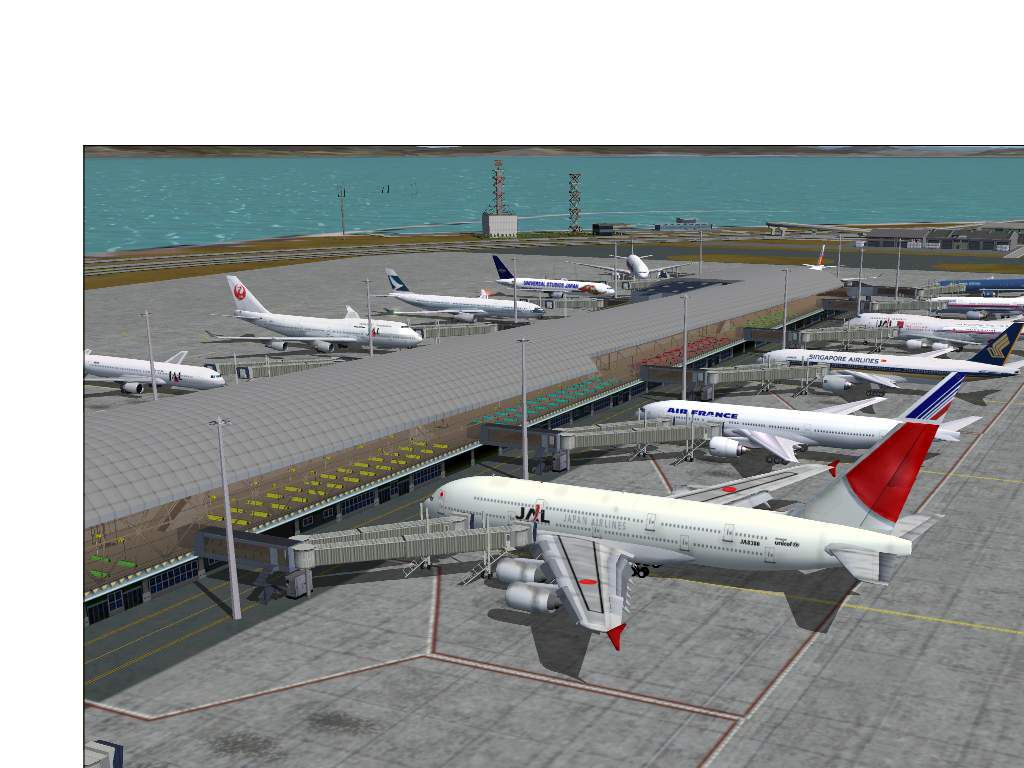
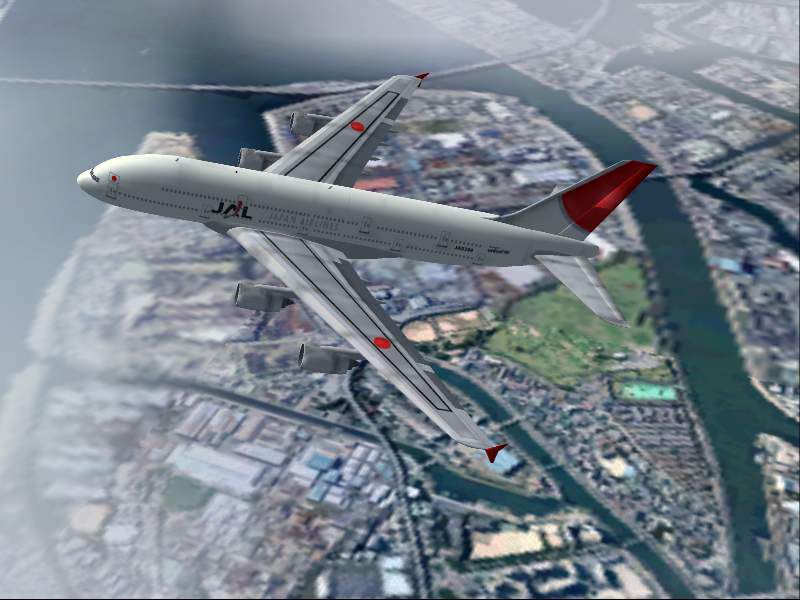
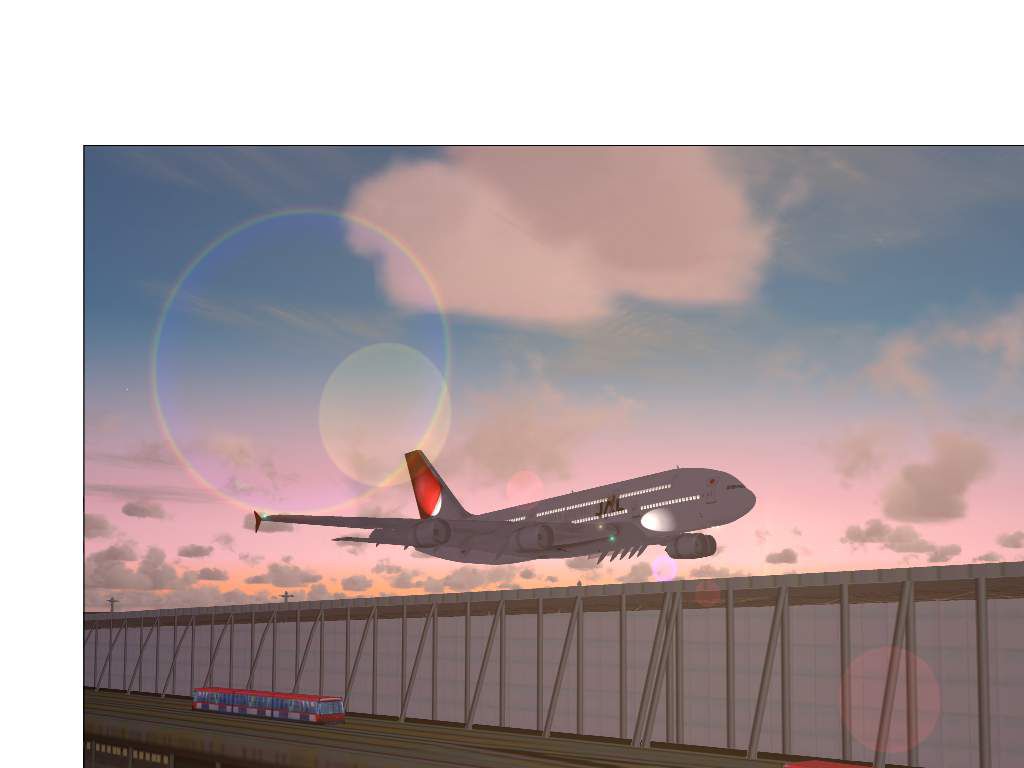
Aircraft is painted in full dirty textures. Textures only; requires SA380.ZIP. Model by Mike Stone. JAL livery by Christophe Bouville.
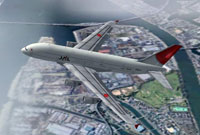
Screenshot of Japan Airlines Airbus A380-100 in flight.
Simply move the "Texture.JAL_Fulldirty" folder in your "MS 380" directory and add the followings lignes in your "MS 380" aircraft.cfg.
[fltsim.XX]

	title=Airbus A380-100 JAL full_dirt

	sim=a381

	model=XX

	panel=

	sound=

	texture=JAL_Fulldirty

	kb_checklists=

	kb_reference=

	atc_id=

	atc_airline=JAPAN AIR

	atc_flight_number=380

	atc_heavy=1

	ui_manufacturer=AI_Plane

	ui_type=A380-100

	ui_variation=Japan Airlines (Full dirt)

	description=Airbus A380

	atc_parking_types=GATE

	atc_parking_codes=JAL

	visual_damage=0
[Don't forget to replace the "XX" according to your folder specifications !]
Free for all simmers · 647.49 KB · Scanned clean Sep 2026
Download speed: Free tier is capped at 0.5 Mbps. PRO members download at full line speed.
FS9\Aircraft\, FS9\Addon Scenery\, FS9\Gauges\, or FS9\Effects\.readme.txt or README file. It tells you exactly where files go, what dependencies are needed, and any quirks specific to this add-on.The archive textjalf.zip has 25 files and directories contained within it.
This list displays the first 500 files in the package. If the package has more, you will need to download it to view them.
| Filename/Directory | File Date | File Size |
|---|---|---|
| root_l.bmp | 02.15.04 | 1.00 MB |
| root_t.bmp | 10.20.04 | 1.00 MB |
| rwing_l.bmp | 02.15.04 | 1.00 MB |
| rwing_t.bmp | 10.20.04 | 682.75 kB |
| stab_l.bmp | 02.15.04 | 257.05 kB |
| stab_t.bmp | 10.20.04 | 342.39 kB |
| stabroot_l.bmp | 02.15.04 | 17.05 kB |
| stabroot_t.bmp | 10.20.04 | 22.39 kB |
| tail_l.bmp | 02.15.04 | 341.43 kB |
| tail_t.bmp | 10.20.04 | 682.75 kB |
| eng_l.bmp | 02.15.04 | 17.05 kB |
| eng_t.bmp | 01.26.04 | 21.43 kB |
| fin_l.bmp | 02.15.04 | 17.05 kB |
| fin_t.bmp | 10.20.04 | 42.75 kB |
| fuslg_l.bmp | 02.15.04 | 1.33 MB |
| fuslg_t.bmp | 10.20.04 | 257.05 kB |
| lwing_l.bmp | 02.15.04 | 1.00 MB |
| lwing_t.bmp | 10.20.04 | 682.75 kB |
| Readme-Lisezmoi.txt | 10.20.04 | 1.16 kB |
| JAL_2.jpg | 10.20.04 | 56.56 kB |
| JAL_3.jpg | 10.20.04 | 42.40 kB |
| JAL_4.jpg | 10.20.04 | 88.73 kB |
| JAL_1.jpg | 10.20.04 | 90.04 kB |
| flyawaysimulation.txt | 10.29.13 | 959 B |
| Go to Fly Away Simulation.url | 01.22.16 | 52 B |
Only PRO members can place votes.
More FS2004 add-ons hand-picked based on this download.
FS2004 Civil Jet Aircraft
Mike Stone's Airbus A380-100, in Korean livery, virtual registration HL9001. …
 FS2004 Civil Jet Aircraft
Emirates Airbus A380-100 with dirty textures. AI traffic friendly. Textures o…
 FS2004 Civil Jet Aircraft
Mike Stone's Airbus A380-100, in Qatar Airways livery, virtual registration A…
 FS2004 Civil Jet Aircraft
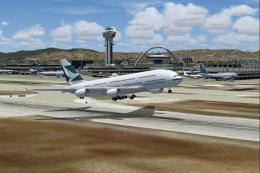
This aircraft is painted in 32-bit textures, and is AI-friendly as well. Airc…
 FS2004 Civil Jet Aircraft
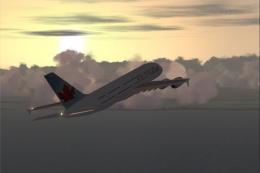
Mike Stone's excellent Airbus A380-100 in Air Canada's new livery, virtual re…
 FS2004 Civil Jet Aircraft
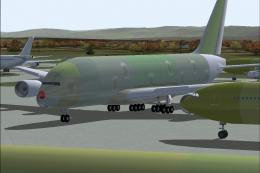
Textures only; requires SA380.ZIP. Original model by Mike Stone. Repaint by C…
 FS2004 Civil Jet Aircraft
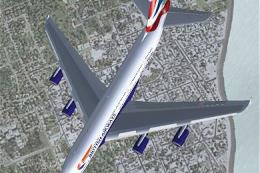
The first A380 painted in British Airways livery. BA hasn't ordered the A380 …
 FS2004 Civil Jet Aircraft
Airbus has a strong history in the international aviation market. From milita…
Be the first to leave a comment on this download.
Be the first to share your thoughts on this download.