

 FSX Misc
Environmental Reflection X 2007
An all in environmental replacement texture for environment mapping within FS…
Mexico 2007 AI Traffic fills FSX skies with nearly 11,000 weekly scheduled flights and 327 accurately painted aircraft, spanning major airlines, cargo operators, and representative military and police traffic. It pairs proven AI models with period-correct flight plans and includes missing airline callsigns for more authentic ATC and airport activity.
 Rate
Rate
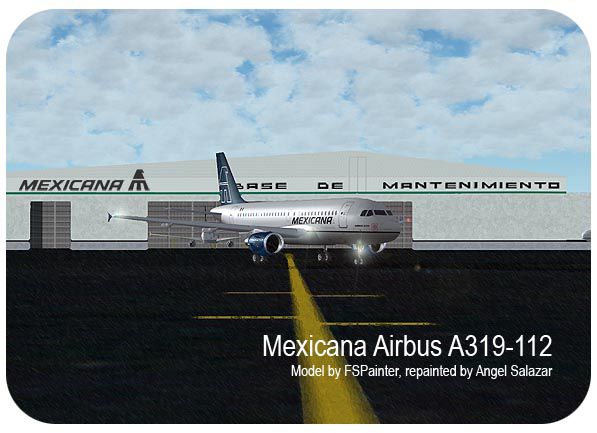
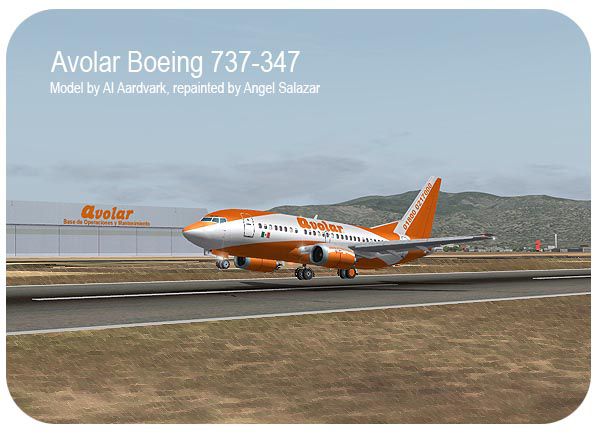
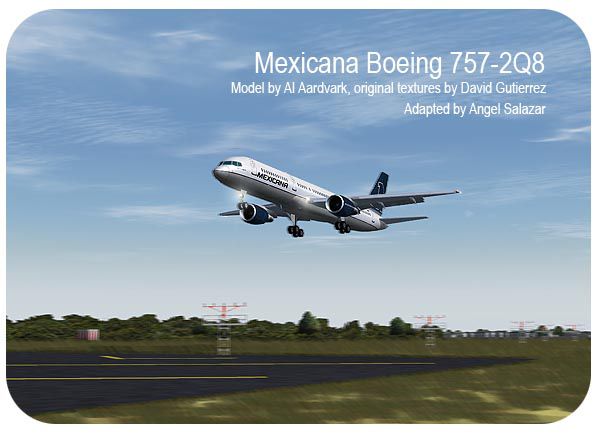
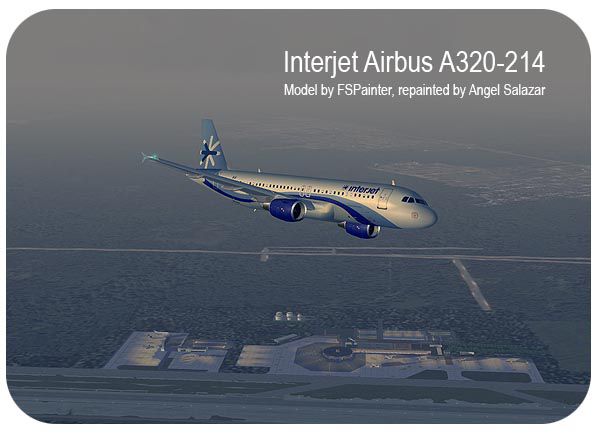
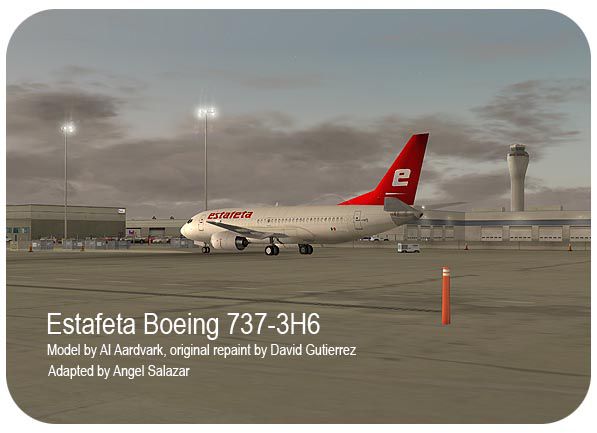
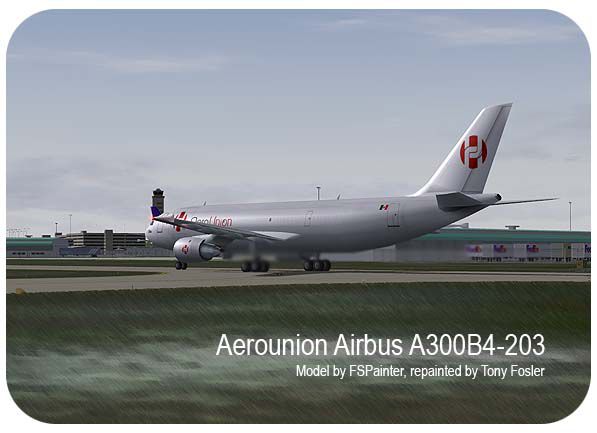
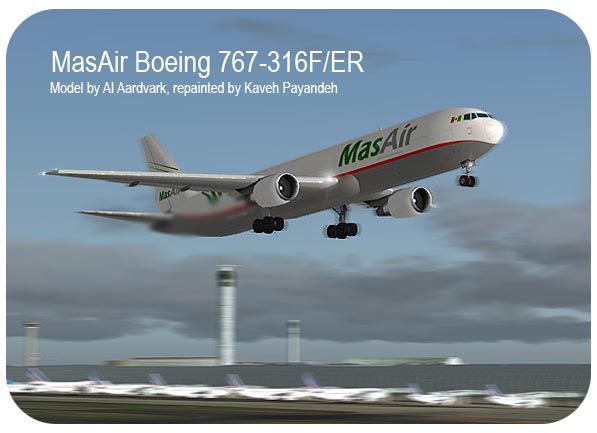
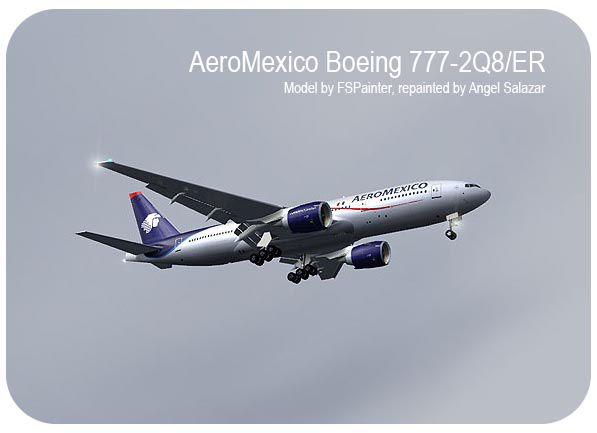
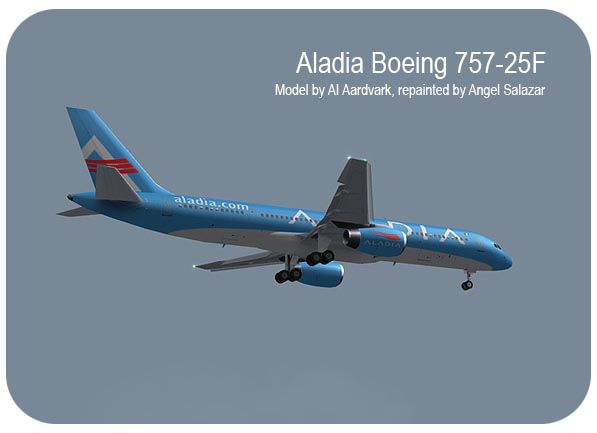
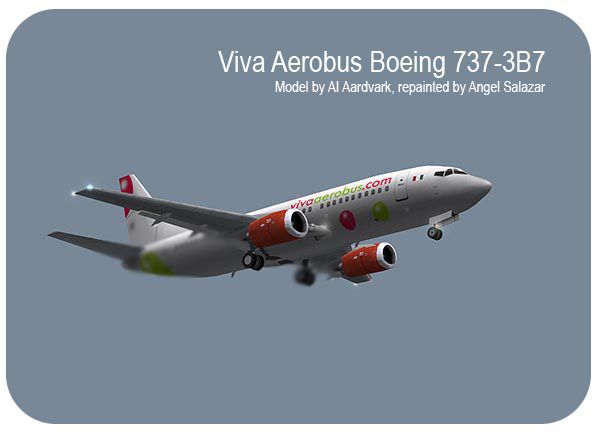
The famous Mexican AI Traffic package which covers almost 11,000 flights by week with 327 finely painted aircraft by Daniel Halpern, David Gutierrez, Francisco Pichardo, Ben Hewitt, Yochai Mossi, Luis Zaragoza, Tony Fosler, Carlos Lopez, Gerardo Rocha, Kaveh Payandeh, Miguel Arteaga, Omar Herrera, Francesco Zoja, Jannik Dahl, Cees Melieste and Angel Salazar, using models from AI Aardvark, FSPainter, Charles Dayhuff, Fernando Martinez, Alberto la Greca, Jon Arnz and Henry Tomkiewicz. The included flight plans are for AeroCalafia, Aerocalifornia, Aerocosta, Aerocuahonte, Aerolitoral, Aeromar, Aeromexico, Aeroservicio Guerrero, AeroTucan, AeroUnion, Aladia, ALMA de Mexico, Aviacsa, Avolar, Click, Estafeta, Interjet, Lineas Aereas Azteca, Magnicharter, MasAir, Mexicana de Aviacion, Novair, RepublicAir, Volaris, VuelaBus, Mexican Airforce (Representative) and Federal Preventive Police (Representative). Also includes the missing callsigns for these airlines. All the models and repaints used in this package were published with explicit consent of each person mentioned in this text. Package by Angel Salazar.
Screenshot of Aerounion Airbus A300 on the runway.
Free for all simmers · 71.7 MB · Scanned clean Aug 2026
Download speed: Free tier is capped at 0.5 Mbps (this file takes approximately 20 mins at the cap). PRO members download at full line speed.
SimObjects\Airplanes\, Addon Scenery\, Effects\, or Gauges\.readme.txt or README file. It tells you exactly where files go, what dependencies are needed, and any quirks specific to this add-on.The archive aimx7fsx.zip has 15 files and directories contained within it.
This list displays the first 500 files in the package. If the package has more, you will need to download it to view them.
| Filename/Directory | File Date | File Size |
|---|---|---|
| aimx07_FSX.exe | 04.19.07 | 71.44 MB |
| readme.txt | 04.16.07 | 5.31 kB |
| readme_SPANISH.txt | 04.16.07 | 7.09 kB |
| viva_733.jpg | 04.19.07 | 46.35 kB |
| aerounion_a300.jpg | 04.19.07 | 54.41 kB |
| aladia_752z.jpg | 04.19.07 | 46.62 kB |
| amx_777w.jpg | 04.19.07 | 47.61 kB |
| avol_733.jpg | 04.19.07 | 71.84 kB |
| estafeta_733.jpg | 04.19.07 | 59.67 kB |
| ijt_a320.jpg | 04.19.07 | 60.26 kB |
| masair_763.jpg | 04.19.07 | 58.93 kB |
| mxa_757.jpg | 04.19.07 | 63.70 kB |
| mxa_a319.jpg | 04.19.07 | 72.61 kB |
| flyawaysimulation.txt | 10.29.13 | 959 B |
| Go to Fly Away Simulation.url | 01.22.16 | 52 B |
Only PRO members can place votes.
More FSX & P3D add-ons hand-picked based on this download.
FSX Misc
An all in environmental replacement texture for environment mapping within FS…
 FSX Misc
Adds external camera views to the payware Scout 2007 package. By Ryan Butterw…
 FSX Misc
AICarriers: This is a small software that allows you to place and control sin…
 FSX Misc
This version updates the earlier files (TD_EFX.ZIP) and makes the smoke effec…
 FSX Misc
Boosts F-111 activity level. This AI package adds eleven extra F-111s to the …
 FSX Misc
There are many AI aircraft which are not available as regular flyable airplan…
 FSX Misc
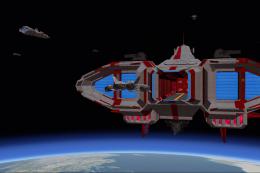
A pack of AI military starships/spaceships which are landable and located on …
 FSX Misc
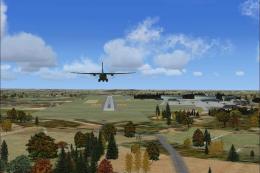
This AI package contains several beautiful airplanes: Bell-UH1D, Hamburger Fl…
Read what other simmers think, or add your own.

How do we install this? Do we put it in the planes category or the scenery files?