

 FSX Civil Aircraft
TDS Boeing 737-800 Base Package
Experience a meticulously crafted simulation of the well-known Boeing 737-800…
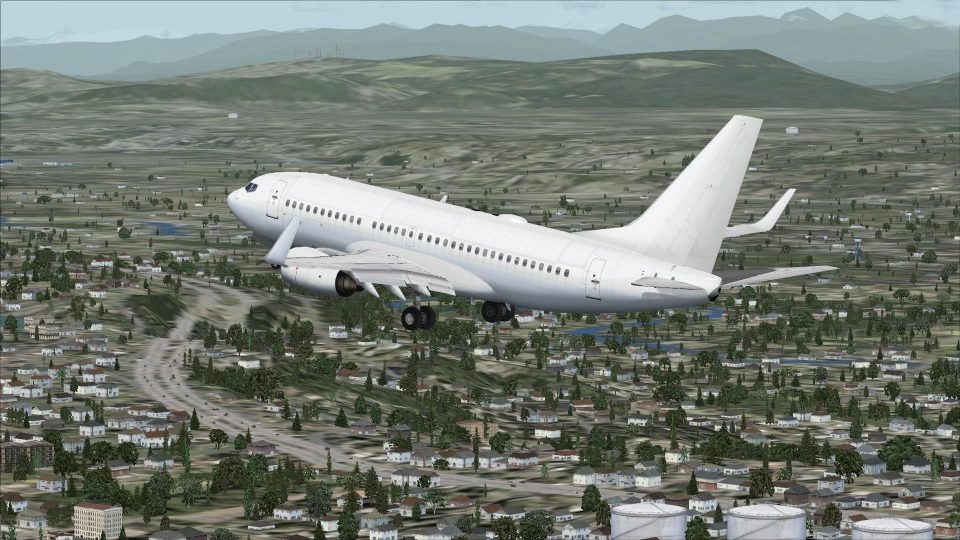
TDS’s Boeing 737-700 base package delivers a clean white airframe with high-resolution textures, flexing wings, responsive nosewheel steering, detailed suspension, full control-surface and trim animations, opening passenger doors, and animated thrust reversers with blocker doors. For FSX, it also adds night lighting, ground spoilers, service vehicles, and nine model variants.
 Rate
Rate
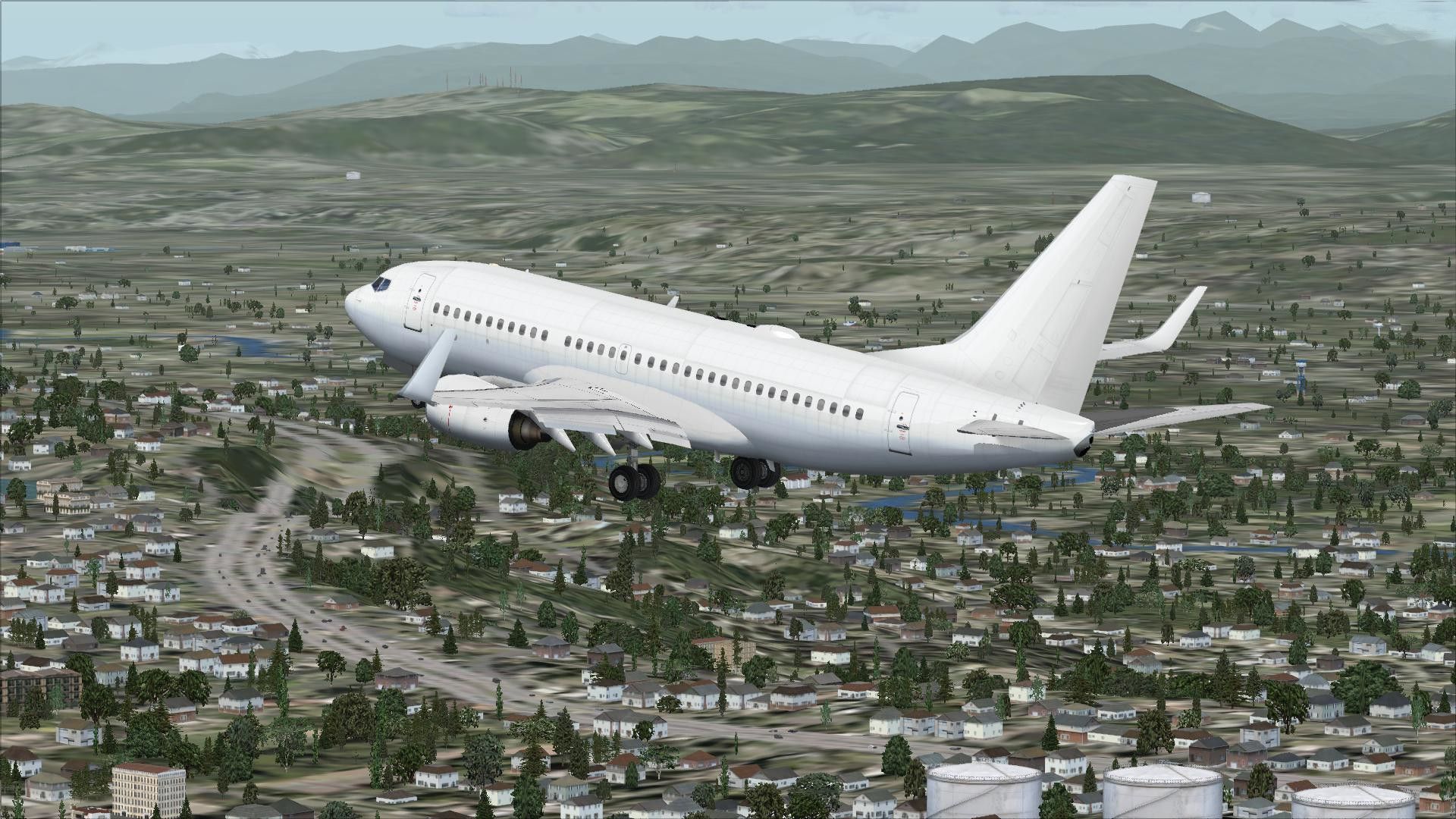
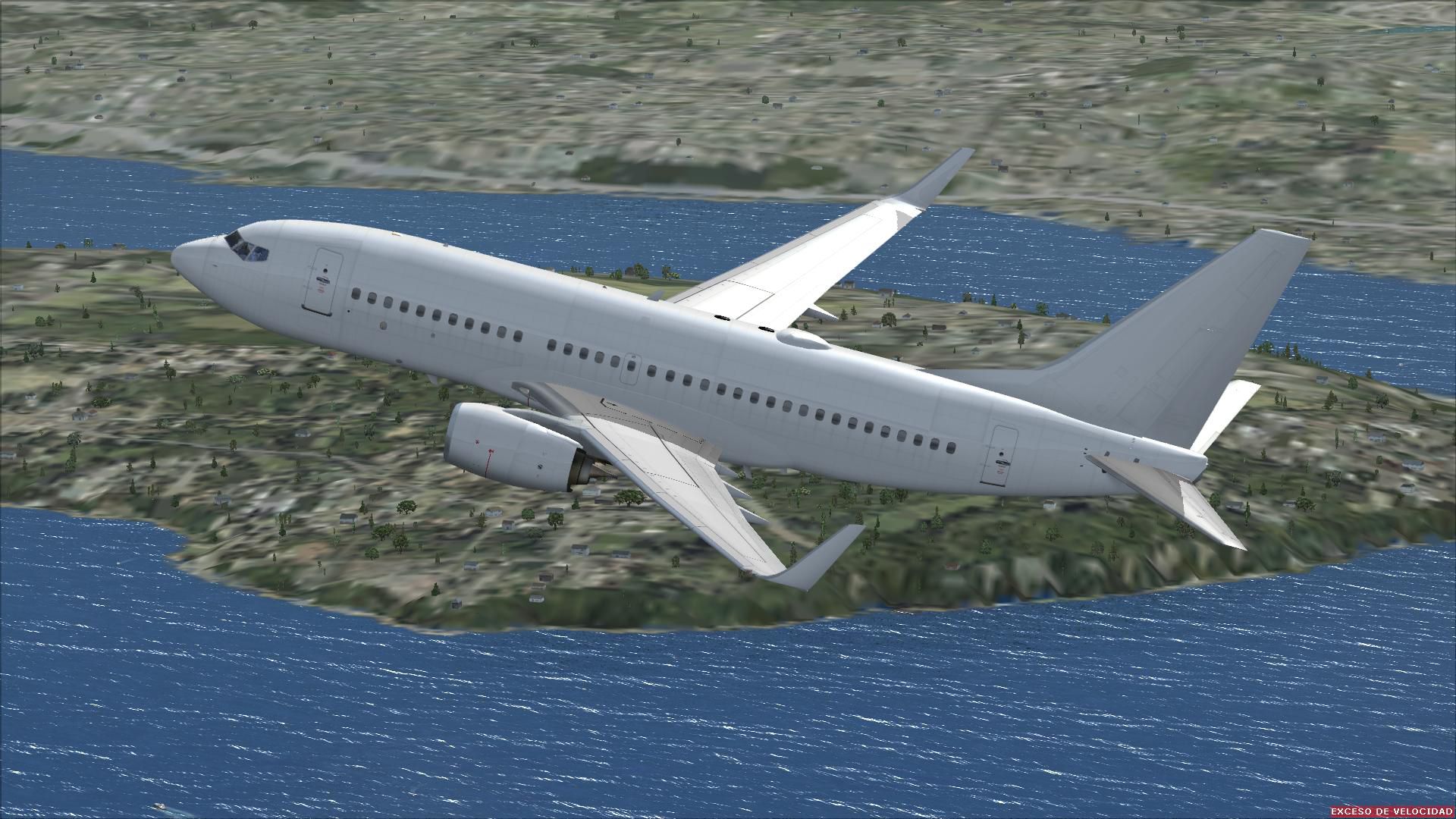
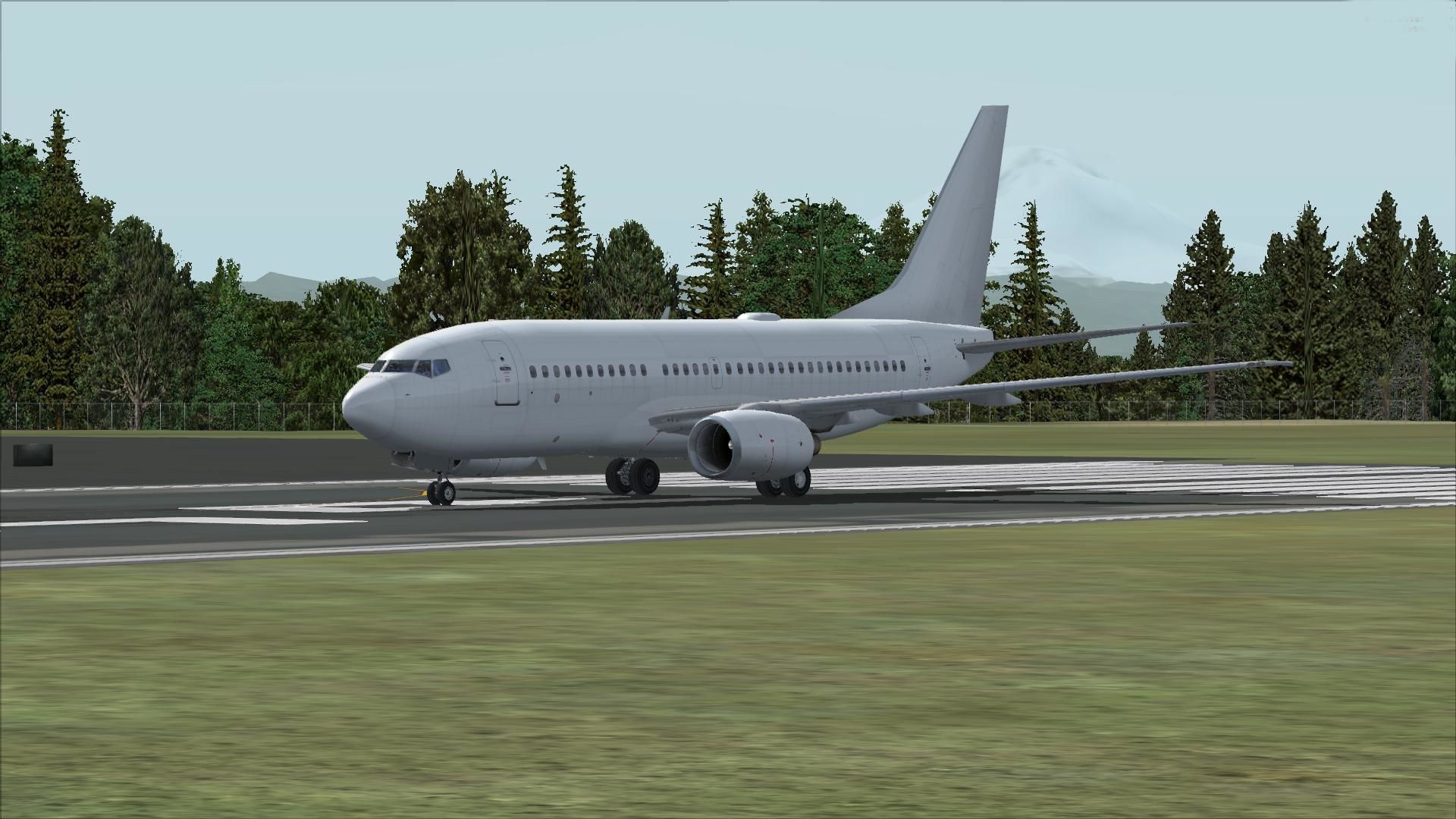
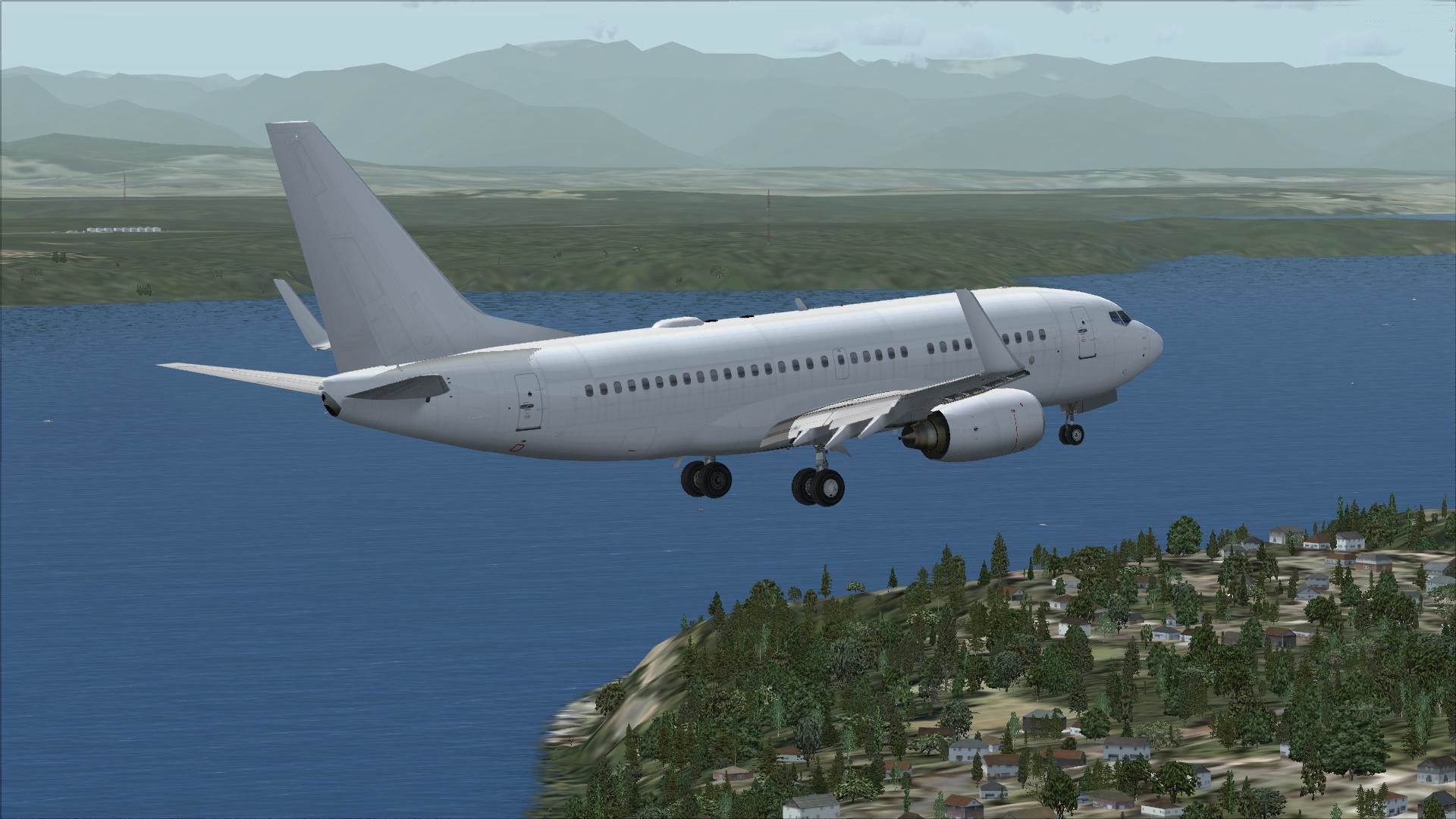

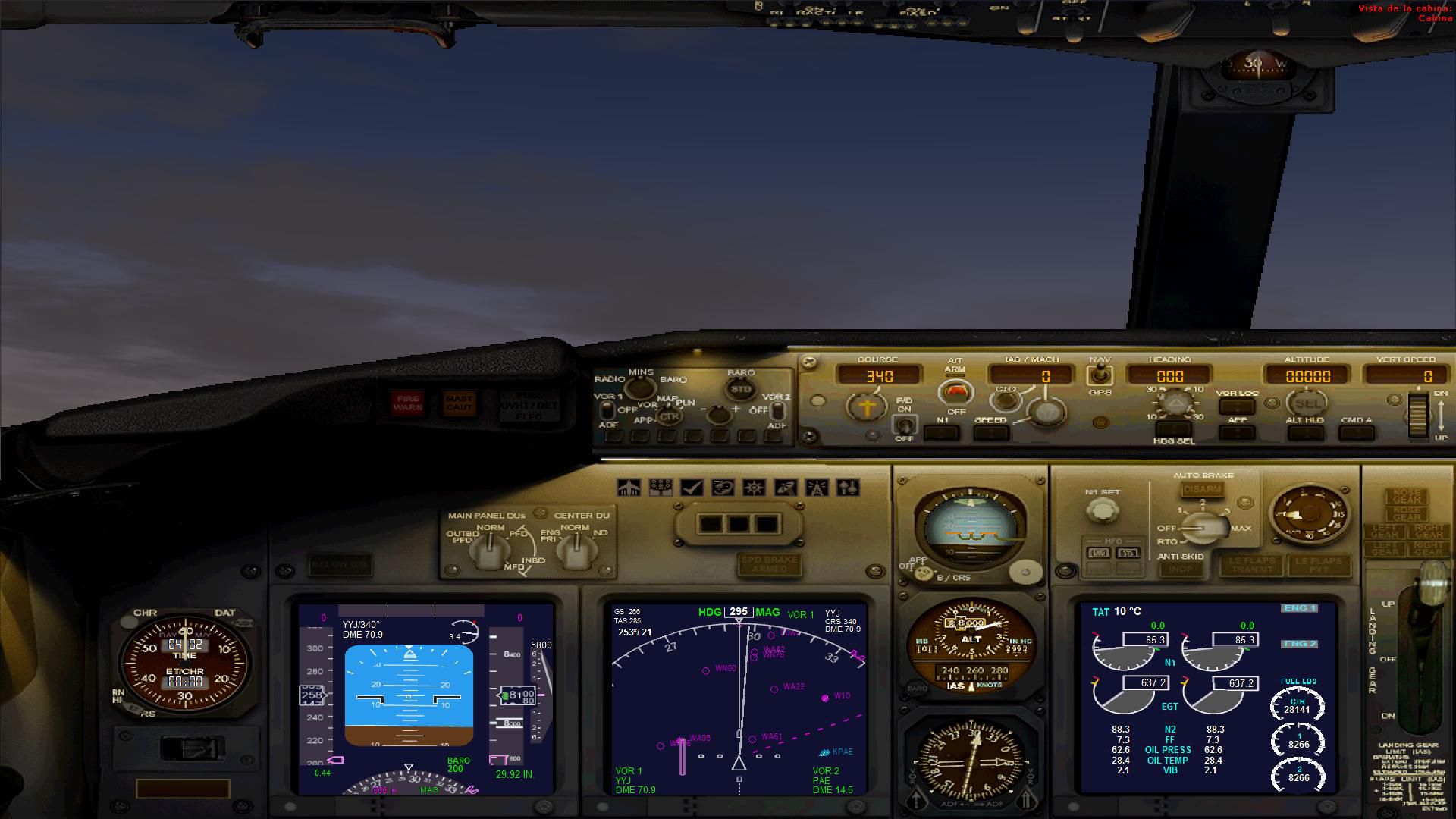
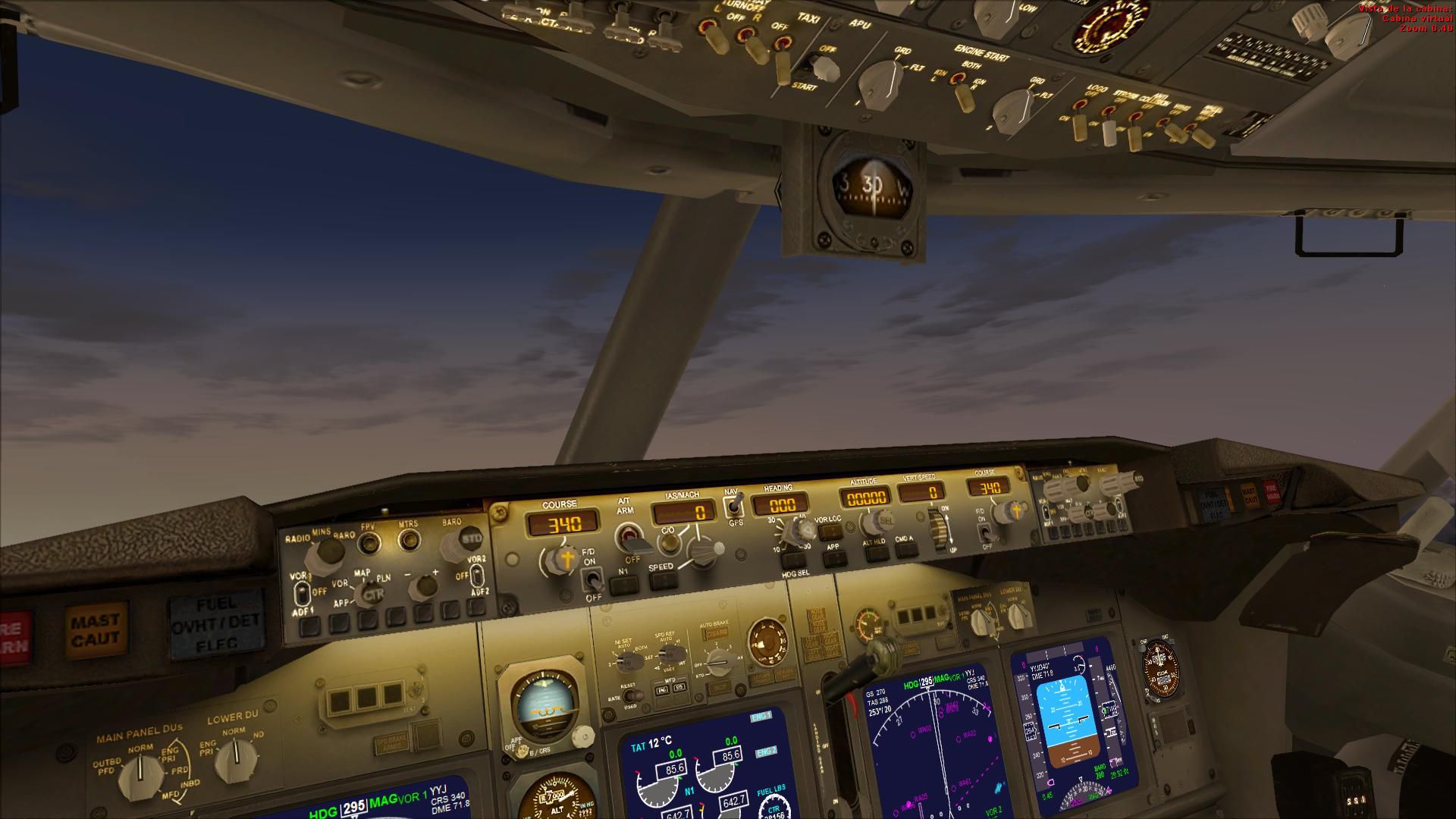

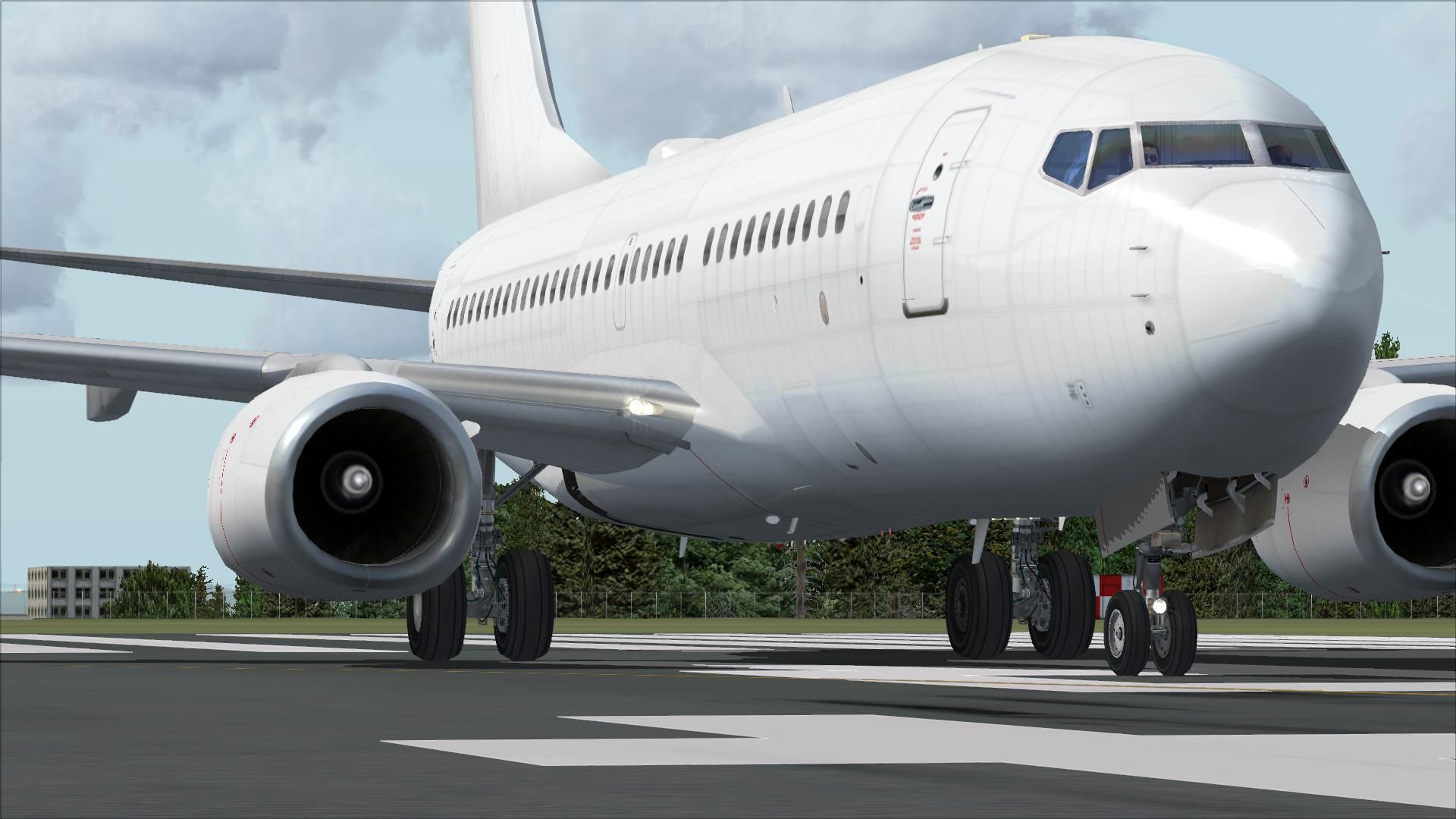


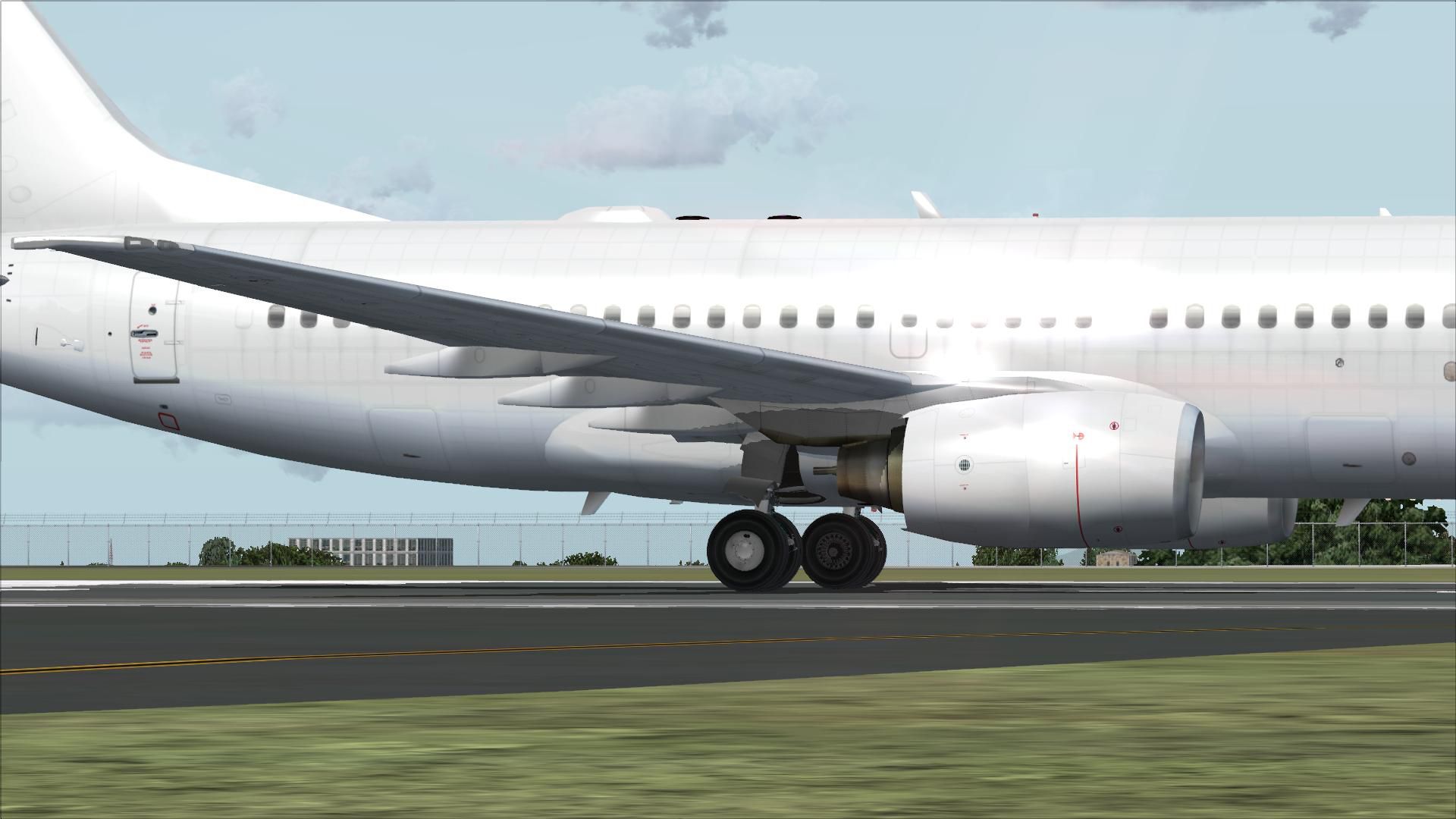
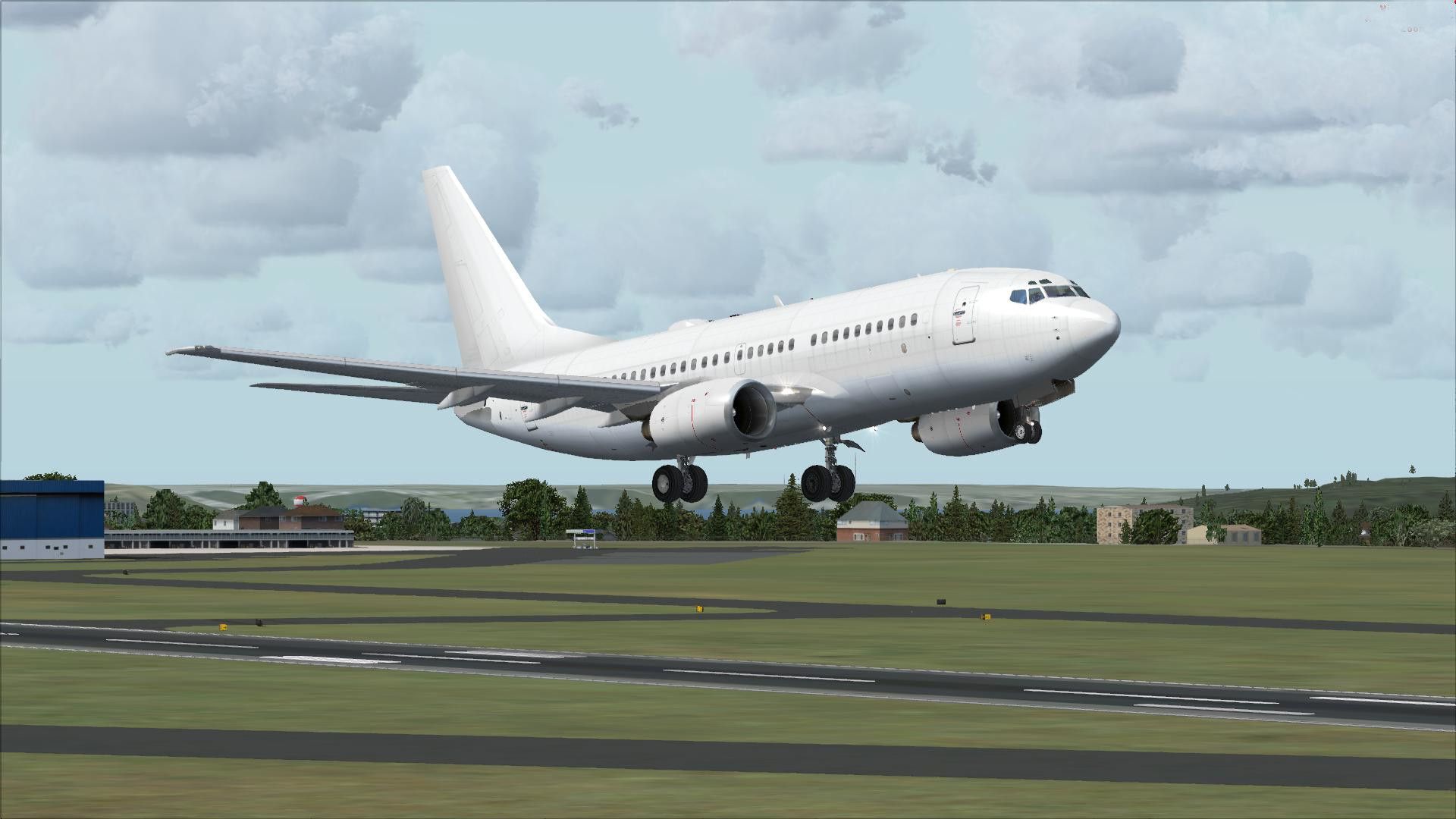
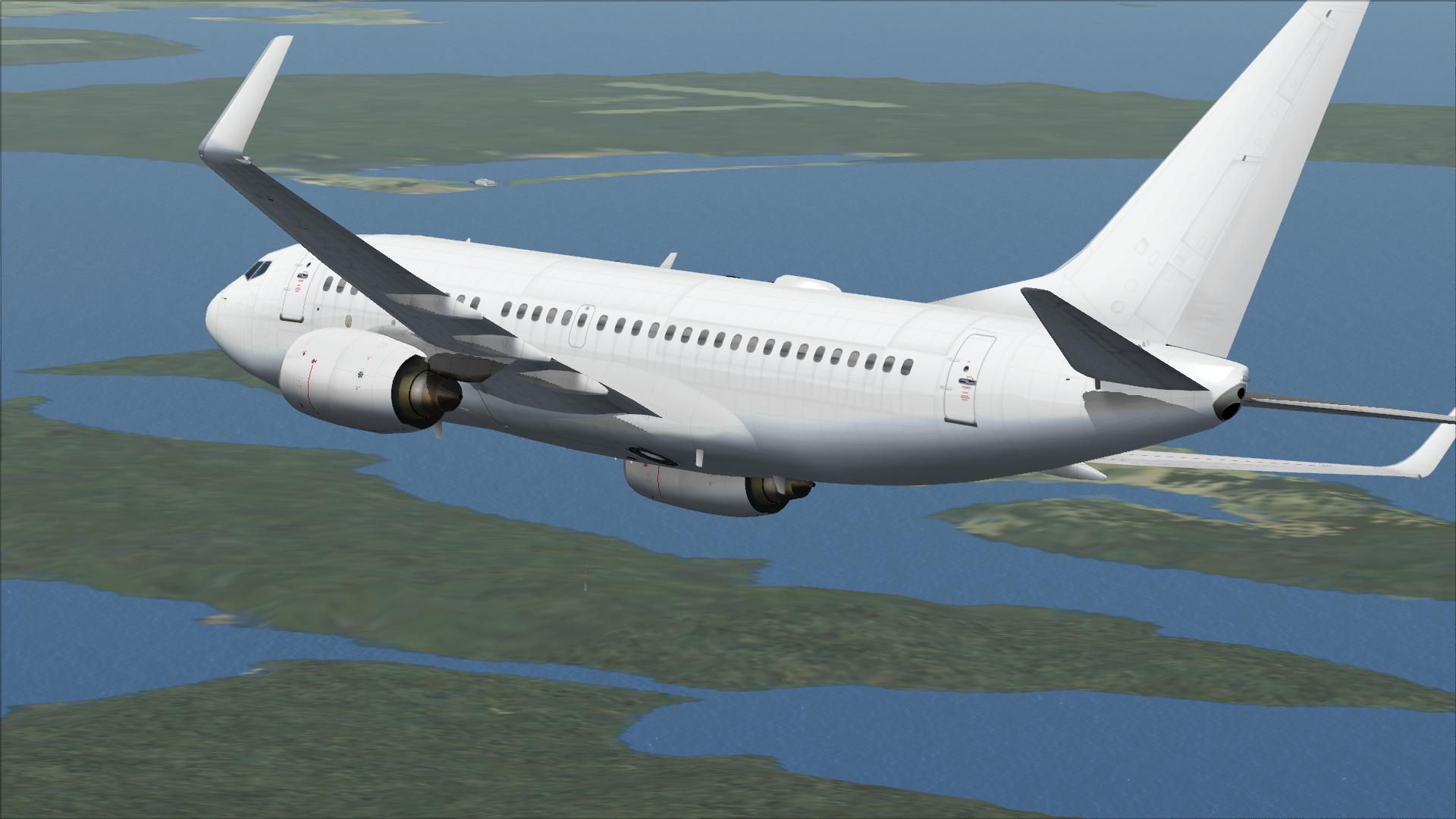
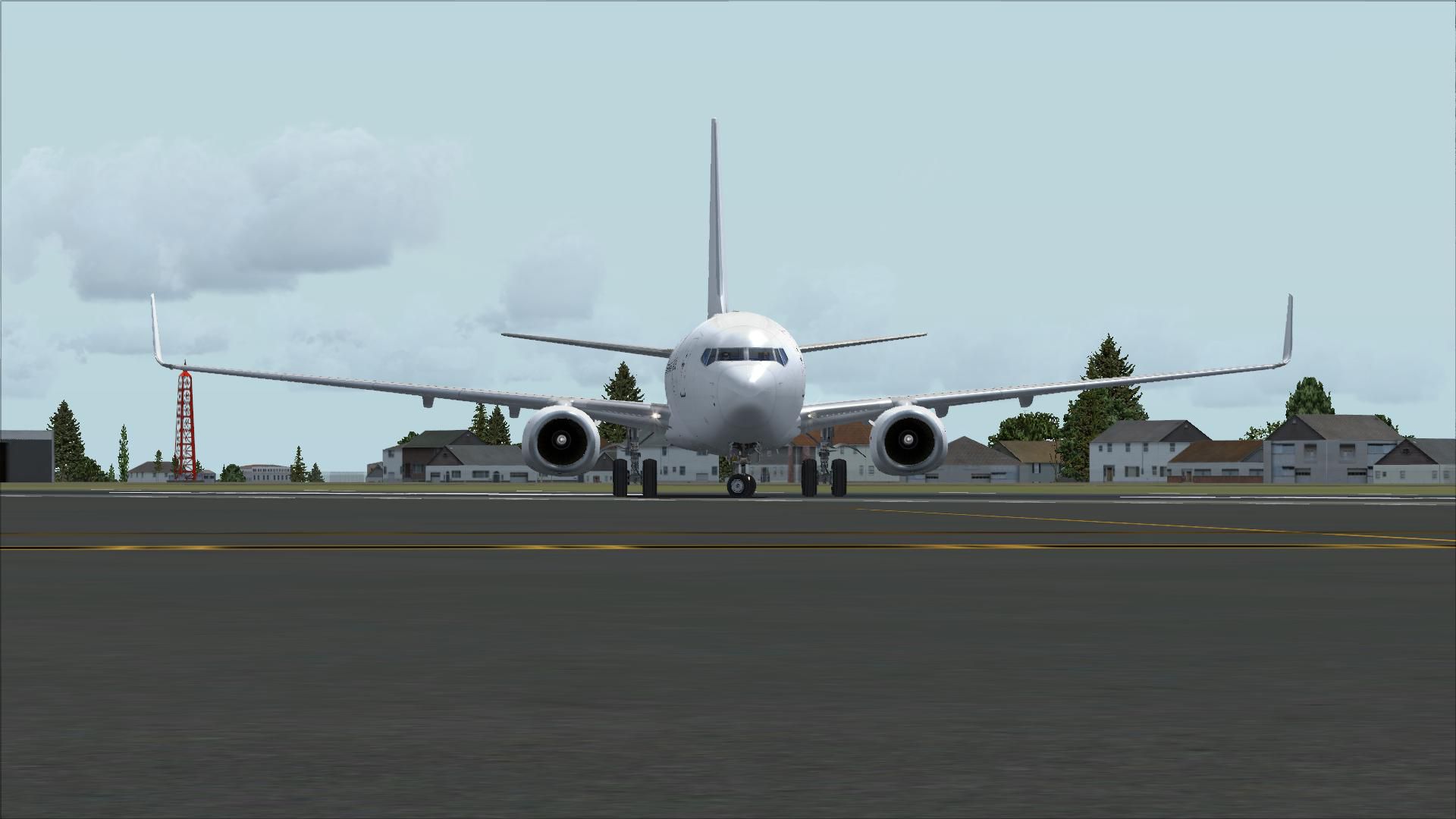
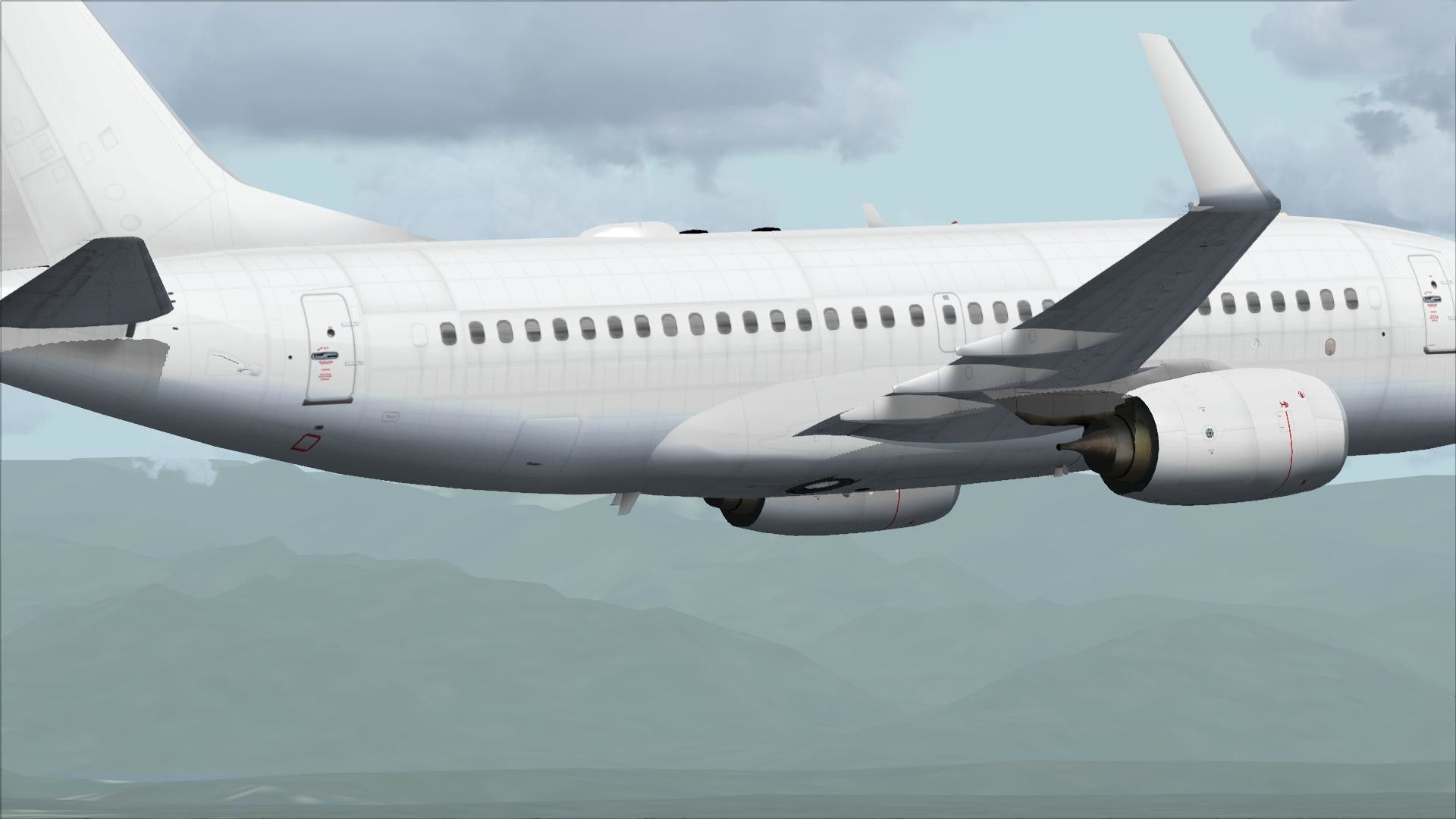
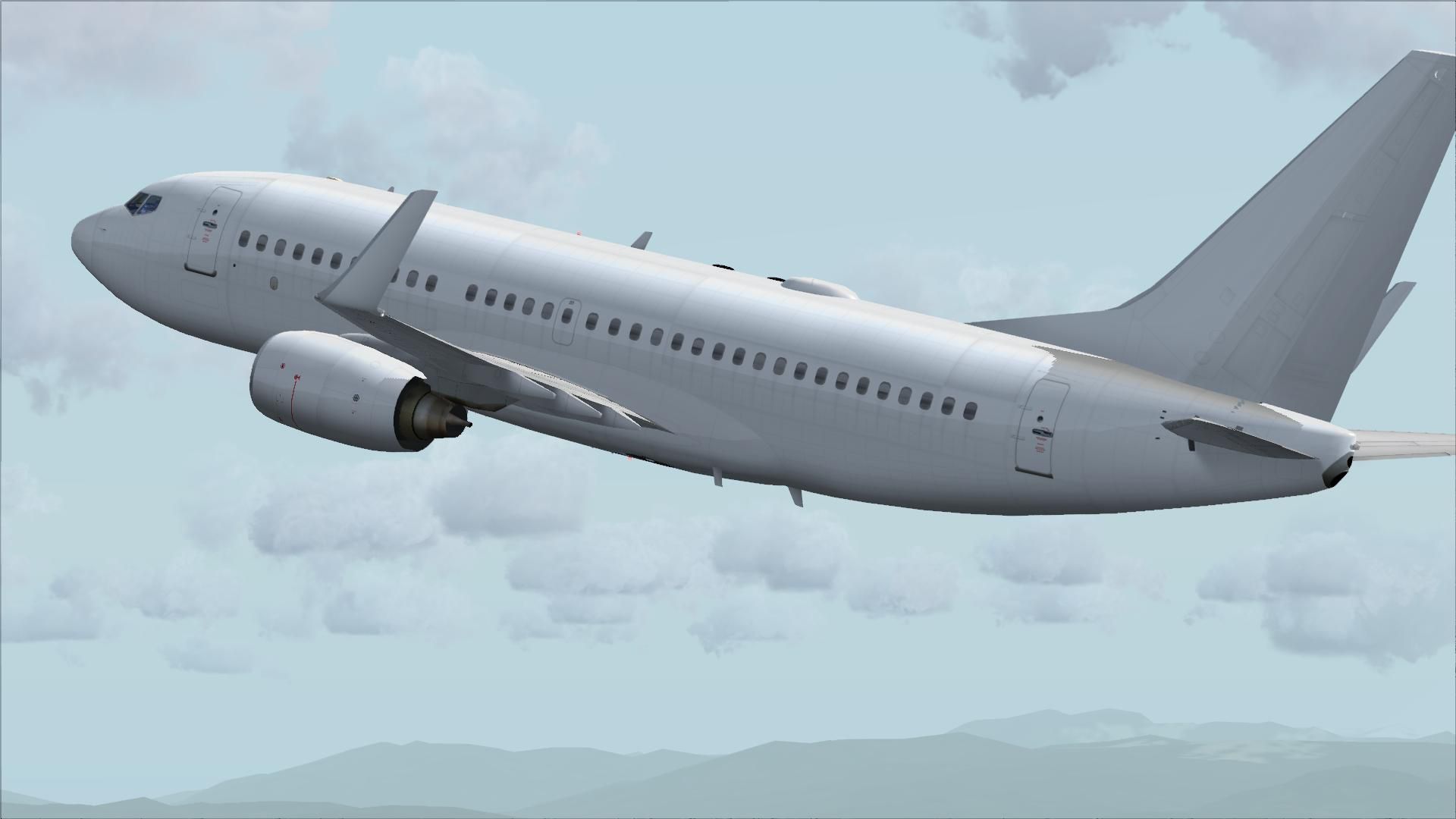
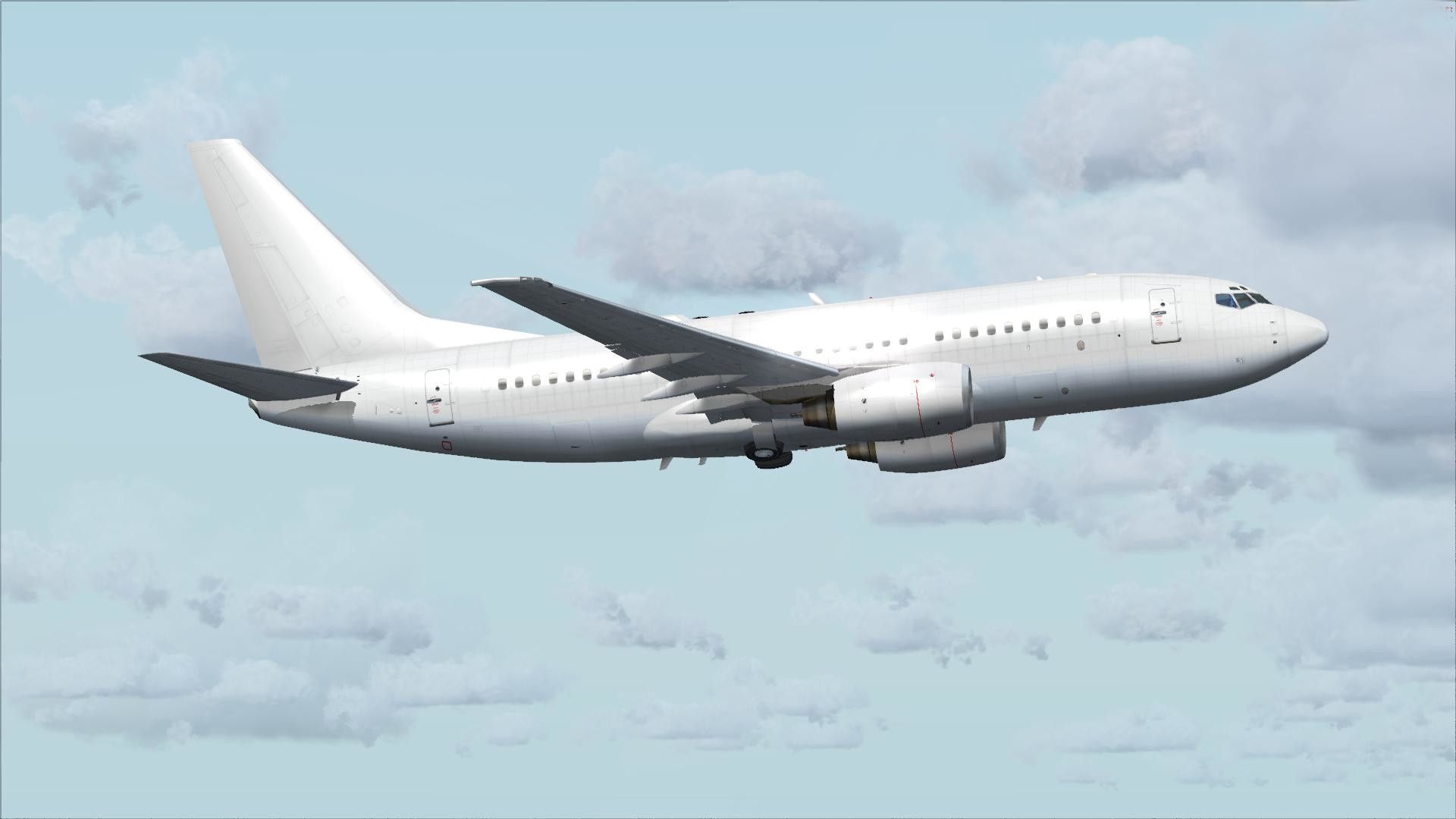
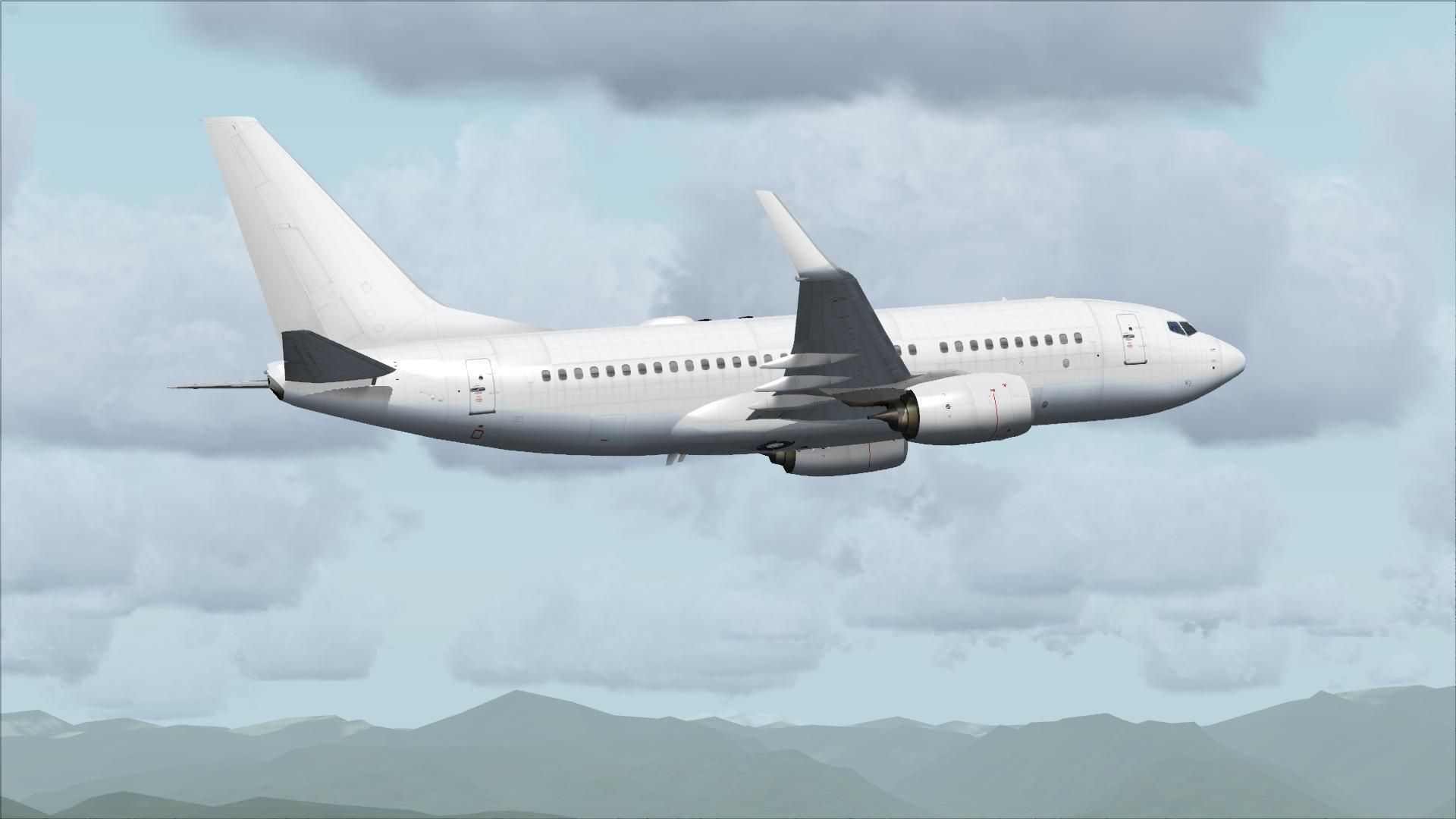
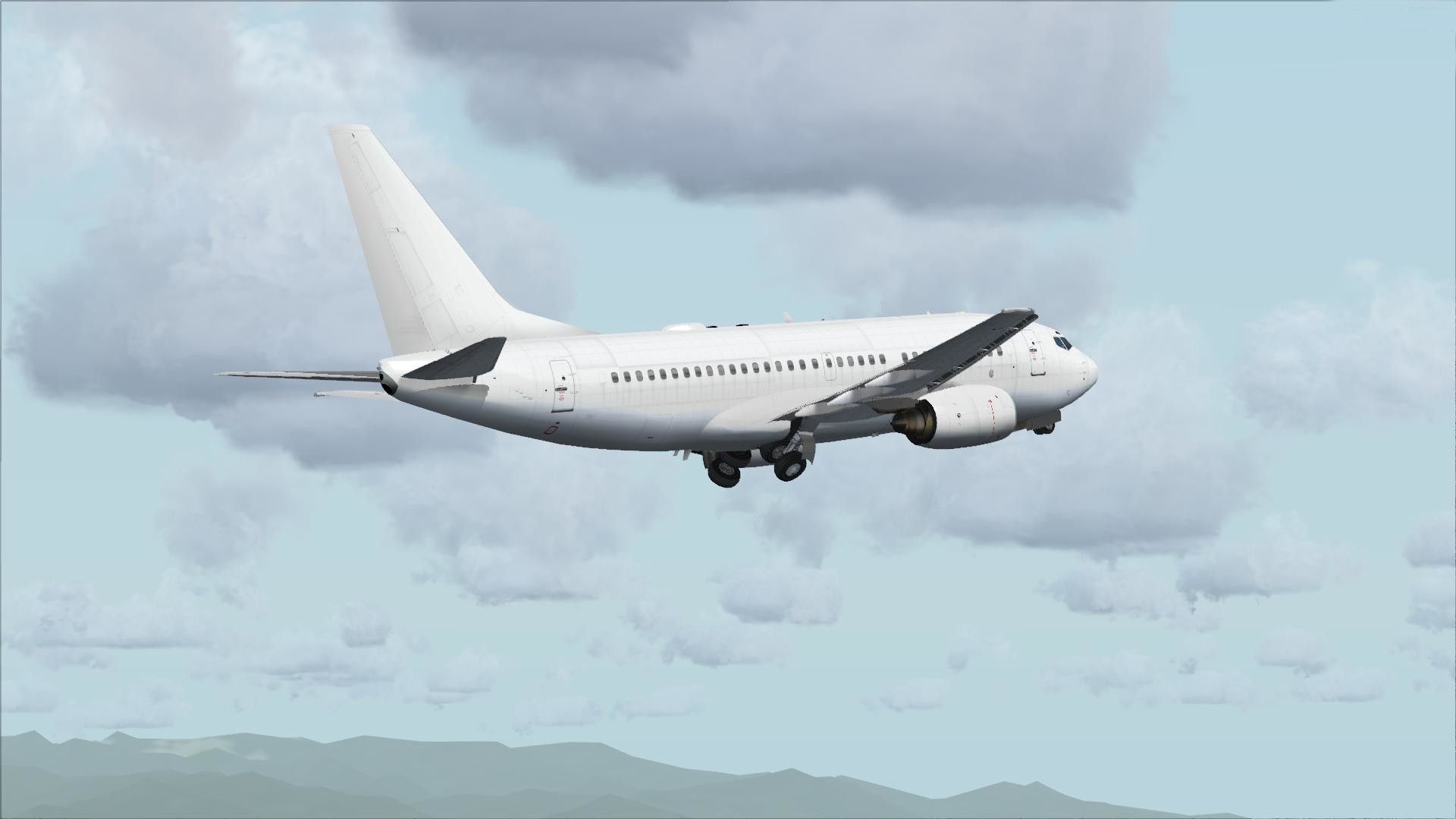
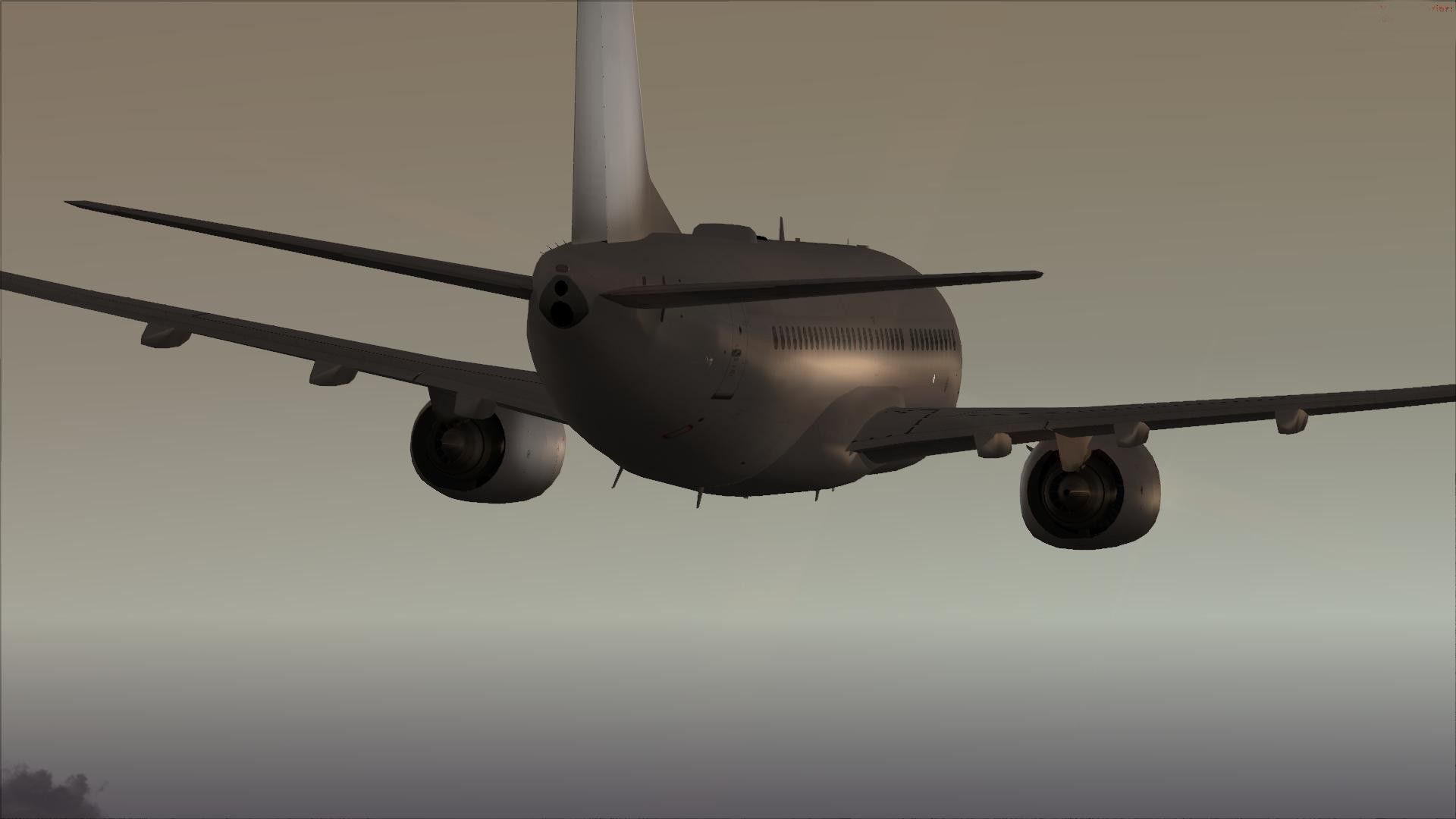
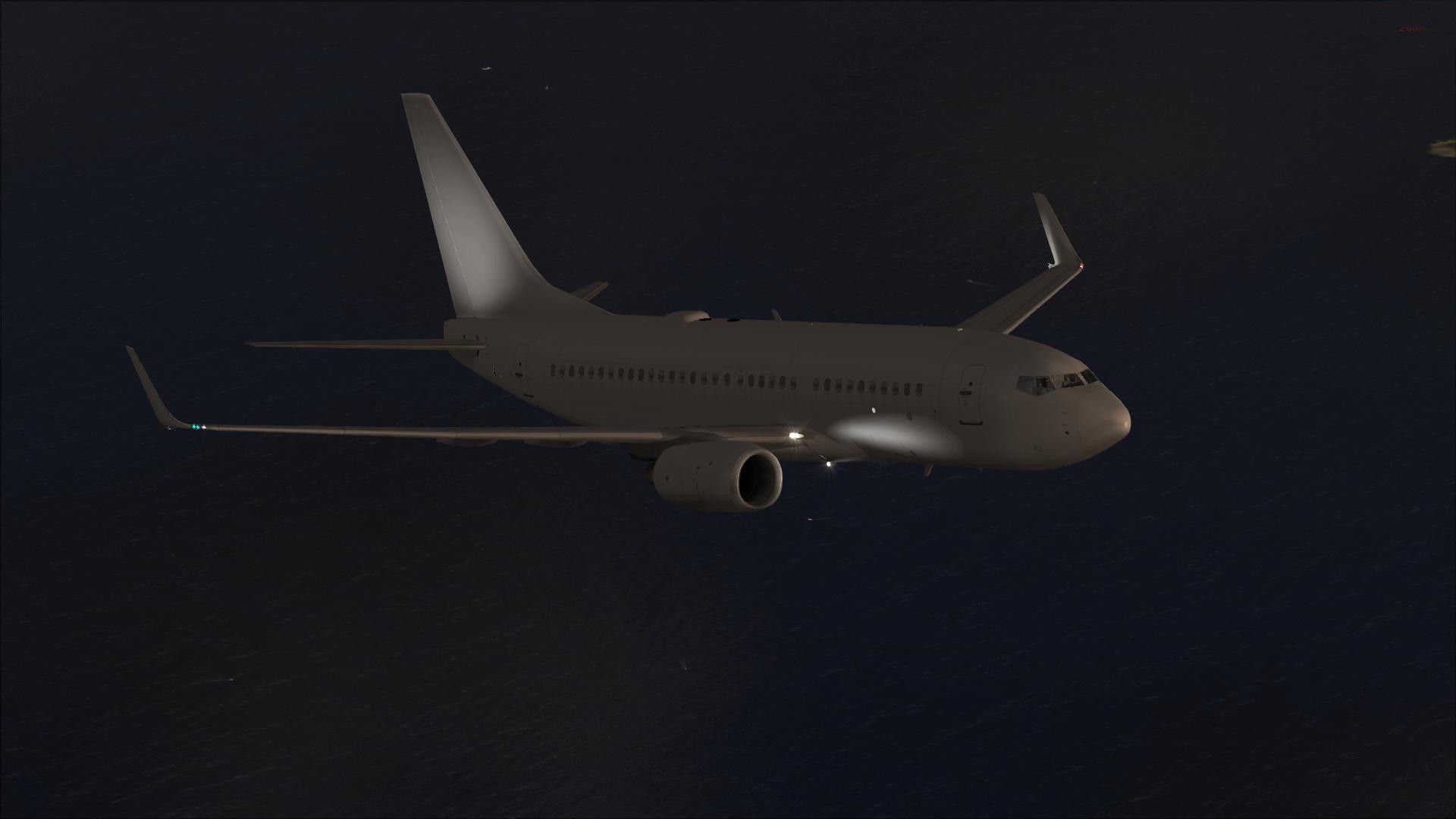

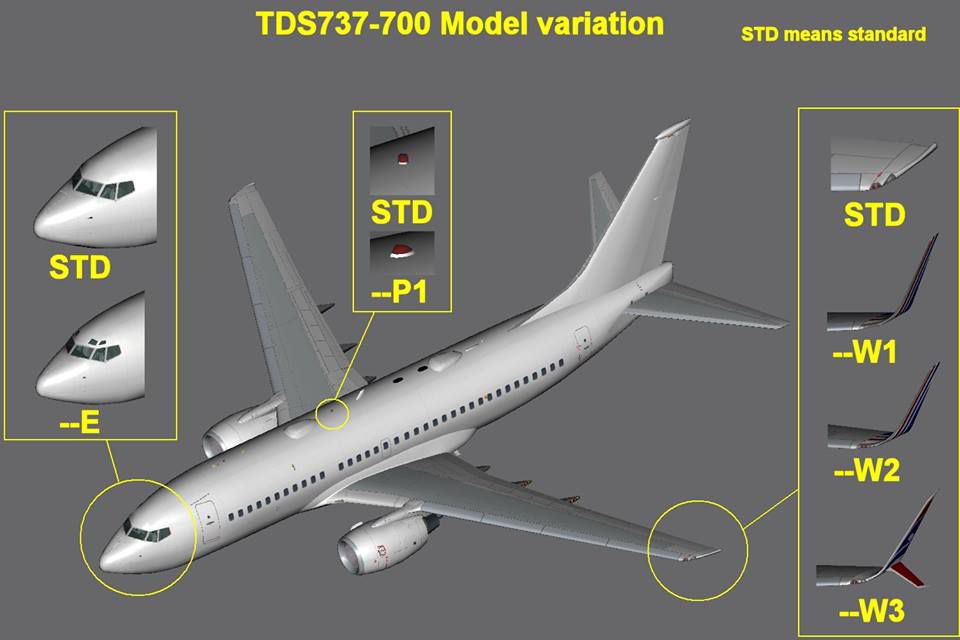
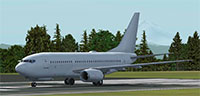
Boeing 737-700 base package - white. A B737-700 base package, white livery, developed by Tenkuu Developers Studio (TDS). Model features high resolution textures, dynamic flexing wings, nose gear steering, rudder lock, ground spoilers, low speed aileron locks at high speed, fully animated control surfaces, fully independent suspension, trim animation, opening passenger doors, rolling wheels, animated thrust reversers with reverser block doors, detailed textures, full night lighting, ground service vehicles and more. This model includes all nine model types, such as winglet designs and eyebrow windows. Model design by Hiroshi Igami. Flight dynamics design by Nick Wilkinson, with assistance from David Biggar. Master textures by Kyle Schurb.
 Installation:
Common Problems:
Panel problems, animation, exterior model issues, gear issues (all visual, the flight model is not affected). The TDS737 uses several .xml gauges used to trigger animations and exterior features. These are included and already installed, ready for use, in the panel folder. The panel included is an edited version of the default Boeing 737 panel. If you edit or replace the panel.cfg that is included in this package then your aircraft will not work properly. If you chose to use a different panel, you must edit the panel.cfg and include information from the TDS 737 panel folder and .cfg files.
Free for all simmers · 22.01 MB · Scanned clean Aug 2026
Download speed: Free tier is capped at 0.5 Mbps (this file takes approximately 6 mins at the cap). PRO members download at full line speed.
FSX\SimObjects\Airplanes\. The folder must contain an aircraft.cfg file. Effects go into FSX\Effects\; gauges go into FSX\Gauges\.readme.txt or README file. It tells you exactly where files go, what dependencies are needed, and any quirks specific to this add-on.The archive tdsx737-700_base.zip has 149 files and directories contained within it.
This list displays the first 500 files in the package. If the package has more, you will need to download it to view them.
| Filename/Directory | File Date | File Size |
|---|---|---|
| TDSX737-700_base | 09.24.13 | 0 B |
| aircraft.cfg | 09.24.13 | 15.37 kB |
| How to install VC.txt | 09.24.13 | 1.55 kB |
| model | 09.24.13 | 0 B |
| model.e | 09.24.13 | 0 B |
| model.ep1w2 | 09.24.13 | 0 B |
| model.cfg | 09.24.13 | 46 B |
| TDSX737_CFM56-7BE--P1W2.MDL | 09.24.13 | 3.02 MB |
| model.ew1 | 09.24.13 | 0 B |
| model.cfg | 09.24.13 | 44 B |
| TDSX737_CFM56-7B--EW1.MDL | 09.24.13 | 3.02 MB |
| model.ew2 | 09.24.13 | 0 B |
| model.cfg | 09.24.13 | 44 B |
| TDSX737_CFM56-7B--EW2.MDL | 09.24.13 | 3.03 MB |
| model.cfg | 09.24.13 | 42 B |
| TDSX737_CFM56-7B--E.MDL | 09.24.13 | 3.02 MB |
| model.p1w2 | 09.24.13 | 0 B |
| model.cfg | 09.24.13 | 45 B |
| TDSX737_CFM56-7B--P1W2.MDL | 09.24.13 | 3.02 MB |
| model.w1 | 09.24.13 | 0 B |
| model.cfg | 09.24.13 | 43 B |
| TDSX737_CFM56-7B--W1.MDL | 09.24.13 | 3.02 MB |
| model.w2 | 09.24.13 | 0 B |
| model.cfg | 09.24.13 | 43 B |
| TDSX737_CFM56-7B--W2.mdl | 09.24.13 | 3.02 MB |
| model.w3 | 09.24.13 | 0 B |
| model.cfg | 09.24.13 | 43 B |
| TDSX737_CFM56-7B--W3.MDL | 09.24.13 | 3.02 MB |
| model.cfg | 09.24.13 | 39 B |
| TDSX737_CFM56-7B.mdl | 09.24.13 | 3.02 MB |
| panel | 09.24.13 | 0 B |
| EXT_TEXTURE_ANIM | 09.24.13 | 0 B |
| EXTANIMBASE.BMP | 09.24.13 | 192.05 kB |
| EXTTEST.xml | 09.24.13 | 1.59 kB |
| TEST_BELT.bmp | 09.24.13 | 76.05 kB |
| Thumbs.db | 09.24.13 | 33.00 kB |
| panel.cfg | 09.24.13 | 7.07 kB |
| Tds737ADVCONTROL | 09.24.13 | 0 B |
| TdsAUX.XML | 09.24.13 | 673 B |
| Tdsdebug.xml | 09.24.13 | 1.43 kB |
| Tdsdebug2.xml | 09.24.13 | 352 B |
| Tdsdebug3.xml | 09.24.13 | 365 B |
| TdsEngRev.xml | 09.24.13 | 699 B |
| Tdsflasher.xml | 09.24.13 | 4.35 kB |
| Tdsgearheight.xml | 09.24.13 | 1.43 kB |
| TdsNosegearsteerling.xml | 09.24.13 | 1.91 kB |
| TdsRudder_Elev.xml | 09.24.13 | 814 B |
| TdsSEA.xml | 09.24.13 | 2.02 kB |
| TdsWingflex.xml | 09.24.13 | 3.10 kB |
| Tds_AdvInit.xml | 09.24.13 | 807 B |
| Tds_Spoiler.xml | 09.24.13 | 2.65 kB |
| Tds_util | 09.24.13 | 0 B |
| IN_OUT_IN.bmp | 09.24.13 | 2.30 kB |
| IN_OUT_OUT.BMP | 09.24.13 | 2.30 kB |
| ON-OFF_OFF.BMP | 09.24.13 | 2.30 kB |
| ON-OFF_ON.BMP | 09.24.13 | 2.30 kB |
| OPEN-CLOSE-CLOSE.BMP | 09.24.13 | 2.30 kB |
| OPEN-CLOSE-OPEN.BMP | 09.24.13 | 2.30 kB |
| SET_WAIT_SET.bmp | 09.24.13 | 2.30 kB |
| SET_WAIT_WAIT.BMP | 09.24.13 | 2.30 kB |
| Tds_Init.xml | 09.24.13 | 687 B |
| Tds_Timer.xml | 09.24.13 | 2.52 kB |
| TDS_Util.xml | 09.24.13 | 26.96 kB |
| Tds_utilbase.bmp | 09.24.13 | 91.05 kB |
| Thumbs.db | 09.24.13 | 36.00 kB |
| UTILMENU_SEL0.bmp | 09.24.13 | 91.05 kB |
| UTILMENU_SEL1.bmp | 09.24.13 | 91.05 kB |
| UTILMENU_SEL2.bmp | 09.24.13 | 91.05 kB |
| sound | 09.24.13 | 0 B |
| sound.cfg | 09.24.13 | 32 B |
| TDSaircraft - 700ER.cfg | 09.24.13 | 15.96 kB |
| TDSBoeing737-700w.air | 09.20.13 | 8.18 kB |
| Texture.base | 09.24.13 | 0 B |
| DECAL_TDS737_BOTTOM.bmp | 09.24.13 | 4.00 MB |
| DECAL_TDS737_COCKPIT_BTMDECAL.bmp | 09.24.13 | 64.07 kB |
| DECAL_TDS737_COCKPIT_TOPDECAL.bmp | 09.24.13 | 64.07 kB |
| TDS737ngstair_t.bmp | 09.24.13 | 1.00 MB |
| TDS737Option.bmp | 09.24.13 | 64.07 kB |
| TDS737Option2.bmp | 09.24.13 | 64.07 kB |
| TDS737SHAFT_T.BMP | 09.24.13 | 16.07 kB |
| TDS737_BBJANT.BMP | 09.24.13 | 256.07 kB |
| TDS737_CFM56-7_Fanblade.bmp | 09.24.13 | 1.00 MB |
| TDS737_ELEVL_L.BMP | 09.24.13 | 4.07 kB |
| TDS737_ELEVL_T.bmp | 09.24.13 | 1.00 MB |
| TDS737_ELEVR_L.BMP | 09.24.13 | 4.07 kB |
| TDS737_ELEVR_T.bmp | 09.24.13 | 1.00 MB |
| TDS737_ENGINE_L.BMP | 09.24.13 | 4.00 MB |
| TDS737_ENGINE_T.bmp | 09.24.13 | 4.00 MB |
| TDS737_FUSEL_FRONT_L.BMP | 09.24.13 | 4.07 kB |
| TDS737_FUSEL_FRONT_T.bmp | 09.24.13 | 4.00 MB |
| TDS737_FUSEL_LIGHTSPLASH.bmp | 09.24.13 | 4.00 MB |
| TDS737_FUSEL_REAR_L.BMP | 09.24.13 | 4.00 MB |
| TDS737_FUSEL_REAR_T.bmp | 09.24.13 | 4.00 MB |
| TDS737_FUSER_FRONT_L.BMP | 09.24.13 | 4.07 kB |
| TDS737_FUSER_FRONT_T.bmp | 09.24.13 | 4.00 MB |
| TDS737_FUSER_LIGHTSPLASH.bmp | 09.24.13 | 4.00 MB |
| TDS737_FUSER_REAR_L.BMP | 09.24.13 | 4.00 MB |
| TDS737_FUSER_REAR_T.bmp | 09.24.13 | 4.00 MB |
| TDS737_GSU2_T.bmp | 09.24.13 | 4.00 MB |
| TDS737_GSU3_T.bmp | 09.24.13 | 4.00 MB |
| TDS737_GSU4_T.bmp | 09.24.13 | 4.00 MB |
| TDS737_GSU_T.bmp | 09.24.13 | 4.00 MB |
| Tds737_inside_t.bmp | 09.24.13 | 4.00 MB |
| TDS737_PARTS2_T.bmp | 09.24.13 | 4.00 MB |
| TDS737_PARTS3_T.bmp | 09.24.13 | 4.00 MB |
| TDS737_PARTS_T.BMP | 09.24.13 | 4.00 MB |
| Tds737_pylon_t.bmp | 09.24.13 | 4.00 MB |
| TDS737_SELFILLUMINATION.BMP | 09.24.13 | 4.00 MB |
| Tds737_spring.bmp | 09.24.13 | 16.07 kB |
| TDS737_TIRE.BMP | 09.24.13 | 1.00 MB |
| Tds737_TRANSPARENT.bmp | 09.24.13 | 256.07 kB |
| TDS737_WINGL_L.BMP | 09.24.13 | 4.07 kB |
| TDS737_WINGL_T.bmp | 09.24.13 | 4.00 MB |
| TDS737_WINGR_L.BMP | 09.24.13 | 4.07 kB |
| TDS737_WINGR_T.bmp | 09.24.13 | 4.00 MB |
| Tds737_Wire.bmp | 09.24.13 | 16.07 kB |
| TDS_WT250E2_T.BMP | 09.24.13 | 1.00 MB |
| file_id.diz.txt | 09.24.13 | 788 B |
| readme.txt.txt | 09.24.13 | 3.74 kB |
| texture.cfg | 08.14.06 | 137 B |
| TDSX737-700_base.gif | 09.24.13 | 11.67 kB |
| thumbnail.jpg | 09.24.13 | 36.05 kB |
| model_guide.jpg | 09.24.13 | 49.62 kB |
| flyawaysimulation.txt | 10.29.13 | 959 B |
| Go to Fly Away Simulation.url | 01.22.16 | 52 B |
| Screenshots | 07.23.19 | 0 B |
| screen-1.jpg | 07.17.19 | 776.59 kB |
| screen-10.jpg | 07.17.19 | 88.91 kB |
| screen-11.jpg | 07.17.19 | 128.03 kB |
| screen-12.jpg | 07.17.19 | 89.48 kB |
| screen-13.jpg | 07.17.19 | 87.89 kB |
| screen-14.jpg | 07.17.19 | 190.79 kB |
| screen-15.jpg | 07.17.19 | 210.83 kB |
| screen-16.jpg | 07.17.19 | 58.96 kB |
| screen-17.jpg | 07.17.19 | 88.88 kB |
| screen-18.jpg | 07.17.19 | 141.43 kB |
| screen-19.jpg | 07.17.19 | 279.80 kB |
| screen-2.jpg | 07.17.19 | 166.43 kB |
| screen-20.jpg | 07.17.19 | 481.13 kB |
| screen-21.jpg | 07.17.19 | 213.03 kB |
| screen-22.jpg | 07.17.19 | 179.58 kB |
| screen-23.jpg | 07.17.19 | 121.54 kB |
| screen-3.jpg | 07.17.19 | 165.25 kB |
| screen-4.jpg | 07.17.19 | 170.04 kB |
| screen-5.jpg | 07.17.19 | 176.54 kB |
| screen-6.jpg | 07.17.19 | 215.86 kB |
| screen-7.jpg | 07.17.19 | 107.98 kB |
| screen-8.jpg | 07.17.19 | 116.04 kB |
| screen-9.jpg | 07.17.19 | 301.01 kB |
Only PRO members can place votes.
More FSX & P3D add-ons hand-picked based on this download.
FSX Civil Aircraft
Experience a meticulously crafted simulation of the well-known Boeing 737-800…
 FSX Civil Aircraft
The TDS B737-900 and 737-900/ER base package. Developed by Tenkuu Developers …
 FSX Civil Aircraft
FSX/P3D TDS Boeing 727-100 Passenger Base Package. Developed by Tenkuu Develo…
 FSX Civil Aircraft
Installation: FS2004 – Place the included “TDS_B727-200” or “TDS_B727-200F” f…
 FSX Civil Aircraft
This is the set of FSX model files for TDS (Tenkuu Developers Studio) B787-8.…
 FSX Civil Aircraft
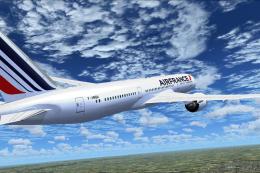
Tenkuu Developers Studio - Boeing 787-9 Dreamliner Air France Boeing 787-9 "F…
 FSX Civil Aircraft
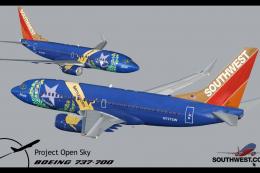
Includes several liveries, "Canyon Blue", "Maryland One", "Nevada One", "Sham…
 FSX Civil Aircraft
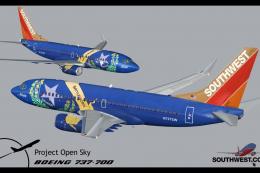
Final package. Includes several liveries, "Canyon Blue", "Maryland One", "Nev…
Read what other simmers think, or add your own.

Only the base model shows up (no winglets). How do I get the other seven models to show in FSX Steam.
The files are all there with the download but I cannot select them in any way.


