

 FSX Civil Aircraft
Southwest Airlines Boeing 737-700 V2
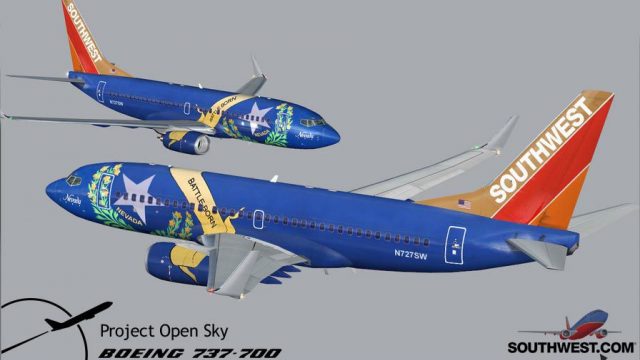
Includes several liveries, "Canyon Blue", "Maryland One", "Nevada One", "Sham…
Boeing 737-700 Southwest Airlines livery pack for FSX brings Canyon Blue, Maryland One, Nevada One, Shamu, and classic colors with crisp DXT3 textures on the Project Open Sky model. It uses the default 737 panel and sounds, and requires 2D panel flying for smooth, reliable performance.
 Rate
Rate
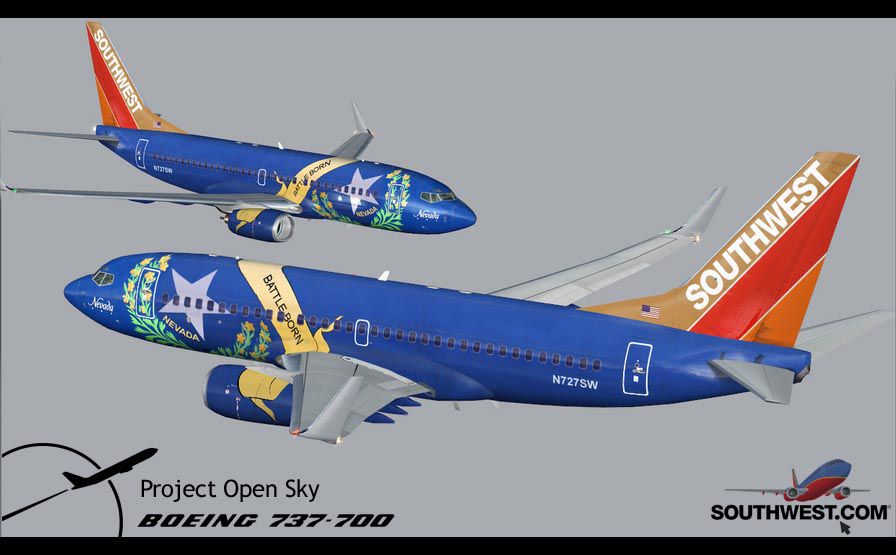
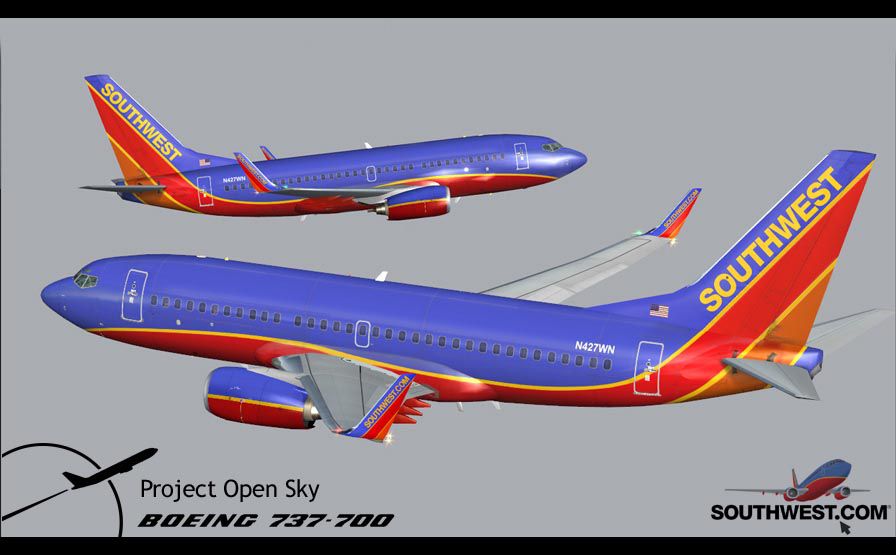
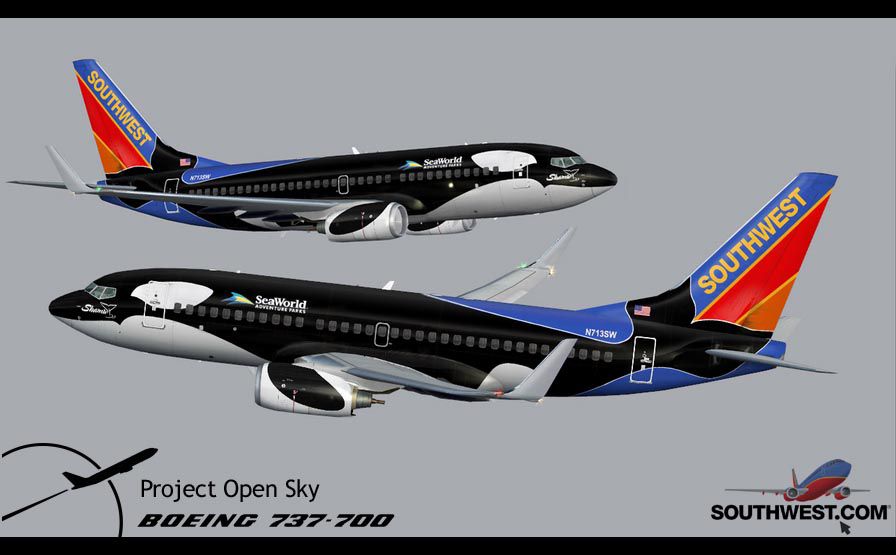
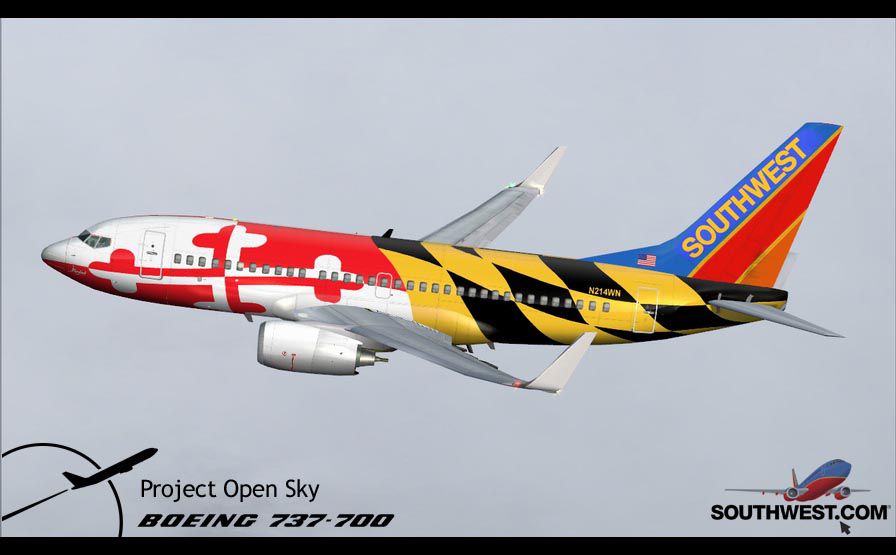
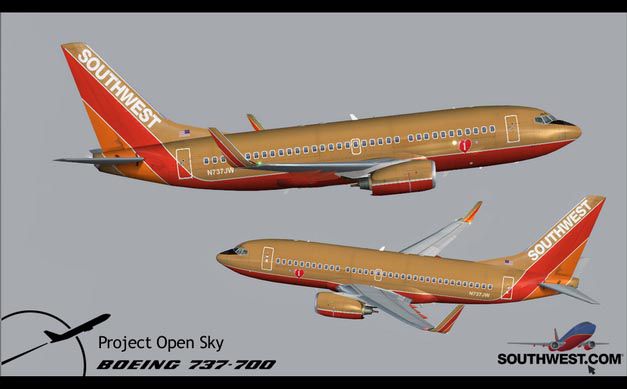
Final package. Includes several liveries, "Canyon Blue", "Maryland One", "Nevada One", "Shamu" and old colors. All textures are in DXT3 format. Original aircraft model by Project Open Sky. Panel aliased to default B737. Sound package by Christoffer Peterson. Package by Brian C. Selb.
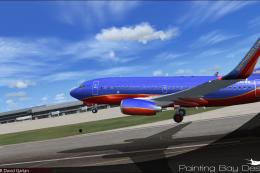
Image showing Southwest Airlines Boeing from two different angles.
The 737 was born out of Boeing's need to field a competitor in the short-range, small capacity jetliner market which had been opened up by the BAC 1-11 and the Douglas DC-9. Boeing was badly behind however when the 737 program was initiated in 1964, as both of these rivals were already into their flight certification programs. The 737 was cheaper and quicker to design, featuring six-abreast seating compared to the 1-11 and DC-9's five-abreast layout. By the 1990's, the 737 had lost ground technologically to the newer Airbus A320. In 1993, Boeing initiated the 737-X or Next Generation (NG) program. The Next-Generation 737 encompasses the -600, -700, -800 and -900, and amounted to a complete redesign of the 30-year old airliner. The 737NG is an entirely new aircraft, sharing very little with previous 737's, other than fuselage frames. New wings, new avionics and revised engines were the biggest engineering changes. The 737 was given a glass cockpit with CRT screens (except the -900, which had newer and higher tech LCD screens) and digital systems inspired by the ones that were used on the 777. The parts count is down by about 33%, reducing weight and simplifying maintenance. Additional changes since its introduction include a new interior and performance enhancing winglets which reduce fuel consumption and improve take-off and climb performance. All textures have been modified in DXT-3 format for crisp visuals without compromising frame rates. Includes the default FS-X Boeing 737 panel. Sounds have been defaulted to the FS-X 737-800, however I recommend the excellent 737 CFM56 "the real deal" version 2 soundpack (file name:737_cfm56__the_real_deal_version_2.zip) for this aircraft series. Additionally, this aircraft series has no Virtual Cockpit (VC), therefore you must fly them using the 2-D default panel view only! This package includes Southwest Airlines liveries (Canyon Blue, Maryland One, Nevada One, Old Color & Shamu).
Free for all simmers · 13.6 MB · Scanned clean Oct 2026
Download speed: Free tier is capped at 0.5 Mbps (this file takes approximately 4 mins at the cap). PRO members download at full line speed.
texture.{airline}) inside FSX\SimObjects\Airplanes\{base-aircraft}\.aircraft.cfg in Notepad. Add a new [fltsim.X] section per the readme.readme.txt or README file. It tells you exactly where files go, what dependencies are needed, and any quirks specific to this add-on.The archive b737sw22.zip has 11 files and directories contained within it.
This list displays the first 500 files in the package. If the package has more, you will need to download it to view them.
| Filename/Directory | File Date | File Size |
|---|---|---|
| B737_SWOC.jpg | 11.23.06 | 44.25 kB |
| README.txt | 12.09.06 | 2.72 kB |
| swa_737v22.gif | 12.09.06 | 5.88 kB |
| Setup.exe | 12.09.06 | 13.39 MB |
| B737_CB.jpg | 11.23.06 | 72.44 kB |
| B737_SW_Nevada1.jpg | 11.23.06 | 72.94 kB |
| B737_SW_Shamu.jpg | 11.23.06 | 69.34 kB |
| B737_SW_Shamu copy.bmp | 12.05.06 | 486.68 kB |
| B737_SWM1.jpg | 11.23.06 | 62.73 kB |
| flyawaysimulation.txt | 10.29.13 | 959 B |
| Go to Fly Away Simulation.url | 01.22.16 | 52 B |
Only PRO members can place votes.
More FSX & P3D add-ons hand-picked based on this download.
FSX Civil Aircraft
Includes several liveries, "Canyon Blue", "Maryland One", "Nevada One", "Sham…
 FSX Civil Aircraft
FSX Southwest Airlines Boeing 737-700, registration N240WN (new colors). Mode…
 FSX Civil Aircraft
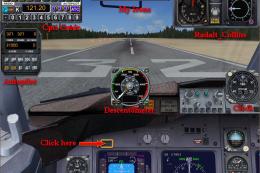
Southwest Boeing 737-700 "Florida One" with advanced VC for Skyspirit native …
 FSX Civil Aircraft
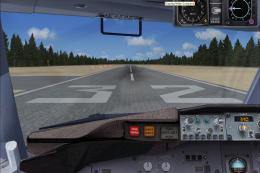
For use with FLORIDA_ONE_B737-700-FSX.ZIP. Includes missing radio altimeter g…
 FSX Civil Aircraft
Textures only for the default B737-800. Repaint by Lee Tennant. Screenshot of…
 FSX Civil Aircraft
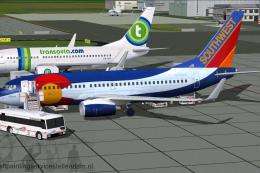
This specialized freeware release offers a faithful virtual rendition of a So…
 FSX Civil Aircraft
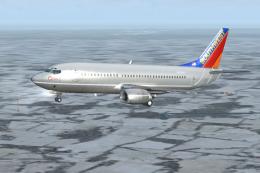
Southwest Airlines Boeing 737-300 (silver). Textures only for the PIC B737-30…
 FSX Civil Aircraft
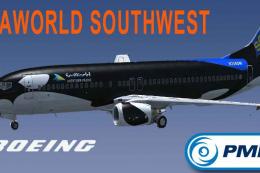
Southwest Airlines Boeing 737-800 Shamu Seaworld livery. This texture is for …
Read what other simmers think, or add your own.

Hi. I tried to add this file to my FSX-SP2 and the plane came out with no paint! Everiything was white. I noticed that the liveried came out in file that I couldnt see in my pc picture viewer (Bitmap files) whereas the ones that FSX uses in its planes are clearly visible (DDS files). Please advise how to convert or what to do. Thank you, sincerely Ed.