

 FSX Civil Aircraft
Transavia.com Boeing 737-7K2(WL)
This fully integrated freeware add-on incorporates the Project Open Sky Boein…
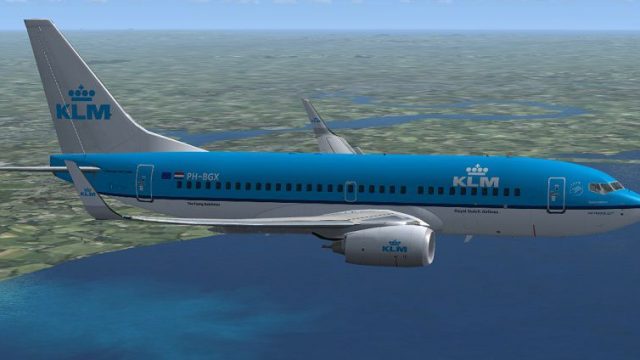
KLM Boeing 737-7K2 with winglets brings PH-BGX to life with a crisp, airline-accurate repaint and a detailed Project Open Sky exterior featuring smooth animations and refined handling for short-to-medium routes in Microsoft Flight Simulator X. The package uses the default 737-800 virtual cockpit for familiar instrumentation and autopilot workflows.
 Rate
Rate
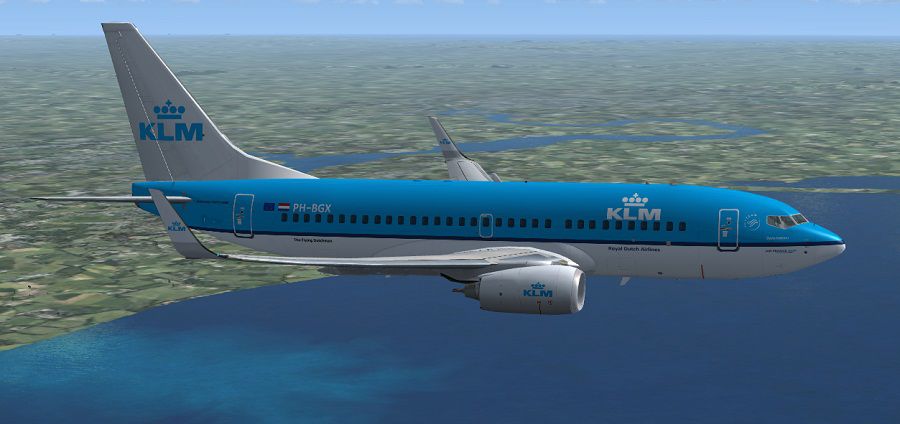
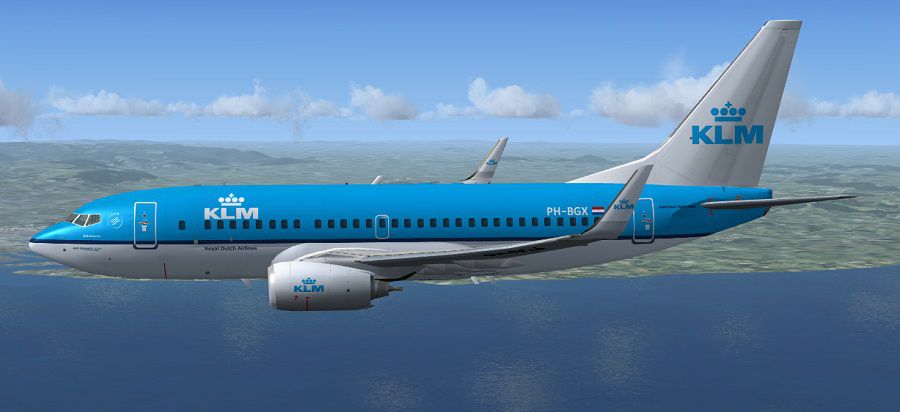
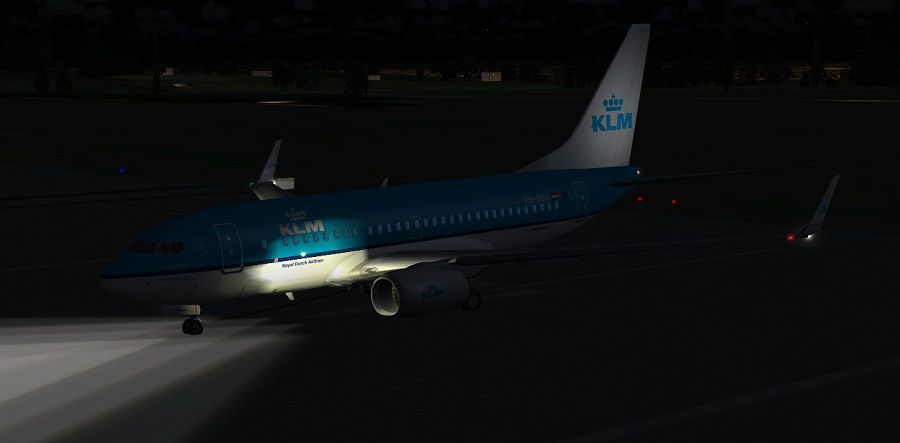
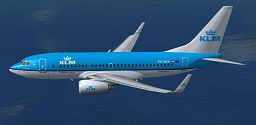
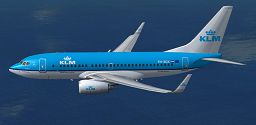
This fully integrated Boeing 737-700WL package, featuring KLM’s distinctive livery (registration PH-BGX, c/n 38635/3811), merges a reliable exterior model from Project Open Sky with the standard 737-800 virtual cockpit found in Microsoft Flight Simulator X. The repaint, brought to you by Paul Craig, delivers a thorough freeware experience that reproduces the real-world KLM atmosphere in a short-to-medium range configuration.
The included Winglets (denoted as WL) lend the aircraft added aerodynamic efficiency, mirroring KLM’s focus on environmentally conscious operations. Project Open Sky developed the external build with detailed animations, such as functional control surfaces and a well-modeled fuselage. The supplementary wing design not only captures the 737-700’s typical silhouette but also provides more precise flight handling within the simulator.
-fsx-1.jpg)
Screenshot of KLM Boeing 737-7K2 (WL) in flight.
KLM Royal Dutch Airlines, widely recognized as the world's oldest continuously operating airline, has often deployed the 737-700 series on European routes. This aircraft variant is known for its dependable CFM56 engines, moderate passenger capacity, and robust cockpit technology. The 737 line remains a pivotal asset for airlines seeking reliable performance for both brief hops and medium-range sectors.
Included in this release is a default Boeing 737-800 cockpit from Microsoft Flight Simulator X. This digital flight deck features essential instrumentation, functional autopilot systems, and accessible overhead panels. Although designed for the stock 737-800, it aligns effortlessly with the 737-700’s fundamental layout and replicates many of the real aircraft’s operational procedures.
This package leverages a shared texture system. The core “texture” directory houses the communal graphics, whereas any “texture.xxx” directory stores unique items. To incorporate another repaint, remove unnecessary images, then add a copy of the texture.cfg file. This technique optimizes disk space and leaves overall simulator performance untouched.
Credit for the repaint goes to Paul Craig, and the outstanding base model is courtesy of Project Open Sky. All files are presented as freeware and are ready to deliver a genuine KLM experience on your next flight simulation session.
Free for all simmers · 15.46 MB · Scanned clean Oct 2026
Download speed: Free tier is capped at 0.5 Mbps (this file takes approximately 4 mins at the cap). PRO members download at full line speed.
FSX\SimObjects\Airplanes\. The folder must contain an aircraft.cfg file. Effects go into FSX\Effects\; gauges go into FSX\Gauges\.readme.txt or README file. It tells you exactly where files go, what dependencies are needed, and any quirks specific to this add-on.The archive posky_klm_b737-7k2wl_fsx.zip has 83 files and directories contained within it.
This list displays the first 500 files in the package. If the package has more, you will need to download it to view them.
| Filename/Directory | File Date | File Size |
|---|---|---|
| effects | 06.06.12 | 0 B |
| Opensky_737NG_sparks.fx | 03.18.06 | 7.05 kB |
| Opensky_beacon.fx | 02.12.02 | 3.04 kB |
| Opensky_Boeing_vclight.fx | 10.02.02 | 1.31 kB |
| Opensky_conden.fx | 10.03.02 | 3.15 kB |
| Opensky_nacelle_refl.fx | 09.29.02 | 1.29 kB |
| Opensky_nav_yellow.fx | 03.24.04 | 3.07 kB |
| Opensky_vortex.fx | 10.08.03 | 1.23 kB |
| Opensky_wing_light.fx | 09.29.02 | 1.31 kB |
| FILE_ID.DIZ | 06.06.12 | 245 B |
| Installation Readme.txt | 06.06.12 | 1.61 kB |
| KLM Boeing 737-7K2 WL Screenshot (1).jpg | 06.07.12 | 84.32 kB |
| KLM Boeing 737-7K2 WL Screenshot (2).jpg | 06.07.12 | 96.73 kB |
| KLM Boeing 737-7K2 WL Screenshot (3).jpg | 06.06.12 | 51.32 kB |
| manual's | 06.06.12 | 0 B |
| 737700PERFORMANCE.PDF | 01.09.02 | 219.02 kB |
| 737LIMITATIONS.PDF | 01.09.02 | 124.80 kB |
| 737PROCEDURES.PDF | 01.09.02 | 2.13 MB |
| B737NG_OPERATIONS_MANUAL_v5.pdf | 01.01.06 | 1.28 MB |
| Posky Readme.txt | 04.14.06 | 2.68 kB |
| Project Opensky B737-700 | 06.06.12 | 0 B |
| aircraft.cfg | 06.06.12 | 23.25 kB |
| boeing737-800_check.htm | 12.31.05 | 77.28 kB |
| boeing737-800_ref.htm | 12.31.05 | 27.17 kB |
| model.WE | 06.06.12 | 0 B |
| B737_800_interior.mdl | 08.22.07 | 1.33 MB |
| model.cfg | 06.02.12 | 53 B |
| OSX737WE.MDL | 04.14.09 | 1.34 MB |
| OSBoeing737-700w.air | 03.20.06 | 8.90 kB |
| panel | 06.06.12 | 0 B |
| 737_compass.BMP | 05.12.06 | 95.51 kB |
| 737_Panel_Decals_2.bmp | 05.12.06 | 257.05 kB |
| 737-800_panel_background.bmp | 05.12.06 | 769.05 kB |
| 737-800_panel_background_night.bmp | 05.12.06 | 769.05 kB |
| B737_800.cab | 05.11.07 | 2.01 MB |
| panel.cfg | 06.06.12 | 6.08 kB |
| upper_640.bmp | 05.12.06 | 18.99 kB |
| Sound | 06.06.12 | 0 B |
| sound.cfg | 03.18.09 | 32 B |
| Texture.KLM | 06.06.12 | 0 B |
| Os737body_l_l.bmp | 06.05.12 | 4.00 MB |
| Os737body_l_t.bmp | 06.09.12 | 4.00 MB |
| Os737body_r_l.bmp | 06.05.12 | 4.00 MB |
| Os737body_r_t.bmp | 06.09.12 | 4.00 MB |
| Os737ng_ANTCOL_RED.BMP | 09.05.06 | 1.43 kB |
| Os737ng_Cockpitgray.bmp | 06.22.08 | 5.40 kB |
| Os737ng_darkgray.bmp | 06.23.08 | 5.40 kB |
| Os737ng_engine_l.bmp | 01.31.06 | 1.00 MB |
| Os737ng_engine_t.bmp | 06.05.12 | 4.00 MB |
| Os737ng_WINGROOT_GRAY.BMP | 06.24.08 | 5.40 kB |
| Os737ng_WINGTIP_GREEN_GLASS.bmp | 09.05.06 | 1.43 kB |
| Os737ng_WINGTIP_RED_GLASS.bmp | 09.05.06 | 1.43 kB |
| Os737ngstair_l.bmp | 06.26.08 | 341.40 kB |
| Os737ngstair_t.bmp | 02.19.06 | 1.00 MB |
| OS737Option.bmp | 06.05.12 | 64.07 kB |
| os737parts_L.bmp | 06.26.08 | 341.40 kB |
| Os737parts_t.bmp | 04.12.06 | 4.00 MB |
| Os737w_wing_l_l.bmp | 01.31.06 | 1.00 MB |
| Os737w_wing_l_t.bmp | 06.06.12 | 4.00 MB |
| Os737w_wing_r_l.bmp | 01.31.06 | 1.00 MB |
| Os737w_wing_r_t.bmp | 06.06.12 | 4.00 MB |
| ostug_L.bmp | 01.31.06 | 1.00 MB |
| ostug_T.bmp | 04.14.06 | 1.00 MB |
| texture.cfg | 08.14.06 | 137 B |
| thumbnail.jpg | 06.06.12 | 10.53 kB |
| Thumbs.db | 04.14.06 | 162.50 kB |
| texture | 06.06.12 | 0 B |
| 737_Refection.dds | 09.04.06 | 170.79 kB |
| B737_800_1_C.dds | 09.04.06 | 682.79 kB |
| B737_800_1_night_C.dds | 09.04.06 | 682.79 kB |
| B737_800_2_C.dds | 09.04.06 | 682.79 kB |
| B737_800_2_night_C.dds | 09.04.06 | 682.79 kB |
| B737_800_3_C.dds | 09.04.06 | 682.79 kB |
| B737_800_3_night_C.dds | 09.04.06 | 682.79 kB |
| B737_800_4_C.dds | 09.04.06 | 682.79 kB |
| B737_800_4_night_C.dds | 09.04.06 | 682.79 kB |
| B737_800_5_C.dds | 09.04.06 | 170.79 kB |
| B737_800_5_night_C.dds | 09.04.06 | 170.79 kB |
| B737_800_C.bmp | 05.12.06 | 682.74 kB |
| texture.cfg | 08.14.06 | 137 B |
| thumbnail.png | 06.06.12 | 61.32 kB |
| flyawaysimulation.txt | 10.29.13 | 959 B |
| Go to Fly Away Simulation.url | 01.22.16 | 52 B |
Only PRO members can place votes.
More FSX & P3D add-ons hand-picked based on this download.
FSX Civil Aircraft
This fully integrated freeware add-on incorporates the Project Open Sky Boein…
 FSX Civil Aircraft
This complete freeware package introduces a faithfully recreated Boeing 737-8…
 FSX Civil Aircraft
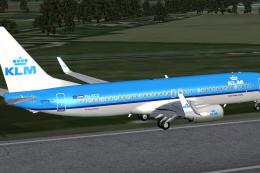
Complete package for FSX only of the Project Open Sky B737-800 WL model in KL…
 FSX Civil Aircraft
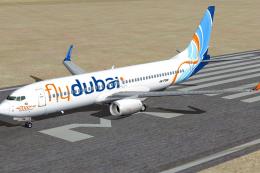
Complete package for FSX only of the Project Open Sky B737-800WL model in Fly…
 FSX Civil Aircraft
Complete package of the Project Open Sky B737-800WE model in Japan Airlines n…
 FSX Civil Aircraft
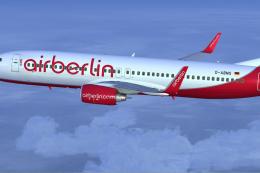
AirBerlin D-ABMS the lastest new member of AB s 738 fleet in shiny new colors…
 FSX Civil Aircraft
This complete freeware release introduces a fully integrated Transavia Airlin…
 FSX Civil Aircraft
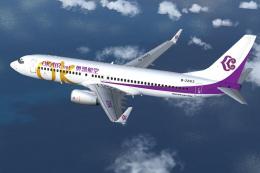
Okay Airways Boeing 737-800 WL. The Project Open Sky B737-800 winglets versio…
Read what other simmers think, or add your own.

Fly Away provides unlimited downloads of nice simulation software I have visited this website since 2011 I have not regretted it ever since.

Hi, while using this plane I'm missing a texture on top of the plane, and a lot of the time while flying the VC stops working (I can't click on anything).
Does someone know what's going wrong here?