

 FSX Civil Aircraft
KLM Boeing 737-8K2 (WL)
This complete freeware package introduces a faithfully recreated Boeing 737-8…
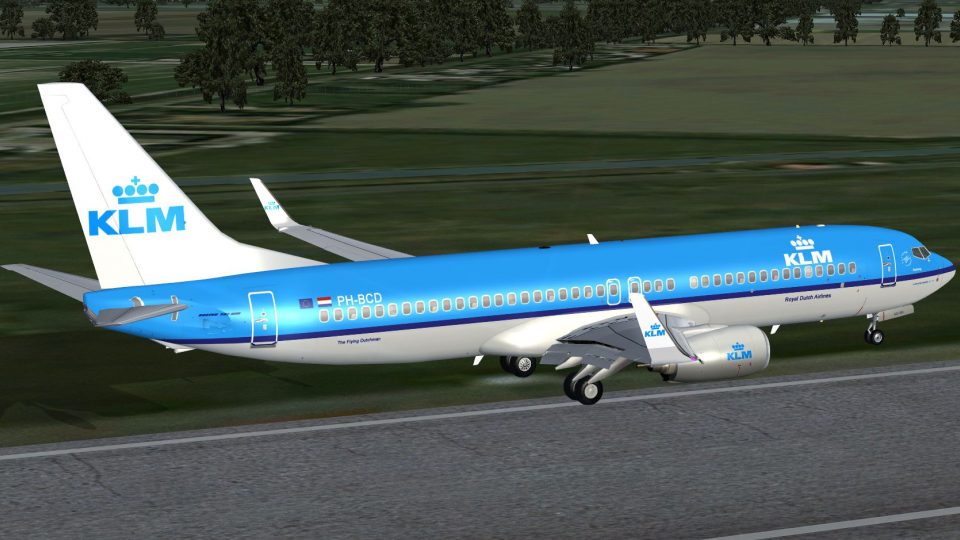
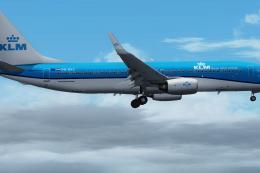
KLM Royal Dutch Airlines Boeing 737-8K2 with blended winglets, registered PH-BCB, brings a polished Project Open Sky model and authentic repaint to Microsoft Flight Simulator X. The complete package includes the FSX WE model, effects, and the default Boeing 737-800 virtual cockpit for an airline-ready cockpit experience.
 Rate
Rate
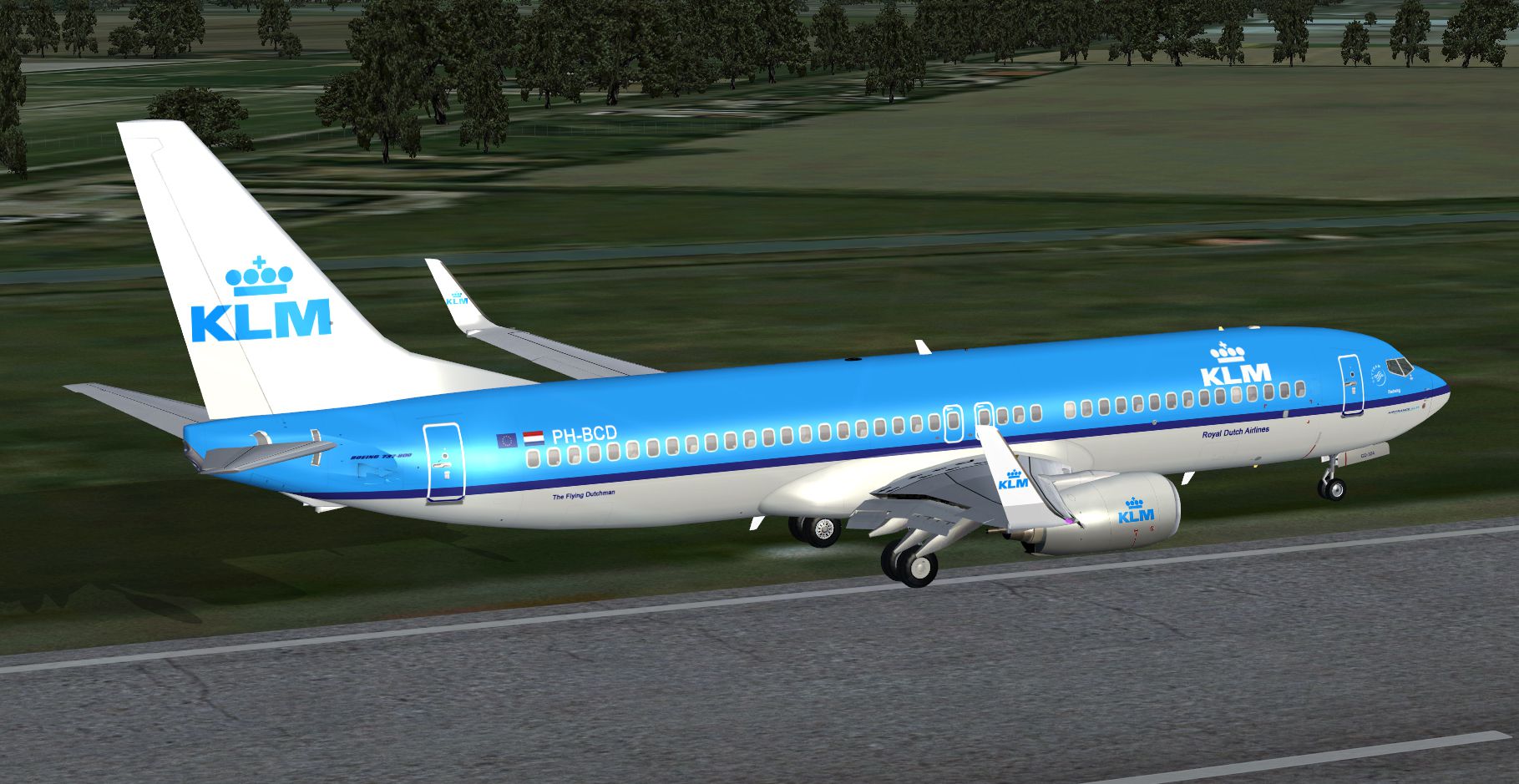
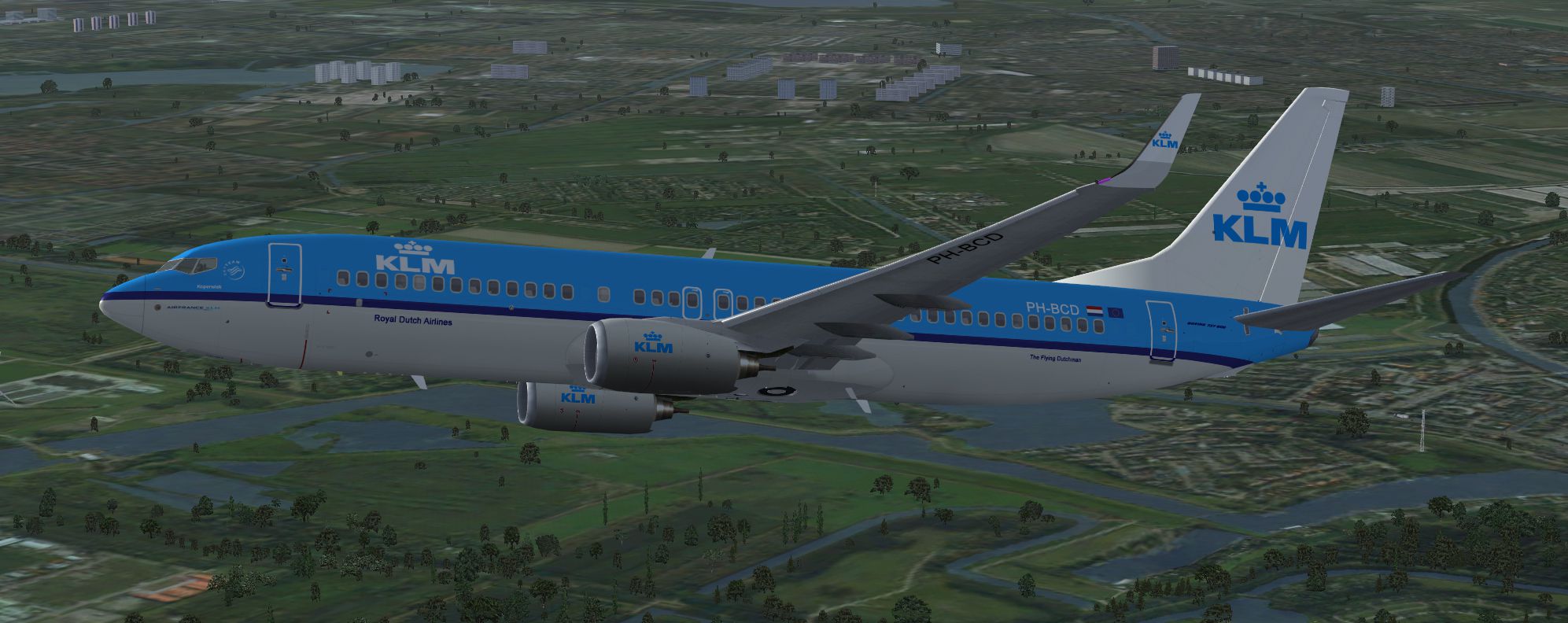
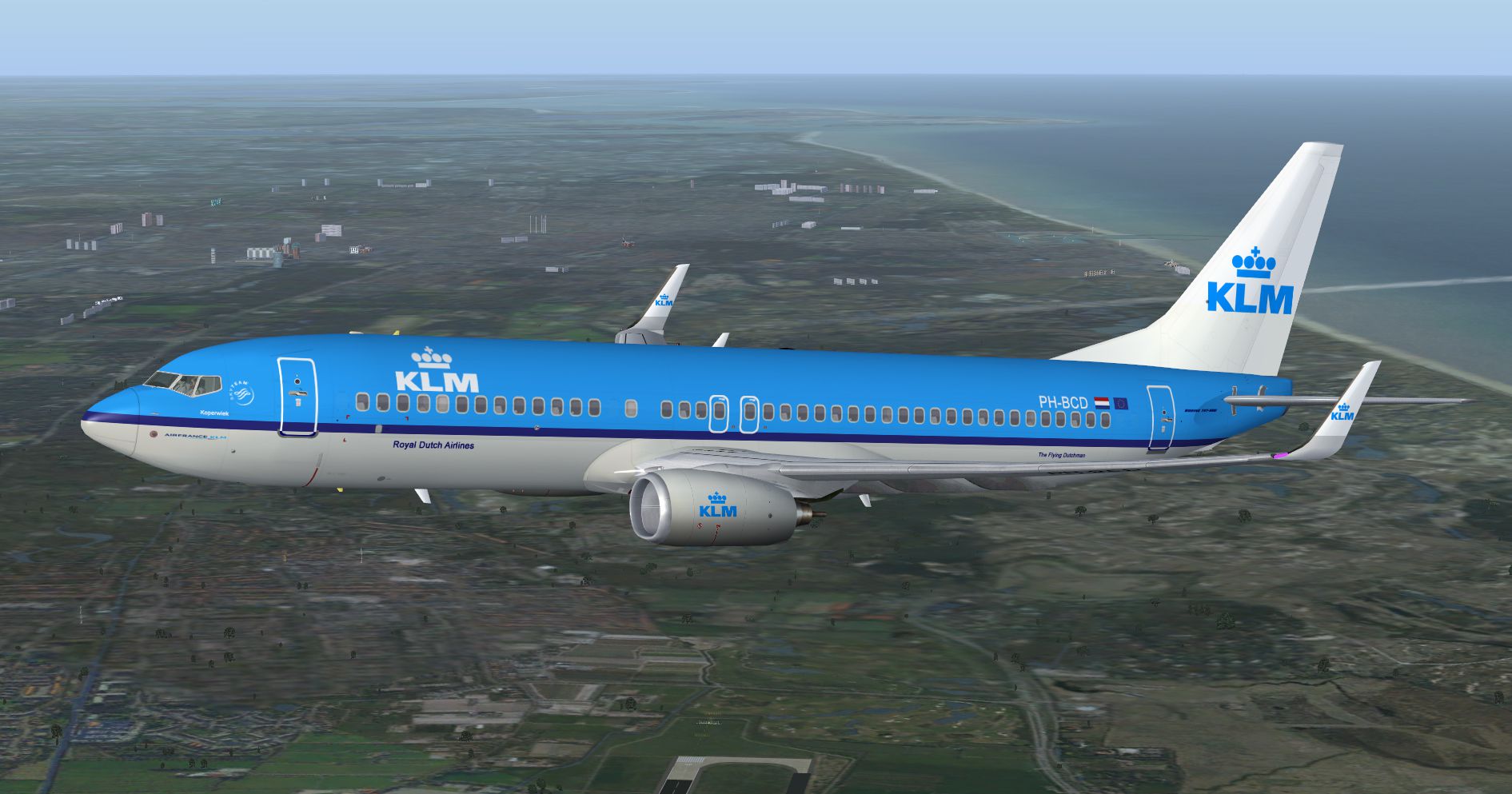
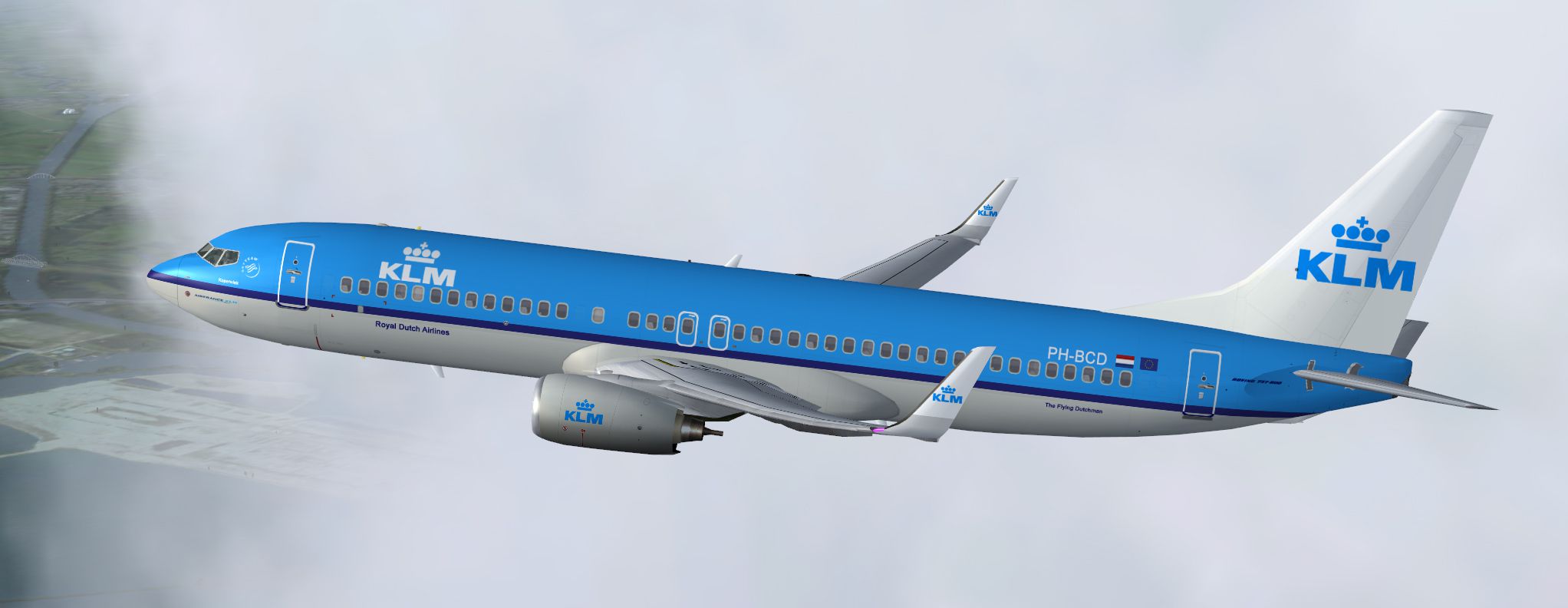
Complete package for FSX only of the Project Open Sky B737-800 WL model in KLM Royal Dutch Airlines livery, registration PH-BCB, c/n 39443/3648. Comes with the default B738 VC and FSX WE model included. Repaint by Paul Craig.
-PH-BCB-fsx-1.jpg)
Screenshot of KLM Boeing 737-8K2 in flight.
Installation:
Adding new textures:
I have used a shared texture folder system, the "texture" folder contains the common texture files while the "texture.xxx" folder contains texture files that are unique to that particular livery. If you would like to add another livery texture folder using this system, delete all the texture files that are not needed for the livery and place a copy of the texture.cfg into the new livery texture folder. This is useful for saving space and does not effect performance.
[fltsim.x]

title=Project Opensky - Boeing 737-8K2WL - KLM Royal Dutch Airlines "PH-BXB"

sim=OSBoeing737-800w

model=WE

panel=

sound=

Texture=KLM

kb_checklists=Boeing737-400_check

kb_reference=Boeing737-400_ref

atc_id=PH-BCD

atc_airline=KLM

atc_flight_number=202

atc_heavy=0

atc_parking_types=GATE, RAMP

atc_parking_code=KLM, AFR

ui_typerole="Commercial Airliner"

ui_createdby="Project Opensky"

ui_manufacturer=Boeing

ui_type=737-800 Winglets No eyebrow

ui_variation=KLM Royal Dutch Airlines "PH-BCD"

visual_damage=1

description=Project Opensky - Boeing 737-8K2 - Blended Winglet\nVersion - Beta v0.8\n\nModel Designer\n Hiroshi Igami\n\nFlight Dynamics\/Sound Designer\n Warren C. Daniel\n\nMaster Texture Designer\n Tom Harlaar\n\nTest Pilots\n Project Opensky Members\n\nMaximun Range: \n 3,383 nautical miles \nRepaint By Sean Kneppers
Free for all simmers · 7.94 MB · Scanned clean Oct 2026
Download speed: Free tier is capped at 0.5 Mbps (this file takes approximately 2 mins at the cap). PRO members download at full line speed.
FSX\SimObjects\Airplanes\. The folder must contain an aircraft.cfg file. Effects go into FSX\Effects\; gauges go into FSX\Gauges\.readme.txt or README file. It tells you exactly where files go, what dependencies are needed, and any quirks specific to this add-on.The archive os738klmsk.zip has 36 files and directories contained within it.
This list displays the first 500 files in the package. If the package has more, you will need to download it to view them.
| Filename/Directory | File Date | File Size |
|---|---|---|
| Texture.KLM | 08.14.13 | 0 B |
| Installation Readme.txt | 08.13.13 | 2.47 kB |
| KLM737.jpg | 08.14.13 | 1017.50 kB |
| KLM737_2.jpg | 08.13.13 | 983.67 kB |
| KLM737_3.jpg | 08.14.13 | 1.10 MB |
| KLM737_4.jpg | 08.14.13 | 460.08 kB |
| Os737ng_ANTCOL_RED.BMP | 08.11.13 | 1.43 kB |
| Os737ng_Cockpitgray.bmp | 08.11.13 | 5.40 kB |
| Os737ng_darkgray.bmp | 08.11.13 | 5.40 kB |
| Os737ng_engine_L.bmp | 08.11.13 | 64.07 kB |
| Os737ng_engine_t.bmp | 07.20.13 | 4.00 MB |
| Os737ng_WINGROOT_GRAY.BMP | 08.11.13 | 5.40 kB |
| Os737ng_WINGTIP_GREEN_GLASS.bmp | 08.11.13 | 1.43 kB |
| Os737ng_WINGTIP_RED_GLASS.bmp | 08.11.13 | 1.43 kB |
| Os737ngstair_l.bmp | 08.11.13 | 341.40 kB |
| Os737ngstair_t.bmp | 08.11.13 | 1.00 MB |
| Os738body_l_l.bmp | 08.13.13 | 4.00 MB |
| Os738body_l_t.bmp | 08.13.13 | 4.00 MB |
| Os738body_r_l.bmp | 08.13.13 | 4.00 MB |
| Os738body_r_t.bmp | 08.13.13 | 4.00 MB |
| OS738Option.bmp | 07.20.13 | 64.07 kB |
| OS738Option2.bmp | 11.17.05 | 64.07 kB |
| os738parts_L.bmp | 08.11.13 | 4.00 MB |
| Os738parts_t.bmp | 08.11.13 | 4.00 MB |
| Os738w_wing_l_l.bmp | 08.11.13 | 1.00 MB |
| Os738w_wing_l_t.bmp | 08.13.13 | 4.00 MB |
| Os738w_wing_r_l.bmp | 08.11.13 | 1.00 MB |
| Os738w_wing_r_t.bmp | 02.09.06 | 4.00 MB |
| ostug_L.bmp | 08.11.13 | 1.00 MB |
| ostug_T.bmp | 02.27.06 | 4.00 MB |
| Posky Readme.txt | 08.11.13 | 2.68 kB |
| texture.cfg | 08.11.13 | 137 B |
| thumbnail.jpg | 08.14.13 | 52.44 kB |
| OS738KLMSK.gif | 08.14.13 | 8.52 kB |
| flyawaysimulation.txt | 10.29.13 | 959 B |
| Go to Fly Away Simulation.url | 01.22.16 | 52 B |
Only PRO members can place votes.
More FSX & P3D add-ons hand-picked based on this download.
FSX Civil Aircraft
This complete freeware package introduces a faithfully recreated Boeing 737-8…
 FSX Civil Aircraft
Complete package for FSX only of the Project Open Sky B737-800WL model in Fly…
 FSX Civil Aircraft
This complete freeware release introduces a fully integrated Transavia Airlin…
 FSX Civil Aircraft
This CamSim version 2 features an improved aircraft design with new Animated …
 FSX Civil Aircraft
This fully integrated Boeing 737-700WL package, featuring KLM’s distinctive l…
 FSX Civil Aircraft
This highly detailed repaint showcases KLM Royal Dutch Airlines’ recently int…
 FSX Civil Aircraft
This freeware package provides a carefully rendered texture set portraying a …
 FSX Civil Aircraft
KLM Royal Dutch Airlines, the national carrier of the Netherlands, operates a…
Be the first to leave a comment on this download.
Be the first to share your thoughts on this download.