

 FSX Civil Aircraft
Western Airline Boeing 727-200 2014
The Boeing 727 has a storied history among classic trijets, and this model ca…
Western Airlines’ Boeing 727-200 Special brings a classic tri-jet narrow-body to Microsoft Flight Simulator X with an authentic T-tail profile, vintage livery, and period-style virtual cockpit. It includes Vistaliners modeling, faithful flight dynamics, and integrated A2A 3D Lights & Redux codes for realistic exterior lighting across key aircraft surfaces.
 Rate
Rate
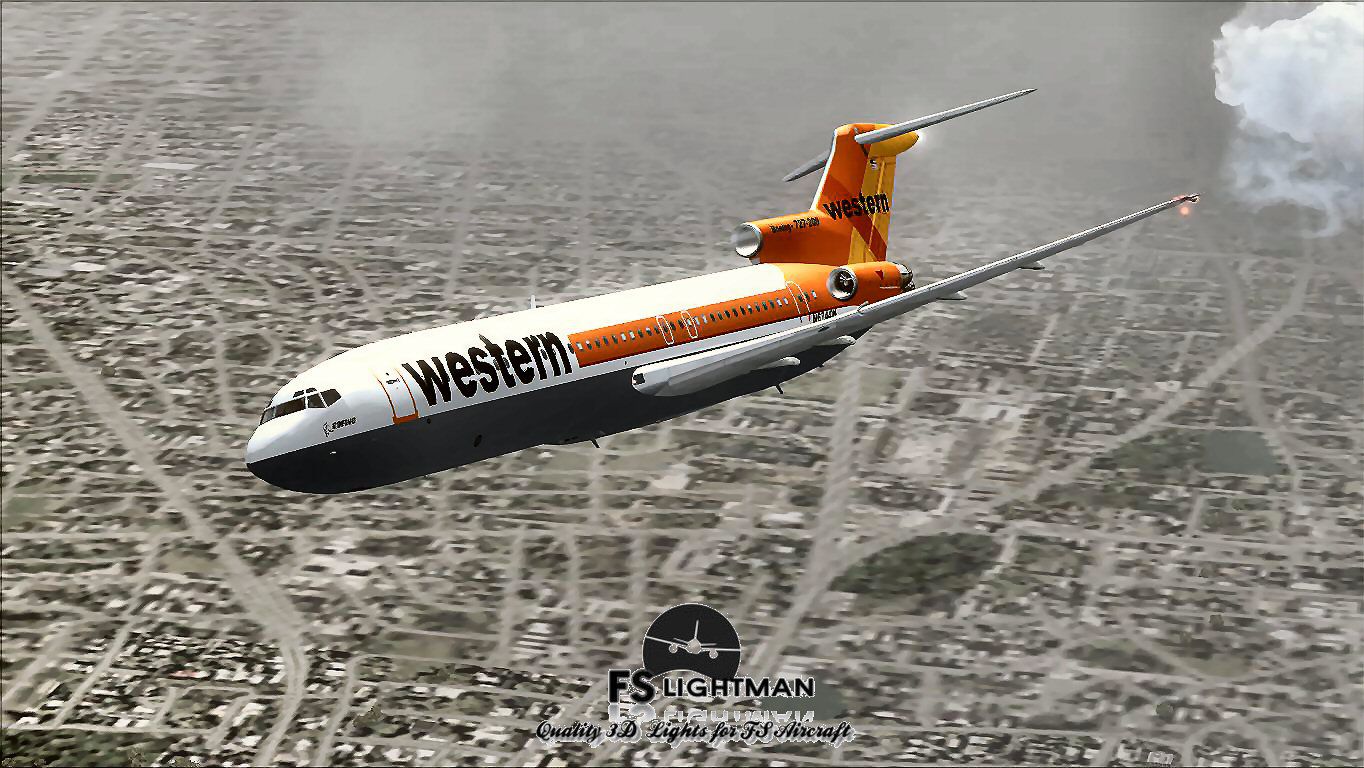
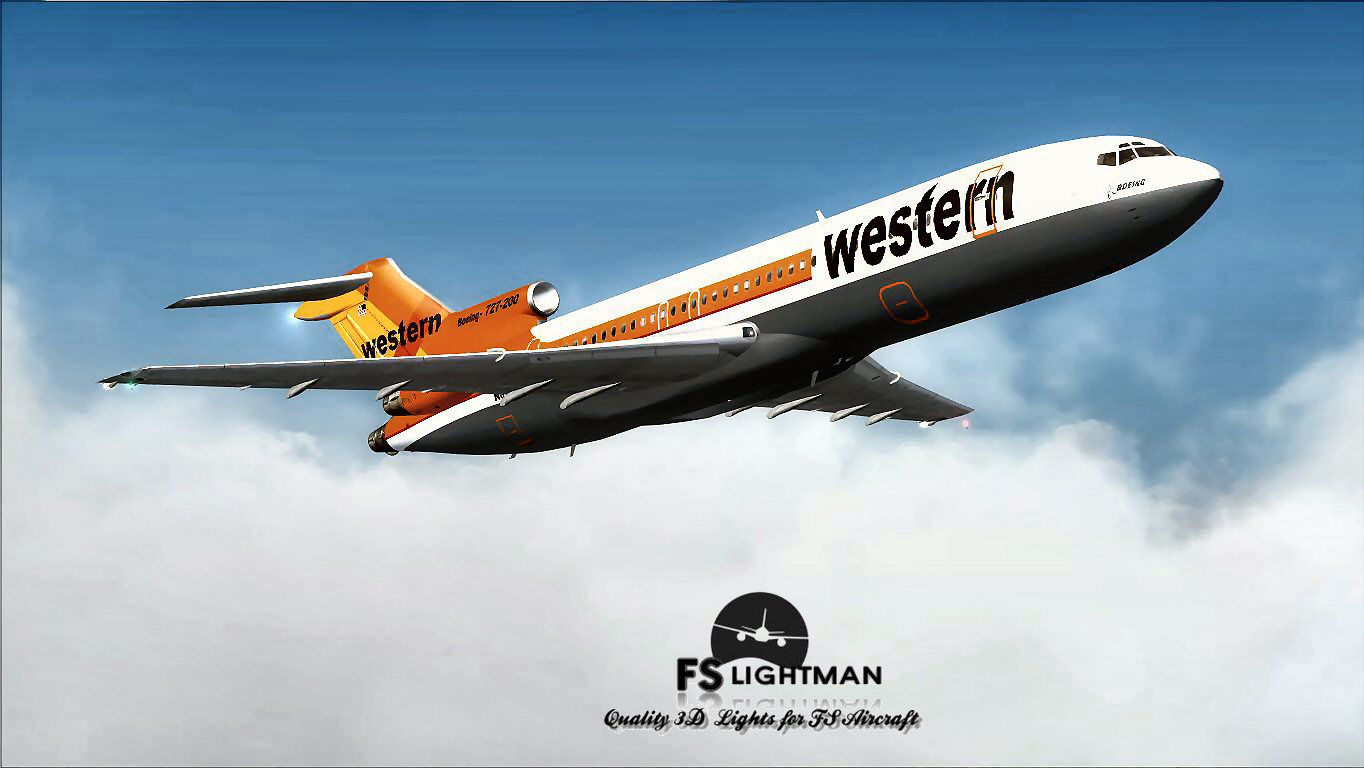
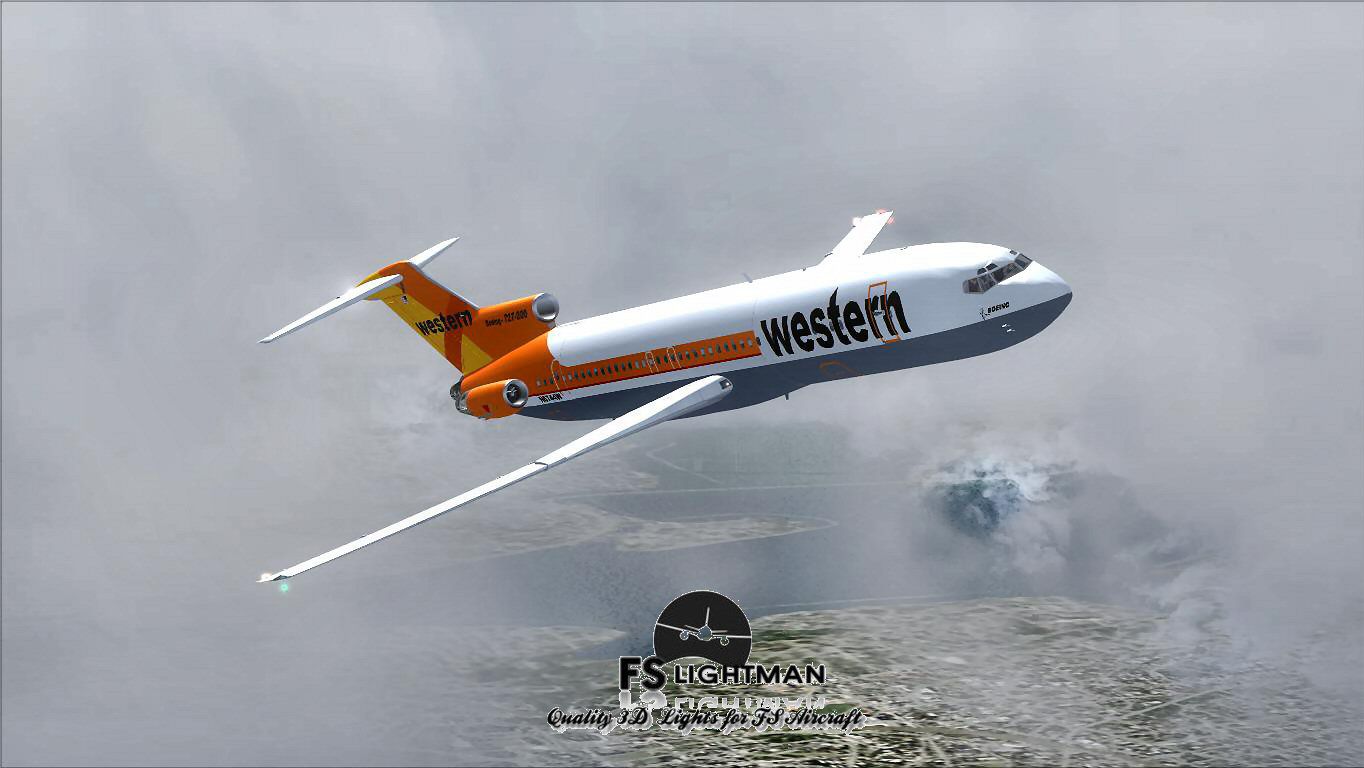
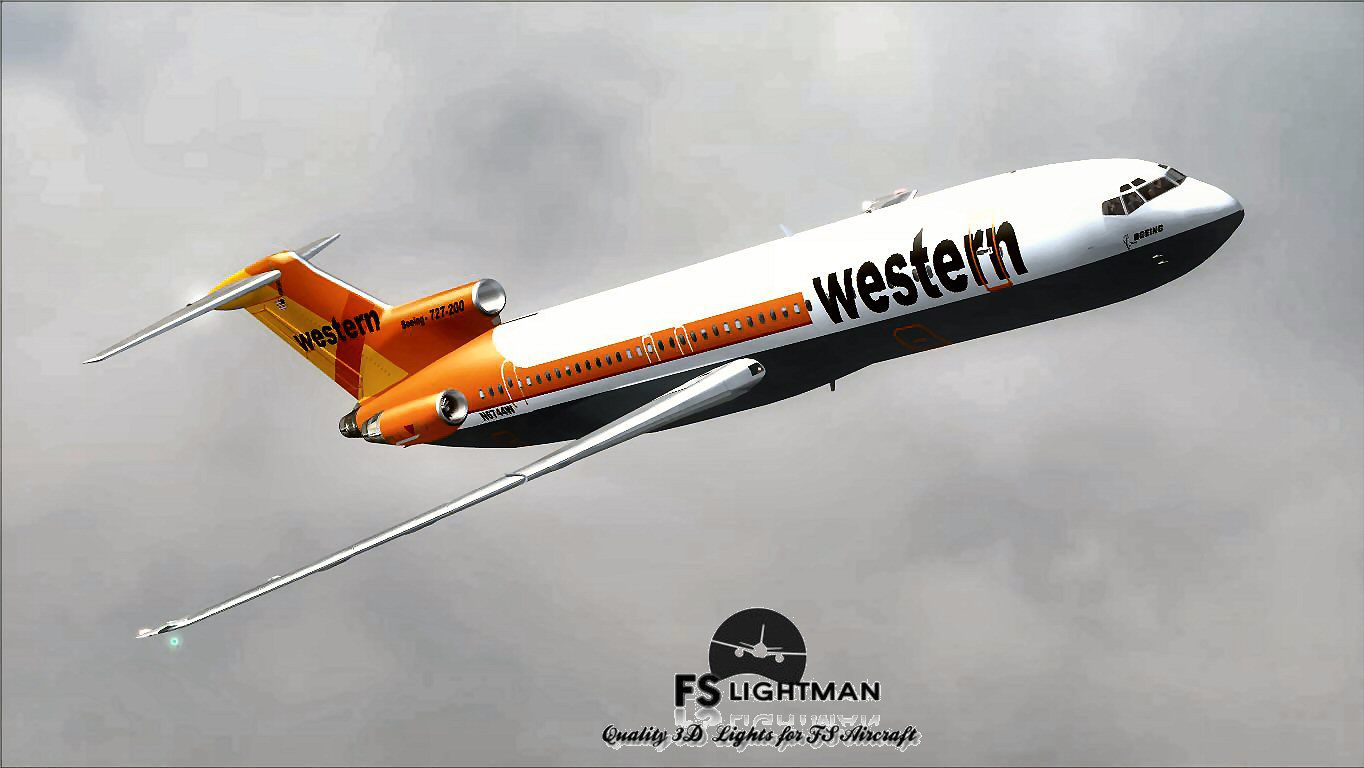
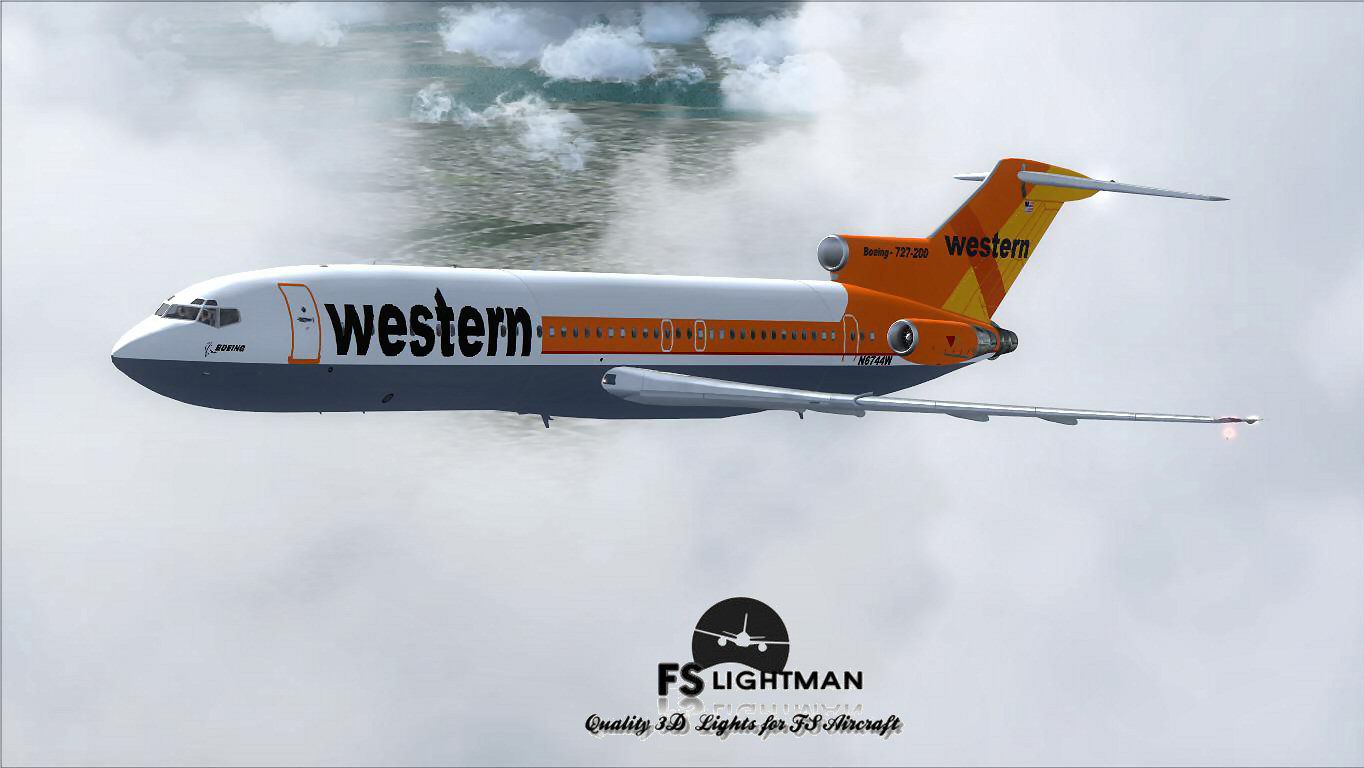
This freeware rendition of the Western Airline Boeing 727-200 Special integrates a fully realized tri-jet configuration for Microsoft Flight Simulator X enthusiasts seeking a classic narrow-body airliner. The original model, developed by Vistaliners, comes packaged with A2A 3D Lights & Redux codes, along with a specialized texture and paint kit contributed by David Grindele and FS Lightman.
The Boeing 727 first appeared during the 1960s as a tri-engined commercial aircraft designed for medium-range operations. Its T-tail and three-engined arrangement distinguished it from other Boeing designs of that era. Western Airlines operated the type extensively, connecting various North American destinations. Enthusiasts often appreciate the Boeing 727 for its distinctive intake configuration on the number two engine, located at the base of the vertical stabilizer.
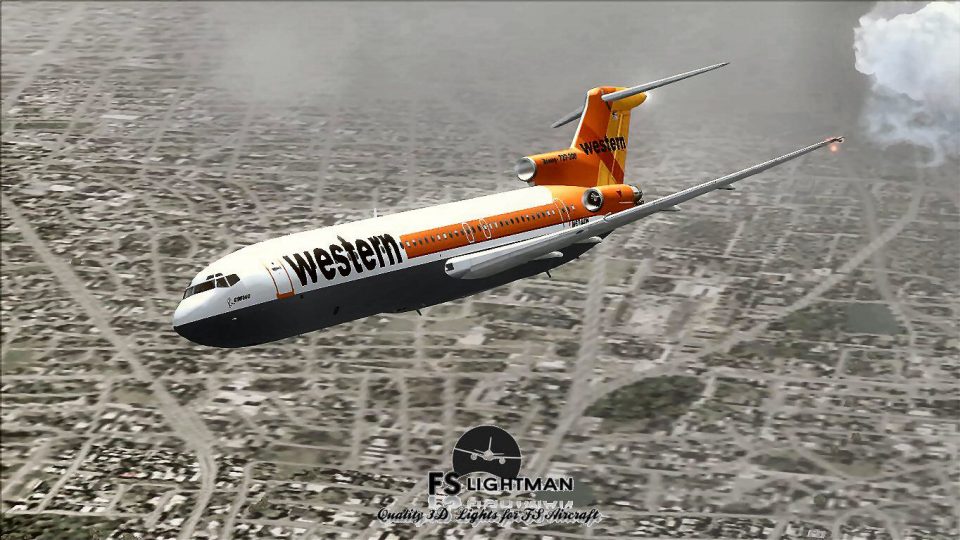
Screenshot of Western Airline Boeing 727-200 Special in flight.
Vistaliners built this model originally for Microsoft Flight Simulator 2004 (often referred to as FS9) using C++ tools. As such, it was tailored for 32-bit systems and DirectX 9 capabilities. Through a methodical conversion, this package is made compatible with Microsoft Flight Simulator X, though there are some display prerequisites. Additionally, A2A 3D Lights & Redux elements have been seamlessly integrated, ensuring accurate lighting dynamics on wingtips, fuselage surfaces, and landing gear areas. Meanwhile, the custom texture and paint kit by David Grindele and FS Lightman ensures faithful representation of Western Airlines’ colors.
To replicate the Boeing 727’s classic style, the distinct cockpit panel, flight dynamics, and external model geometry remain consistent with the original Vistaliners release. The Western Airline livery captures the vintage vibe with precise color placement. Pilots who appreciate older cockpit layouts should find the instrumentation and flight deck intricacies reminiscent of the real-world aircraft, including period avionics and manual flight characteristics.
Because it originated as an FS9 design, this aircraft must run under DirectX 9 to avoid artifacts or missing textures in FSX. It is recommended to disable DirectX 10 preview features if you are using Microsoft Flight Simulator X Acceleration. Moreover, ensure the simulator display resolution is set to 1024×768 for optimal panel visualization. These steps typically address any black panel or texture distortion issues.
This freeware content is offered as-is, without warranties. While care has been taken to ensure its correctness, it is always wise to maintain backups of key simulator files before adding or replacing content. The creators—Vistaliners, along with A2A 3D Lights & Redux input, and texture/paint kit by David Grindele and FS Lightman—are not responsible for computer instability or any detrimental effects on your system. Proceed with caution and enjoy the nostalgia this Western Airline Boeing 727-200 Special brings to your virtual flights.
Free for all simmers · 18.92 MB · Scanned clean Oct 2026
Download speed: Free tier is capped at 0.5 Mbps (this file takes approximately 5 mins at the cap). PRO members download at full line speed.
FSX\SimObjects\Airplanes\. The folder must contain an aircraft.cfg file. Effects go into FSX\Effects\; gauges go into FSX\Gauges\.readme.txt or README file. It tells you exactly where files go, what dependencies are needed, and any quirks specific to this add-on.The archive wal72splx.zip has 16 files and directories contained within it.
This list displays the first 500 files in the package. If the package has more, you will need to download it to view them.
| Filename/Directory | File Date | File Size |
|---|---|---|
| A2A 3D Lights & Redux Installation.txt | 10.10.10 | 728 B |
| file_id.diz | 05.24.14 | 359 B |
| Legal Notice.doc | 08.31.11 | 30.50 kB |
| Read Very Important.txt | 02.26.12 | 1008 B |
| Readme.txt | 05.24.14 | 707 B |
| Video Card & Monitor.txt | 02.26.12 | 284 B |
| Western 1.jpg | 05.23.14 | 104.61 kB |
| Western 2.jpg | 05.23.14 | 220.17 kB |
| Western 3.jpg | 05.23.14 | 101.63 kB |
| Western 4.bmp | 05.23.14 | 3.00 MB |
| Western 4.jpg | 05.23.14 | 105.92 kB |
| Western 5.jpg | 05.23.14 | 94.00 kB |
| Western Airline B727-200 Special.exe | 05.24.14 | 17.84 MB |
| Western Airline B727-200 Special | 05.24.14 | 0 B |
| flyawaysimulation.txt | 10.29.13 | 959 B |
| Go to Fly Away Simulation.url | 01.22.16 | 52 B |
Only PRO members can place votes.
More FSX & P3D add-ons hand-picked based on this download.
FSX Civil Aircraft
The Boeing 727 has a storied history among classic trijets, and this model ca…
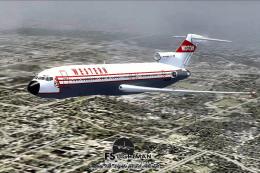 FSX Civil Aircraft
This package offers a detailed Boeing 727-200 in the Western Airlines origina…
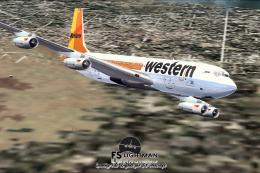 FSX Civil Aircraft
This freeware release showcases a distinguished Boeing 707-320C in Western Ai…
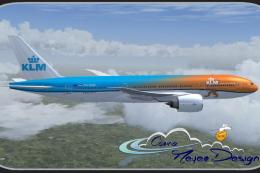 FSX Civil Aircraft
The PMDG B777-200 LR as KLM Royal Dutch Airlines new design "Koningin Maxima"…
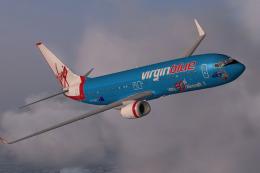 FSX Civil Aircraft
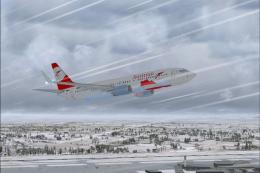
Textures only for the default B737-800. Repaint by Jon Murchison. Screenshot …
 FSX Civil Aircraft
FSX Austrian Special Boeing 737-800, registration OE-FTT. Textures only for t…
 FSX Civil Aircraft
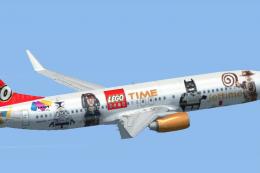
JetTime Boeing 737-800 'Lego Special'. Textures only for the default B737-800…
 FSX Civil Aircraft
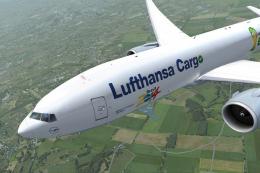
Special edition for the Fifa World Championchip Brasil 2014 for the payware P…
Be the first to leave a comment on this download.
Be the first to share your thoughts on this download.