

 FSX Civil Aircraft
Western Airline Boeing 727-200 2014
The Boeing 727 has a storied history among classic trijets, and this model ca…
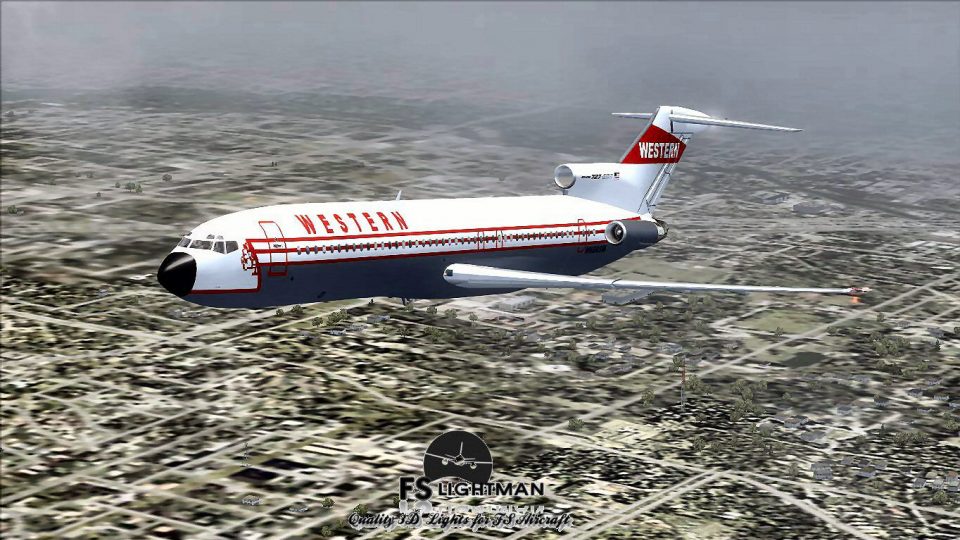
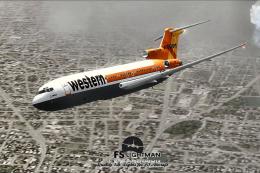
Western Airlines’ Boeing 727-200 wears the carrier’s original colors on a Vistaliners model, enhanced with a crisp custom repaint and night lighting that brings the classic tri-jet to life. Built for Microsoft Flight Simulator X, it requires A2A 3D Lights & Redux codes and delivers period-accurate visuals with an immersive virtual cockpit.
 Rate
Rate
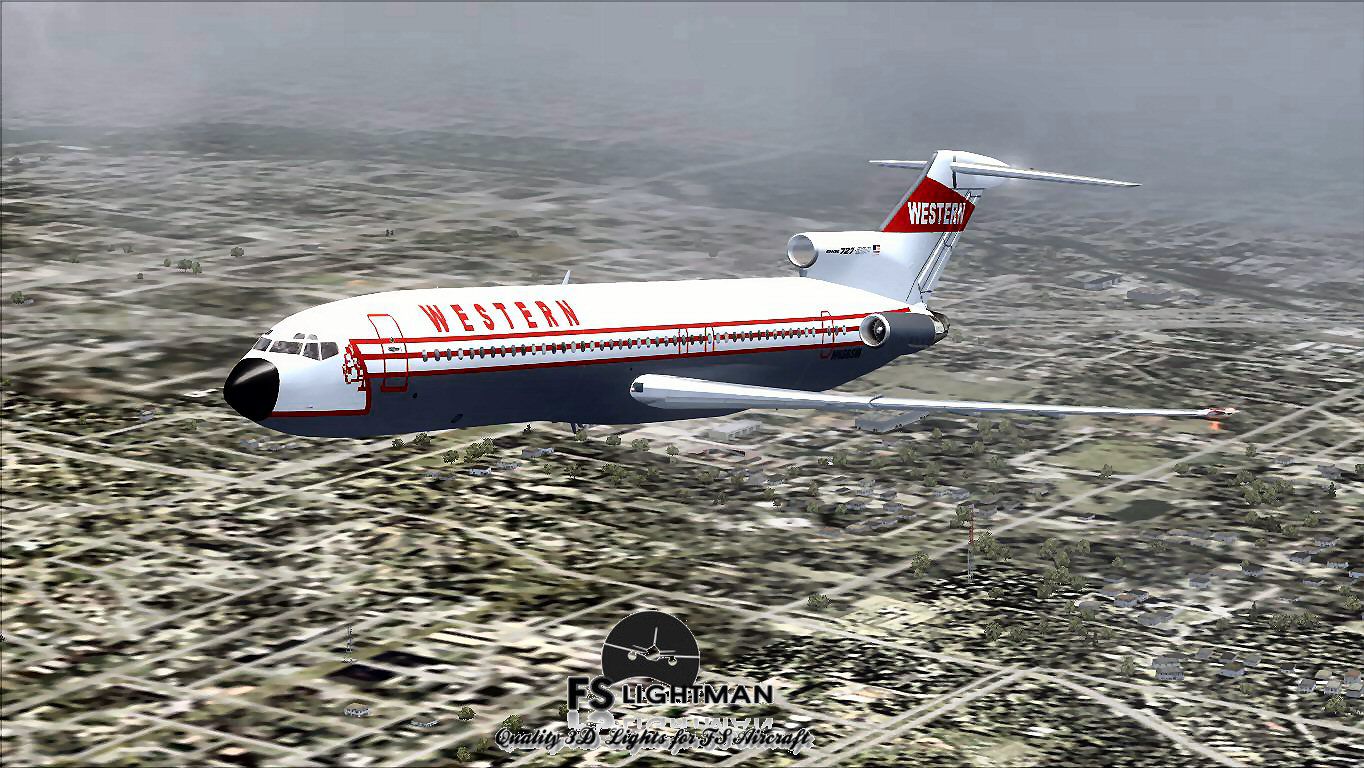
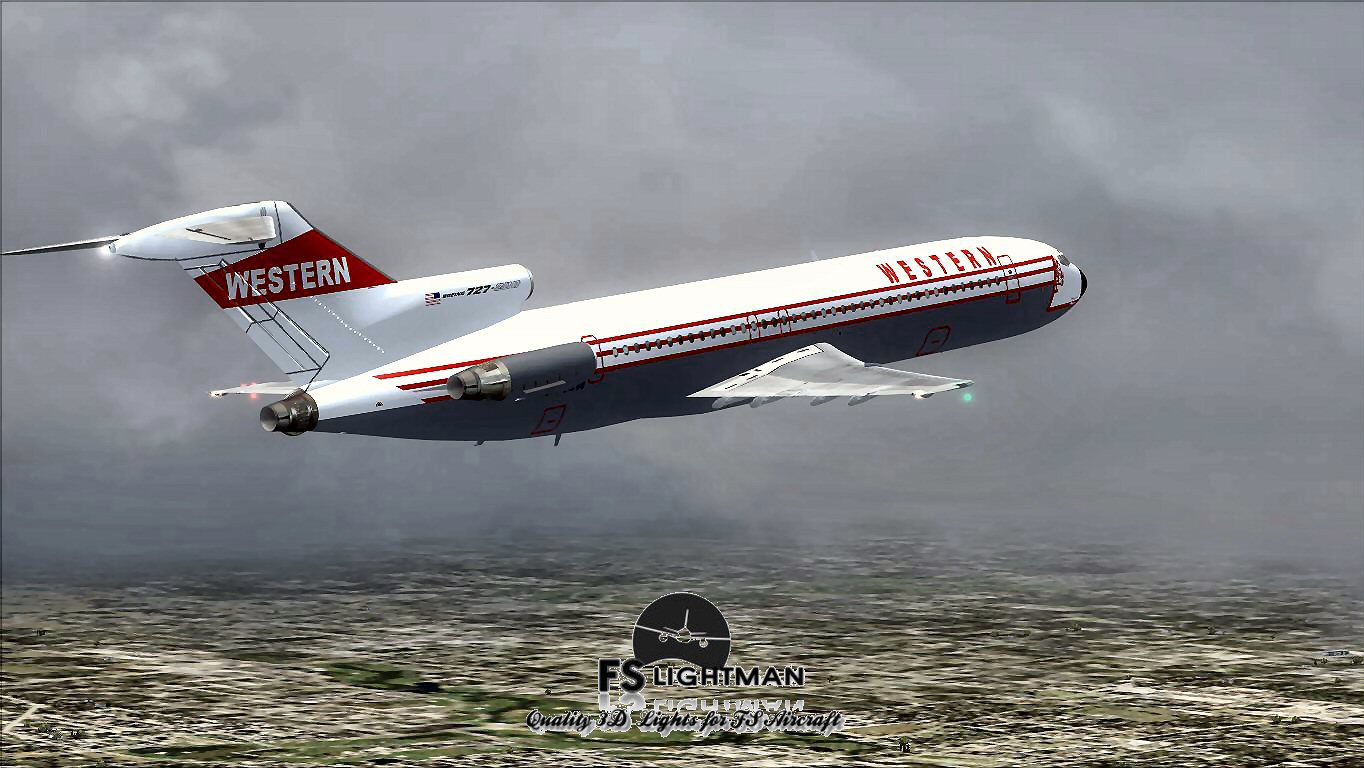
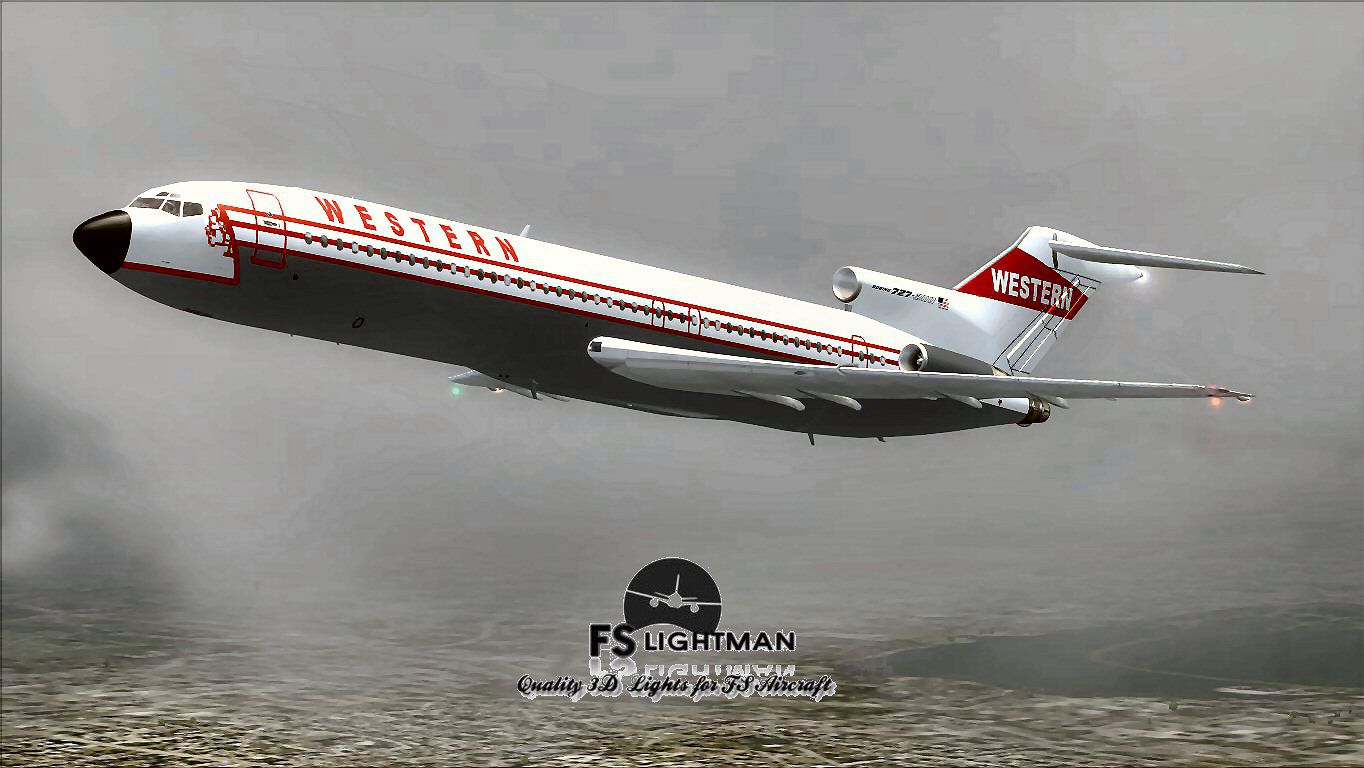
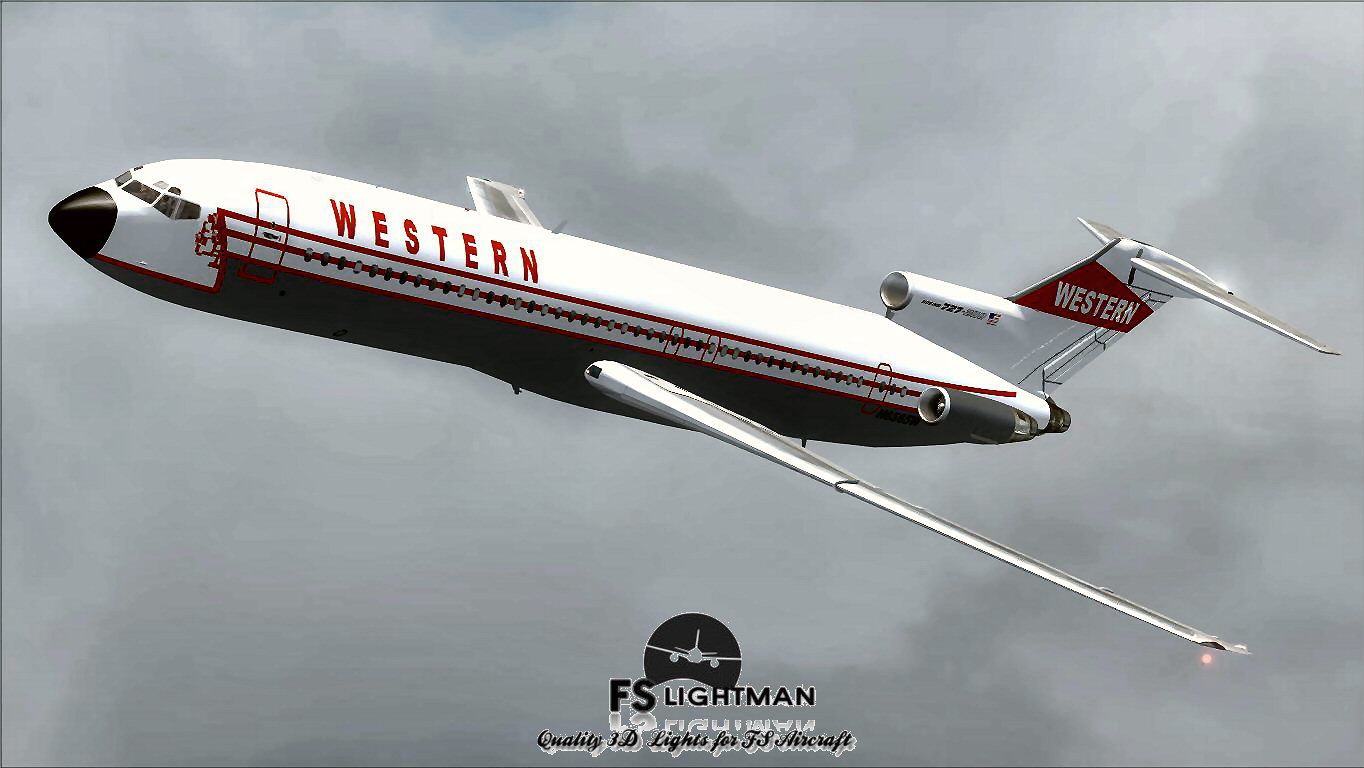
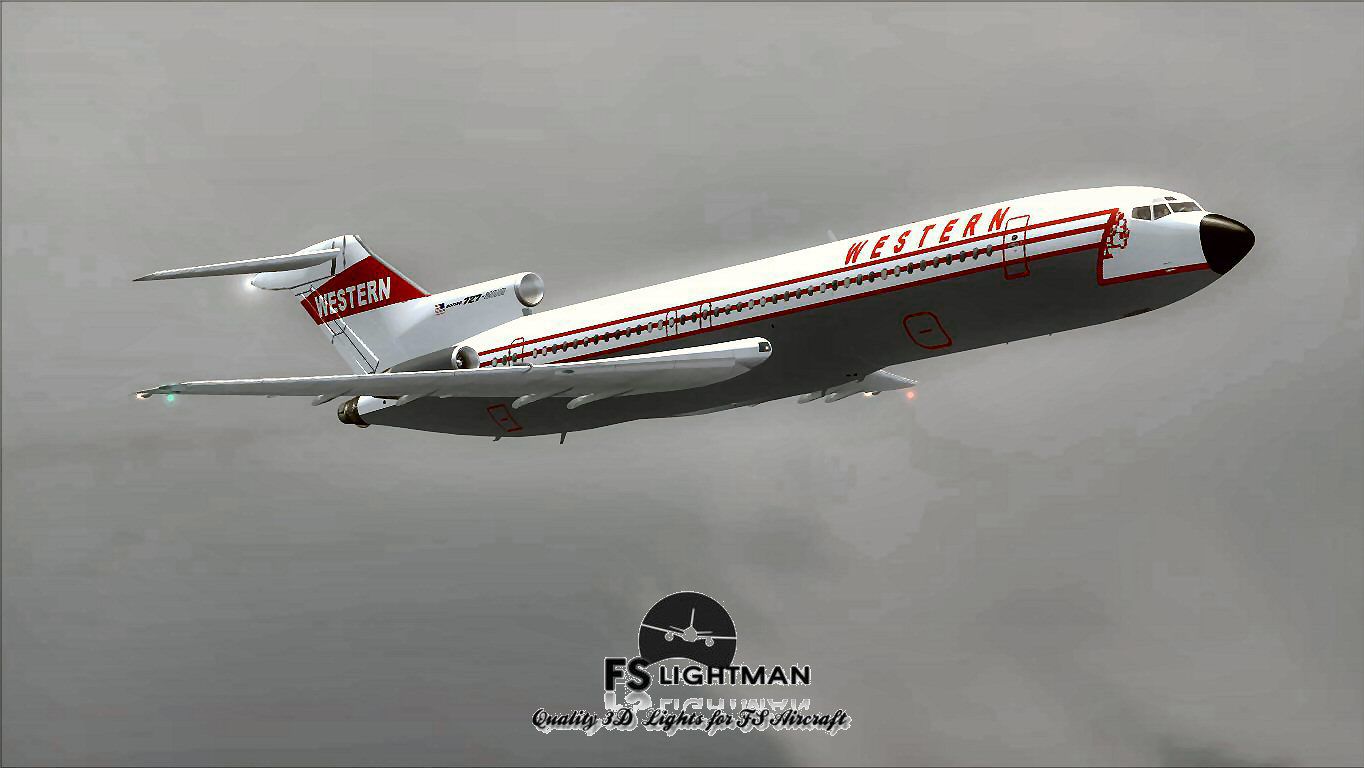

This package offers a detailed Boeing 727-200 in the Western Airlines original color scheme. The base aircraft is provided by Vistaliners, and it has been enhanced by the inclusion of A2A 3D Lights & Redux codes along with a custom paint kit by David Grindele (known as FS Lightman). It is distributed as a freeware release for enthusiasts of Microsoft Flight Simulator X who want to experience the classic tri-jet in its mid-20th-century livery.
Western Airlines was once a prominent domestic carrier in the United States. Its Boeing 727-200 fleet served as a cornerstone for regional and medium-haul routes during decades when three-engined aircraft were sought after for flexibility and performance. This package replicates that era by showcasing the airline’s recognizable paint scheme on the 727-200 series, known for its T-tailed design and rear twin-engined layout combined with a centerline tail powerplant.
Demonstration of the Western Airlines tri-jet in flight.
This aircraft model was initially developed for Microsoft Flight Simulator 2004 (often referred to as FS9). It was compiled using C++ conventions tailored to 32-bit environments and DirectX 9c. As a result, certain considerations must be taken into account for optimal performance in Microsoft Flight Simulator X:
When running the Acceleration expansion pack, it is critical to disable Light Bloom and DirectX 10 preview within the in-simulator settings. These steps reduce texture corruption or entirely invisible models, preserving the authenticity of the 727-200 cockpit and external visuals.
The Boeing 727-200 stands out among single-aisle airliners of its era, largely thanks to its triple-engine layout. Pilots acquainted with older jetliner dynamics appreciate the nuanced handling, resulting from its distinctive T-tail design. This package aims to replicate key behaviors, including engine spool and the aircraft’s initial climb responsiveness. These factors make short- to medium-range flights dynamic and engrossing for those who want a taste of historical airline operations.
Despite extensive testing, each sim setup may differ. Always maintain safe backups of core files, as recommended for any third-party airplane installation. This keeps your configuration secure in case of unexpected errors. Please remember that FS Lightman, Vistaliners, and related contributors assume no liability for any potential system disruptions. By installing, you acknowledge these terms and proceed at your own discretion.
Free for all simmers · 18.78 MB · Scanned clean Oct 2026
Download speed: Free tier is capped at 0.5 Mbps (this file takes approximately 5 mins at the cap). PRO members download at full line speed.
FSX\SimObjects\Airplanes\. The folder must contain an aircraft.cfg file. Effects go into FSX\Effects\; gauges go into FSX\Gauges\.readme.txt or README file. It tells you exactly where files go, what dependencies are needed, and any quirks specific to this add-on.The archive wal72ocx.zip has 17 files and directories contained within it.
This list displays the first 500 files in the package. If the package has more, you will need to download it to view them.
| Filename/Directory | File Date | File Size |
|---|---|---|
| A2A 3D Lights & Redux Installation.txt | 10.10.10 | 728 B |
| file_id.diz | 05.24.14 | 356 B |
| Legal Notice.doc | 08.31.11 | 30.50 kB |
| Read Very Important.txt | 02.26.12 | 1008 B |
| Readme.txt | 05.24.14 | 720 B |
| Thumbnail.jpg | 05.23.14 | 94.25 kB |
| Video Card & Monitor.txt | 05.24.14 | 284 B |
| Western Airline B727-200 OC.exe | 05.24.14 | 17.65 MB |
| Westernoc1.jpg | 05.23.14 | 131.49 kB |
| Westernoc2.jpg | 05.23.14 | 169.91 kB |
| Westernoc3.bmp | 05.23.14 | 3.00 MB |
| Westernoc3.jpg | 05.23.14 | 93.74 kB |
| Westernoc4.jpg | 05.23.14 | 260.19 kB |
| Westernoc5.jpg | 05.23.14 | 109.08 kB |
| Western Airline B727-200 OC | 05.24.14 | 0 B |
| flyawaysimulation.txt | 10.29.13 | 959 B |
| Go to Fly Away Simulation.url | 01.22.16 | 52 B |
Only PRO members can place votes.
More FSX & P3D add-ons hand-picked based on this download.
FSX Civil Aircraft
The Boeing 727 has a storied history among classic trijets, and this model ca…
 FSX Civil Aircraft
This freeware rendition of the Western Airline Boeing 727-200 Special integra…
 FSX Civil Aircraft
Fly one of the most successful Airplanes in history with this aircraft file f…
 FSX Civil Aircraft
Varig Boeing 747-400 (old colors). Textures only for the default B747-400. By…
 FSX Civil Aircraft
Vamjoo Airline Airbus A321-200 extended with two CFM engines. A business clas…
 FSX Civil Aircraft
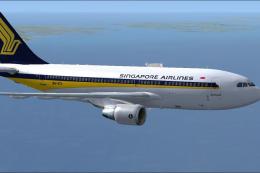
Singapore Airlines Airbus A310-222 (old colors). Repaint of Tom Ruth's A310-1…
 FSX Civil Aircraft
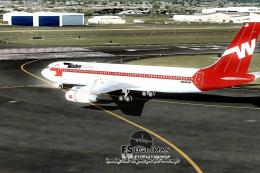
Immerse yourself in a nuanced rendition of the Western Airlines Boeing 707-32…
 FSX Civil Aircraft
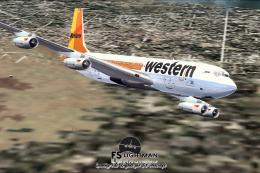
This freeware release showcases a distinguished Boeing 707-320C in Western Ai…
Be the first to leave a comment on this download.
Be the first to share your thoughts on this download.