

 FSX Civil Aircraft
Braathens Boeing 737-705 LN-TUM
This freeware repaint brings the Braathens Boeing 737-705, registered LN-TUM,…
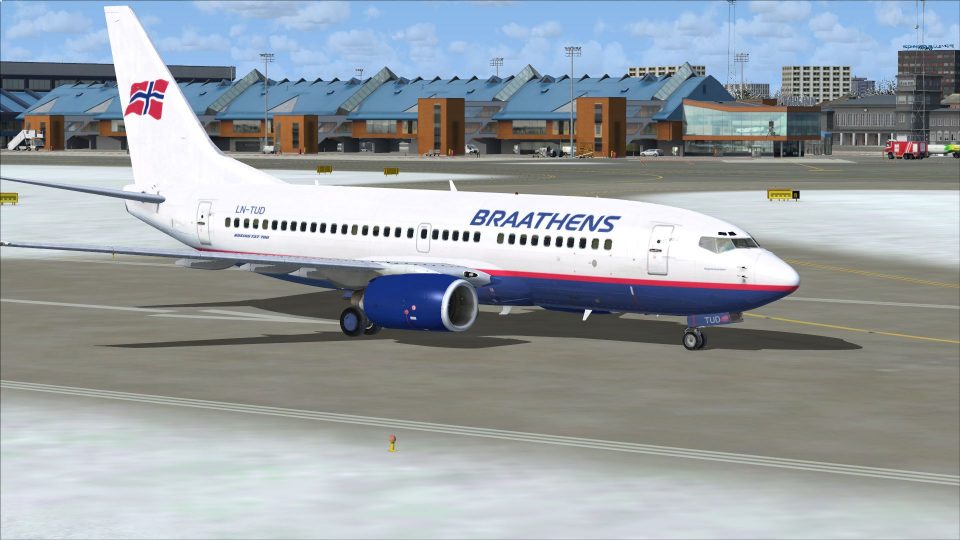
Braathens Boeing 737-705 LN-TUD textures recreate the airline’s vibrant year-2000 scheme with accurate tail art, fuselage markings, and clean color transitions for a classic Scandinavian look. Designed for Microsoft Flight Simulator X, the repaint targets the PMDG 737-700 and requires the payware model.
 Rate
Rate
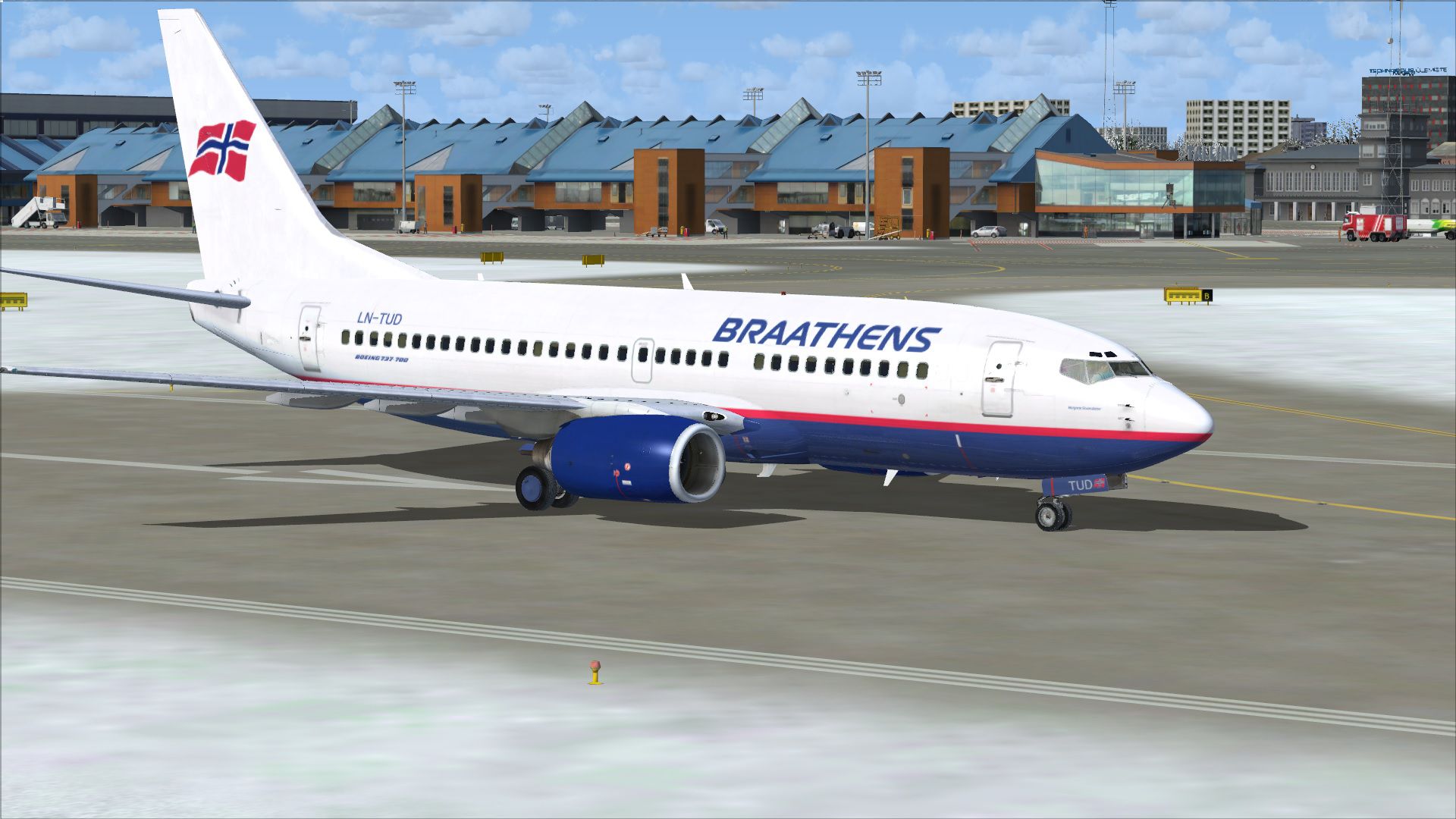

This freeware release showcases the vibrant Braathens LN-TUD Boeing 737-705 paint scheme as it appeared in the year 2000. Created by Robin Oeverby for PMDG’s payware model, it offers a convincing replication of Braathens’ distinctive look during that era. These textures provide a historically accurate rendition of the airline when it was still operating under its own brand, delivering an authentic classic appearance for Microsoft Flight Simulator X enthusiasts.
Braathens, a Norwegian airline that boasted a strong heritage until its eventual merger into a larger Scandinavian carrier, operated a variety of Boeing 737 Next Generation jets for medium-haul routes. This LN-TUD configuration references the real-life registration that was often seen traversing European skies. The 737-700 series, specifically designated as 737-705 in this case, is well-regarded for its refined short-field performance and reliable twin-engine layout. This livery aims to emulate authentic details such as the unique tail design, fuselage markings, and smooth color transitions that made Braathens’ jetliners so distinct.
Screenshot displaying the repainted 737-705 in Braathens colors on a runway.
This repaint integrates certain authentic operational elements, including Braathens-specific configurations, which were provided by a real-world contact who flew for the airline. By deploying these textures, simmers can immerse themselves in the nostalgia of early-2000s Scandinavian aviation. The download contains textures only, and you will require the commercial package from PMDG—available through vendors like SimShack—to fully enjoy this Boeing 737-705 livery.
Free for all simmers · 18.93 MB · Scanned clean Oct 2026
Download speed: Free tier is capped at 0.5 Mbps (this file takes approximately 5 mins at the cap). PRO members download at full line speed.
texture.{airline}) inside FSX\SimObjects\Airplanes\{base-aircraft}\.aircraft.cfg in Notepad. Add a new [fltsim.X] section per the readme.readme.txt or README file. It tells you exactly where files go, what dependencies are needed, and any quirks specific to this add-on.The archive bu_lntud.zip has 8 files and directories contained within it.
This list displays the first 500 files in the package. If the package has more, you will need to download it to view them.
| Filename/Directory | File Date | File Size |
|---|---|---|
| Braathens_TUD | 03.30.15 | 0 B |
| Install.EULA.txt | 03.30.15 | 10.74 kB |
| LN-TUD.ini | 03.30.15 | 1.94 kB |
| ln_tud.jpg | 03.30.15 | 411.31 kB |
| PMDG_737NGX_700_BraathensLNTUD.ptp | 03.30.15 | 18.50 MB |
| Thumbnail.jpg | 03.30.15 | 50.88 kB |
| flyawaysimulation.txt | 10.29.13 | 959 B |
| Go to Fly Away Simulation.url | 01.22.16 | 52 B |
Only PRO members can place votes.
More FSX & P3D add-ons hand-picked based on this download.
FSX Civil Aircraft
This freeware repaint brings the Braathens Boeing 737-705, registered LN-TUM,…
 FSX Civil Aircraft
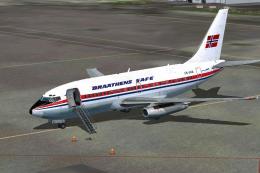
Repaint of Braathens SAFE LN-SUA as seen in 1969. Texture only. model by Capt…
 FSX Civil Aircraft
SAS Boeing 737-883 (WL) in Star Alliance livery, registration LN-RRL. Texture…
 FSX Civil Aircraft
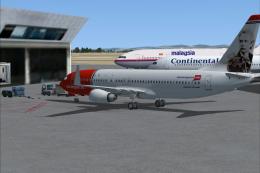
FSX Norwegian Air Shuttle Boeing 737-800, registration LN-NOB. Textures only …
 FSX Civil Aircraft
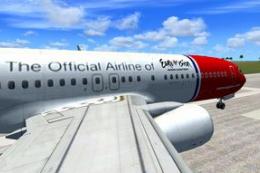
Norwegian Air Shuttle Boeing 737-800 'Piet Hein' with Eurovision Song Contest…
 FSX Civil Aircraft
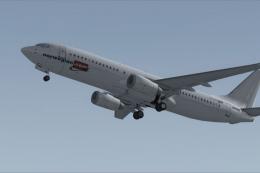
Norwegian Air Shuttle Boeing 737-800. Texture files for the default B737-800 …
 FSX Civil Aircraft
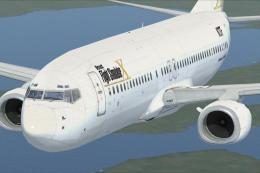
This freeware repaint features a custom interpretation of the default Boeing …
 FSX Civil Aircraft
Includes pictures of the plane, a mini guide to help you and the texture fold…
Be the first to leave a comment on this download.
Be the first to share your thoughts on this download.