

 FSX Civil Aircraft
KLM Royal Dutch Airlines Boeing 737-800 PH-BXZ v2
KLM Royal Dutch Airlines, the national carrier of the Netherlands, operates a…
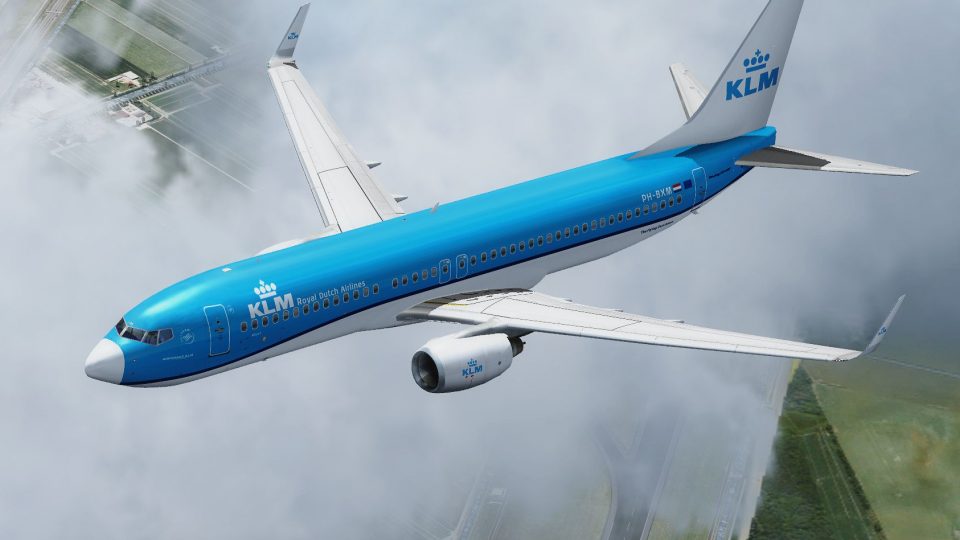
KLM Royal Dutch Airlines’ refreshed Boeing 737-800 livery for PH-BXM “Kluut” brings crisp 32-bit textures and realistic shine to the Tenkuu Developers Studio model, matching the carrier’s modern fleet markings with careful detail. Designed for Microsoft Flight Simulator X, it requires the TDS 737-800 base pack and supports animated doors, wing flex, and tuned flight dynamics.
 Rate
Rate
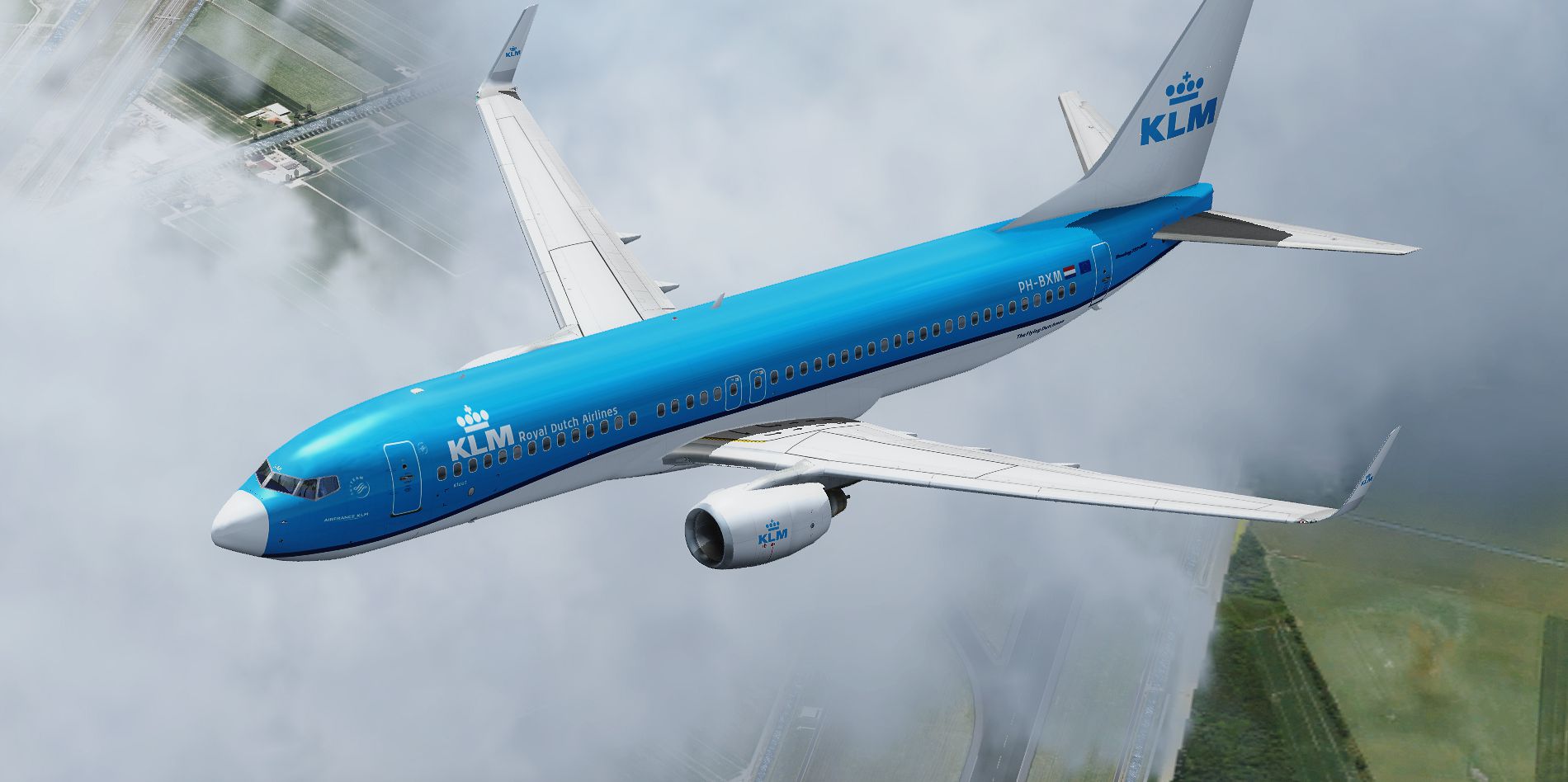

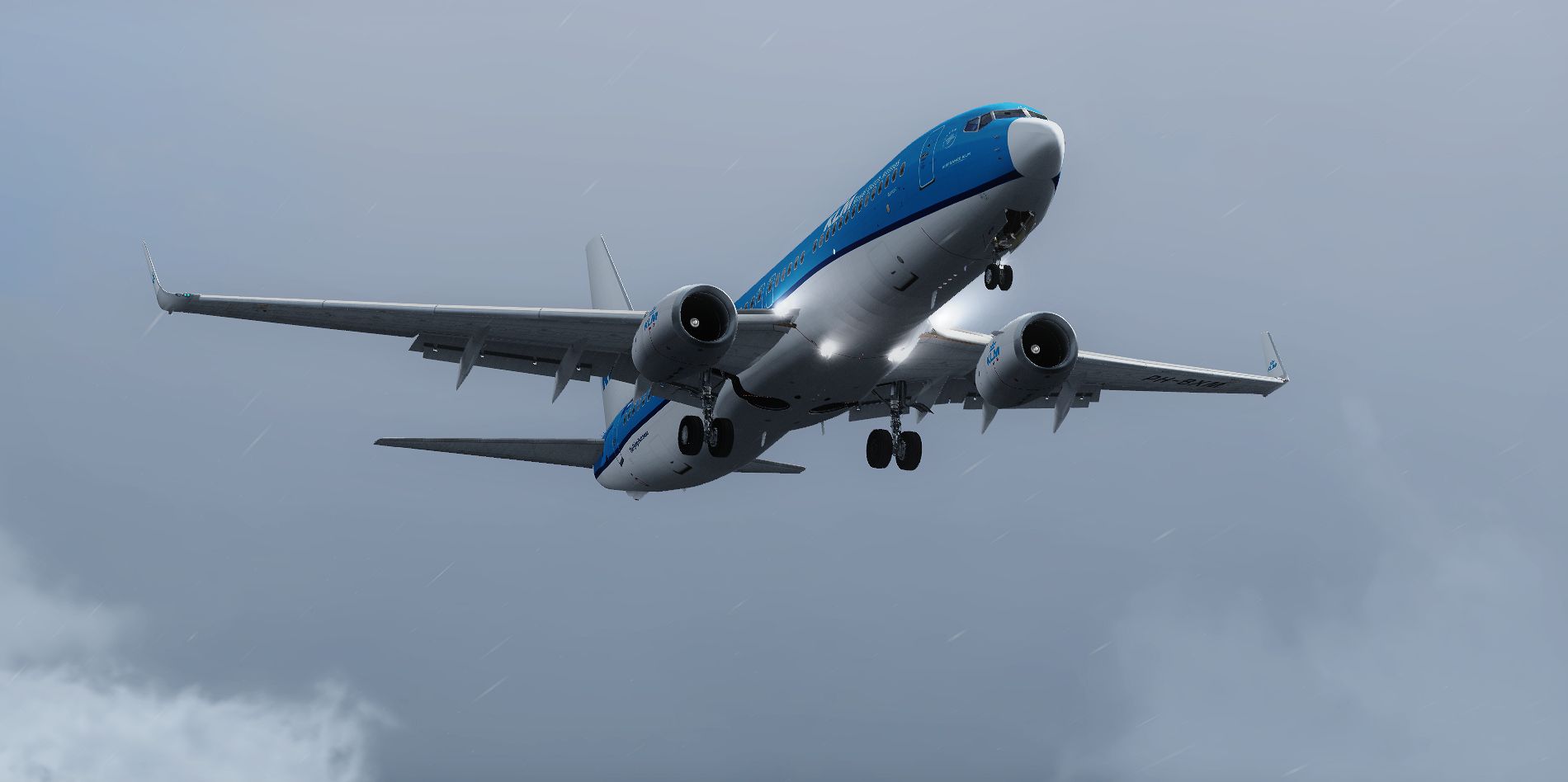

This highly detailed repaint showcases KLM Royal Dutch Airlines’ recently introduced color scheme for the Boeing 737-800 (registration: PH-BXM, aptly nicknamed “Kluut”). It was skillfully crafted by Elmar Westra and is intended for freeware use within Microsoft Flight Simulator X. The real-world carrier, KLM, operates its short- to medium-haul routes with multiple variants of the 737 family, and its fleet was scheduled to be fully repainted in this fresh design by the end of 2017. This add-on only includes texture files; to activate it in your simulator, you will need the separate Tenkuu Developers Studio B737-800 base pack.
KLM is known for its iconic branding, and this updated livery reflects the airline’s modern approach while paying homage to its heritage as the oldest airline operating under its original name. The real Boeing 737-800 with the tail number PH-BXM, sometimes referred to by its unique moniker “Kluut,” carries passengers on multiple European routes. In the simulator, this repaint replicates distinctive markings with precise attention to detail.
The package offers 32-bit textures that combine clarity with minimal performance impact. You will notice the dynamic shine along the fuselage, which simulates various lighting conditions realistically. Additionally, the doors—including the passenger and cargo entries—are fully animated to reflect real-world operations.
This repaint makes use of the underlying Tenkuu Developers Studio (TDS) features, adding flexing wings that respond to turbulence. The aircraft's gear steering and suspension operate independently for each wheel assembly, giving a true-to-life effect during takeoffs, landings, and taxi sequences.
Flight dynamics are carefully tuned to recreate the operational performance of a Boeing 737-800. Pilots will experience balanced control inputs, subtle trim animation, and overall maneuverability that matches the short- to medium-range scope of the real twin-engine airliner.
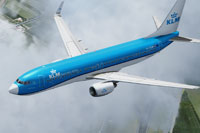
Screenshot of the KLM Royal Dutch Airlines Boeing 737-800 in flight.
[fltsim.XX]
title=TDS_16AUG2013_738_CFM56-7B--W2_+A0000_+D10_+B0 KLM New Livery 737-800 PH-BXM
sim=TDSBoeing737-800w
model=B--P1W2
panel=
sound=
texture=KLM_PH-BXM
kb_checklists=Boeing737-800_check
kb_reference=Boeing737-800_ref
atc_id=PH-BXM
atc_airline=KLM
atc_flight_number=2O15
atc_heavy=0
atc_parking_types=GATE, RAMP
atc_parking_code=KLM
ui_variation=KLM Royal Dutch Airlines "PH-BXM"
ui_manufacturer=Boeing
ui_type=737-800
ui_typerole=Commercial Airliner
ui_createdby=TDS
description=The Boeing 737NG is Boeing's 3rd generation and latest addition to their 737 lineup. The 737 is a short to medium range, single-isle airliner, which started production in 1996 and entered service in 1998. There are 4 basic variants to the 737NG, which can seat 110 and 210 passengers. It is also available as a cargo aircraft, a quick convertible aircraft, maritime patrol, military airborne radar, and a business jet. Over 4,500 737NG airframes have been sold and delivered around the world.

Textures by Elmar Westra.
This is exclusively a repaint package and does not come with the base model. For successful installation, you will need the Tenkuu Developers Studio B737-800 base pack (TDS_B737-800_BASE_PACKAGE.ZIP). Ensure you have it properly set up in your simulator environment before adding these textures. Painted by Elmar Westra and distributed as freeware.
Free for all simmers · 12.36 MB · Scanned clean Oct 2026
Download speed: Free tier is capped at 0.5 Mbps (this file takes approximately 3 mins at the cap). PRO members download at full line speed.
This file is a repaint — the package below is the base model it paints onto. Install it first, or the textures will have nothing to load onto.
texture.{airline}) inside FSX\SimObjects\Airplanes\{base-aircraft}\.aircraft.cfg in Notepad. Add a new [fltsim.X] section per the readme.readme.txt or README file. It tells you exactly where files go, what dependencies are needed, and any quirks specific to this add-on.The archive klm_ph-bxm_nc_tds737-800.zip has 66 files and directories contained within it.
This list displays the first 500 files in the package. If the package has more, you will need to download it to view them.
| Filename/Directory | File Date | File Size |
|---|---|---|
| 2015-5-1_16-34-29-1.png | 05.17.15 | 1.75 MB |
| 2015-5-1_16-34-29-3.png | 05.17.15 | 897.04 kB |
| 2015-5-1_16-34-29-4.png | 05.17.15 | 966.49 kB |
| Readme.txt | 05.24.15 | 2.76 kB |
| DECAL_TDS737_COCKPIT_BTMDECAL.bmp | 03.16.14 | 64.07 kB |
| DECAL_TDS737_COCKPIT_TOPDECAL.bmp | 05.17.15 | 64.07 kB |
| DECAL_TDS738_BOTTOM.bmp | 03.16.14 | 4.00 MB |
| TDS_WT250E2_L.BMP | 03.16.14 | 256.07 kB |
| TDS_WT250E2_T.BMP | 12.01.14 | 1.00 MB |
| TDS737_BBJANT.BMP | 03.16.14 | 256.07 kB |
| TDS737_CFM56-7_Fanblade.bmp | 03.16.14 | 1.00 MB |
| TDS737_ELEVL_L.BMP | 03.16.14 | 4.07 kB |
| TDS737_ELEVL_T.bmp | 03.16.14 | 1.00 MB |
| TDS737_ELEVR_L.BMP | 03.16.14 | 4.07 kB |
| TDS737_ELEVR_T.bmp | 03.16.14 | 1.00 MB |
| TDS737_ENGINE_L.BMP | 03.16.14 | 4.00 MB |
| TDS737_ENGINE_T.bmp | 12.01.14 | 4.00 MB |
| TDS737_GSU_L.bmp | 03.16.14 | 256.07 kB |
| TDS737_GSU_T.bmp | 12.01.14 | 4.00 MB |
| TDS737_GSU2_L.bmp | 03.16.14 | 256.07 kB |
| TDS737_GSU2_T.bmp | 12.01.14 | 4.00 MB |
| TDS737_GSU3_L.bmp | 03.16.14 | 256.07 kB |
| TDS737_GSU3_T.bmp | 12.01.14 | 4.00 MB |
| TDS737_GSU4_L.bmp | 03.16.14 | 256.07 kB |
| TDS737_GSU4_T.bmp | 12.01.14 | 4.00 MB |
| Tds737_inside_L.bmp | 03.16.14 | 4.00 MB |
| Tds737_inside_t.bmp | 03.16.14 | 4.00 MB |
| TDS737_PARTS_L.bmp | 03.16.14 | 256.07 kB |
| TDS737_PARTS_T.BMP | 03.16.14 | 4.00 MB |
| TDS737_PARTS2_L.bmp | 03.16.14 | 256.07 kB |
| TDS737_PARTS2_T.bmp | 03.16.14 | 4.00 MB |
| TDS737_PARTS3_L.bmp | 03.16.14 | 256.07 kB |
| TDS737_PARTS3_T.bmp | 03.16.14 | 4.00 MB |
| TDS737_PARTS4.bmp | 03.16.14 | 256.07 kB |
| Tds737_pylon_L.bmp | 03.16.14 | 256.07 kB |
| Tds737_pylon_t.bmp | 03.16.14 | 4.00 MB |
| Tds737_spring.bmp | 03.16.14 | 16.07 kB |
| TDS737_TIRE.BMP | 03.16.14 | 1.00 MB |
| Tds737_TRANSPARENT.bmp | 03.16.14 | 256.07 kB |
| TDS737_WINGL_L.BMP | 03.16.14 | 4.07 kB |
| TDS737_WINGL_T.bmp | 05.17.15 | 4.00 MB |
| TDS737_WINGLET3_L.bmp | 03.16.14 | 4.00 MB |
| TDS737_WINGLET3_T.bmp | 03.16.14 | 4.00 MB |
| TDS737_WINGR_L.BMP | 03.16.14 | 4.07 kB |
| TDS737_WINGR_T.bmp | 12.01.14 | 4.00 MB |
| Tds737_Wire.bmp | 03.16.14 | 16.07 kB |
| TDS737ngstair_l.bmp | 03.16.14 | 256.07 kB |
| TDS737ngstair_t.bmp | 03.16.14 | 1.00 MB |
| TDS737Option.bmp | 06.08.14 | 85.40 kB |
| TDS737Option2.bmp | 06.08.14 | 85.40 kB |
| TDS737SHAFT_L.BMP | 03.16.14 | 256.07 kB |
| TDS737SHAFT_T.BMP | 03.16.14 | 16.07 kB |
| TDS738_FUSEL_FRONT_L.BMP | 03.16.14 | 4.07 kB |
| TDS738_FUSEL_FRONT_T.bmp | 05.24.15 | 4.00 MB |
| TDS738_FUSEL_LIGHTSPLASH.bmp | 05.17.15 | 4.00 MB |
| TDS738_FUSEL_REAR_L.BMP | 03.16.14 | 4.00 MB |
| TDS738_FUSEL_REAR_T.bmp | 05.17.15 | 4.00 MB |
| TDS738_FUSER_FRONT_L.BMP | 03.16.14 | 4.07 kB |
| TDS738_FUSER_FRONT_T.bmp | 05.24.15 | 4.00 MB |
| TDS738_FUSER_LIGHTSPLASH.bmp | 05.17.15 | 4.00 MB |
| TDS738_FUSER_REAR_L.BMP | 03.16.14 | 4.00 MB |
| TDS738_FUSER_REAR_T.bmp | 05.17.15 | 4.00 MB |
| TDS738_SELFILLUMINATION.bmp | 03.16.14 | 4.00 MB |
| thumbnail.jpg | 05.17.15 | 30.35 kB |
| flyawaysimulation.txt | 10.29.13 | 959 B |
| Go to Fly Away Simulation.url | 01.22.16 | 52 B |
Only PRO members can place votes.
More FSX & P3D add-ons hand-picked based on this download.
FSX Civil Aircraft
KLM Royal Dutch Airlines, the national carrier of the Netherlands, operates a…
 FSX Civil Aircraft
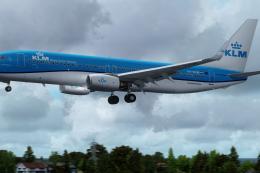
KLM Royal Dutch Airlines introduces its updated Boeing 737-800 (registration …
 FSX Civil Aircraft
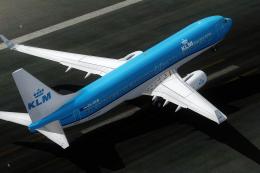
Experience the fresh KLM Royal Dutch Airlines livery on a Boeing 737-800, com…
 FSX Civil Aircraft
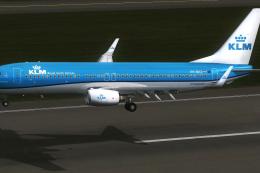
KLM Royal Dutch Airlines has a long tradition of updating its fleet’s appeara…
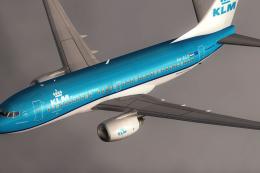 FSX Civil Aircraft
KLM Royal Dutch Airlines Boeing 737-700, registration PH-BGO, nickname "Parad…
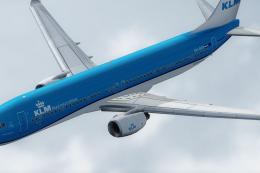 FSX Civil Aircraft
Experience KLM Royal Dutch Airlines’ updated color scheme on a Boeing 737-900…
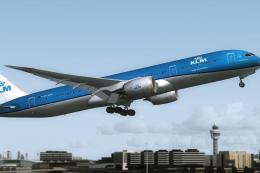 FSX Civil Aircraft
This is the official concept livery of the B787-9 of KLM that will be deliver…
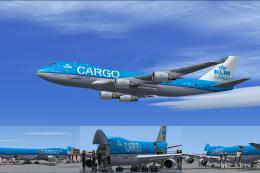 FSX Civil Aircraft
Experience the characteristic cargo operations of KLM Cargo (Royal Dutch Airl…
Read what other simmers think, or add your own.
