

 FSX Civil Aircraft
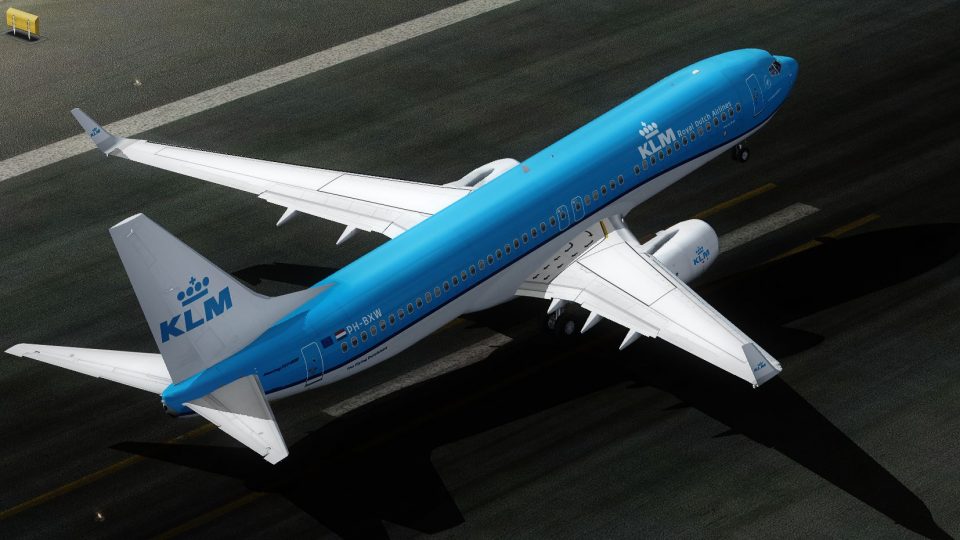
KLM Royal Dutch Airlines Boeing 737-800 PH-BXW v2
KLM Royal Dutch Airlines introduces its updated Boeing 737-800 (registration …
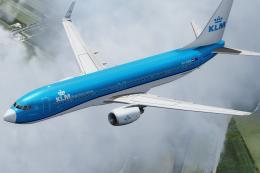
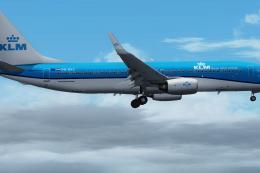
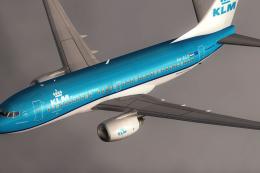
KLM Royal Dutch Airlines Boeing 737-800 PH-BXW “Partridge” brings the refreshed house livery to the Tenkuu Developers Studio model in Microsoft Flight Simulator X, with crisp 32-bit textures, reflective finish, wing flex, and animated doors and control surfaces. It also preserves accurate handling for realistic short-haul operations and requires the TDS 737-800 base package.
 Rate
Rate
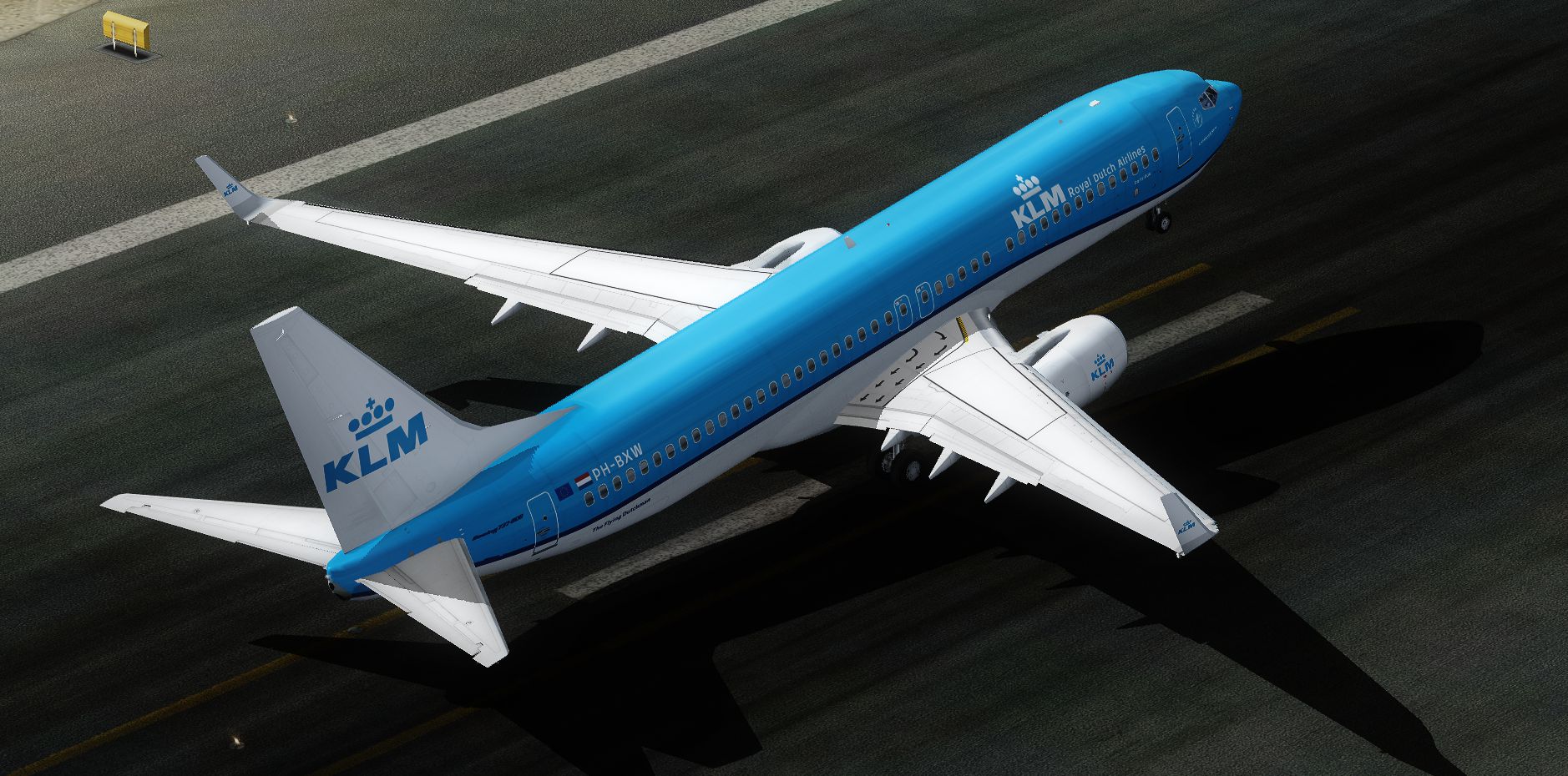
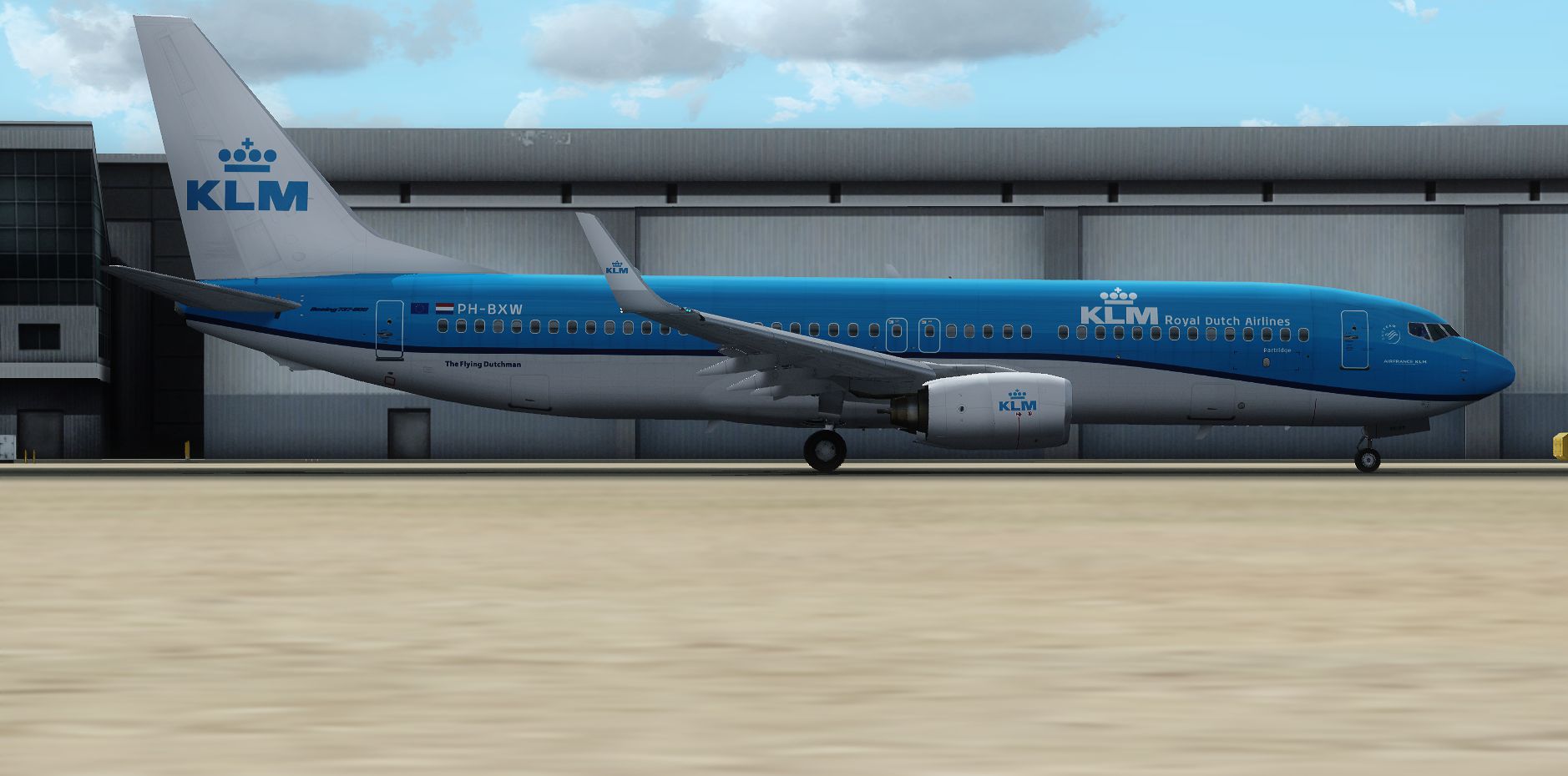
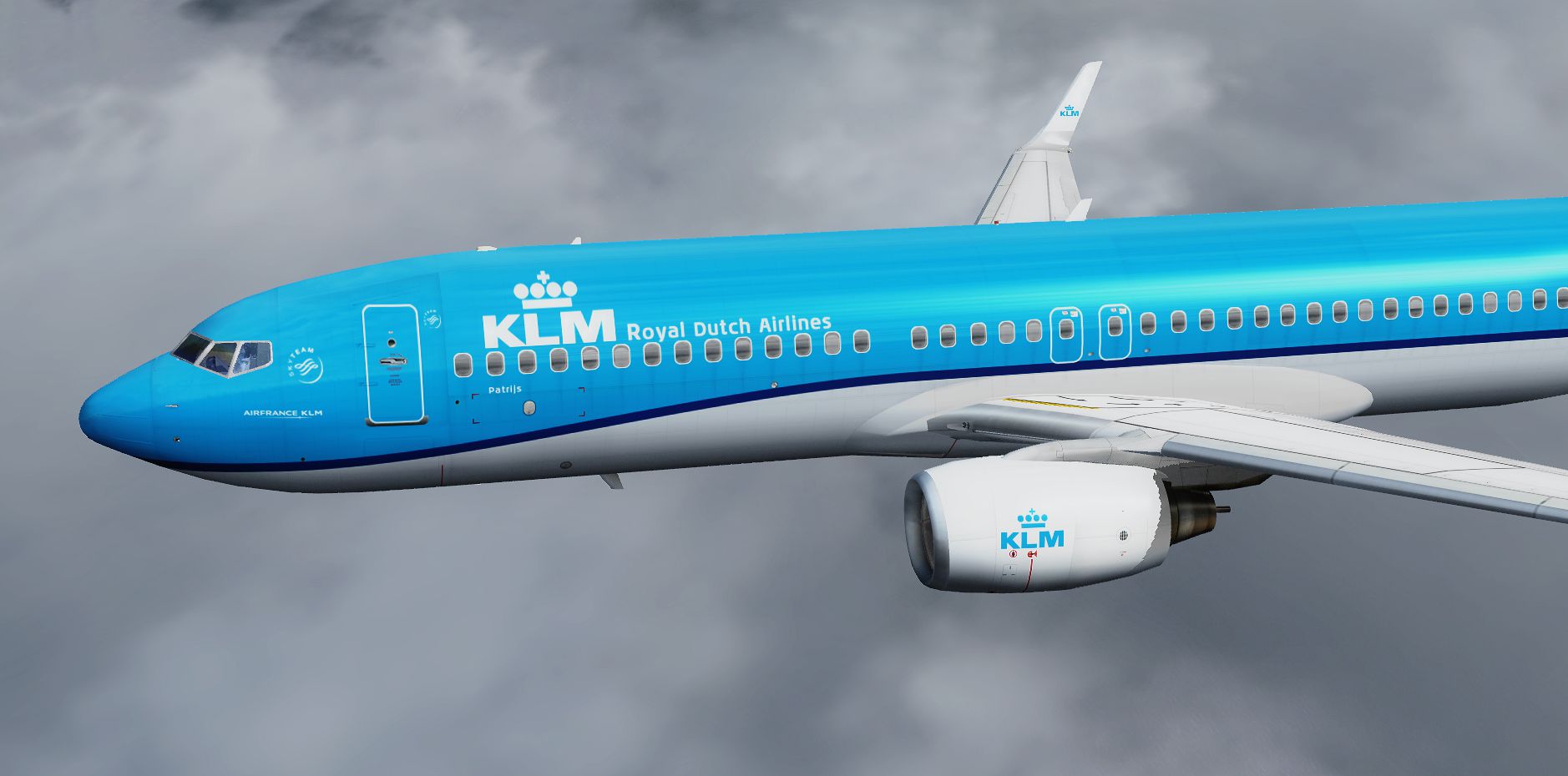
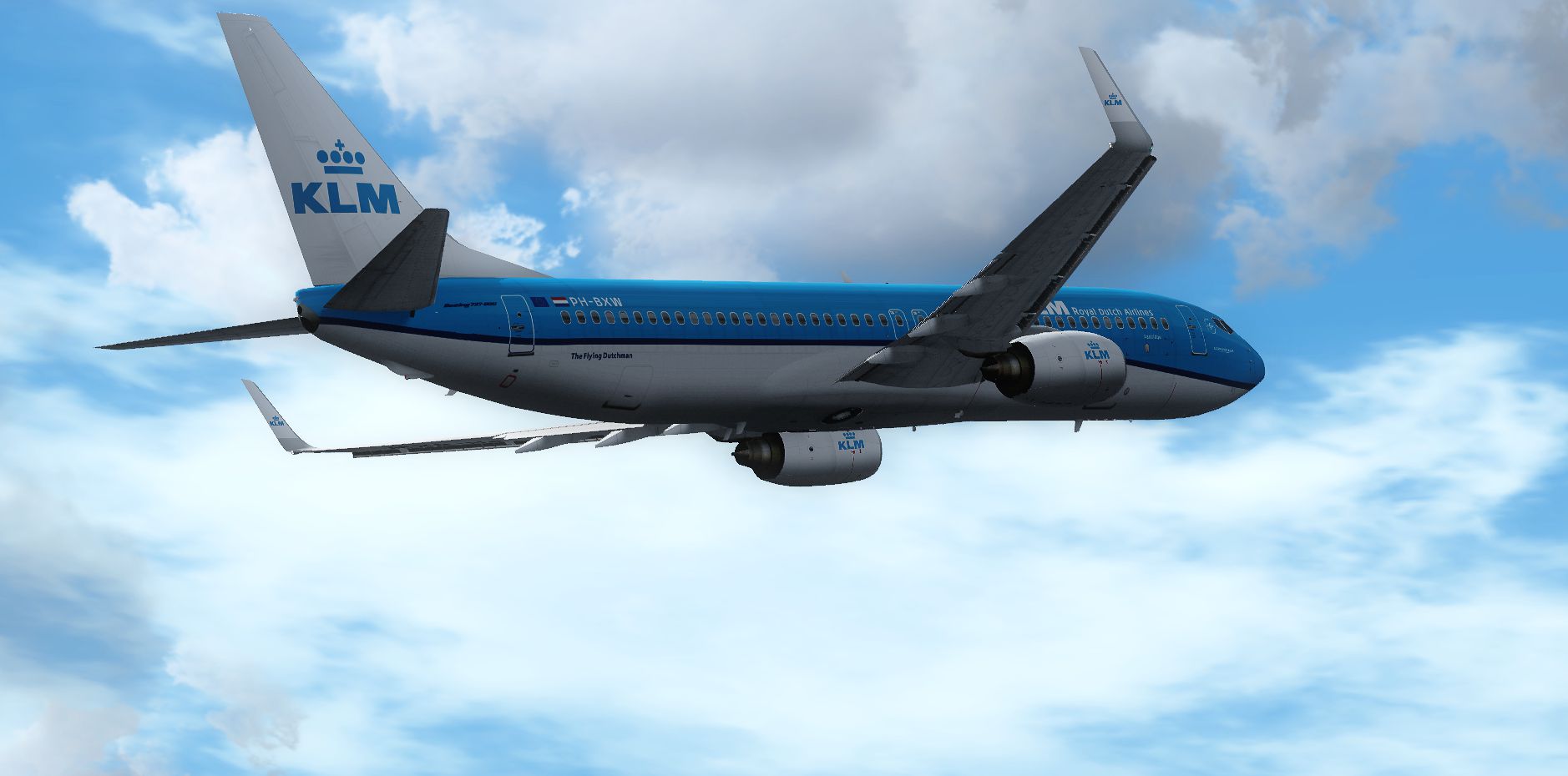
Experience the fresh KLM Royal Dutch Airlines livery on a Boeing 737-800, complete with registration PH-BXW and the enduring nickname "Partridge." This freeware repaint showcases advanced technical features, including dynamic flexing wings, reflective shine, accurate flight characteristics, and operational cargo doors. Created by Elmar Westra for the Tenkuu Developers Studio (TDS) 737-800 model, it requires the separate TDS base package found in the Fly Away Simulation library.
KLM Royal Dutch Airlines operates an extensive fleet of short to medium-haul aircraft connecting global hubs and regional airports. The Boeing 737-800 (sometimes referred to as part of the 737NG [Next Generation] series) has been a reliable option for KLM, offering optimized aerodynamics and modern avionics. This latest livery will eventually appear across KLM’s entire 737 fleet, ensuring a cohesive visual identity. The special designation “PH-BXW” refers to its registration, and “Partridge” is the moniker assigned within their extensive roster.
Flying this repaint in Microsoft Flight Simulator X (or simulators compatible with the TDS configuration) highlights several features:
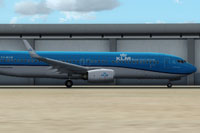
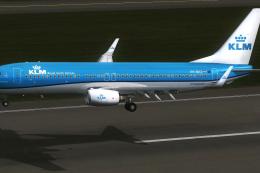
Side profile of the Boeing 737-800 parked on the tarmac with its recognizable KLM livery.
Texture.KLM_PH-BXW folder into your TDS Boeing 737-800 directory.Aircraft.cfg and insert the entry specified below, ensuring you replace “XX” with the correct sequence number.[fltsim.XX]
title=KLM New 2014 Livery 737-800 PH-BXW
sim=TDSBoeing737-800w
model=B--W2
panel=
sound=
texture=KLM_PH-BXW
kb_checklists=Boeing737-800_check
kb_reference=Boeing737-800_ref
atc_id=PH-BXW
atc_airline=KLM
atc_flight_number=1707
atc_heavy=0
atc_parking_types=GATE, RAMP
atc_parking_code=KLM
ui_variation=KLM Royal Dutch Airlines "PH-BXW" (NC)
ui_manufacturer=Boeing
ui_type=737-800
ui_typerole=Commercial Airliner
ui_createdby=TDS
description=The Boeing 737NG is the third generation in this renowned series, built for short to medium routes. Production began in 1996, with deliveries commencing in 1998. Multiple versions of the 737NG support passenger, cargo, maritime, and business operations. Over 4,500 airframes have been delivered worldwide, indicating its international success. Textures by Elmar Westra.
Free for all simmers · 16.23 MB · Scanned clean Oct 2026
Download speed: Free tier is capped at 0.5 Mbps (this file takes approximately 5 mins at the cap). PRO members download at full line speed.
This file is a repaint — the package below is the base model it paints onto. Install it first, or the textures will have nothing to load onto.
texture.{airline}) inside FSX\SimObjects\Airplanes\{base-aircraft}\.aircraft.cfg in Notepad. Add a new [fltsim.X] section per the readme.readme.txt or README file. It tells you exactly where files go, what dependencies are needed, and any quirks specific to this add-on.The archive klm_ph-bxw_nc_2014_tds737-800.zip has 67 files and directories contained within it.
This list displays the first 500 files in the package. If the package has more, you will need to download it to view them.
| Filename/Directory | File Date | File Size |
|---|---|---|
| DECAL_TDS737_COCKPIT_BTMDECAL.bmp | 03.16.14 | 64.07 kB |
| DECAL_TDS737_COCKPIT_TOPDECAL.bmp | 03.16.14 | 64.07 kB |
| DECAL_TDS738_BOTTOM.bmp | 03.16.14 | 4.00 MB |
| TDS_WT250E2_L.BMP | 03.16.14 | 256.07 kB |
| TDS_WT250E2_T.BMP | 12.01.14 | 1.00 MB |
| TDS737_BBJANT.BMP | 03.16.14 | 256.07 kB |
| TDS737_CFM56-7_Fanblade.bmp | 03.16.14 | 1.00 MB |
| TDS737_ELEVL_L.BMP | 03.16.14 | 4.07 kB |
| TDS737_ELEVL_T.bmp | 03.16.14 | 1.00 MB |
| TDS737_ELEVR_L.BMP | 03.16.14 | 4.07 kB |
| TDS737_ELEVR_T.bmp | 03.16.14 | 1.00 MB |
| TDS737_ENGINE_L.BMP | 03.16.14 | 4.00 MB |
| TDS737_ENGINE_T.bmp | 12.01.14 | 4.00 MB |
| TDS737_GSU_L.bmp | 03.16.14 | 256.07 kB |
| TDS737_GSU_T.bmp | 12.01.14 | 4.00 MB |
| TDS737_GSU2_L.bmp | 03.16.14 | 256.07 kB |
| TDS737_GSU2_T.bmp | 12.01.14 | 4.00 MB |
| TDS737_GSU3_L.bmp | 03.16.14 | 256.07 kB |
| TDS737_GSU3_T.bmp | 12.01.14 | 4.00 MB |
| TDS737_GSU4_L.bmp | 03.16.14 | 256.07 kB |
| TDS737_GSU4_T.bmp | 12.01.14 | 4.00 MB |
| Tds737_inside_L.bmp | 03.16.14 | 4.00 MB |
| Tds737_inside_t.bmp | 03.16.14 | 4.00 MB |
| TDS737_PARTS_L.bmp | 03.16.14 | 256.07 kB |
| TDS737_PARTS_T.BMP | 03.16.14 | 4.00 MB |
| TDS737_PARTS2_L.bmp | 03.16.14 | 256.07 kB |
| TDS737_PARTS2_T.bmp | 03.16.14 | 4.00 MB |
| TDS737_PARTS3_L.bmp | 03.16.14 | 256.07 kB |
| TDS737_PARTS3_T.bmp | 03.16.14 | 4.00 MB |
| TDS737_PARTS4.bmp | 03.16.14 | 256.07 kB |
| Tds737_pylon_L.bmp | 03.16.14 | 256.07 kB |
| Tds737_pylon_t.bmp | 03.16.14 | 4.00 MB |
| Tds737_spring.bmp | 03.16.14 | 16.07 kB |
| TDS737_TIRE.BMP | 03.16.14 | 1.00 MB |
| Tds737_TRANSPARENT.bmp | 03.16.14 | 256.07 kB |
| TDS737_WINGL_L.BMP | 03.16.14 | 4.07 kB |
| TDS737_WINGL_T.bmp | 01.08.15 | 4.00 MB |
| TDS737_WINGLET3_L.bmp | 03.16.14 | 4.00 MB |
| TDS737_WINGLET3_T.bmp | 12.07.14 | 4.00 MB |
| TDS737_WINGR_L.BMP | 03.16.14 | 4.07 kB |
| TDS737_WINGR_T.bmp | 12.01.14 | 4.00 MB |
| Tds737_Wire.bmp | 03.16.14 | 16.07 kB |
| TDS737ngstair_l.bmp | 03.16.14 | 256.07 kB |
| TDS737ngstair_t.bmp | 03.16.14 | 1.00 MB |
| TDS737Option.bmp | 06.08.14 | 85.40 kB |
| TDS737Option2.bmp | 06.08.14 | 85.40 kB |
| TDS737SHAFT_L.BMP | 03.16.14 | 256.07 kB |
| TDS737SHAFT_T.BMP | 03.16.14 | 16.07 kB |
| TDS738_FUSEL_FRONT_L.BMP | 03.16.14 | 4.07 kB |
| TDS738_FUSEL_FRONT_T.bmp | 01.08.15 | 4.00 MB |
| TDS738_FUSEL_LIGHTSPLASH.bmp | 01.08.15 | 4.00 MB |
| TDS738_FUSEL_REAR_L.BMP | 03.16.14 | 4.00 MB |
| TDS738_FUSEL_REAR_T.bmp | 01.08.15 | 4.00 MB |
| TDS738_FUSER_FRONT_L.BMP | 03.16.14 | 4.07 kB |
| TDS738_FUSER_FRONT_T.bmp | 01.08.15 | 4.00 MB |
| TDS738_FUSER_LIGHTSPLASH.bmp | 01.08.15 | 4.00 MB |
| TDS738_FUSER_REAR_L.BMP | 03.16.14 | 4.00 MB |
| TDS738_FUSER_REAR_T.bmp | 01.08.15 | 4.00 MB |
| TDS738_SELFILLUMINATION.bmp | 03.16.14 | 4.00 MB |
| thumbnail.jpg | 01.08.15 | 43.16 kB |
| 2014-12-2_21-17-28-905.png | 01.08.15 | 1.47 MB |
| 2014-12-2_21-17-28-906.png | 01.08.15 | 3.09 MB |
| 2014-12-2_21-17-28-907.png | 01.08.15 | 1.36 MB |
| 2014-12-2_21-17-28-908.png | 01.08.15 | 1.49 MB |
| Readme.txt | 01.08.15 | 2.57 kB |
| flyawaysimulation.txt | 10.29.13 | 959 B |
| Go to Fly Away Simulation.url | 01.22.16 | 52 B |
Only PRO members can place votes.
More FSX & P3D add-ons hand-picked based on this download.
FSX Civil Aircraft
KLM Royal Dutch Airlines introduces its updated Boeing 737-800 (registration …
 FSX Civil Aircraft
This highly detailed repaint showcases KLM Royal Dutch Airlines’ recently int…
 FSX Civil Aircraft
KLM Royal Dutch Airlines, the national carrier of the Netherlands, operates a…
 FSX Civil Aircraft
KLM Royal Dutch Airlines has a long tradition of updating its fleet’s appeara…
 FSX Civil Aircraft
KLM Royal Dutch Airlines Boeing 737-700, registration PH-BGO, nickname "Parad…
 FSX Civil Aircraft
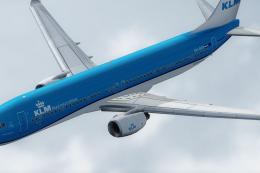
Experience KLM Royal Dutch Airlines’ updated color scheme on a Boeing 737-900…
 FSX Civil Aircraft
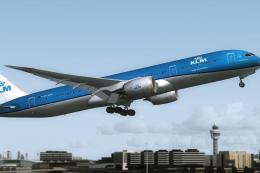
This is the official concept livery of the B787-9 of KLM that will be deliver…
 FSX Civil Aircraft
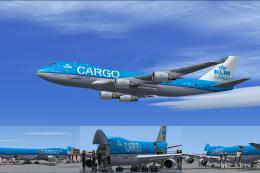
Experience the characteristic cargo operations of KLM Cargo (Royal Dutch Airl…
Be the first to leave a comment on this download.
Be the first to share your thoughts on this download.