

 FSX Civil Aircraft
Singapore Airlines Airbus A350-900 XWB V2
Singapore Airlines Airbus A350-900 XWB v2. Versions 2 is an all new version o…
United Airlines’ Airbus A350-900 XWB v2 brings a sleek long-haul wide-body to FSX with refined nose and cockpit window geometry, updated wings and winglets, and smooth custom animations. An Animated Ground Servicing system adds realistic door and cargo operations for more convincing turnaround sequences at the gate.
 Rate
Rate
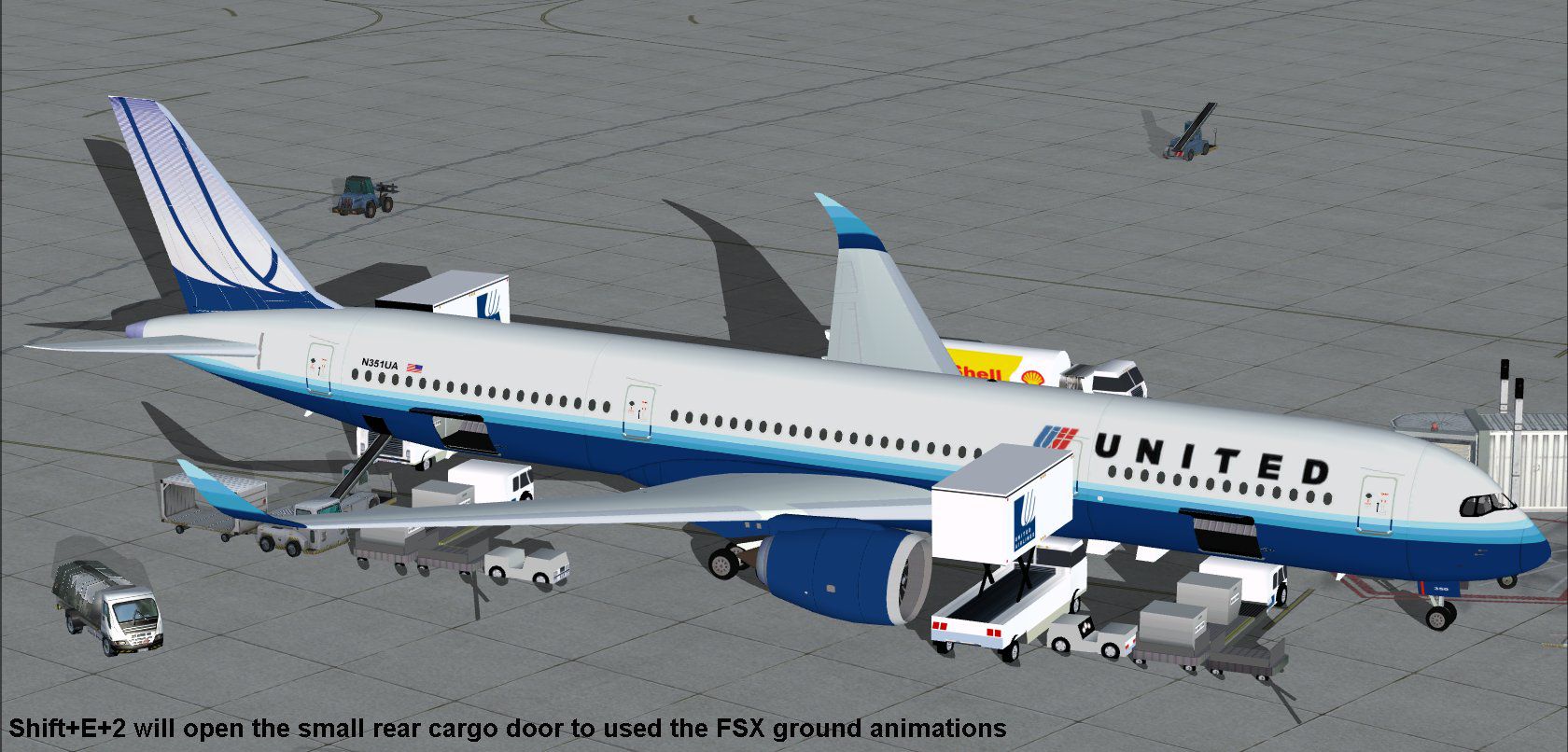

The United Airlines Airbus A350-900 XWB v2 add-on offers an advanced wide-body simulation package that highlights new structural refinements, improved cockpit windows, and modernized wing components. Created by Camil Valiquette of CamSim Aviation Simulation, this freeware release incorporates enhancements inspired by the real-world airliner’s aerodynamic design and efficient long-haul capabilities. Moreover, it includes an updated Animated Ground Servicing system for added realism during pre-flight and post-flight operations.
This package accurately conveys the sleek outline of Airbus’s A350-900, an ultra-modern twin-engine aircraft recognized for its composite materials and fuel efficiency. Notice the revised nose section that harmonizes with the redesigned cockpit windows, ensuring familiar exterior contours similar to those introduced at the Paris Air Show. New winglets round out the visual updates, further enhancing overall aerodynamic behavior in the simulated environment.
United Airlines Airbus A350-900 XWB.
Developed with the recognizable United Airlines decor, this aircraft combines efficient wing design, powerful high-bypass engines, and a comfortable layout. It is further refined by Camil Valiquette’s custom animations, delivering an immersive flight experience that sim enthusiasts can appreciate.
The built-in Animated Ground Servicing (AGS) system enables multiple door and cargo bay operations:
Before using these features, verify that you have configured the following commands under FSX’s Options:
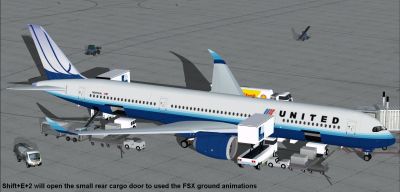
United Airlines Airbus A350-900 XWB at boarding gate.
This release captures the essence of Airbus’s long-range family while spotlighting United Airlines’ global reach in the virtual skies. Model design and paint by Camil Valiquette ensure meticulous detail, and the combination of accurate aerodynamic modeling with realistic ground services will elevate any FSX session.
Free for all simmers · 2.42 MB · Scanned clean Oct 2026
Download speed: Free tier is capped at 0.5 Mbps. PRO members download at full line speed.
This add-on may require the following files to function properly. If this is a repaint, the dependency below is likely the base aircraft package.
FSX\SimObjects\Airplanes\. The folder must contain an aircraft.cfg file. Effects go into FSX\Effects\; gauges go into FSX\Gauges\.readme.txt or README file. It tells you exactly where files go, what dependencies are needed, and any quirks specific to this add-on.The archive 359v2uax.zip has 31 files and directories contained within it.
This list displays the first 500 files in the package. If the package has more, you will need to download it to view them.
| Filename/Directory | File Date | File Size |
|---|---|---|
| CamSim Airbus 350-900 V2 United Airlines | 01.05.10 | 0 B |
| 359.air | 02.09.07 | 12.75 kB |
| 359v2ua ags x.jpg | 01.05.10 | 219.83 kB |
| 359v2_ua.jpg | 01.05.10 | 67.34 kB |
| aircraft.cfg | 01.05.10 | 15.38 kB |
| Effects.zip | 03.25.06 | 1.80 kB |
| file_id.diz | 01.05.10 | 333 B |
| model.359 ags | 01.05.10 | 0 B |
| 359 ags.mdl | 11.23.09 | 2.53 MB |
| Model.cfg | 03.27.07 | 26 B |
| PANEL | 01.05.10 | 0 B |
| panel.cfg | 05.27.09 | 33 B |
| Read Me_FSX.txt | 01.05.10 | 2.07 kB |
| SOUND | 01.05.10 | 0 B |
| Sound.cfg | 05.27.09 | 30 B |
| texture.ua | 01.05.10 | 0 B |
| 359fuse_t.bmp | 12.31.09 | 1.00 MB |
| 35eng_t.bmp | 12.30.09 | 1.00 MB |
| 35int_L.bmp | 01.05.10 | 4.00 MB |
| 35int_t.bmp | 01.05.10 | 1.00 MB |
| 35tail_t.bmp | 12.30.09 | 1.00 MB |
| 35wings_t.bmp | 12.31.09 | 1.00 MB |
| 787ext_L.bmp | 01.05.10 | 4.00 MB |
| 787ext_t.bmp | 01.05.10 | 1.00 MB |
| 787int_t.bmp | 05.13.08 | 1.00 MB |
| gris_t.bmp | 03.17.06 | 16.07 kB |
| pilot1.bmp | 12.06.06 | 256.07 kB |
| thumbnail.jpg | 01.05.10 | 3.66 kB |
| w_t.bmp | 12.06.08 | 16.07 kB |
| flyawaysimulation.txt | 10.29.13 | 959 B |
| Go to Fly Away Simulation.url | 01.22.16 | 52 B |
Only PRO members can place votes.
More FSX & P3D add-ons hand-picked based on this download.
FSX Civil Aircraft
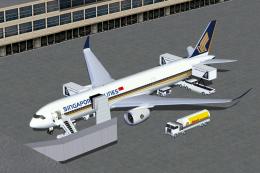
Singapore Airlines Airbus A350-900 XWB v2. Versions 2 is an all new version o…
 FSX Civil Aircraft
FSX Singapore Airlines Airbus A350-900 XWB (Extra Wide Body) with Animated Gr…
 FSX Civil Aircraft
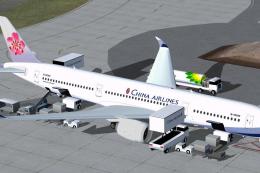
Explore a modern representation of the Airbus A350-900 XWB adorned in China A…
 FSX Civil Aircraft
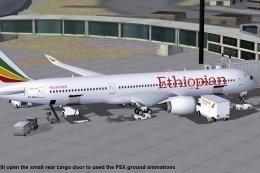
This compact freeware package showcases an updated twin-engine widebody that …
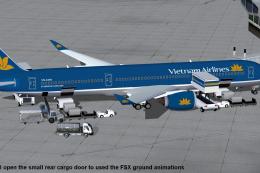 FSX Civil Aircraft
This comprehensive freeware package features Vietnam Airlines' Airbus A350-90…
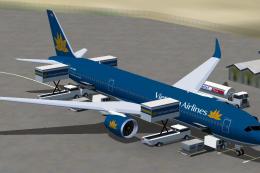 FSX Civil Aircraft
FSX Vietnam Airlines Airbus A350-900 XWB, with Animated Ground Servicing (AGS…
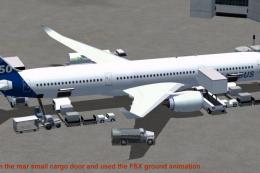 FSX Civil Aircraft
This package features the refined House Colors Airbus A350-900 XWB in Version…
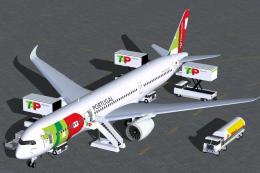 FSX Civil Aircraft
TAP Portugal Airbus A350-900 XWBv2. Versions 2 is an all new version of theA3…
Be the first to leave a comment on this download.
Be the first to share your thoughts on this download.