

 FSX Civil Aircraft
Singapore Airlines Airbus A350-900 XWB V2
Singapore Airlines Airbus A350-900 XWB v2. Versions 2 is an all new version o…
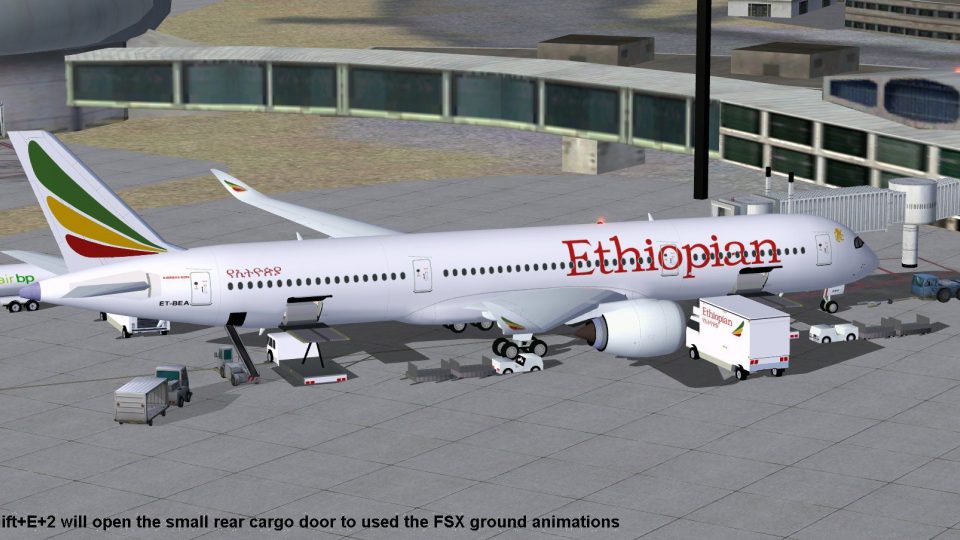
Ethiopian Airlines’ Airbus A350-900 XWB brings a modern twin‑engine widebody to FSX with refined geometry, updated nose and winglets, and a cleanly modeled virtual cockpit glazing. Animated Ground Servicing supports realistic turnaround flows with interactive doors, cargo holds, and ground vehicles, delivering an immersive long‑haul airliner experience.
 Rate
Rate

This compact freeware package showcases an updated twin-engine widebody that retains all the elegance one would expect from a modern airliner. It also integrates advanced ground handling procedures, making it a comprehensive Airbus experience for enthusiasts. Developed by Camil Valiquette, this release incorporates several meticulous refinements suited to FSX, ensuring a distinctive immersion.
The Airbus A350-900, originally unveiled at the Paris Air Show 2009, presents improved aerodynamic shapes, newly contoured cockpit glass, and upgraded wing elements. This particular version includes a refined nose shape and redesigned winglets, echoing the continuous innovations found in real-world counterparts. The attention to detail is evident in the flight deck windows and overall geometry, all brought to life through elegant modeling by Camil Valiquette.

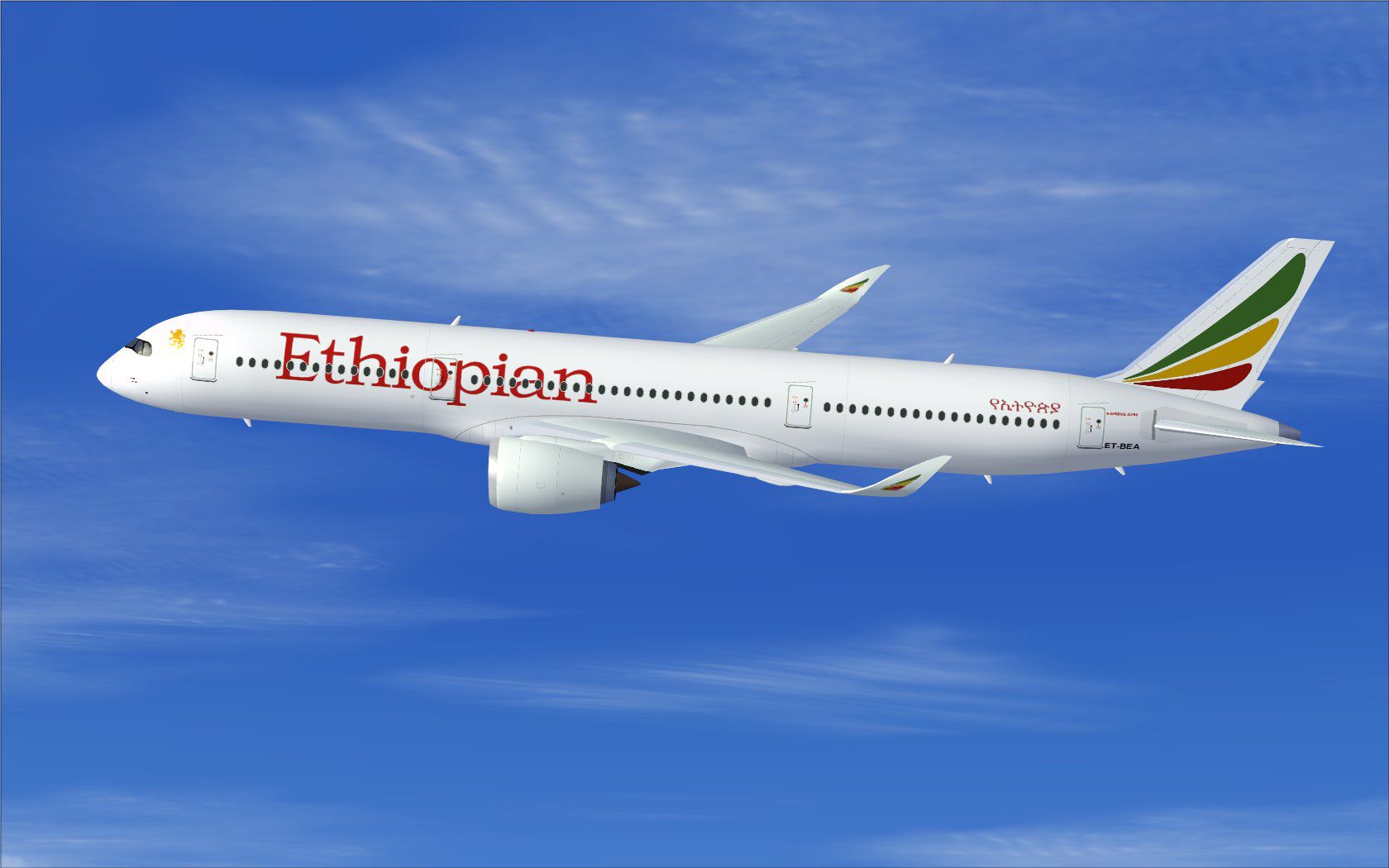
Ethiopian Airlines Airbus A350-900 XWB in flight.
Ethiopian Airlines, known for its extensive African and intercontinental routes, was among the early adopters of the A350 family. In this freeware adaptation, the airline’s characteristic livery is faithfully replicated. The model retains precise component alignment for wings, fuselage, and stabilizers. It also features a fully integrated Animated Ground Servicing (AGS) system that reflects real-world turnaround procedures. The final result is an even more true-to-life representation of the aircraft as seen in active service.
The aircraft includes a full suite of interactive animations. To enjoy them, map specific commands in FSX Options as follows:
Additionally, confirm the following keyboard assignments for seamless operations:
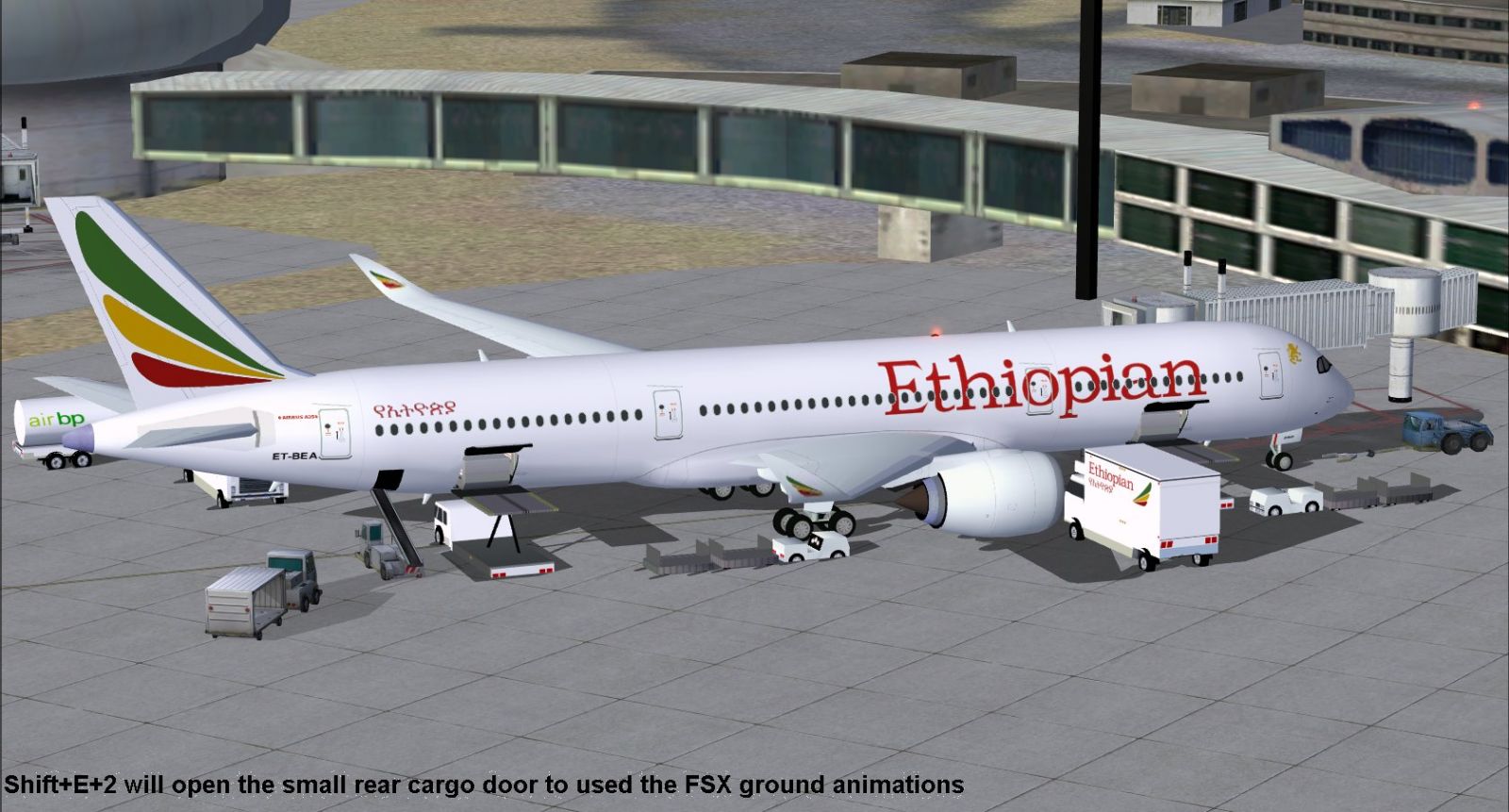
Ethiopian Airlines Airbus A350-900 XWB.
This freeware A350 update is completely packaged for Fly Away Simulation with full permissions. The base model design, texturing, and all associated refinements are the work of Camil Valiquette. Enthusiasts seeking a modern airliner addition to FSX will appreciate the level of detail integrated into this release, including the enhanced nose shape and ground service features.
Free for all simmers · 2.36 MB · Scanned clean Oct 2026
Download speed: Free tier is capped at 0.5 Mbps. PRO members download at full line speed.
This add-on may require the following files to function properly. If this is a repaint, the dependency below is likely the base aircraft package.
FSX\SimObjects\Airplanes\. The folder must contain an aircraft.cfg file. Effects go into FSX\Effects\; gauges go into FSX\Gauges\.readme.txt or README file. It tells you exactly where files go, what dependencies are needed, and any quirks specific to this add-on.The archive 359et2_x.zip has 31 files and directories contained within it.
This list displays the first 500 files in the package. If the package has more, you will need to download it to view them.
| Filename/Directory | File Date | File Size |
|---|---|---|
| CamSim Airbus 350-900 V2 Ethiopian Airlines | 11.30.09 | 0 B |
| 358v2et_.jpg | 11.30.09 | 107.94 kB |
| 358v2et_ags_FSX.jpg | 11.30.09 | 258.49 kB |
| 359.air | 02.09.07 | 12.75 kB |
| aircraft.cfg | 11.30.09 | 15.37 kB |
| Effects.zip | 03.25.06 | 1.80 kB |
| file_id.diz | 11.30.09 | 336 B |
| model.359 ags | 11.30.09 | 0 B |
| 359 ags.mdl | 11.23.09 | 2.53 MB |
| Model.cfg | 03.27.07 | 26 B |
| PANEL | 11.30.09 | 0 B |
| panel.cfg | 05.27.09 | 33 B |
| Read Me_FSX.txt | 11.30.09 | 2.07 kB |
| SOUND | 11.30.09 | 0 B |
| Sound.cfg | 05.27.09 | 30 B |
| texture.et | 11.30.09 | 0 B |
| 359fuse_t.bmp | 11.25.09 | 1.00 MB |
| 35eng_t.bmp | 04.18.08 | 1.00 MB |
| 35int_l.bmp | 11.30.09 | 4.00 MB |
| 35int_t.bmp | 11.30.09 | 1.00 MB |
| 35tail_t.bmp | 11.25.09 | 1.00 MB |
| 35wings_t.bmp | 11.25.09 | 1.00 MB |
| 787ext_L.bmp | 11.30.09 | 4.00 MB |
| 787ext_t.bmp | 11.30.09 | 1.00 MB |
| gris_t.bmp | 03.17.06 | 16.07 kB |
| pilot1.bmp | 09.10.09 | 257.05 kB |
| pilot1_l.bmp | 12.06.06 | 1.00 MB |
| thumbnail.jpg | 11.30.09 | 6.22 kB |
| w_t.bmp | 12.06.08 | 16.07 kB |
| flyawaysimulation.txt | 10.29.13 | 959 B |
| Go to Fly Away Simulation.url | 01.22.16 | 52 B |
Only PRO members can place votes.
More FSX & P3D add-ons hand-picked based on this download.
FSX Civil Aircraft
Singapore Airlines Airbus A350-900 XWB v2. Versions 2 is an all new version o…
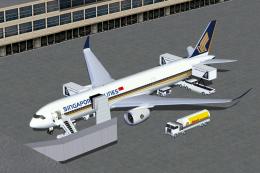 FSX Civil Aircraft
FSX Singapore Airlines Airbus A350-900 XWB (Extra Wide Body) with Animated Gr…
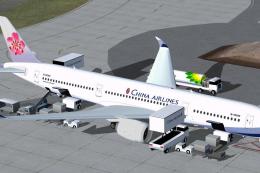 FSX Civil Aircraft
Explore a modern representation of the Airbus A350-900 XWB adorned in China A…
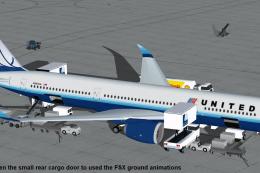 FSX Civil Aircraft
The United Airlines Airbus A350-900 XWB v2 add-on offers an advanced wide-bod…
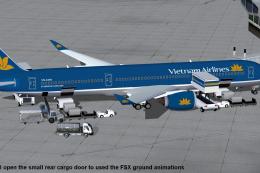 FSX Civil Aircraft
This comprehensive freeware package features Vietnam Airlines' Airbus A350-90…
 FSX Civil Aircraft
FSX Vietnam Airlines Airbus A350-900 XWB, with Animated Ground Servicing (AGS…
 FSX Civil Aircraft
This package features the refined House Colors Airbus A350-900 XWB in Version…
 FSX Civil Aircraft
TAP Portugal Airbus A350-900 XWBv2. Versions 2 is an all new version of theA3…
Be the first to leave a comment on this download.
Be the first to share your thoughts on this download.