

 FSX Civil Aircraft
Singapore Airlines Airbus A350-900 XWB V2
Singapore Airlines Airbus A350-900 XWB v2. Versions 2 is an all new version o…
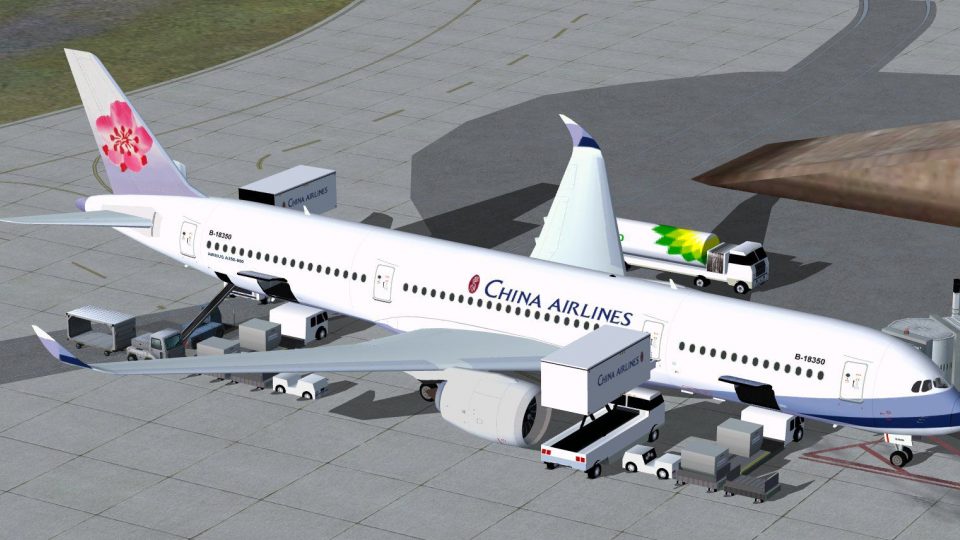
China Airlines Airbus A350-900 XWB for Microsoft Flight Simulator X delivers a refined widebody model with improved nose and windscreen shaping, a modernized virtual cockpit viewpoint, and authentic airline textures inspired by the Paris Air Show prototype. Animated Ground Servicing adds interactive door, cargo, and boarding sequences for more lifelike ramp operations.
 Rate
Rate
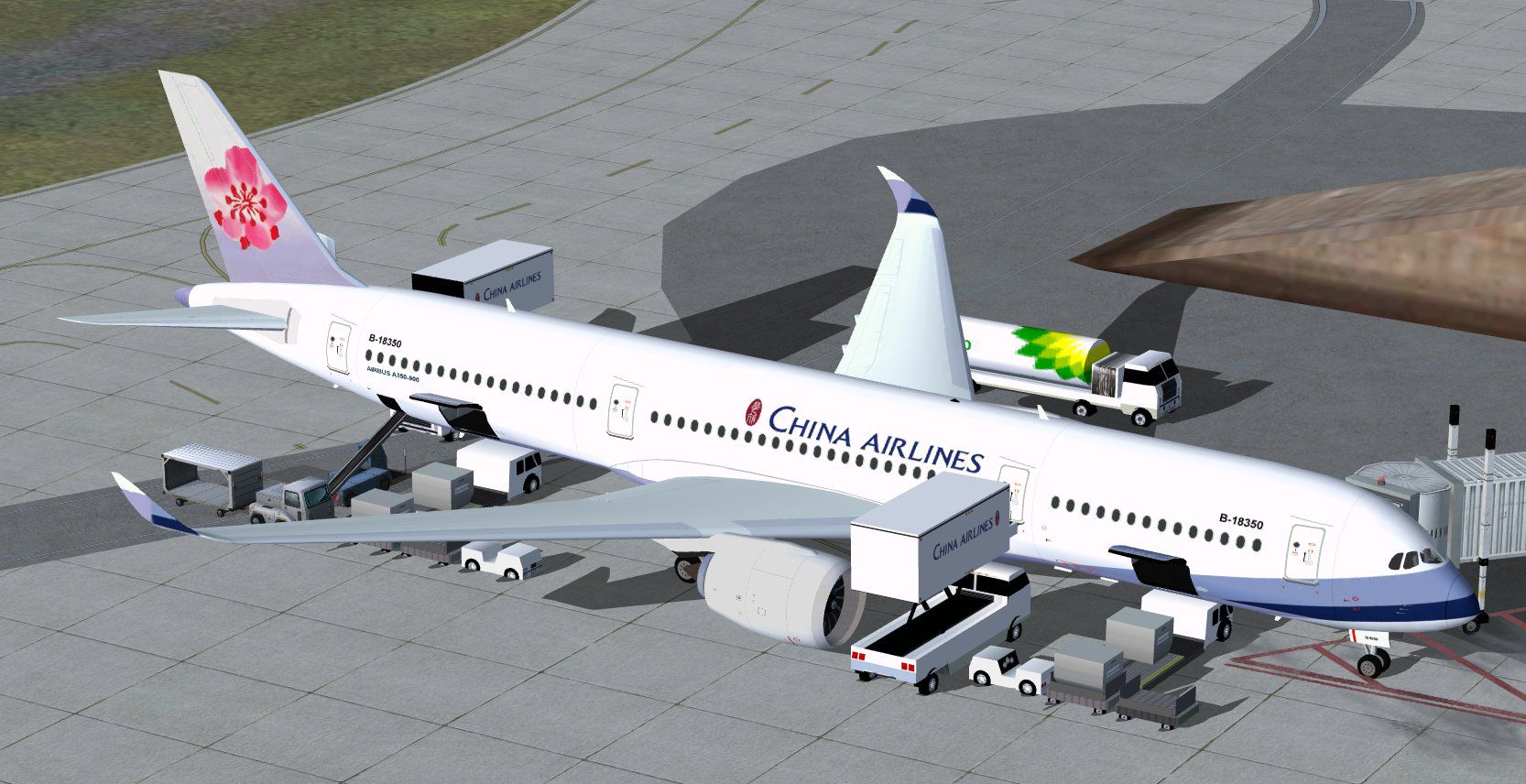
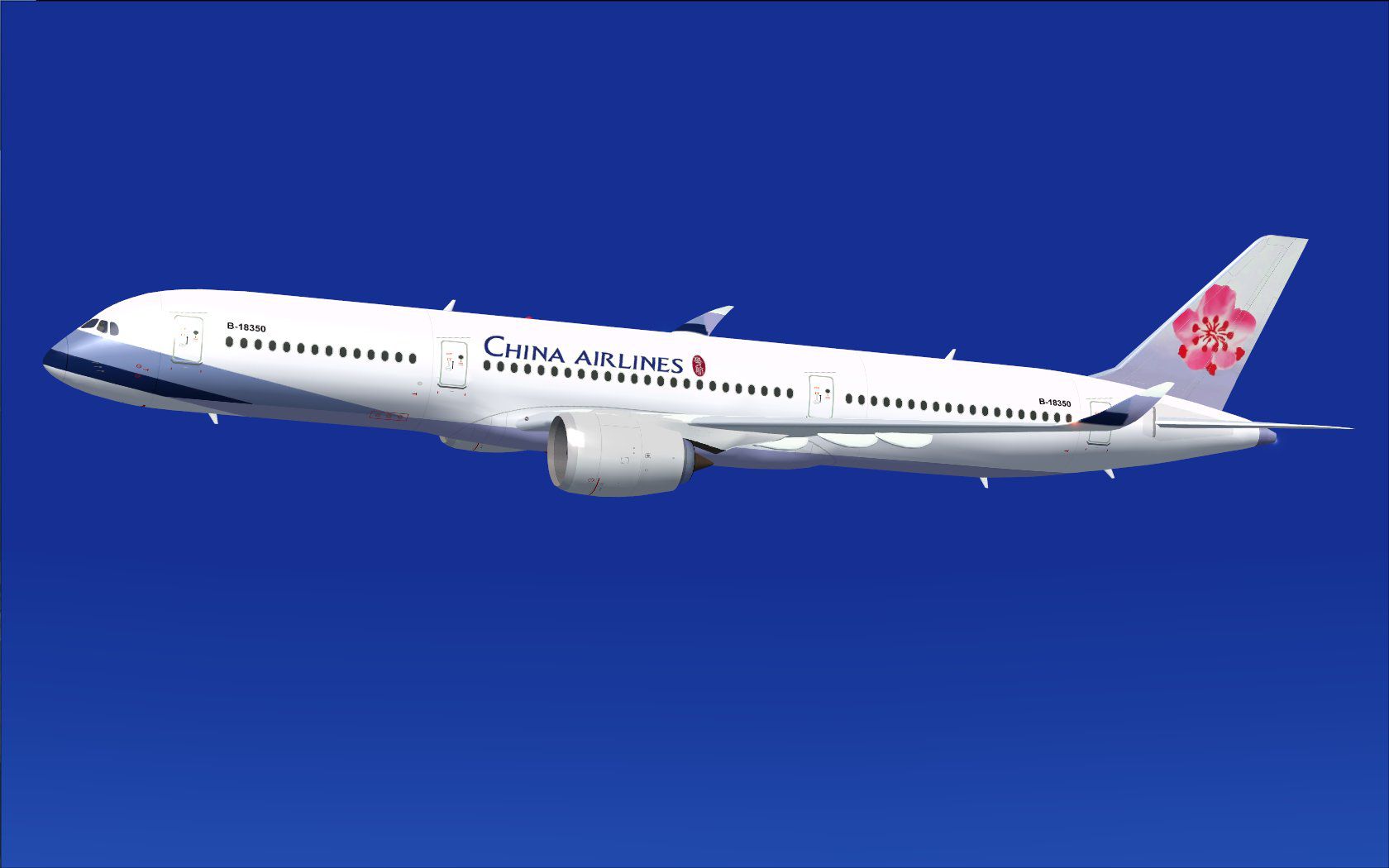
Explore a modern representation of the Airbus A350-900 XWB adorned in China Airlines livery with this freeware release, meticulously developed by Camil Valiquette. This second iteration refines the aircraft’s nose shape, cockpit windscreen, and aerodynamic profile, delivering an immersive widebody experience in Microsoft Flight Simulator X.
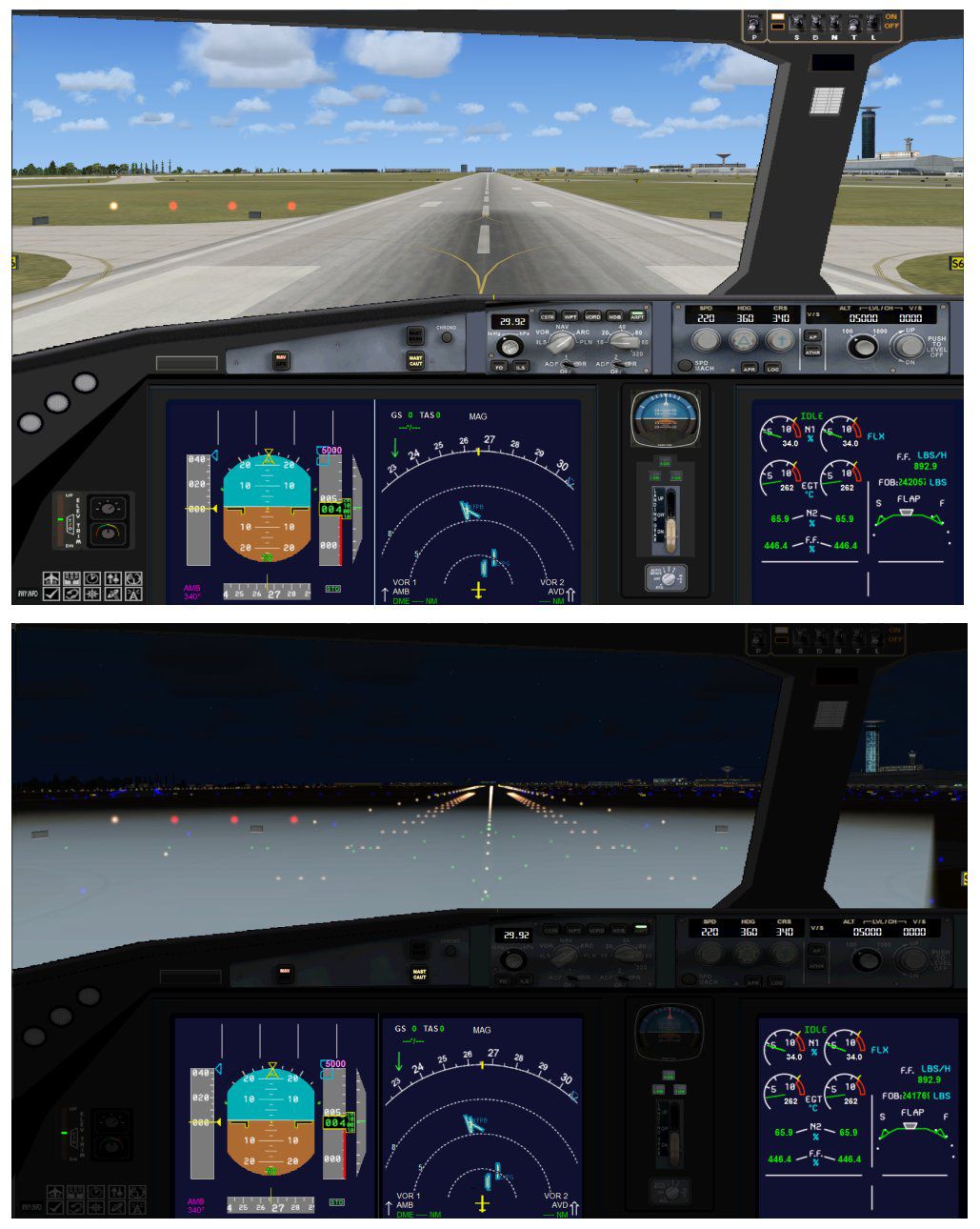
The airframe now features a sleeker nose contour accompanied by newly contoured cockpit windows. This design draws from the aircraft variant presented at the Paris Air Show 2009, capturing the essence of the real-world twin-engine, long-haul jet. Alongside this exterior overhaul, the interior viewpoint has been enhanced to portray a modernized flight deck, ensuring virtual pilots can appreciate both the external and cockpit-centric adjustments.
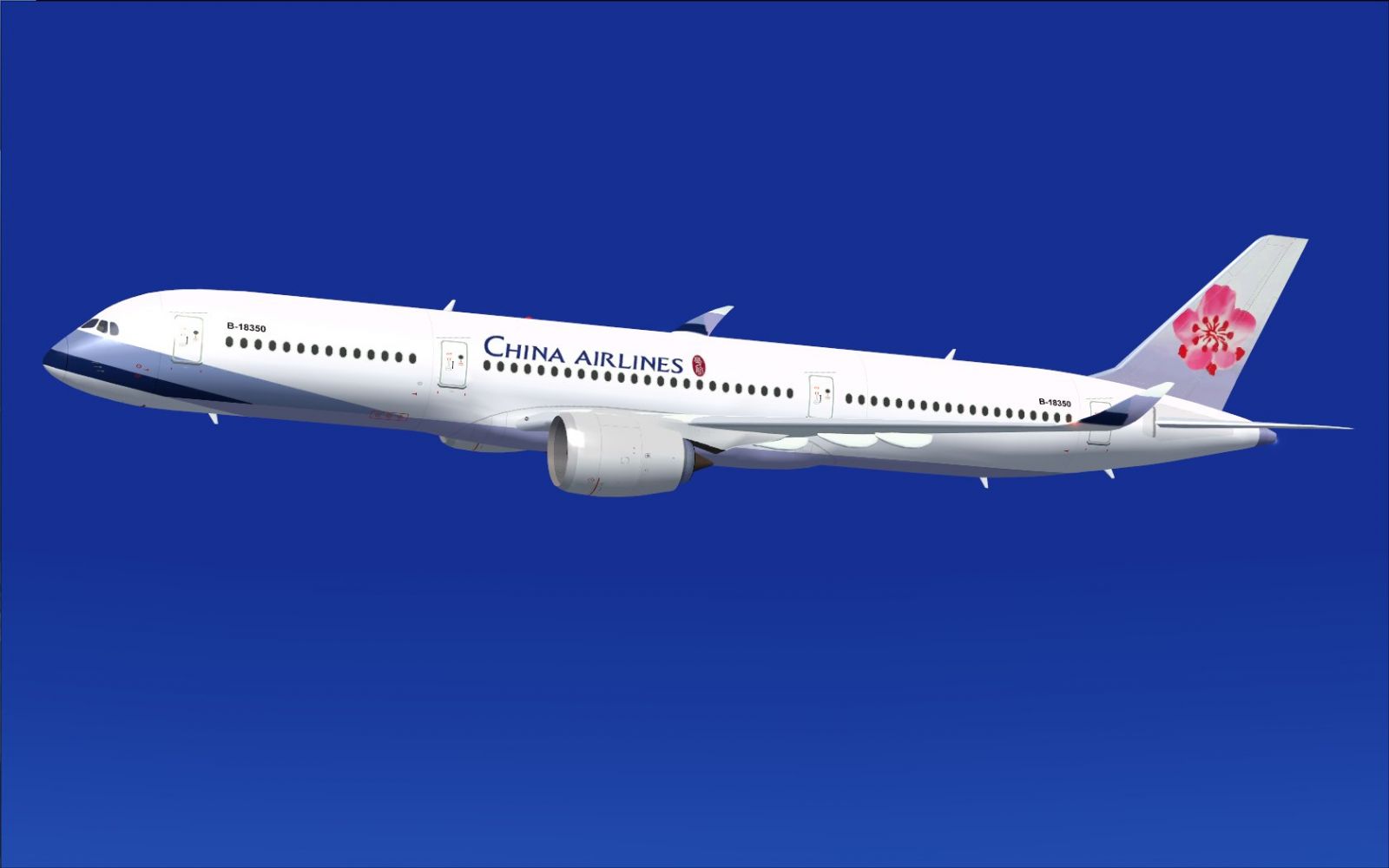
China Airlines Airbus A350-900 XWB in flight.
China Airlines, recognized for its extensive widebody operations across diverse international routes, is known to employ the advanced Airbus A350 family in its real-world lineup. This rendition transfers that global carrier aesthetic into the simulator, showcasing the airline’s signature tail design and distinctive fuselage color scheme, ensuring authenticity while providing virtual flyers the chance to explore a contemporary long-haul configuration.
Included is the integrated Animated Ground Servicing (AGS), offering realistic cargo handling and passenger boarding scenarios. This refinement enables detailed interaction between the aircraft and ground support vehicles:
To utilize AGS seamlessly, map the following commands in your Keyboard/Buttons assignments:
After downloading, extract all core aircraft files into your “Airplane” folder of Microsoft Flight Simulator X. Place the night lighting effects from the Effects.zip into your main Effects folder if needed. This complete package integrates the base model, so no further expansions are necessary. If you already have a Camil Valiquette AGS aircraft, you can skip reinstalling the night effects.
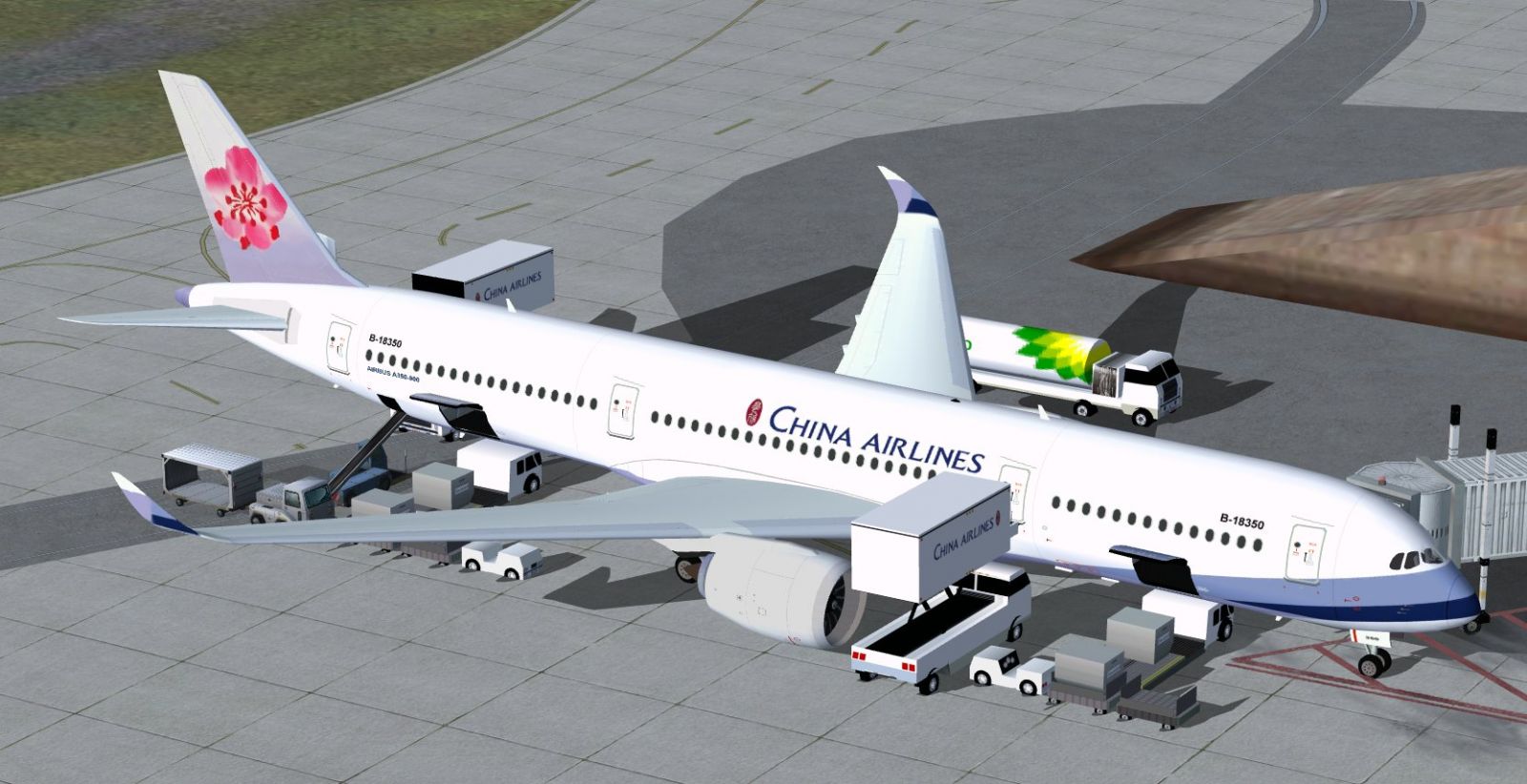
China Airlines Airbus A350-900 XWB.
Developed and painted by Camil Valiquette under CamSim Aviation Simulation, this aircraft brings a realistic recreation of the Airbus A350-900 XWB and showcases China Airlines’ distinct look, reflecting its commitment to modern long-haul routes. With this refined version, enthusiasts can enjoy an accurate freeware addition to expand their virtual hangar.
Free for all simmers · 5.25 MB · Scanned clean Oct 2026
Download speed: Free tier is capped at 0.5 Mbps (this file takes approximately 1 min at the cap). PRO members download at full line speed.
This add-on may require the following files to function properly. If this is a repaint, the dependency below is likely the base aircraft package.
FSX\SimObjects\Airplanes\. The folder must contain an aircraft.cfg file. Effects go into FSX\Effects\; gauges go into FSX\Gauges\.readme.txt or README file. It tells you exactly where files go, what dependencies are needed, and any quirks specific to this add-on.The archive 359v2ci0.zip has 35 files and directories contained within it.
This list displays the first 500 files in the package. If the package has more, you will need to download it to view them.
| Filename/Directory | File Date | File Size |
|---|---|---|
| CamSim Airbus 350-900 V2 China Airlines | 04.09.10 | 0 B |
| 359.air | 02.25.10 | 12.75 kB |
| 359v2ci ags fsx.jpg | 04.08.10 | 233.19 kB |
| 359v2ci2_.jpg | 04.08.10 | 72.94 kB |
| aircraft.cfg | 04.09.10 | 15.39 kB |
| Effects.zip | 03.25.06 | 1.80 kB |
| file_id.diz | 04.08.10 | 332 B |
| model.359 ags | 04.09.10 | 0 B |
| 359 ags.mdl | 11.23.09 | 2.53 MB |
| Model.cfg | 03.27.07 | 26 B |
| PANEL | 04.09.10 | 0 B |
| 787_350_panel_background.bmp | 02.25.10 | 2.25 MB |
| 787_350_panel_background_night.bmp | 02.25.10 | 2.25 MB |
| Airbus_A321.cab | 09.04.06 | 2.72 MB |
| panel.cfg | 02.25.10 | 5.48 kB |
| panel camsim 787-350 afx_2.jpg | 04.09.10 | 182.86 kB |
| Read Me_FSX.txt | 04.08.10 | 2.07 kB |
| SOUND | 04.09.10 | 0 B |
| Sound.cfg | 05.27.09 | 30 B |
| texture.ci | 04.09.10 | 0 B |
| 359fuse_t.bmp | 04.08.10 | 1.00 MB |
| 35eng_t.bmp | 04.08.10 | 1.00 MB |
| 35int_L.bmp | 04.08.10 | 4.00 MB |
| 35int_t.bmp | 04.08.10 | 1.00 MB |
| 35tail_t.bmp | 04.07.10 | 1.00 MB |
| 35wings_t.bmp | 04.08.10 | 1.00 MB |
| 787ext_L.bmp | 04.09.10 | 4.00 MB |
| 787ext_t.bmp | 04.09.10 | 1.00 MB |
| gris_t.bmp | 03.17.06 | 16.07 kB |
| pilot1.bmp | 09.11.09 | 257.05 kB |
| pilot1_l.bmp | 12.06.06 | 1.00 MB |
| thumbnail.jpg | 04.08.10 | 4.19 kB |
| w_t.bmp | 12.06.08 | 16.07 kB |
| flyawaysimulation.txt | 10.29.13 | 959 B |
| Go to Fly Away Simulation.url | 01.22.16 | 52 B |
Only PRO members can place votes.
More FSX & P3D add-ons hand-picked based on this download.
FSX Civil Aircraft
Singapore Airlines Airbus A350-900 XWB v2. Versions 2 is an all new version o…
 FSX Civil Aircraft
FSX Singapore Airlines Airbus A350-900 XWB (Extra Wide Body) with Animated Gr…
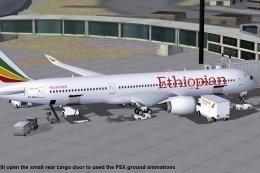 FSX Civil Aircraft
This compact freeware package showcases an updated twin-engine widebody that …
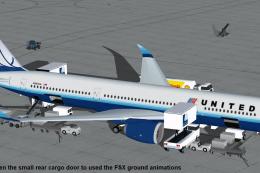 FSX Civil Aircraft
The United Airlines Airbus A350-900 XWB v2 add-on offers an advanced wide-bod…
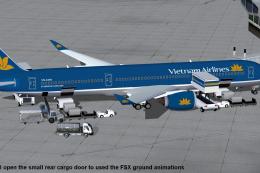 FSX Civil Aircraft
This comprehensive freeware package features Vietnam Airlines' Airbus A350-90…
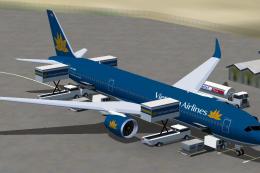 FSX Civil Aircraft
FSX Vietnam Airlines Airbus A350-900 XWB, with Animated Ground Servicing (AGS…
 FSX Civil Aircraft
This package features the refined House Colors Airbus A350-900 XWB in Version…
 FSX Civil Aircraft
TAP Portugal Airbus A350-900 XWBv2. Versions 2 is an all new version of theA3…
Be the first to leave a comment on this download.
Be the first to share your thoughts on this download.