


 FSX Civil Aircraft
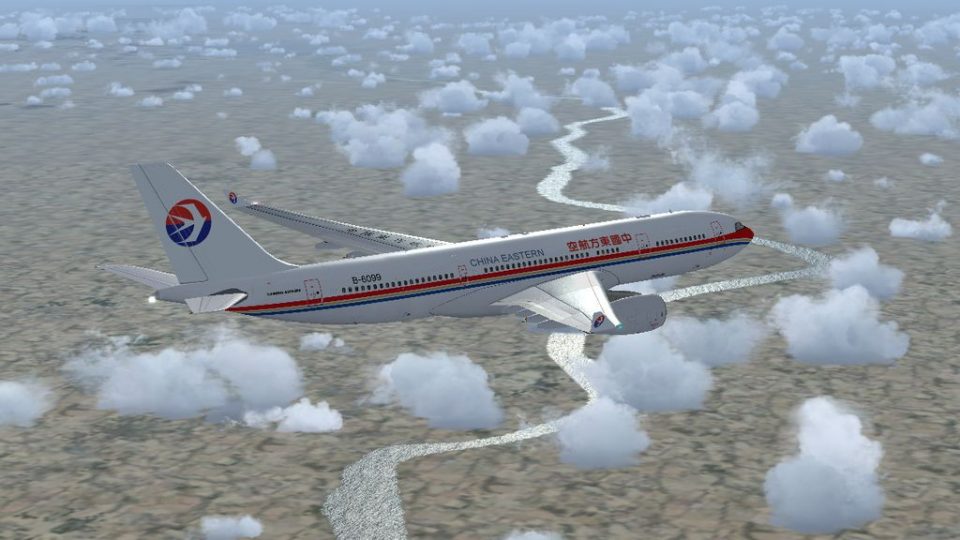
China Eastern Airbus A330-300
This is a repaint of China Eastern Airlinrs "Expo 2010 Colors" on the Commerc…
China Eastern Airlines liveries bring Thomas Ruth’s Airbus A330-200 and A330-300 to life with authentic fleet markings for Microsoft Flight Simulator X. The package supplies texture files for both variants, enhancing exterior detail and matching key airline identifiers, and requires the free Thomas Ruth A330 base models for full use.
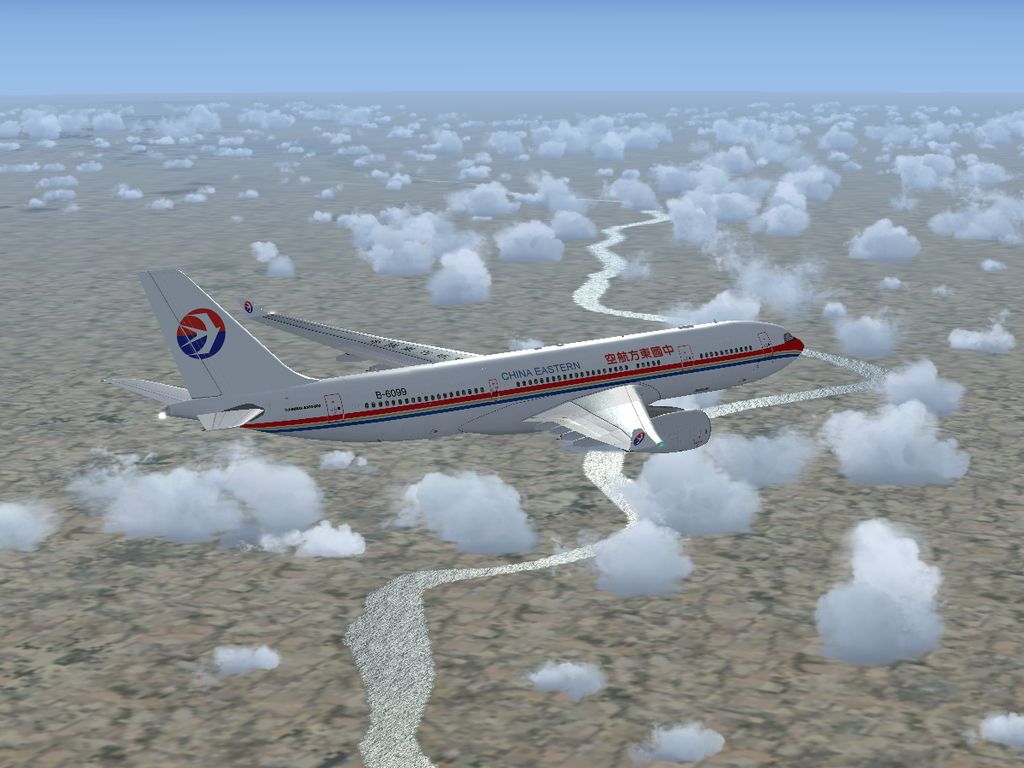
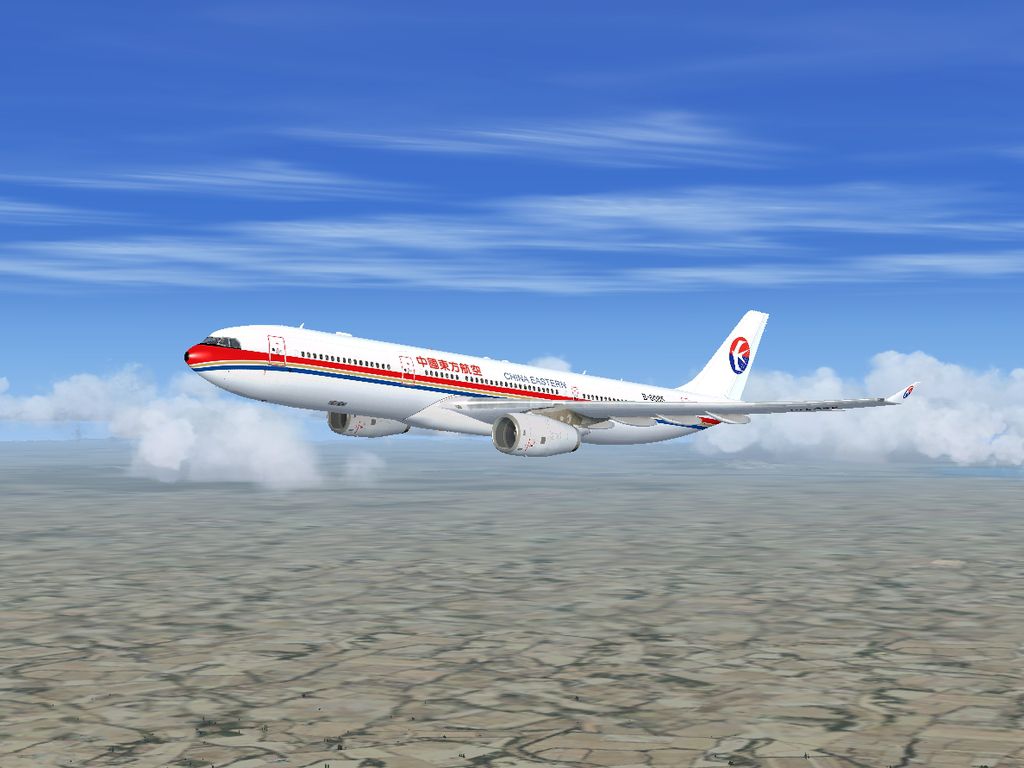

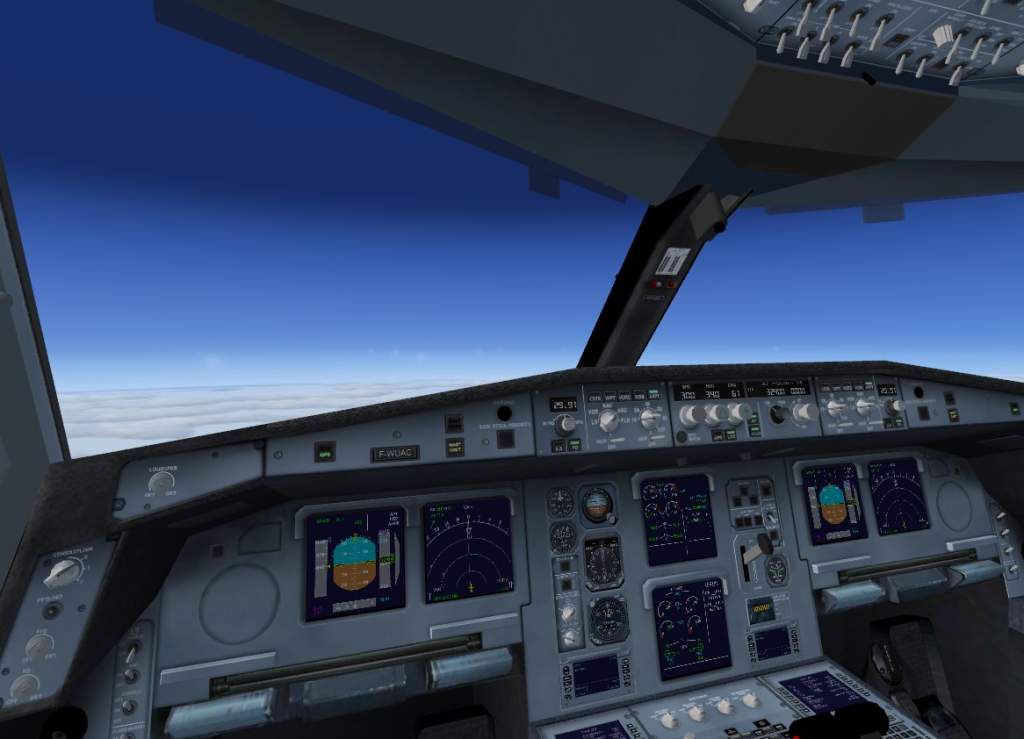
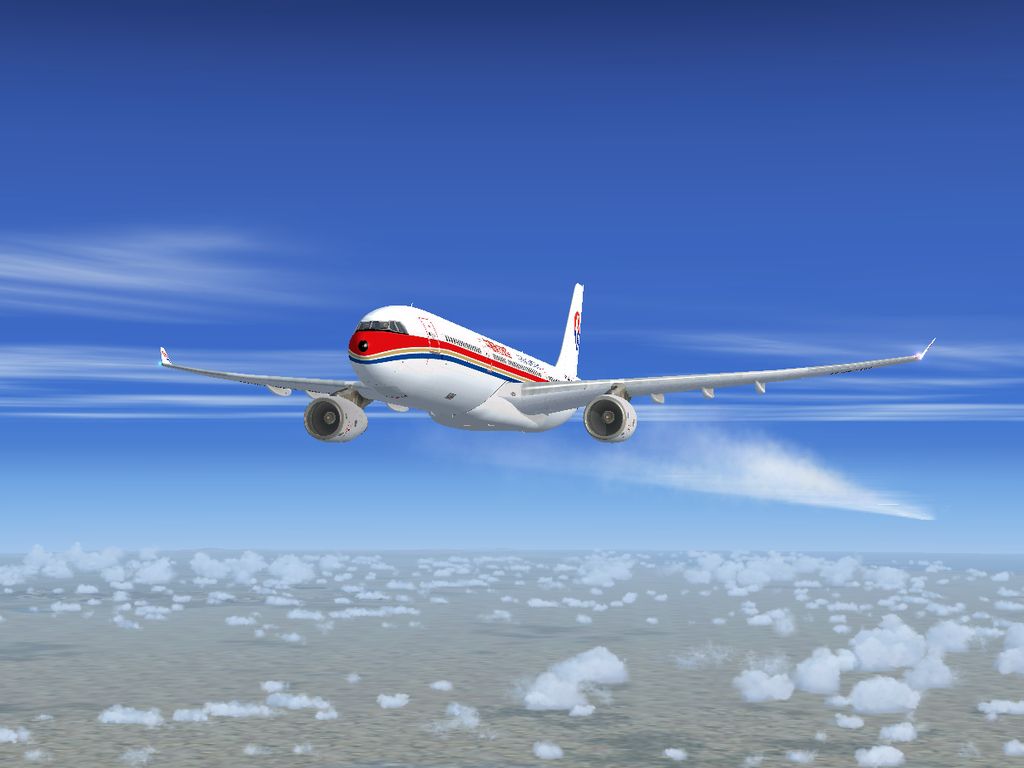
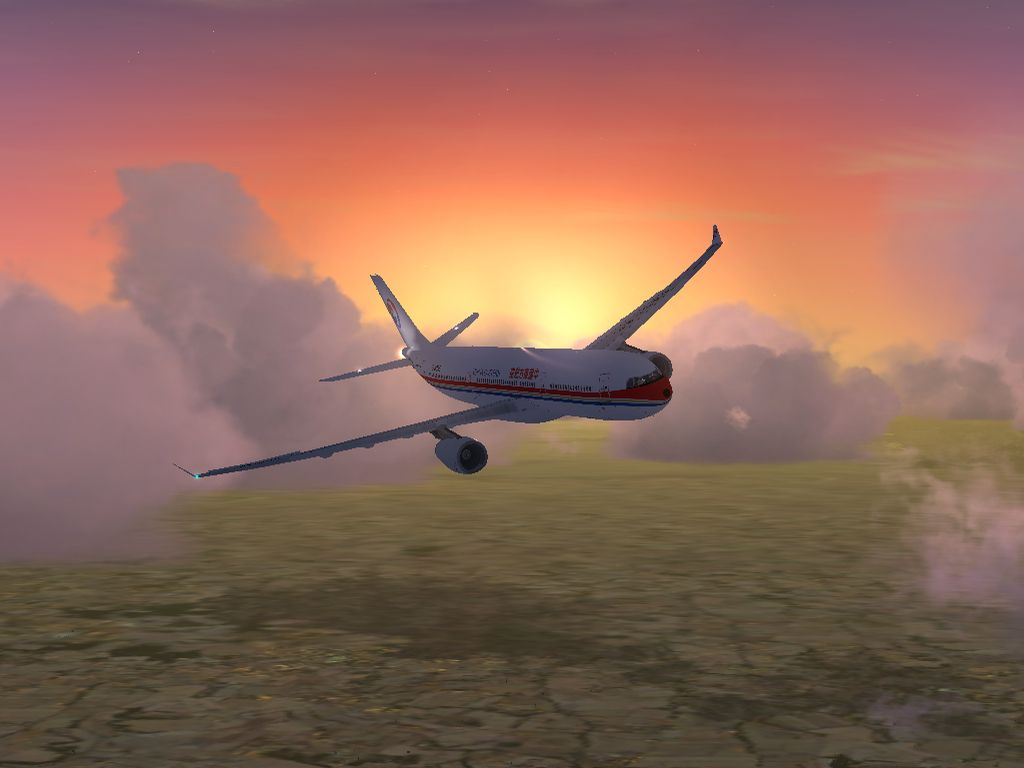
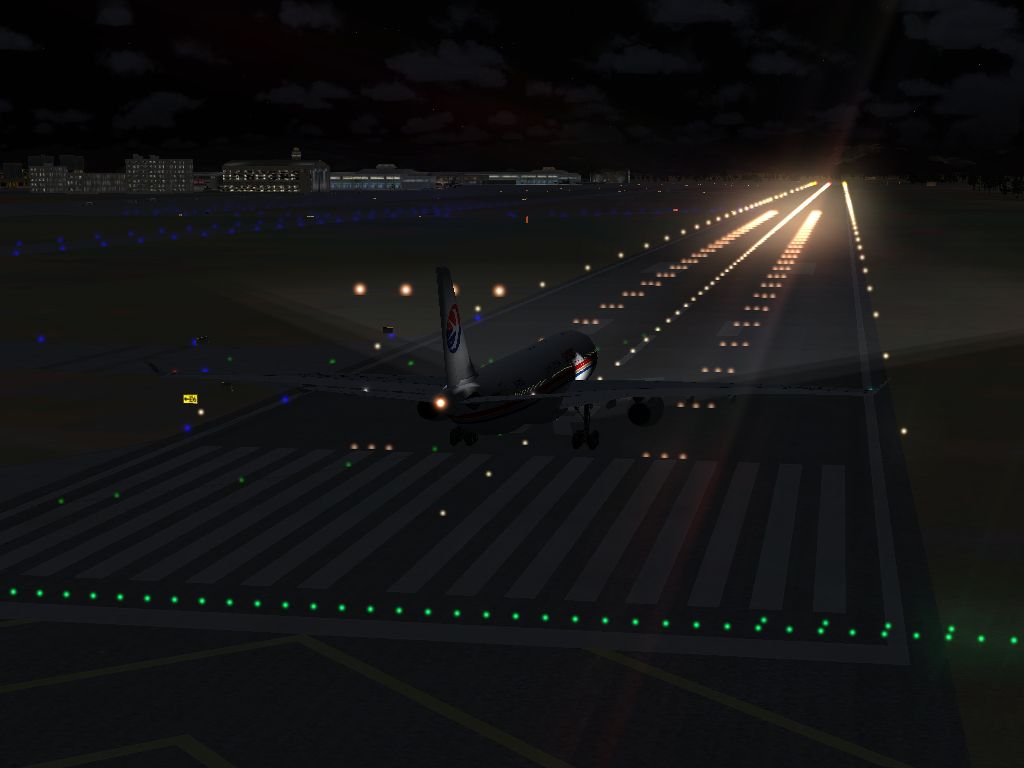
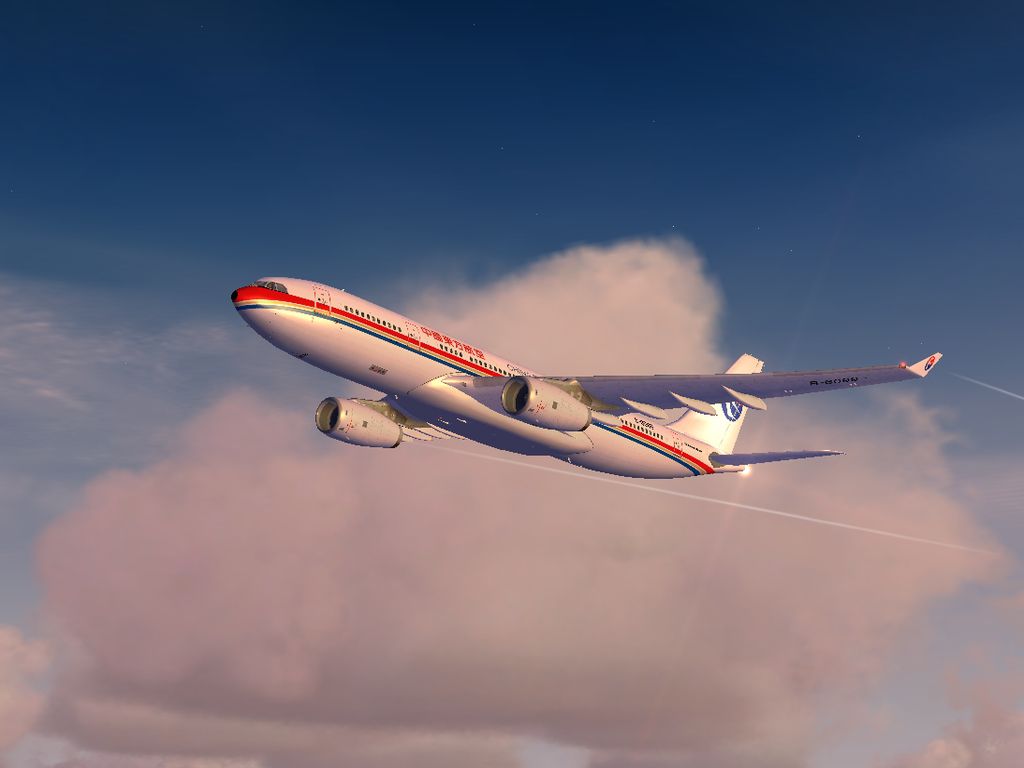
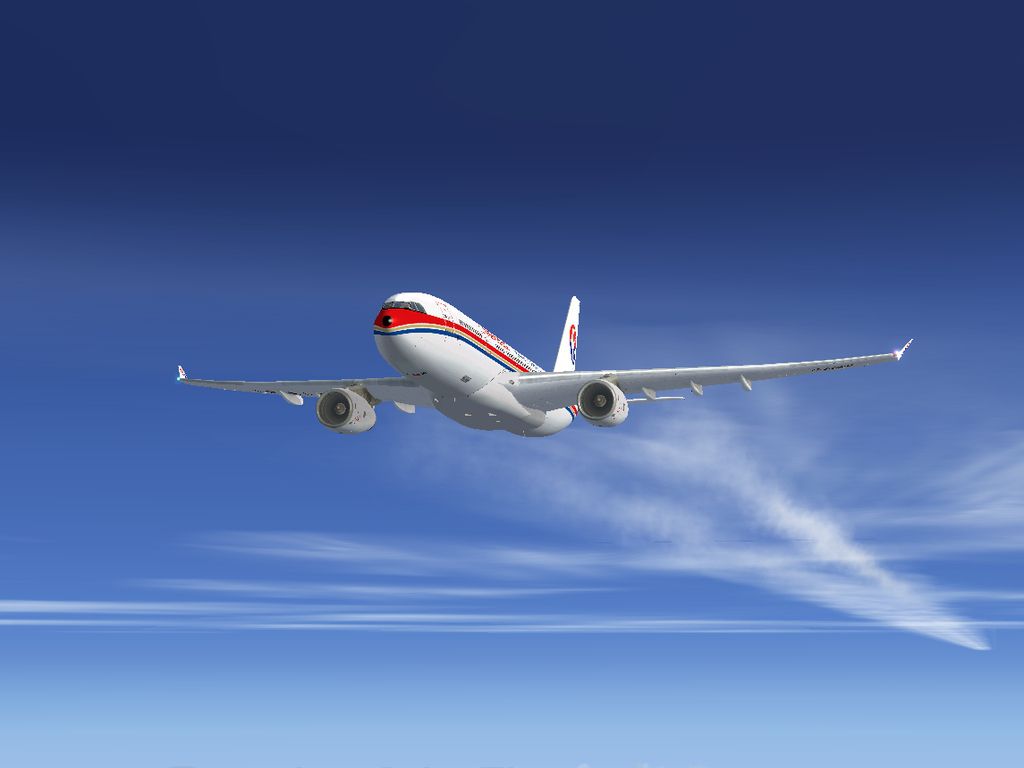
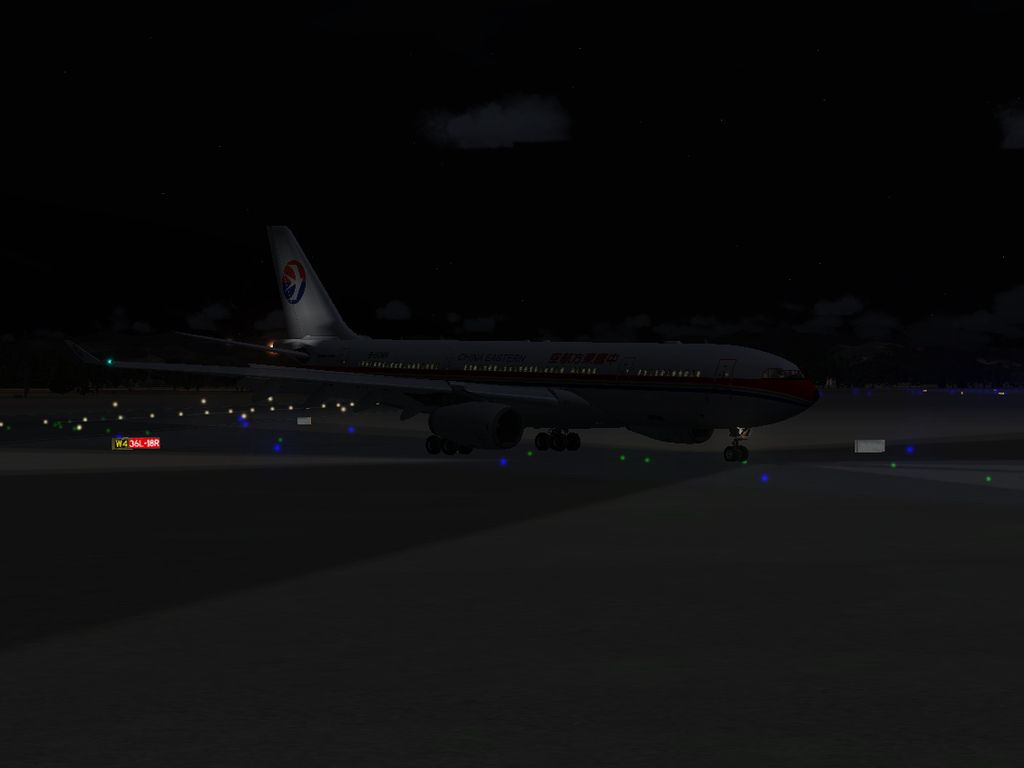
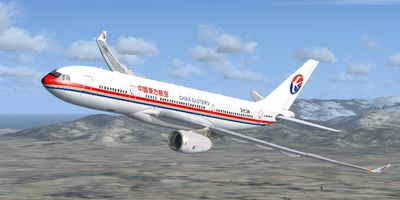
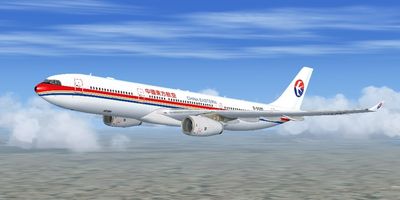
This add-on provides repaints of China Eastern Airlines’ Airbus A330 fleet for Microsoft Flight Simulator X. It focuses on both A330-200 and A330-300 variants created by Thomas Ruth and repainted by He Lingyuan. By installing these texture files, you can fly with the distinctive livery of one of China’s largest air carriers, well-known for operating an extensive wide-body Airbus group across its regional and intercontinental routes.
The Airbus A330 is a twin-engine, wide-body jetliner frequently deployed for medium to long-haul flights due to its efficient wing design and strong engine performance. Its spacious cabin and modern avionics make it popular among operators worldwide. China Eastern Airlines, based in Shanghai, has been a major Airbus A330 operator for years, employing this aircraft type on both domestic trunk routes and various international services.
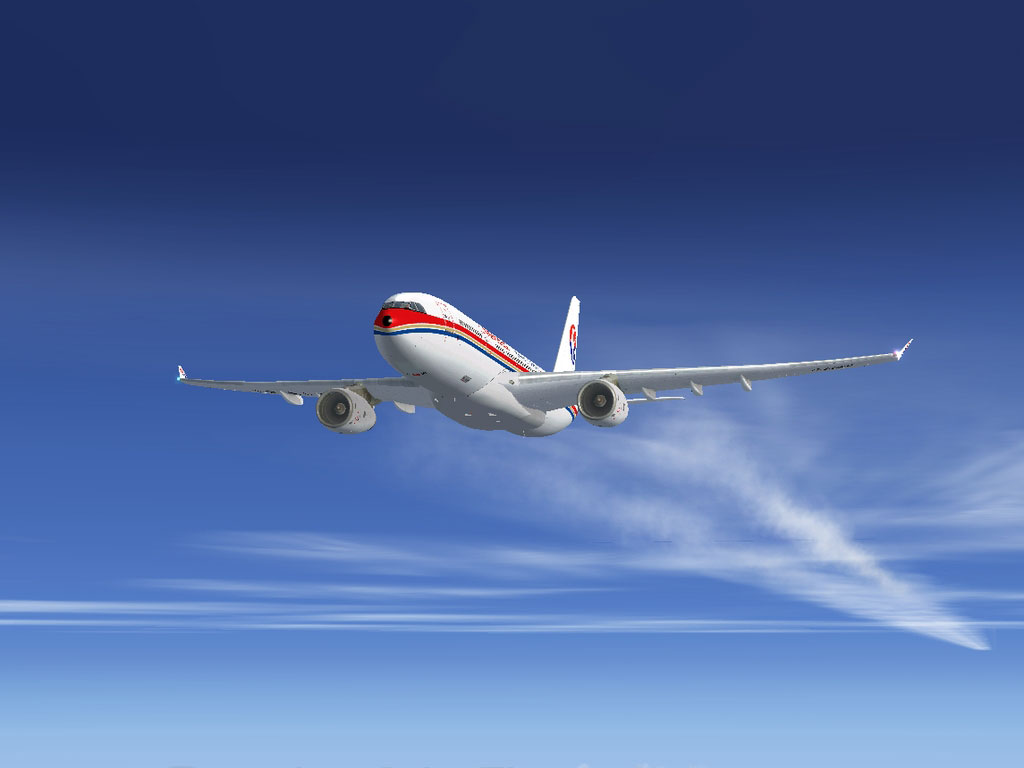
China Eastern Airbus A330 in flight.
Developers: Original airframes by Thomas Ruth (Germany), repaints by He Lingyuan (China).
This freeware download contains only the texture files you need to showcase China Eastern Airlines’ exterior and interior (where applicable) on the A330-200 and A330-300 models. You will need to separately acquire and install the free Thomas Ruth A330 base packages before applying these repaints. Like other Thomas Ruth aircraft, these models are built exclusively for FSX and require the presence of SP1 or SP2 to ensure correct visual rendering.
The original aircrafts from Thomas Ruth are not included in this package. You can locate them in the Fly Away Simulation file library (search for TOMA332B.ZIP for the A330-200 and TOMA333B.ZIP for the A330-300), or find them on other well-known flight sim repositories. These base packages contain essential files and installation steps necessary for full functionality.
FSX\SimObjects\Tom_A330-200\.FSX\SimObjects\Tom_A330-300\.Aircraft.CFG file so the simulator recognizes this new China Eastern repaint. In each Aircraft.CFG, just above the [General] section, add the following block of text, changing [fltsim.X+1] to the next sequential entry in your configuration:
-----Copy Below-----
[fltsim.X+1] //X is the biggest number already in the Aircraft.CFG.

	title=China Eastern A330-200

	sim=TomA332

	model=RR

	panel=330

	sound=

	texture=CES

	kb_checklists=

	kb_reference=

	atc_id=B-6099

	atc_airline=China Eastern

	atc_flight_number=

	atc_heavy=1

	ui_manufacturer=Airbus

	ui_type="A330-200"

	ui_variation="China Eastern"

	ui_typerole="Commercial Airliner"

	ui_createdby="Thomas Ruth"

	description=Tom Airbus A330-200 China Eastern B-6099\n\nAircraft by Thomas Ruth,Germany\nChina Eastern Repaint by He Lingyuan,China
-----Copy Above-----
Perform the same step on the A330-300 configuration file inFSX\SimObjects\Tom_A330-300\Aircraft.CFG, inserting the following snippet (and again adjusting [fltsim.X+1] as appropriate):
-----Copy Below-----
[fltsim.X+1] //X is the biggest number already in the Aircraft.CFG.

	title=China Eastern A330-300

	sim=TomA333

	model=RR

	panel=330

	sound=

	texture=CES

	kb_checklists=

	kb_reference=

	atc_id=B-6085

	atc_airline=China Eastern

	atc_flight_number=

	atc_heavy=1

	ui_manufacturer=Airbus

	ui_type="A330-300"

	ui_variation="China Eastern"

	ui_typerole="Commercial Airliner"

	ui_createdby="Thomas Ruth"

	description=Tom Airbus A330-300 China Eastern B-6085\n\nAircraft by Thomas Ruth,Germany\nChina Eastern Repaint by He Lingyuan,China
-----Copy Above-----
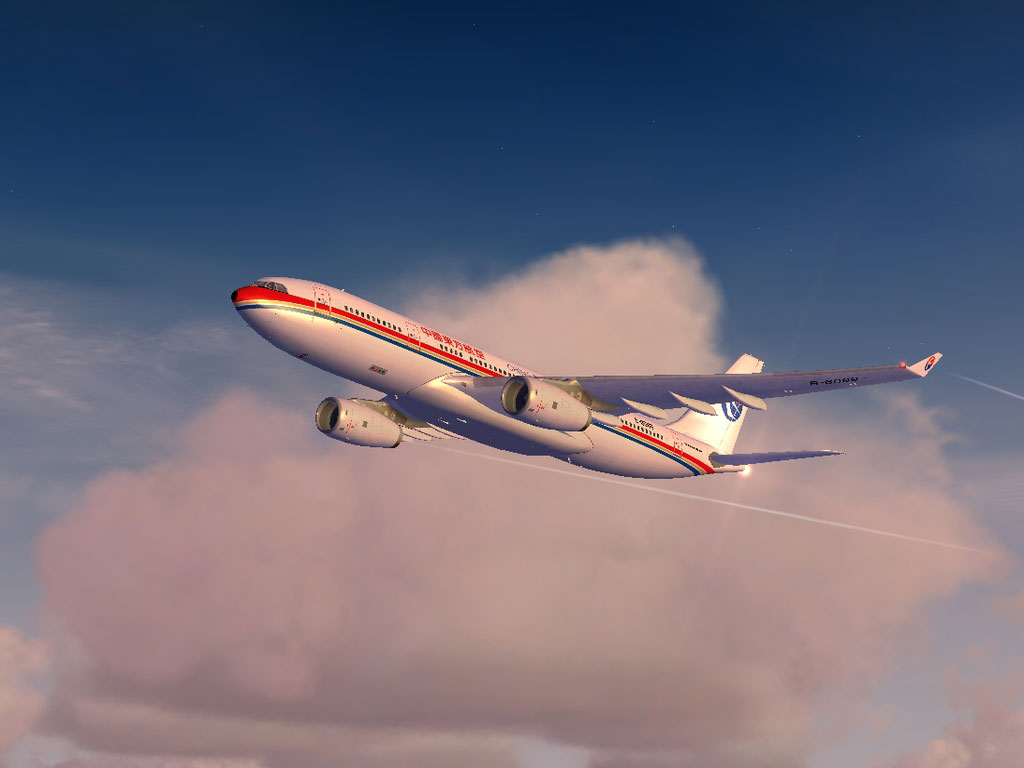
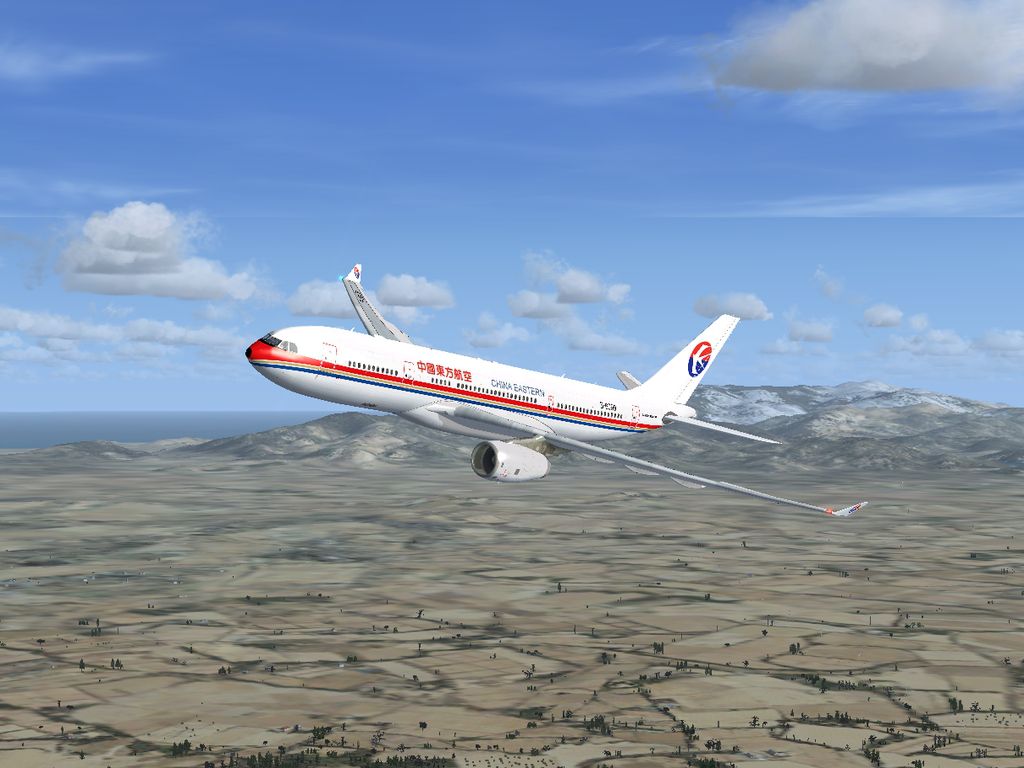
China Eastern Airbus A330 in flight.
The above steps will integrate China Eastern’s livery into your Microsoft Flight Simulator X environment, allowing you to experience mid- and long-range flights in authentic carrier colors. To get the best view of these textures, ensure your graphic settings are optimal and your product has SP1 or SP2 installed. Thomas Ruth’s models feature a highly detailed external fuselage, so these liveries aim to accurately reflect the real-world design of China Eastern’s Airbus A330.
Free for all simmers · 9.42 MB · Scanned clean
Download speed: Free tier is capped at 0.5 Mbps (this file takes approximately 3 mins at the cap). PRO members download at full line speed.
This add-on may require the following files to function properly. If this is a repaint, the dependency below is likely the base aircraft package.
FSX\SimObjects\Airplanes\. The folder must contain an aircraft.cfg file. Effects go into FSX\Effects\; gauges go into FSX\Gauges\.readme.txt or README file. It tells you exactly where files go, what dependencies are needed, and any quirks specific to this add-on.The archive toma330ces.zip has 70 files and directories contained within it.
This list displays the first 500 files in the package. If the package has more, you will need to download it to view them.
| Filename/Directory | File Date | File Size |
|---|---|---|
| China Eastern Airbus A330 Series | 02.17.11 | 0 B |
| Readme.txt | 02.17.11 | 4.07 kB |
| Screenshots | 02.17.11 | 0 B |
| CES_A332_01.jpg | 02.17.11 | 432.89 kB |
| CES_A332_02.jpg | 02.17.11 | 468.48 kB |
| CES_A332_03.jpg | 02.17.11 | 194.58 kB |
| CES_A332_04.jpg | 02.17.11 | 256.93 kB |
| CES_A332_05.jpg | 02.17.11 | 143.63 kB |
| CES_A333_01.jpg | 02.13.11 | 375.43 kB |
| CES_A333_02.jpg | 02.13.11 | 355.87 kB |
| CES_A333_03.jpg | 02.13.11 | 293.66 kB |
| CES_A333_04.jpg | 02.13.11 | 322.10 kB |
| CES_A333_05.jpg | 02.13.11 | 293.20 kB |
| Virtual Cockpit.jpg | 03.25.09 | 53.27 kB |
| Tom_A330-200 | 02.17.11 | 0 B |
| Texture.CES | 02.17.11 | 0 B |
| A321_1_L.dds | 02.21.09 | 1.00 MB |
| A321_2_L.dds | 02.21.09 | 256.12 kB |
| A330_VC01.dds | 02.05.09 | 1.00 MB |
| A330_VC01L.dds | 02.19.09 | 1.00 MB |
| Airbus_A321_1_C.dds | 09.04.06 | 682.79 kB |
| Airbus_A321_1_L.dds | 02.19.09 | 1.00 MB |
| Airbus_A321_2_C.dds | 09.04.06 | 682.79 kB |
| Airbus_A321_2_L.dds | 02.19.09 | 1.00 MB |
| Airbus_A321_3_C.dds | 09.04.06 | 682.79 kB |
| Airbus_A321_3_L.dds | 02.19.09 | 4.12 kB |
| Airbus_A321_4_C.dds | 09.04.06 | 682.79 kB |
| Airbus_A321_4_L.dds | 02.19.09 | 1.00 MB |
| Glass.dds | 03.02.09 | 64.12 kB |
| Glass_Spec.dds | 11.24.08 | 4.12 kB |
| Main.dds | 02.17.11 | 2.00 MB |
| Main_Bump.dds | 03.03.09 | 4.00 MB |
| Main_Light.dds | 02.14.11 | 512.12 kB |
| Main_Spec.dds | 12.03.08 | 64.12 kB |
| Texture.cfg | 02.14.11 | 141 B |
| Thumbnail.jpg | 02.17.11 | 61.21 kB |
| VCBlend.dds | 02.09.09 | 1.12 kB |
| Wing_Bump.dds | 03.17.09 | 1.00 MB |
| Wing_L.dds | 02.14.11 | 512.12 kB |
| Wing_R.dds | 02.14.11 | 512.12 kB |
| Wing_Spec.dds | 11.21.08 | 64.12 kB |
| Tom_A330-300 | 02.17.11 | 0 B |
| Texture.CES | 02.17.11 | 0 B |
| A321_1_L.dds | 02.21.09 | 1.00 MB |
| A321_2_L.dds | 02.21.09 | 256.12 kB |
| A330_VC01.dds | 02.05.09 | 1.00 MB |
| A330_VC01L.dds | 02.19.09 | 1.00 MB |
| Airbus_A321_1_C.dds | 09.04.06 | 682.79 kB |
| Airbus_A321_1_L.dds | 02.19.09 | 1.00 MB |
| Airbus_A321_2_C.dds | 09.04.06 | 682.79 kB |
| Airbus_A321_2_L.dds | 02.19.09 | 1.00 MB |
| Airbus_A321_3_C.dds | 09.04.06 | 682.79 kB |
| Airbus_A321_3_L.dds | 02.19.09 | 4.12 kB |
| Airbus_A321_4_C.dds | 09.04.06 | 682.79 kB |
| Airbus_A321_4_L.dds | 02.19.09 | 1.00 MB |
| Glass.dds | 03.02.09 | 64.12 kB |
| Glass_Spec.dds | 11.24.08 | 4.12 kB |
| Main.dds | 02.14.11 | 2.00 MB |
| Main_Bump.dds | 04.12.09 | 4.00 MB |
| Main_Light.dds | 02.13.11 | 512.12 kB |
| Main_Spec.dds | 03.23.09 | 64.12 kB |
| Texture.cfg | 02.13.11 | 141 B |
| Thumbnail.jpg | 02.13.11 | 53.94 kB |
| VCBlend.dds | 02.09.09 | 1.12 kB |
| Wing_Bump.dds | 03.17.09 | 1.00 MB |
| Wing_L.dds | 02.13.11 | 512.12 kB |
| Wing_R.dds | 02.14.11 | 512.12 kB |
| Wing_Spec.dds | 11.21.08 | 64.12 kB |
| flyawaysimulation.txt | 10.29.13 | 959 B |
| Go to Fly Away Simulation.url | 01.22.16 | 52 B |
More FSX & P3D add-ons hand-picked based on this download.
FSX Civil Aircraft
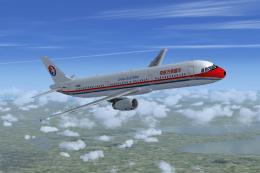
This is a repaint of China Eastern Airlinrs "Expo 2010 Colors" on the Commerc…
 FSX Civil Aircraft
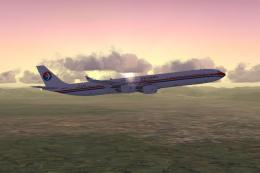
China Eastern Airbus A321-231. Project Airbus Airbus A321-231 China Eastern B…
 FSX Civil Aircraft
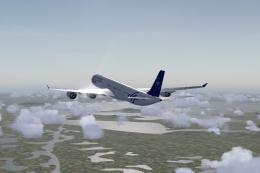
China Eastern Airbus A340. Tom Airbus A340 Series China Eastern repaints for …
 FSX Civil Aircraft
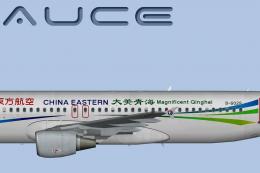
This package contains texture files only, original aircraft package is availa…
 FSX Civil Aircraft
This fully freeware repaint showcases the “Magnificent Qinghai” theme on a Ch…
 FSX Civil Aircraft
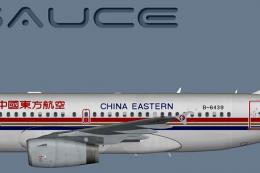
A China Eastern old livery Airbus A319 IAE for the model by FSX AI Bureau (FA…
 FSX Civil Aircraft
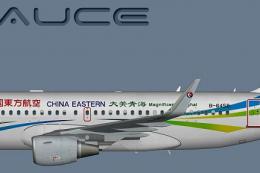
A China Eastern (Qinghai) Airbus A319S for the model by FSX AI Bureau (FAIBA3…
 FSX Civil Aircraft
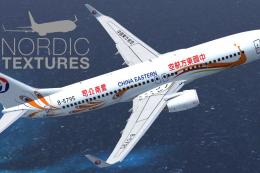
China Eastern Airlines 737-800NGX Yunnan Orange Peacock, registration B-5795.…
Be the first to leave a comment on this download.
Be the first to share your thoughts on this download.