

 FSX Civil Aircraft
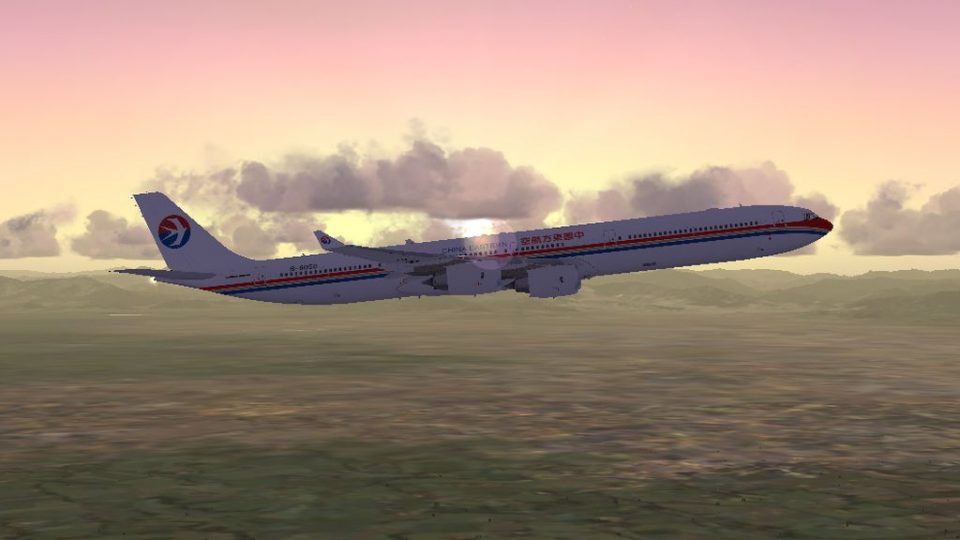
China Eastern Airbus A340-600 Skyteam B-6053
This package contains texture files only, original aircraft package is availa…
China Eastern Airlines repaints bring Thomas Ruth’s Airbus A340-300 and A340-600 to life with crisp textures and authentic airline identity, including matching registrations and ATC airline callsign details. Designed for FSX, the texture set integrates with the Tom A340 series and requires FSX SP1 or SP2 for proper display.
 Rate
Rate
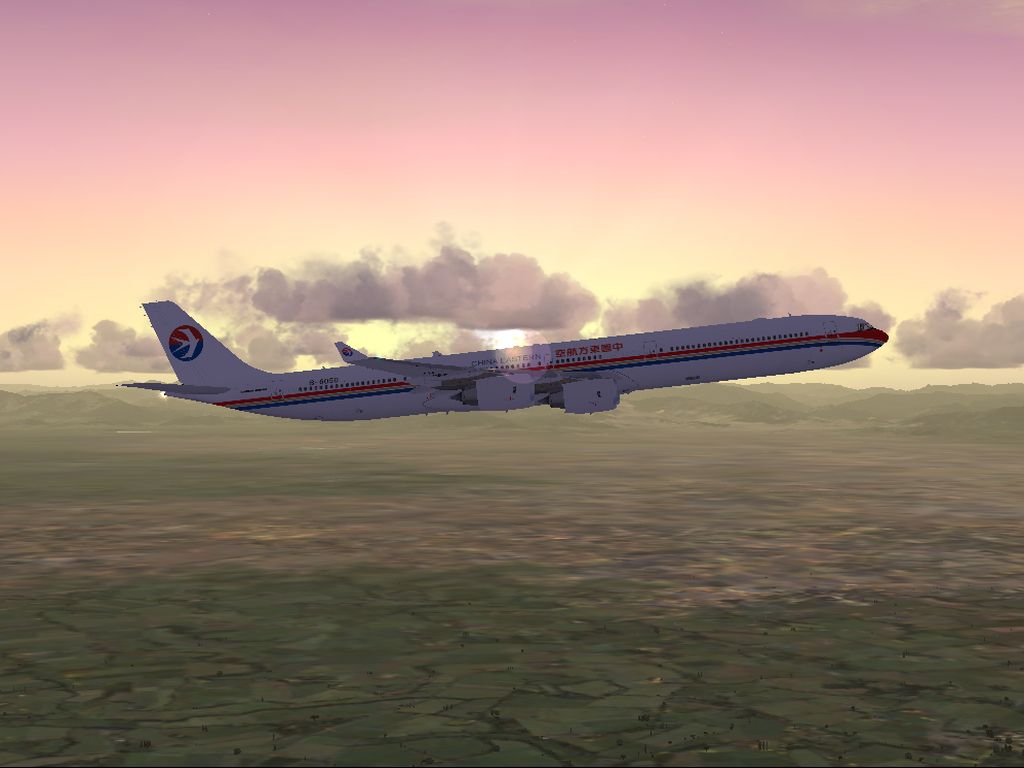
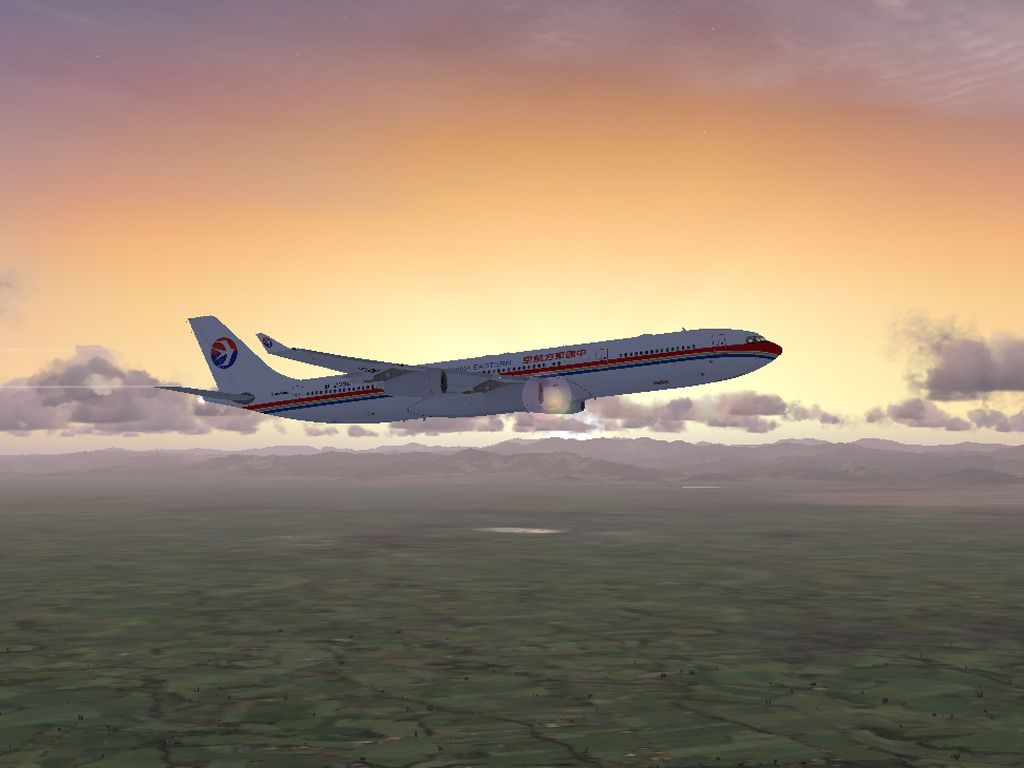
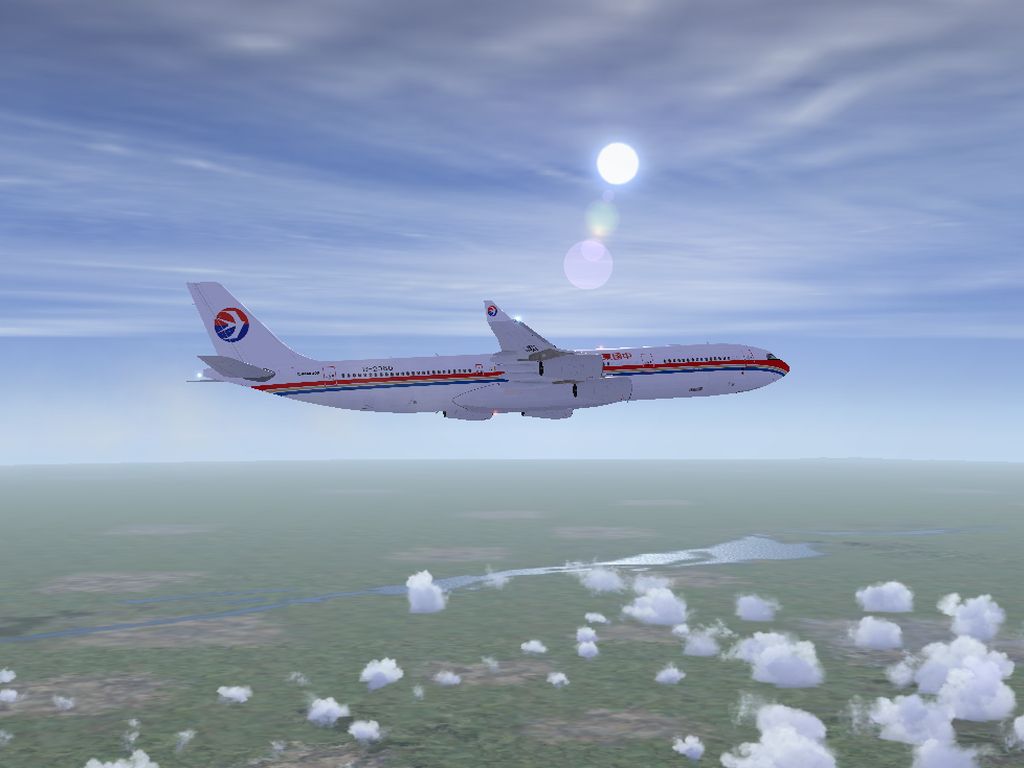
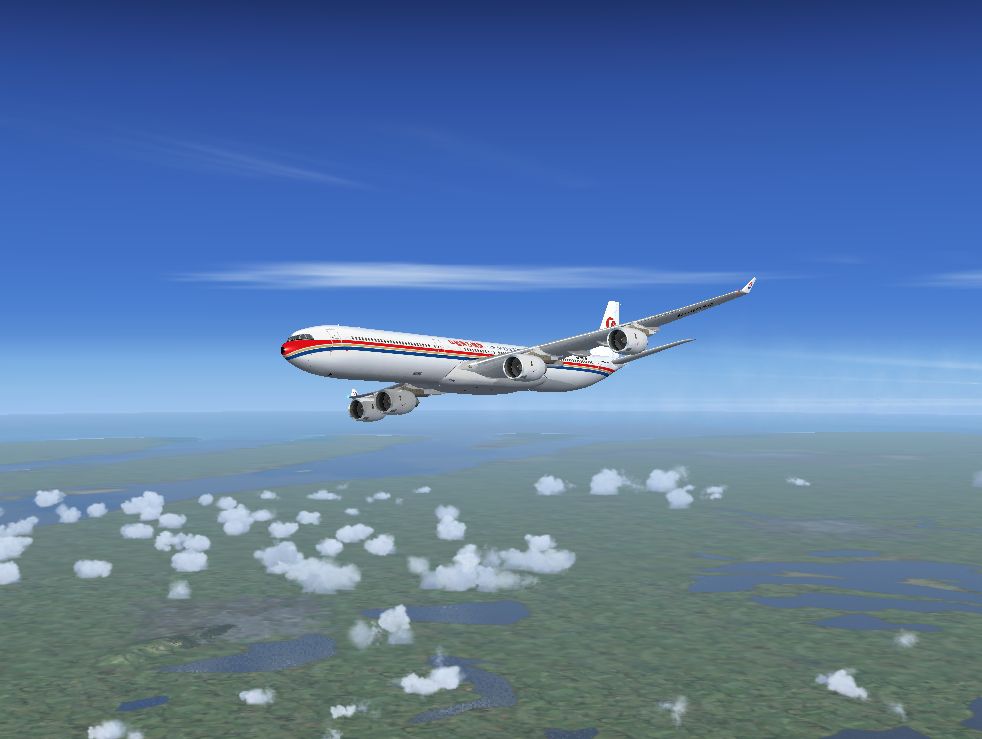
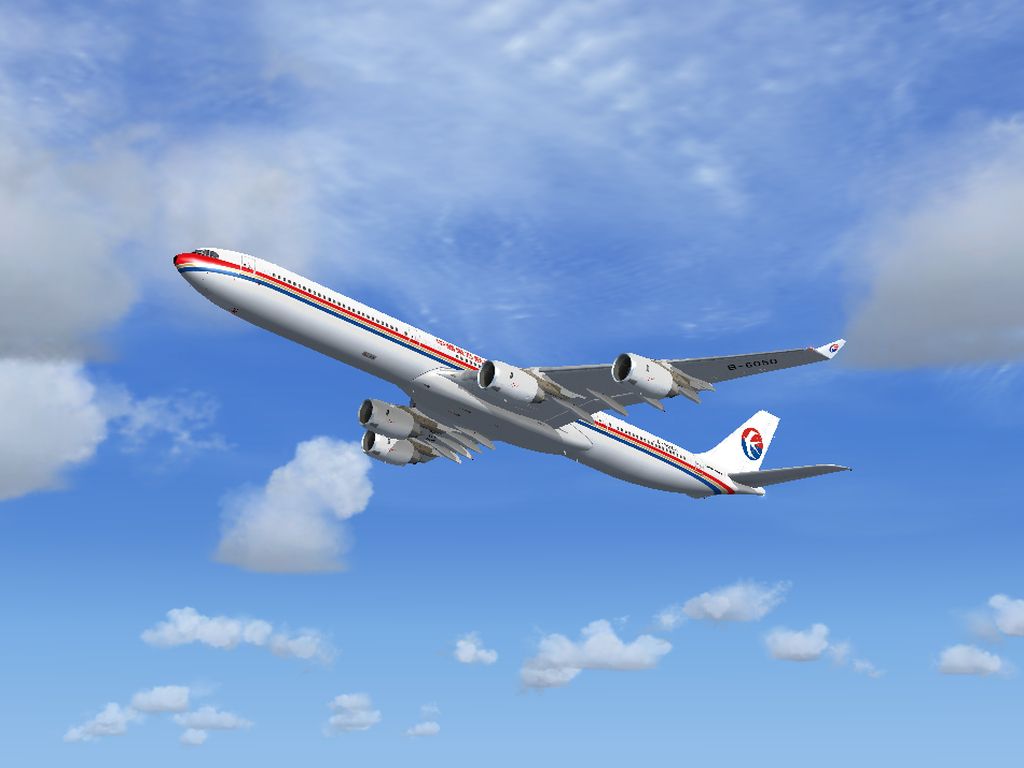
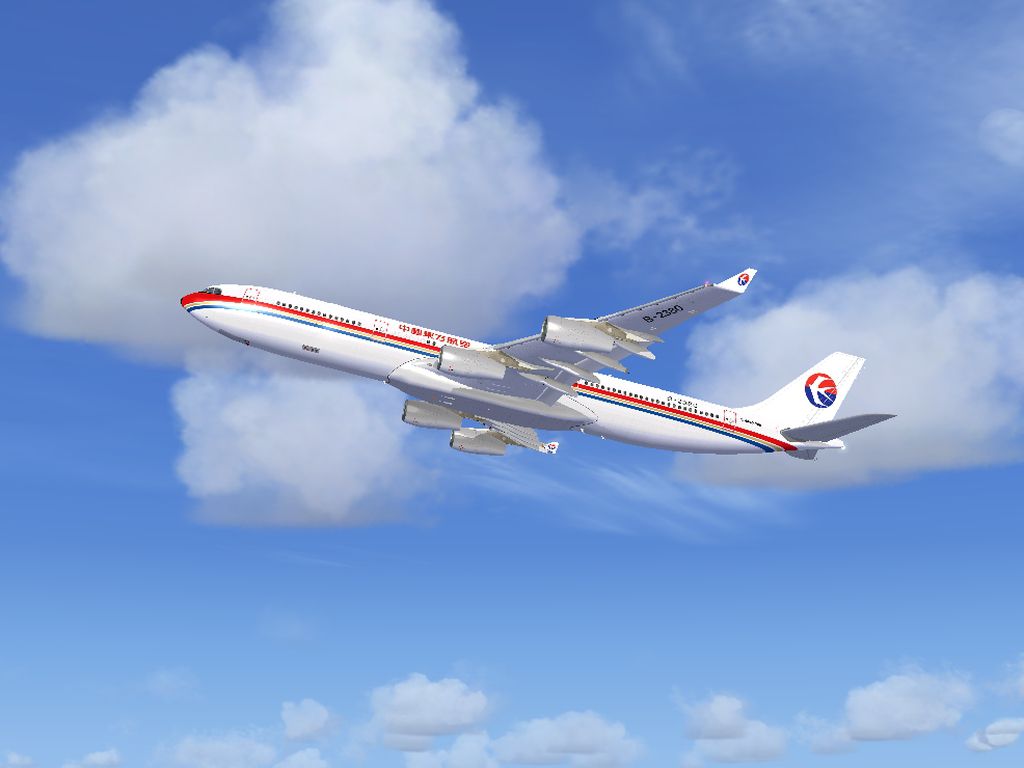

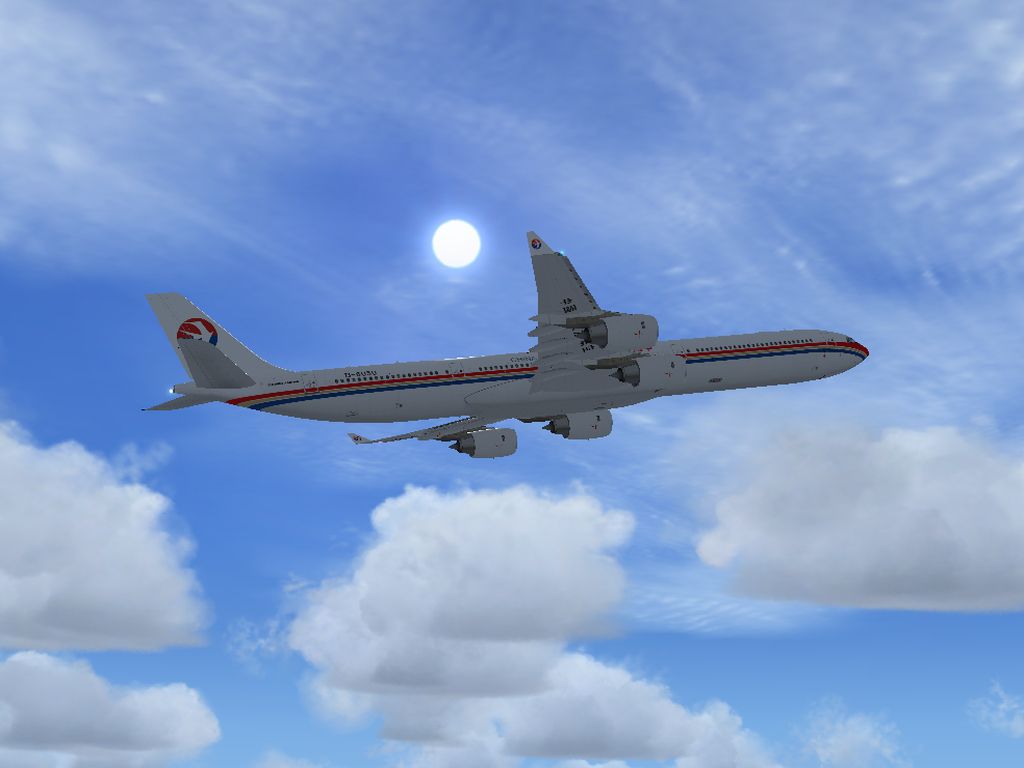
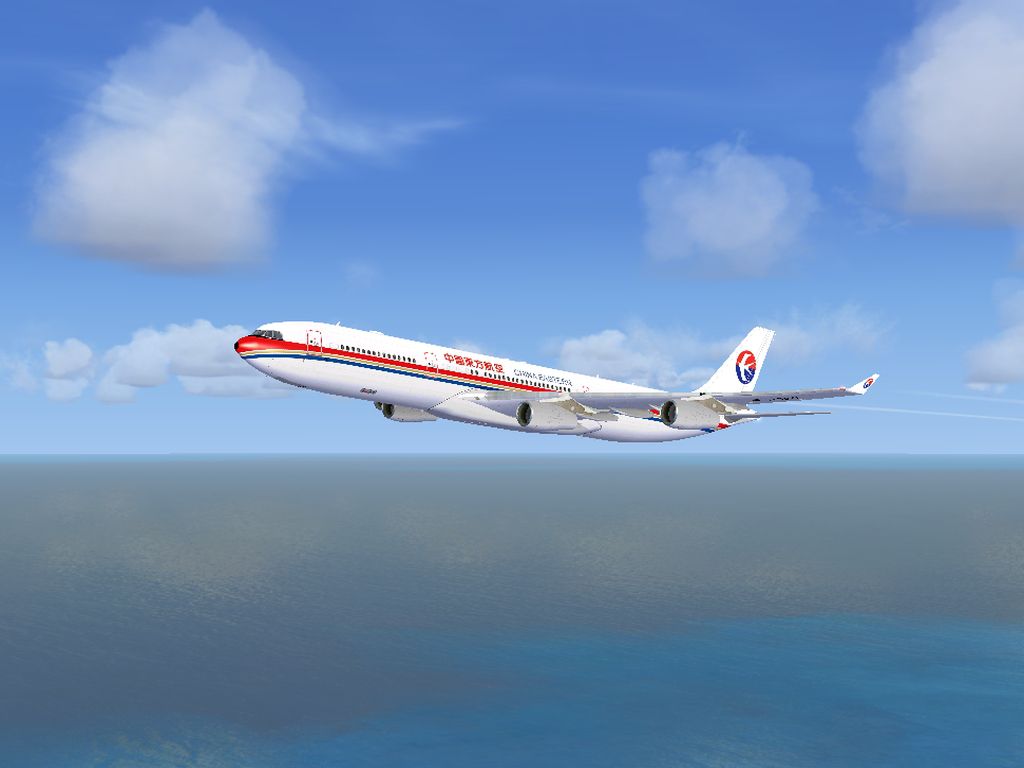


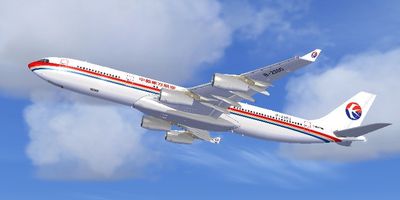
China Eastern Airbus A340. Tom Airbus A340 Series China Eastern repaints for A340-300 and A340-600 package for FSX. This package contains texture files only, original aircraft packages are available on this site: TOMA343B.ZIP (A340-300) and TOMA346.ZIP (A340-600). The Tom A340 series are for FSX only, and you have to install FSX SP1 or SP2, or the aircraft won't be displayed properly. Original aircraft by Thomas Ruth, China Eastern repaints by He Lingyuan.
China Eastern Airbus A340 in flight.
-----------------------------------------------------------------
Tom Airbus Series Repaints - China Eastern A340-300 & A340-600
-----------------------------------------------------------------
---------------
General Info
---------------
Original Aircrafts: By Thomas Ruth , Germany
China Eastern Repaints: By He Lingyuan , China
This package only contain texture files , original aircraft models released by Thomas Ruth are available seperately.
The Tom A340 Series is for FSX only , and you have to install FSX SP1 or SP2 , or the aircraft won't be displayed properly!
Here say Thank You to Thomas Ruth for his outstanding Airbus Series!
---------------
Contacts
---------------
Aircrafts Maker: Thomas Ruth
Repainter: He Lingyuan
---------------
Installation
---------------
1.Download & Install Original Aircrafts
Original packages are available on AVSIM,Flightsim & Simviation
File Names: TomA343B.ZIP (A340-300) & TomA346.zip (A340-600)
For the installation of A340 Series , see instructions in original packages for detailed steps.
2.Install Repaints
- Unzip the folder Tom_A340-300\Texture.CES to
FSX\SimObjects\Tom_A340-300\
- Unzip the folder Tom_A340-600\Texture.CES to
FSX\SimObjects\Tom_A340-600\
- Use Windows Notepad to open FSX\SimObjects\Tom_A340-300\Aircraft.CFG
copy the lines between the markings , paste them at the position just above the [General] section , then save and exit:
(Remeber to change "X+1" to a figure , "X" is the biggest number already existed in Aircraft.CFG,
for example it will be "[fltsim.3]" if you haven't installed extra texture of A340-300 before you install China Eastern repaints)
-----Copy Below-----
[fltsim.X+1] //X is the biggest number already existed in Aircraft.CFG.

title=China Eastern A340-300

sim=TomA343

model=

panel=340

sound=

texture=CES

kb_checklists=

kb_reference=

atc_id=B-2380

atc_airline=China Eastern

atc_flight_number=

atc_heavy=1

ui_manufacturer=Airbus

ui_type="A340-300"

ui_variation="China Eastern"

ui_typerole="Commercial Airliner"

ui_createdby="Thomas Ruth"

description=Tom Airbus A340-300 China Eastern Airlines B-2380\n\nAircraft by Thomas Ruth,Germany\nChina Eastern Repaint by He Lingyuan,China
-----Copy Above-----
- Use Windows Notepad to open FSX\SimObjects\Tom_A340-600\Aircraft.CFG
copy the lines between the markings , paste them at the position just above the [General] section , then save and exit:
(Remeber to change "X+1" to a figure , "X" is the biggest number already existed in Aircraft.CFG,
for example it will be "[fltsim.3]" if you haven't installed extra texture of A340-600 before you install China Eastern repaints)
-----Copy Below-----
[fltsim.X+1] //X is the biggest number already existed in Aircraft.CFG.

title=China Eastern A340-600

sim=TomA346

model=

panel=340

sound=

texture=CES

kb_checklists=

kb_reference=

atc_id=B-6050

atc_airline=China Eastern

atc_flight_number=

atc_heavy=1

ui_manufacturer=Airbus

ui_type="A340-600"

ui_variation="China Eastern"

ui_typerole="Commercial Airliner"

ui_createdby="Thomas Ruth"

description=Tom Airbus A340-600 China Eastern Airlines B-6050\n\nAircraft by Thomas Ruth,Germany\nChina Eastern Repaint by He Lingyuan,China
-----Copy Above-----
3.Run FSX and enjoy!
Have Fun!
He Lingyuan
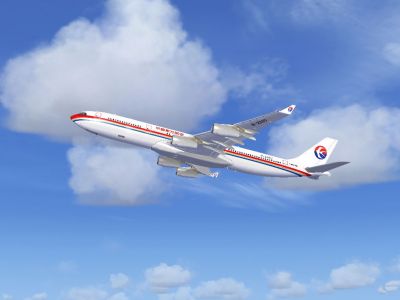
China Eastern Airbus A340 in flight.
Free for all simmers · 15 MB · Scanned clean Oct 2026
Download speed: Free tier is capped at 0.5 Mbps (this file takes approximately 4 mins at the cap). PRO members download at full line speed.
This file is a repaint — the package below is the base model it paints onto. Install it first, or the textures will have nothing to load onto.
texture.{airline}) inside FSX\SimObjects\Airplanes\{base-aircraft}\.aircraft.cfg in Notepad. Add a new [fltsim.X] section per the readme.readme.txt or README file. It tells you exactly where files go, what dependencies are needed, and any quirks specific to this add-on.The archive toma340ces.zip has 70 files and directories contained within it.
This list displays the first 500 files in the package. If the package has more, you will need to download it to view them.
| Filename/Directory | File Date | File Size |
|---|---|---|
| China Eastern Airbus A340 Series | 04.18.11 | 0 B |
| Readme.txt | 04.18.11 | 4.08 kB |
| Screenshots | 04.18.11 | 0 B |
| CES_A343_01.jpg | 04.15.11 | 289.48 kB |
| CES_A343_02.jpg | 04.15.11 | 306.46 kB |
| CES_A343_03.jpg | 04.15.11 | 327.88 kB |
| CES_A343_04.jpg | 04.15.11 | 286.33 kB |
| CES_A343_05.jpg | 04.15.11 | 324.46 kB |
| CES_A346_01.jpg | 04.17.11 | 296.03 kB |
| CES_A346_02.jpg | 04.17.11 | 314.44 kB |
| CES_A346_03.jpg | 04.17.11 | 291.02 kB |
| CES_A346_04.jpg | 04.17.11 | 341.19 kB |
| CES_A346_05.jpg | 04.17.11 | 218.85 kB |
| Tom_A340-300 | 04.18.11 | 0 B |
| Texture.CES | 04.18.11 | 0 B |
| A321_1_L.dds | 03.24.09 | 1.00 MB |
| A321_2_L.dds | 02.21.09 | 256.12 kB |
| A330_VC01L.dds | 03.24.09 | 1.00 MB |
| A340_VC01.dds | 03.19.09 | 1.00 MB |
| Airbus_A321_1_C.dds | 09.04.06 | 682.79 kB |
| Airbus_A321_1_L.dds | 02.19.09 | 1.00 MB |
| Airbus_A321_2_C.dds | 09.04.06 | 682.79 kB |
| Airbus_A321_2_L.dds | 02.19.09 | 1.00 MB |
| Airbus_A321_3_C.dds | 09.04.06 | 682.79 kB |
| Airbus_A321_3_L.dds | 02.19.09 | 4.12 kB |
| Airbus_A321_4_C.dds | 09.04.06 | 682.79 kB |
| Airbus_A321_4_L.dds | 02.19.09 | 1.00 MB |
| Glass.dds | 03.02.09 | 64.12 kB |
| Glass_Spec.dds | 11.24.08 | 4.12 kB |
| Main.dds | 04.22.11 | 16.00 MB |
| Main_Bump.dds | 04.12.09 | 4.00 MB |
| Main_Light.dds | 04.15.11 | 512.12 kB |
| Main_Spec.dds | 03.23.09 | 64.12 kB |
| Texture.cfg | 04.15.11 | 141 B |
| Thumbnail.jpg | 04.15.11 | 52.42 kB |
| VCBlend.dds | 02.09.09 | 1.12 kB |
| Wing_Bump.dds | 03.17.09 | 1.00 MB |
| Wing_L.dds | 04.17.11 | 4.00 MB |
| Wing_R.dds | 04.17.11 | 4.00 MB |
| Wing_Spec.dds | 11.21.08 | 64.12 kB |
| Tom_A340-600 | 04.18.11 | 0 B |
| Texture.CES | 04.18.11 | 0 B |
| A321_1_L.dds | 03.24.09 | 1.00 MB |
| A321_2_L.dds | 02.21.09 | 256.12 kB |
| A330_VC01L.dds | 03.24.09 | 1.00 MB |
| A340_VC01.dds | 03.19.09 | 1.00 MB |
| Airbus_A321_1_C.dds | 09.04.06 | 682.79 kB |
| Airbus_A321_1_L.dds | 02.19.09 | 1.00 MB |
| Airbus_A321_2_C.dds | 09.04.06 | 682.79 kB |
| Airbus_A321_2_L.dds | 02.19.09 | 1.00 MB |
| Airbus_A321_3_C.dds | 09.04.06 | 682.79 kB |
| Airbus_A321_3_L.dds | 02.19.09 | 4.12 kB |
| Airbus_A321_4_C.dds | 09.04.06 | 682.79 kB |
| Airbus_A321_4_L.dds | 02.19.09 | 1.00 MB |
| Glass.dds | 04.29.09 | 64.12 kB |
| Glass_Spec.dds | 11.24.08 | 4.12 kB |
| Main.dds | 04.22.11 | 16.00 MB |
| Main_Bump.dds | 05.14.09 | 4.00 MB |
| Main_Grid.dds | 04.03.09 | 4.00 MB |
| Main_Light.dds | 04.17.11 | 512.12 kB |
| Main_Spec.dds | 03.23.09 | 64.12 kB |
| Texture.cfg | 04.17.11 | 141 B |
| Thumbnail.jpg | 04.17.11 | 53.42 kB |
| VCBlend.dds | 02.09.09 | 1.12 kB |
| Wing_Bump.dds | 05.13.09 | 1.00 MB |
| Wing_L.dds | 04.18.11 | 4.00 MB |
| Wing_R.dds | 04.18.11 | 4.00 MB |
| Wing_Spec.dds | 11.21.08 | 64.12 kB |
| flyawaysimulation.txt | 10.29.13 | 959 B |
| Go to Fly Away Simulation.url | 01.22.16 | 52 B |
Only PRO members can place votes.
More FSX & P3D add-ons hand-picked based on this download.
FSX Civil Aircraft
This package contains texture files only, original aircraft package is availa…
 FSX Civil Aircraft
China Eastern Airbus A321-231. Project Airbus Airbus A321-231 China Eastern B…
 FSX Civil Aircraft
This add-on provides repaints of China Eastern Airlines’ Airbus A330 fleet fo…
 FSX Civil Aircraft
This is a repaint of China Eastern Airlinrs "Expo 2010 Colors" on the Commerc…
 FSX Civil Aircraft
This fully freeware repaint showcases the “Magnificent Qinghai” theme on a Ch…
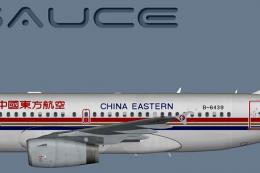 FSX Civil Aircraft
A China Eastern old livery Airbus A319 IAE for the model by FSX AI Bureau (FA…
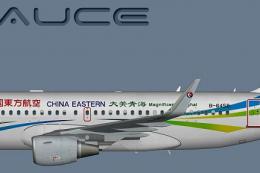 FSX Civil Aircraft
A China Eastern (Qinghai) Airbus A319S for the model by FSX AI Bureau (FAIBA3…
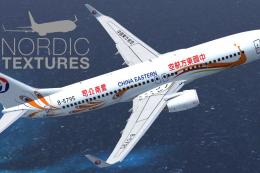 FSX Civil Aircraft
China Eastern Airlines 737-800NGX Yunnan Orange Peacock, registration B-5795.…
Be the first to leave a comment on this download.
Be the first to share your thoughts on this download.