

 FSX Civil Aircraft
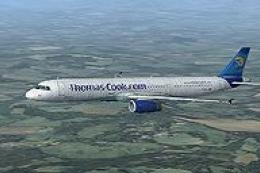
Thomas Cook Airbus A321 F-MSAB
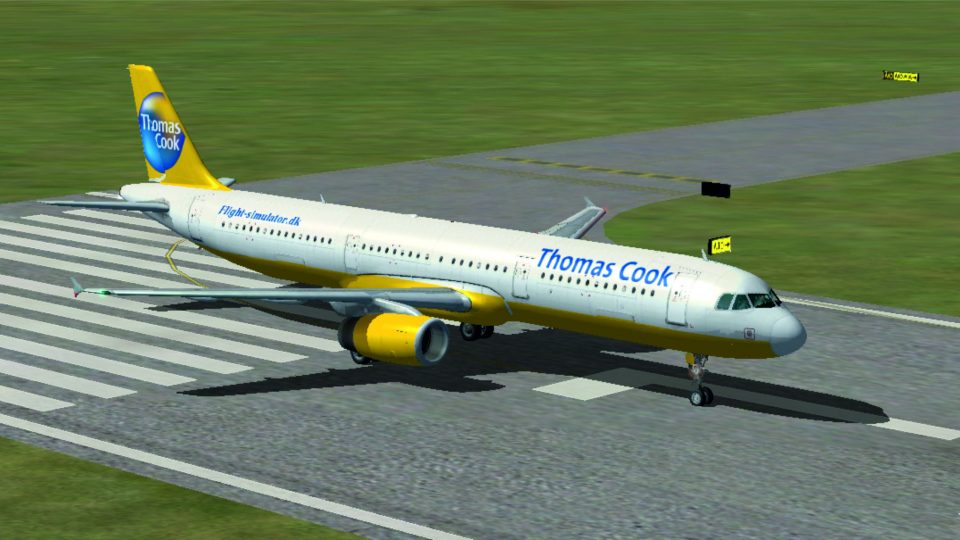
This is a Thomas Cook repaint for the default Airbus A321 series aircraft. Th…
Thomas Cook’s distinctive Airbus A321 livery brings authentic European charter atmosphere to the default airliner with crisp, well-aligned textures across fuselage, tail, wings, and engines. Built for Microsoft Flight Simulator X, it requires the stock A321 model and delivers clean color tones that look right from ramp to cruise.
 Rate
Rate
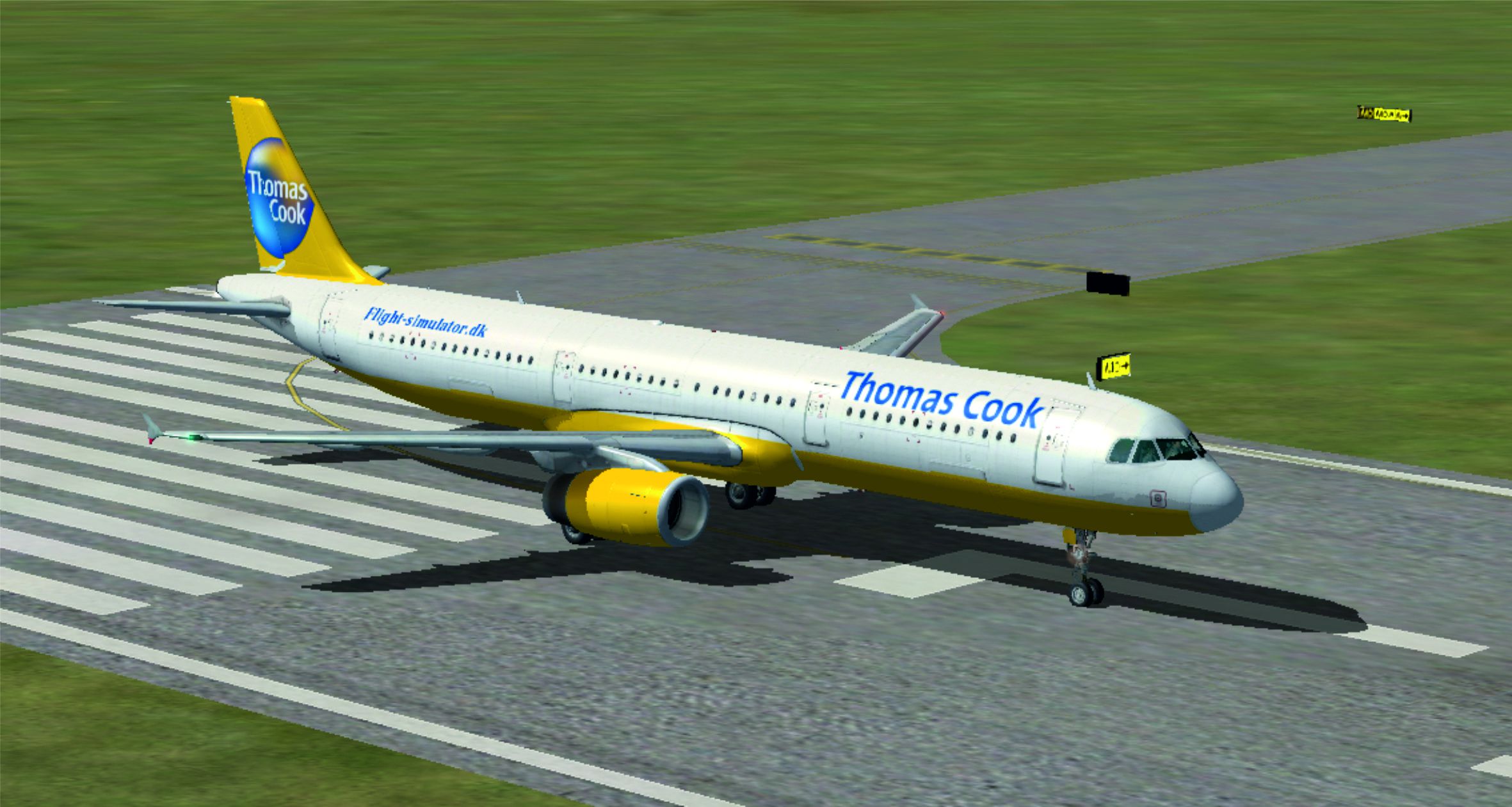
Experience the latest Thomas Cook Airbus A321 exterior in Microsoft Flight Simulator X, meticulously painted to mirror the airline’s recognizable color scheme. This freeware repaint, produced by Per Neis, applies custom textures to the default Airbus A321 model. Enthusiasts interested in general passenger operations or those seeking to replicate realistic European charter flights will find this livery a fitting enhancement. No base package is included here, so ensure you already have the default A321 in FSX before proceeding.
This repaint is carefully aligned with the geometric design of Airbus’s narrow-body twin-engine aircraft. The A321 typically operates short- to medium-range routes, holding additional passenger capacity with its stretched fuselage. Thomas Cook Airlines, known for its holiday-focused services, fielded this airliner across popular vacation destinations in Europe, lending a strong sense of realism when using this repaint during simulated commercial flights.
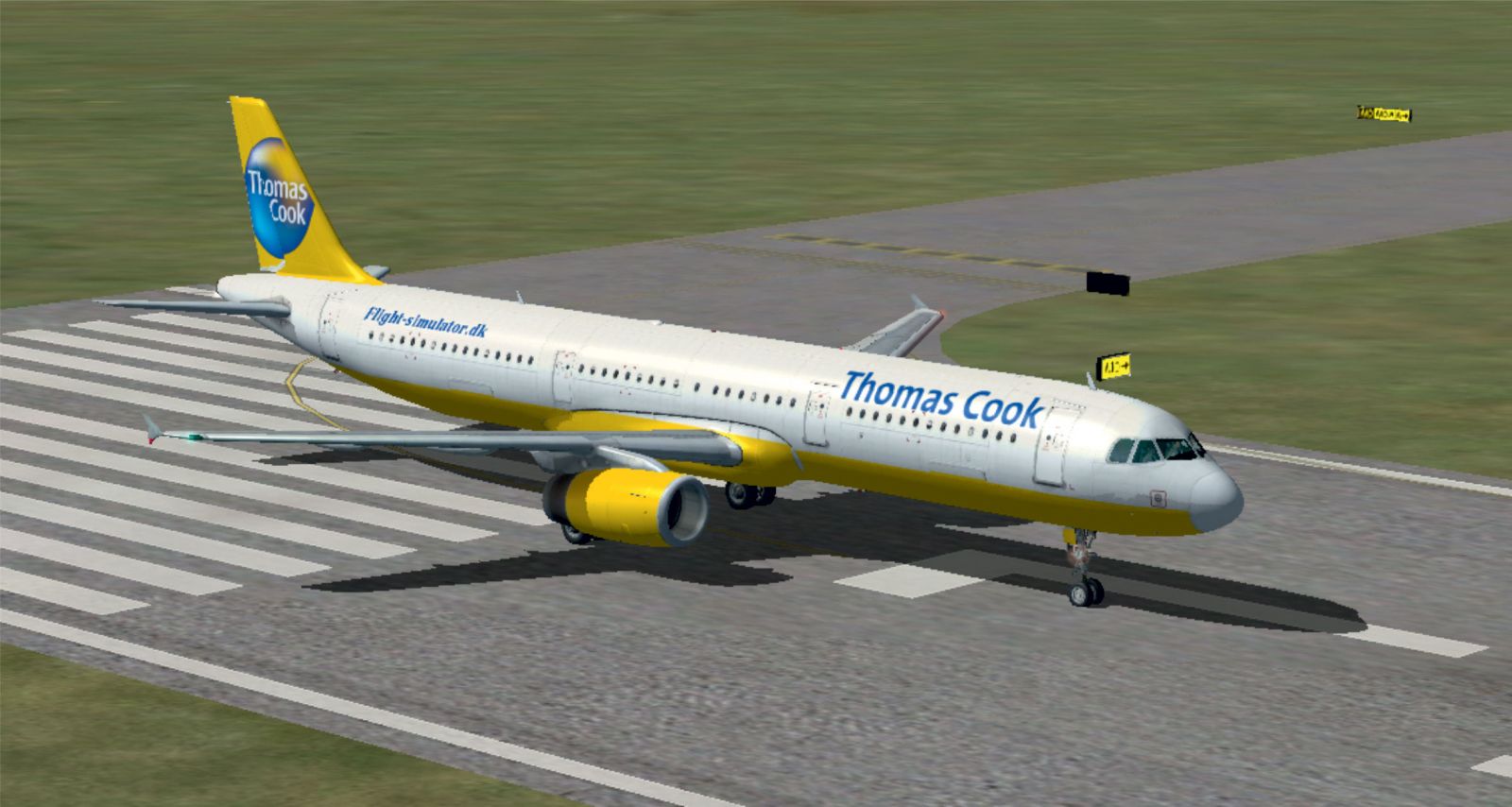
Thomas Cook Airbus A321 on runway.
Used extensively on tourist-oriented routes, the real A321 by Thomas Cook offered passenger-friendly cabins for short- to medium-haul flights. With its enhanced range and expanded seating capacity, the Airbus A321 served holidaymakers across multiple destinations. By adopting this repaint, sim pilots can replicate those journeys within a virtual environment that captures authentic airline schedules and day-to-day airport traffic.
Repaint by Per Neis. This package provides textures only, so make sure your simulator includes the default A321 or you have secured an appropriate freeware model. The base can be obtained from the Fly Away Simulation library as required.
Free for all simmers · 7.81 MB · Scanned clean Oct 2026
Download speed: Free tier is capped at 0.5 Mbps (this file takes approximately 2 mins at the cap). PRO members download at full line speed.
texture.{airline}) inside FSX\SimObjects\Airplanes\{base-aircraft}\.aircraft.cfg in Notepad. Add a new [fltsim.X] section per the readme.readme.txt or README file. It tells you exactly where files go, what dependencies are needed, and any quirks specific to this add-on.The archive airbusa321thomascook.zip has 28 files and directories contained within it.
This list displays the first 500 files in the package. If the package has more, you will need to download it to view them.
| Filename/Directory | File Date | File Size |
|---|---|---|
| Airbus A321 Thomas Cook | 04.24.11 | 0 B |
| Airbus 321_Texture.th | 04.24.11 | 0 B |
| A321_1_T.dds | 04.24.11 | 4.00 MB |
| A321_1_T_Bump.dds | 09.04.06 | 1.00 MB |
| A321_1_T_LM.dds | 09.04.06 | 170.79 kB |
| A321_1_T_spec.dds | 09.04.06 | 1.33 MB |
| A321_2_T.dds | 09.04.06 | 1.33 MB |
| A321_2_T_Bump.dds | 09.04.06 | 1.00 MB |
| A321_2_T_LM.dds | 09.04.06 | 170.79 kB |
| A321_2_T_spec.dds | 09.04.06 | 1.33 MB |
| A321_Interior_T.dds | 09.04.06 | 341.45 kB |
| A321_reflection.dds | 09.04.06 | 170.79 kB |
| Airbus_A321_1_C.dds | 09.04.06 | 682.79 kB |
| Airbus_A321_1_night_C.dds | 09.04.06 | 682.79 kB |
| Airbus_A321_2_C.dds | 09.04.06 | 682.79 kB |
| Airbus_A321_2_night_C.dds | 09.04.06 | 682.79 kB |
| Airbus_A321_3_C.dds | 09.04.06 | 682.79 kB |
| Airbus_A321_3_night_C.dds | 09.04.06 | 682.79 kB |
| Airbus_A321_4_C.dds | 09.04.06 | 682.79 kB |
| Airbus_A321_4_night_C.dds | 09.04.06 | 682.79 kB |
| Airbus_Pilots.dds | 09.04.06 | 42.79 kB |
| Fresnel_Ramp.dds | 09.04.06 | 640 B |
| texture.cfg | 08.14.06 | 137 B |
| thumbnail.jpg | 04.24.11 | 921.47 kB |
| aircraft.cfg | 04.23.11 | 24.29 kB |
| Brugsanvisning.txt | 04.24.11 | 1.37 kB |
| flyawaysimulation.txt | 10.29.13 | 959 B |
| Go to Fly Away Simulation.url | 01.22.16 | 52 B |
Only PRO members can place votes.
More FSX & P3D add-ons hand-picked based on this download.
FSX Civil Aircraft
This is a Thomas Cook repaint for the default Airbus A321 series aircraft. Th…
 FSX Civil Aircraft
Thomas Cook Airbus A321, registration G-OMYJ. Textures for the default Airbus…
 FSX Civil Aircraft
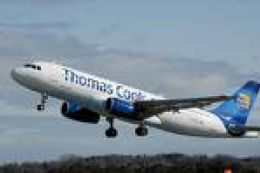
Thomas Cook Airbus A321. Textures only for the default A321 by R. Svit. This …
 FSX Civil Aircraft
FSX Thomas Cook Airbus A330. Model by Project Open Sky. By Mark Huges. Featur…
 FSX Civil Aircraft
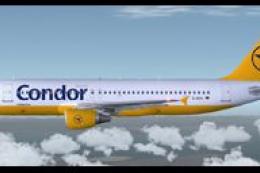
This complete freeware package features three distinct Condor/Thomas Cook Air…
 FSX Civil Aircraft
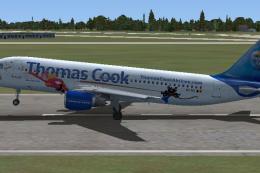
Thomas Cook Airlines Airbus A320 "Mega Mindy". This paint of the Thomas Cook …
 FSX Civil Aircraft
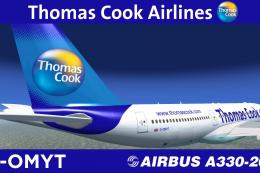
Texture only package for use with the Thomas Ruth A330-200 model (TOMA332B.ZI…
 FSX Civil Aircraft
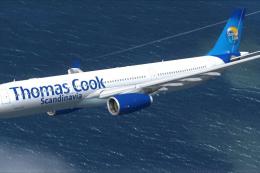
This is a semi-photoreal repaint of the Commercial Level Simulations Airbus A…
Be the first to leave a comment on this download.
Be the first to share your thoughts on this download.