

 FSX Civil Aircraft
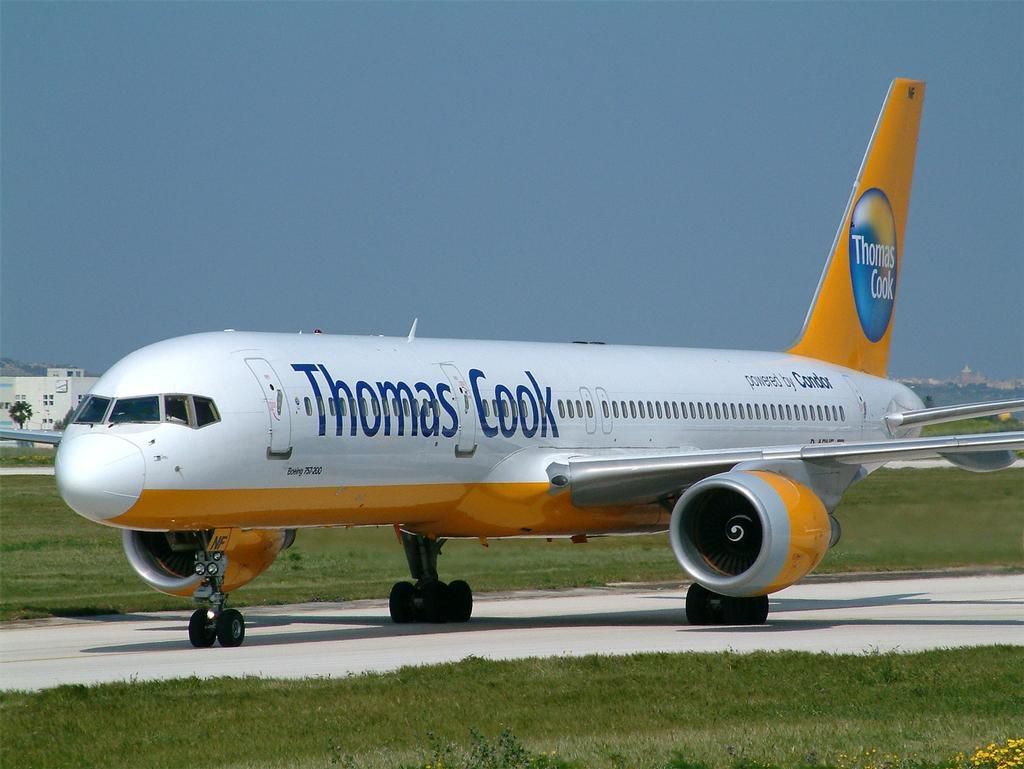
Thomas Cook Boeing 757-200 (New Livery)
Full model and textures of the Project Open Sky B757-200 in the Thomas Cook G…
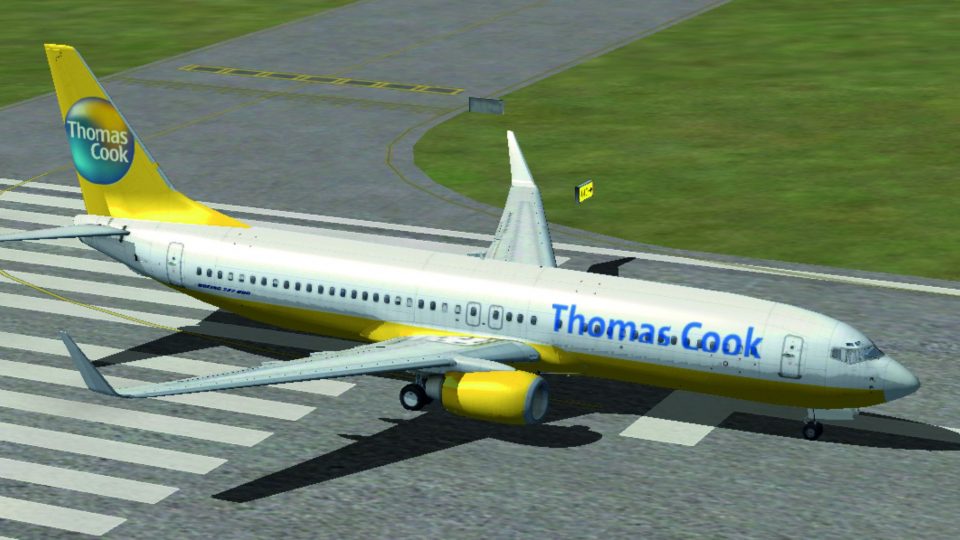
Thomas Cook’s holiday-airline branding comes to life on the default Boeing 737-800 with a crisp, accurate repaint that captures the carrier’s signature colors, logos, and tail art. Built for Microsoft Flight Simulator X and tuned for smooth visuals, it requires the base default 737-800 model while keeping the original flight behavior intact.
 Rate
Rate
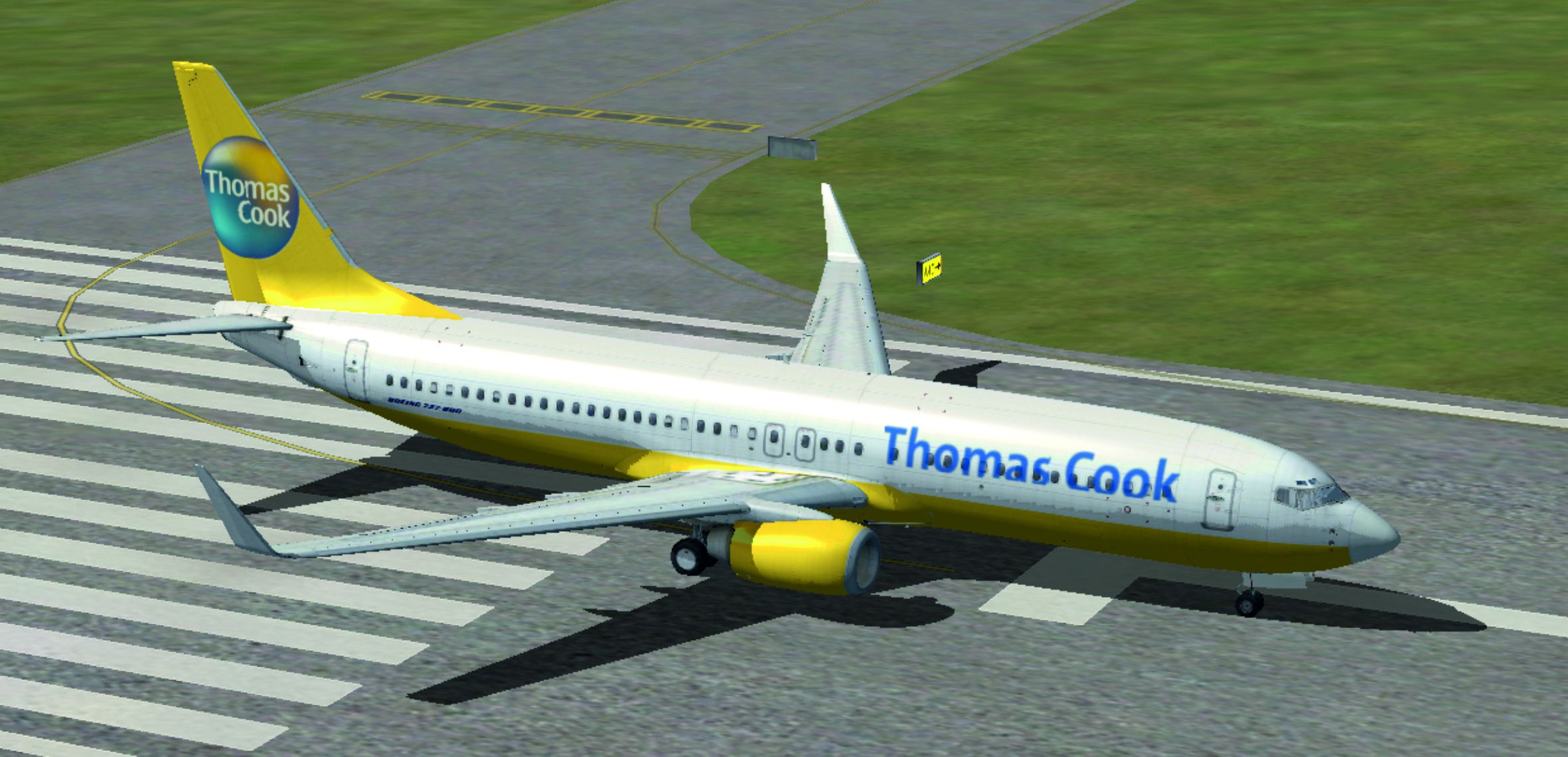
Experience a refined Thomas Cook livery for the Boeing 737-800 in Microsoft Flight Simulator X. This package contains customized textures that replicate the airline's vibrant branding and are designed specifically for the default 737-800. Created by Per Neis, these textures provide a faithful representation of Thomas Cook’s color scheme while preserving the original aircraft’s performance characteristics.
Thomas Cook, once a well-known holiday carrier, often operated leisure flights throughout Europe and beyond. These textures highlight the signature tones and tail artwork associated with the airline’s fleet. With their focus on vacation travel, these Boeing 737-800 jets typically served short-to-medium haul routes, providing comfort for passengers journeying to popular destinations.
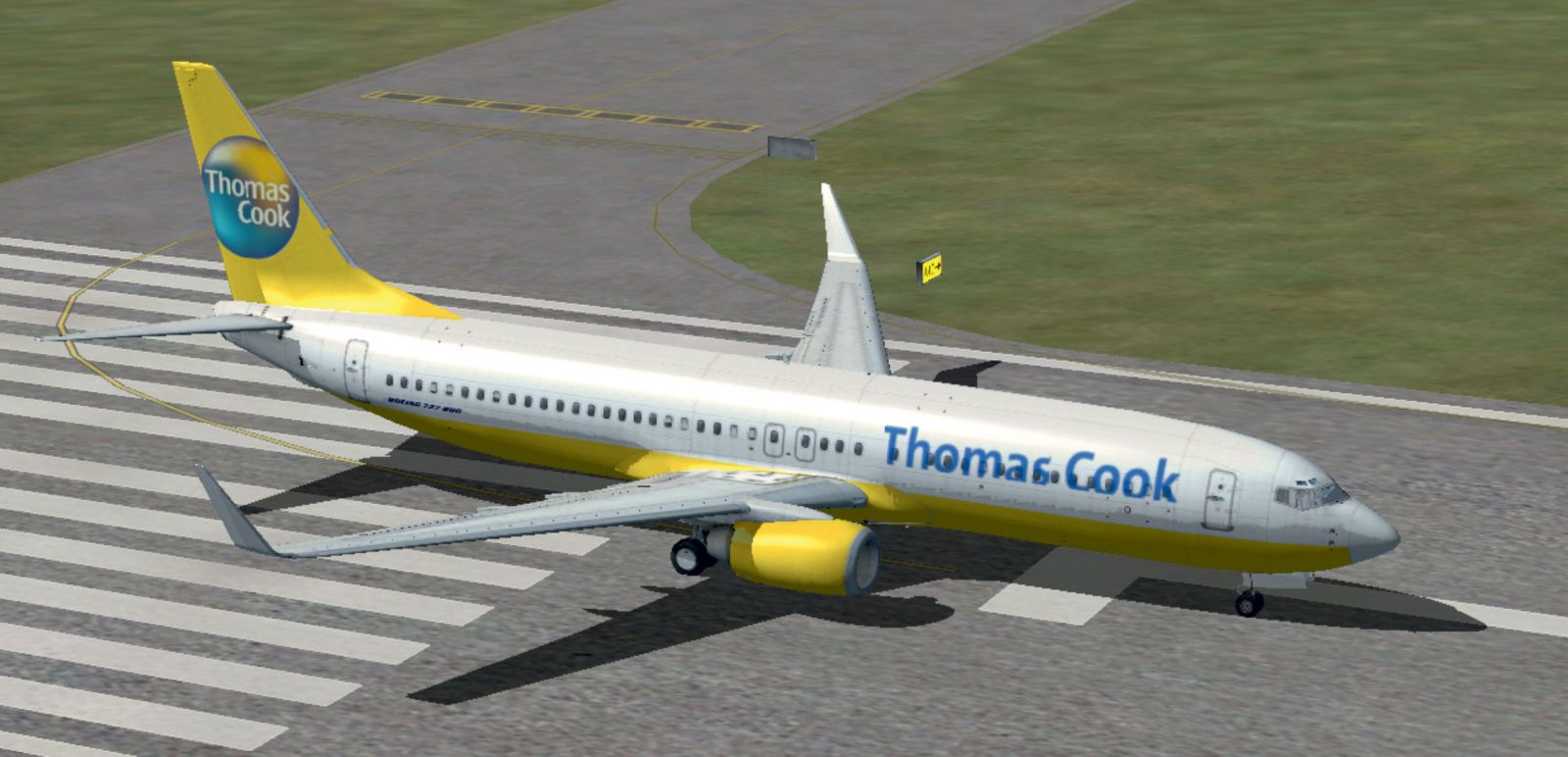
Thomas Cook Boeing 737-800 on runway.
All files included in this repaint have been tailored for the default Boeing 737-800 model in Microsoft Flight Simulator X. Since this download only includes customized textures, the base aircraft model is required. You can acquire the necessary default 737-800 model from the Fly Away Simulation library if needed. Once installed, pilots can enjoy the enhanced look without altering any of the aircraft’s flight dynamics.
Designed with attention to detail, these textures depict:
This repaint stands out for those eager to experience a true-to-life Thomas Cook journey in Microsoft Flight Simulator X. By preserving the Boeing 737-800’s operational profile, it keeps flights realistic while injecting the distinctive holiday-airline vibe. For full functionality, make certain you have the freeware base model installed from the Fly Away Simulation files, then integrate these textures to enhance your virtual fleet.
Free for all simmers · 9.63 MB · Scanned clean Oct 2026
Download speed: Free tier is capped at 0.5 Mbps (this file takes approximately 3 mins at the cap). PRO members download at full line speed.
texture.{airline}) inside FSX\SimObjects\Airplanes\{base-aircraft}\.aircraft.cfg in Notepad. Add a new [fltsim.X] section per the readme.readme.txt or README file. It tells you exactly where files go, what dependencies are needed, and any quirks specific to this add-on.The archive b737_800_thomas_cook.zip has 31 files and directories contained within it.
This list displays the first 500 files in the package. If the package has more, you will need to download it to view them.
| Filename/Directory | File Date | File Size |
|---|---|---|
| B737_800_Thomas_Cook | 04.23.11 | 0 B |
| aircraft.cfg | 04.23.11 | 28.87 kB |
| Brugsanvisning.txt | 04.23.11 | 1.38 kB |
| texture.th | 04.23.11 | 0 B |
| 737_Refection.dds | 09.04.06 | 170.79 kB |
| B737_800_1_C.dds | 09.04.06 | 682.79 kB |
| b737_800_1_LM.dds | 09.04.06 | 170.79 kB |
| B737_800_1_night_C.dds | 09.04.06 | 682.79 kB |
| b737_800_1_T.dds | 04.23.11 | 4.00 MB |
| b737_800_1_T_Bump.dds | 09.04.06 | 1.00 MB |
| b737_800_1_T_Specular.dds | 09.04.06 | 1.33 MB |
| B737_800_2_C.dds | 09.04.06 | 682.79 kB |
| B737_800_2_night_C.dds | 09.04.06 | 682.79 kB |
| b737_800_2_T.dds | 09.04.06 | 1.33 MB |
| b737_800_2_T_Bump.dds | 09.04.06 | 1.00 MB |
| b737_800_2_T_Specular.dds | 09.04.06 | 1.33 MB |
| B737_800_3_C.dds | 09.04.06 | 682.79 kB |
| B737_800_3_night_C.dds | 09.04.06 | 682.79 kB |
| B737_800_4_C.dds | 09.04.06 | 682.79 kB |
| B737_800_4_night_C.dds | 09.04.06 | 682.79 kB |
| B737_800_5_C.dds | 09.04.06 | 170.79 kB |
| B737_800_5_night_C.dds | 09.04.06 | 170.79 kB |
| B737_800_C.bmp | 05.12.06 | 682.74 kB |
| B737_800_Interior.dds | 09.04.06 | 170.79 kB |
| Fresnel_Ramp.dds | 09.04.06 | 640 B |
| Pilots_737.dds | 09.04.06 | 42.79 kB |
| texture.cfg | 08.14.06 | 137 B |
| thumbnail.jpg | 04.23.11 | 878.17 kB |
| Thomas-Cook-Airli.jpg | 04.23.11 | 87.50 kB |
| flyawaysimulation.txt | 10.29.13 | 959 B |
| Go to Fly Away Simulation.url | 01.22.16 | 52 B |
Only PRO members can place votes.
More FSX & P3D add-ons hand-picked based on this download.
FSX Civil Aircraft
Full model and textures of the Project Open Sky B757-200 in the Thomas Cook G…
 FSX Civil Aircraft
Immerse yourself in a meticulously rendered Boeing 767-31K aircraft package. …
 FSX Civil Aircraft
Thomas Cook UK Boeing 757-200, registration G-FCLC. Textures only for the pay…
 FSX Civil Aircraft
Experience a unique presentation of Condor’s charitable “Heart of Children” p…
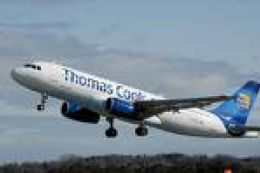 FSX Civil Aircraft
FSX Thomas Cook Airbus A330. Model by Project Open Sky. By Mark Huges. Featur…
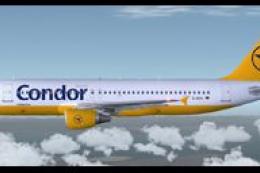 FSX Civil Aircraft
This complete freeware package features three distinct Condor/Thomas Cook Air…
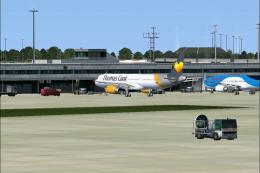 FSX Civil Aircraft
This is a Thomas Cook repaint for the default Airbus A321 series aircraft. Th…
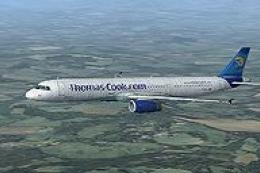 FSX Civil Aircraft
Thomas Cook Airbus A321, registration G-OMYJ. Textures for the default Airbus…
Be the first to leave a comment on this download.
Be the first to share your thoughts on this download.