

 FSX General Aviation Aircraft
Cessna Skylane C182 RG II Red Belle
Fictional repaint for the payware Carenado Cessna Skylane 182 RG II. Textures…
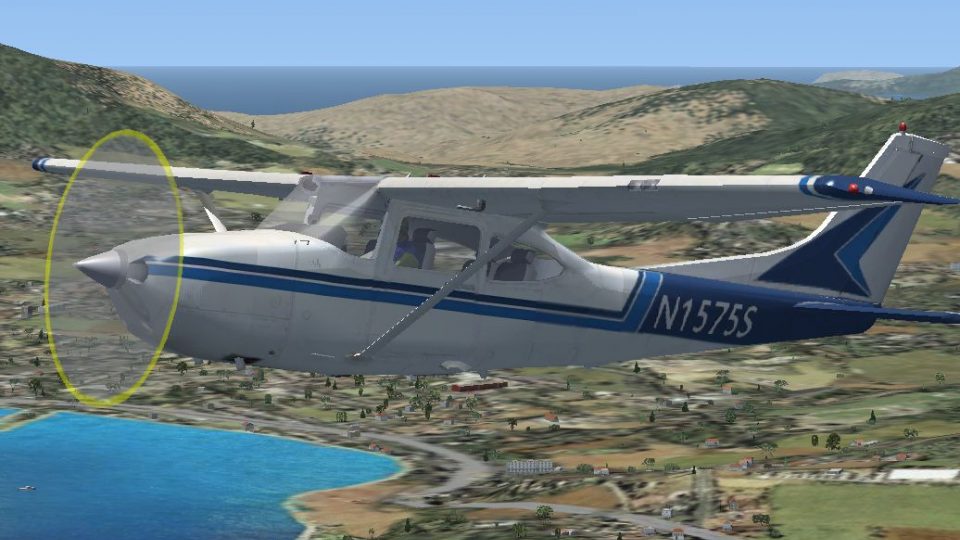
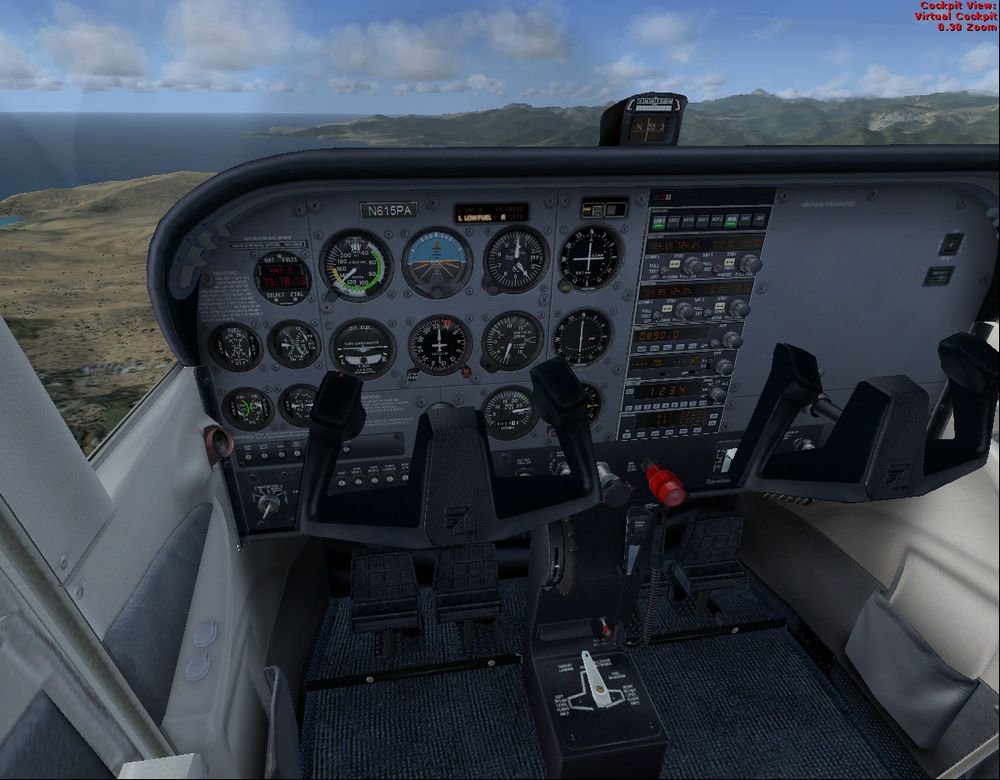
Cessna 182RG Skylane brings a classic four-seat, single-engine retractable-gear tourer to FSX with native modeling and smooth GMAX exterior lines, built to feel at home in everyday GA flying. Enjoy a clear virtual cockpit view and balanced handling suited to training circuits, cross-country hops, and relaxed sightseeing.
 Rate
Rate
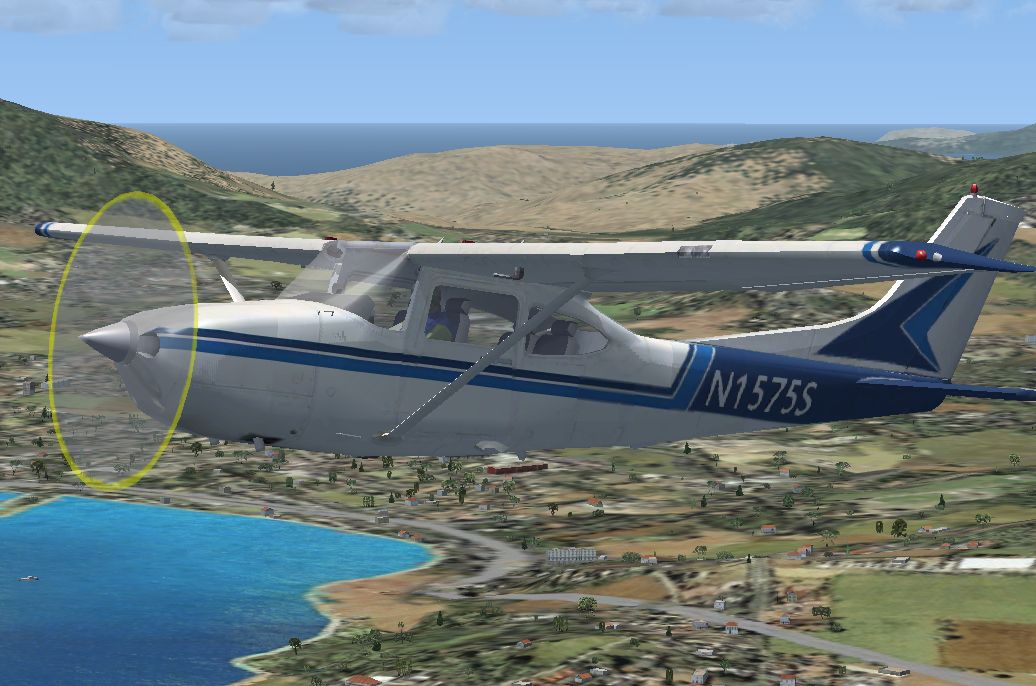
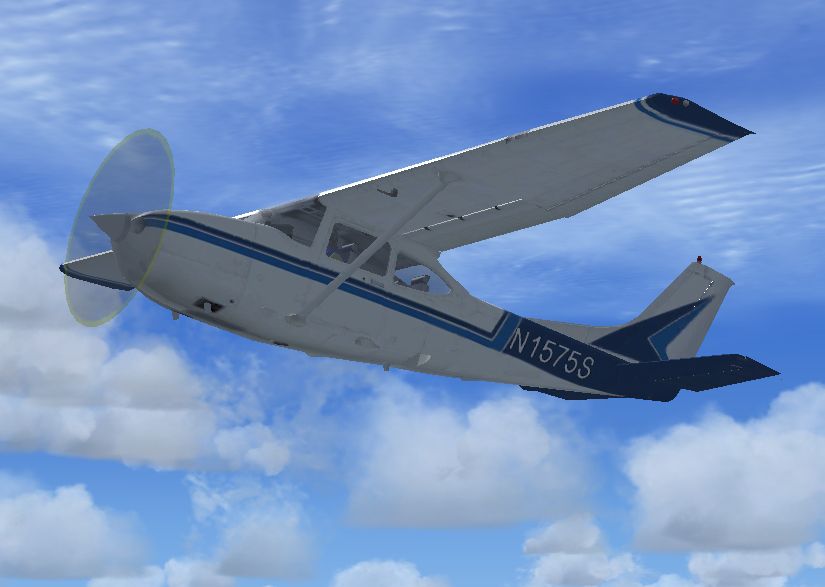
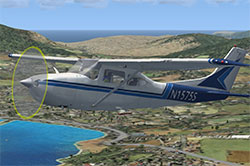 The Cessna 182 Skylane is an American four-seat, single-engined light airplane, built by Cessna of Wichita, Kansas. The Cessna 182 was introduced in 1956 as a tricycle gear variant of the 180. In 1957, the 182A variant was introduced along with the name Skylane. This is the retract gear version.
GMAX models by A.F.Scrub.
Free for all simmers · 11.83 MB · Scanned clean Oct 2026
Download speed: Free tier is capped at 0.5 Mbps (this file takes approximately 3 mins at the cap). PRO members download at full line speed.
FSX\SimObjects\Airplanes\. The folder must contain an aircraft.cfg file. Effects go into FSX\Effects\; gauges go into FSX\Gauges\.readme.txt or README file. It tells you exactly where files go, what dependencies are needed, and any quirks specific to this add-on.The archive fsxnative_cessna182rg.zip has 65 files and directories contained within it.
This list displays the first 500 files in the package. If the package has more, you will need to download it to view them.
| Filename/Directory | File Date | File Size |
|---|---|---|
| aircraft.cfg | 05.12.17 | 16.69 kB |
| aircraft.cfg.txt | 05.12.17 | 16.67 kB |
| Cessna182.air | 05.08.17 | 9.16 kB |
| cessna182_check.txt | 05.09.17 | 6.57 kB |
| cessna182_ref.txt | 05.09.17 | 1.30 kB |
| file_id.diz | 05.12.17 | 348 B |
| in flight.jpg | 05.12.17 | 456.61 kB |
| cessna182rg.Int.mdl | 05.09.17 | 1.07 MB |
| cessna182rg.MDL | 05.12.17 | 417.55 kB |
| model.cfg | 05.12.17 | 54 B |
| cessna_172_background.bmp | 05.26.06 | 769.05 kB |
| cessna_172_background_night.bmp | 05.26.06 | 769.05 kB |
| cessna_172_ifr_background.bmp | 05.26.06 | 769.05 kB |
| cessna_172_ifr_background_night.bmp | 05.26.06 | 769.00 kB |
| cessna_172_landing_background.bmp | 07.06.06 | 660.05 kB |
| cessna_172_landing_background_night.bmp | 07.06.06 | 660.05 kB |
| Cessna_172_Panel_Decals.bmp | 05.12.06 | 257.05 kB |
| panel.cfg | 05.08.17 | 13.60 kB |
| Thumbs.db | 05.08.17 | 80.00 kB |
| Read Me.txt | 05.12.17 | 3.46 kB |
| Sound.cfg | 05.06.17 | 26 B |
| AIc172_rpm1.wav | 07.05.06 | 245.77 kB |
| AIc172_rpm3.wav | 07.05.06 | 238.34 kB |
| cessna182fixgear.mdl | 05.09.17 | 318.29 kB |
| cessna182rg.Int.mdl | 05.09.17 | 1.07 MB |
| cessna182rg.MDL | 05.11.17 | 375.21 kB |
| model.cfg | 05.09.17 | 60 B |
| soundAI.cfg | 07.07.06 | 2.86 kB |
| xAIc172_Frpm1.wav | 07.07.06 | 245.78 kB |
| xAIc172_Frpm3.wav | 07.07.06 | 238.34 kB |
| xAIc172_Rrpm1.wav | 07.07.06 | 245.78 kB |
| xAIc172_Rrpm3.wav | 07.07.06 | 238.34 kB |
| texture.cfg | 05.07.17 | 142 B |
| C172_1_C.dds | 09.04.06 | 682.79 kB |
| C172_1_night_C.dds | 09.04.06 | 682.79 kB |
| C172_2_C.dds | 09.04.06 | 682.79 kB |
| C172_2_night_C.dds | 09.04.06 | 682.79 kB |
| C172_3_C.dds | 09.04.06 | 682.79 kB |
| C172_3_night_C.dds | 09.04.06 | 682.79 kB |
| C172_4_C.dds | 09.04.06 | 170.79 kB |
| C172_4_night_C.dds | 09.04.06 | 170.79 kB |
| c172_c.bmp | 05.12.06 | 170.74 kB |
| C172_Interior_T.dds | 09.04.06 | 341.45 kB |
| c172_interior_t_night.dds | 09.04.06 | 42.79 kB |
| C172_Pilot.dds | 09.04.06 | 682.79 kB |
| C172_reflection.dds | 09.04.06 | 170.79 kB |
| C172_T.dds | 09.04.06 | 1.33 MB |
| c172_t_bump.dds | 09.04.06 | 1.00 MB |
| c172_t_spec.dds | 09.04.06 | 1.33 MB |
| fresnel_ramp.dds | 09.04.06 | 640 B |
| Prop_C172.dds | 09.04.06 | 85.46 kB |
| texture.cfg | 08.14.06 | 137 B |
| Thumbs.db | 05.08.17 | 213.50 kB |
| C182_T.dds | 05.12.17 | 1.33 MB |
| decalnumber.bmp | 05.12.17 | 10.78 kB |
| glass.dds | 05.12.17 | 85.48 kB |
| metal.dds | 05.12.17 | 85.48 kB |
| prop.dds | 05.12.17 | 85.48 kB |
| propslow.bmp | 11.13.16 | 341.40 kB |
| propslow.dds | 05.14.17 | 85.48 kB |
| texture.cfg | 05.07.17 | 142 B |
| thumbnail.jpg | 05.14.17 | 224.13 kB |
| Vcockpit.jpg | 05.09.17 | 526.70 kB |
| flyawaysimulation.txt | 10.29.13 | 959 B |
| Go to Fly Away Simulation.url | 01.22.16 | 52 B |
Only PRO members can place votes.
More FSX & P3D add-ons hand-picked based on this download.
FSX General Aviation Aircraft
Fictional repaint for the payware Carenado Cessna Skylane 182 RG II. Textures…
 FSX General Aviation Aircraft
Fictional repaint for the payware Carenado Cessna Skylane 182 RG II. Textures…
 FSX General Aviation Aircraft
This texture is for the payware Carenado Cessna Skylane II RG that came in th…
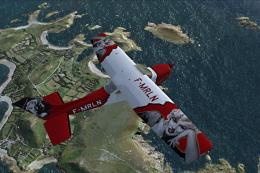 FSX General Aviation Aircraft
Fictional repaint for the payware Carenado Cessna Skylane 182 RG II. Textures…
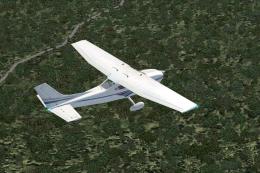 FSX General Aviation Aircraft
Cessna 182 Skylane. This is the default Flight Simulator 2004 Cessna 182 Skyl…
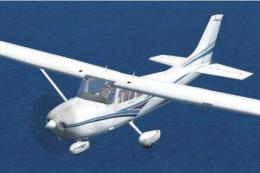 FSX General Aviation Aircraft
Cessna 182 Skylane Update. This is an update for FSX Acceleration of the Cess…
 FSX General Aviation Aircraft
This freeware release offers a custom rendition of the Cessna 182 Skylane—ori…
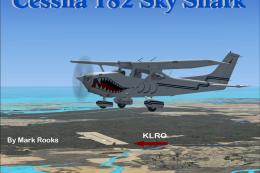 FSX General Aviation Aircraft
This freeware package integrates the classic Cessna 182 Skylane from Microsof…
Read what other simmers think, or add your own.

SO when I load this up, I get no gear control, no pitch control and the 172 cabin. What's the story?


A good plane overall. One of the "issues" is that somebody got lazy and copied the 172 cockpit, so you can over speed easily but not really a big deal. Good plane overall

best plane on fsx so far the engine sounds are just a bit out of sync for example if you applied 50 horsepower it sounds like it is idling. But all in all a great overpowered aircraft !

This past week I Dl'd The FSX Native Cessna 182 RG.
This is a great plane except for one problem. The landing light works but doesn't shine through the prop. So, you don't actually have a working light. Is there a possible fix for this? Thank you.