

 FSX General Aviation Aircraft
Cessna 152 Aerobat
This exclusive package brings together an enhanced rendition of the well-know…
Lion Research Centre Cessna 152 “Cat Tracker One” brings a Serengeti-inspired livery to the Just Flight/FS Insider freeware C152, reflecting operations based at Seronera, Tanzania, for FSX. Crisp exterior textures and authentic markings make low-and-slow bush flying feel purposeful, and it requires the Just Flight/FS Insider Cessna 152 base aircraft.
 Rate
Rate
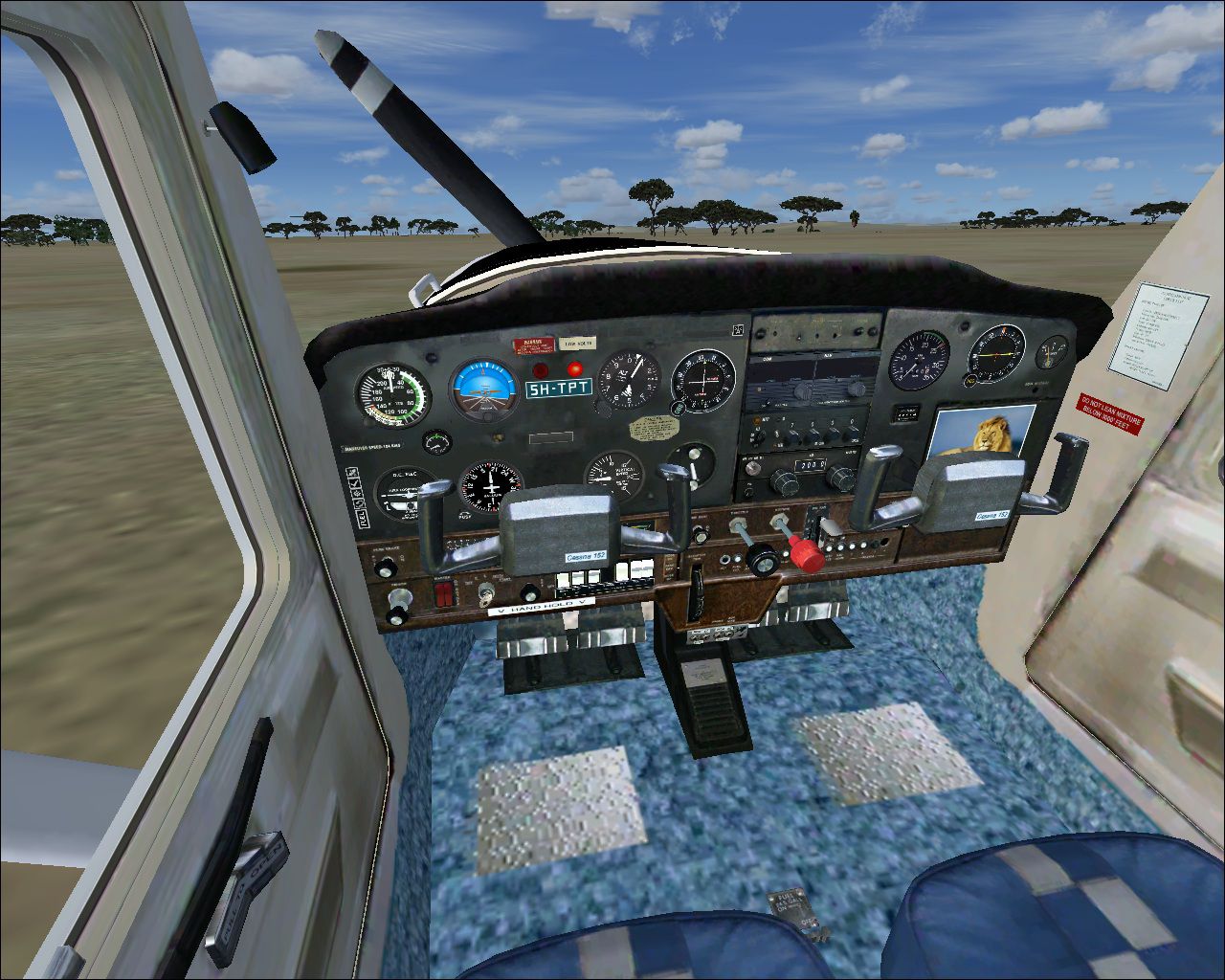
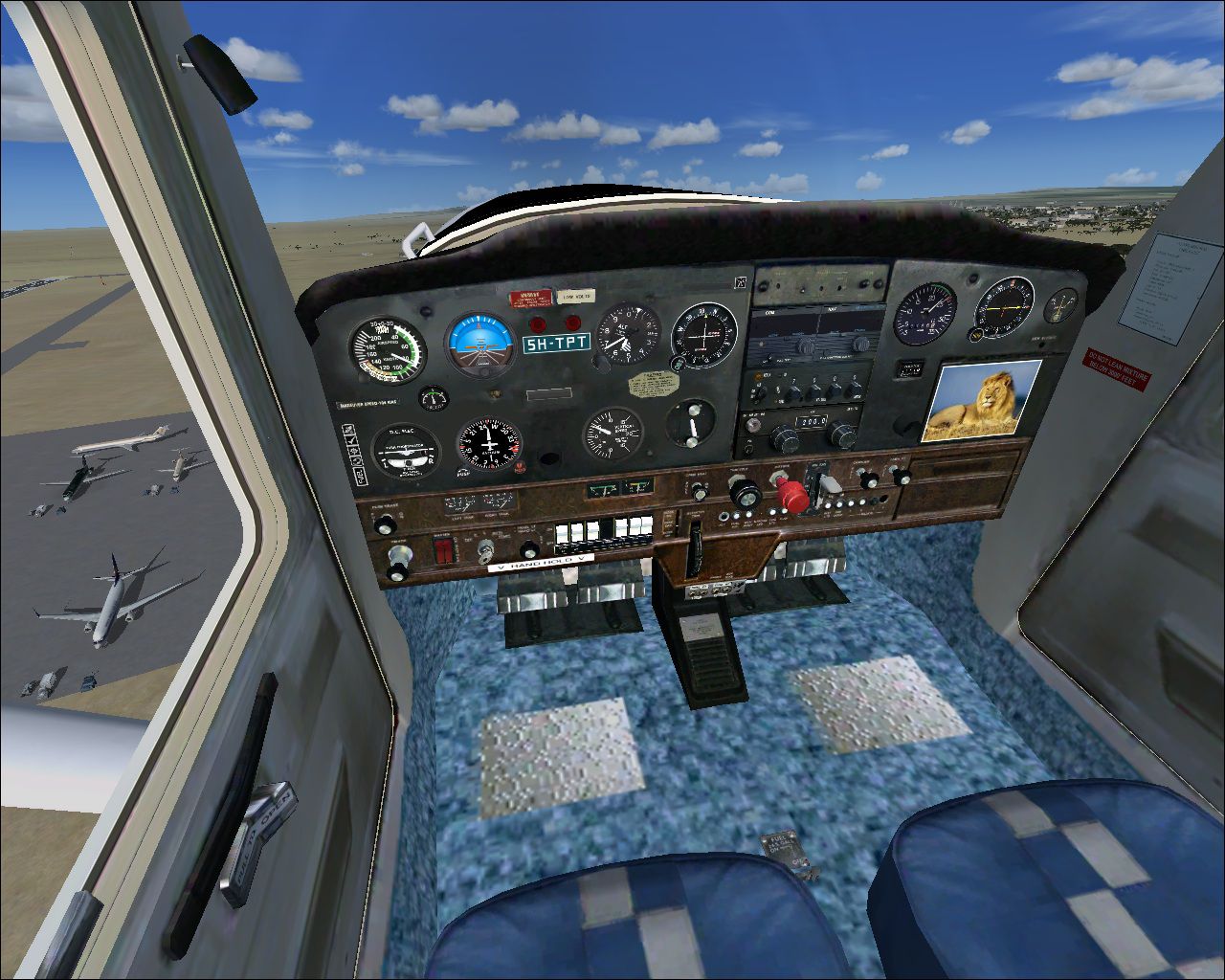
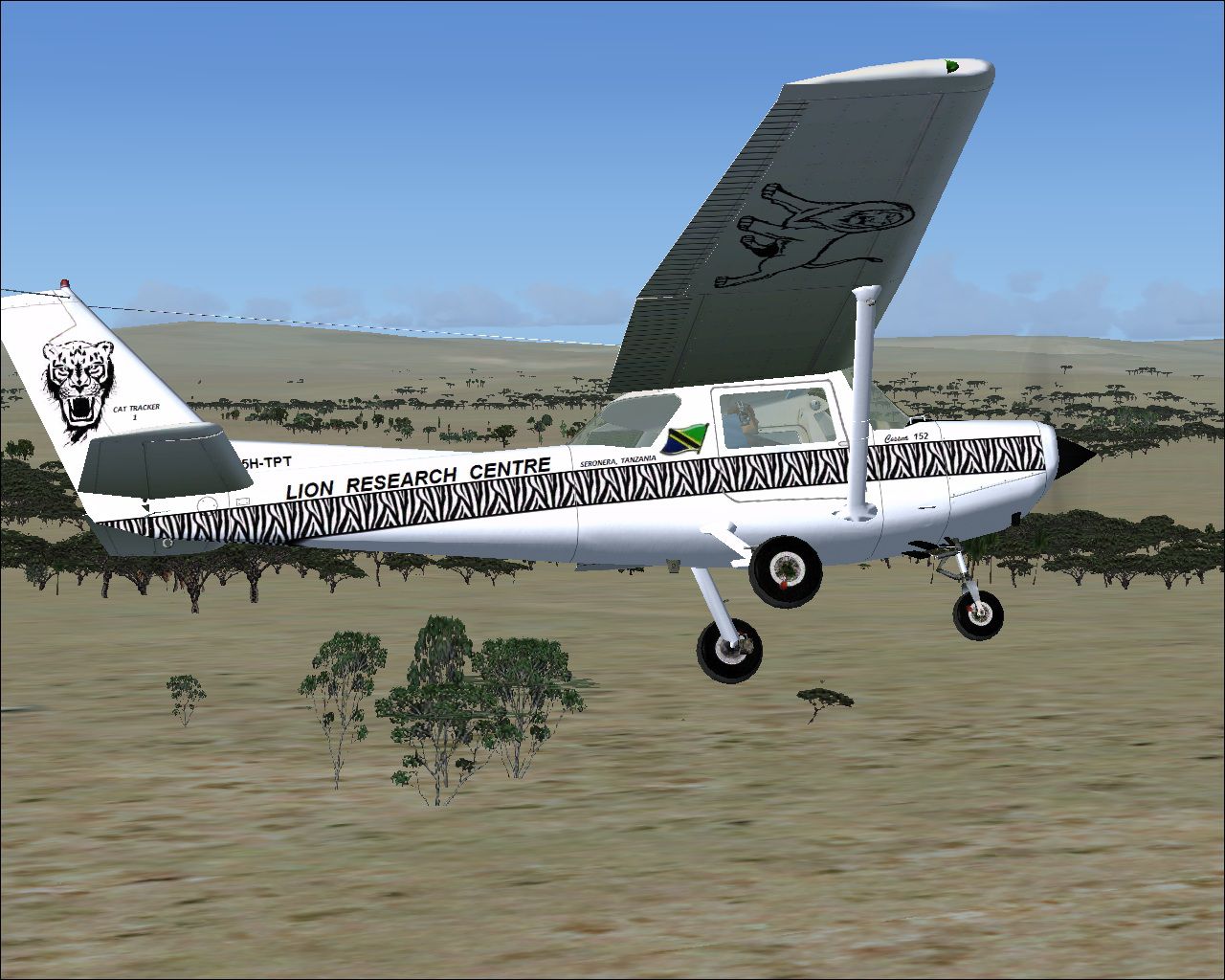
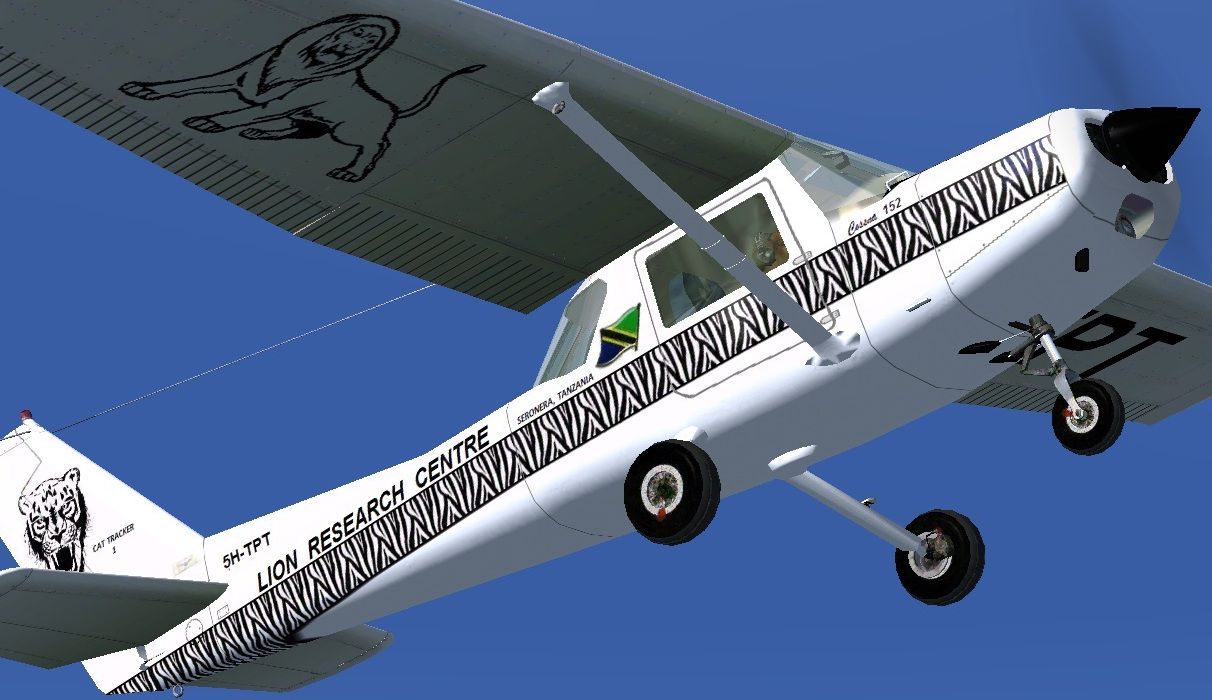
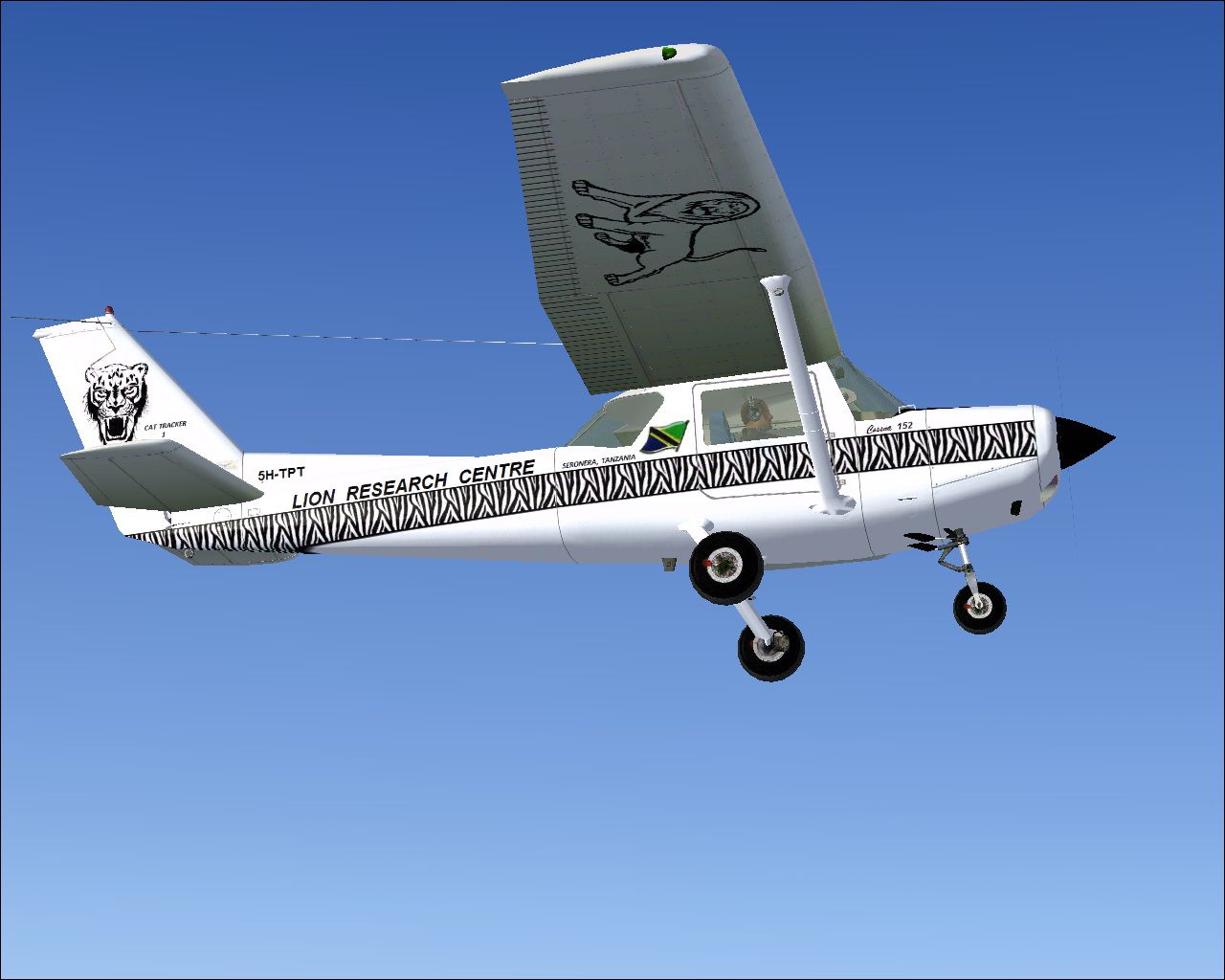
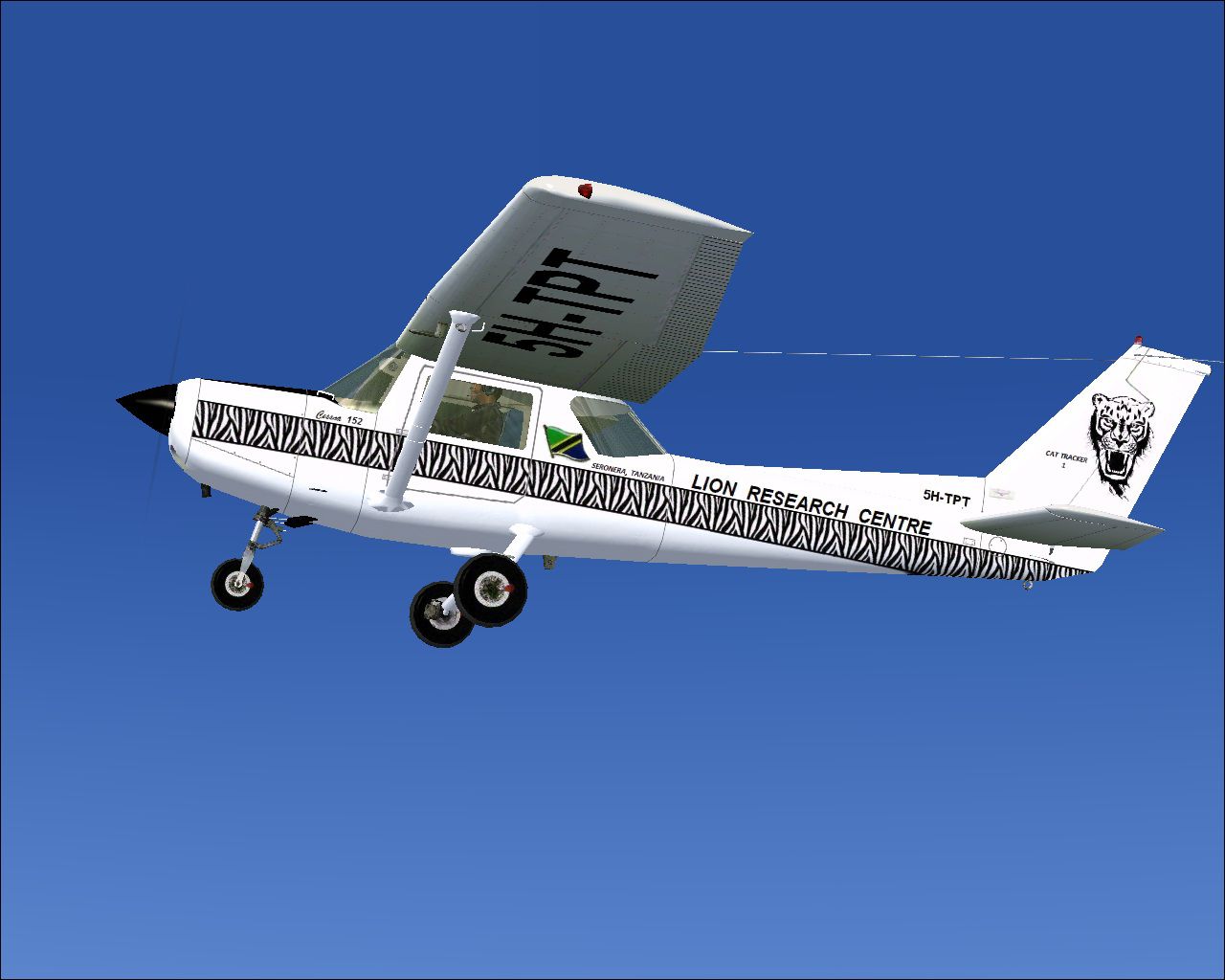
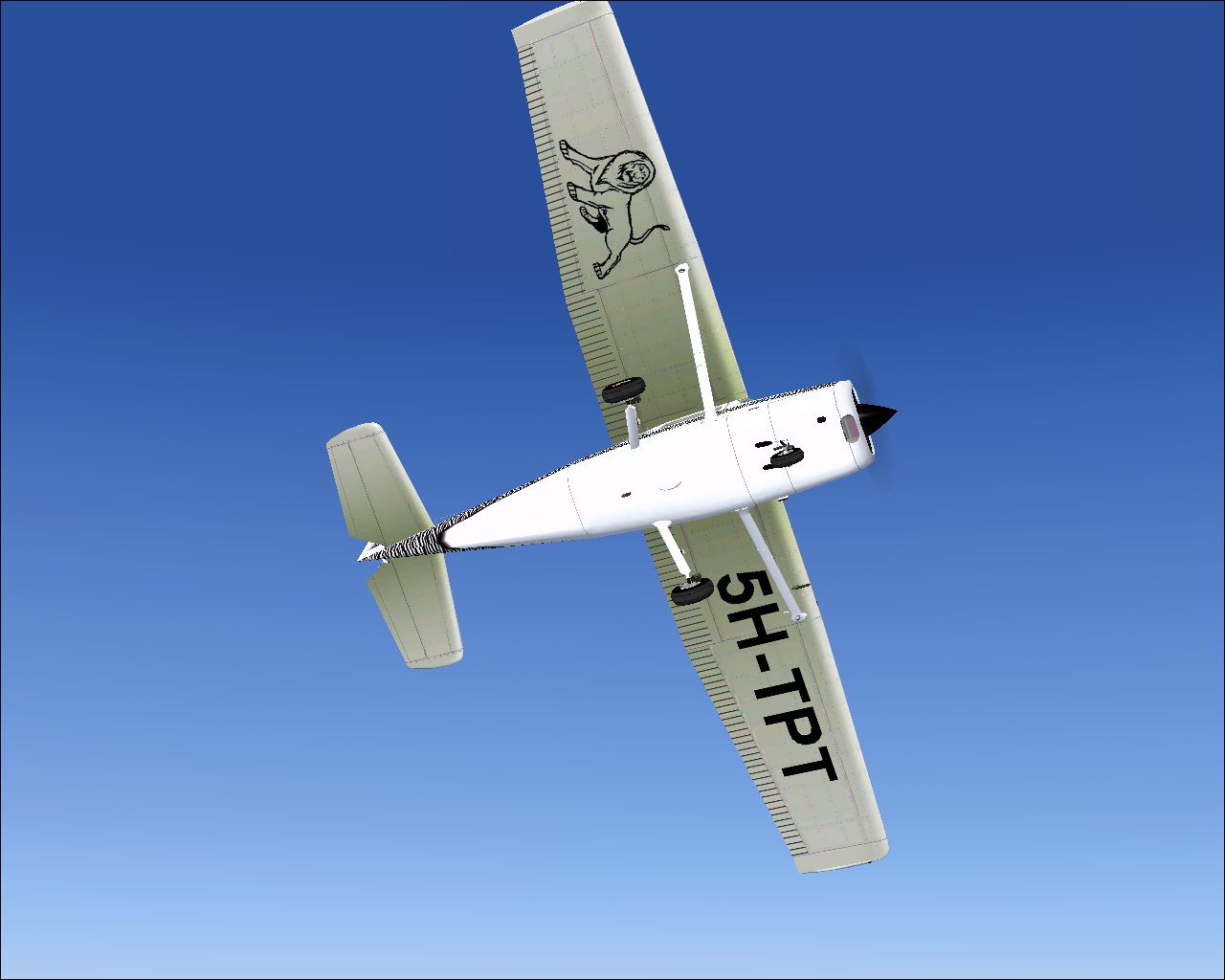
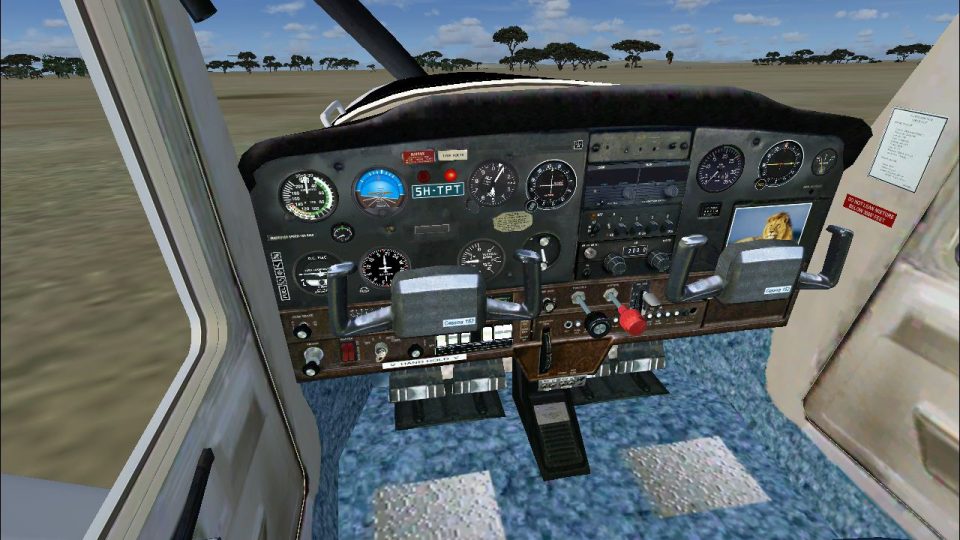
Lion Research Centre Cessna 152. A C152 from the real world Lion Research Centre, serving the Serengeti, and located in Seronera, Tanzania. Does the Lion Research Centre really have a Cessna 152 'Cat Tracker One'? They do now! Textures only for the Just Flight/FS Insider freeware Cessna 152 for FSX, which you must have previously installed. Easy Installation. By Tom Tiedman.
Lion Research Centre Cessna 152 in flight.
Cessna 152 from the real world Lion Research Centre,(tre), serving the Serengeti, and located in Seronera, Tanzania. Not to be confused with the real world Lion Research Center,(ter), located at the University of Minnesota (because Minnesota is crawling with lions, you know). Does the Lion Research Centre really have a Cessna 152 'Cat Tracker One'? They do now! Textures only for the Just Flight/FS Insider freeware Cessna 152 for FSX, which you must have previously installed. Easy Installation. By Tom Tiedman.
CREDITS:
1.) The generous folks of Just Flight and FS Insider for offering this Cessna 152 free of charge.
2.) The wonderful folks of the Lion Research Centre, (and Center), for helping the big cats. Bless you!
Tom Tiedman.
INSTALLATION:
1.) Change the "X" in [fltsim.X] below to the next nymber in line among your Just Flight C-152 repaints listed in your Just Flight C-152 "aircraft.cfg" file. Then copy and paste all of the [fltsim.X] info below into your Just Flight C-152 "aircraft.cfg" file in the proper logically sequential order, as is the usual method. Then click 'file', then click 'save', of course.
2.) Copy and paste the entire enclosed "texture.Lion" folder into your Just Flight C-152 folder. Your Cat Tracker Cessna 152 is now located in your airplane menu under 'Cessna'.
[fltsim.X]

title=jfC152_INSIDER Lion

sim=jfc152

model=

panel=

sound=

texture=Lion

kb_checklists=jf_c152_check

kb_reference=jf_c152_ref

atc_id=

atc_id_font=Arial,150,1,600,0

ui_manufacturer=Cessna

ui_type=C152 (FSInsider)

ui_variation=Lion

description=The C152 is a traditional all-metal construction aircraft. A 2 seat side by side design makes it an ideal basic trainer and the high placed wing allows excellent downward views although your view is obscured during turns. Copyright Just Flight Ltd 2008 www.justflight.com

ui_typerole="Single Engine Prop"

ui_createdby="Just Flight"
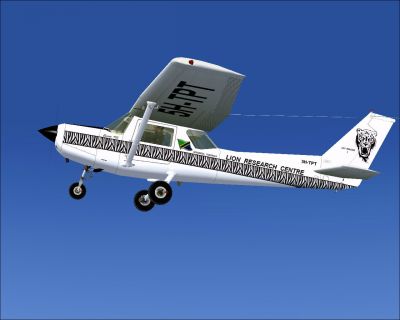
Lion Research Centre Cessna 152 in flight.
Free for all simmers · 3.81 MB · Scanned clean Aug 2026
Download speed: Free tier is capped at 0.5 Mbps (this file takes approximately 1 min at the cap). PRO members download at full line speed.
texture.{airline}) inside FSX\SimObjects\Airplanes\{base-aircraft}\.aircraft.cfg in Notepad. Add a new [fltsim.X] section per the readme.readme.txt or README file. It tells you exactly where files go, what dependencies are needed, and any quirks specific to this add-on.The archive fsx_cessna_152_lion_research_centre.zip has 27 files and directories contained within it.
This list displays the first 500 files in the package. If the package has more, you will need to download it to view them.
| Filename/Directory | File Date | File Size |
|---|---|---|
| A Shady Spot.jpg | 10.16.10 | 45.92 kB |
| file_id.diz | 10.16.10 | 539 B |
| From Below.jpg | 10.16.10 | 144.96 kB |
| FSX_Cessna_152_Lion.jpg | 10.16.10 | 197.60 kB |
| Left Side.jpg | 10.16.10 | 166.96 kB |
| READ ME and INSTALLATION.txt | 10.16.10 | 1.99 kB |
| Right Side 2.jpg | 10.16.10 | 181.98 kB |
| Right Side.jpg | 10.16.10 | 340.79 kB |
| Texture.Lion | 10.16.10 | 0 B |
| C152_C1.dds | 10.16.10 | 1.00 MB |
| C152_Prop.dds | 01.16.07 | 16.12 kB |
| C152_T1.dds | 10.16.10 | 1.00 MB |
| C152_T1_bump.dds | 01.12.07 | 1.00 MB |
| C152_T1_specular.dds | 01.13.07 | 1.33 MB |
| C152_T2.dds | 10.15.10 | 1.00 MB |
| C152_T2_bump.dds | 01.12.07 | 1.00 MB |
| C152_T2_specular.dds | 01.13.07 | 1.33 MB |
| C152_T3.dds | 10.16.10 | 1.00 MB |
| fresnel_ramp.dds | 11.22.06 | 1.12 kB |
| Man_1a.dds | 01.15.07 | 64.12 kB |
| Man_1b.dds | 10.16.10 | 64.12 kB |
| thumbnail.jpg | 10.16.10 | 197.60 kB |
| User.bmp | 10.15.10 | 32.07 kB |
| VC (no yokes).jpg | 10.16.10 | 389.64 kB |
| VC (with yokes).jpg | 10.16.10 | 403.44 kB |
| flyawaysimulation.txt | 10.29.13 | 959 B |
| Go to Fly Away Simulation.url | 01.22.16 | 52 B |
Only PRO members can place votes.
More FSX & P3D add-ons hand-picked based on this download.
FSX General Aviation Aircraft
This exclusive package brings together an enhanced rendition of the well-know…
 FSX General Aviation Aircraft
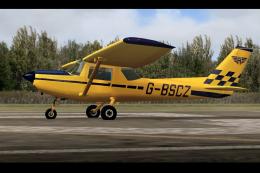
Cessna 152, registration G-BSCZ. A partially photoreal texture of Just Flight…
 FSX General Aviation Aircraft
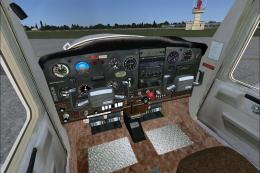
Cessna 152 flyable blank white textures for the Just Flight/FS Insider freewa…
 FSX General Aviation Aircraft
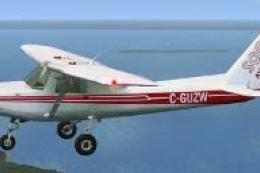
Textures only for the freeware Just Flight C152. C-GUZW is owned and operated…
 FSX General Aviation Aircraft
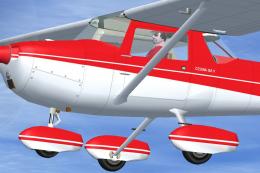
This repaint set features a distinctive red-on-white finish for the Cessna 15…
 FSX General Aviation Aircraft
Cessna C-152 G-BOYL. A repaint of the Cessna C-152 in the livery of Central A…
 FSX General Aviation Aircraft
This lively repaint package offers a detailed blue-and-white paint scheme lab…
 FSX General Aviation Aircraft
This repaint package features a fictional registration, N6539H, over a sleek …
Be the first to leave a comment on this download.
Be the first to share your thoughts on this download.