
 FSX General Aviation Aircraft
Red And White Cessna 152
This repaint set features a distinctive red-on-white finish for the Cessna 15…
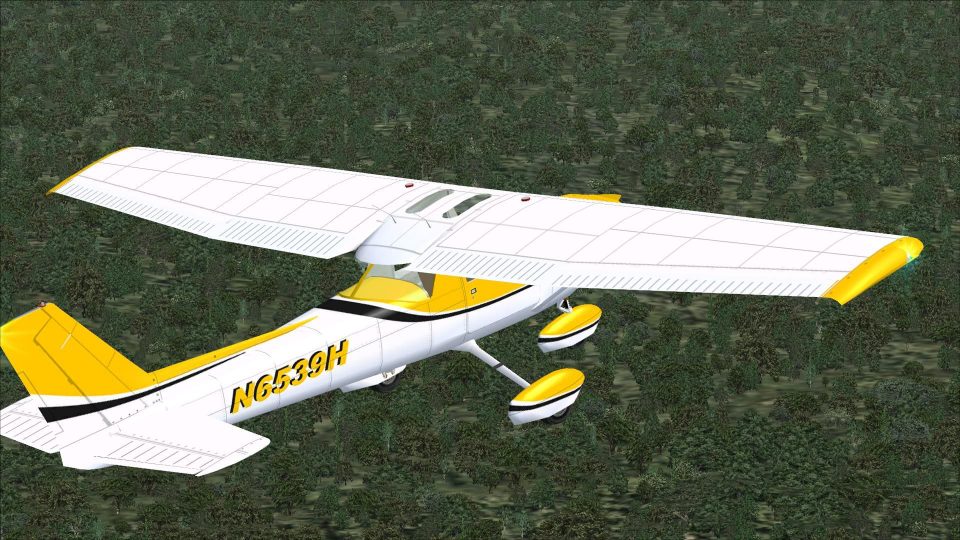
Yellow-and-white Cessna 152 Aerobat livery with black accents and fictional registration N6539H brings a crisp trainer look to Microsoft Flight Simulator X, with two texture choices for either smooth performance or sharp detail. Requires the Rancho JEN Cessna 150 base model with the 152 update, and includes non-mipped textures for clean close-ups.
 Rate
Rate


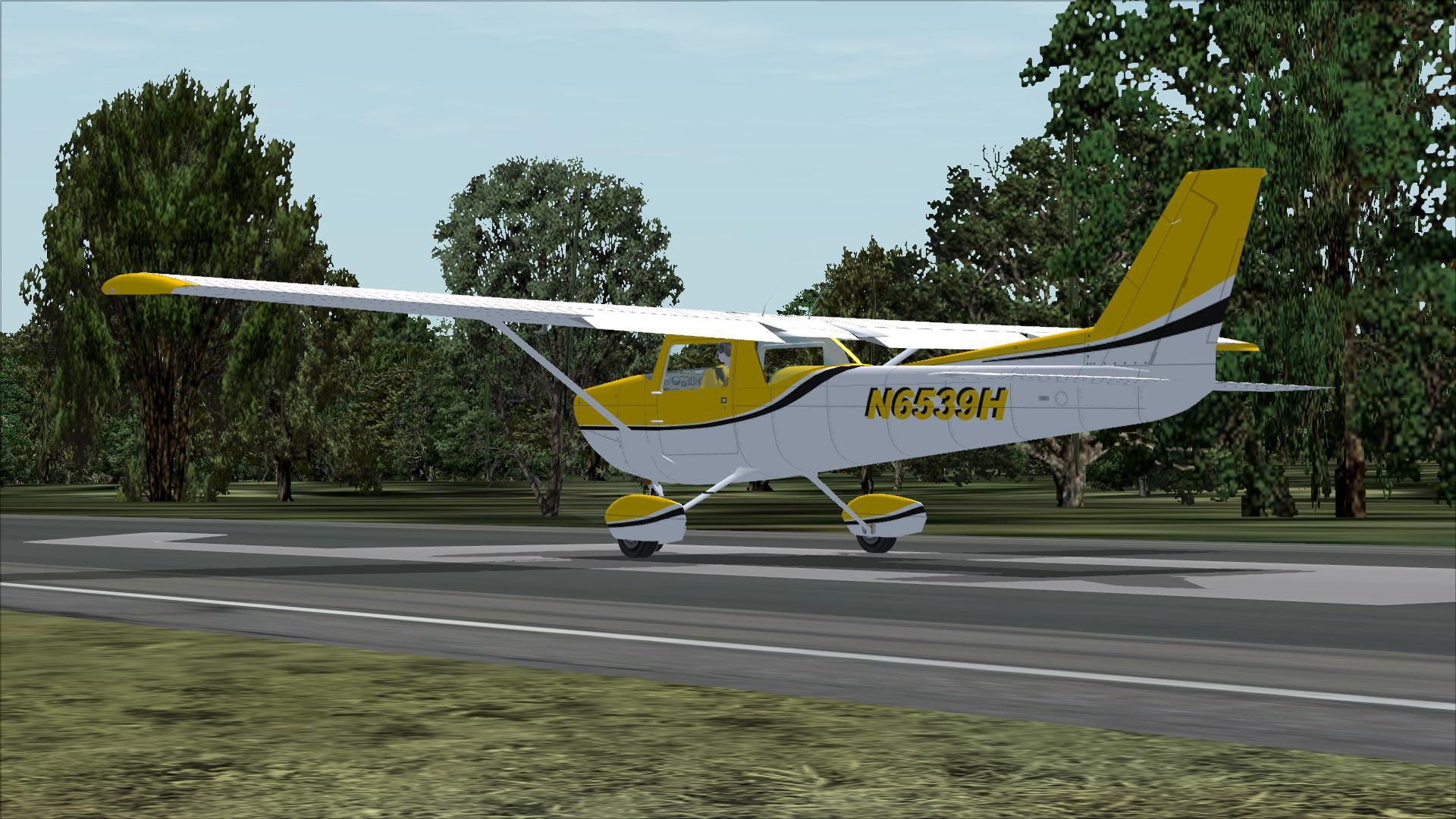
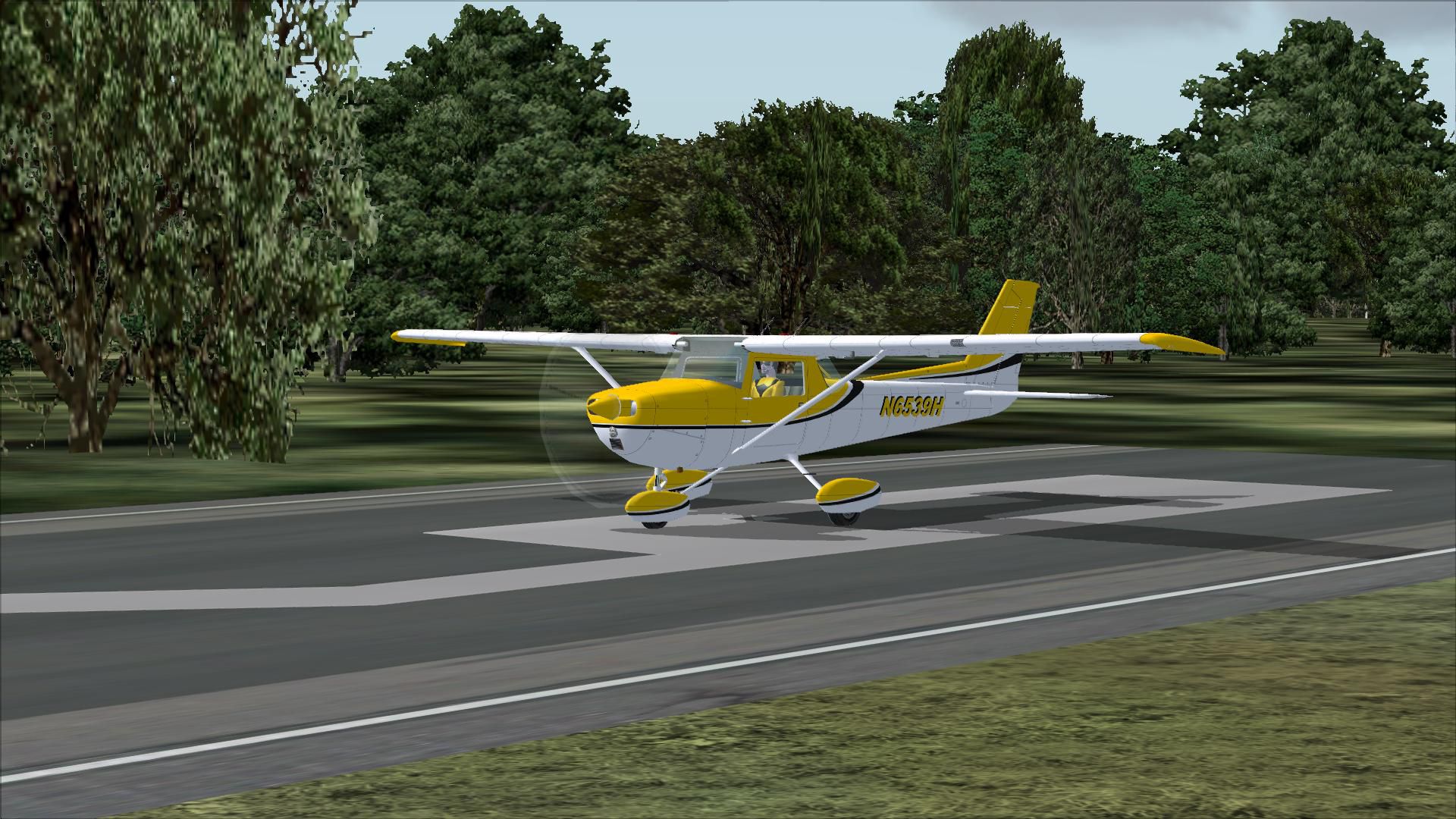
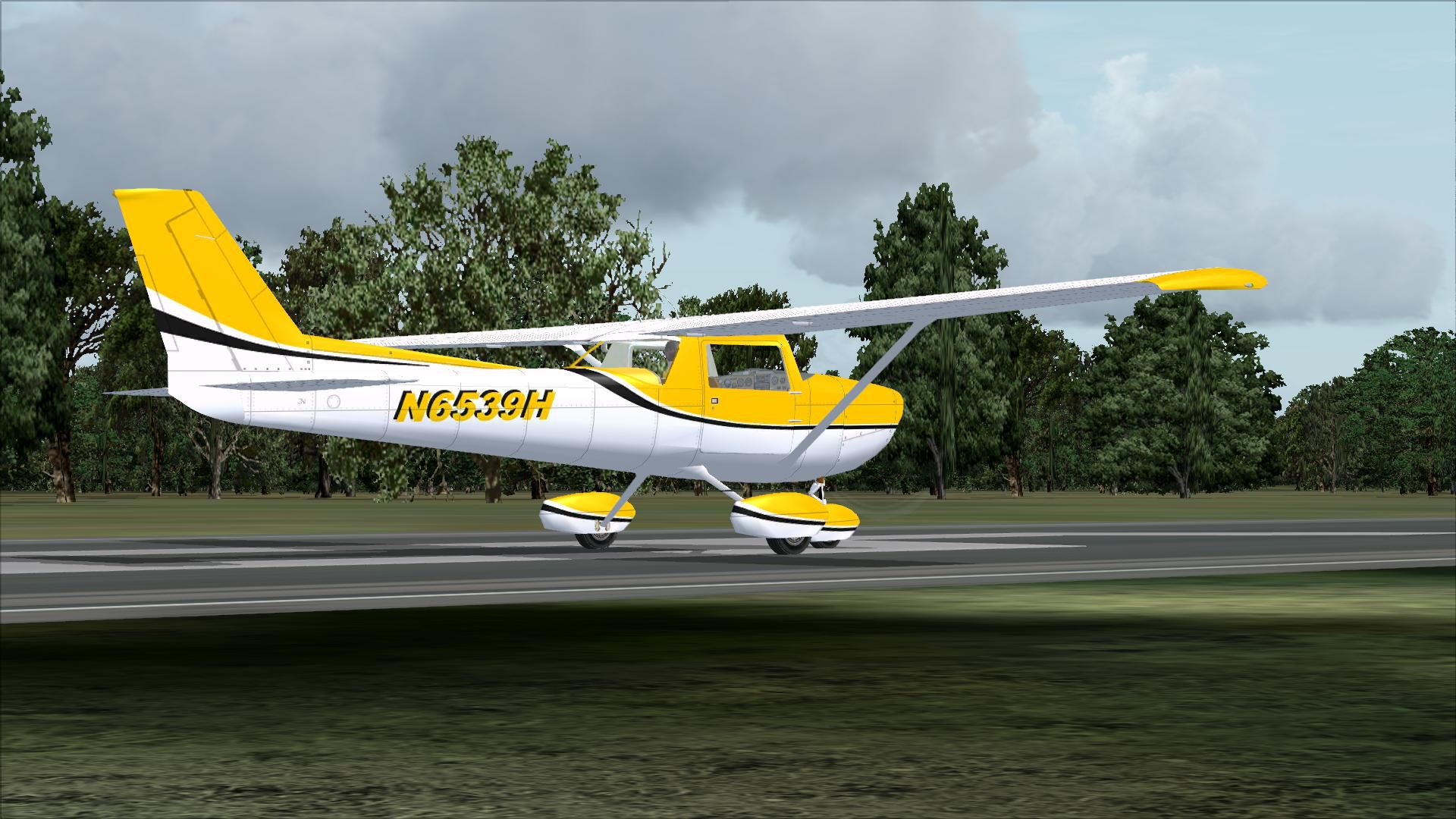
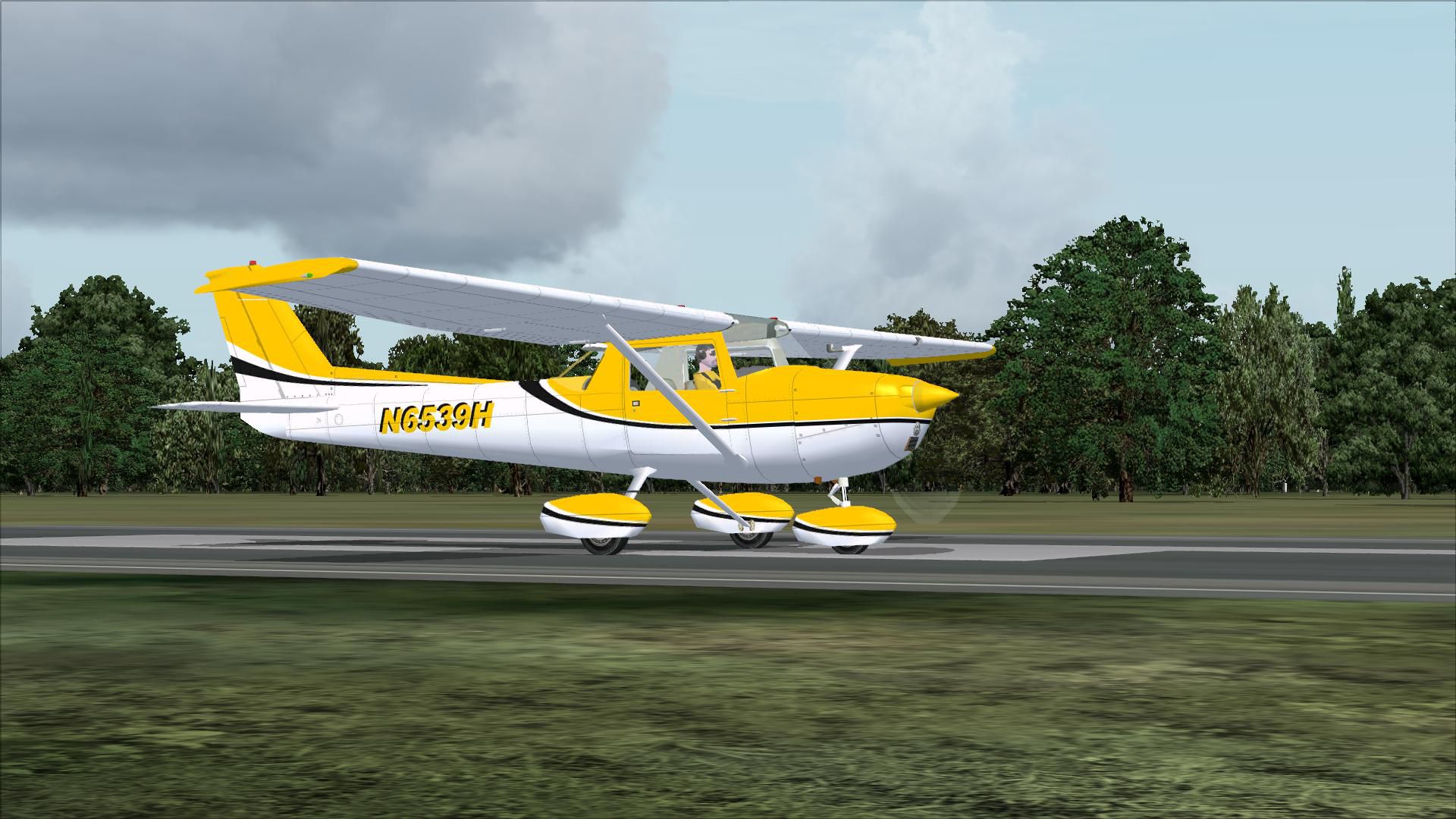
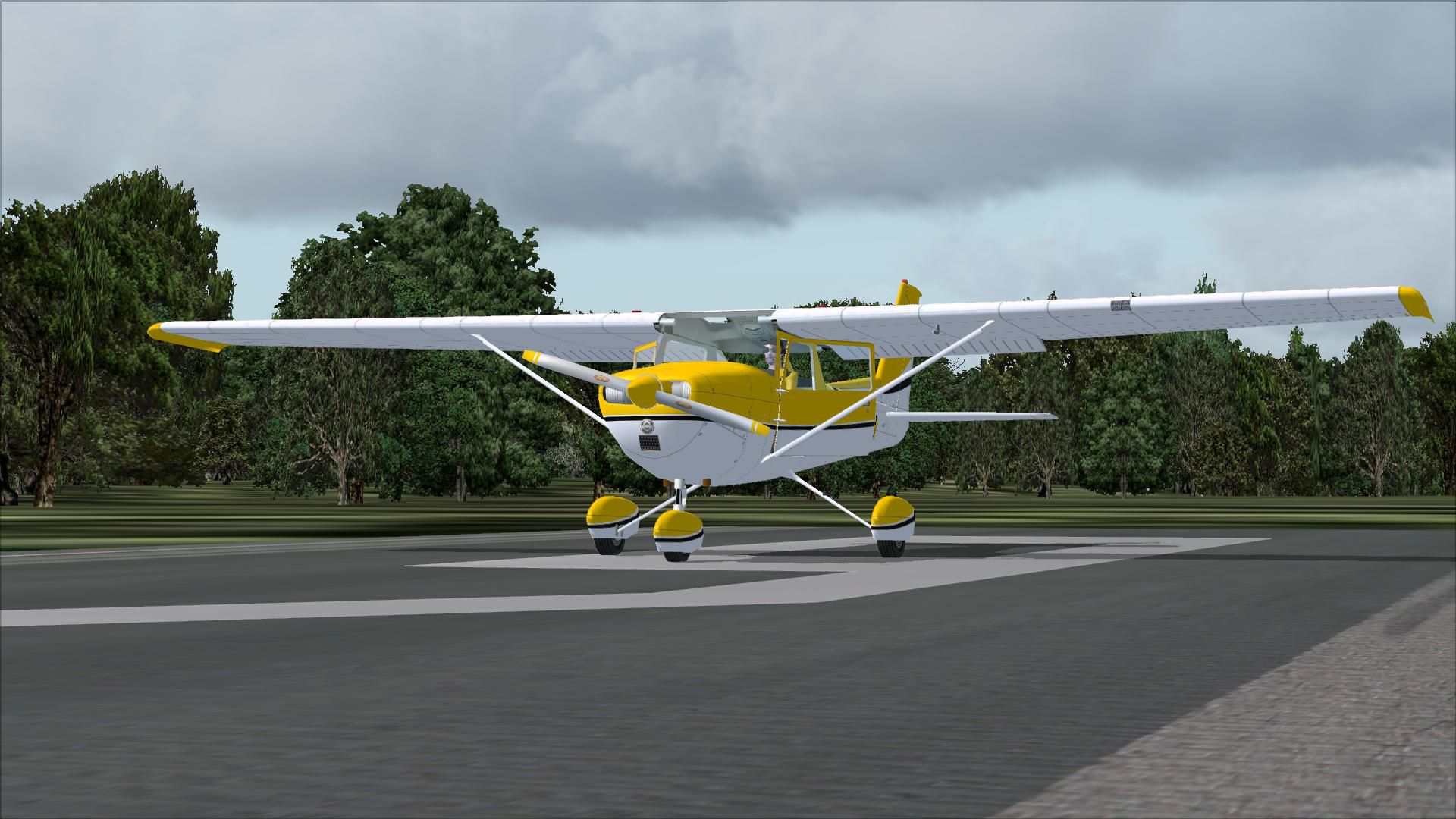
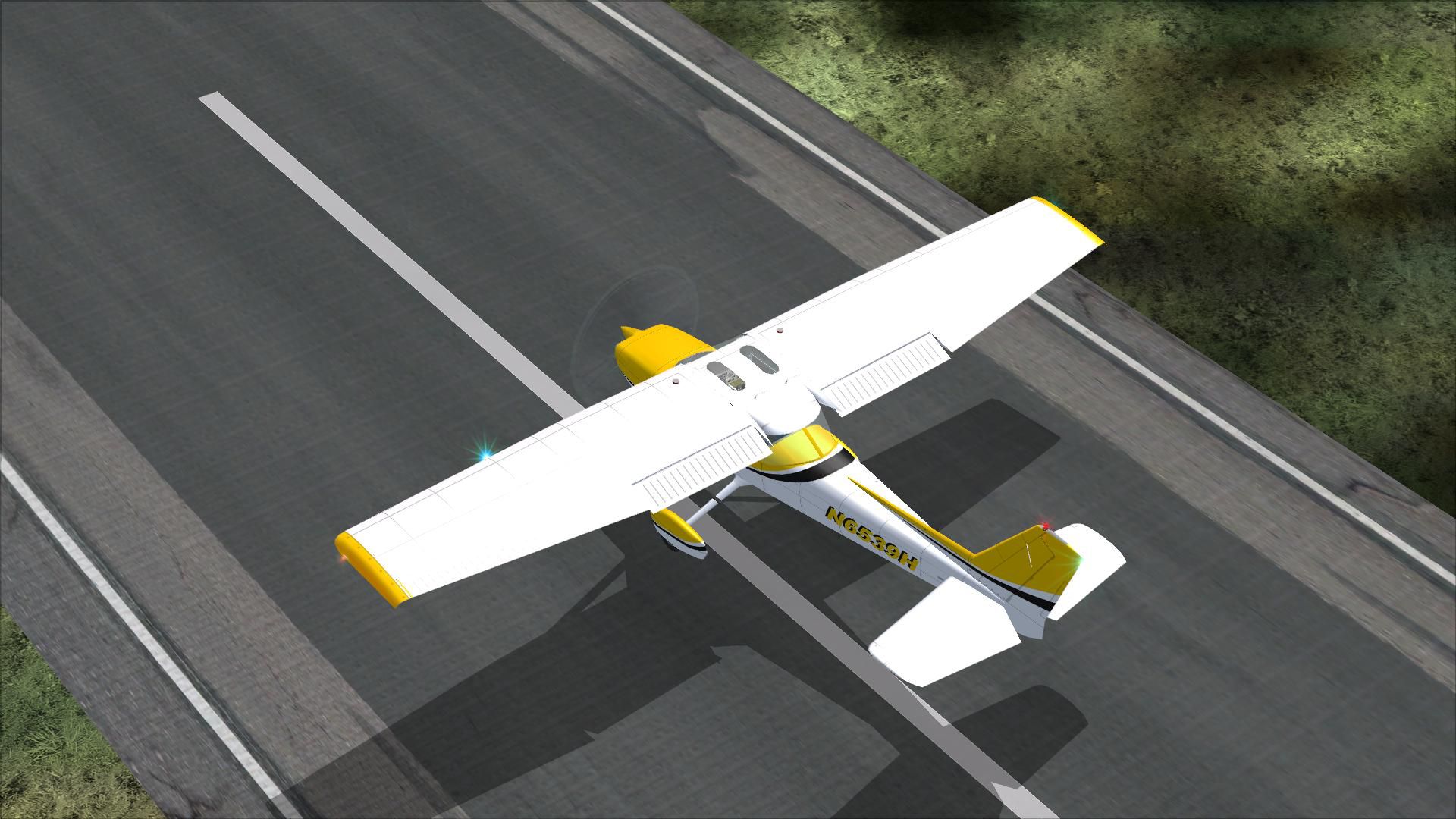
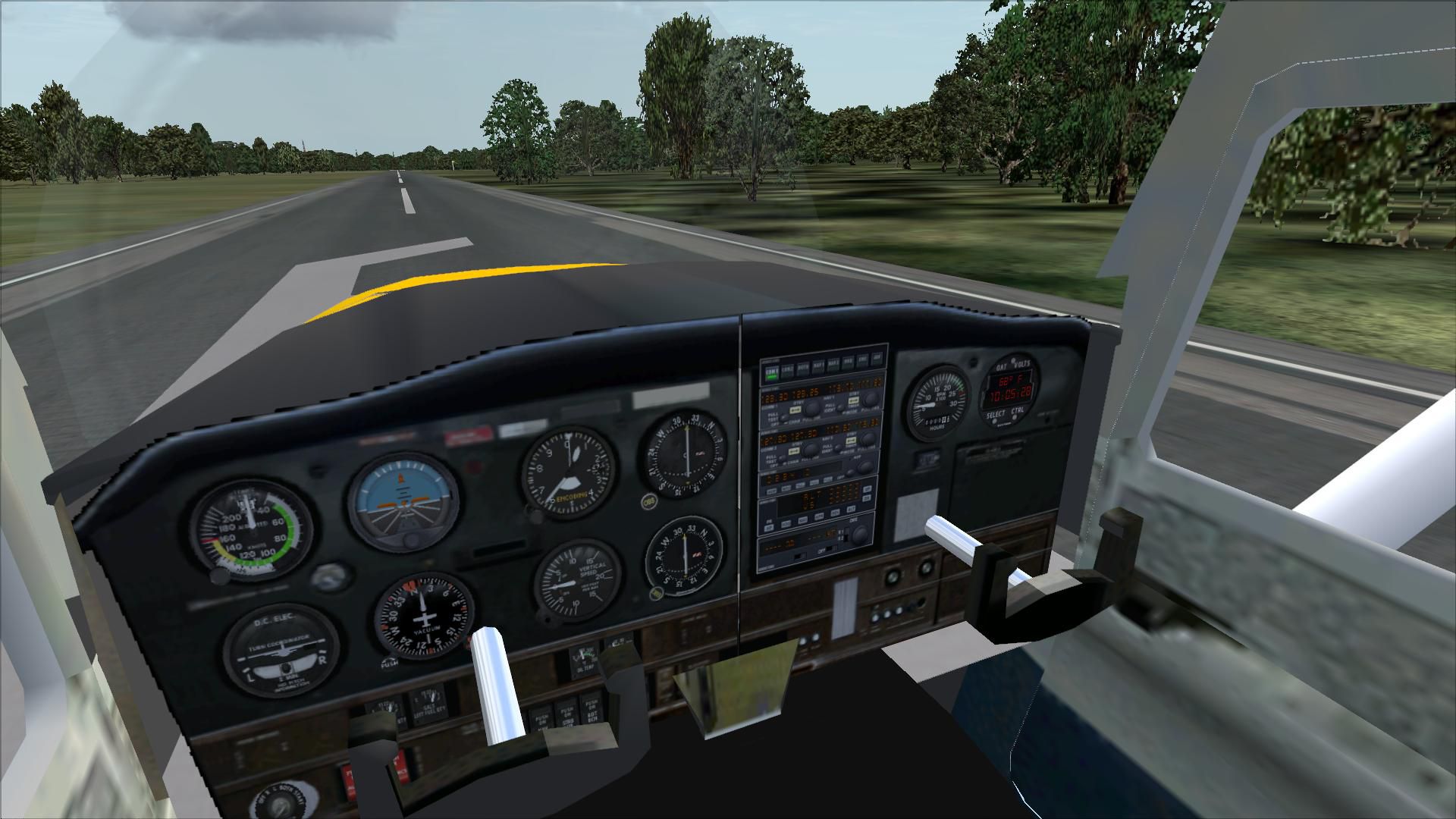
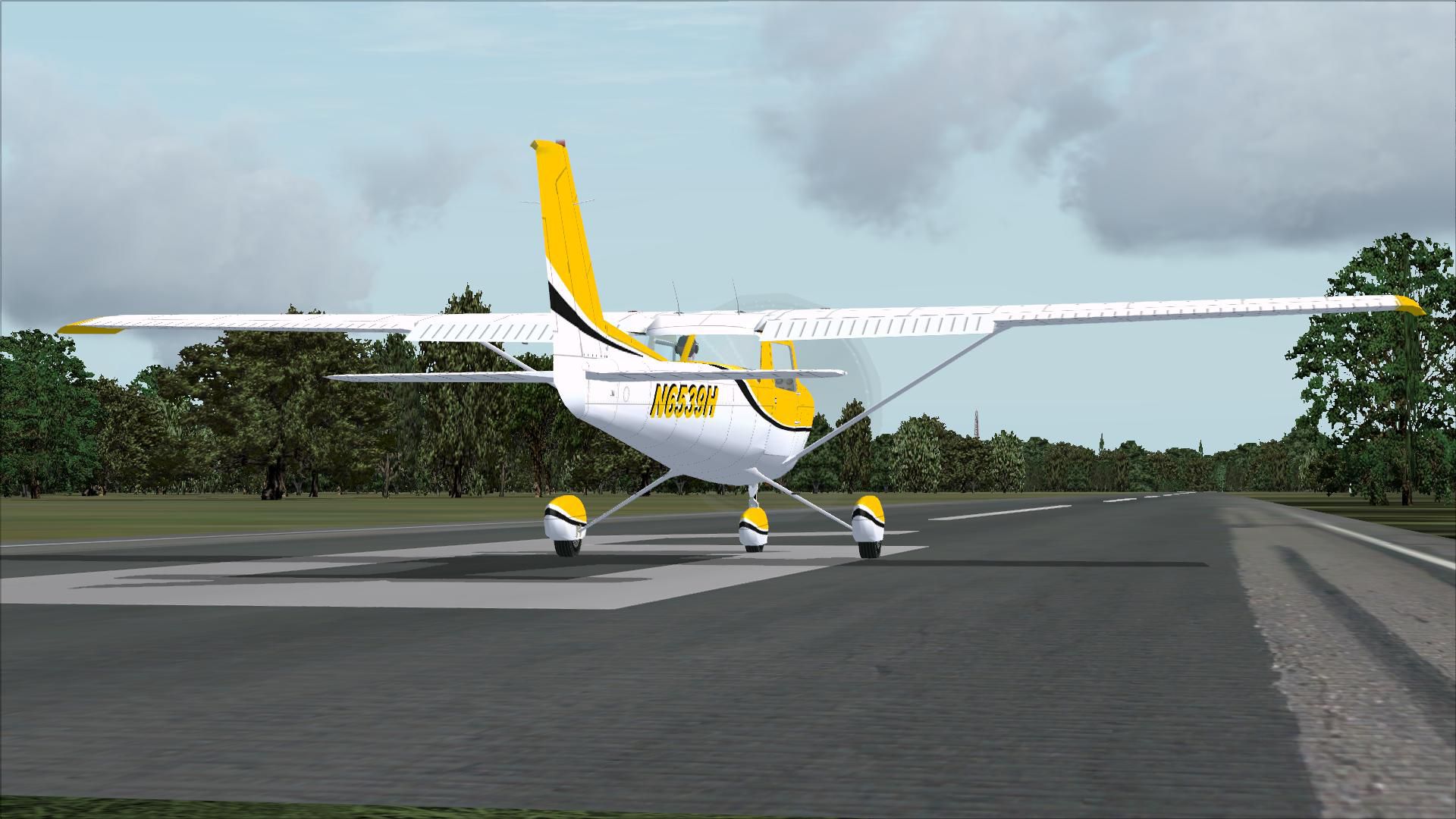
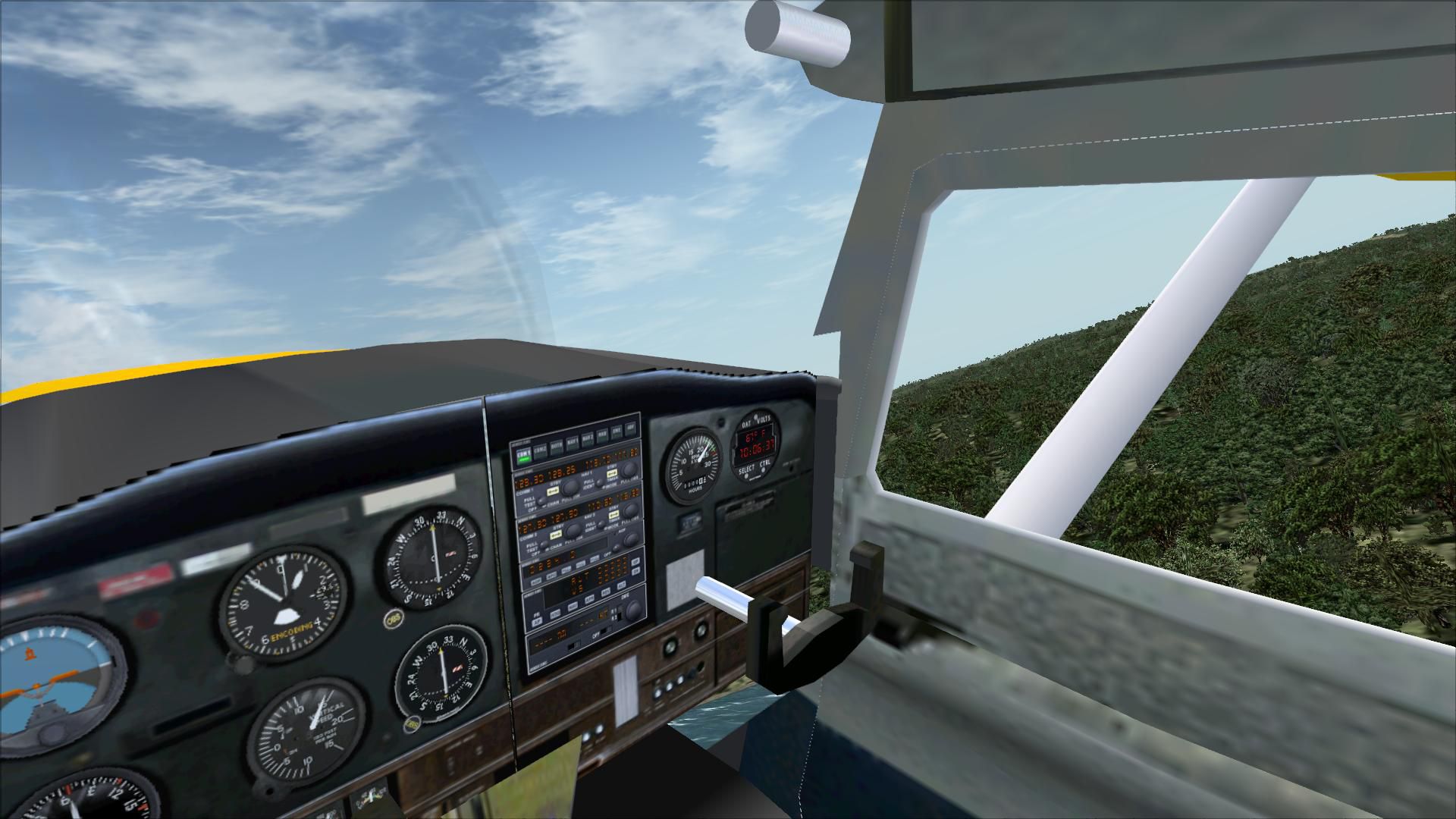


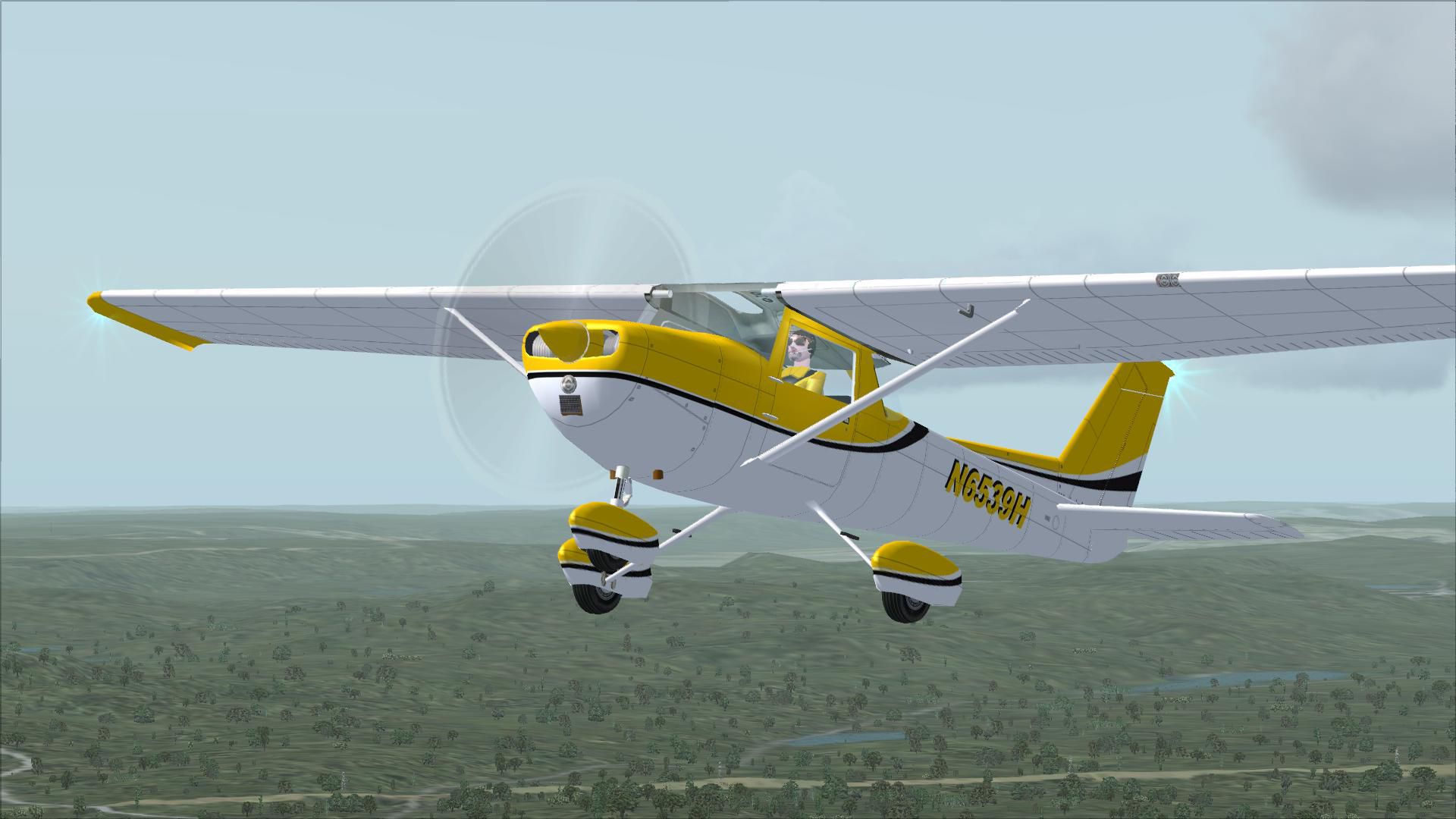

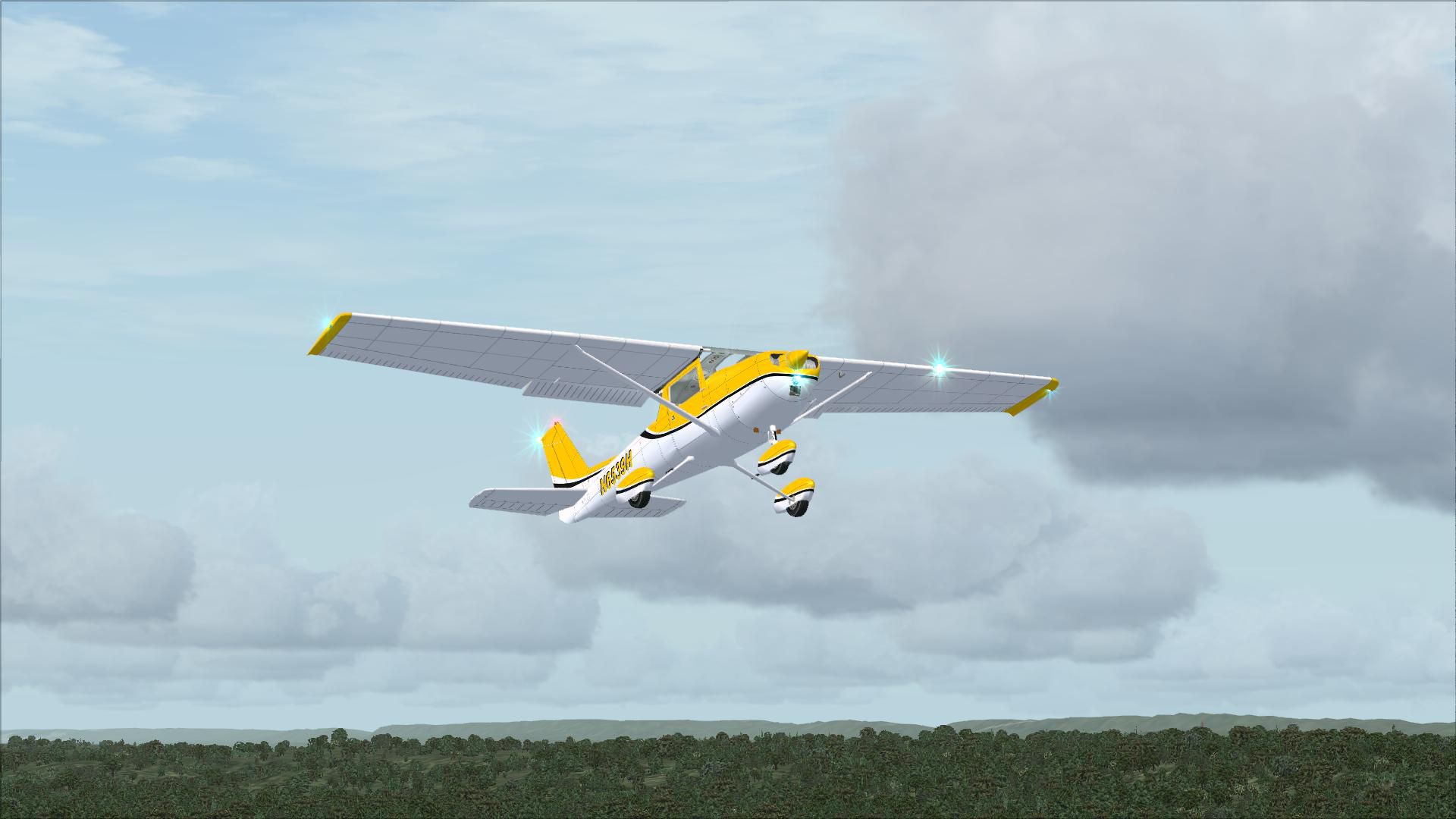
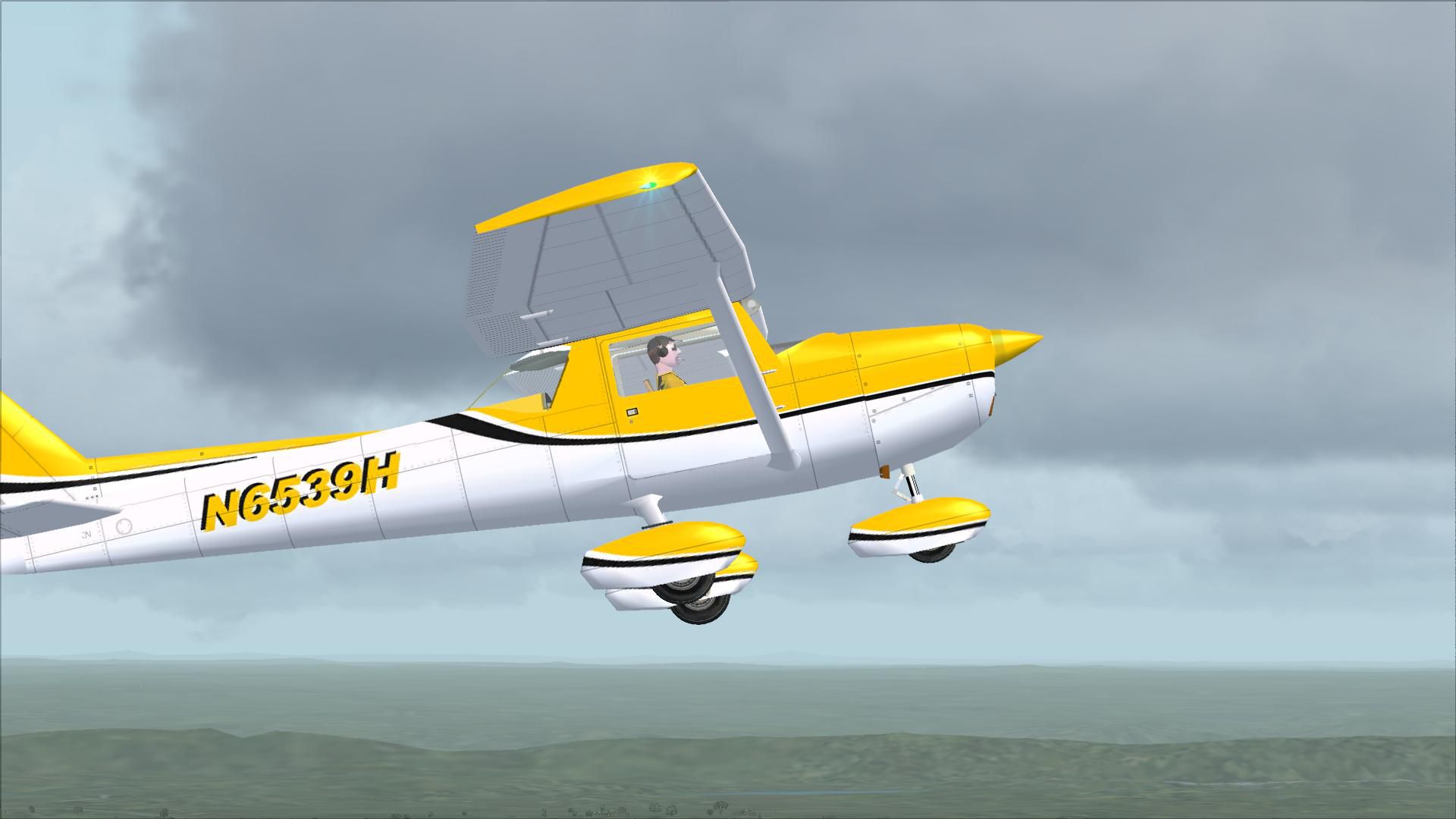
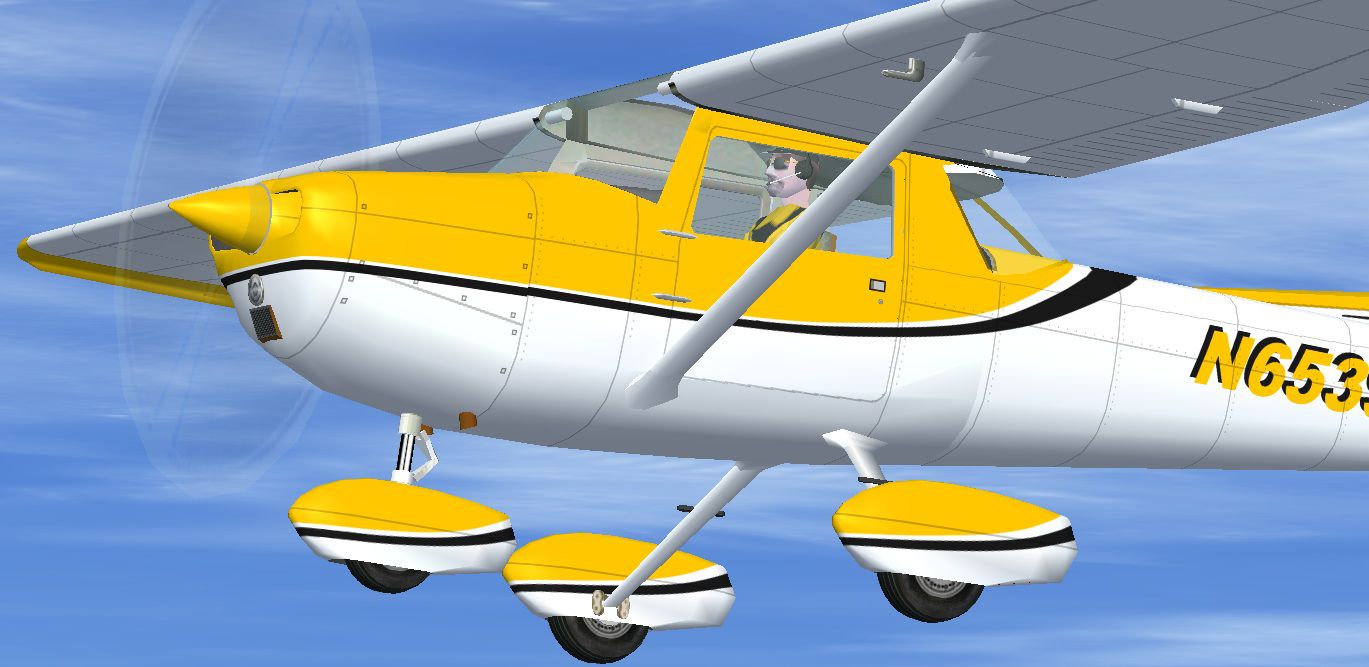
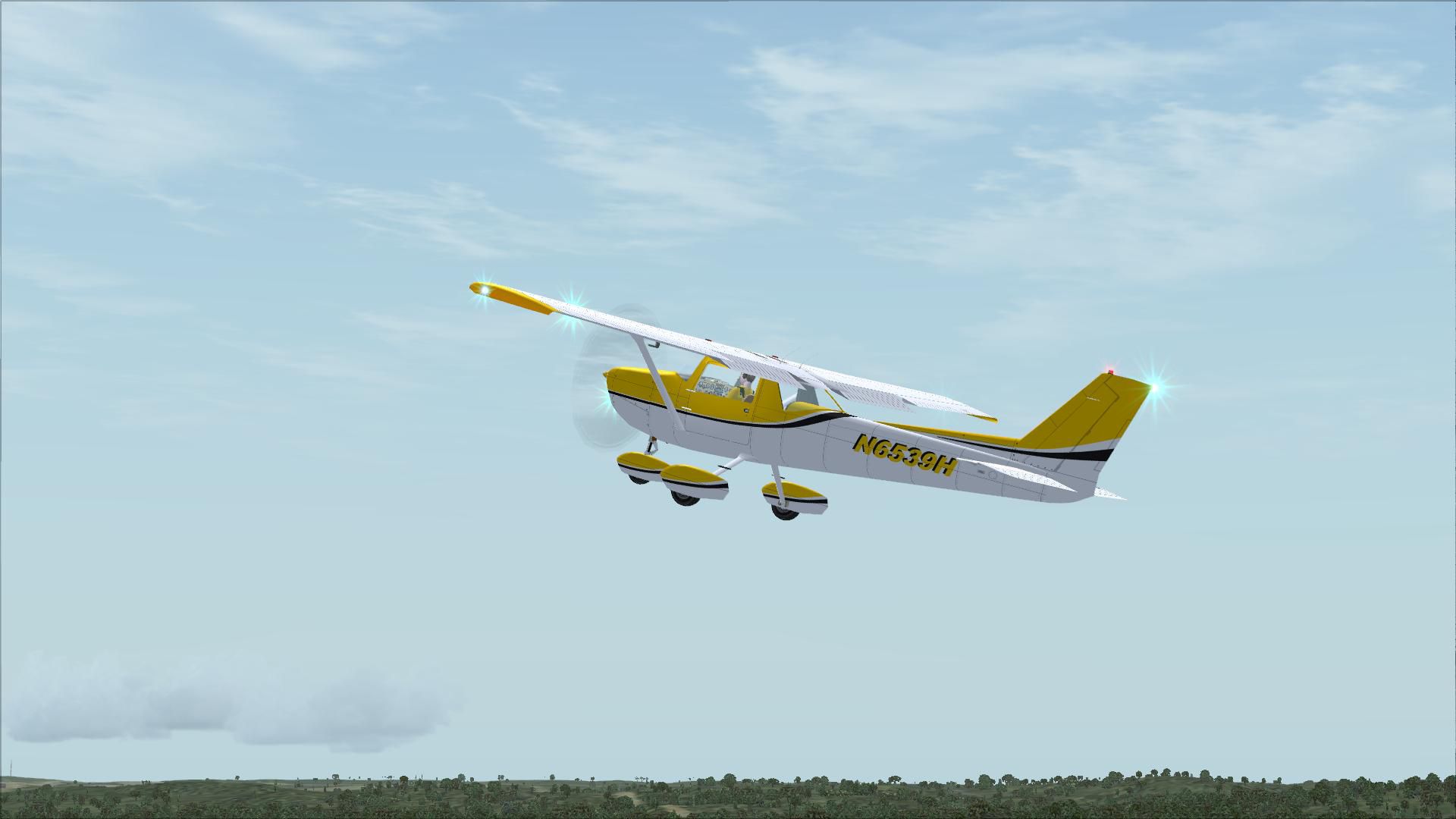


This repaint package features a fictional registration, N6539H, over a sleek yellow-and-white color arrangement with contrasting black accents, meticulously crafted for use in Microsoft Flight Simulator X. It is designed for the base Rancho JEN Cessna 150 model, which must already be present in your simulator. The 152 variation included here was updated for FSX by Mark Rooks (available under the file name AEROBAT152.ZIP), and both texture sets in this package were created by Tom Tiedman. Users may choose between a DXT3 1024-pixel texture option aimed at efficient performance or a 32-bit 2048-pixel version for superior visual fidelity.
The fictional scheme showcases a vivid yellow fuselage base, outlined by crisp white sections and discreet black striping. Since the Cessna 152 is widely known as a reliable two-seater trainer stemming from the enduring 150 series, the addition of vibrant materials provides a fresh appearance while preserving purely functional cockpit visibility. This configuration resonates with pilots who prefer an eye-catching look combined with authenticity in Microsoft Flight Simulator X.
Screenshot showcasing the Yellow and White Cessna 152 mid-flight.
Both variants come without mipmaps, thereby minimizing unwanted blurriness during close-up inspections of the aircraft exterior.
aircraft.cfg file for the Rancho JEN Cessna 150 with the 152 update. Add the corresponding [fltsim.X] blocks below, replacing "X" with the next valid number in sequence.aircraft.cfg file.[fltsim.X]
title=Cessna 152 Aerobat Yellow and White (32 bit 2048)
sim=Cessna 152
model=F
panel=
sound=
texture=Yellow and White (32 bit 2048)
kb_checklists=
ui_manufacturer=Cessna
ui_type=152 Aerobat
ui_variation=Rancho JEN Yellow and White (32 bit 2048)
atc_airline=
atc_id=N6539H
atc_flight_number=
description=Yellow and white repaint by Tom Tiedman 10-11-2011.
[fltsim.X]

title=Cessna 152 Aerobat Yellow and White (DXT3 1024)

sim=Cessna 152

model=F

panel=

sound=

texture=Yellow and White (DXT3 1024)

kb_checklists=

ui_manufacturer=Cessna

ui_type=152 Aerobat

ui_variation=Rancho JEN Yellow and White (DXT3 1024)

atc_airline=

atc_id=N6539H

atc_flight_number=

description=Yellow and white repaint by Tom Tiedman 10-11-2011.
This add-on does not include the foundational aircraft model. You will need to download the freeware Rancho JEN Cessna 150 base package and ensure the 152 update by Mark Rooks is integrated. You can find these in the Fly Away Simulation library. Feel free to install both texture sets simultaneously if you enjoy comparing frame rates or admire high-definition visuals. All credit for this repaint goes to Tom Tiedman.
Free for all simmers · 6.32 MB · Scanned clean Oct 2026
Download speed: Free tier is capped at 0.5 Mbps (this file takes approximately 2 mins at the cap). PRO members download at full line speed.
This file is a repaint — the package below is the base model it paints onto. Install it first, or the textures will have nothing to load onto.
texture.{airline}) inside FSX\SimObjects\Airplanes\{base-aircraft}\.aircraft.cfg in Notepad. Add a new [fltsim.X] section per the readme.readme.txt or README file. It tells you exactly where files go, what dependencies are needed, and any quirks specific to this add-on.The archive fsx_cessna_152_yellow_and_white.zip has 52 files and directories contained within it.
This list displays the first 500 files in the package. If the package has more, you will need to download it to view them.
| Filename/Directory | File Date | File Size |
|---|---|---|
| file_id.diz | 10.12.11 | 497 B |
| Original J.E. Narcizo Readme.txt | 10.13.10 | 1.95 kB |
| READ ME and INSTALLATION.txt | 10.12.11 | 2.04 kB |
| Screenshot 1.jpg | 10.11.11 | 125.72 kB |
| Screenshot 2.jpg | 10.11.11 | 169.62 kB |
| texture.Yellow and White (32 bit 2048) | 10.12.11 | 0 B |
| JEN_C150_fuse.bmp | 10.11.11 | 16.00 MB |
| JEN_C150_glass.bmp | 10.07.11 | 17.05 kB |
| JEN_C150_Parts.bmp | 10.11.11 | 1.00 MB |
| JEN_C150_Prop1.bmp | 10.07.11 | 17.05 kB |
| JEN_C150_Prop2.bmp | 10.07.11 | 17.05 kB |
| JEN_C150_spinner.bmp | 10.11.11 | 64.07 kB |
| JEN_C150_spinner1.bmp | 10.11.11 | 64.07 kB |
| JEN_C150_wheel.bmp | 10.07.11 | 65.05 kB |
| JEN_cromo.bmp | 10.07.11 | 21.43 kB |
| thumbnail.jpg | 10.11.11 | 190.30 kB |
| texture.Yellow and White (DXT3 1024) | 10.12.11 | 0 B |
| JEN_C150_fuse.bmp | 10.12.11 | 1.00 MB |
| JEN_C150_glass.bmp | 10.07.11 | 17.05 kB |
| JEN_C150_Parts.bmp | 10.12.11 | 256.07 kB |
| JEN_C150_Prop1.bmp | 10.07.11 | 17.05 kB |
| JEN_C150_Prop2.bmp | 10.07.11 | 17.05 kB |
| JEN_C150_spinner.bmp | 10.12.11 | 16.07 kB |
| JEN_C150_spinner1.bmp | 10.12.11 | 16.07 kB |
| JEN_C150_wheel.bmp | 10.07.11 | 65.05 kB |
| JEN_cromo.bmp | 10.07.11 | 21.43 kB |
| thumbnail.jpg | 10.11.11 | 190.30 kB |
| thumbnail.jpg | 10.11.11 | 190.30 kB |
| flyawaysimulation.txt | 10.29.13 | 959 B |
| Go to Fly Away Simulation.url | 01.22.16 | 52 B |
| Screenshots | 08.12.19 | 0 B |
| screen-1.jpg | 08.09.19 | 315.35 kB |
| screen-10.jpg | 08.09.19 | 141.13 kB |
| screen-11.jpg | 08.09.19 | 174.52 kB |
| screen-12.jpg | 08.09.19 | 134.27 kB |
| screen-13.jpg | 08.09.19 | 164.19 kB |
| screen-14.jpg | 08.09.19 | 191.02 kB |
| screen-15.jpg | 08.09.19 | 203.73 kB |
| screen-16.jpg | 08.09.19 | 97.14 kB |
| screen-17.jpg | 08.09.19 | 127.73 kB |
| screen-18.jpg | 08.09.19 | 160.68 kB |
| screen-19.jpg | 08.09.19 | 344.29 kB |
| screen-2.jpg | 08.09.19 | 259.99 kB |
| screen-20.jpg | 08.09.19 | 112.03 kB |
| screen-21.jpg | 08.09.19 | 431.64 kB |
| screen-3.jpg | 08.09.19 | 268.19 kB |
| screen-4.jpg | 08.09.19 | 204.96 kB |
| screen-5.jpg | 08.09.19 | 318.54 kB |
| screen-6.jpg | 08.09.19 | 224.94 kB |
| screen-7.jpg | 08.09.19 | 213.44 kB |
| screen-8.jpg | 08.09.19 | 211.13 kB |
| screen-9.jpg | 08.09.19 | 164.39 kB |
Only PRO members can place votes.
More FSX & P3D add-ons hand-picked based on this download.
FSX General Aviation Aircraft
This repaint set features a distinctive red-on-white finish for the Cessna 15…
 FSX General Aviation Aircraft
This lively repaint package offers a detailed blue-and-white paint scheme lab…
 FSX General Aviation Aircraft
Enhance your hangar in Microsoft Flight Simulator X with this fictional N7279…
 FSX General Aviation Aircraft
This free repaint brings a custom light blue and white color scheme to the cl…
 FSX General Aviation Aircraft
Cessna 152 flyable blank white textures for the Just Flight/FS Insider freewa…
 FSX General Aviation Aircraft
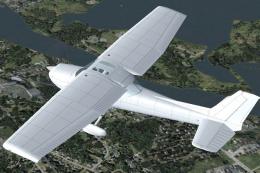
This release offers a specialized blank white repaint for a freeware Rancho J…
 FSX General Aviation Aircraft
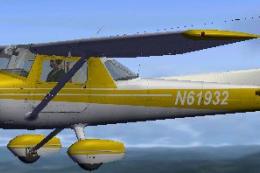
Elevate your Microsoft Flight Simulator X experience with a refined yellow an…
 FSX General Aviation Aircraft
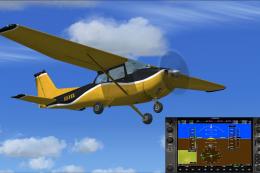
Yellow And Black Cessna 172SP. A repaint of the default Cessna 172 SP in yell…
Be the first to leave a comment on this download.
Be the first to share your thoughts on this download.