

 FSX Scenery
Trinidad And Piarco Airport
Works with the Caribbean meshs in LOD 10 (MESHANTILLES.ZIP). Features redesig…
Culdrose (EGDR) and Predannack (EGDO) bring two UK airfields to life with accurately placed layouts based on aerial reference, while keeping visuals and performance close to default by relying on stock autogen. Designed with ADE 1.22 for FSX, it integrates cleanly into the scenery library for dependable regional flying.
 Rate
Rate
 United Kingdom
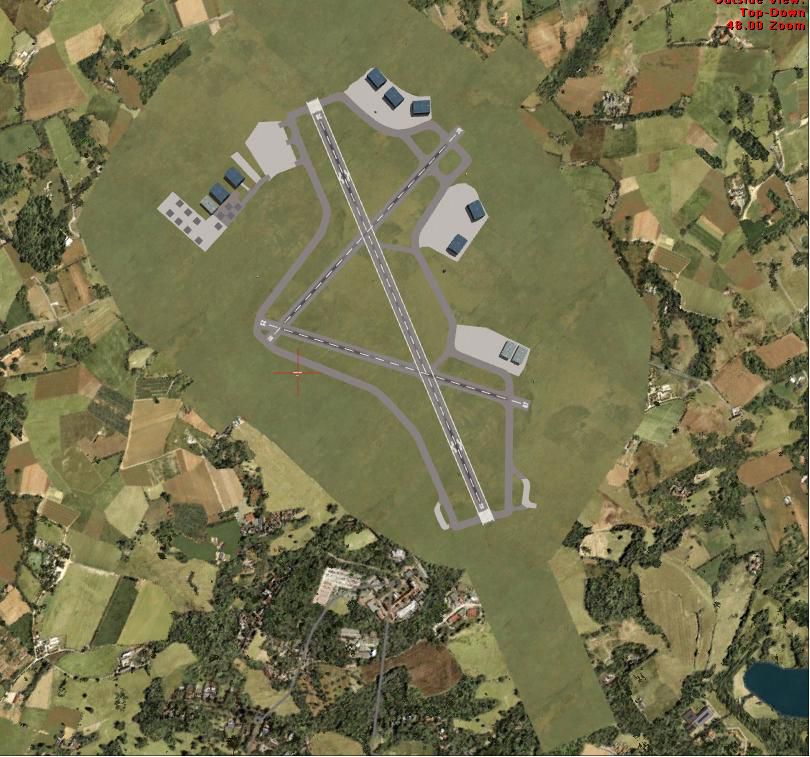
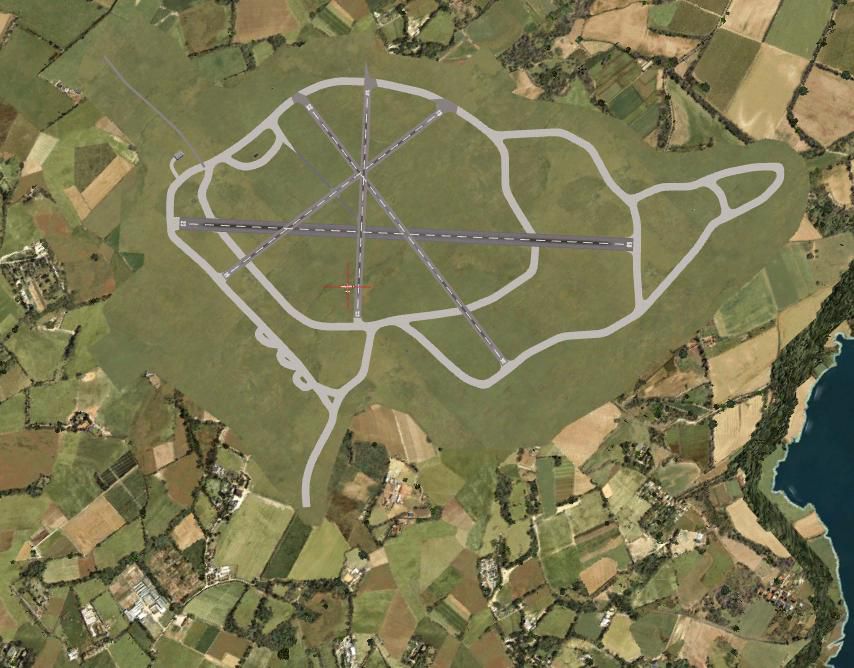
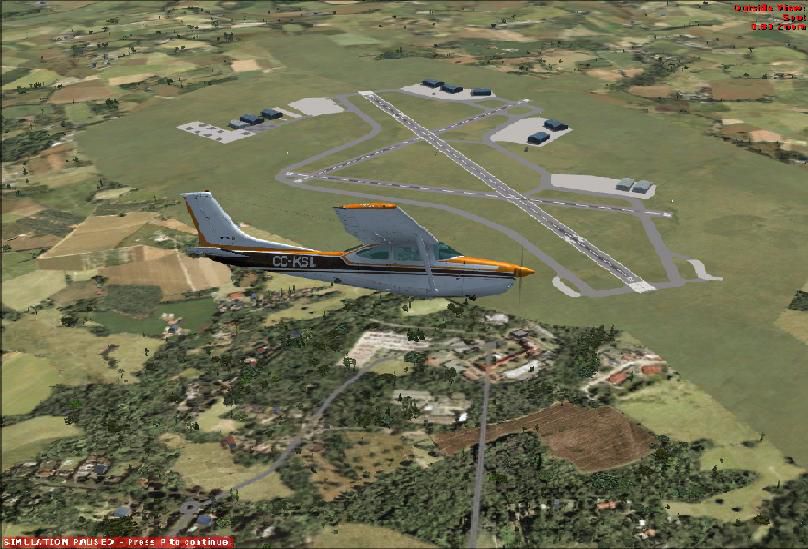
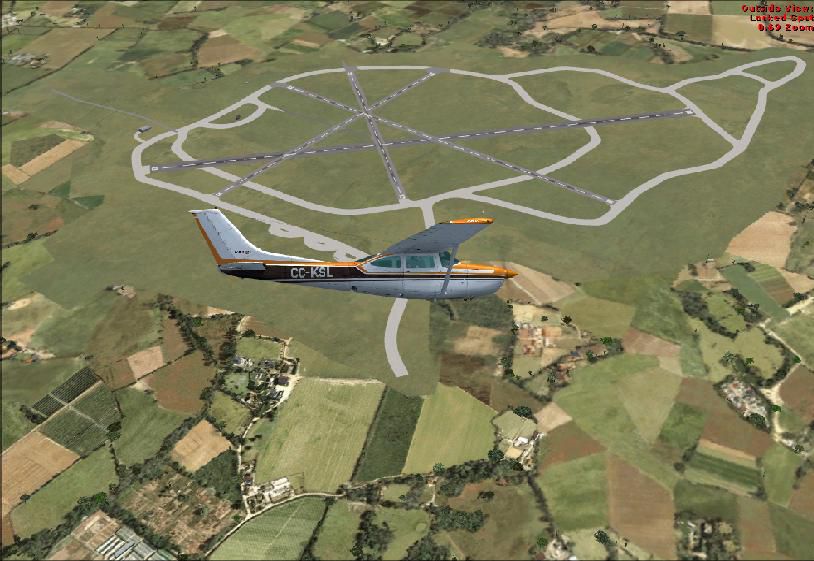
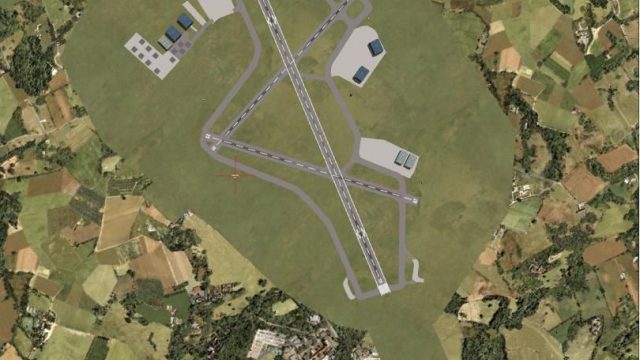
Culdrose And Predannack. UK (EGDR and EGDO), made using ADE 1.22. All scenery is the stock autogen, so should not affect performance or quality. Both are made from pictures in Google Earth. By Kim Smith.
Culdrose And Predannack Scenery.
To install, place both the folders into the Addon scenery folder in your main FSX.
C:\program files\microsoft games\micrsoft flight simulator X\Addon scenery\
Then, in game, go to the scenery library, and add the sceneries. allow it to run them, and there you go.
If you wish to modify them, keep it to your system, or Contact me if you wish to place them online.
Enjoy.
Kim Smith
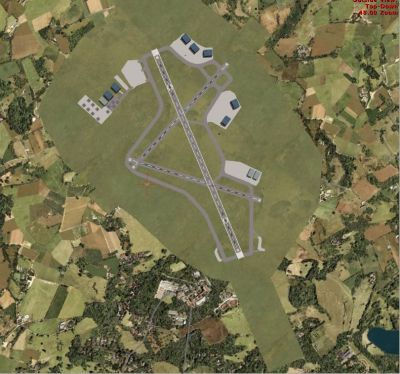
Culdrose And Predannack Scenery.
Free for all simmers · 393.78 KB · Scanned clean Oct 2026
Download speed: Free tier is capped at 0.5 Mbps. PRO members download at full line speed.
FSX\Addon Scenery\ containing scenery and texture sub-folders.readme.txt or README file. It tells you exactly where files go, what dependencies are needed, and any quirks specific to this add-on.Use these coordinates to fly directly to this location once the mod is installed.
50.08610000,-5.25510000
Launch FSX or Prepar3D and use Flights → Load to open the downloaded .pln file. Your aircraft will be positioned at this location.
The archive culdros2.zip has 16 files and directories contained within it.
This list displays the first 500 files in the package. If the package has more, you will need to download it to view them.
| Filename/Directory | File Date | File Size |
|---|---|---|
| scenery | 05.02.08 | 0 B |
| EGDR_ADE_KGS.BGL | 04.30.08 | 8.52 kB |
| EGDR_ADE_KGS_CVX.bgl | 04.30.08 | 269 B |
| Culdrose | 05.02.08 | 0 B |
| scenery | 05.02.08 | 0 B |
| EGDO_ADE_KGS.BGL | 04.30.08 | 6.72 kB |
| EGDO_ADE_KGS_CVX.bgl | 04.30.08 | 390 B |
| Predannack | 05.02.08 | 0 B |
| Predannack 1.JPG | 05.02.08 | 80.66 kB |
| Predannack 2.JPG | 05.02.08 | 100.51 kB |
| Culdrose 1.JPG | 05.02.08 | 88.25 kB |
| Culdrose 2.JPG | 05.02.08 | 115.61 kB |
| FILE_ID.diz.txt | 05.02.08 | 241 B |
| Readme.txt | 05.02.08 | 423 B |
| flyawaysimulation.txt | 10.29.13 | 959 B |
| Go to Fly Away Simulation.url | 01.22.16 | 52 B |
Only PRO members can place votes.
More FSX & P3D add-ons hand-picked based on this download.
FSX Scenery
Works with the Caribbean meshs in LOD 10 (MESHANTILLES.ZIP). Features redesig…
 FSX Scenery
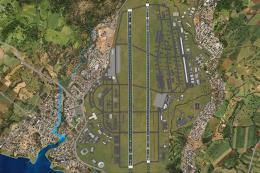
Kadena AB And Okinawa Islands airstrips, southern Japan. This package contain…
 FSX Scenery
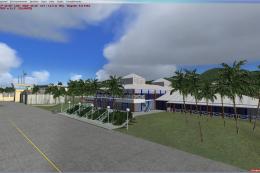
St Kitts And Nevis Scenery. A redesign of all coasts and landclass. Includes …
 FSX Scenery
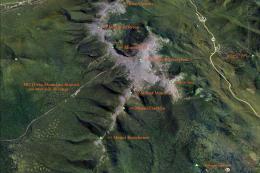
Mt Washington And The Presidential Range, NH. Welcome to the Presidential Ran…
 FSX Scenery
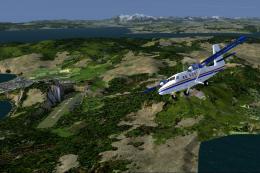
Bolivia Flights And Scenery. Bolivia is no stranger to aviation. Military avi…
 FSX Scenery
Scenery And Landclass For Maui, Hawaii (HI). This is a detailed landclass and…
 FSX Scenery
Irish Airports And Aerodromes. Some improvements to existing FSX airports plu…
 FSX Scenery
EDRZ Zweibrucken And EDRP Pirmasens. Scenery includes Airport Zweibrucken (ED…
Be the first to leave a comment on this download.
Be the first to share your thoughts on this download.