


 Canada
  FSX Scenery
FSX Skara Bonaire X
Skara Scenery Bonaire X. Flamingo International Airport or Bonaire Internatio…
Quebec’s Gaspé Peninsula comes alive with handcrafted landmarks for Microsoft Flight Simulator X, featuring animated wind turbine farms, alpine ski centers near Matane and Gaspé, and standout coastal icons like Percé Rock and Cap Gaspé Lighthouse. Detailed terrain cues, rugged cliffs, and lively seabird colonies enrich sightseeing routes along the Route 132 shoreline.
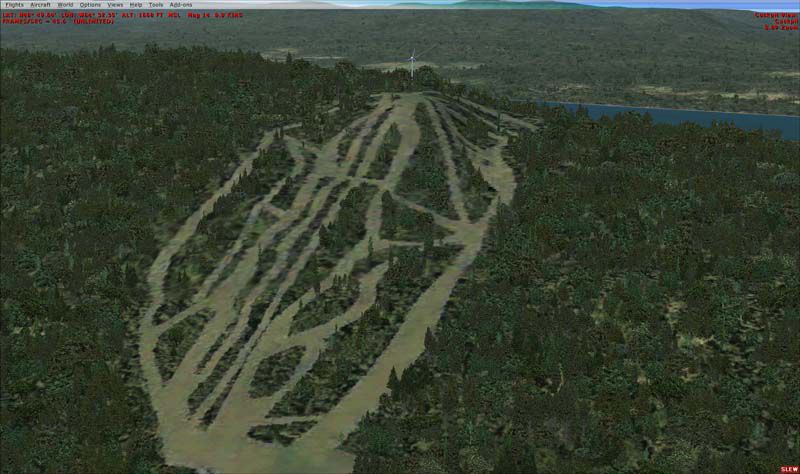
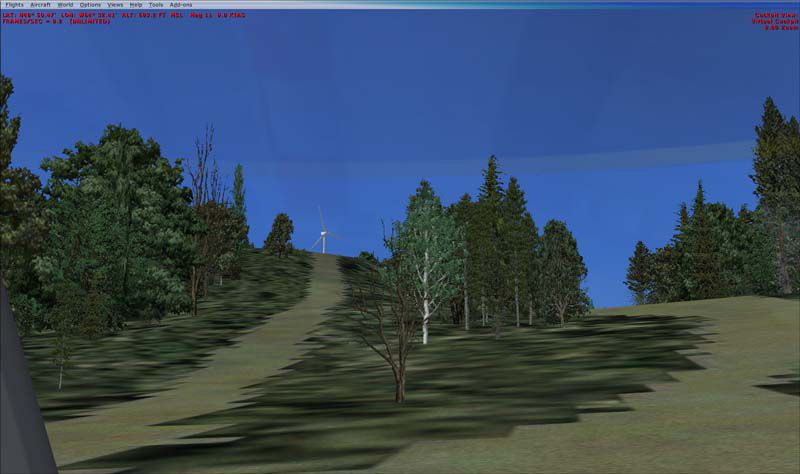
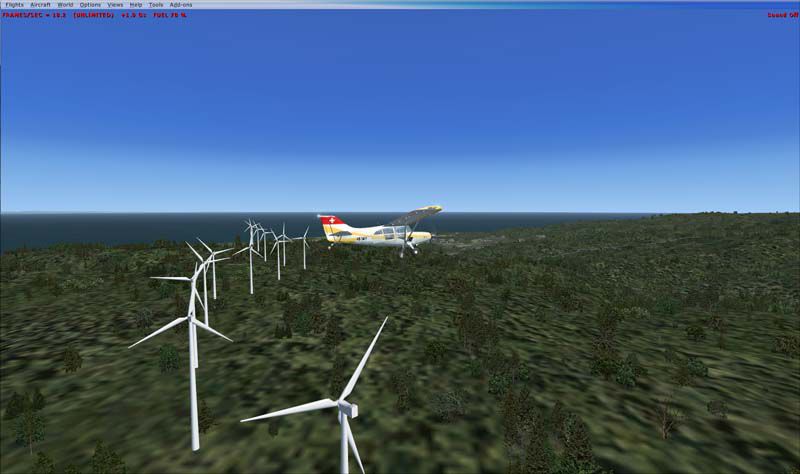
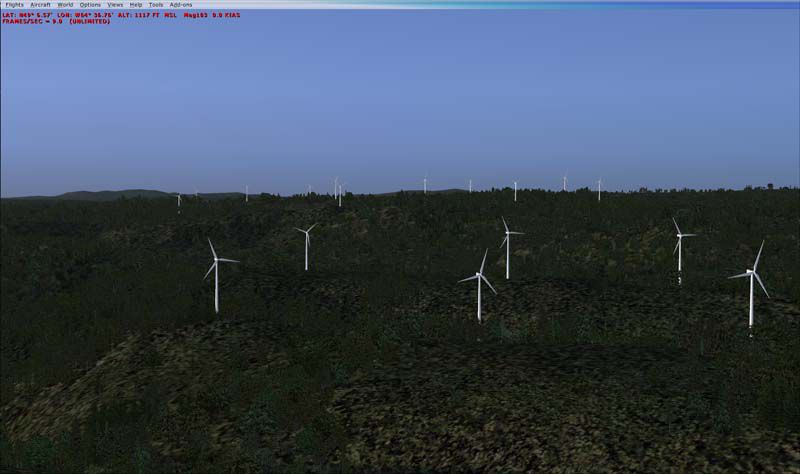
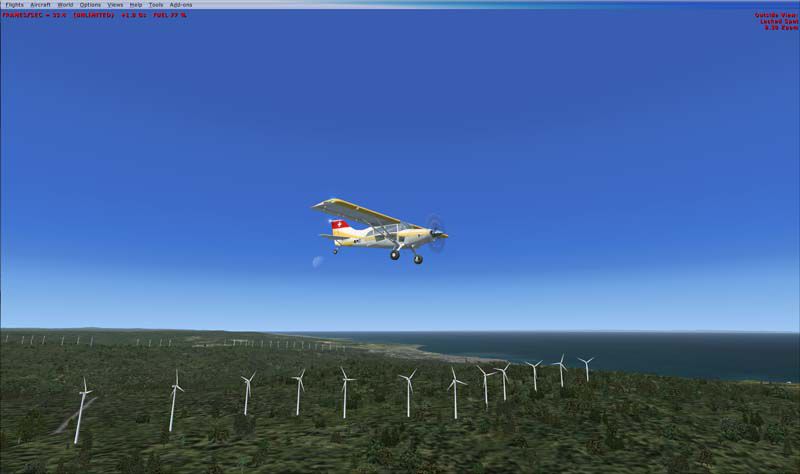
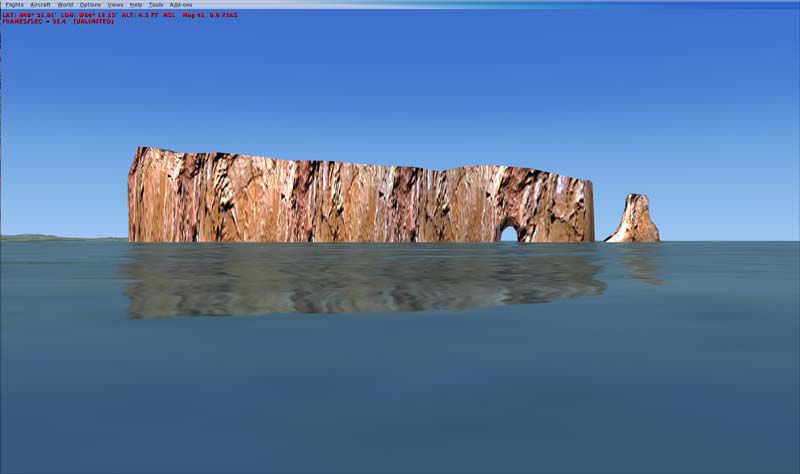
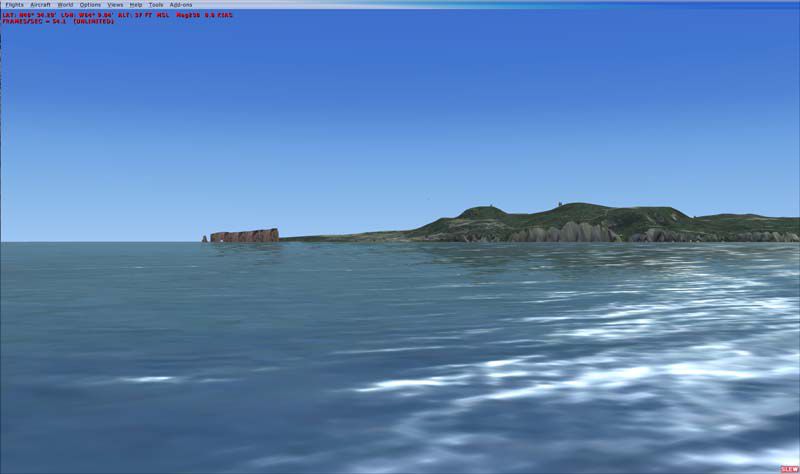
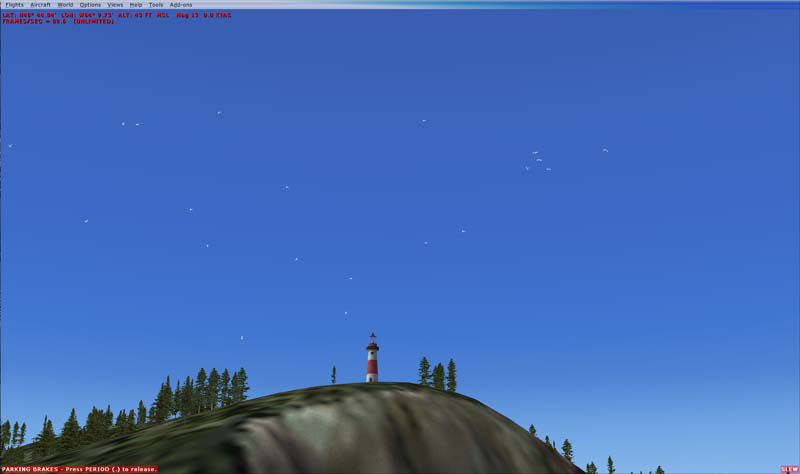
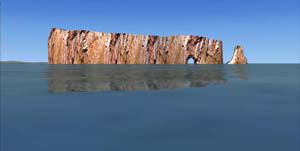
This freeware scenery package focuses on Quebec’s Gaspé Peninsula (often referred to as Gaspésie), showcasing prominent wind turbine farms, alpine ski sites, and the celebrated Percé Rock. Created by Jean St-Cyr and Gilles Gauthier, this release provides a distinct enhancement for Microsoft Flight Simulator X enthusiasts looking to immerse themselves in the region’s unique topography and coastal landscapes.
Stretching along the south shore of the Saint Lawrence River, the Gaspé Peninsula projects into the Gulf of Saint Lawrence and is known for its dramatic geology. Much of its interior follows an extension of the Appalachian chain, specifically encompassed by the Chic-Choc Mountains. Pilots can visually appreciate coastal cliffs, distinct rock formations, and several wind turbine clusters set against these rugged backdrops. Additionally, flight paths can be planned around the peninsula’s perimeter following the well-known Route 132.

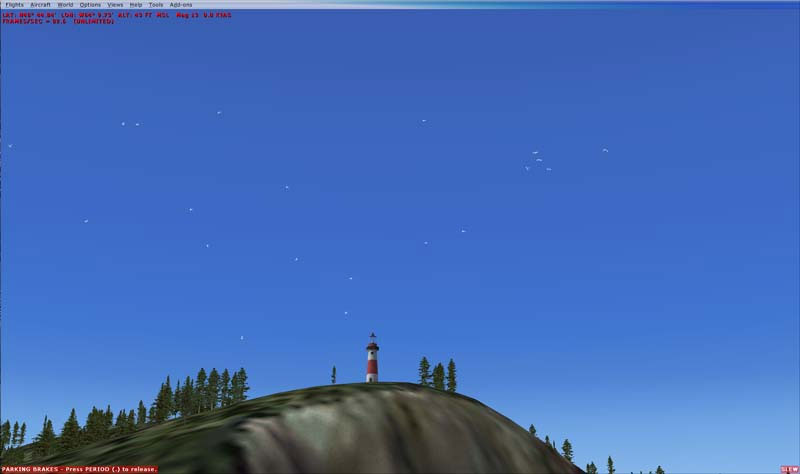
Gaspésie terrain enhancements (sample view).
All turbines are animated to deliver a more realistic portrayal of energy generation sites.
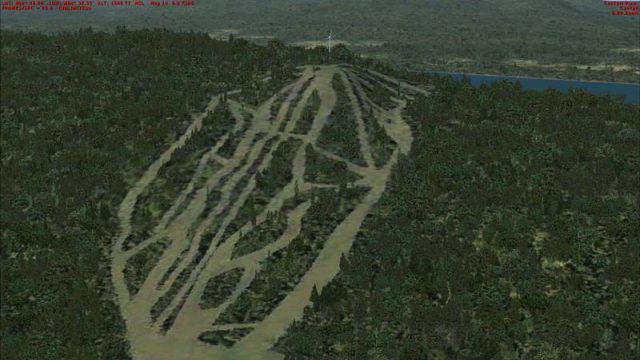
Alpine Ski Centers are visibly placed near Matane (Mont Castor) and Gaspé (Mont Béchervaise), introducing recognizable winter resorts into the simulation for those flying sightseeing tours or practicing approaches in mountainous conditions. Moreover, Cap Gaspé Lighthouse stands at the eastern edge of the peninsula with surrounding seabird activity, while Perce Rock and adjacent Bonaventure Island include colony birds to enrich coastal flights.
Percé Rock and surrounding coastal detail.
Addon Scenery directory of your main FSX folder.Effects folder.Version 1.00: This is the initial release containing all notable enhancements.
This package remains freeware and is contributed under that license by Jean St-Cyr and Gilles Gauthier. While great care has been taken in its development, it is provided as-is and any usage is solely at the pilot’s discretion and risk. The designers do not assume any responsibility for potential damage or inconvenience.
Enjoy exploring the striking features of the Gaspé Peninsula in your simulator!
– Jean St-Cyr
Free for all simmers · 4.08 MB · Scanned clean Oct 2026
Download speed: Free tier is capped at 0.5 Mbps (this file takes approximately 1 min at the cap). PRO members download at full line speed.
FSX\Addon Scenery\ containing scenery and texture sub-folders.readme.txt or README file. It tells you exactly where files go, what dependencies are needed, and any quirks specific to this add-on.Use these coordinates to fly directly to this location once the mod is installed.
48.83000000,-64.48000000
Launch FSX or Prepar3D and use Flights → Load to open the downloaded .pln file. Your aircraft will be positioned at this location.
The archive gaspesie-1.zip has 39 files and directories contained within it.
This list displays the first 500 files in the package. If the package has more, you will need to download it to view them.
| Filename/Directory | File Date | File Size |
|---|---|---|
| Gaspesie | 05.18.09 | 0 B |
| Gaspesie.gif | 05.18.09 | 9.38 kB |
| Readme.txt | 09.14.08 | 4.94 kB |
| ReadmeFR.txt | 09.14.08 | 5.08 kB |
| Scenery | 08.21.08 | 0 B |
| CVX_Eoliennes_CapChat_routes.BGL | 07.28.08 | 1.48 kB |
| CVX_Matane_Eoliennes_Routes.BGL | 07.21.08 | 1.25 kB |
| CVX_Murdochville_Eoliennes_Routes.BGL | 07.21.08 | 1.06 kB |
| CVX_Route_CapGaspe.BGL | 08.21.08 | 316 B |
| Eoliennes_CapChat.BGL | 07.28.08 | 66.26 kB |
| Eoliennes_Projet2006_Carleton.BGL | 07.23.08 | 66.16 kB |
| Eoliennes_Projet2009_Anse_Pleureuse.BGL | 07.23.08 | 68.80 kB |
| Eolienne_Anse_Valleau.BGL | 07.22.08 | 65.77 kB |
| Eolienne_Baie_Sables.BGL | 07.22.08 | 66.15 kB |
| Eolienne_Gaspe.BGL | 07.29.08 | 61.63 kB |
| Eolienne_Murdochville.BGL | 07.22.08 | 63.82 kB |
| eolienne_sannemonts.bgl | 07.22.08 | 66.26 kB |
| Gaspesie.BGL | 07.31.08 | 85.66 kB |
| Ski_Gaspe_TextureFSX.bgl | 07.29.08 | 1.97 MB |
| Ski_Matane_TextureFSX.bgl | 07.29.08 | 1.90 MB |
| ScreenShots | 09.16.08 | 0 B |
| 2008-7-19_16-19-44-109.jpg | 08.18.08 | 32.57 kB |
| 2008-7-23_11-1-33-843.jpg | 08.18.08 | 56.38 kB |
| 2008-7-23_11-3-35-390.jpg | 08.18.08 | 43.84 kB |
| 2008-7-31_16-49-40-187.jpg | 08.18.08 | 43.88 kB |
| 2008-7-31_16-50-34-875.jpg | 08.18.08 | 41.96 kB |
| 2008-7-31_17-22-1-656.jpg | 08.18.08 | 57.50 kB |
| 2008-7-31_17-25-0-625.jpg | 08.18.08 | 78.11 kB |
| 2008-7-31_17-31-28-78.jpg | 08.18.08 | 50.61 kB |
| RocherPerce.jpg | 09.16.08 | 19.10 kB |
| thumbnail.gif | 09.14.08 | 9.38 kB |
| thumbnail.jpg | 09.14.08 | 17.07 kB |
| thumbnail.png | 09.14.08 | 10.27 kB |
| Thumbs.db | 09.14.08 | 30.50 kB |
| Texture | 07.31.08 | 0 B |
| RocherPerce01.dds | 07.31.08 | 42.80 kB |
| RocherPerce02.dds | 07.19.08 | 42.79 kB |
| flyawaysimulation.txt | 10.29.13 | 959 B |
| Go to Fly Away Simulation.url | 01.22.16 | 52 B |
Only PRO members can place votes.
More FSX & P3D add-ons hand-picked based on this download.
FSX Scenery
Skara Scenery Bonaire X. Flamingo International Airport or Bonaire Internatio…
 FSX Scenery
Iwo Jima Scenery 1945 Update. This is a complete scenery with added effects a…
FSX Scenery
Kjeller Area Scenery X, Norway. Scenery around Kjeller airport with photoreal…
 FSX Scenery
FSX Loney's Alaska For FSX. This is a compilation of the author's Alaskan sce…
 FSX Scenery
For users of Flight Simulator X (and FSX: Steam Edition) and/or Prepar3D, ter…
 FSX Scenery
This freeware release by developer Aime Leclercq introduces revised highways …
 FSX Scenery
Team GEX Enhanced Autogen World. This package upgrades 522 world wide autogen…
 FSX Scenery
Princess Juliana International Airport (TNCM) in Saint Marteen, Netherlands A…
Read what other simmers think, or add your own.

This would likely be an interesting VFR flight, but the effects files are not included in the download, so it is pretty much a wasted effort.