


 Germany
  FSX Scenery
openVFR Germany POI
This freeware scenery package transforms the German region within FSX by inco…
openVFR Germany Terrain Scenery refines VFR flying with OpenStreetMap-derived landclass and vector detail, bringing roads, railways, rivers, land use, leisure areas, and points of interest into clear view. Built for FSX, it improves orientation cues across cities, countryside, and natural regions with reliable, true-to-life topography.
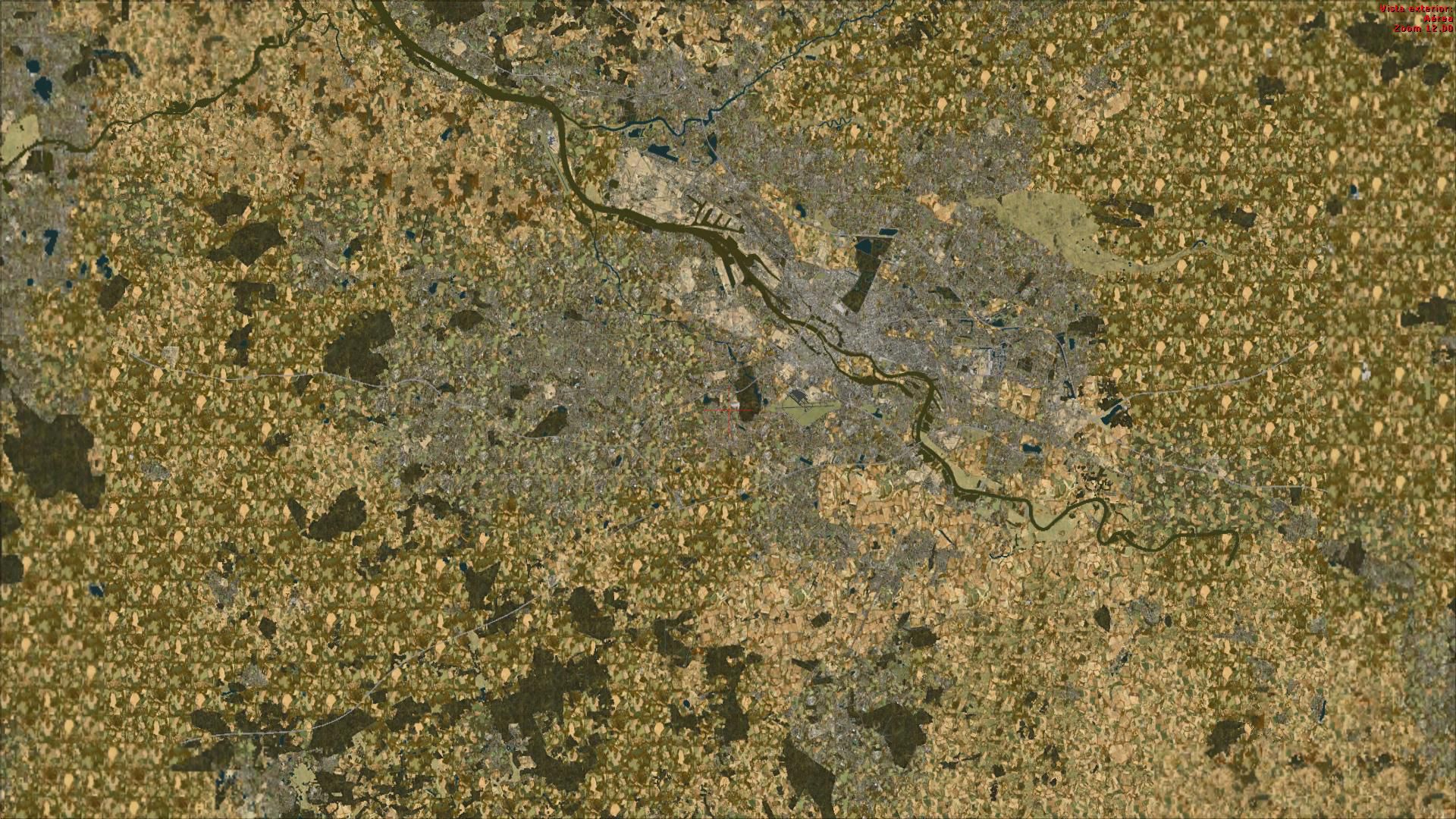
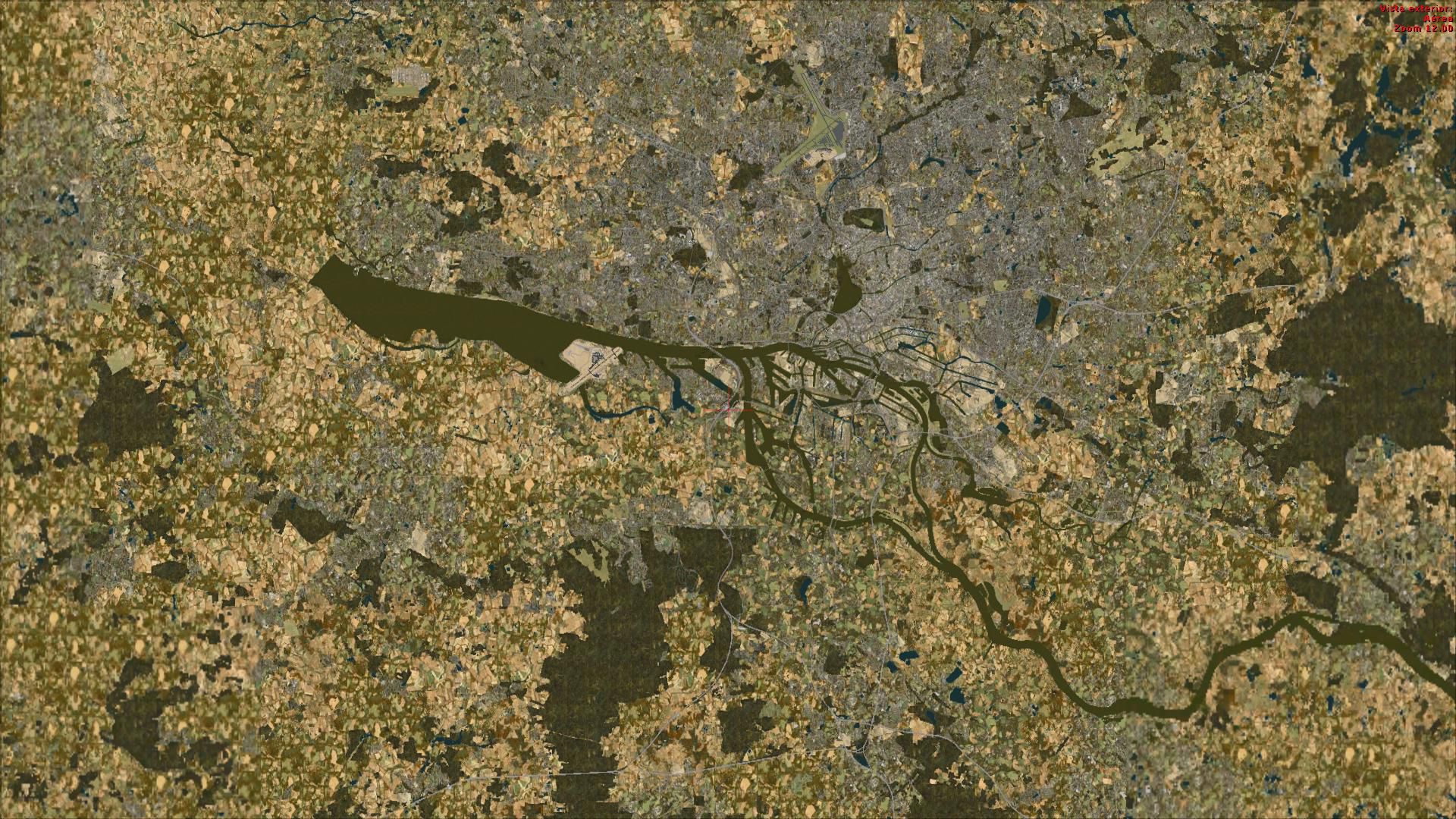

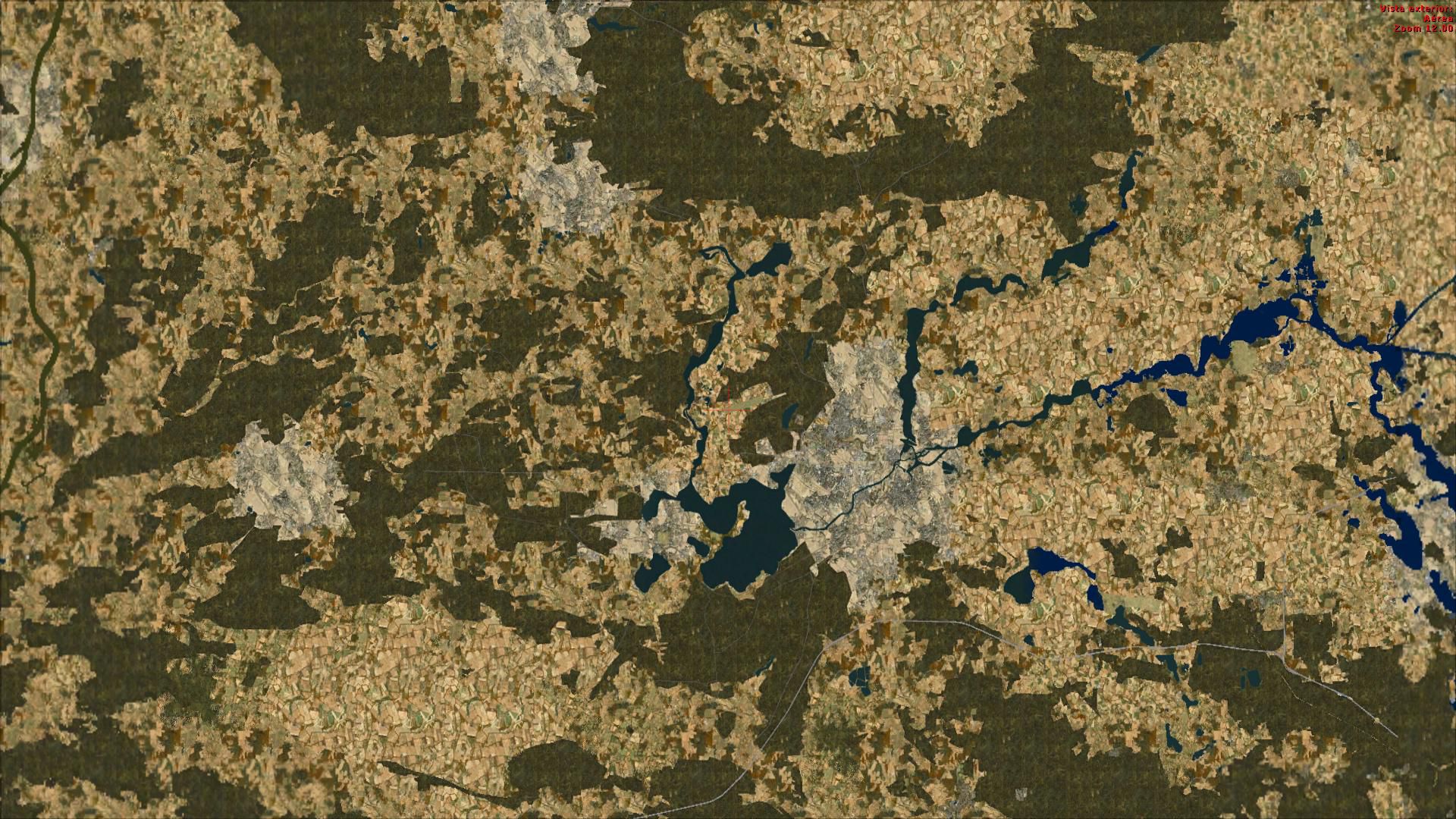
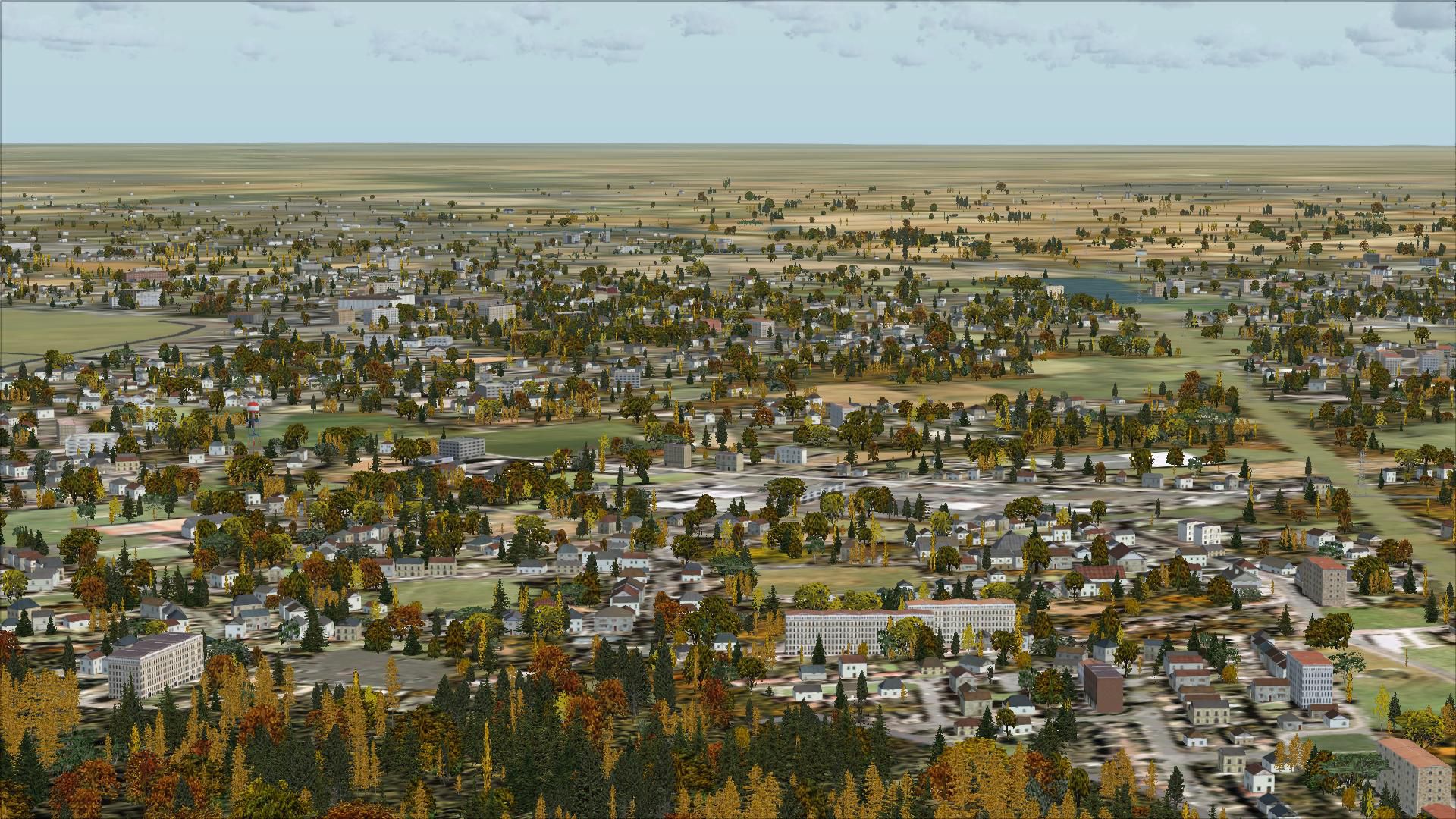
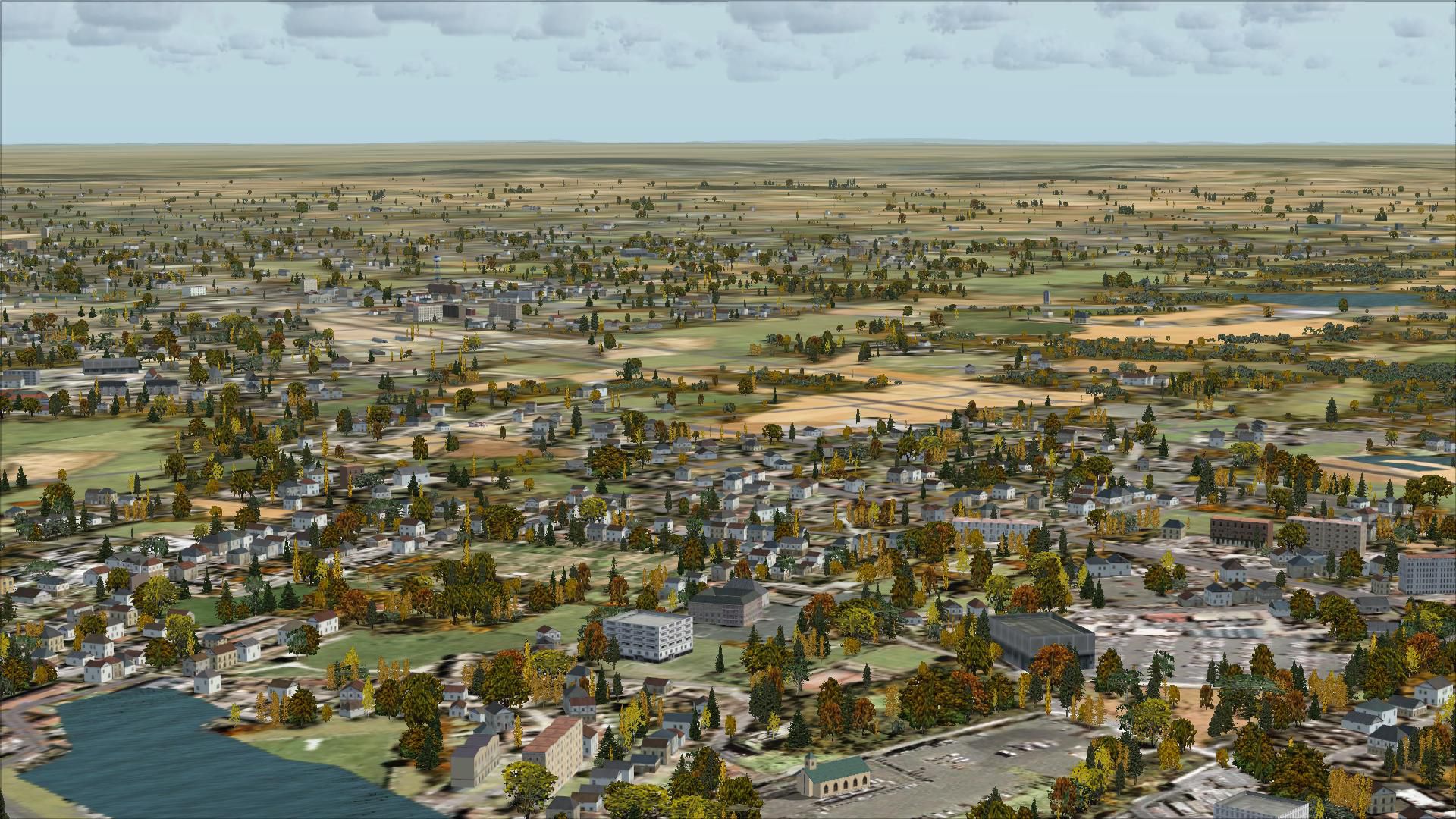
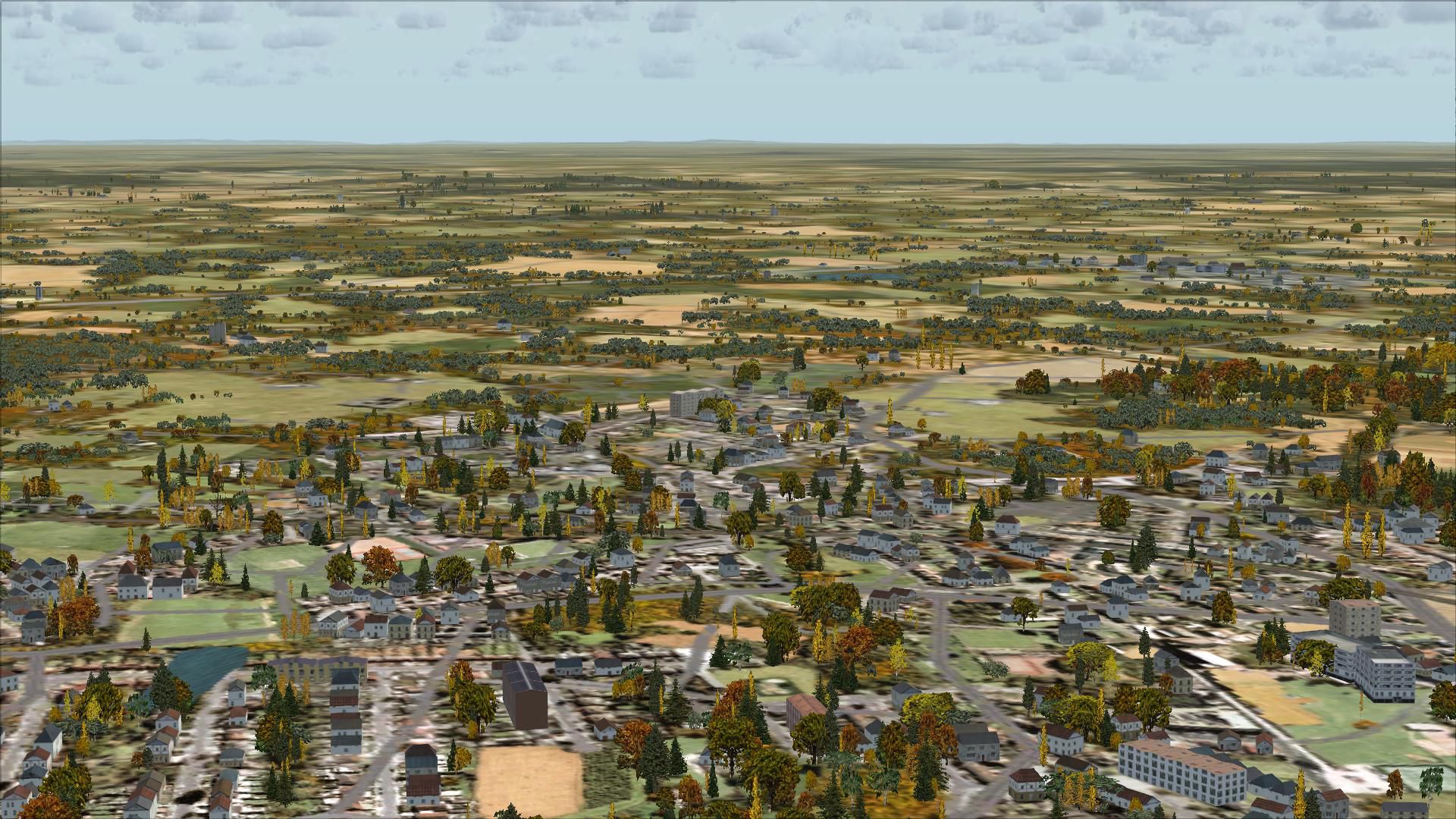
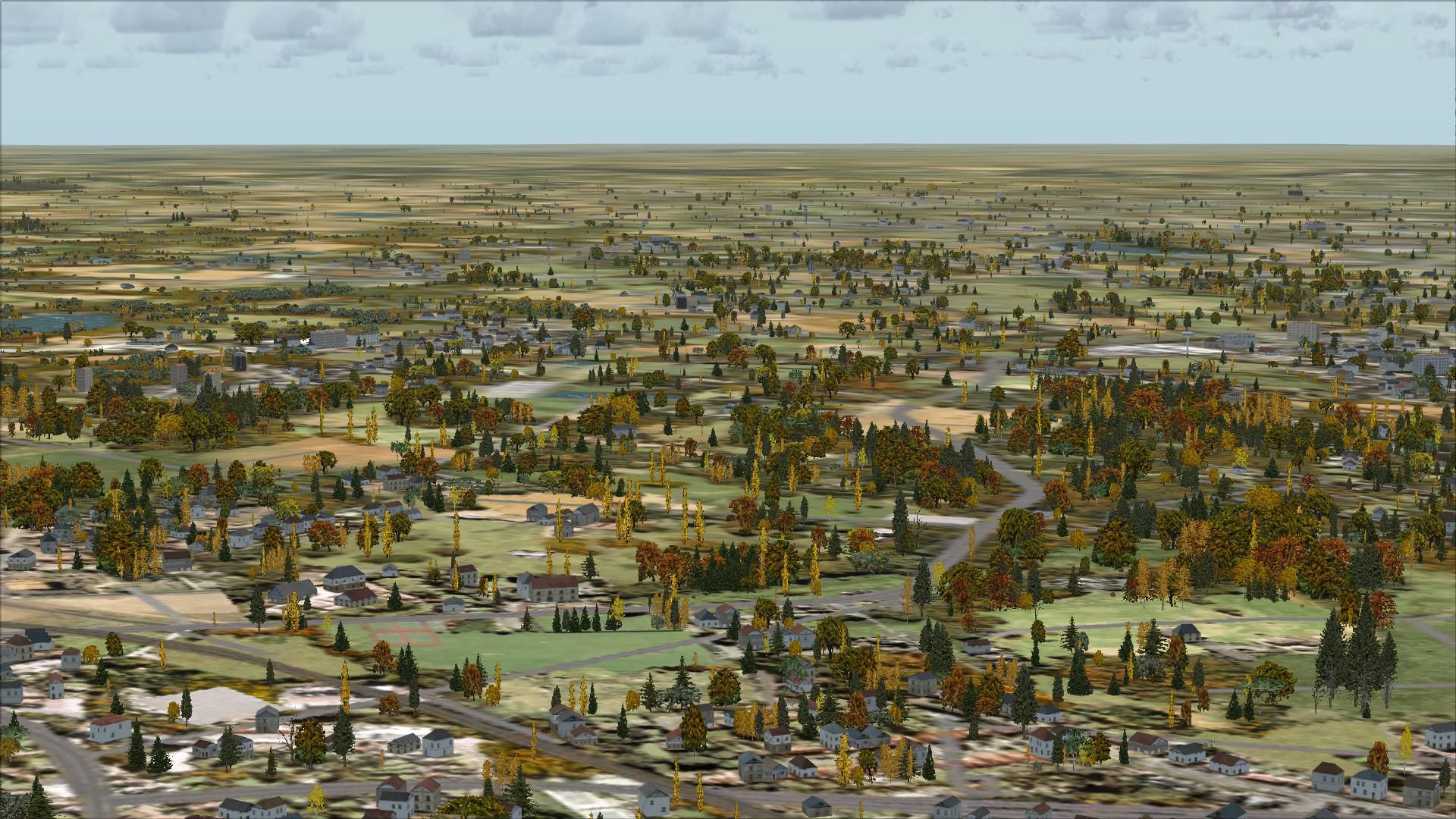
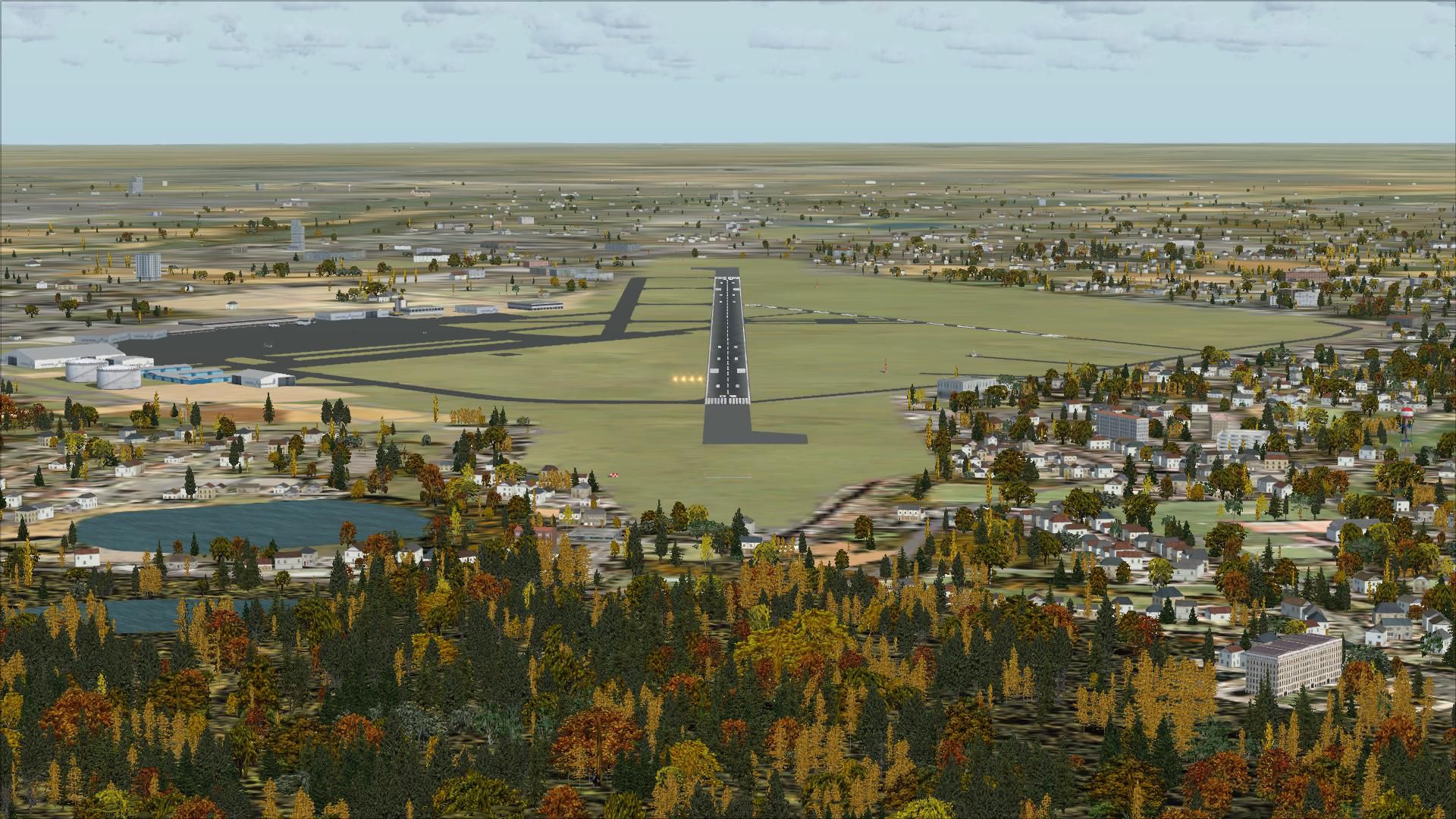
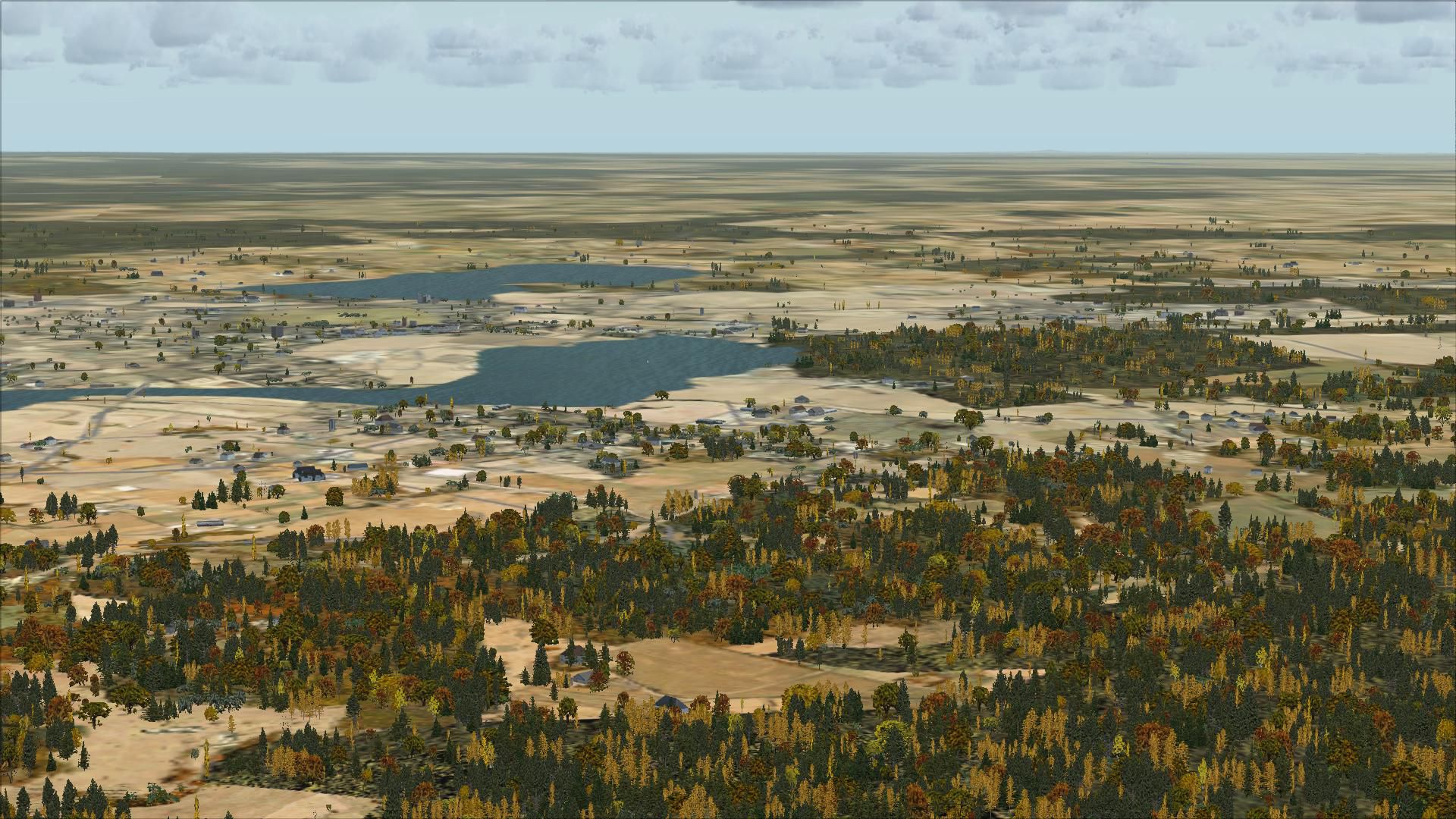
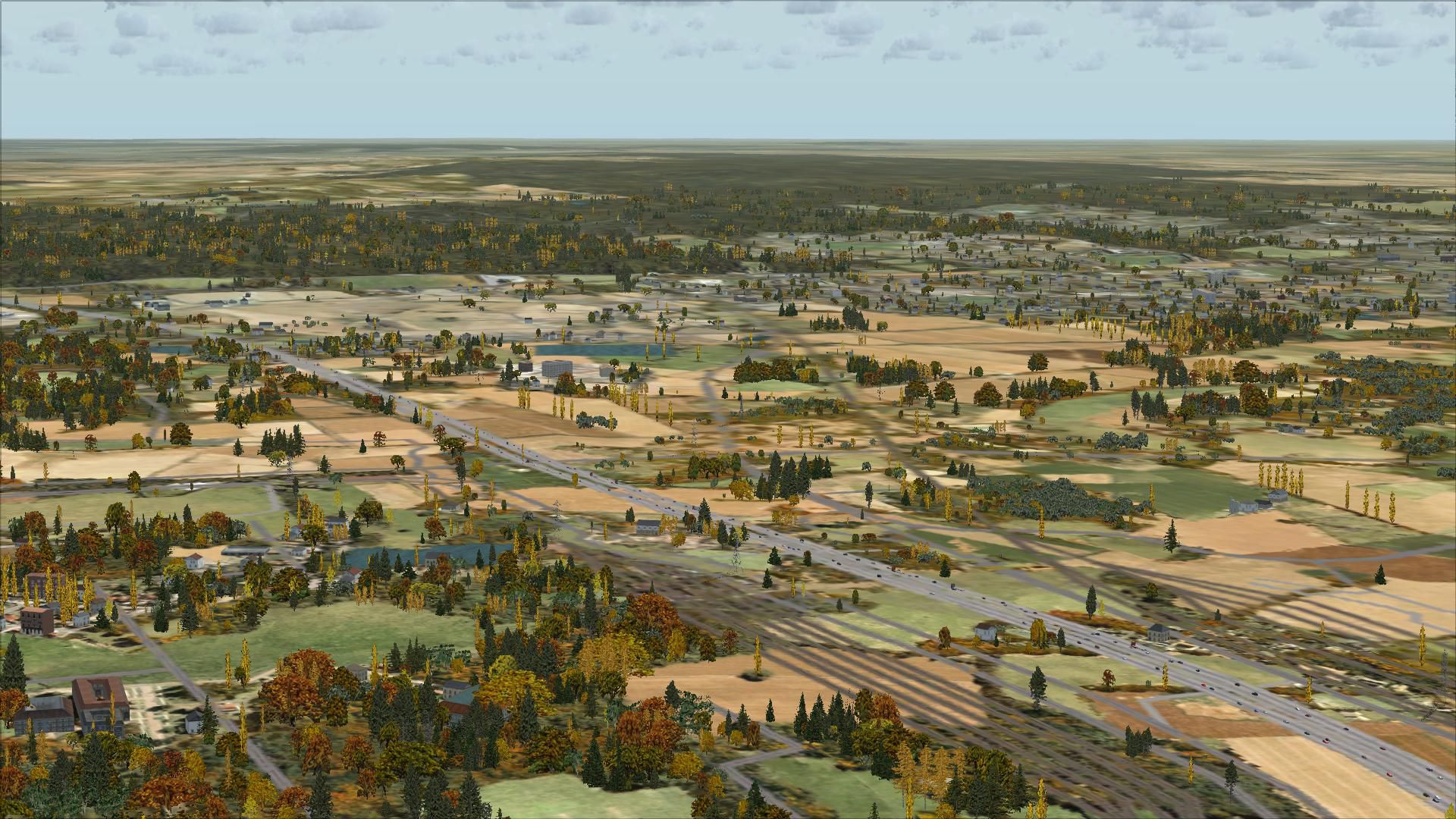
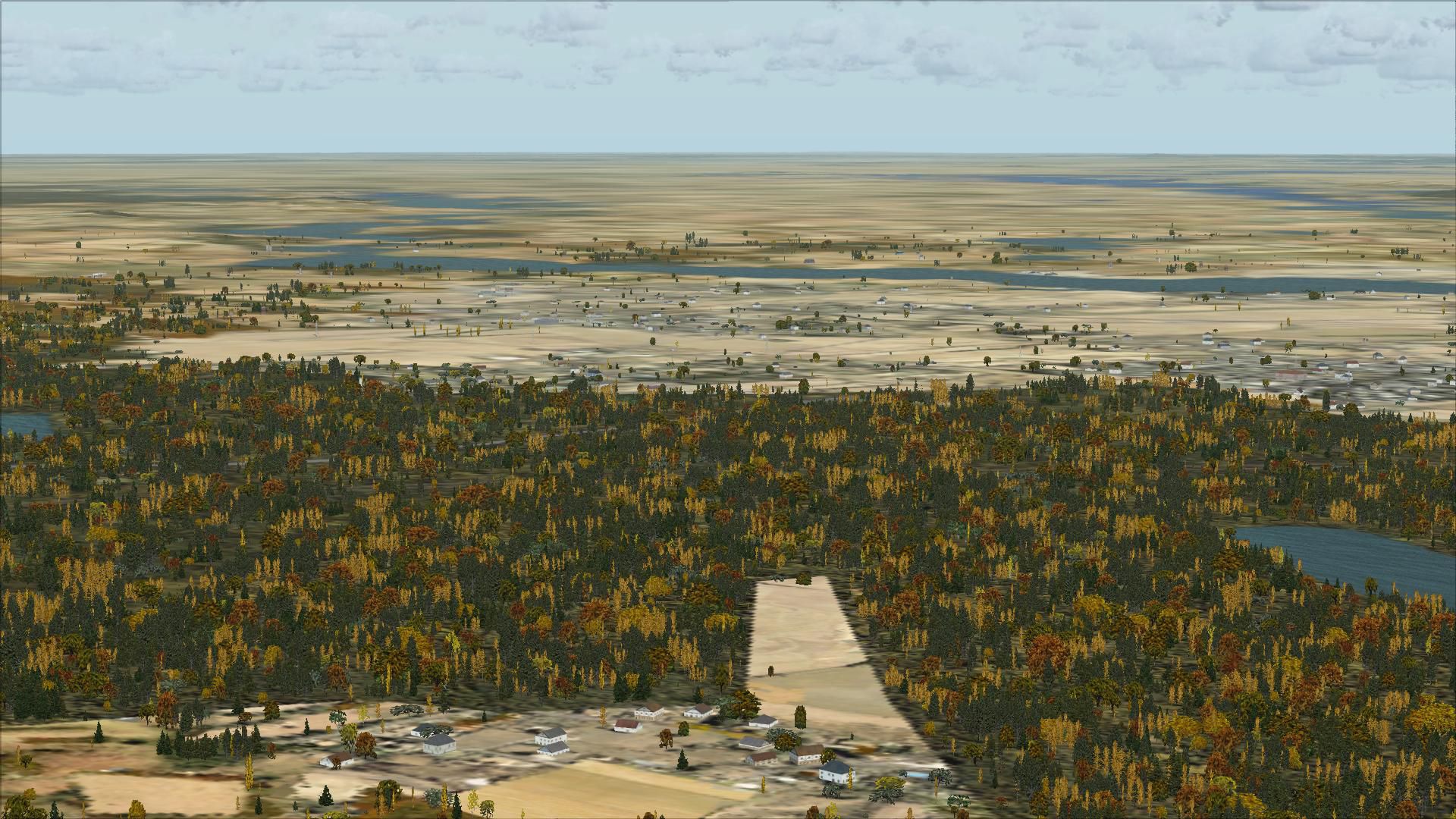
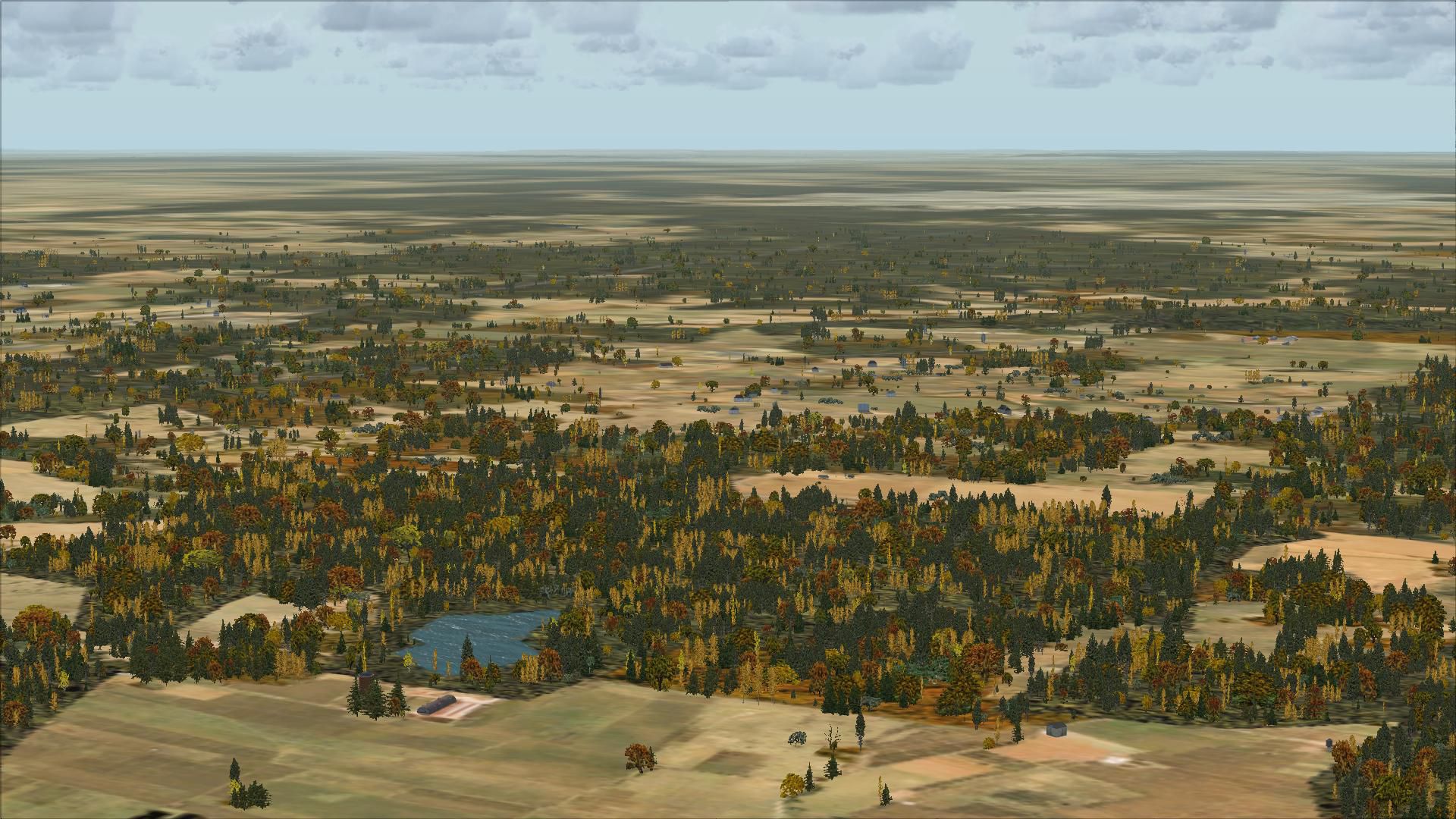
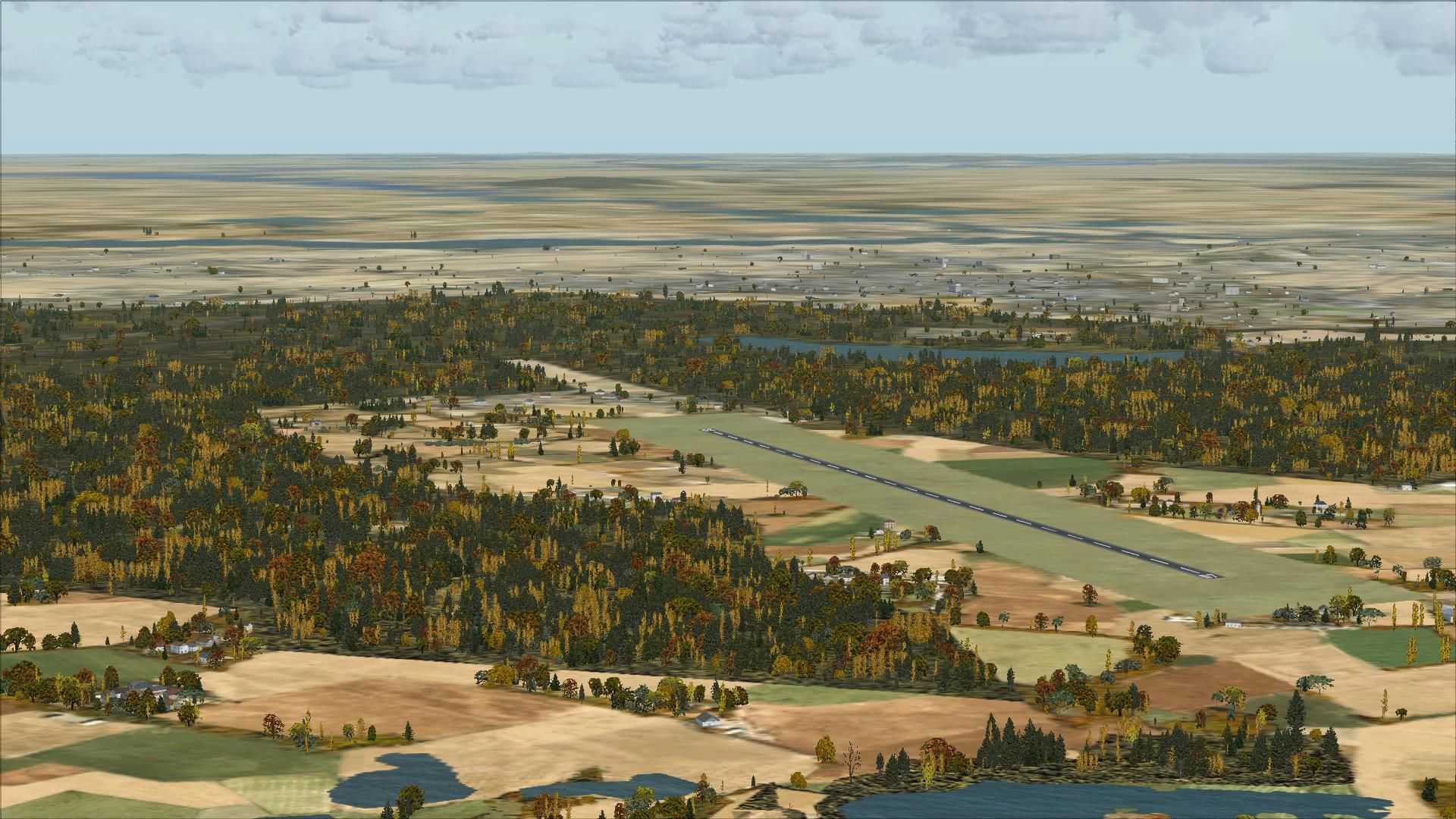

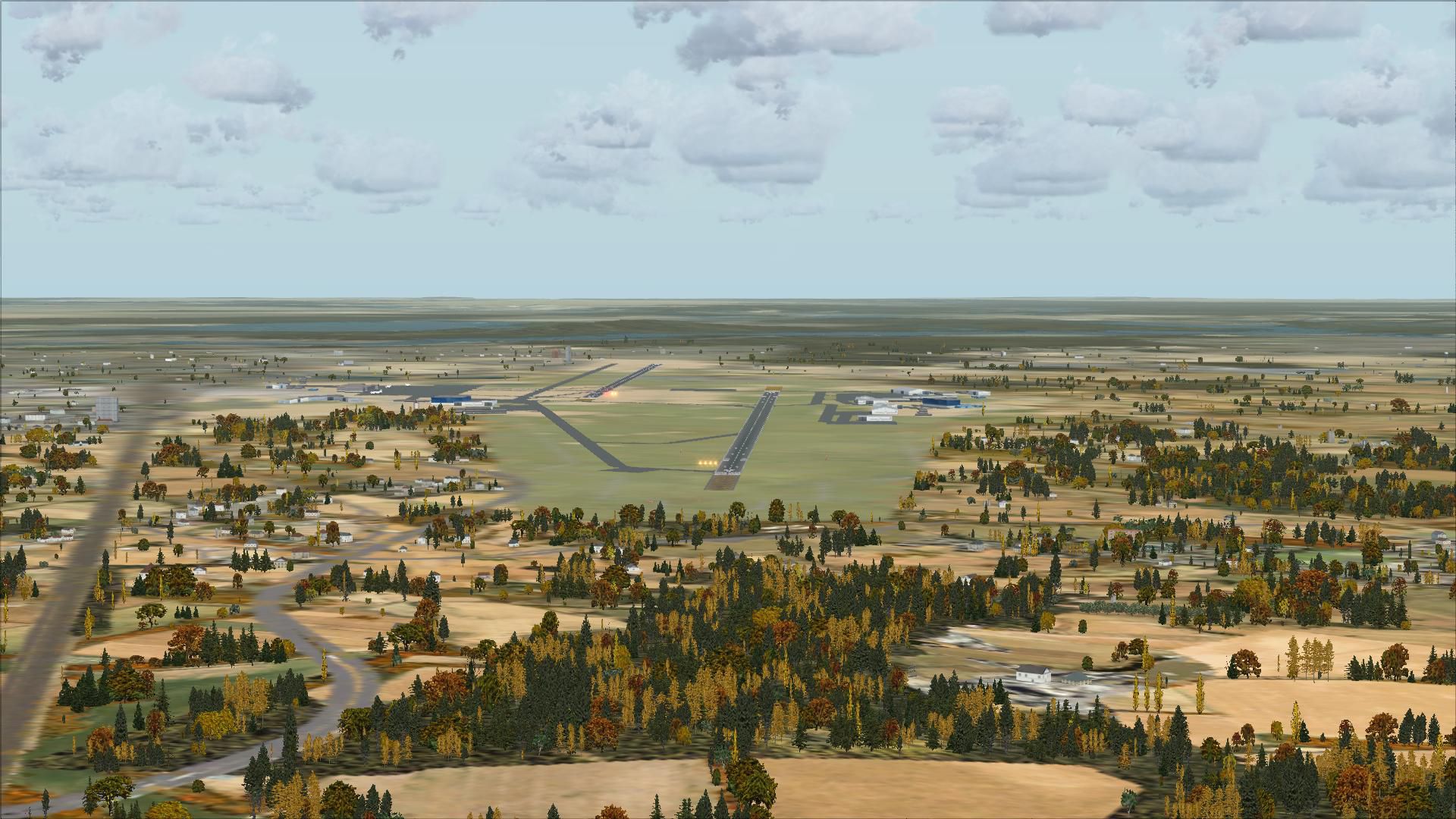
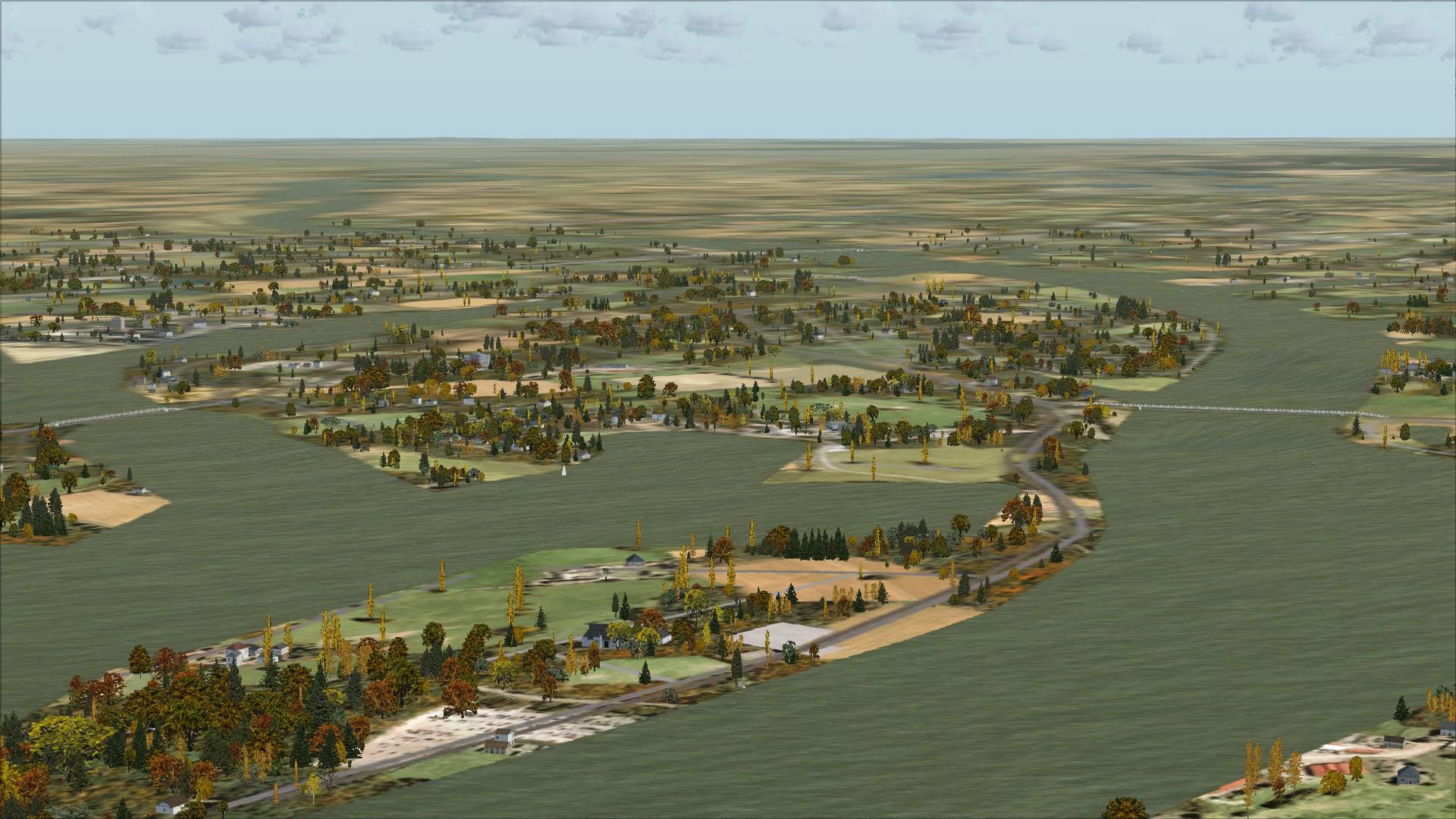
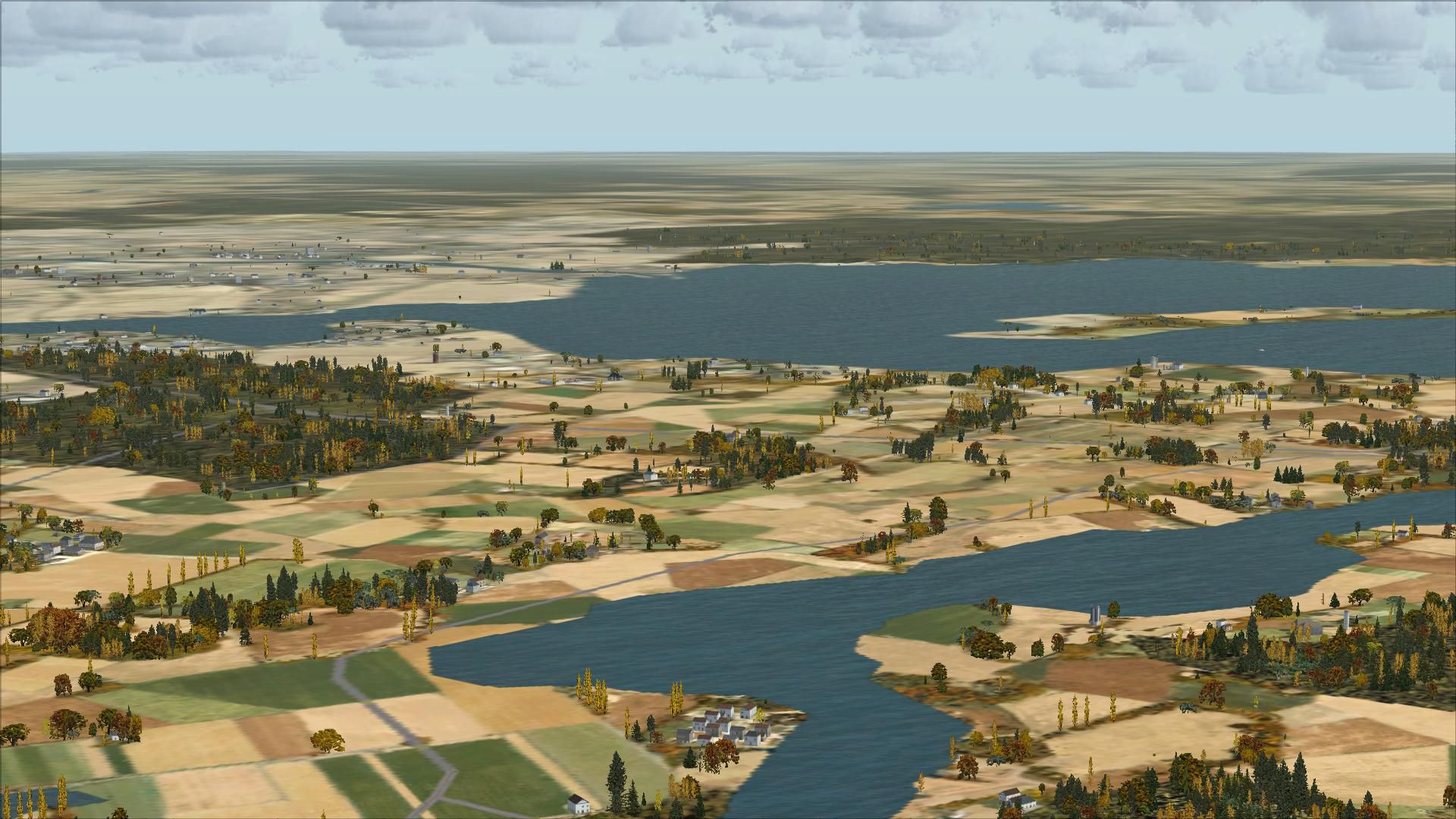
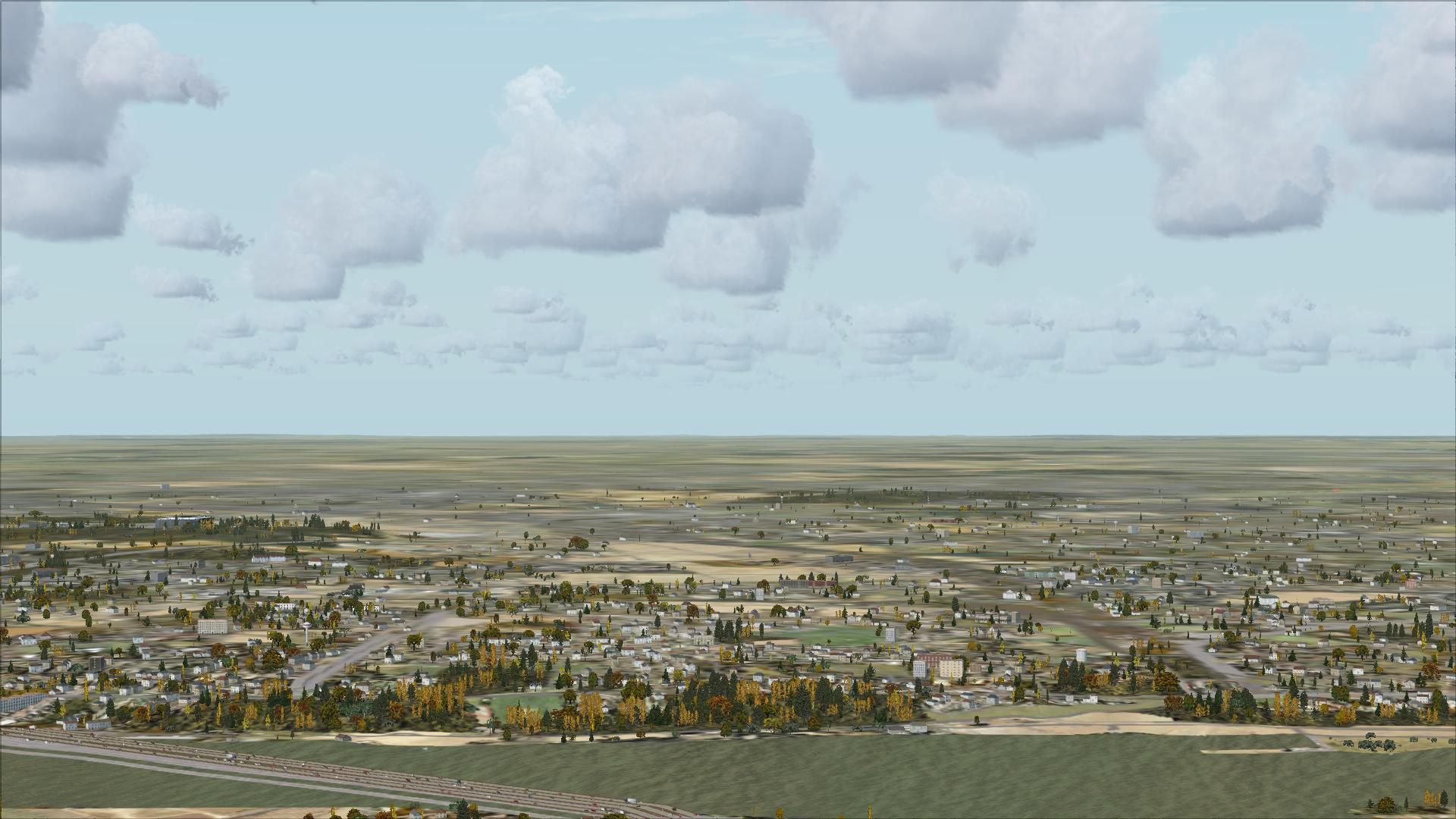
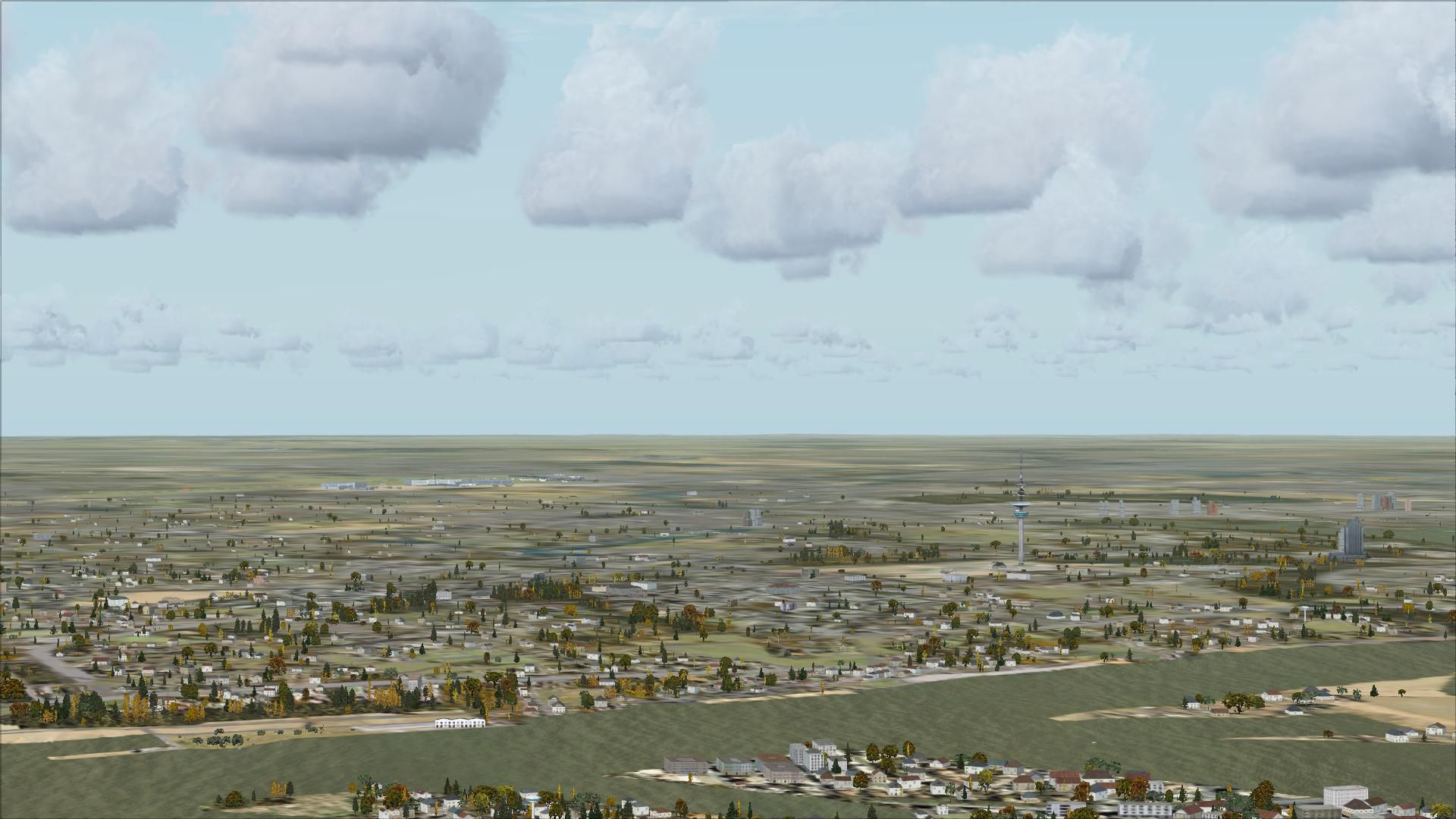
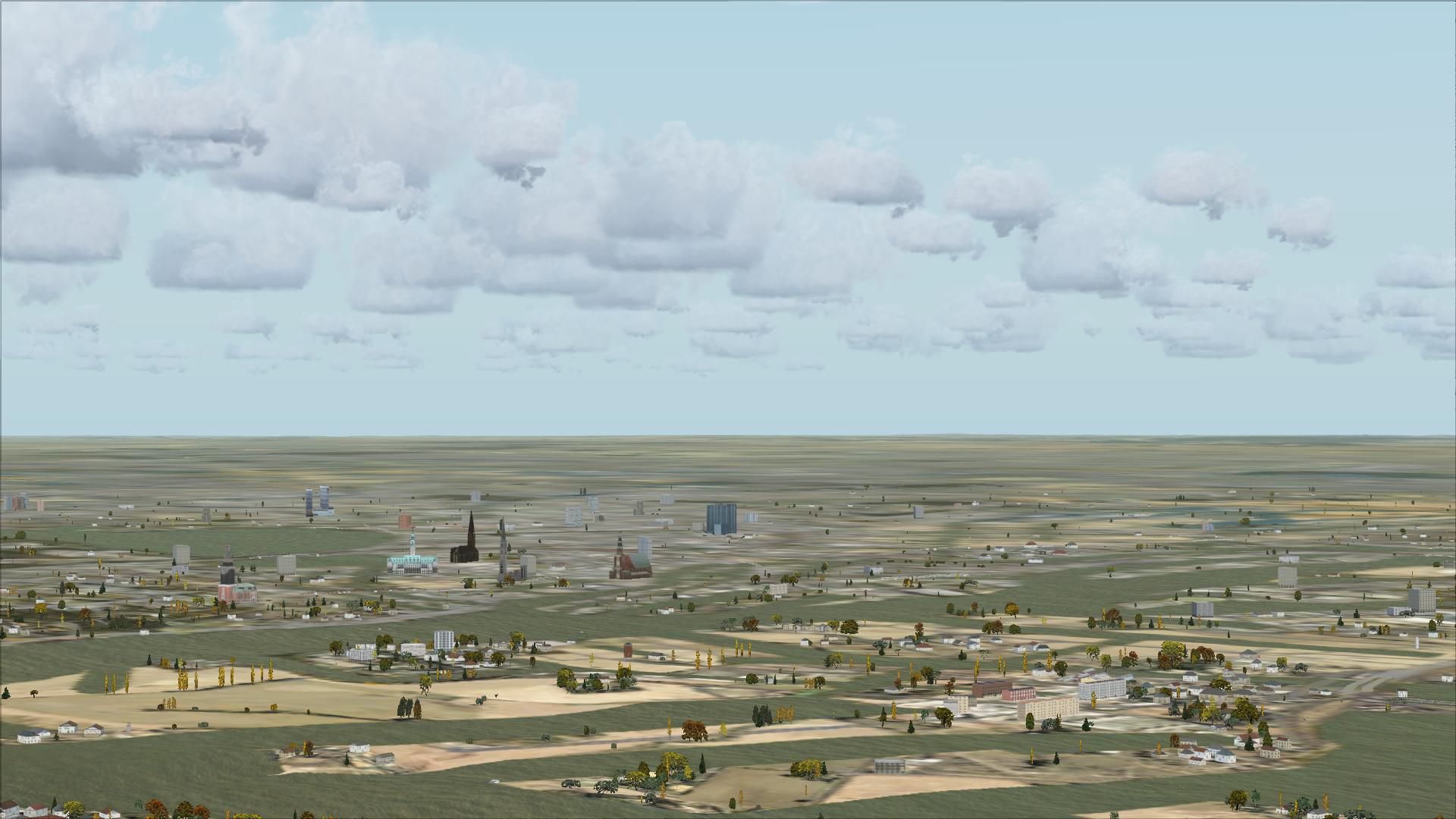
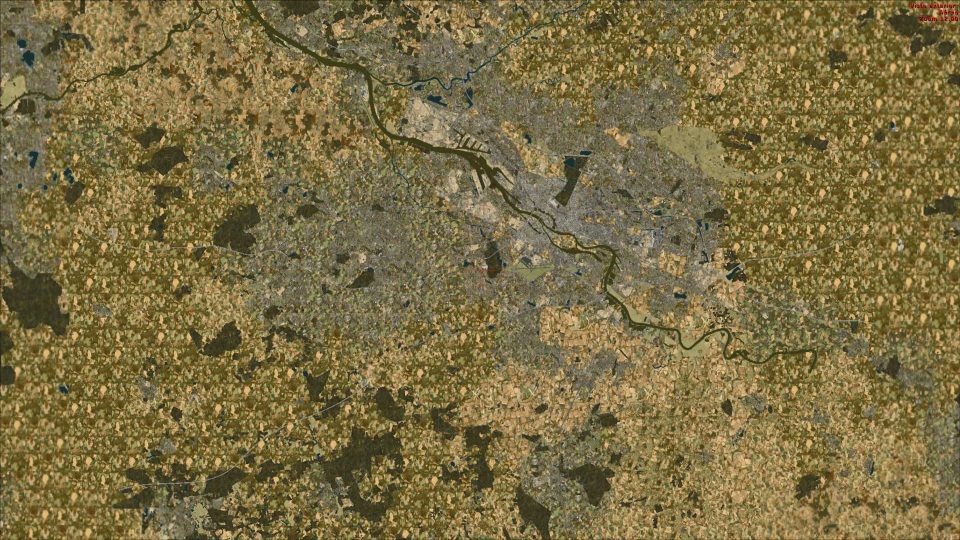
This freeware scenery enhances the German landscape in FSX by incorporating data from OpenStreetMap (OSM) and is designed especially for pilots who rely on visual navigation. Its objective is to deliver accurate topographical details, merging real-world land usage and distinct features so that virtual aviators can explore Germany’s varied environment with reliable terrain data.
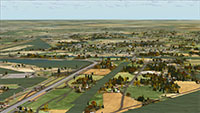 openVFR Germany Terrain obtains extensive information from OSM, including land-use categories, rail lines, roads, waterways, natural regions, leisure-based areas, and numerous points of interest. These elements combine to form a thorough depiction of Germany’s geographic and infrastructural layout while allowing precise VFR activities.
This modification integrates multiple positional attributes that accurately mark urban spaces, rural expanses, and natural landmarks. By aligning with actual geographic data, it provides dimensionally precise terrain forms adapted for flight-simming. Users can expect improved orientation cues, such as clearly drawn water bodies and better-detailed road networks, all rendered within FSX.
Created by Markus Freyt, this project reflects a focus on open-source and community-sourced data. The software remains free of cost, fostering widespread adoption among enthusiasts seeking refined regional coverage throughout Germany’s flight paths.
Free for all simmers · 88.81 MB · Scanned clean Oct 2026
Download speed: Free tier is capped at 0.5 Mbps (this file takes approximately 25 mins at the cap). PRO members download at full line speed.
FSX\Addon Scenery\ containing scenery and texture sub-folders.readme.txt or README file. It tells you exactly where files go, what dependencies are needed, and any quirks specific to this add-on.Use these coordinates to fly directly to this location once the mod is installed.
52.52000000,13.40500000
Launch FSX or Prepar3D and use Flights → Load to open the downloaded .pln file. Your aircraft will be positioned at this location.
The archive openvfr_terrain_de_20.zip has 51 files and directories contained within it.
This list displays the first 500 files in the package. If the package has more, you will need to download it to view them.
| Filename/Directory | File Date | File Size |
|---|---|---|
| openVFR_terrain_DE_2.0 | 01.22.10 | 0 B |
| openVFR_DE_2.0 | 01.20.10 | 0 B |
| Addon Scenery | 01.20.10 | 0 B |
| openVFR_Germany_Scenic | 01.18.10 | 0 B |
| Scenery | 01.18.10 | 0 B |
| CVX_baden-wuerttemberg.BGL | 01.14.10 | 17.41 MB |
| CVX_bayern.BGL | 01.15.10 | 30.68 MB |
| CVX_berlin.BGL | 01.14.10 | 1.89 MB |
| CVX_brandenburg.BGL | 01.14.10 | 7.42 MB |
| CVX_bremen.BGL | 01.14.10 | 575.56 kB |
| CVX_hamburg.BGL | 01.14.10 | 1.41 MB |
| CVX_hessen.BGL | 01.14.10 | 9.32 MB |
| CVX_mecklenburg-vorpommern.BGL | 01.14.10 | 3.07 MB |
| CVX_niedersachsen.BGL | 01.14.10 | 13.96 MB |
| CVX_nordrhein-westfalen.BGL | 01.13.10 | 23.94 MB |
| CVX_rheinland-pfalz.BGL | 01.14.10 | 6.10 MB |
| CVX_saarland.BGL | 01.13.10 | 1.41 MB |
| CVX_sachsen-anhalt.BGL | 01.14.10 | 3.81 MB |
| CVX_sachsen.BGL | 01.14.10 | 7.39 MB |
| CVX_schleswig-holstein.BGL | 01.14.10 | 4.74 MB |
| CVX_thueringen.BGL | 01.14.10 | 5.35 MB |
| openVFR_Germany_Scenic_Exclude | 01.15.10 | 0 B |
| Scenery | 01.24.10 | 0 B |
| cvxEXCLUDE_DE.BGL | 01.24.10 | 256.20 kB |
| terrain.cfg | 11.04.06 | 159.02 kB |
| terrain_cfg_readme.htm | 11.05.06 | 11.88 kB |
| readme.pdf | 01.21.10 | 165.23 kB |
| flyawaysimulation.txt | 10.29.13 | 959 B |
| Go to Fly Away Simulation.url | 01.22.16 | 52 B |
| Screenshots | 09.13.19 | 0 B |
| screen-1.jpg | 09.11.19 | 503.00 kB |
| screen-10.jpg | 09.11.19 | 486.51 kB |
| screen-11.jpg | 09.11.19 | 447.58 kB |
| screen-12.jpg | 09.11.19 | 433.69 kB |
| screen-13.jpg | 09.11.19 | 428.12 kB |
| screen-14.jpg | 09.11.19 | 548.43 kB |
| screen-15.jpg | 09.11.19 | 538.91 kB |
| screen-16.jpg | 09.11.19 | 241.39 kB |
| screen-17.jpg | 09.11.19 | 228.55 kB |
| screen-18.jpg | 09.11.19 | 206.11 kB |
| screen-19.jpg | 09.11.19 | 336.27 kB |
| screen-2.jpg | 09.11.19 | 327.71 kB |
| screen-20.jpg | 09.11.19 | 311.55 kB |
| screen-21.jpg | 09.11.19 | 398.43 kB |
| screen-3.jpg | 09.11.19 | 484.89 kB |
| screen-4.jpg | 09.11.19 | 398.63 kB |
| screen-5.jpg | 09.11.19 | 364.95 kB |
| screen-6.jpg | 09.11.19 | 303.23 kB |
| screen-7.jpg | 09.11.19 | 411.59 kB |
| screen-8.jpg | 09.11.19 | 374.88 kB |
| screen-9.jpg | 09.11.19 | 427.91 kB |
Only PRO members can place votes.
More FSX & P3D add-ons hand-picked based on this download.
FSX Scenery
This freeware scenery package transforms the German region within FSX by inco…
 FSX Scenery
This freeware release enriches the default environment in Flight Simulator by…
 FSX Scenery
This free add-on refines the Swiss environment within Microsoft Flight Simula…
 FSX Scenery
This freeware scenery package augments default FSX terrain across The Netherl…
 FSX Scenery
This freeware package enriches Microsoft Flight Simulator X with an extensive…
 FSX Scenery
This freeware add-on enriches Microsoft Flight Simulator X with an elaborate …
 FSX Scenery
Scenery GDFS GA Airport Germany EDGD. Features ILS runway 26, VOR/DME, helipa…
 FSX Scenery
This is the base of German Eurofighter. This scenery has over 150 objects, fo…
Read what other simmers think, or add your own.
