


 Japan
Japan  FSX Scenery
Mt. Fuji Japan Real
Mt. Fuji Japan Real Scenery. By Kenichi Ochiai. Screenshot of Mt. Fuji Japan …
Matsushima, Japan’s island-studded northeast coastline comes alive with photoreal ground textures, corrected shorelines, and clearer urban detail that makes VFR navigation and approaches more convincing. Designed for FSX, the scenery blends smoothly with default terrain while highlighting key coastal contours and landmark visibility across a wide range of altitudes.

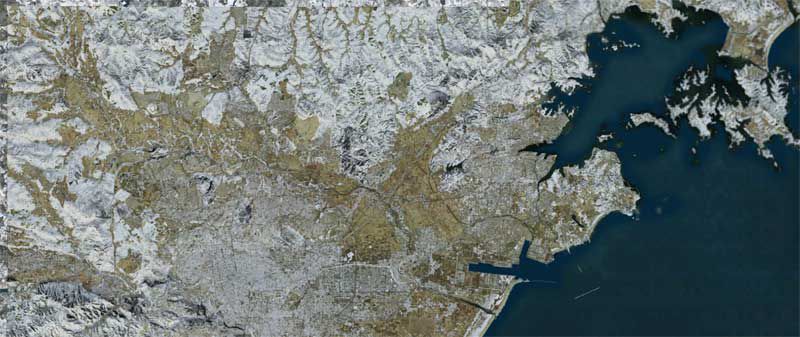
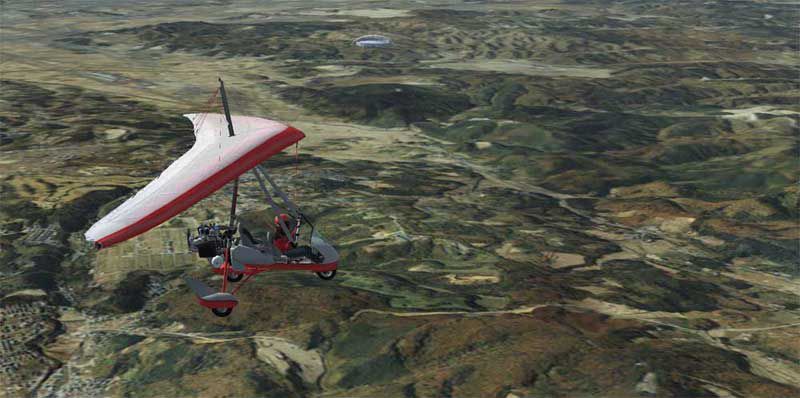
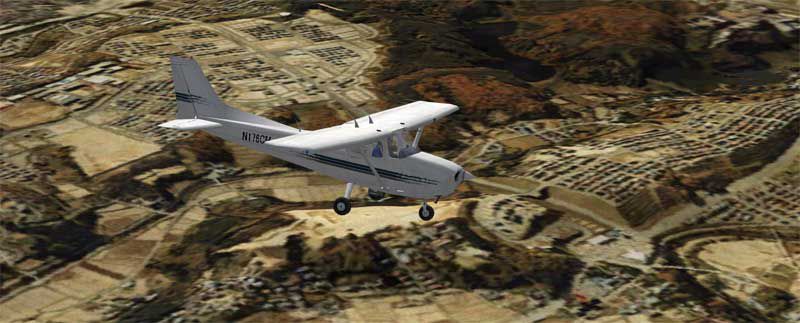
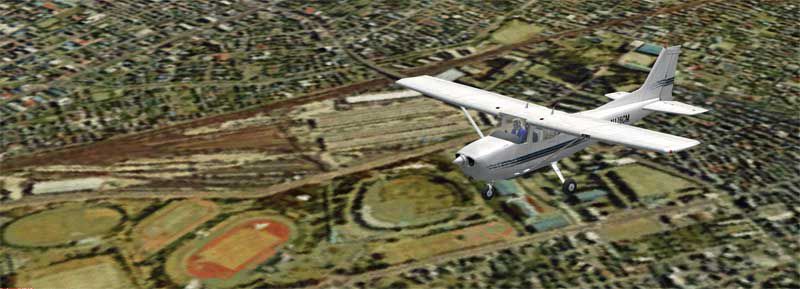
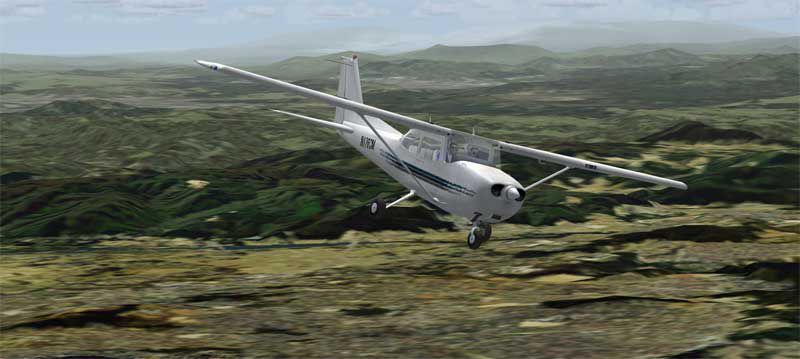
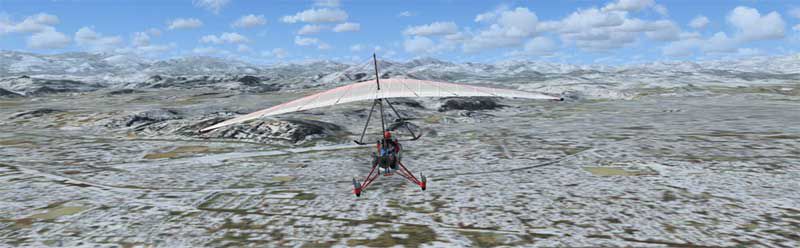

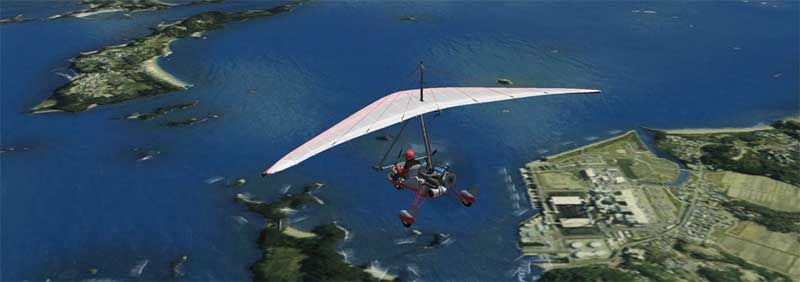
This freeware enhancement focuses on accurately rendering the coastal and urban landscapes around the Matusima region of Japan. It has been compiled by creator Kenichi Ochiai and integrates seamlessly with FSX. The goal is to replicate real-world topography with an emphasis on high-resolution textures and smooth transitions between terrain types for more authentic flight experiences.
This specific location along Japan’s northeastern coastline features a series of small islands adjacent to the mainland. Pilots will notice distinct landmarks around the archipelago, and the final approach phases become more interesting thanks to the interplay of water, cliffs, and built-up areas. The modified scenery blends default simulator elements with photoreal textures to better distinguish coastlines, roads, and urban zones.
After extracting the folder, place it into your FSX “Addon Scenery” directory. Then, open the simulator’s scenery library, add the new folder, and ensure it is activated in the scenery listings. This process guarantees the region loads correctly on startup, allowing you to enjoy the improved environment without additional configuration.
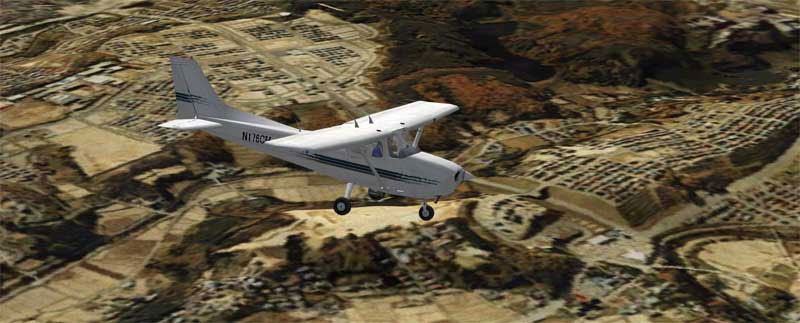
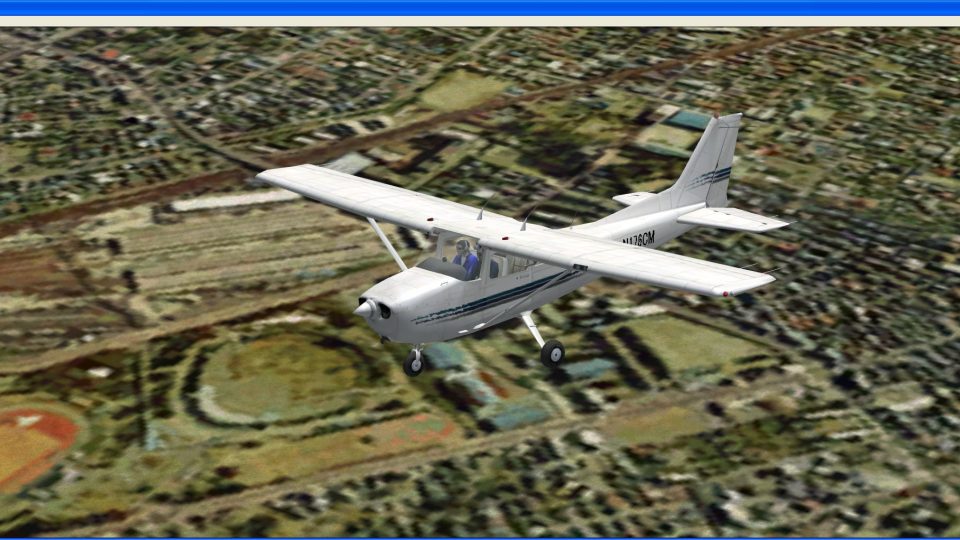
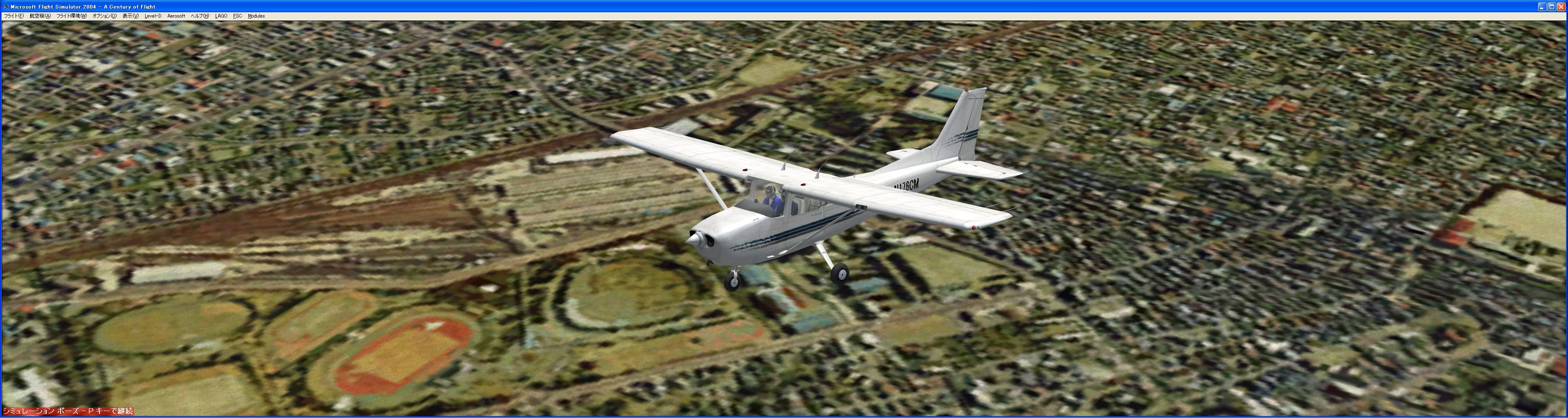
Screenshot showing a passing aircraft above the modified region.
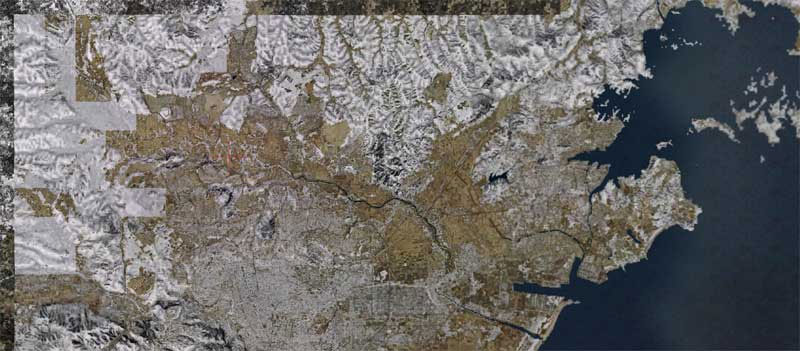
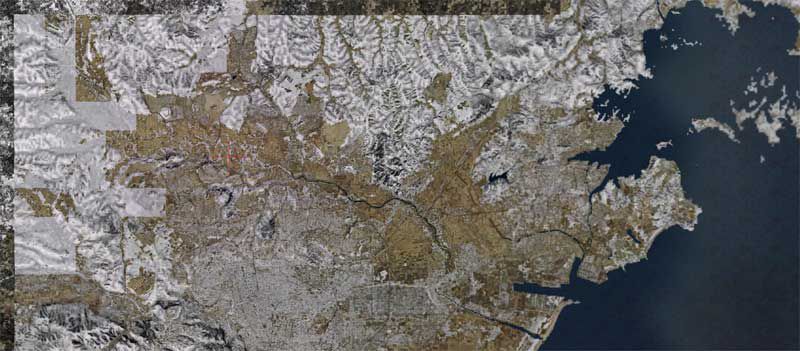
Aerial perspective highlighting coastline and vegetated terrain.
This add-on is an entirely free download and requires no special add-ons beyond the base simulator. It has been tailored for users seeking better visual accuracy around one of Japan’s notable scenic areas. Anyone looking to improve their regional flight experience can benefit from the textures and coastlines provided by Kenichi Ochiai without adjusting complex settings or installing external libraries.
Free for all simmers · 222 MB · Scanned clean Oct 2026
Download speed: Free tier is capped at 0.5 Mbps (this file takes approximately 1h 2m at the cap). PRO members download at full line speed.
FSX\Addon Scenery\ containing scenery and texture sub-folders.readme.txt or README file. It tells you exactly where files go, what dependencies are needed, and any quirks specific to this add-on.Use these coordinates to fly directly to this location once the mod is installed.
38.37040000,141.06170000
Launch FSX or Prepar3D and use Flights → Load to open the downloaded .pln file. Your aircraft will be positioned at this location.
The archive tsunami-x.zip has 25 files and directories contained within it.
This list displays the first 500 files in the package. If the package has more, you will need to download it to view them.
| Filename/Directory | File Date | File Size |
|---|---|---|
| FILE_ID.DIZ | 03.21.11 | 309 B |
| Japan Earthquake and Tsunami Relief.html.lnk | 03.21.11 | 1.87 kB |
| scenery | 03.21.11 | 0 B |
| Ochi_Sendai4S-1_FSX.bgl | 01.14.08 | 141.47 MB |
| Ochi_Sendai4S-2_FSX.bgl | 01.14.08 | 80.84 MB |
| sendai_web | 03.21.11 | 0 B |
| 2008_sendai.html | 03.21.11 | 3.80 kB |
| f9_sen_w1.jpg | 01.14.08 | 51.73 kB |
| fs9_sen_fu-1.jpg | 01.14.08 | 42.63 kB |
| fs9_sen_su_1.jpg | 01.14.08 | 33.96 kB |
| fs9_sen_su_2.jpg | 01.14.08 | 40.64 kB |
| fsx_sen-w1.jpg | 01.14.08 | 50.57 kB |
| fs_ochi01.jpg | 01.14.08 | 3.86 kB |
| GW-00026.jpg | 01.14.08 | 2.57 MB |
| sen-fu1.jpg | 01.14.08 | 44.29 kB |
| sen-matu1.jpg | 03.21.11 | 57.17 kB |
| sen-sp1.jpg | 01.14.08 | 21.19 kB |
| sen-wi1.jpg | 01.14.08 | 32.57 kB |
| sen-wi2.jpg | 01.14.08 | 31.06 kB |
| Thumbs.db | 01.14.08 | 46.00 kB |
| texture | 03.29.09 | 0 B |
| Tsunami-X.gif | 03.21.11 | 12.67 kB |
| Tsunami-X | 03.21.11 | 0 B |
| flyawaysimulation.txt | 10.29.13 | 959 B |
| Go to Fly Away Simulation.url | 01.22.16 | 52 B |
Only PRO members can place votes.
More FSX & P3D add-ons hand-picked based on this download.
FSX Scenery
Mt. Fuji Japan Real Scenery. By Kenichi Ochiai. Screenshot of Mt. Fuji Japan …
 FSX Scenery
Kisogawa Glider Port Japan Real Scenery. Scenery by Kenichi Ochiai. Kisogawa …
 FSX Scenery
Misaka Japan Real Scenery v1.0. Includes Mt.Ena Magome Tumago Nakatugawa-City…
 FSX Scenery
KSAN Photo Real Scenery and AFCAD update, San Diego International Airport, Ca…
 FSX Scenery
RJNA Nagoya Real Scenery, Japan, v1.1. Scenery by Kenichi Ochiai. RJNA Nagoya…
 FSX Scenery
RORS Shimojishima Real Scenery, Japan. Scenery by Kenichi Ochiai. RORS Shimoj…
 FSX Scenery
Monte Real Air Base, home of the squadrons 201 and 301, with F-16MLU. This sc…
 FSX Scenery
RJBD Ryujin Real Scenery, v2.2. Scenery of the beautiful Ryujin spa in Japan.…
Be the first to leave a comment on this download.
Be the first to share your thoughts on this download.