


 United States of America
  FSX Scenery
ItalVFR Trentino Alto Adige 2m Photo
ItalVFR - Trentino Alto Adige Photorealistic Scenery. This scenery covers the…
San Diego International Airport (KSAN) gets a sharper, more faithful ground experience with an updated AFCAD for photo-real scenery, correcting the runway 9 ILS to 111.55, refining parking, and improving vehicle paths to keep traffic off taxiways, plus more realistic palm placement. Built for Microsoft Flight Simulator X and requires KSAN_RR_V1.ZIP.
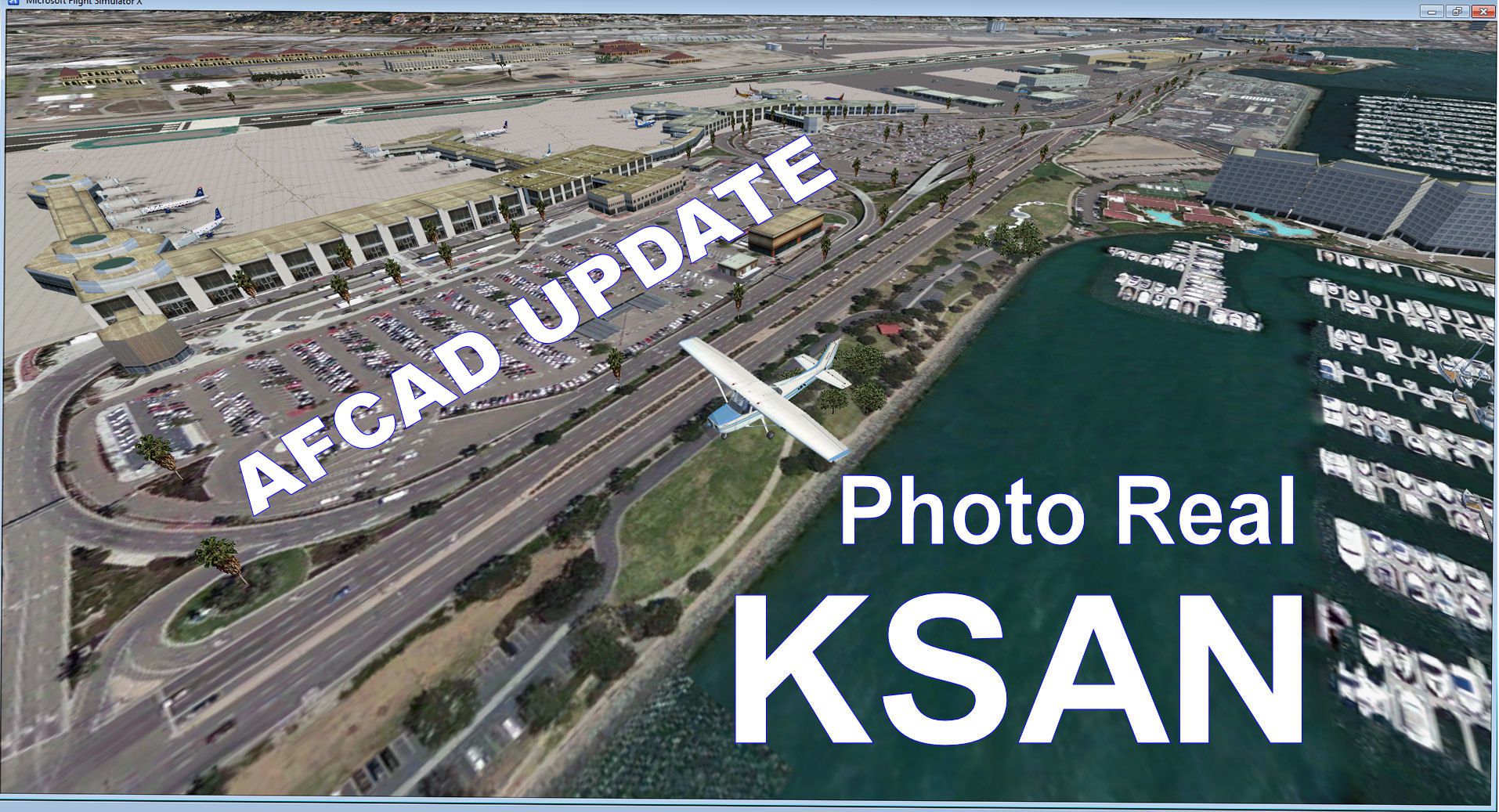
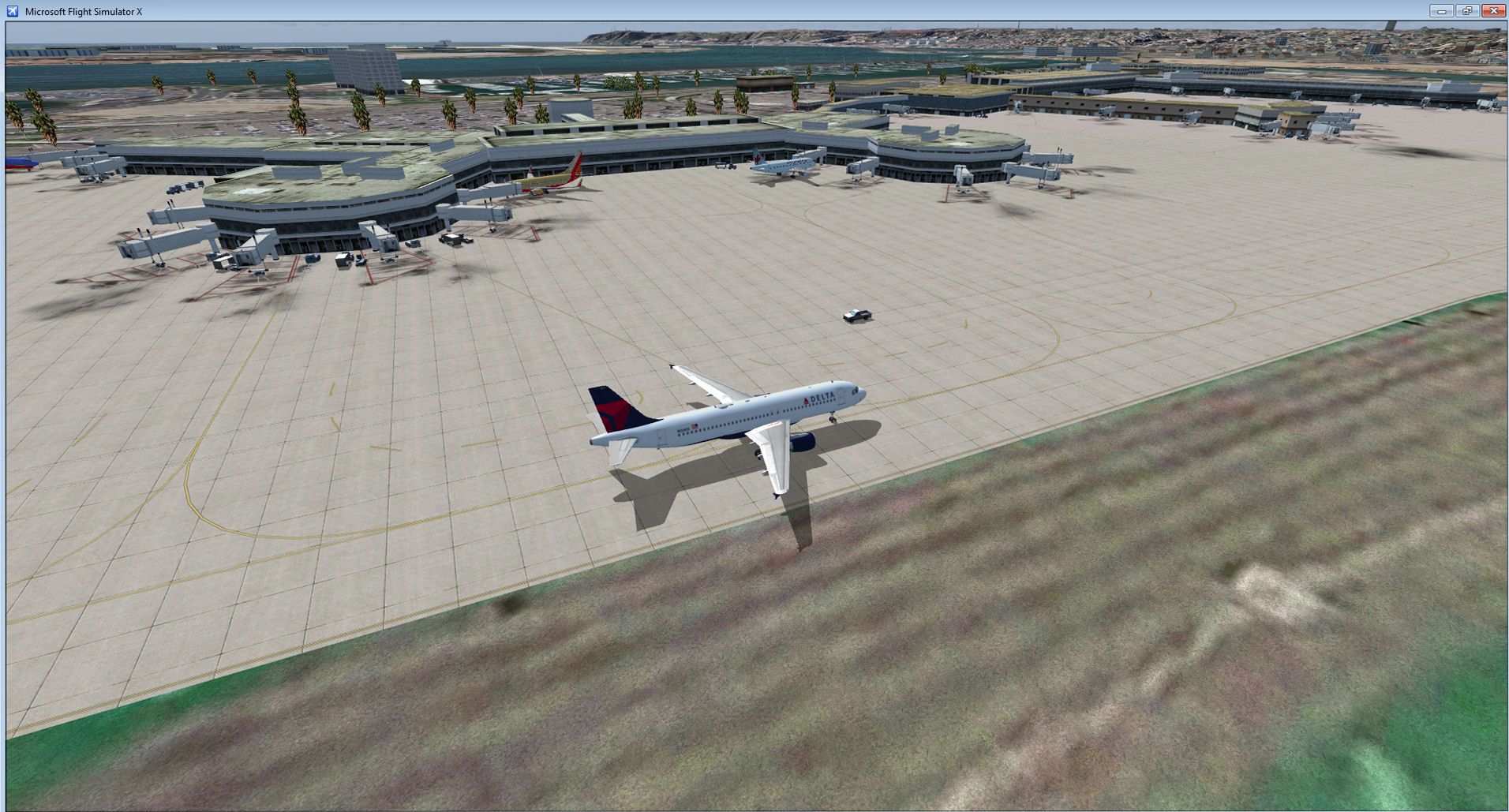
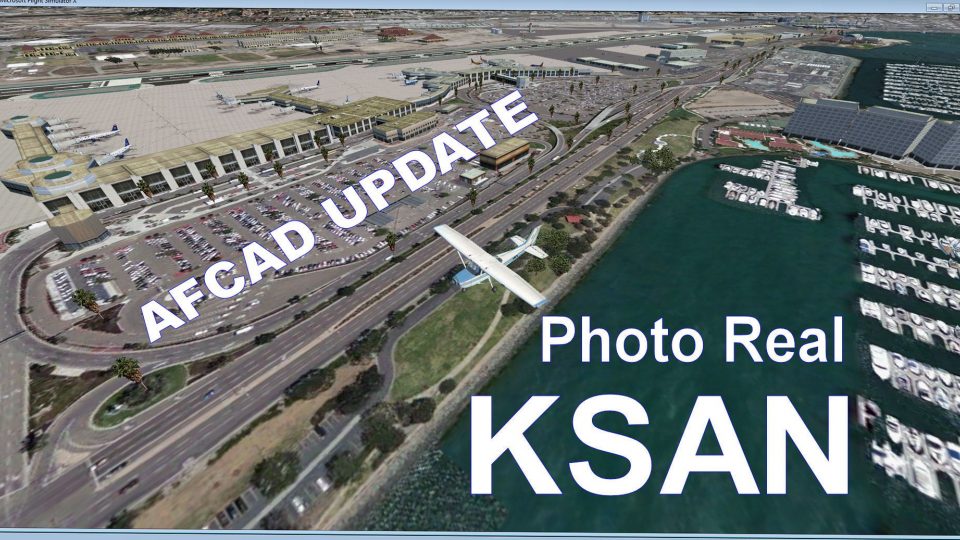
KSAN Photo Real Scenery and AFCAD update, San Diego International Airport, California (CA). This AFCAD is an update to the KSAN Photo Real scenery (KSAN_RR_V1.ZIP) using the latest version of ADE. It updates the runway 9 ILS frequency to the real world frequency of 111.55. This BGL file updates the vehicle paths to keep the ground vehicles off of the taxiways. It also updates some of the parking spots and changes the palm trees to the reflect real life ones you see at KSAN. Note: This update requires the KSAN_RR_V1.ZIP scenery file. By Glenn Johnson.

Screenshot of KSAN Photo Real Scenery.
I hope you enjoy the scenery. Thanks for all of your feedback.
My KSAN PHOTO REAL Scenery MUST BE INSTALLED before you install this update. File name:(ksan_rr_v1.zip).
Installation:
1. Copy the AFCAD file named KSAN_ADEX_GJ_BLD.BGL.
2. Paste this KSAN_ADEX_GJ_BLD.BGL into your; Microsoft Flight Simulator X/Addon Scenery/KSAN_Photo_Real/Scenery folder.
3. When asked to overwrite this file, click yes.
4. That's it.
Credits:
*Thanks to Jon Masterson (a.k.a. Scruffy Duck) for his Airport Design Editor Utility v1.51.
*Thanks to Luis Féliz-Tirado for his SBuilderX scenery design tool.
Glenn Johnson
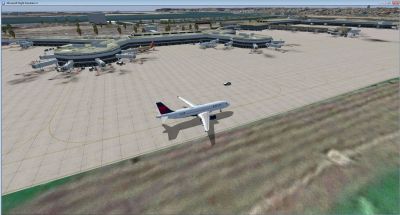
Screenshot of KSAN Photo Real Scenery.
Free for all simmers · 907.21 KB · Scanned clean Oct 2026
Download speed: Free tier is capped at 0.5 Mbps. PRO members download at full line speed.
This add-on may require the following files to function properly. If this is a repaint, the dependency below is likely the base aircraft package.
FSX\Addon Scenery\ containing scenery and texture sub-folders.readme.txt or README file. It tells you exactly where files go, what dependencies are needed, and any quirks specific to this add-on.Use these coordinates to fly directly to this location once the mod is installed.
32.73380000,-117.19330000
Launch FSX or Prepar3D and use Flights → Load to open the downloaded .pln file. Your aircraft will be positioned at this location.
The archive ksan_pr_update_v1_2.zip has 6 files and directories contained within it.
This list displays the first 500 files in the package. If the package has more, you will need to download it to view them.
| Filename/Directory | File Date | File Size |
|---|---|---|
| KSAN UPDATE.jpg | 03.08.12 | 499.77 kB |
| KSAN3.jpg | 10.21.11 | 392.31 kB |
| Read Me.txt | 03.08.12 | 1.97 kB |
| KSAN_ADEX_GJ_BLD.BGL | 03.08.12 | 67.56 kB |
| flyawaysimulation.txt | 10.29.13 | 959 B |
| Go to Fly Away Simulation.url | 01.22.16 | 52 B |
Only PRO members can place votes.
More FSX & P3D add-ons hand-picked based on this download.
FSX Scenery
ItalVFR - Trentino Alto Adige Photorealistic Scenery. This scenery covers the…
 FSX Scenery
This comprehensive freeware package, crafted by PhotoScenery (PhotoScenery@ya…
 FSX Scenery
Photoreal model of terminal, tower and PIR in the photo scenery of St. Eustat…
 FSX Scenery
Mt Washington And The Presidential Range, NH. Welcome to the Presidential Ran…
 FSX Scenery
Americana Photo Realistic. Photoreal scenery of a fine country in Brasil call…
 FSX Scenery
(TNCE). Scenery of St. Eustatius (Statia) in the Caribbean with the airport F…
 FSX Scenery
Photo Scenery Greece GR2-6. This package includes two islands of Greece, Agio…
 FSX Scenery
EKAT-Anholt Isle VFR Photo Scenery. Flying to Anholt is flying to the only de…
Read what other simmers think, or add your own.

Hi, I was happy to see someone has made scenery enhancements to Lindburg field. Being from the san diego area, fsx does not really do Lindburg field justice. Bravo for your hard work on the airport scenery :) I had a quick question though...I was hoping to add Megascenery Southern California to my fsx world, any idea on what you think may happen if i add photo scenery over a photo scenery Lindburg field?