


 FSX Civil Aircraft
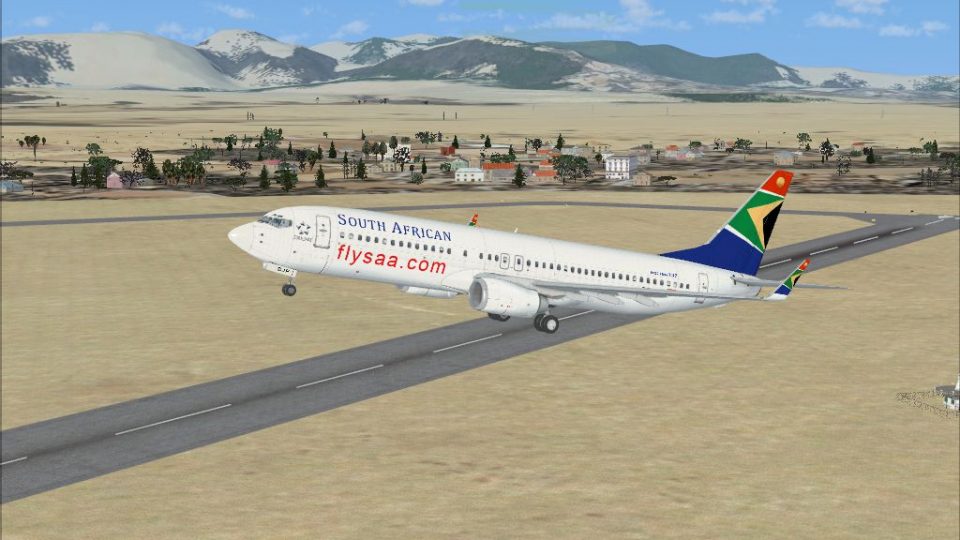
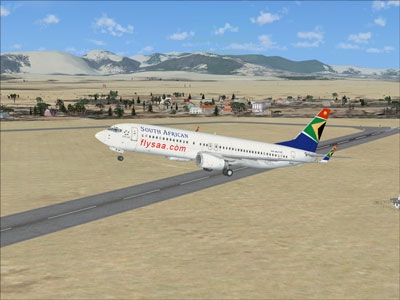
South African Airways Boeing 737-800 ZS-SJB
South African Airways Boeing 737-800, registration ZS-SJB. Repaint textures f…
South African Airways colors bring the default Boeing 737-800 to life with a crisp tail emblem, accurate branding, and a carefully matched fuselage palette, while preserving reflective finishes for convincing lighting. Built for Microsoft Flight Simulator X, it requires the stock 737-800 and keeps the original virtual cockpit for a cohesive airline experience.
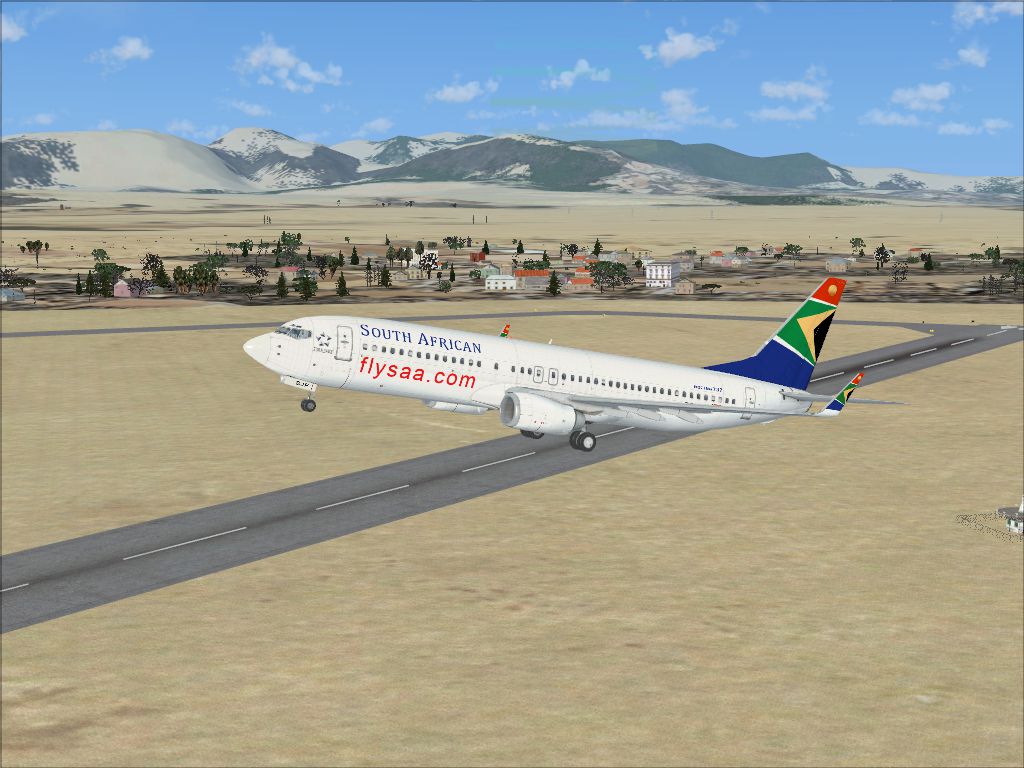
This freeware package provides a distinct livery for the Boeing 737-800 in Microsoft Flight Simulator X, showcasing South African Airways colors as crafted by developer Felix Prüfer. It recreates intricate details of the carrier’s branding while retaining the core features of the default FSX airliner model. Flight simulation enthusiasts can expect a faithful representation of the full-size jet’s unmistakable tail emblem and vibrant fuselage scheme.
This repaint accurately reproduces the South African Airways insignia on the vertical stabilizer and introduces a precise color palette along the aircraft’s fuselage. The reflective surfaces are preserved to simulate realistic light behavior, enhancing visual immersion. Internal cockpit views remain consistent with the original default Boeing 737-800 to maintain authenticity.
South African Airways—a national flagship carrier founded in the 1930s—has historically operated a diverse fleet, including variants of the Boeing 737 series. Known for extensive routes across Africa and beyond, the airline has cultivated prominence in both regional and international aviation markets. This texture pack celebrates SAA’s prominent status, giving virtual pilots the chance to experience a classic domestic and cross-border workhorse.
Please confirm you have the default Boeing 737-800 installed. If needed, the original freeware base model is available in the Fly Away Simulation library. Installation of this repaint requires basic familiarity with the FSX directory structure.
[fltsim.x]
title=Boeing 737-800 South African Airways
sim=Boeing737-800
model=
panel=
sound=
texture=saa
kb_checklists=Boeing737-800_check
kb_reference=Boeing737-800_ref
atc_id=
atc_airline=South African Airways
atc_flight_number=2702
ui_manufacturer=Boeing
ui_type=737-800
ui_variation=South African Airways
ui_typerole=Kommerzielles Linienflugzeug
ui_createdby=Microsoft Corporation
description=One should hardly be surprised that the world's most prolific manufacturer of commercial aircraft is also the producer of the world's most popular jetliner. The 737 became the best-selling commercial jetliner worldwide when orders for it hit 1,831 in June 1987 (surpassing Boeing's own 727 as the previous champ). However, it wasn't always that ways in the first few years of production, there were so few orders that Boeing considered canceling the program. They didn't, and the airplane has more than proven itself in over three decades of service.
Free for all simmers · 1.7 MB · Scanned clean
Download speed: Free tier is capped at 0.5 Mbps. PRO members download at full line speed.
FSX\SimObjects\Airplanes\. The folder must contain an aircraft.cfg file. Effects go into FSX\Effects\; gauges go into FSX\Gauges\.readme.txt or README file. It tells you exactly where files go, what dependencies are needed, and any quirks specific to this add-on.The archive 737south.zip has 10 files and directories contained within it.
This list displays the first 500 files in the package. If the package has more, you will need to download it to view them.
| Filename/Directory | File Date | File Size |
|---|---|---|
| 738southafrica.jpg | 07.08.09 | 622.76 kB |
| Readme.txt | 07.08.09 | 1.57 kB |
| b737_800_1_LM.dds | 09.04.06 | 170.79 kB |
| b737_800_1_T.dds | 07.08.09 | 1.00 MB |
| b737_800_1_T_Specular.dds | 07.01.09 | 1.33 MB |
| Fresnel_Ramp.dds | 09.04.06 | 640 B |
| texture.cfg | 08.14.06 | 137 B |
| thumbnail.jpg | 07.08.09 | 50.22 kB |
| flyawaysimulation.txt | 10.29.13 | 959 B |
| Go to Fly Away Simulation.url | 01.22.16 | 52 B |
More FSX & P3D add-ons hand-picked based on this download.
FSX Civil Aircraft
South African Airways Boeing 737-800, registration ZS-SJB. Repaint textures f…
 FSX Civil Aircraft
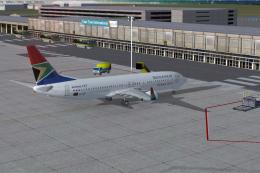
South African Airways Boeing 737-800 "Komati". Textures only for the default …
 FSX Civil Aircraft
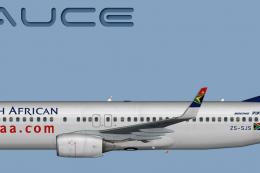
Immerse yourself in this custom repaint for Microsoft Flight Simulator X feat…
 FSX Civil Aircraft
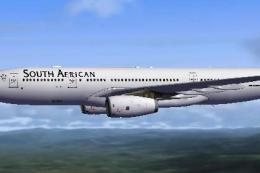
Experience the blended performance of an Airbus A330-200 with this specialize…
 FSX Civil Aircraft
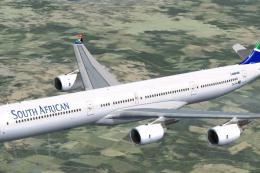
South African Airways A340 Repaint Pack v3. Textures only package for use wit…
 FSX Civil Aircraft
South African Airways Airbus A380. South African Airways does not have any A3…
 FSX Civil Aircraft
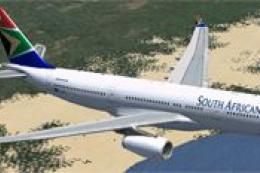
South African Airways Airbus A330-200. Textures only, requires Thomas Ruth's …
 FSX Civil Aircraft
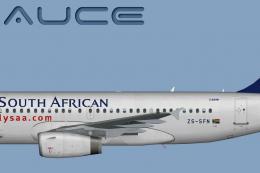
This comprehensive repaint package showcases a South African Airways Airbus A…
Be the first to leave a comment on this download.
Be the first to share your thoughts on this download.