

 FSX Civil Aircraft
Adria Bombardier CRJ 700
FSX Adria Bombardier CRJ 700 in special hit stars casino livery. A repaint fo…
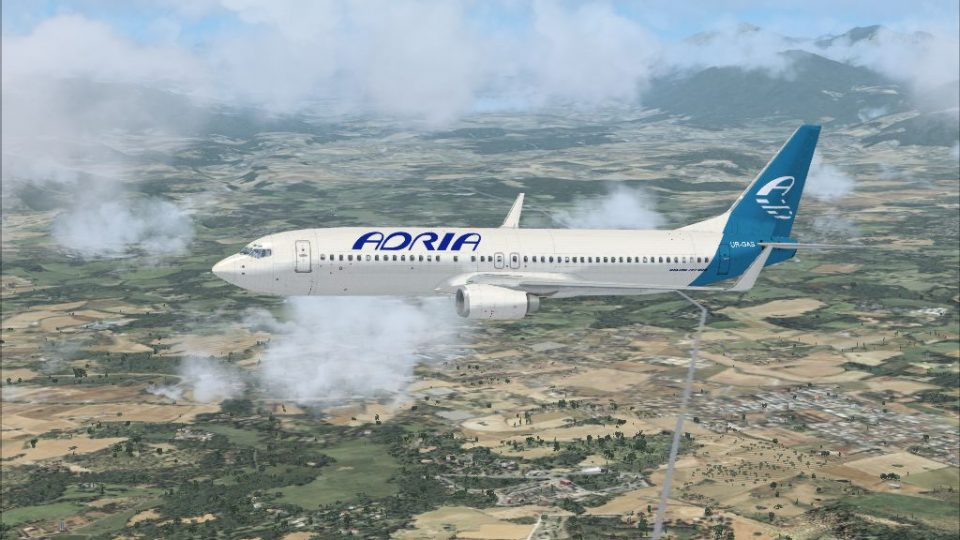
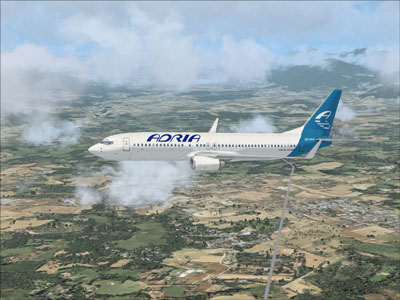
Adria Airways’ signature livery arrives on the default Boeing 737-800, delivering authentic Slovenian branding with crisp titles, accurate tail markings, and carefully aligned fuselage details for believable European short- and medium-haul ops in Microsoft Flight Simulator X. The repaint requires the base freeware 737-800 model and blends cleanly with the stock virtual cockpit.
 Rate
Rate
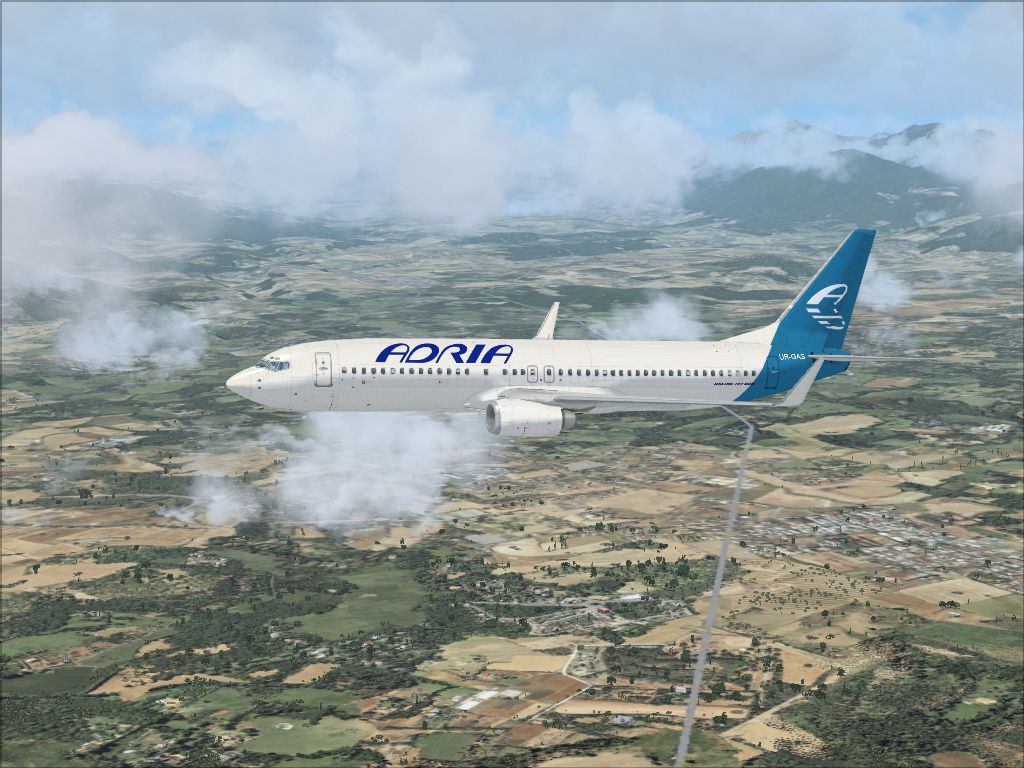
This repaint recreates the distinctive Adria Airways livery for the default Boeing 737-800 in Microsoft Flight Simulator X, bringing the Slovenian carrier’s branding onto one of the most recognized twinjet airliners in the virtual skies. It has been meticulously developed by Felix Prüfer and requires the base freeware model, which is not included but can be found in the Fly Away Simulation library.
Adria Airways, formerly Slovenia’s flag carrier, was prominent in connecting central European air routes with destinations across Europe. This repaint accurately reflects the real-world color scheme seen on the airline’s fleet, including its understated tail markings and stylized titles across the fuselage. The Boeing 737-800 itself is a short- to medium-range commercial aircraft known for its efficient wing design and high-quality performance in various flight conditions, making it a popular choice for both real airlines and flight simulation enthusiasts.
[fltsim.x]
title=Boeing 737-800 Adria Airways
sim=Boeing737-800
model=
panel=
sound=
texture=adria
kb_checklists=Boeing737-800_check
kb_reference=Boeing737-800_ref
atc_id=
atc_airline=Adria Airways
atc_flight_number=2702
ui_manufacturer=Boeing
ui_type=737-800
ui_variation=Adria Airways
ui_typerole=Kommerzielles Linienflugzeug
ui_createdby=Felix Prüfer
description=The 737 remains one of the foremost jetliners in commercial aviation history. Initially, it nearly faced production cancellation due to sparse orders, but strong demand over the following decades secured its place as the best-selling narrow-body aircraft to date.
This repaint focuses on precise alignment of fuselage graphics, realistic color matching, and accurate window configurations to match the operator’s real fleet. Careful attention was paid to logos, door outlines, and other critical details. Felix Prüfer has ensured that the repaint meets a high standard of authenticity while blending seamlessly with default flight deck features found in the 737-800.
The default 737-800 model supplied with Microsoft Flight Simulator X simulates typical operational parameters such as flight envelope, fuel system complexities, and engine thrust capabilities. By integrating the Adria Airways skin, virtual pilots are able to replicate short- and medium-haul routes the real airline operated across Europe, taking advantage of the 737-800’s reputable reliability and cost efficiency.
Free for all simmers · 1.73 MB · Scanned clean Oct 2026
Download speed: Free tier is capped at 0.5 Mbps. PRO members download at full line speed.
texture.{airline}) inside FSX\SimObjects\Airplanes\{base-aircraft}\.aircraft.cfg in Notepad. Add a new [fltsim.X] section per the readme.readme.txt or README file. It tells you exactly where files go, what dependencies are needed, and any quirks specific to this add-on.The archive 737adria.zip has 10 files and directories contained within it.
This list displays the first 500 files in the package. If the package has more, you will need to download it to view them.
| Filename/Directory | File Date | File Size |
|---|---|---|
| 738_Adria.jpg | 07.08.09 | 676.70 kB |
| Readme.txt | 07.08.09 | 1.54 kB |
| b737_800_1_LM.dds | 09.04.06 | 170.79 kB |
| b737_800_1_T.dds | 07.02.09 | 1.00 MB |
| b737_800_1_T_Specular.dds | 09.04.06 | 1.33 MB |
| Fresnel_Ramp.dds | 09.04.06 | 640 B |
| texture.cfg | 08.14.06 | 137 B |
| thumbnail.jpg | 04.04.09 | 40.62 kB |
| flyawaysimulation.txt | 10.29.13 | 959 B |
| Go to Fly Away Simulation.url | 01.22.16 | 52 B |
Only PRO members can place votes.
More FSX & P3D add-ons hand-picked based on this download.
FSX Civil Aircraft
FSX Adria Bombardier CRJ 700 in special hit stars casino livery. A repaint fo…
 FSX Civil Aircraft
British Airways Boeing 737-800. This is a fictional repaint for the default B…
 FSX Civil Aircraft
registration G-DOCN. Textures only for the default B737-800. Repaint by Paul …
 FSX Civil Aircraft
This is a repaint for the FSX default Boeing 737-800. It includes 1 paint sch…
 FSX Civil Aircraft
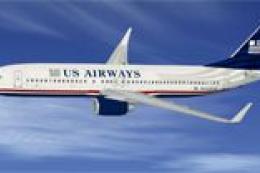
FSX US Airways Boeing 737-800. Textures only for the default B737-800. Repain…
 FSX Civil Aircraft
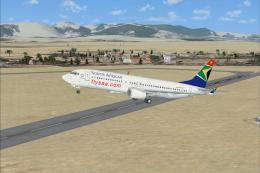
This freeware package provides a distinct livery for the Boeing 737-800 in Mi…
 FSX Civil Aircraft
Repaints of the default B737-800. Based on the ANA basic livery 737-800 fleet…
 FSX Civil Aircraft
Textures only for the TDS B737-800 model By Juan Marcano. Screenshot of Kenya…
Be the first to leave a comment on this download.
Be the first to share your thoughts on this download.