

 FSX Civil Aircraft
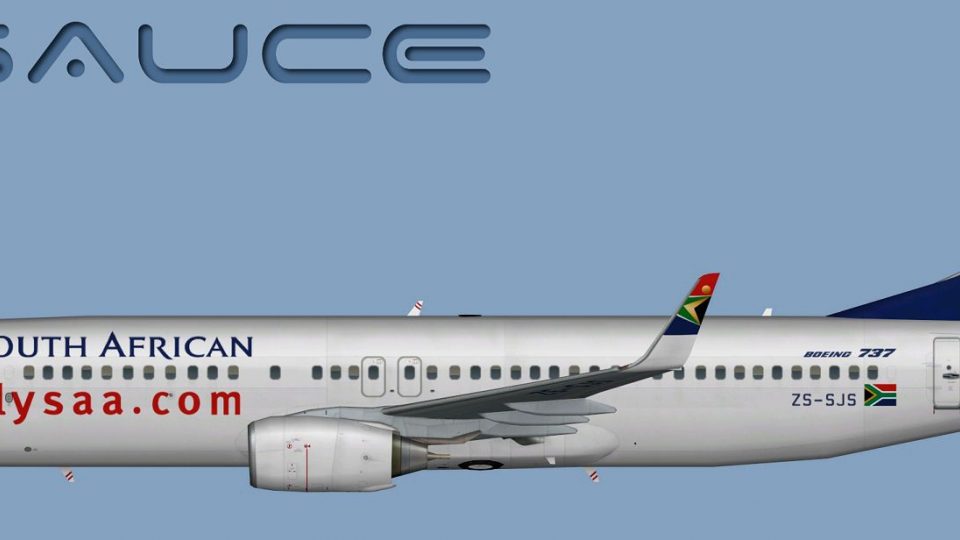
South African Airways Boeing 737-800
This freeware package provides a distinct livery for the Boeing 737-800 in Mi…
South African Airways’ Boeing 737-800W livery brings authentic tail art, fuselage striping, and crisp logos to AI traffic or parked ramp scenes in Microsoft Flight Simulator X. The repaint includes multiple texture formats for flexible use and requires the freeware FAIB 737-800 base model, delivering a convincing Springbok fleet presence.
 Rate
Rate
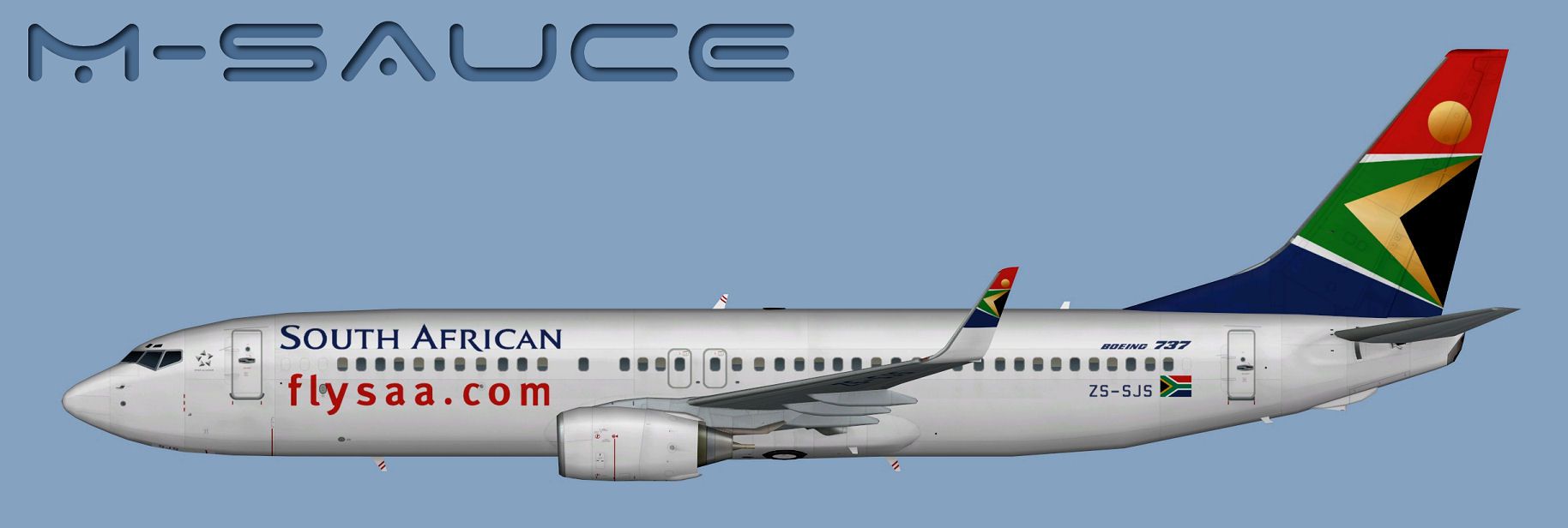
Immerse yourself in this custom repaint for Microsoft Flight Simulator X featuring the South African Airways Boeing 737-800 with winglets. Created by Mariano Bonaccorso for the freeware FAIB model (faib7378v13.zip), it accurately reflects the branding elements and liveries of South Africa’s national carrier. This package focuses on the airline’s signature color palette and authentic markings, enabling realistic AI traffic or static displays in your virtual environment.
South African Airways boasts a vibrant tail design and distinctive fuselage markings. In this repaint, you will notice carefully aligned fuselage stripes and precisely rendered logos on the tail fin. Since SAA has historically operated various Boeing models across domestic and regional routes, this B737-800W repaint replicates the appearance you might spot at airports around the continent. The winglets (denoted by “W” in the aircraft name) enhance performance and give the 737 an extended range, which can be especially beneficial for mid-haul flights.

Side profile of the Boeing 737-800 sporting SAA’s livery.
This repaint package needs the FSX AI Bureau base model. Obtain the freeware FAIB 737-800 (file named faib7378v13.zip) from the Fly Away Simulation mod library to ensure proper compatibility. Note that you will not find the fundamental model included here, so a separate installation of the original aircraft files is required.
Inside the provided folder, you will see multiple texture sets suited for different versions of the simulator:
All formats follow the recommended guidelines outlined in the FSX/FS9 SDK. If you need an alternative format, feel free to utilize the Targa files included for your conversions.
After acquiring the FAIB base model and extracting its files, simply place the texture folder for South African Airways into the FAIB 737-800W aircraft directory. Next, add an entry similar to the following in the aircraft’s configuration file (aircraft.cfg):
[fltsim.X]
title=AI B738W SAA
sim=FAIB_7378
model=winglets
texture=SAA
atc_airline=SPRINGBOK
atc_parking_codes=SAA
atc_parking_types=GATE
ui_manufacturer=Boeing
ui_type=B737-800W
ui_variation=South African Airways
description=AI Aircraft from FAIB
Replace “X” with the next available [fltsim] index number to avoid conflicts. Be sure to align the model= and texture= lines with how they appear in your setup. If you are new to editing these files, refer to the official documentation that accompanies both the FAIB model and the aircraft container guidelines found in the simulator’s SDK, as it offers a detailed explanation of the steps involved.
By leveraging this detailed repaint, you can add a realistic South African Airways presence to your AI traffic or parked aircraft lineup, bringing recognizable regional flair to your virtual airfields. All credit for this texture set goes to Mariano Bonaccorso, who meticulously crafted it, ensuring compatibility with the FAIB model for Microsoft Flight Simulator X and other supported platforms.
Free for all simmers · 7.82 MB · Scanned clean Oct 2026
Download speed: Free tier is capped at 0.5 Mbps (this file takes approximately 2 mins at the cap). PRO members download at full line speed.
This file is a repaint — the package below is the base model it paints onto. Install it first, or the textures will have nothing to load onto.
texture.{airline}) inside FSX\SimObjects\Airplanes\{base-aircraft}\.aircraft.cfg in Notepad. Add a new [fltsim.X] section per the readme.readme.txt or README file. It tells you exactly where files go, what dependencies are needed, and any quirks specific to this add-on.The archive faib_b738w_saa.zip has 12 files and directories contained within it.
This list displays the first 500 files in the package. If the package has more, you will need to download it to view them.
| Filename/Directory | File Date | File Size |
|---|---|---|
| FAIB_737_800_T.dds | 12.06.13 | 5.33 MB |
| FS9 | 12.06.13 | 0 B |
| FAIB_737_800_L.bmp | 12.06.13 | 1.33 MB |
| FAIB_737_800_T.bmp | 12.06.13 | 682.74 kB |
| Targas | 12.06.13 | 0 B |
| FS9_SAA.tga | 12.06.13 | 4.00 MB |
| SAA.tga | 12.06.13 | 16.00 MB |
| Installation.txt | 12.06.13 | 1.83 kB |
| Preview.jpg | 12.06.13 | 103.31 kB |
| Thumbnail.png | 12.06.13 | 5.31 kB |
| flyawaysimulation.txt | 10.29.13 | 959 B |
| Go to Fly Away Simulation.url | 01.22.16 | 52 B |
Only PRO members can place votes.
More FSX & P3D add-ons hand-picked based on this download.
FSX Civil Aircraft
This freeware package provides a distinct livery for the Boeing 737-800 in Mi…
 FSX Civil Aircraft
South African Airways Boeing 737-800, registration ZS-SJB. Repaint textures f…
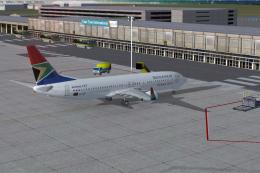 FSX Civil Aircraft
South African Airways Boeing 737-800 "Komati". Textures only for the default …
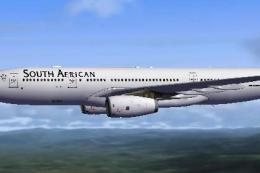 FSX Civil Aircraft
Experience the blended performance of an Airbus A330-200 with this specialize…
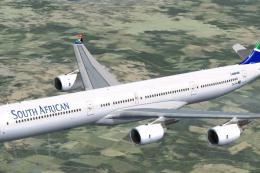 FSX Civil Aircraft
South African Airways A340 Repaint Pack v3. Textures only package for use wit…
 FSX Civil Aircraft
South African Airways Airbus A380. South African Airways does not have any A3…
 FSX Civil Aircraft
South African Airways Airbus A330-200. Textures only, requires Thomas Ruth's …
 FSX Civil Aircraft
This comprehensive repaint package showcases a South African Airways Airbus A…
Be the first to leave a comment on this download.
Be the first to share your thoughts on this download.