


 FSX Civil Aircraft
Etihad Airways Airbus A340-541
This repaint showcases Etihad Airways’ iconic A340-541 (registration A6-EHB) …
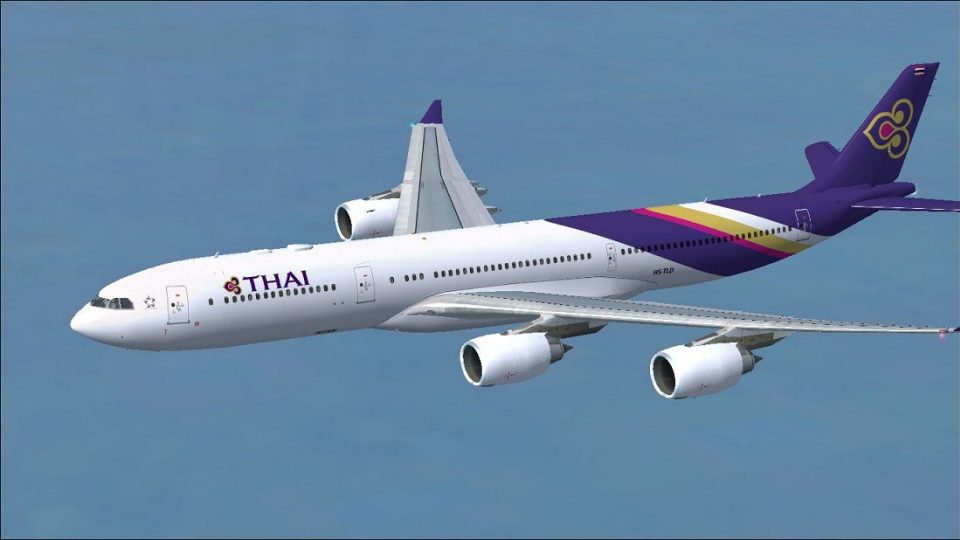
Thai Airways International livery textures bring the Airbus A340-541 to life with accurate HS-TLD markings and a crisp, high-fidelity exterior finish tailored to the A340-500 family in Microsoft Flight Simulator X. Designed for long-haul immersion with airline-correct details, it requires the Thomas Ruth TOMA345 base model.

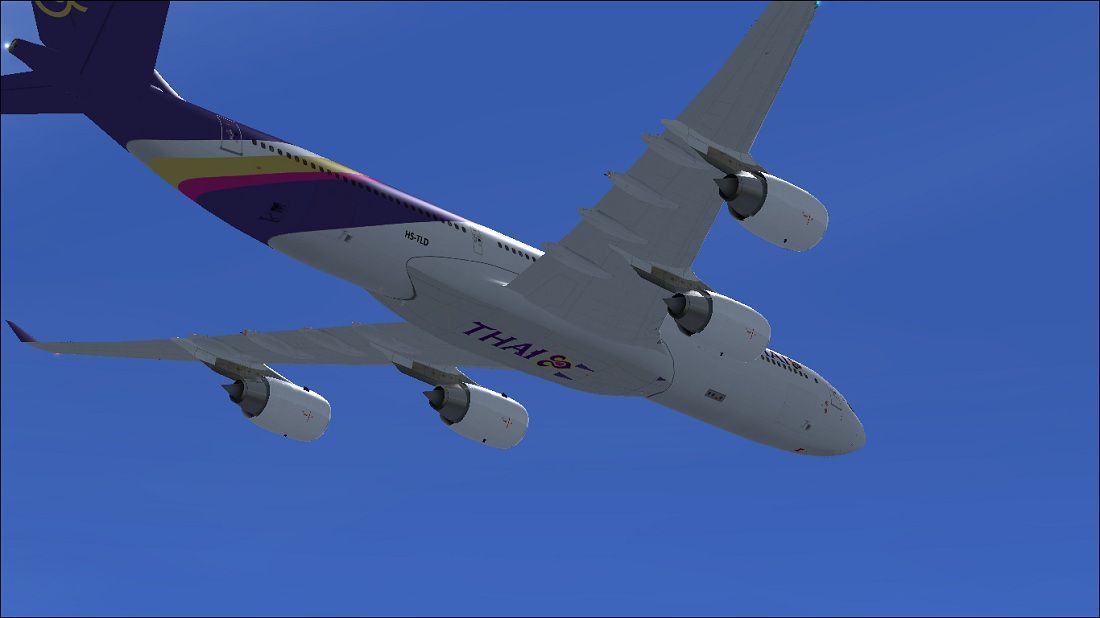

This package showcases a high-fidelity exterior paint scheme for the Airbus A340-500 family, meticulously designed to represent Thai Airways International. Crafted by Paul Craig, the textures capture registration HS-TLD (construction number 775) for accurate immersion in Microsoft Flight Simulator X. Please note that the original TOMA345.ZIP base model engineered by Thomas Ruth is required and can be sourced from the Fly Away Simulation mod library.
Thai Airways International, recognized as the national carrier of Thailand, frequently employs Airbus wide-body jets for intercontinental operations. This A340-541 variant, featuring four high-bypass turbofan engines, exemplifies the extended-range capabilities of the A340 family. With a design focused on flying lengthy segments non-stop, the A340-500 offers a spacious cabin layout alongside advanced avionics, ensuring it excels at long-haul routes in both real-world aviation and simulated flights.
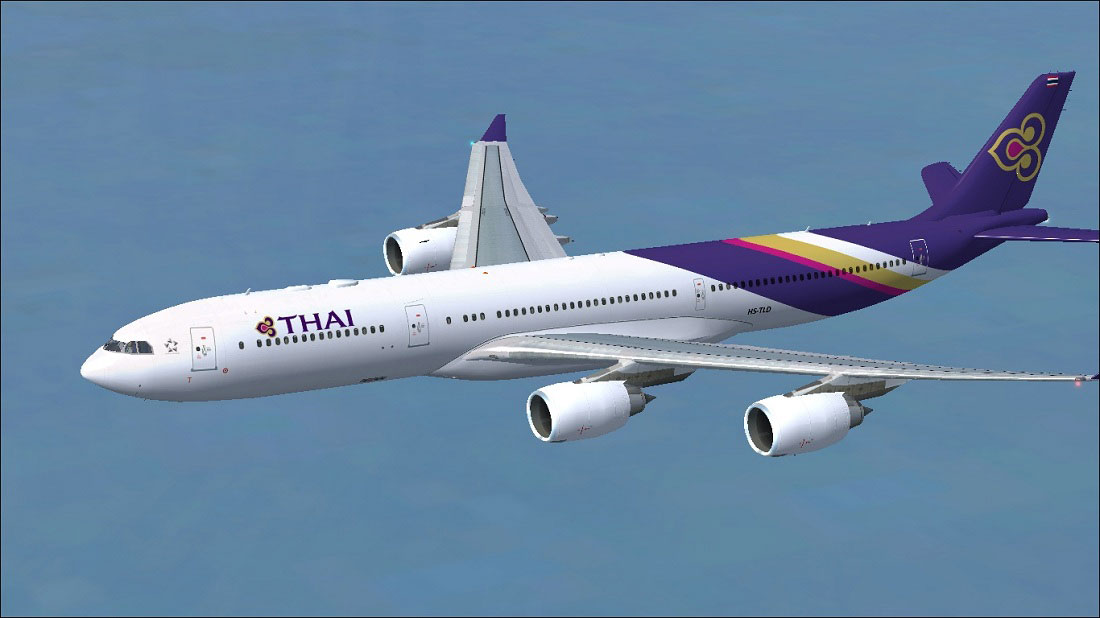
Thai Airways A340-541 performing a long-range flight.
Preparation: Extract the archived textures into a convenient temporary directory.
Placement: Transfer the texture.Thai folder into the directory below (or your custom aircraft directory if different):
Configuration Adjustments: Open the aircraft.cfg file located within the Tom_A340-500 folder and back it up. After the final [fltsim.x] entry, append this block and update x to the next sequence number:
[fltsim.x]
title=Thai Airways A340-541
sim=TomA345
model=
panel=340
sound=
texture=Thai
kb_checklists=
kb_reference=
atc_id=HS-TLD
atc_airline=Thai
atc_flight_number=1123
atc_heavy=1
ui_manufacturer=Airbus
ui_type="A340-541"
ui_variation="Thai Airways International"
ui_typerole="Commercial Airliner"
ui_createdby="Thomas Ruth"
description=
If direct editing in place causes issues, relocate the aircraft.cfg elsewhere, modify it, then return it to the same folder. This method can resolve permission or saving errors in certain setups.
Please use all files entirely at your own discretion, as neither Thomas Ruth nor Paul Craig can accept responsibility for any potential technical conflicts, damages, or in-simulator anomalies that may occur. Always keep backups of essential files before implementing any changes.
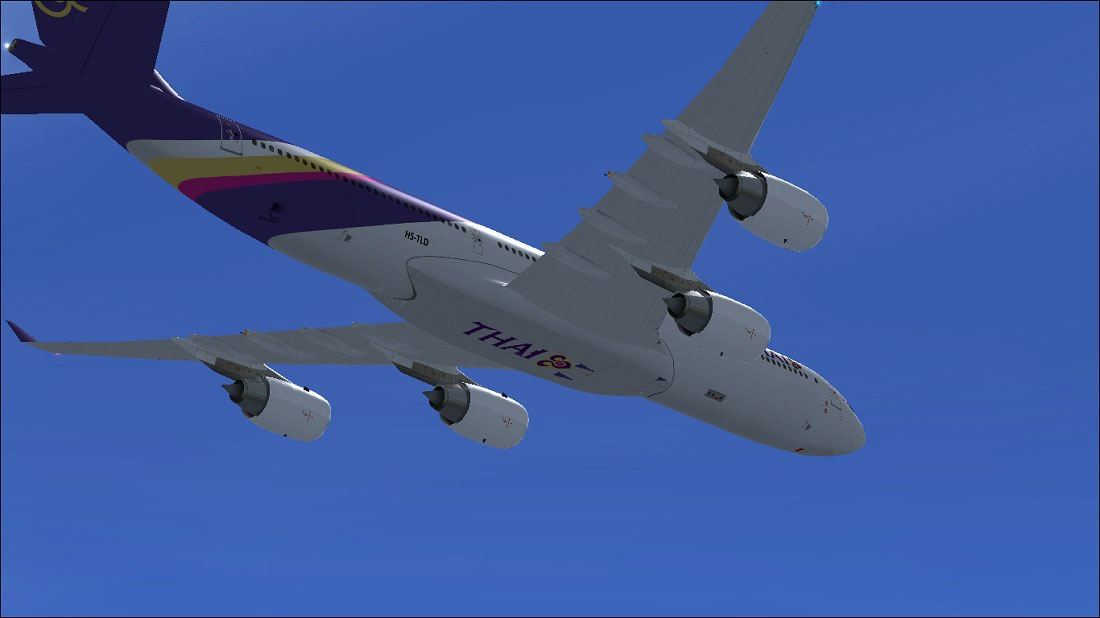
Signature Thai Airways insignia on the A340’s fuselage in flight.
Free for all simmers · 3.75 MB · Scanned clean
Download speed: Free tier is capped at 0.5 Mbps (this file takes approximately 1 min at the cap). PRO members download at full line speed.
This add-on may require the following files to function properly. If this is a repaint, the dependency below is likely the base aircraft package.
FSX\SimObjects\Airplanes\. The folder must contain an aircraft.cfg file. Effects go into FSX\Effects\; gauges go into FSX\Gauges\.readme.txt or README file. It tells you exactly where files go, what dependencies are needed, and any quirks specific to this add-on.The archive thaia340-541.zip has 33 files and directories contained within it.
This list displays the first 500 files in the package. If the package has more, you will need to download it to view them.
| Filename/Directory | File Date | File Size |
|---|---|---|
| FILE_ID.DIZ | 05.12.11 | 202 B |
| Readme.txt | 05.12.11 | 1.54 kB |
| texture.Thai | 05.12.11 | 0 B |
| A321_1_L.dds | 03.24.09 | 1.00 MB |
| A321_2_L.dds | 02.21.09 | 256.12 kB |
| A330_VC01L.dds | 03.24.09 | 1.00 MB |
| A340_VC01.dds | 03.19.09 | 1.00 MB |
| Airbus_A321_1_C.dds | 09.04.06 | 682.79 kB |
| Airbus_A321_1_L.dds | 02.19.09 | 1.00 MB |
| Airbus_A321_2_C.dds | 09.04.06 | 682.79 kB |
| Airbus_A321_2_L.dds | 02.19.09 | 1.00 MB |
| Airbus_A321_3_C.dds | 09.04.06 | 682.79 kB |
| Airbus_A321_3_L.dds | 02.19.09 | 4.12 kB |
| Airbus_A321_4_C.dds | 09.04.06 | 682.79 kB |
| Airbus_A321_4_L.dds | 02.19.09 | 1.00 MB |
| glass.dds | 05.04.09 | 64.12 kB |
| glass_spec.dds | 11.24.08 | 4.12 kB |
| main.dds | 05.12.11 | 4.00 MB |
| main_bump.dds | 05.14.09 | 4.00 MB |
| main_light.dds | 05.12.11 | 1.00 MB |
| main_spec.dds | 03.23.09 | 64.12 kB |
| texture.cfg | 05.21.09 | 140 B |
| thumbnail.jpg | 05.12.11 | 10.17 kB |
| VCblend.dds | 02.09.09 | 1.12 kB |
| wing_bump.dds | 05.13.09 | 1.00 MB |
| wing_l.dds | 05.12.11 | 1.00 MB |
| wing_r.dds | 05.12.11 | 1.00 MB |
| wing_spec.dds | 11.21.08 | 64.12 kB |
| Thai Airways Airbus A340-541 (1).jpg | 05.12.11 | 76.00 kB |
| Thai Airways Airbus A340-541.jpg | 05.12.11 | 113.04 kB |
| thumbnail.jpg | 05.12.11 | 10.17 kB |
| flyawaysimulation.txt | 10.29.13 | 959 B |
| Go to Fly Away Simulation.url | 01.22.16 | 52 B |
More FSX & P3D add-ons hand-picked based on this download.
FSX Civil Aircraft
This repaint showcases Etihad Airways’ iconic A340-541 (registration A6-EHB) …
 FSX Civil Aircraft
Singapore Airlines Airbus A340-541, registration number 9V-SGA. One of the fi…
 FSX Civil Aircraft
Immerse yourself in the distinctive appearance of this TAM Linhas Aéreas Airb…
 FSX Civil Aircraft
Thai Airways Airbus A380. Textures only for the Project Airbus A380. Thai Air…
 FSX Civil Aircraft
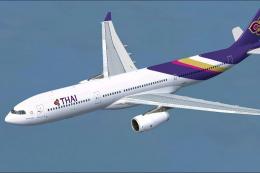
Enhance your virtual flying experience with this detailed rendition of Thai A…
 FSX Civil Aircraft
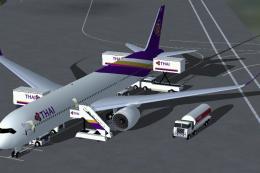
FSX Thai Airways International Airbus A350-1000 XWB (Extra Wide Body). Featur…
 FSX Civil Aircraft
Thai Airways Airbus A330-200. A repaint of Thomas Ruth's A330-200 RR model in…
 FSX Civil Aircraft
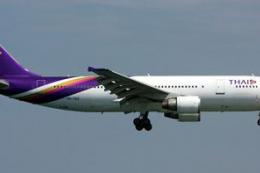
Accurate livery of the Thai A300 HS-TAZ in DDS DXT3 high definition format. T…
Be the first to leave a comment on this download.
Be the first to share your thoughts on this download.