

 FSX Civil Aircraft
Tam Linhas Aereas Airbus A330-223
Tam Linhas Aereas Airbus A330-223, registration number PT-MVQ. Textures only …
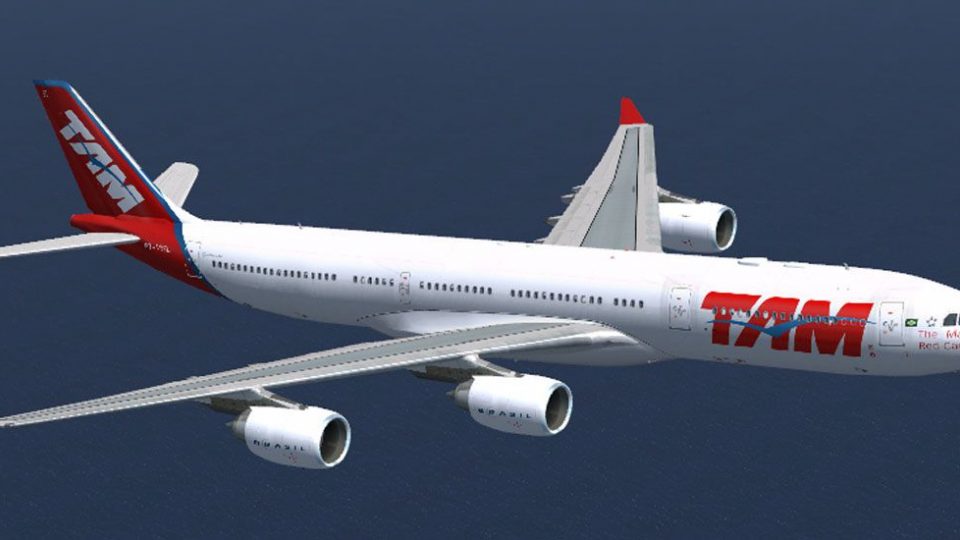
TAM Linhas Aéreas Airbus A340-541 repaint brings registration PT-MSL to life with crisp airline titles, accurate markings, and balanced shine tuned for the Thomas Ruth A340-500 model. Built for Microsoft Flight Simulator X, it uses shared bump and specular mapping for a convincing widebody exterior and requires the freeware base package.
 Rate
Rate
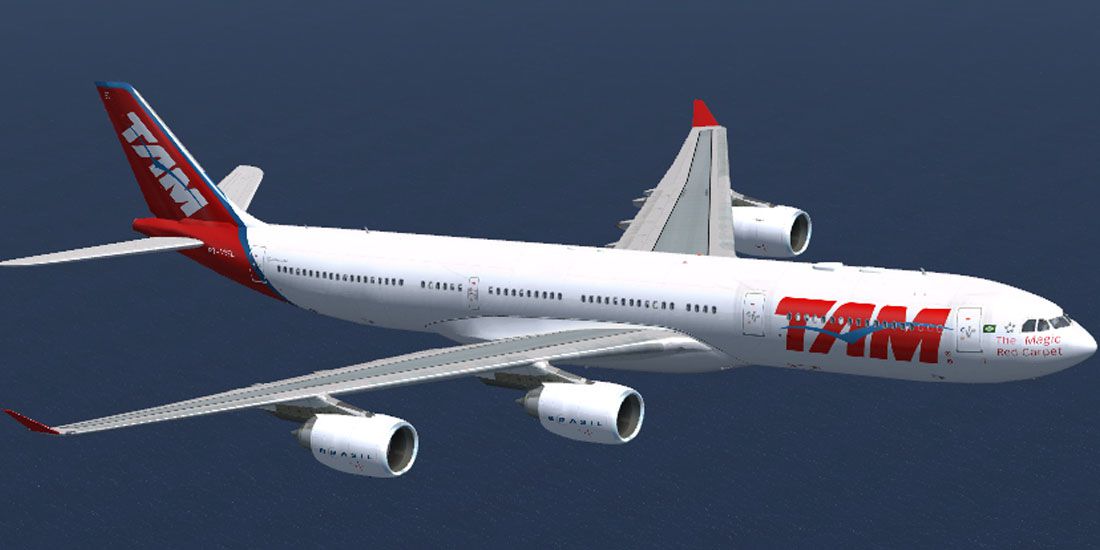
Immerse yourself in the distinctive appearance of this TAM Linhas Aéreas Airbus A340-541 repaint, expertly crafted by Mario Monfrecola for use with the freeware Thomas Ruth A340-500 base package. Developed for Microsoft Flight Simulator X, this add-on replicates the registration PT-MSL scheme once associated with the Brazil-based carrier, well known for its long-haul operations across several continents. While this download only contains the updated exterior textures, enthusiasts can easily integrate it with the essential base model—available separately in the library—for a fully authentic widebody experience.
Featuring detailed markings that reflect TAM’s full-size A340-541, this repaint includes all the primary fuselage liveries and specialized coloring. The texture design utilizes common files, such as bump maps and specular maps, referenced from the original model folder, ensuring a high level of fidelity without impacting general performance.

Tam Linhas Aereas A340-541 in flight.
The Airbus A340-500 family is recognized for its long-range capabilities, supported by four engines and a widebody layout. TAM Linhas Aéreas, once a prominent Brazilian carrier, employed high-capacity aircraft for intercontinental routes. The registration PT-MSL symbolizes one of the airline’s most iconic liveries, adding a distinctive visual presence to your virtual operations.
TOMA345.ZIP) must be installed in advance.aircraft.cfg file successfully.After unzipping the texture.PT-MSL folder into the main Tom_A340-500 directory, open the aircraft.cfg file in the same folder and add the following block. Replace [fltsim.x] with the correct sequential index:
[fltsim.x] <--------------------------- put the next following number
title=TAM A340-541
sim=TomA345
model=
panel=340
sound=
texture=PT-MSL
kb_checklists=
kb_reference=
atc_id=
atc_airline=TAM
atc_flight_number=8062
atc_heavy=1
ui_manufacturer=Airbus
ui_type="A340-500"
ui_variation=TAM
ui_typerole="Commercial Airliner"
ui_createdby="Thomas Ruth"
description=
Add this entry immediately below the last existing [fltsim.n] section. Then save and close the file. Upon launching Microsoft Flight Simulator X, the new TAM Linhas Aéreas option should appear in your aircraft selection menu.
Author: Mario Monfrecola
Free for all simmers · 1.42 MB · Scanned clean Oct 2026
Download speed: Free tier is capped at 0.5 Mbps. PRO members download at full line speed.
This file is a repaint — the package below is the base model it paints onto. Install it first, or the textures will have nothing to load onto.
texture.{airline}) inside FSX\SimObjects\Airplanes\{base-aircraft}\.aircraft.cfg in Notepad. Add a new [fltsim.X] section per the readme.readme.txt or README file. It tells you exactly where files go, what dependencies are needed, and any quirks specific to this add-on.The archive a345xtam.zip has 11 files and directories contained within it.
This list displays the first 500 files in the package. If the package has more, you will need to download it to view them.
| Filename/Directory | File Date | File Size |
|---|---|---|
| texture.PT-MSL | 07.26.10 | 0 B |
| main.dds | 07.26.10 | 4.00 MB |
| main_light.dds | 07.26.10 | 4.00 MB |
| texture.cfg | 05.21.09 | 140 B |
| thumbnail.jpg | 07.26.10 | 80.68 kB |
| wing_l.dds | 07.26.10 | 1.00 MB |
| wing_r.dds | 07.26.10 | 1.00 MB |
| LEGGIMI.txt | 07.26.10 | 3.02 kB |
| README.txt | 07.26.10 | 3.01 kB |
| flyawaysimulation.txt | 10.29.13 | 959 B |
| Go to Fly Away Simulation.url | 01.22.16 | 52 B |
Only PRO members can place votes.
More FSX & P3D add-ons hand-picked based on this download.
FSX Civil Aircraft
Tam Linhas Aereas Airbus A330-223, registration number PT-MVQ. Textures only …
 FSX Civil Aircraft
TAM Linhas Aereas "Rio" Airbus A320. A repaint of the Project Airbus A320 IAE…
 FSX Civil Aircraft
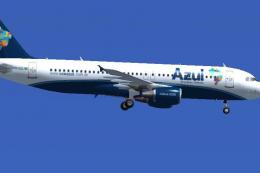
Textures for iFDG Airbus A320 in Azul Brazilian Airlines colors. By Rafael Ma…
 FSX Civil Aircraft
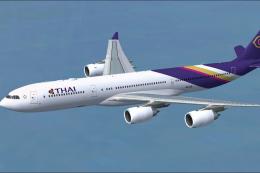
This package showcases a high-fidelity exterior paint scheme for the Airbus A…
 FSX Civil Aircraft
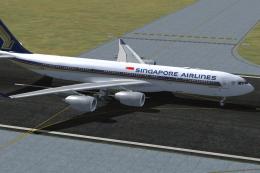
Singapore Airlines Airbus A340-541, registration number 9V-SGA. One of the fi…
 FSX Civil Aircraft
This repaint showcases Etihad Airways’ iconic A340-541 (registration A6-EHB) …
 FSX Civil Aircraft
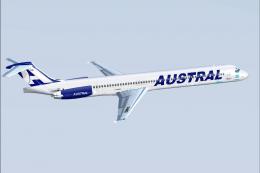
FSX Austral Lineas Aereas McDonnell Douglas MD-83 (new livery), registration …
 FSX Civil Aircraft
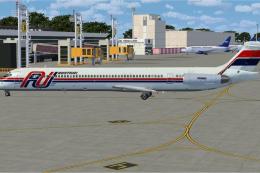
Austral Lineas Aereas McDonnell Douglas MD-83. Textures (old scheme) only for…
Be the first to leave a comment on this download.
Be the first to share your thoughts on this download.