

 FSX Civil Aircraft
Lufthansa Airbus A330-343
This freeware repaint brings Lufthansa’s distinctive colors to Tom Ruth’s Air…
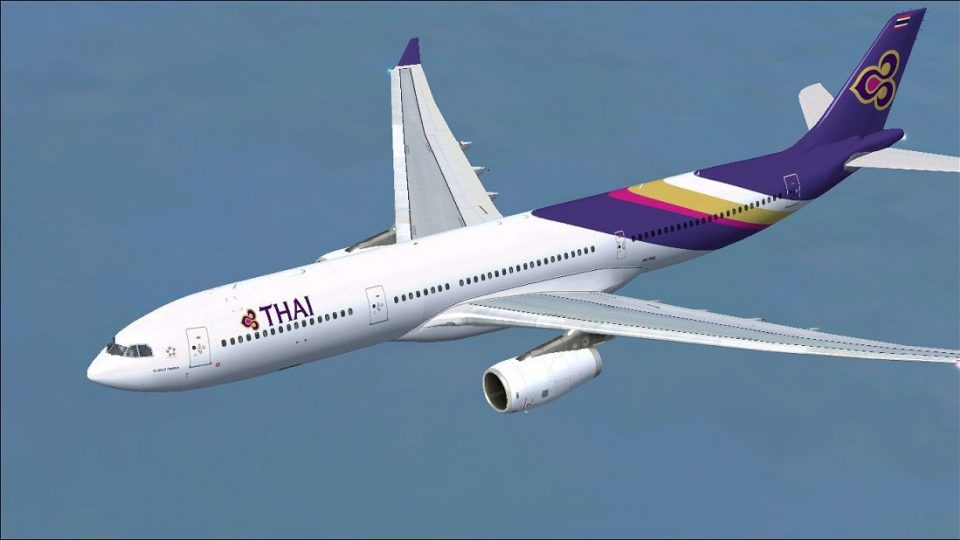
Thai Airways Airbus A330-343 repaint brings HS-TEQ “Si Ayutthaya” to life on Tom Ruth’s A330-300 Rolls-Royce model for Microsoft Flight Simulator X, with crisp airline markings and authentic registration details. Textures only, it requires the TOMA333B-1.ZIP base package and adds a polished wide-body look for regional and medium-haul flying.
 Rate
Rate
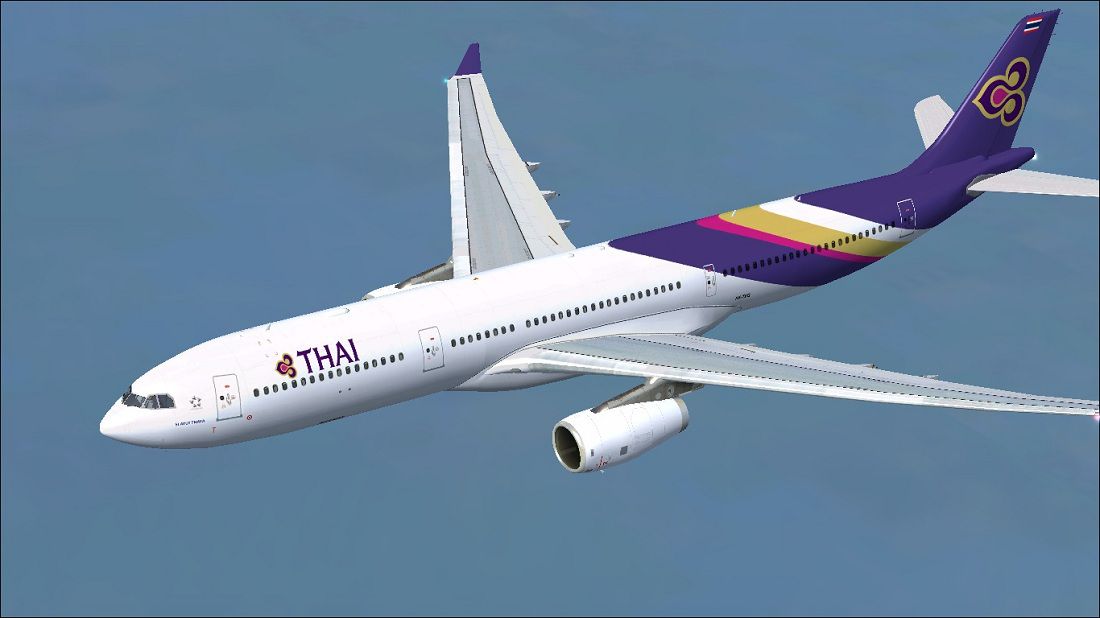
Enhance your virtual flying experience with this detailed rendition of Thai Airways’ Airbus A330-343, meticulously created for Microsoft Flight Simulator X. This repaint features registration HS-TEQ, construction number 1037, and proudly carries the name “Si Ayutthaya.” Developed by Paul Craig, it showcases the distinctive Thai Airways livery on the Tom Ruth A330-300 (Rolls-Royce engine model). Textures only—base package TOMA333B-1.ZIP from the Fly Away Simulation library is required for proper functionality.
The Airbus A330-343 is a wide-body twin-engine airliner, favored for its efficient high-bypass turbofan engines and modern flight control systems. In Thai Airways’ real-world operations, the A330 often serves regional and medium-haul routes, combining spacious seating configurations with reliable performance. The Rolls-Royce Trent 700 family, which powers this variant, provides strong thrust and fuel efficiency, making it popular with many airlines in Asia.
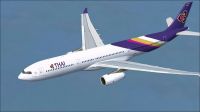
Thai Airways Airbus A330-343 in flight.
C:\Program Files (x86)\Microsoft Games\Microsoft Flight Simulator X\SimObjects\Airplanes\Tom_A330-300).aircraft.cfg file before making any changes.Open the aircraft.cfg file with a text editor. After the final [fltsim.x] block, paste the entry below, and replace x with the next consecutive number:
[fltsim.x]
title=Thai Airways A330-343
sim=TomA333
model=RR
panel=330
sound=
texture=Thai
kb_checklists=
kb_reference=
atc_id=HS-TEQ
atc_airline=Thai Airways
atc_flight_number=1124
atc_heavy=1
ui_manufacturer=Airbus
ui_typerole=Commercial Airliner
ui_createdby=Tom
ui_type=A330-343
ui_variation=Thai Airways
In case your editing tool does not allow direct changes within the simulator directory, copy the aircraft.cfg file to another location, make the edits there, and then move the modified file back to its original folder.
Use all files and instructions entirely at your own risk. Paul Craig will not be held liable for any damages, conflicts, or data errors that arise from installing or using this freeware repaint.
Free for all simmers · 3.7 MB · Scanned clean Oct 2026
Download speed: Free tier is capped at 0.5 Mbps (this file takes approximately 1 min at the cap). PRO members download at full line speed.
texture.{airline}) inside FSX\SimObjects\Airplanes\{base-aircraft}\.aircraft.cfg in Notepad. Add a new [fltsim.X] section per the readme.readme.txt or README file. It tells you exactly where files go, what dependencies are needed, and any quirks specific to this add-on.The archive thai_a330-343.zip has 31 files and directories contained within it.
This list displays the first 500 files in the package. If the package has more, you will need to download it to view them.
| Filename/Directory | File Date | File Size |
|---|---|---|
| FILE_ID.DIZ | 04.19.11 | 213 B |
| Readme.txt | 04.19.11 | 1.51 kB |
| texture.Thai | 04.19.11 | 0 B |
| A321_1_L.dds | 02.22.09 | 1.00 MB |
| A321_2_L.dds | 02.22.09 | 256.12 kB |
| A330_VC01.dds | 02.05.09 | 1.00 MB |
| A330_VC01L.dds | 02.19.09 | 1.00 MB |
| Airbus_A321_1_C.dds | 09.04.06 | 682.79 kB |
| Airbus_A321_1_L.dds | 02.19.09 | 1.00 MB |
| Airbus_A321_2_C.dds | 09.04.06 | 682.79 kB |
| Airbus_A321_2_L.dds | 02.19.09 | 1.00 MB |
| Airbus_A321_3_C.dds | 09.04.06 | 682.79 kB |
| Airbus_A321_3_L.dds | 02.19.09 | 4.12 kB |
| Airbus_A321_4_C.dds | 09.04.06 | 682.79 kB |
| Airbus_A321_4_L.dds | 02.19.09 | 1.00 MB |
| glass.dds | 03.02.09 | 64.12 kB |
| glass_spec.dds | 11.24.08 | 4.12 kB |
| main.dds | 04.19.11 | 4.00 MB |
| main_bump.dds | 04.12.09 | 4.00 MB |
| main_light.dds | 04.13.09 | 1.00 MB |
| main_spec.dds | 03.23.09 | 64.12 kB |
| thumbnail.jpg | 04.19.11 | 10.41 kB |
| VCblend.dds | 02.09.09 | 1.12 kB |
| wing_bump.dds | 03.17.09 | 1.00 MB |
| wing_l.dds | 04.19.11 | 1.00 MB |
| wing_r.dds | 04.19.11 | 1.00 MB |
| wing_spec.dds | 11.21.08 | 64.12 kB |
| Thai Airways Airbus A330-343.jpg | 04.19.11 | 108.50 kB |
| thumbnail.jpg | 04.19.11 | 10.41 kB |
| flyawaysimulation.txt | 10.29.13 | 959 B |
| Go to Fly Away Simulation.url | 01.22.16 | 52 B |
Only PRO members can place votes.
More FSX & P3D add-ons hand-picked based on this download.
FSX Civil Aircraft
This freeware repaint brings Lufthansa’s distinctive colors to Tom Ruth’s Air…
 FSX Civil Aircraft
Air Europa Airbus A330-343 repaint for the Thomas Ruth A330-300 model. This i…
 FSX Civil Aircraft
Thai Airways Airbus A330-200. A repaint of Thomas Ruth's A330-200 RR model in…
 FSX Civil Aircraft
Thai Airways Airbus A380. Textures only for the Project Airbus A380. Thai Air…
 FSX Civil Aircraft
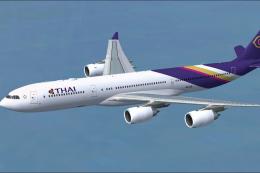
This package showcases a high-fidelity exterior paint scheme for the Airbus A…
 FSX Civil Aircraft
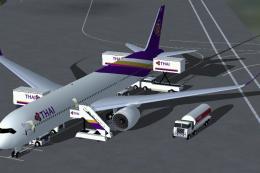
FSX Thai Airways International Airbus A350-1000 XWB (Extra Wide Body). Featur…
 FSX Civil Aircraft
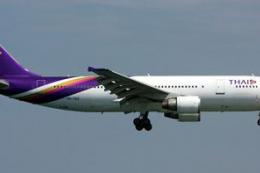
Accurate livery of the Thai A300 HS-TAZ in DDS DXT3 high definition format. T…
 FSX Civil Aircraft
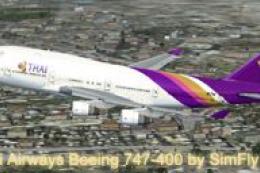
FSX Thai Airways Boeing 747-400, registration HS-TGZ. Textures only for the d…
Be the first to leave a comment on this download.
Be the first to share your thoughts on this download.