

 FSX Civil Aircraft
Thai Airways Airbus A340-541
This package showcases a high-fidelity exterior paint scheme for the Airbus A…
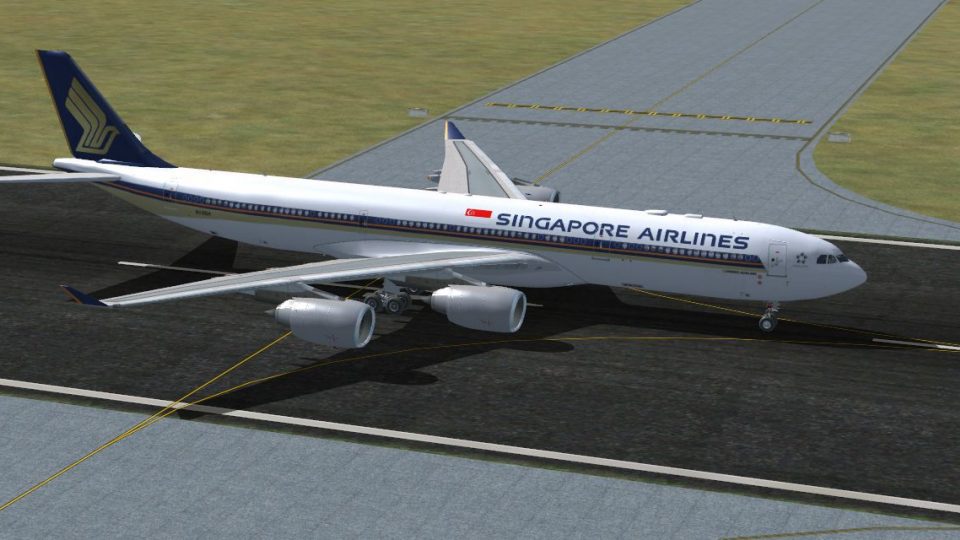
Singapore Airlines Airbus A340-541 livery for 9V-SGA brings the carrier’s rare all-business-class A345 look to the Thomas Ruth A340-500, ideal for simulating extra-long-haul routes such as Singapore to Los Angeles. Built for Microsoft Flight Simulator X, it requires the TOMA345.ZIP base package and includes accurate airline markings and registration details.
 Rate
Rate
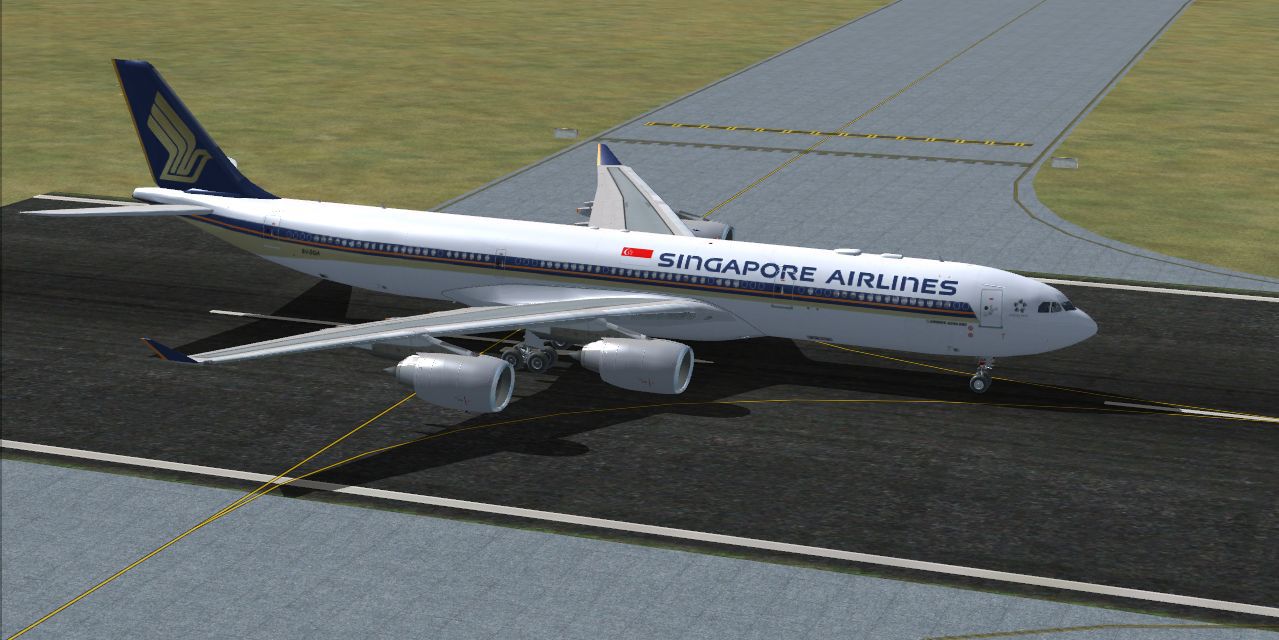
Singapore Airlines Airbus A340-541, registration number 9V-SGA. One of the five Singapore A345s, converted to an all business class, with 100 seats. It operates extra-long haul flights on routes such as Los Angeles-Singapore. Textures only for the Thomas Ruth A340-500 (FSX only, tested in FSX with SP1 and SP2 installed), it requires the basic package TOMA345.ZIP. Repaint by Mario Monfrecola.
Singapore Airlines Airbus A340-541.
Singapore Airlines A340-541, Registration Number 9V-SGA, repaint for the Thomas Ruth A340-500
How to install the new livery:
-Place the texture.Singapore in the Tom_A340-500 folder
-Add the following lines to your aircraft.cfg
[fltsim.x] <-----------------------------------put your next following number

title=Singapore airlines A340-500

sim=TomA345

model=

panel=340

sound=

texture=Singapore

kb_checklists=

kb_reference=

atc_id=9V-SGA

atc_airline=Singapore

atc_flight_number=0021

atc_heavy=1

ui_manufacturer=Airbus

ui_type="A340-541"

ui_variation=Singapore Airlines

ui_typerole="Commercial Airliner"

ui_createdby="Thomas Ruth"

description=
Author: Mario Monfrecola
Free for all simmers · 1.99 MB · Scanned clean Oct 2026
Download speed: Free tier is capped at 0.5 Mbps. PRO members download at full line speed.
This file is a repaint — the package below is the base model it paints onto. Install it first, or the textures will have nothing to load onto.
texture.{airline}) inside FSX\SimObjects\Airplanes\{base-aircraft}\.aircraft.cfg in Notepad. Add a new [fltsim.X] section per the readme.readme.txt or README file. It tells you exactly where files go, what dependencies are needed, and any quirks specific to this add-on.The archive a345sq-1.zip has 11 files and directories contained within it.
This list displays the first 500 files in the package. If the package has more, you will need to download it to view them.
| Filename/Directory | File Date | File Size |
|---|---|---|
| texture.Singapore | 03.16.10 | 0 B |
| main.dds | 03.15.10 | 5.33 MB |
| main_light.dds | 03.14.10 | 5.33 MB |
| texture.cfg | 05.21.09 | 140 B |
| Thumbnail.jpg | 03.16.10 | 123.07 kB |
| wing_l.dds | 03.15.10 | 1.33 MB |
| wing_r.dds | 03.15.10 | 1.33 MB |
| README.txt | 03.16.10 | 1.13 kB |
| Thumbnail.jpg | 03.16.10 | 123.07 kB |
| flyawaysimulation.txt | 10.29.13 | 959 B |
| Go to Fly Away Simulation.url | 01.22.16 | 52 B |
Only PRO members can place votes.
More FSX & P3D add-ons hand-picked based on this download.
FSX Civil Aircraft
This package showcases a high-fidelity exterior paint scheme for the Airbus A…
 FSX Civil Aircraft
This repaint showcases Etihad Airways’ iconic A340-541 (registration A6-EHB) …
 FSX Civil Aircraft
Immerse yourself in the distinctive appearance of this TAM Linhas Aéreas Airb…
 FSX Civil Aircraft
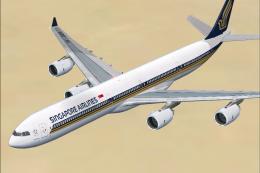
Singapore Airlines Airbus A340-600, registration 9V-SGH. Textures only for th…
 FSX Civil Aircraft
This enhanced Singapore Airlines Airbus A380-800 add-on provides a detailed s…
 FSX Civil Aircraft
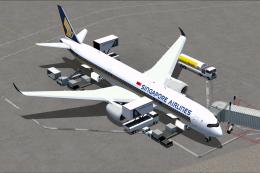
Singapore Airlines Airbus A350-900 XWB v2. Versions 2 is an all new version o…
 FSX Civil Aircraft
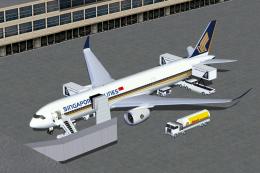
FSX Singapore Airlines Airbus A350-900 XWB (Extra Wide Body) with Animated Gr…
 FSX Civil Aircraft
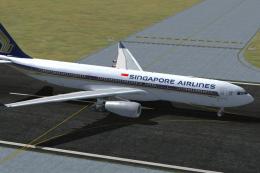
Singapore Airlines Airbus A330-343E, registration number 9V-STD. Textures onl…
Be the first to leave a comment on this download.
Be the first to share your thoughts on this download.