


 FSX Missions
Mission--Madagascar Mission
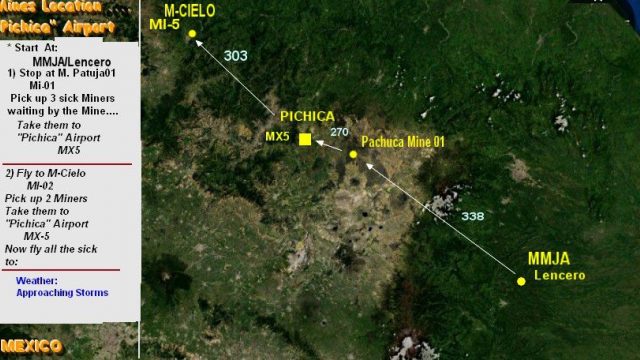
Madagascar Mission. The Madagascarian Military pays you for a transport fligh…
Tuchaca Fever... At The Mines! is a story-driven rescue mission for Microsoft Flight Simulator X, sending flight 43434 to evacuate six critically ill miners from the Mexican Silver Toxedo Mines with a doctor onboard. It includes custom scenery and textures plus a route map to guide the flight, adding urgency, atmosphere, and clear objectives.
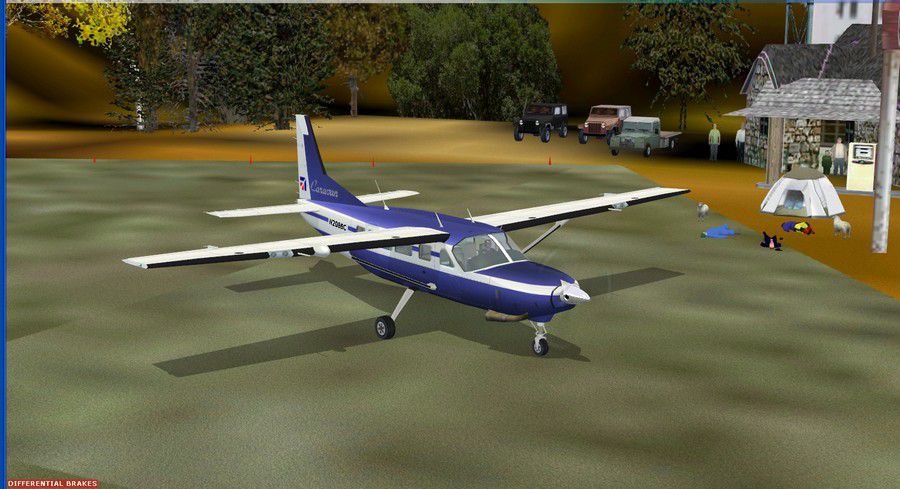
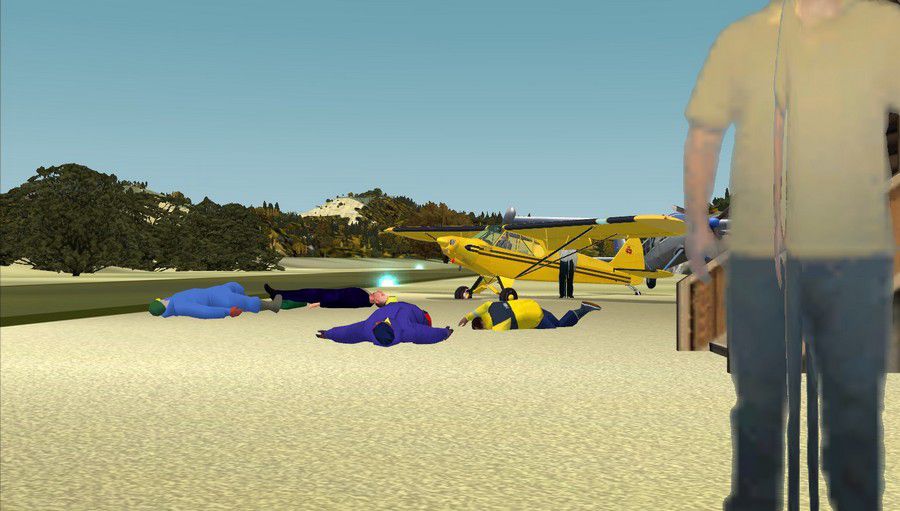
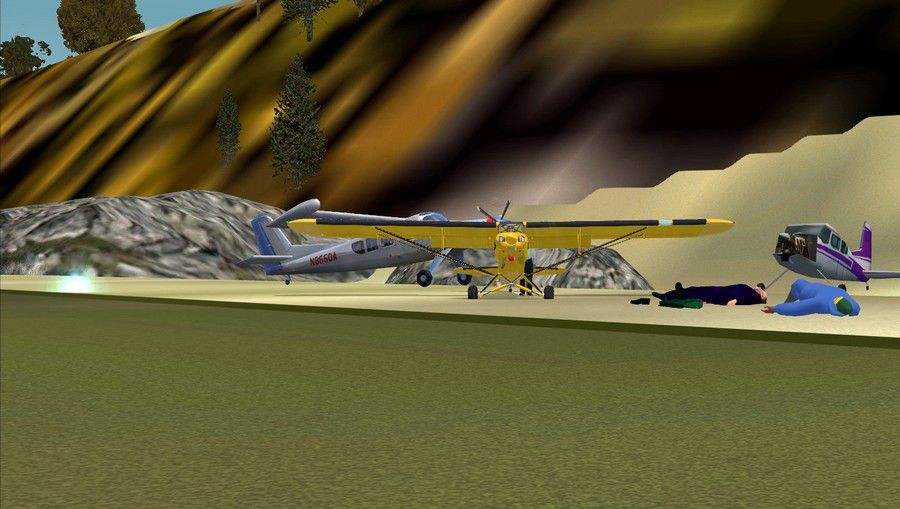
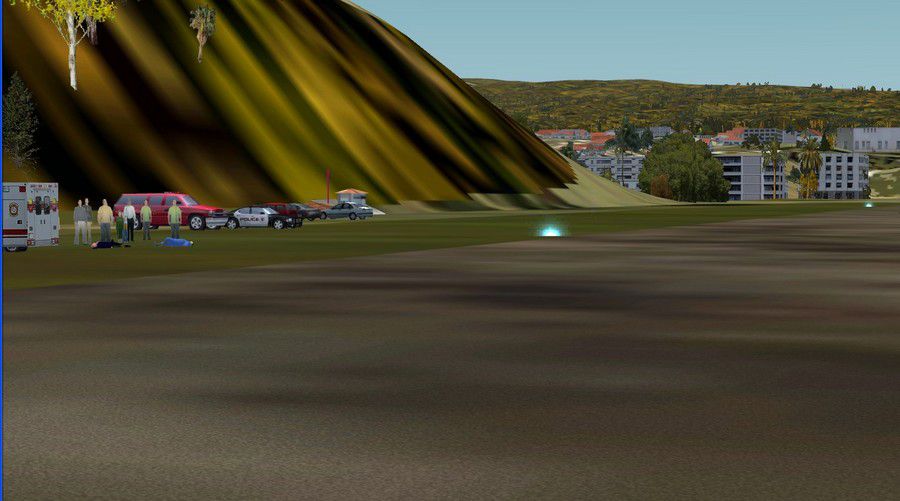
Tuchaca Fever...At The Mines! The Tuchaca Fever is very severe. You are having fun or working then in a blink of an eye your temperature goes to 40 degrees and your left toe starts to shake, your nails hurt and you see everything pink! The Mexican Silver Toxedo Mines S.A. have been striken with the fever. Many miners have it right now. You have been assigned flight 43434 to pick up six miners that are very ill. A woman doctor will accompany you, be polite and no baloney of any kind! May the angel of mercy accompany you, the doctor and your plane. By Gera Godoy Canova.
Tuchaca Fever... At The Mines! Mission.
1) Place all .BGL files in your FSX/Addon scenery/scenery directory and activate them.
2) Place the .BMP file in your FSX/Addon scenery/Texture directory and in FSX/ Texture Directory.
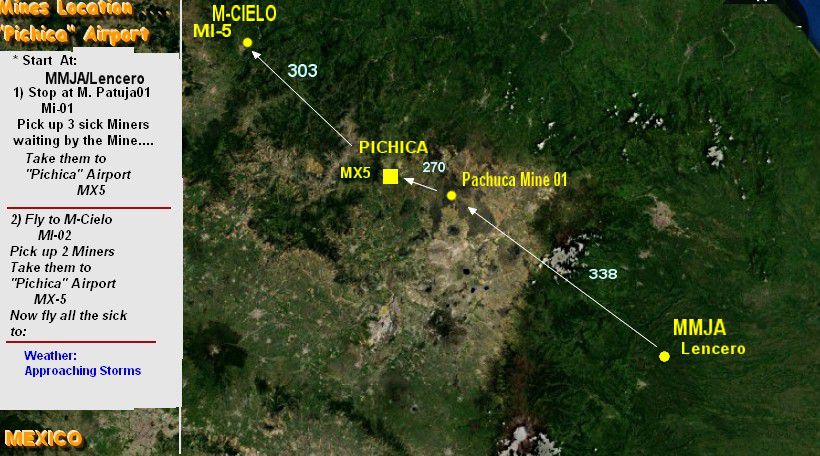
3..PRINT THE MAP.JPG FILE...this is your route map.
Follow Instructions.....note resume of flight is also in the MAP file....
That´s it.
Have a nice flight.
Gera
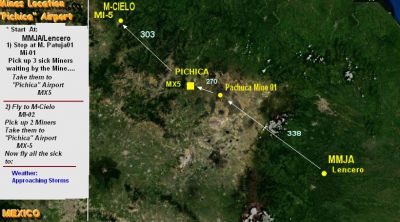
Tuchaca Fever... At The Mines! Mission.
Free for all simmers · 589.36 KB · Scanned clean
Download speed: Free tier is capped at 0.5 Mbps. PRO members download at full line speed.
FSX\Missions\ as a sub-folder. The folder must contain an XML file describing the mission.readme.txt or README file. It tells you exactly where files go, what dependencies are needed, and any quirks specific to this add-on.The archive mexmines.zip has 18 files and directories contained within it.
This list displays the first 500 files in the package. If the package has more, you will need to download it to view them.
| Filename/Directory | File Date | File Size |
|---|---|---|
| AEROPT-GRDE.bgl | 10.10.08 | 4.57 kB |
| CVX_MEX-02.BGL | 10.04.08 | 580 B |
| CVX_MEX-1.BGL | 10.04.08 | 228 B |
| CVX_MX-03.BGL | 10.04.08 | 330 B |
| MEXMINE.bgl | 10.10.08 | 7.51 kB |
| aerogrande.bmp | 10.10.08 | 17.05 kB |
| FileID.diz | 10.10.08 | 106 B |
| MINES-MAP.jpg | 10.10.08 | 129.80 kB |
| READ ME.txt | 10.10.08 | 533 B |
| TUCHACA FVER FLIGHT INSTRUCTIONS.txt | 10.10.08 | 1.09 kB |
| MINA 1.jpg | 10.10.08 | 84.00 kB |
| MINA 2.jpg | 10.10.08 | 98.13 kB |
| MINA 3.jpg | 10.10.08 | 116.76 kB |
| MINA 4.jpg | 10.10.08 | 97.06 kB |
| mineCHICA.png | 10.10.08 | 35.26 kB |
| mines2333.gif | 10.10.08 | 11.16 kB |
| flyawaysimulation.txt | 10.29.13 | 959 B |
| Go to Fly Away Simulation.url | 01.22.16 | 52 B |
More FSX & P3D add-ons hand-picked based on this download.
FSX Missions
Madagascar Mission. The Madagascarian Military pays you for a transport fligh…
 FSX Missions
Experience a daring alpine approach with this immersive mission set amid the …
 FSX Missions
Discover a daring and immersive freeware add-on that challenges your landing …
 FSX Missions
The Most Dangerous Airports: Lukla. The next in The Most Dangerous Airport Mi…
 FSX Missions
Hurricane Landing. Your task is to fly an Airbus A320 from Munich to Hamburg …
 FSX Missions
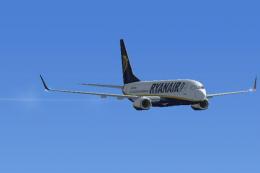
Welcome, Sir. In this mission you try to get from Gatwick to Dublin. It's ver…
 FSX Missions
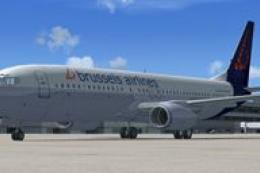
Fly your Brussels Airlines 737-800 from Brussels National airport to Rome Fiu…
 FSX Missions
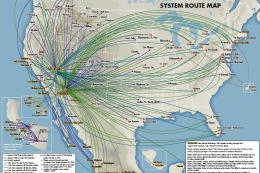
The year is 1994 and you are a captain for America West airlines called Capta…
Be the first to leave a comment on this download.
Be the first to share your thoughts on this download.