

 FSX Missions
The Most Dangerous Airports: Lukla V2 Mission
The Most Dangerous Airports: Lukla V2. Approach to Lukla v2 (totally new miss…
Lukla Mission recreates a tense Yeti Airlines-style arrival into Nepal’s cliff-edge runway, where the approach demands full commitment and a single landing attempt with no turn-around. Built for Microsoft Flight Simulator X, it includes guided briefing material and on-screen captions to support realistic decision-making and steep-slope technique.
 Rate
Rate
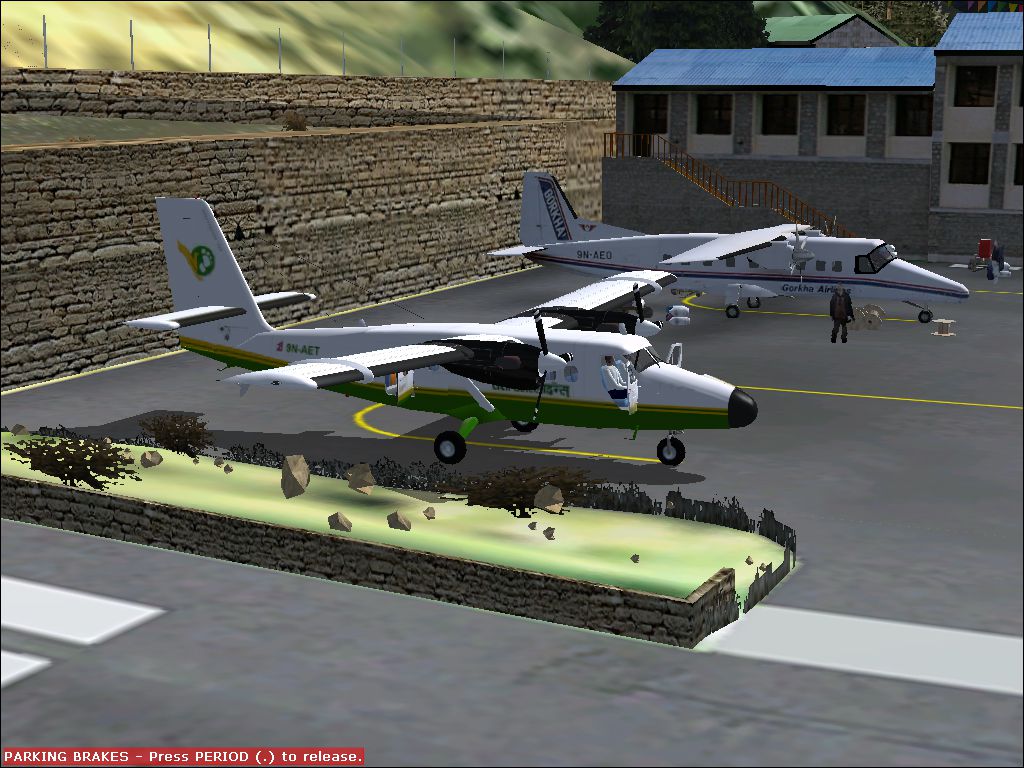
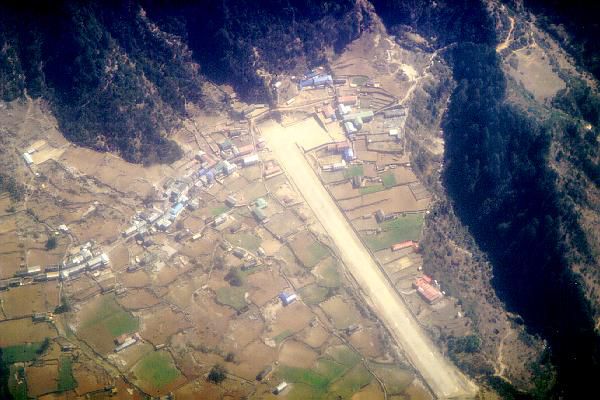
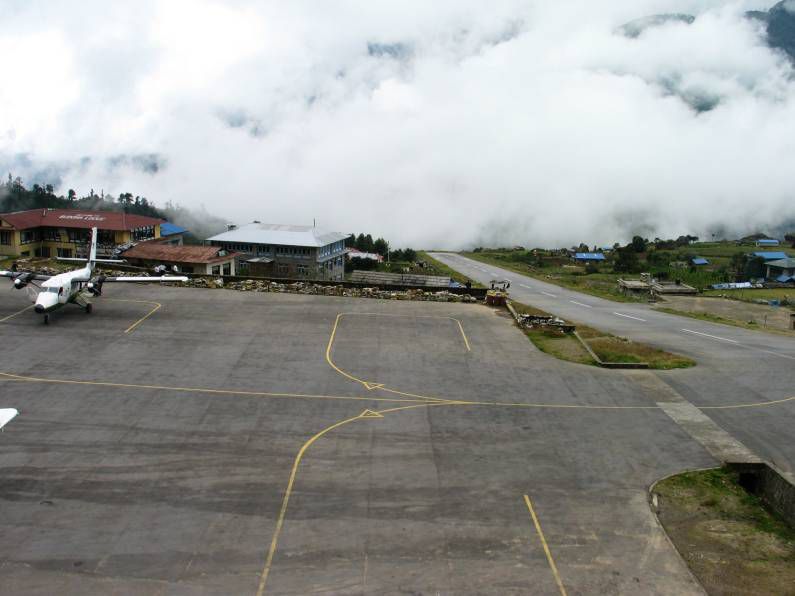
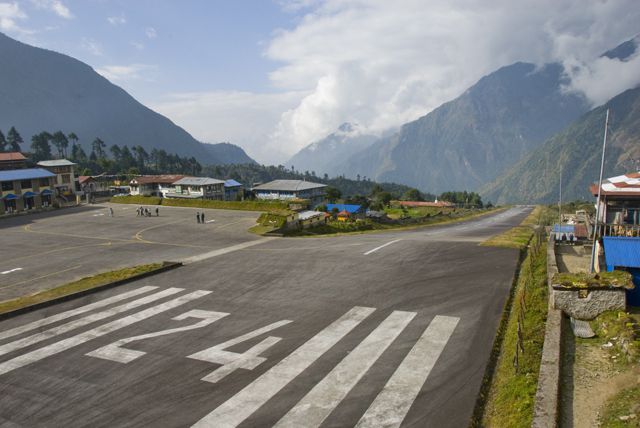



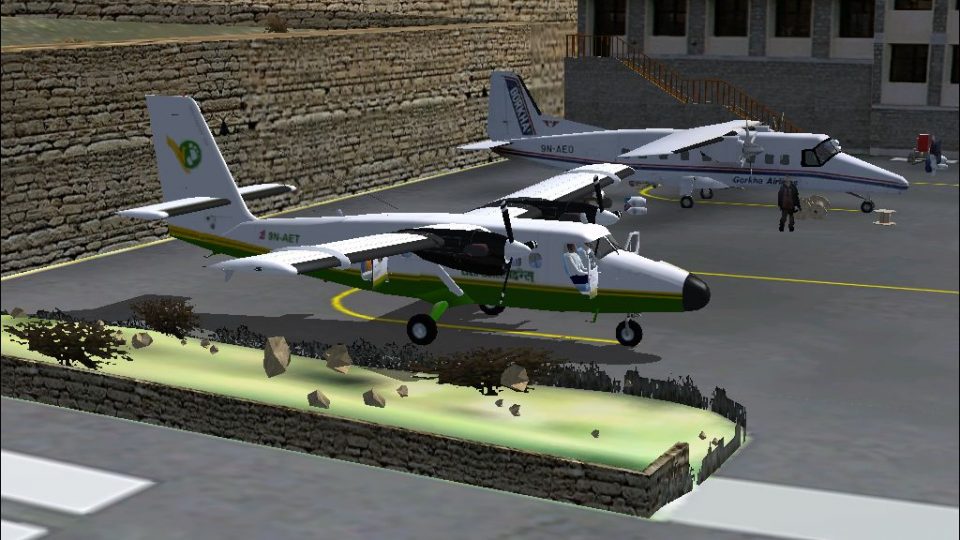
The Most Dangerous Airports: Lukla. The next in The Most Dangerous Airport Mission Series: namely Lukla. This is a mission, a simulation of Yeti Arlines flight into Lukla. The Lukla approach is very unusual because there is no turn-around; one attempt and one landing. Pratice before hand is in order. By Robbie Albers.
The Most Dangerous Airports: Lukla Mission.
I have include several webpages from the internet as a guide.
INSTALLATION:
All files are include, unzip it to a temp folder of your choose, then into FSX as indicated by the Package layout tree. Make sure your mission show captioning is ticked on.
Special thanks for this mission go to don_aashik for creating the DHC 6 and the creator of the Lukla Scenery I can't find the name of the creator any more sorry.
Enjoy the missions. I did, creating it.
Robbie Albers
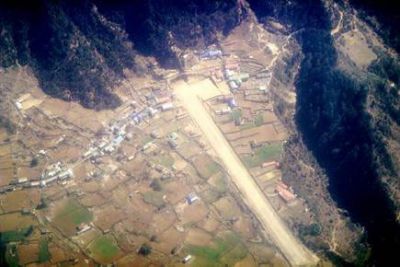
The Most Dangerous Airports: Lukla Mission.
Free for all simmers · 17.89 MB · Scanned clean Oct 2026
Download speed: Free tier is capped at 0.5 Mbps (this file takes approximately 5 mins at the cap). PRO members download at full line speed.
FSX\Missions\ as a sub-folder. The folder must contain an XML file describing the mission.readme.txt or README file. It tells you exactly where files go, what dependencies are needed, and any quirks specific to this add-on.The archive lukla-1.zip has 131 files and directories contained within it.
This list displays the first 500 files in the package. If the package has more, you will need to download it to view them.
| Filename/Directory | File Date | File Size |
|---|---|---|
| Lukla | 06.02.10 | 0 B |
| Addon Scenery | 06.02.10 | 0 B |
| Lukla | 06.02.10 | 0 B |
| scenery | 06.02.10 | 0 B |
| luklalu.bgl | 01.14.08 | 15.57 kB |
| Missions | 06.02.10 | 0 B |
| Lukla | 06.02.10 | 0 B |
| Briefing.htm | 06.02.10 | 10.89 kB |
| Briefing_files | 06.02.10 | 0 B |
| filelist.xml | 06.02.10 | 198 B |
| image001.jpg | 06.02.10 | 53.49 kB |
| image002.jpg | 06.02.10 | 24.90 kB |
| flight-lukla-600.jpg | 02.12.10 | 53.49 kB |
| Images | 06.02.10 | 0 B |
| Overview.jpg | 11.01.09 | 7.46 kB |
| RewardDetail.jpg | 11.01.09 | 27.41 kB |
| RewardSmall.jpg | 11.01.09 | 14.55 kB |
| img_complete.bmp | 06.02.10 | 1.36 MB |
| img_incomplete.bmp | 06.02.10 | 802.55 kB |
| Kneeboard.htm | 11.01.09 | 1.26 kB |
| Lukla - Wikipedia, the free encyclopedia.mht | 02.12.10 | 291.42 kB |
| LUKLA 20077.jpg | 02.12.10 | 52.99 kB |
| Lukla Airport.mht | 06.01.10 | 157.83 kB |
| LuklaAirport1.jpg | 02.12.10 | 237.58 kB |
| Mission.FLT | 06.02.10 | 8.65 kB |
| Mission.WX | 11.01.09 | 165.55 kB |
| Sound | 06.02.10 | 0 B |
| Intro1.wav | 06.01.10 | 71.58 kB |
| Intro2.wav | 06.01.10 | 75.58 kB |
| LandedOK.wav | 06.01.10 | 20.08 kB |
| Tribhuvan Intl.xml | 06.01.10 | 6.16 kB |
| Tribhuvan Intl.xml.layout | 06.01.10 | 1.13 kB |
| VFR Tribhuvan Intl to Lukla.PLN | 06.01.10 | 1.50 kB |
| Readme.txt | 06.02.10 | 845 B |
| SimObjects | 06.02.10 | 0 B |
| Airplanes | 06.02.10 | 0 B |
| DHC6-300 | 06.02.10 | 0 B |
| Aircraft.cfg | 06.02.10 | 13.26 kB |
| DHC6W_FS9.air | 10.23.05 | 14.20 kB |
| DHC6W_REF.htm | 03.06.06 | 14.12 kB |
| DHC6_CHECK.htm | 08.04.03 | 57.00 kB |
| model | 06.02.10 | 0 B |
| dh6_twinotter_ver3.6.mdl | 01.14.06 | 1.76 MB |
| model.cfg | 01.13.06 | 37 B |
| Panel | 06.02.10 | 0 B |
| 300apw.bmp | 02.17.07 | 2.25 MB |
| BK_Radio.gau | 08.31.06 | 296.00 kB |
| cad_kln901brored.gau | 07.18.02 | 144.00 kB |
| cad_kln902brored.gau | 07.19.02 | 144.00 kB |
| cad_kln903brored.gau | 07.18.02 | 144.00 kB |
| cad_kln90brored.gau | 07.18.02 | 144.00 kB |
| d6engpnl.bmp | 10.04.02 | 737.16 kB |
| D6OVERHD.bmp | 11.11.03 | 783.05 kB |
| DHC6-Engine.gau | 07.21.03 | 1.35 MB |
| DHC6-Instr.gau | 02.15.07 | 4.83 MB |
| Dhc6-Instruments.gau | 07.22.03 | 2.62 MB |
| Dhc6_Instruments.gau | 02.11.07 | 2.62 MB |
| dhc6_sw1.cab | 03.13.06 | 210.63 kB |
| dhc6_sw2.cab | 12.30.05 | 686.83 kB |
| dhc6_wap.CAB | 02.17.07 | 292.01 kB |
| firetest.bmp | 08.27.03 | 426.22 kB |
| frame3.bmp | 09.25.03 | 155.48 kB |
| hsi.bmp | 08.25.03 | 87.15 kB |
| pad_avi.gau | 06.12.03 | 456.00 kB |
| pad_inst.gau | 12.21.06 | 2.45 MB |
| PANEL.CFG | 02.23.07 | 22.32 kB |
| panel_background_640.bmp | 10.29.03 | 769.05 kB |
| RCB_Groundhandling5.CAB | 10.20.06 | 26.63 kB |
| RCB_Groundhandling5_Sound.dll | 10.19.06 | 96.80 kB |
| twotyoke.bmp | 08.15.05 | 769.05 kB |
| Xfs9gps.cab | 06.12.03 | 296.71 kB |
| REF.txt | 02.02.10 | 1.83 kB |
| Some Words By the Auther..txt | 01.16.10 | 131 B |
| sound | 06.02.10 | 0 B |
| Kan11.wav | 02.02.01 | 365.35 kB |
| Kan12.wav | 02.02.01 | 335.29 kB |
| Kan13.wav | 02.02.01 | 409.37 kB |
| Kan14.wav | 02.02.01 | 366.30 kB |
| Kan1shut.wav | 09.16.99 | 213.75 kB |
| Kan1strt.wav | 09.16.99 | 153.75 kB |
| Kan2shut.wav | 06.16.00 | 195.17 kB |
| Kan2strt.wav | 06.16.00 | 65.17 kB |
| kbn1shut.wav | 09.16.99 | 207.75 kB |
| kbn1strt.wav | 09.16.99 | 158.25 kB |
| kbn2shut.wav | 06.16.00 | 195.17 kB |
| kbn2strt.wav | 06.16.00 | 65.17 kB |
| sound.CFG | 11.16.03 | 10.25 kB |
| twot_apd.wav | 04.17.01 | 13.69 kB |
| twot_door_close.wav | 04.09.03 | 131.81 kB |
| twot_door_open.wav | 04.09.03 | 945.71 kB |
| twot_flap.wav | 08.15.01 | 274.34 kB |
| twot_ovr.wav | 02.20.03 | 22.23 kB |
| twot_stall.wav | 04.17.01 | 105.28 kB |
| twot_wind.wav | 06.18.00 | 516.98 kB |
| Xkan11.wav | 02.02.01 | 340.25 kB |
| Xkan12.wav | 02.02.01 | 335.28 kB |
| Xkan13.wav | 02.02.01 | 495.51 kB |
| Xkan14.wav | 06.18.00 | 469.24 kB |
| xkan1shut.wav | 09.16.99 | 207.75 kB |
| xkan1strt.wav | 09.16.99 | 152.75 kB |
| xkan2shut.wav | 06.16.00 | 195.17 kB |
| xkan2strt.wav | 06.16.00 | 65.17 kB |
| xkbn1shut.wav | 09.16.99 | 189.75 kB |
| xkbn1strt.wav | 09.16.99 | 160.25 kB |
| xkbn2shut.wav | 06.16.00 | 195.17 kB |
| xkbn2strt.wav | 06.16.00 | 65.17 kB |
| texture.yeti | 06.02.10 | 0 B |
| chrome.bmp | 10.13.05 | 64.07 kB |
| details.bmp | 01.20.07 | 512.07 kB |
| DHC6_LFuse.bmp | 01.16.10 | 682.75 kB |
| DHC6_RFuse.bmp | 01.16.10 | 682.75 kB |
| elevator.bmp | 02.14.06 | 341.43 kB |
| interiors.bmp | 01.20.07 | 512.07 kB |
| misc.bmp | 12.21.05 | 512.07 kB |
| others.bmp | 01.16.10 | 682.75 kB |
| pilots.bmp | 10.05.05 | 257.05 kB |
| pilots_L.bmp | 10.06.05 | 257.05 kB |
| prop.bmp | 09.19.06 | 256.07 kB |
| thumbnail.jpg | 05.23.10 | 32.14 kB |
| Thumbs.db | 12.18.09 | 10.00 kB |
| twinwings.bmp | 11.06.09 | 1.00 MB |
| Twin_engine.bmp | 11.06.09 | 1.00 MB |
| Twin_enginelanding.bmp | 01.16.10 | 682.75 kB |
| Twin_enginelanding_L.bmp | 10.27.05 | 1.00 MB |
| VCpan.bmp | 01.21.07 | 1.00 MB |
| VCpanx.bmp | 01.20.07 | 1.00 MB |
| wheeltwin.bmp | 07.06.05 | 256.07 kB |
| Thumbs.db | 04.17.10 | 5.50 kB |
| Yeti Airlines 9N-AET.jpg | 04.17.10 | 619.47 kB |
| flyawaysimulation.txt | 10.29.13 | 959 B |
| Go to Fly Away Simulation.url | 01.22.16 | 52 B |
Only PRO members can place votes.
More FSX & P3D add-ons hand-picked based on this download.
FSX Missions
The Most Dangerous Airports: Lukla V2. Approach to Lukla v2 (totally new miss…
 FSX Missions
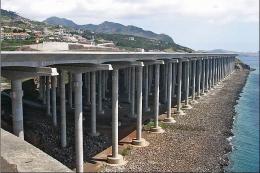
The Most Dangerous Airports: Madeira. The airport runway has a unique feature…
 FSX Missions
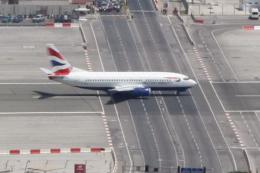
The Most Dangerous Airports: Gibraltar. Gibraltar is situated on a peninsula …
 FSX Missions
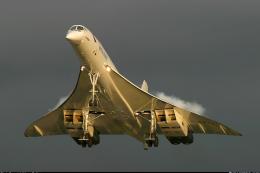
The Most Dangerous Airports: Kai Tak. The missions in this seres are of a his…
 FSX Missions
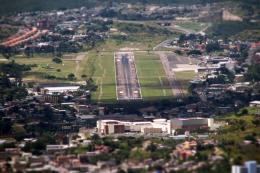
The Most Dangerous Airports: Toncontin. These missions are real and hectic, b…
 FSX Missions
Most Dangerous Airports: Ronald Reagan. The next in The Most Dangerous Airpor…
 FSX Missions
Venture into a demanding high-altitude challenge in Microsoft Flight Simulato…
 FSX Missions
This fourth entry in the ongoing series of high-risk airfield assignments sho…
Read what other simmers think, or add your own.

Do not install it. The scenery is just a medium-sized, flat strip with crappy low res models surrounding it.

Hi, I find this mission very enjoyable but why the scenery of Lukla is so poor please help me to fix the quality if by default the scenery is good. Please, please, please.

Thanks for the effort. But sorry, this mission is rubbish. "Take off where you want and go wherever you want"... Seriously ? This scenery of Lukla is the worst I have ever seen. There have been much better ones out there for years.

Hi Robbie. Thanx for creating this challenging mission. Is there a chance to fly the Twin Otter Extended by Aerosoft (payware) instead of the enclosed one?
Greetings Frank